Table of Contents
A portable printer is useful only when it matches the job. Mobile inkjets such as the Epson WorkForce WF-110 and Canon PIXMA TR150 handle full-size documents. The Canon SELPHY CP1300 is built for small photos, the Phomemo M02S prints narrow thermal notes and labels, and the HP OfficeJet 250 adds scanning and copying.
These five products solve different problems and should not be ranked by size alone. Check the complete travel weight, battery arrangement, supported paper, replacement supplies, and phone or computer compatibility before buying.
Quick comparison
| Printer | Primary use | Technology | Important limitation |
|---|---|---|---|
| Epson WorkForce WF-110 | Full-size color documents | Inkjet | Small cartridges and modest battery volume |
| Canon PIXMA TR150 | Portable documents and graphics | Inkjet | Battery inclusion varies by package |
| Phomemo M02S | Notes, labels, and crafts | Direct thermal | Not a letter- or A4-document printer |
| Canon SELPHY CP1300 | Postcard-size photos | Dye sublimation | Requires matched ink-and-paper packs |
| HP OfficeJet 250 | Print, scan, and copy | Inkjet all-in-one | Larger and heavier than print-only models |
1. Epson WorkForce WF-110: compact full-page color printing
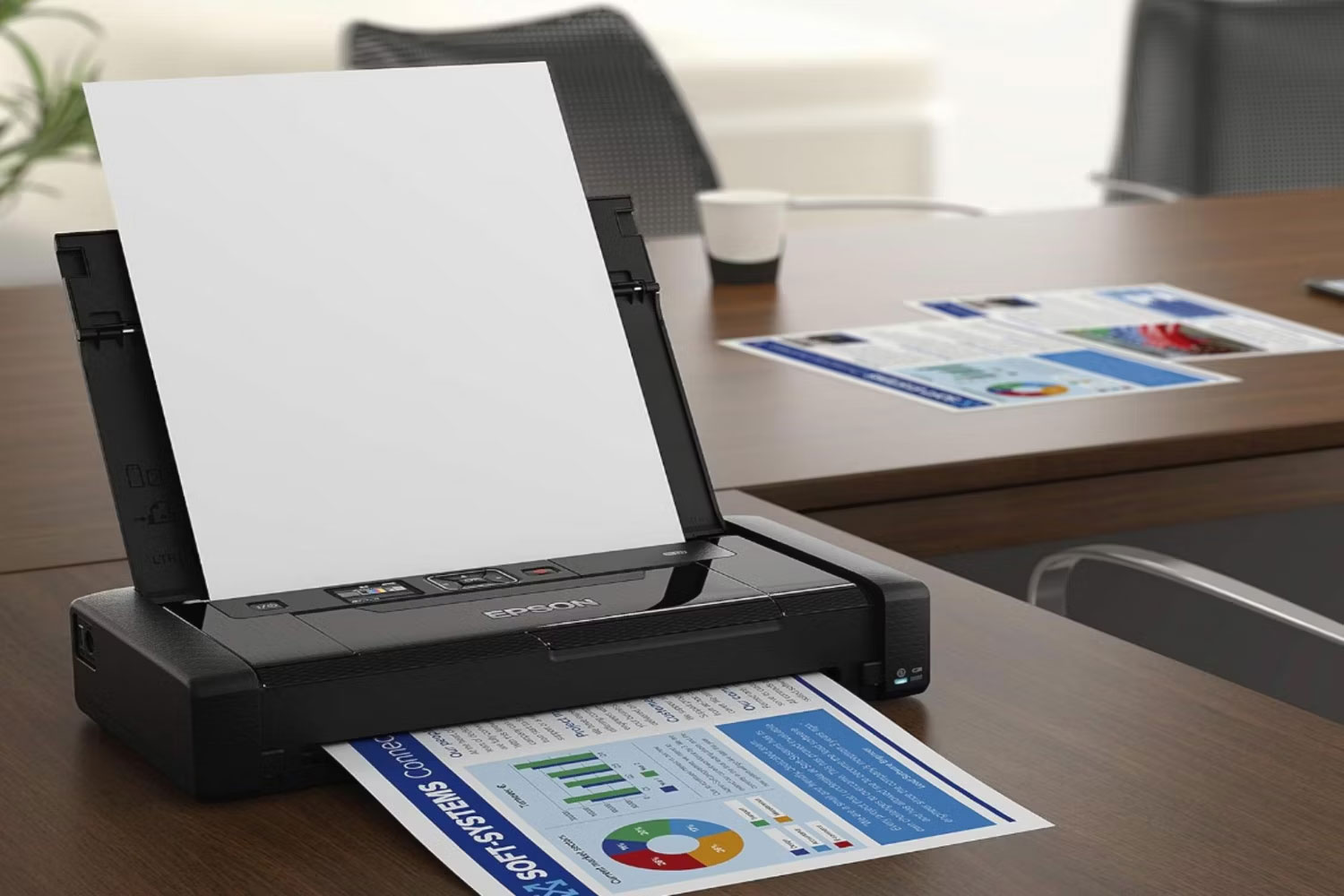
The WorkForce WF-110 is a small single-function color inkjet designed for mobile document printing. It weighs roughly 1.6kg, includes a rechargeable battery, and supports wireless networking and Wi-Fi Direct. It can also operate from its AC adapter, while USB charging is available under specified power conditions.
Epson rates the internal battery for up to 100 black pages or 50 color pages under its test conditions; real output varies with coverage, settings, battery age, and connectivity. An optional external battery can extend mobile use.
The quoted maximum resolution is not a reliable predictor of everyday quality or speed. Look instead at sample text and graphics, ink yield, drying behavior, and the cost of the black and tri-color cartridges.
Best for: a traveler who needs occasional color documents without carrying a scanner.
2. Canon PIXMA TR150: portable inkjet with a useful control screen
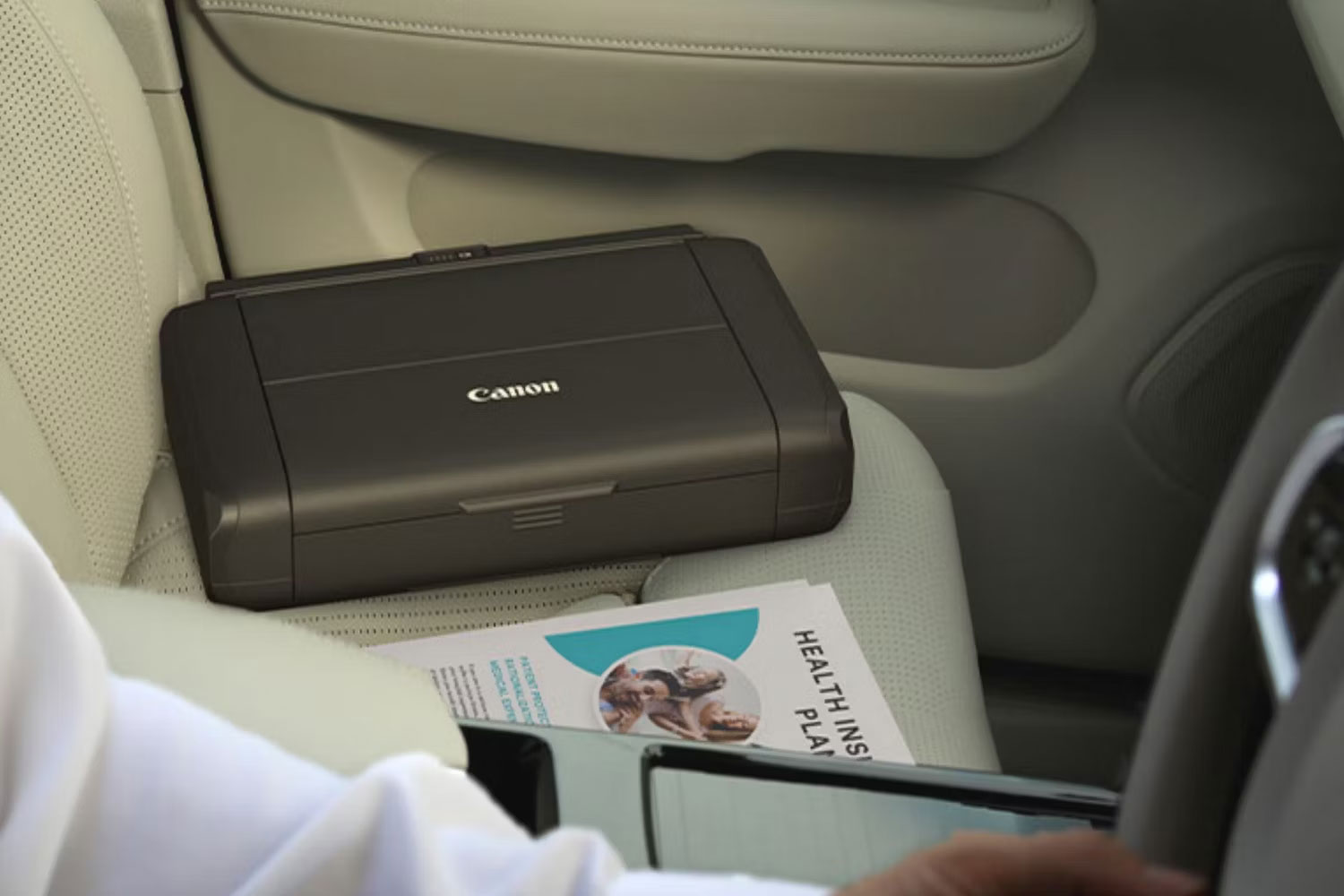
The PIXMA TR150 is a compact wireless inkjet for standard documents and borderless photos up to supported letter-size formats. Its 1.44-inch monochrome OLED helps with connection and ink-status checks, and it supports Wi-Fi, compatible mobile printing, and USB.
Confirm the exact bundle before purchase. The rechargeable battery is optional or packaged separately in some markets, which changes both price and travel weight. Also calculate the cost of its black and color cartridges; a low hardware price can be offset by frequent ink replacement.
Best for: mobile document printing when a compact on-device display and optional battery flexibility are useful.
3. Phomemo M02S: pocket thermal notes and labels
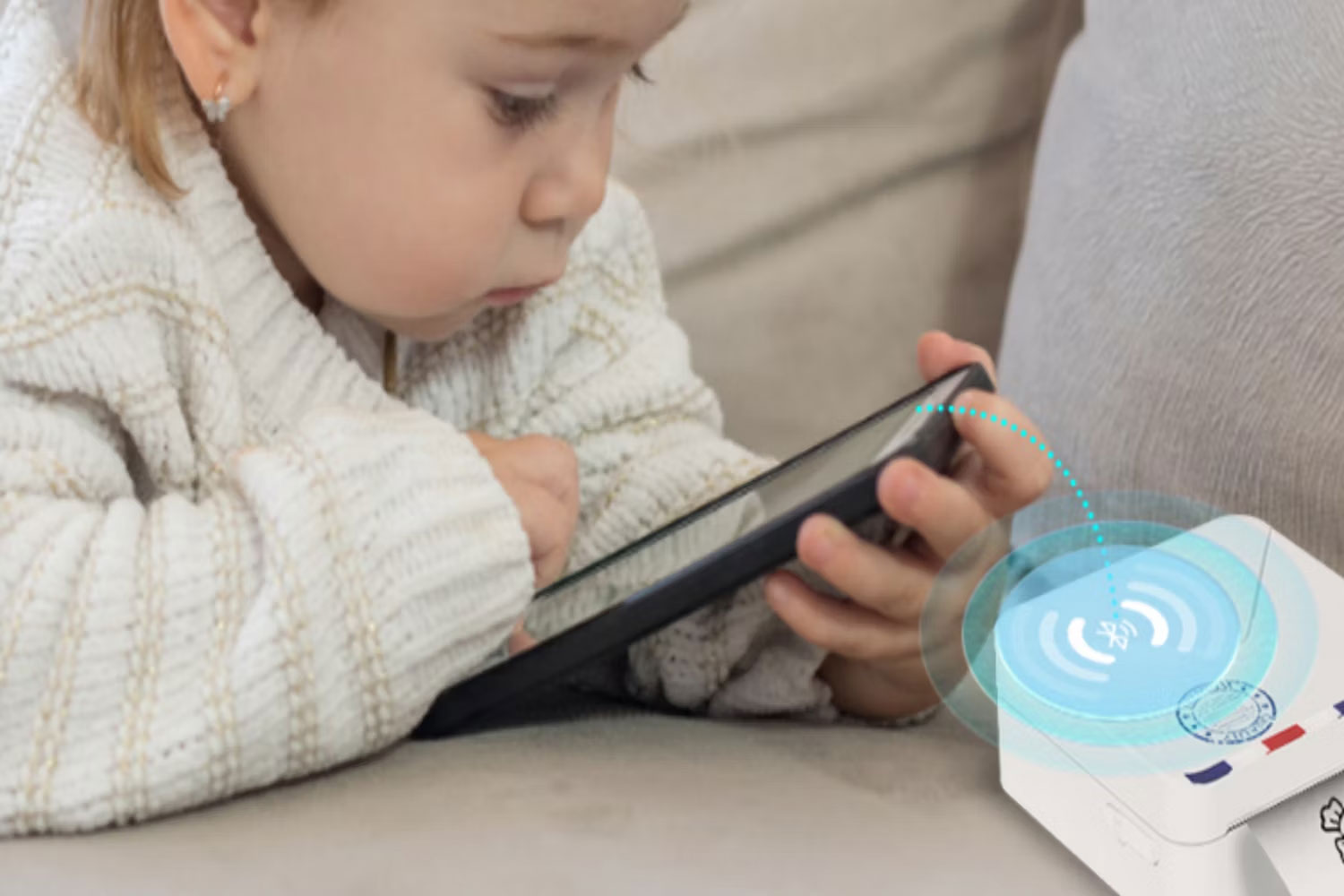
The M02S is a 197g Bluetooth thermal printer that works with Phomemo’s mobile app. It supports narrow rolls in several widths and prints at approximately 300dpi without ink or toner. It is suited to labels, lists, study notes, simple graphics, and craft stickers.
It is not a substitute for a document inkjet. Output width is limited, photographs are rendered as monochrome thermal patterns, and any apparent color comes from specialty paper rather than color ink. Thermal output can also fade from heat, sunlight, friction, or time, so it should not be used as the only copy of an important record.
Best for: compact labels, journals, classroom activities, and short notes—not contracts or full-page assignments.
4. Canon SELPHY CP1300: portable dye-sublimation photos
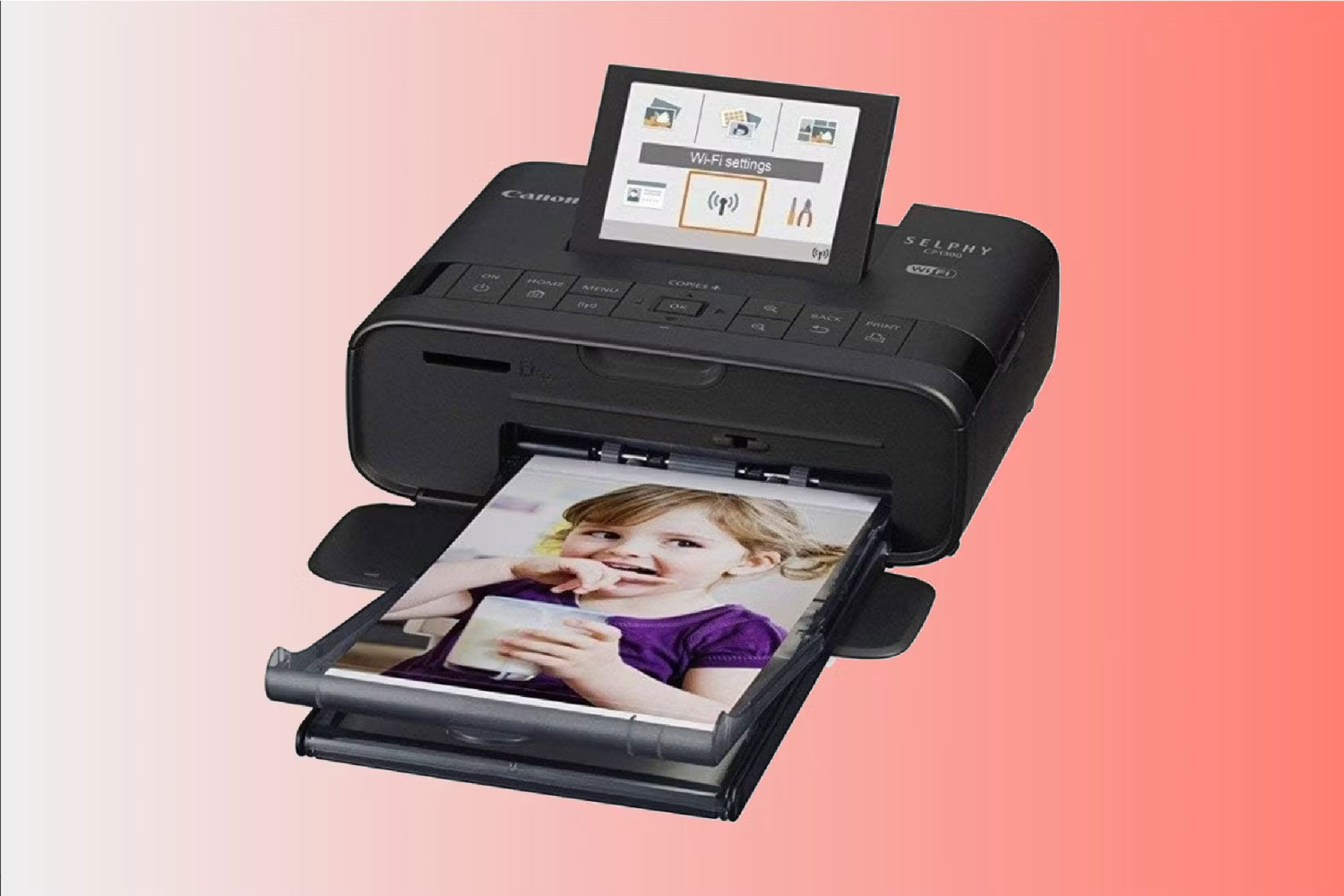
The SELPHY CP1300 uses dye-sublimation supplies to produce small photo prints, including the familiar 4-by-6-inch postcard format with the appropriate paper cassette. It can accept images through Wi-Fi, compatible apps, USB, and supported memory cards.
Dye-sublimation printing uses a matched ribbon and paper pack, so the cost per photo is easier to estimate than an inkjet’s but the supplies are model-specific. The printer is portable in size, yet battery operation requires the compatible optional battery. The CP1300 is an older model in some regions, so compare current supply availability and the newer SELPHY models before committing.
Best for: events, family snapshots, and travel where small physical photos are the goal.
5. HP OfficeJet 250: mobile printing, scanning, and copying
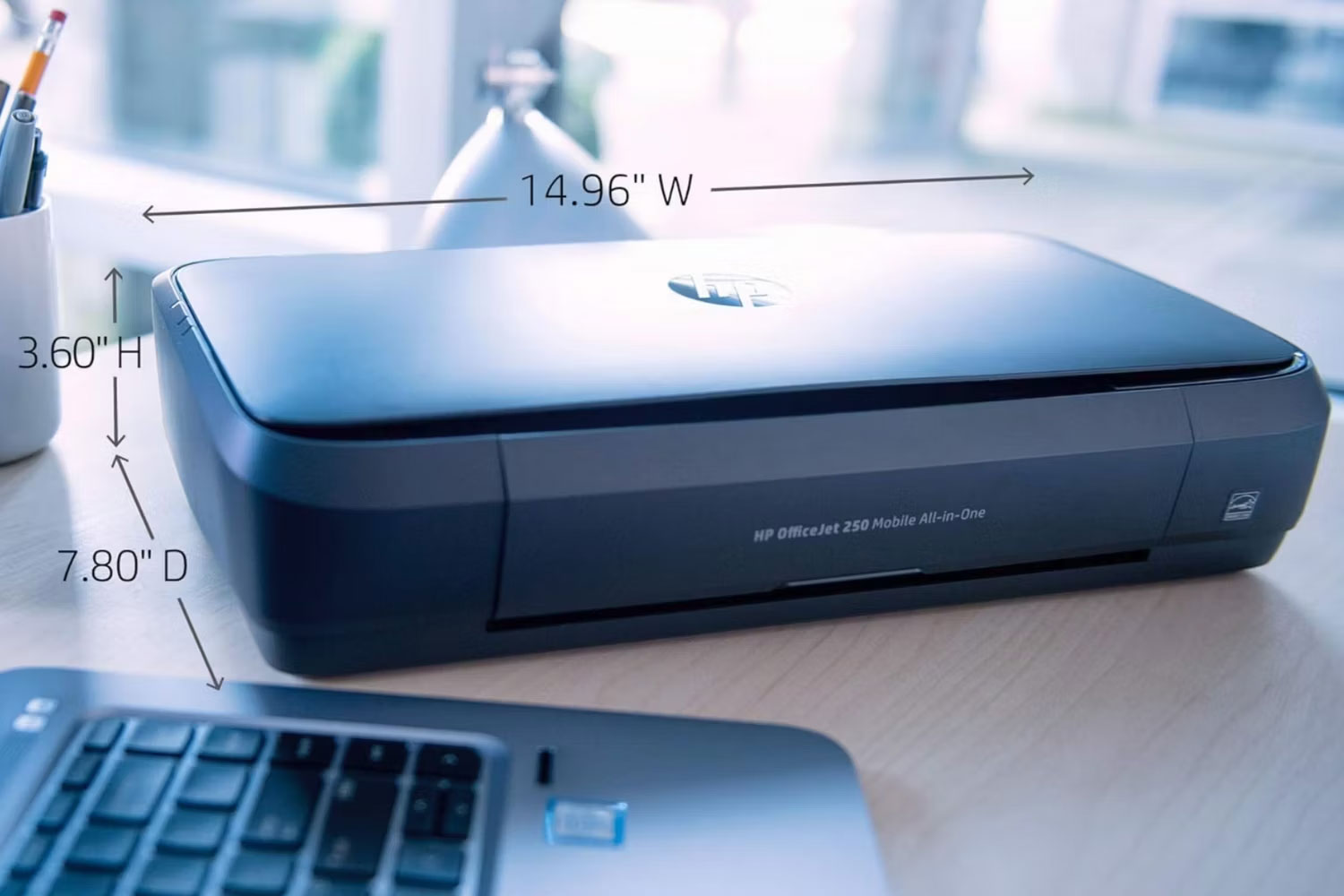
The OfficeJet 250 is the most capable—and least pocketable—device in this group. It prints, scans, and copies, includes a color touchscreen and rechargeable battery, and uses a 10-sheet automatic document feeder for supported originals.
HP lists print speeds up to about 10 ISO pages per minute in black and 7 in color under AC-powered test conditions. Actual speed can change with battery power, print quality, document complexity, and connection. The scanner is useful for receipts and short document sets, but the small feeder is not intended for high-volume office archiving.
If scanning is central to your workflow, read how an automatic document feeder works and confirm supported paper sizes and weights.
Best for: field staff who genuinely need print, scan, and copy functions in one transportable unit.
How to choose a mobile printer
- Output: decide whether you need full-page documents, photographs, receipts, or labels.
- Battery: distinguish a built-in battery from an optional accessory and check charging time.
- Paper: confirm maximum size, tray capacity, and whether proprietary media is required.
- Connection: verify Wi-Fi Direct, AirPrint, Mopria, Bluetooth, USB, and app support for your devices.
- Supplies: compare realistic cartridge or media costs, not just printer price.
- Travel weight: include the adapter, battery, paper, ink, and protective case.
- Usage frequency: an inkjet carried for months without use may require maintenance before an urgent job.
Apple-device users can compare additional AirPrint-compatible printer types. If portability is not essential and you print many text pages, a home or office laser printer may offer faster output and a lower running cost.
Related Articles
 Photo Printers for Phones: Top 6 Best Mobile Photo Printers 20197 minutes read
 The Best Multifunction Printer 201817 minutes read
 5 Best 3D Printers of 2026: What You Need to Know7 minutes read
 Top 5 Best Printers of 2026: What You Need to Know8 minutes read
 5 Top Portable Printers of 2023: Best Options Compared6 minutes read
 The Best Barcode Printers and Label Printers Available Today6 minutes read
Reader Comments 0
Sign in with email or Google to join the discussion.