Table of Contents
Chatbot personalization can save you from repeating a preferred format or project detail. Try an unpersonalized chat when you want an independent comparison or when replies keep pulling in details from an unrelated conversation.
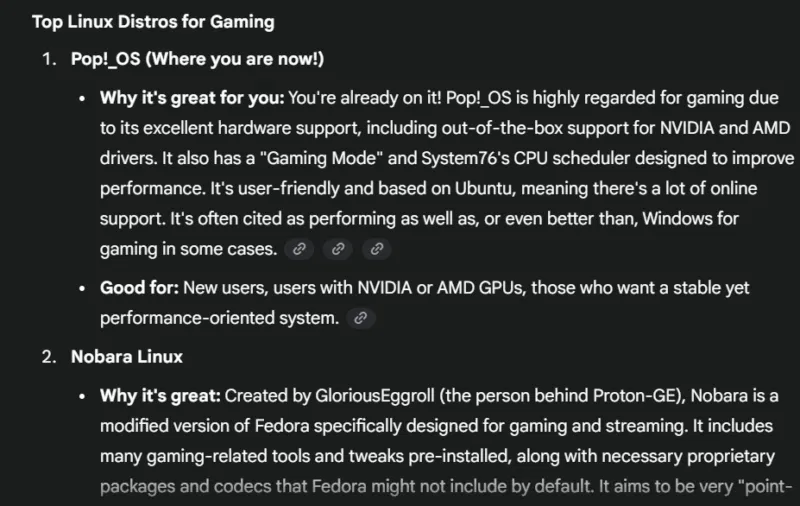
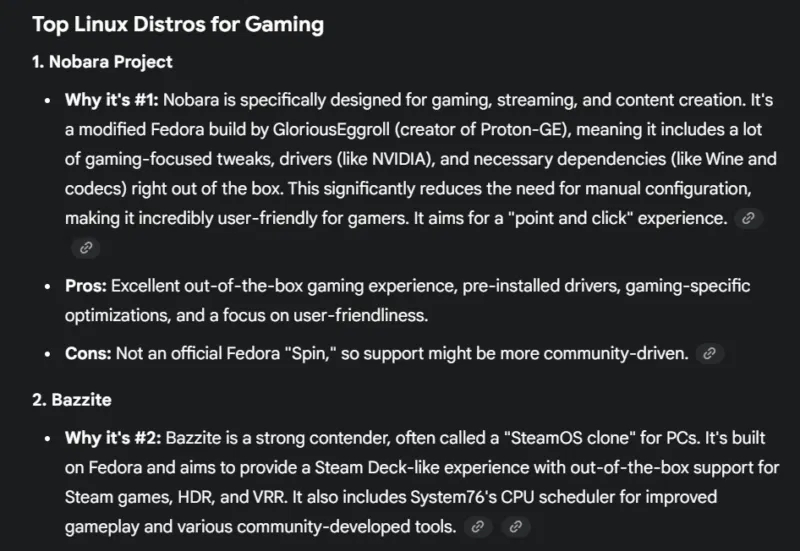
Saved preferences can influence rankings
In the original example, Gemini ranked Pop!_OS first in a gaming Linux comparison with personalization and Nobara first in a separate run without it. Two responses can differ for several reasons. To make a recommendation easier to assess, give the chatbot criteria such as GPU support, update frequency, and ease of setup. Ask it to score each option against the same criteria.
Old context can send troubleshooting in the wrong direction
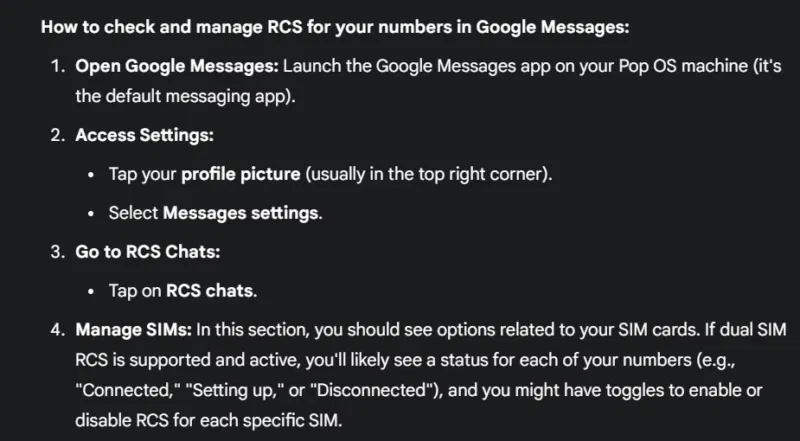
A past discussion about Linux can be irrelevant to a question about RCS on an Android phone. Name the actual device, operating system, and app version up front. For instance: “I’m using Google Messages on Android with two SIMs. Show me where to check which SIM is used for RCS.”
The chatbot may ask unnecessary follow-up questions
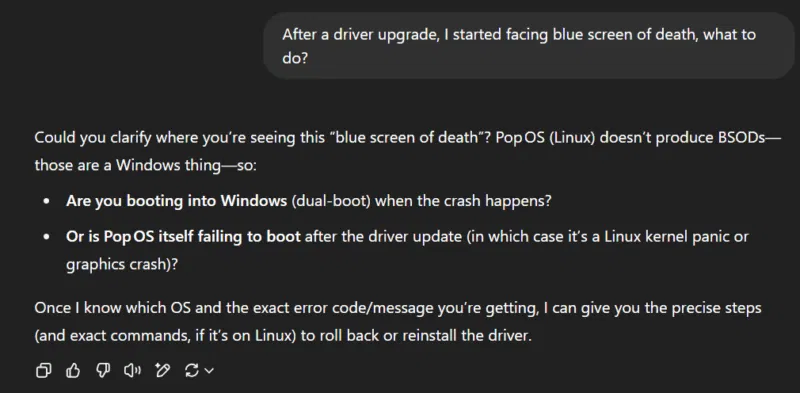
If a chatbot responds to a Windows blue-screen question by asking about Linux, start a fresh chat and include the Windows version, stop code, and driver that changed. State which information you can verify before asking for troubleshooting steps.
Unrelated detail can obscure the answer
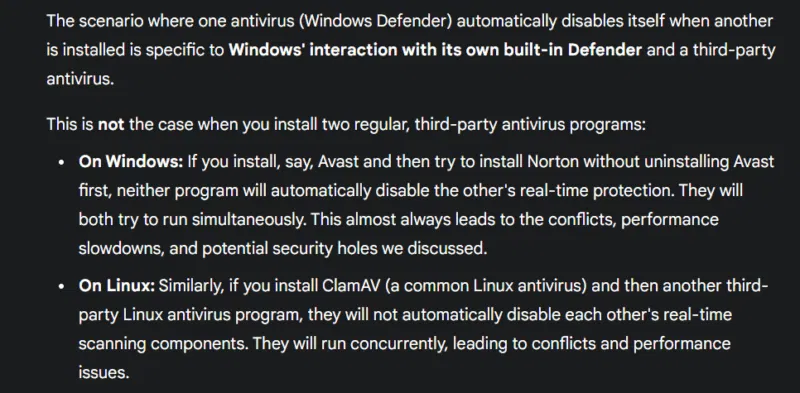
A question about Windows Defender can turn into a digression about Linux if the chatbot brings older interests into the answer. Set the scope with a line such as “Cover Windows 11 only, and give me the checks in order.”
For a clean comparison in ChatGPT, open a Temporary chat and select Unpersonalized before sending the first message. Then give both chats the same prompt and compare their assumptions and sources.






Reader Comments 0
Sign in with email or Google to join the discussion.