Table of Contents
TotalAV is an antivirus app for scanning files and managing detected threats. If you’re looking for TotalAV Essential Antivirus, check the current plan details and Windows requirements before downloading. A scan you start yourself and continuous real-time protection are different features, so verify which is included in the plan you’re considering.
What to check in the app and plan
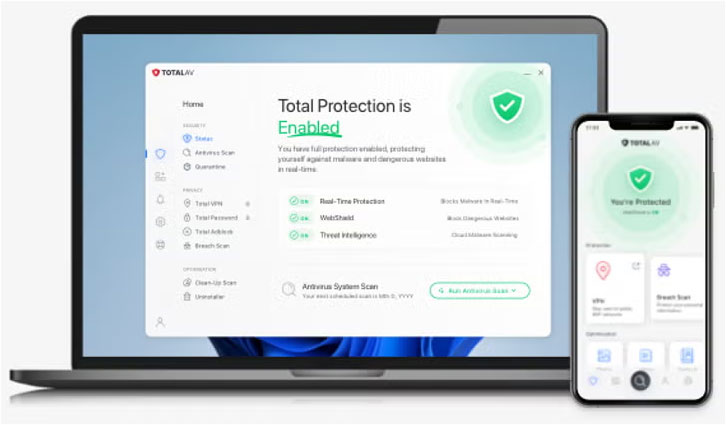
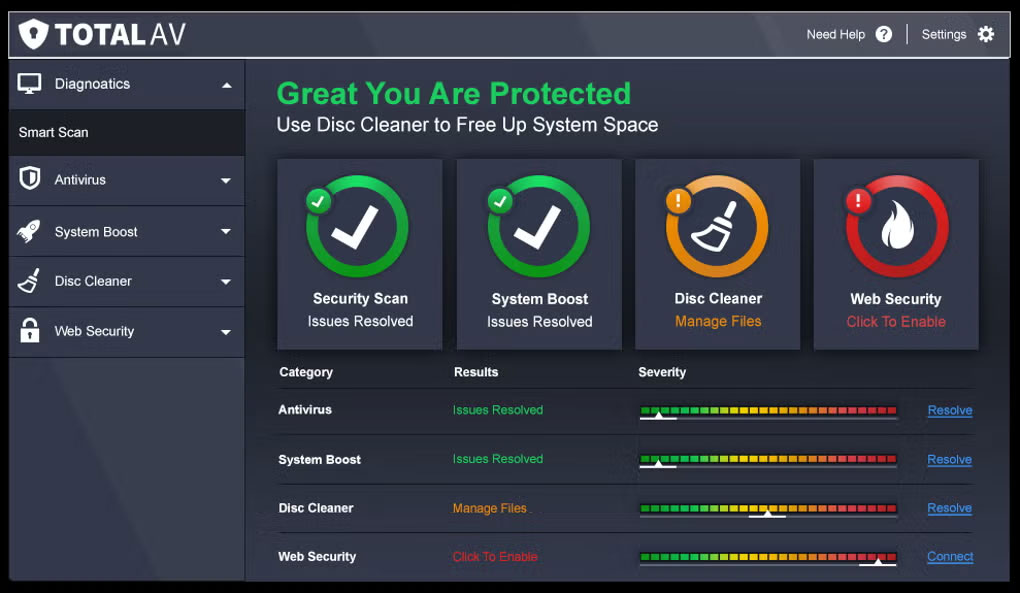
- On-demand scans: Check which scan types you can run and how results are displayed.
- Real-time protection: Check whether it is included and confirm its status in the app after setup.
- Quarantine: Review the detection details before restoring a file. If you rely on phishing protection, check whether it requires a separate browser component.
Check Windows compatibility and install
TotalAV documents different installers for different releases. Check TotalAV’s system requirements for your Windows build, processor type, and disk space. For the installer, follow the official download instructions. If your PC is managed by work or school, check with your administrator before adding a second antivirus.
Related Articles
 How to Delete TotalAV on PC or Mac
 Should you choose free or paid antivirus software?
 Top free antivirus software for Windows
 Top 7 best free antivirus software for Linux
 Top 5 best free antivirus software for Windows 10
 Top free antivirus software, no bloatware and requires upgrade to free of distractions
Reader Comments 0
Sign in with email or Google to join the discussion.