Table of Contents
NotebookLM’s Deep Research feature searches the web, builds a report, and recommends sources that you can import into a notebook. The quality of the final notebook depends less on assigning the AI an impressive persona and more on three practical choices: a well-bounded research question, careful source selection, and follow-up prompts that make claims easy to verify.
Deep Research and NotebookLM chat serve different stages. Deep Research finds and synthesizes online material; after you import the report and selected sources, NotebookLM chat helps you analyze that collection with citations. Use both stages deliberately.
1. Define the research decision, scope, and source rules
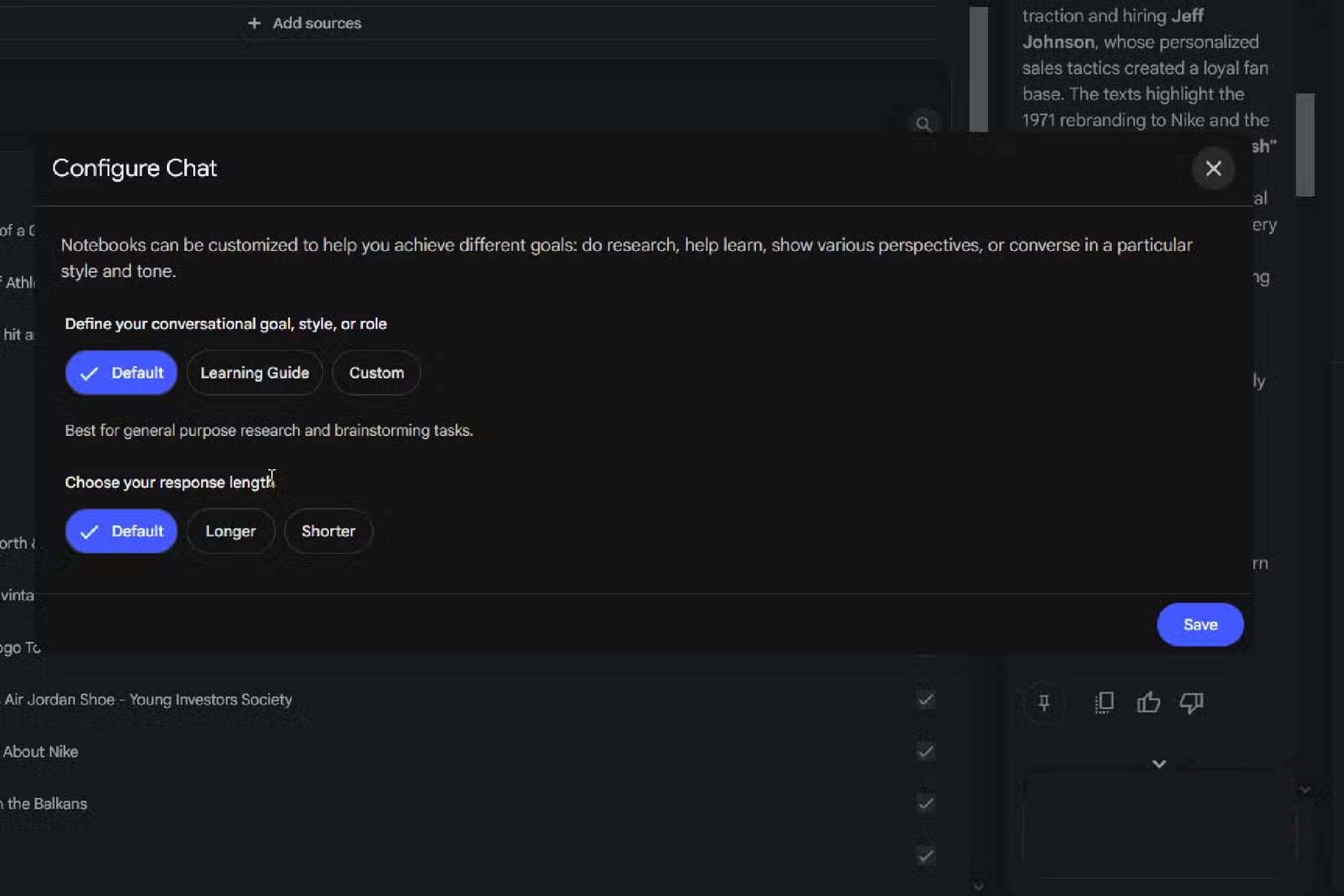
A vague request such as “research electric vehicles” leaves the system to choose the geography, period, audience, comparison criteria, and meaning of success. A useful request tells it what decision the research should support.
Include:
- Question: the one thing you need to learn or decide.
- Scope: country, industry, population, product, or period.
- Inclusions and exclusions: what counts and what does not.
- Preferred evidence: official documents, standards, peer-reviewed work, filings, or other relevant primary sources.
- Freshness: a publication cutoff and whether older foundational sources are acceptable.
- Output: comparison, timeline, briefing, risk register, or annotated source list.
- Uncertainty rule: mark missing or disputed evidence instead of filling gaps.
For example:
Research how [specific policy] affects [defined group] in [jurisdiction] from [start date] through [end date]. Prioritize legislation, regulator guidance, and peer-reviewed research. Exclude opinion pieces unless they identify a stakeholder argument not found elsewhere. Produce a short report with a timeline, areas of agreement, unresolved disputes, and an annotated list of primary sources. Mark any claim that cannot be verified.A role can help when it adds real evaluation criteria: “Review this as a procurement analyst and flag lock-in, compliance, and migration risk” is useful. “Act as a world-class genius” adds no concrete instruction and does not guarantee more accurate research.
2. Review the report and source list before importing
In the Sources panel, choose the web source option and select Deep Research rather than Fast Research when the question needs a full briefing. Deep Research can run in the background and return a report plus relevant sources. Google’s Deep Research overview explains the workflow.
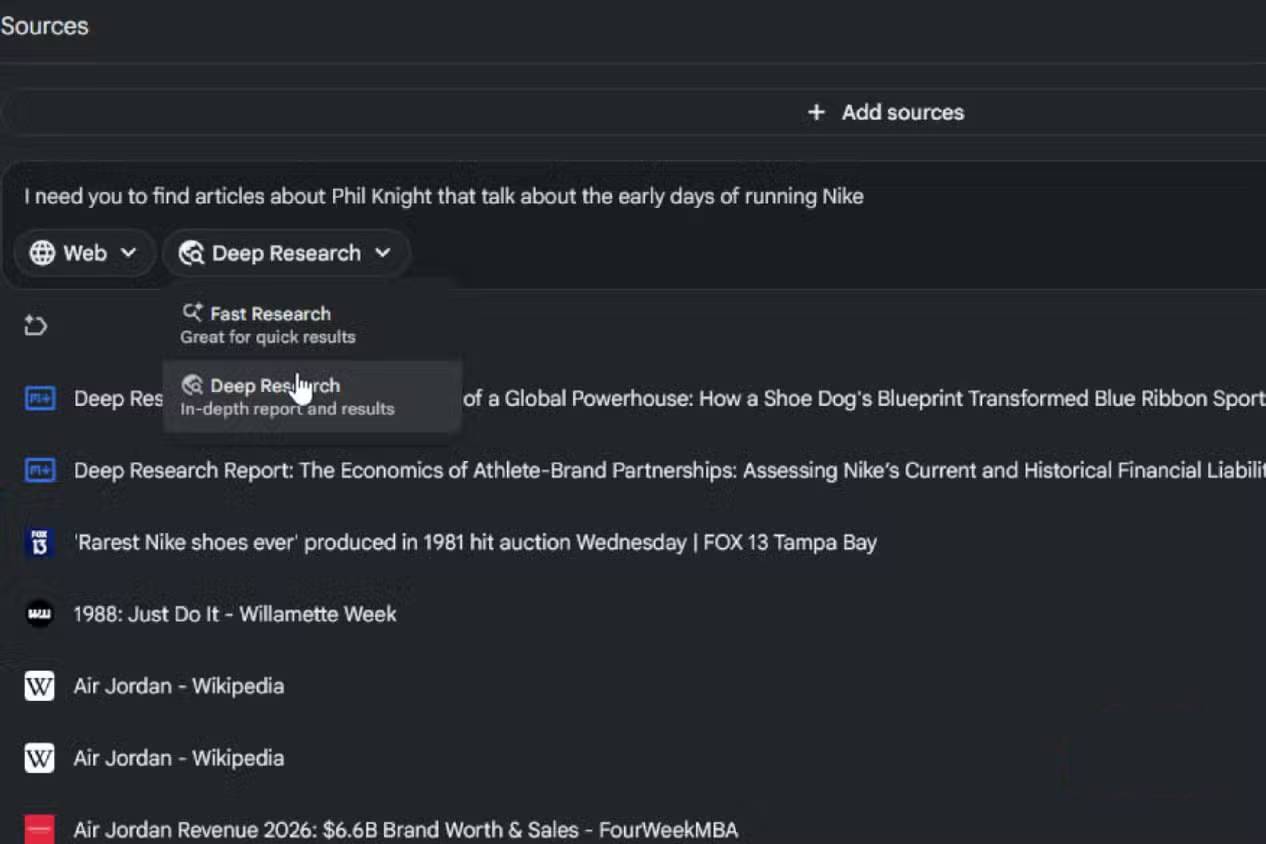
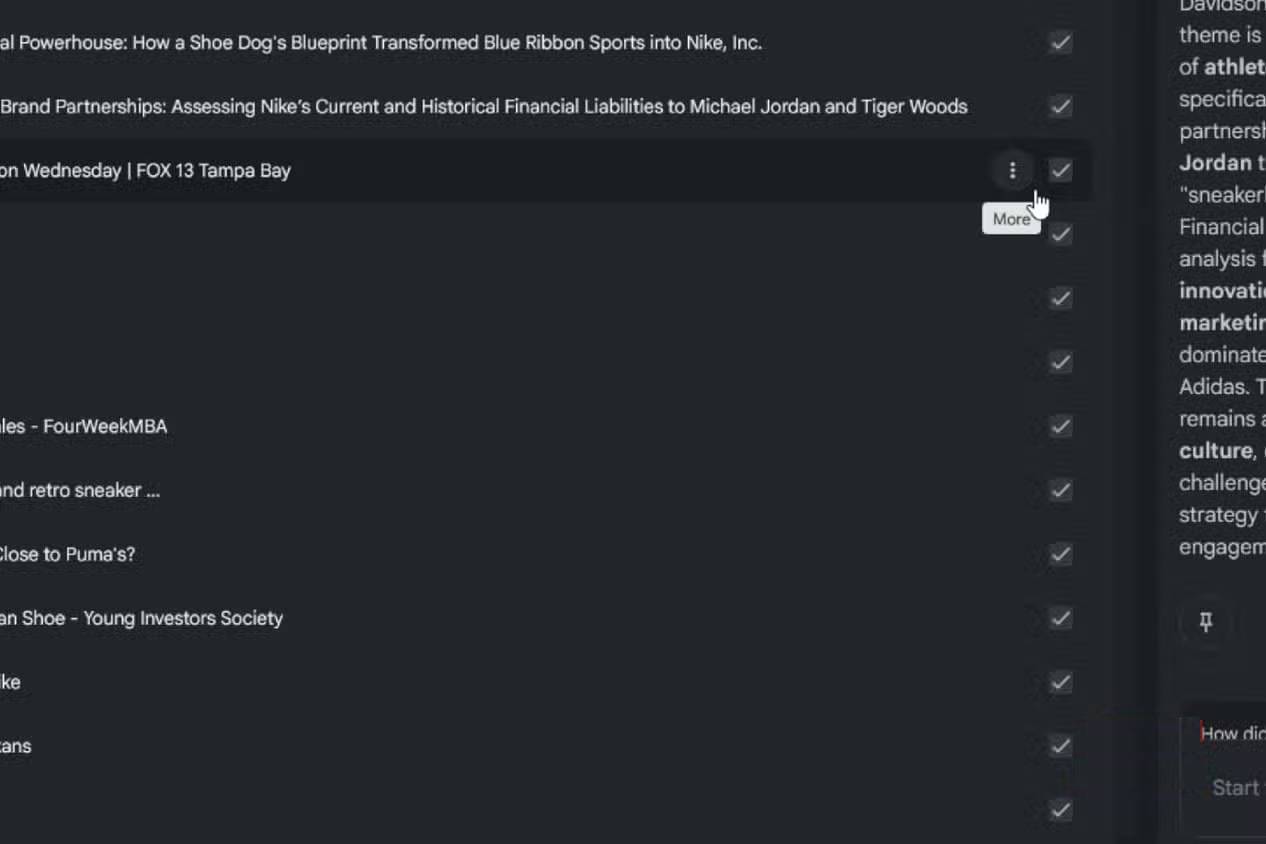
Do not automatically import every result. Open the report and inspect both cited and uncited recommendations:
- Check identity. Confirm the author, publisher, date, title, and URL. A repost or summary may look like the original.
- Prefer primary evidence. Import the law, paper, technical documentation, dataset, filing, or official announcement when available, then keep secondary analysis for context.
- Check coverage. Make sure the collection represents important regions, time periods, methods, or stakeholder positions instead of repeating one source.
- Remove duplicates. Syndicated articles and copied press releases add volume without adding evidence.
- Open critical passages. Verify that the source actually supports the claim, not merely the same topic.
- Note access limits. A search snippet, paywalled abstract, or partially parsed page may omit qualifications needed for accurate interpretation.
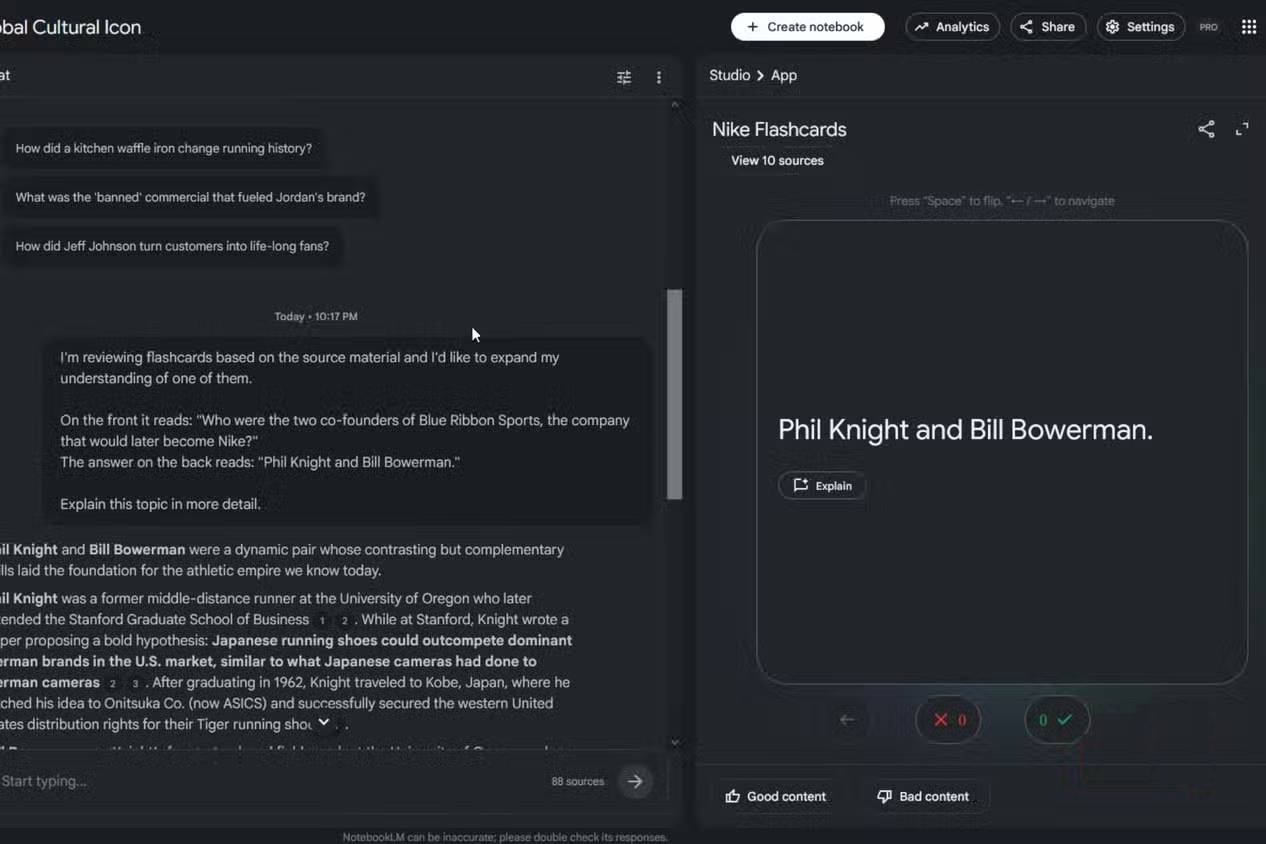
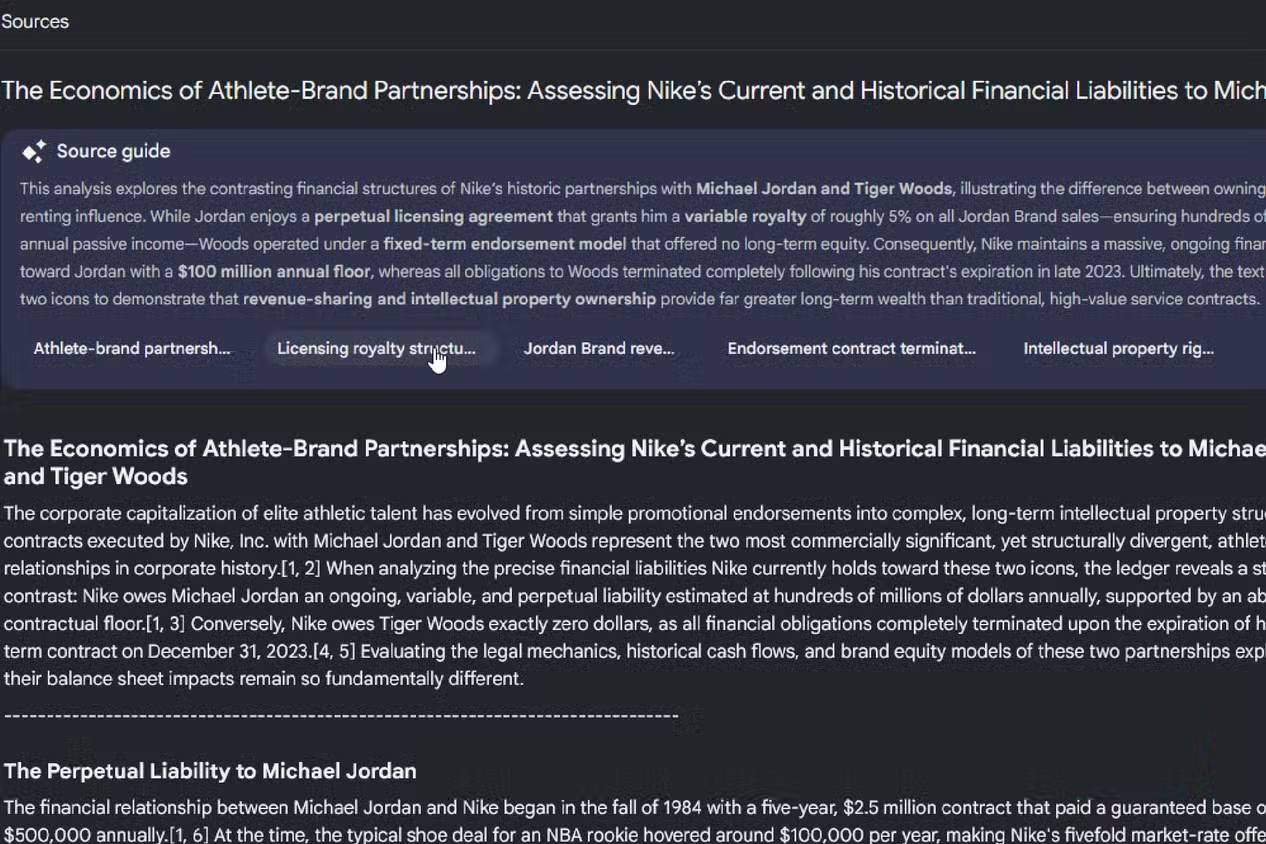
Import the Deep Research report if it is a useful map, but treat the underlying sources as the evidence. The generated report is itself an AI synthesis and can contain errors.
3. Ask citation-led follow-up questions with a fixed structure
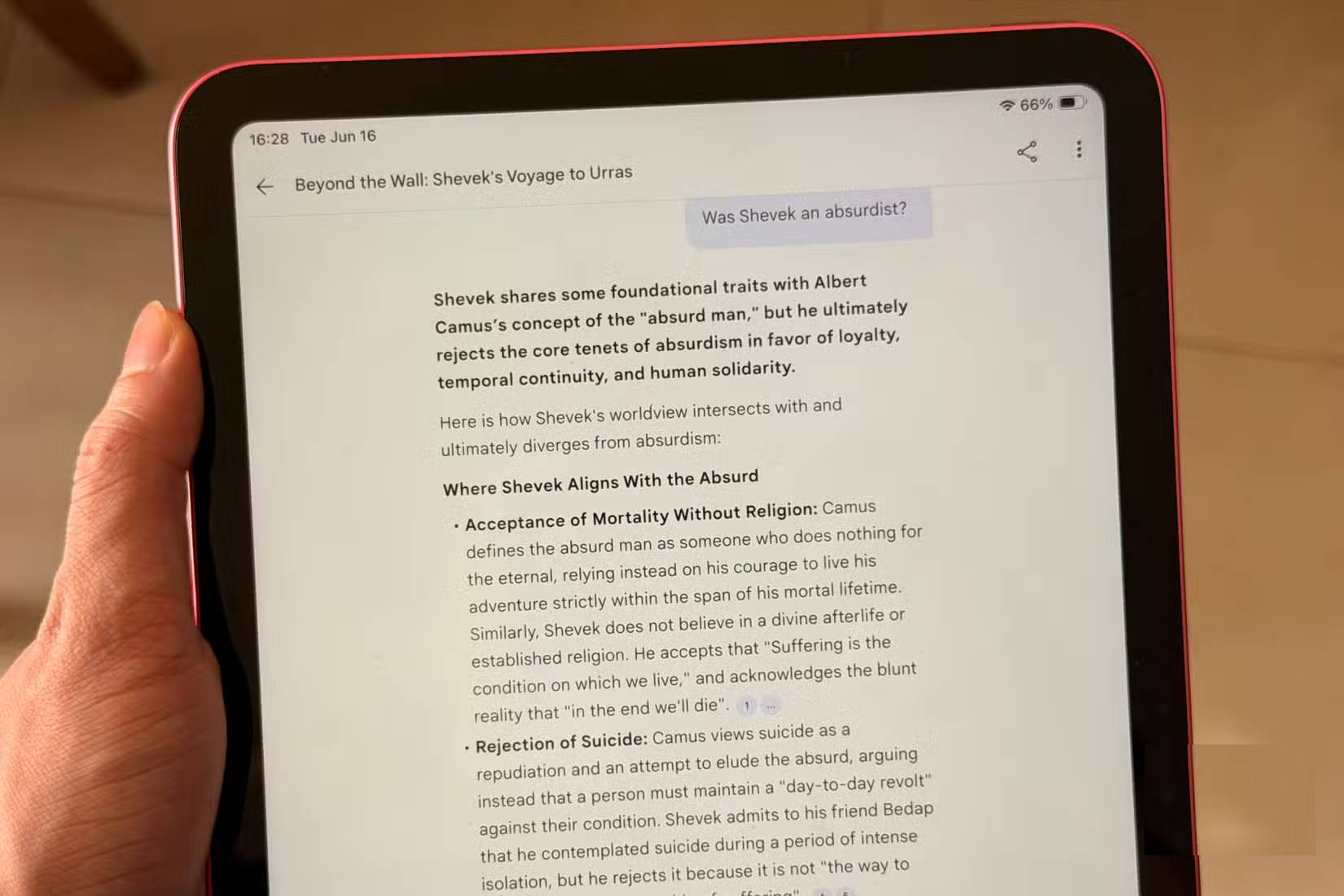
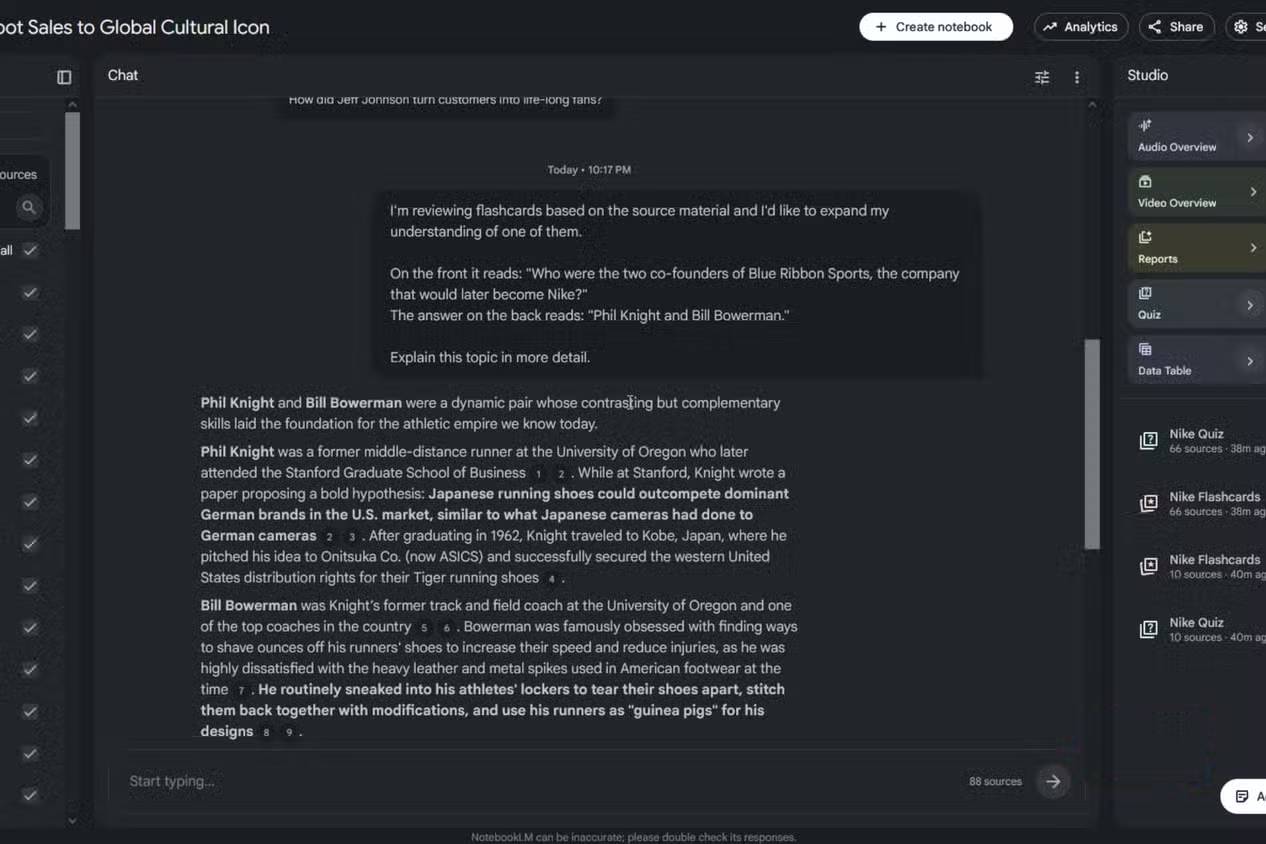
After import, select only the sources relevant to the next question. This prevents a loosely related document from influencing the answer simply because it shares keywords.
Replace “summarize these sources” with a request that defines the unit of analysis and output columns:
Using only the selected sources, create a table with these columns: claim, supporting source, exact supporting passage or section, publication date, limitations stated by the source, and confidence (high/medium/low). Do not combine numbers that use different definitions. If no selected source supports a claim, write “unsupported in selected sources.”For conflicting evidence, ask NotebookLM not to smooth the disagreement away:
Identify every material disagreement among the selected sources. For each one, state: the competing claims, which source makes each claim, differences in date/method/sample/definition that may explain the conflict, and what additional evidence would resolve it. Do not choose a winner unless the sources provide a clear basis.For a decision memo:
Prepare a [length] decision memo for [audience]. Start with the decision and constraints, then evidence for and against each option, risks, missing information, and recommended next checks. Cite every factual statement to the selected sources. Keep inference in a separately labeled section.Verify citations, not just citation markers
NotebookLM is designed to ground answers in selected sources, but a citation marker is not proof by itself. Open citations for the most important claims and check:
- Does the passage state the claim directly?
- Is a qualification or exception omitted?
- Does the number refer to the same population, period, and unit?
- Is the source current enough for the question?
- Is NotebookLM presenting the source’s opinion as an established fact?
Google itself notes that NotebookLM responses are source-grounded but can still be inaccurate. For legal, medical, financial, academic, or safety-critical work, verify with the original material and a qualified reviewer.
A reusable Deep Research prompt
Goal: [decision or question]
Audience: [reader]
Scope: [region, dates, population, products]
Include: [topics and source types]
Exclude: [out-of-scope material]
Preferred sources: [primary authorities]
Deliverable: [format and length]
Quality checks:
- distinguish facts from inference
- list disagreements and missing evidence
- cite primary sources for key claims
- do not estimate absent figures
- state the research cutoff date
Better prompting cannot rescue poor evidence. Spend a few minutes narrowing the question and pruning the source list before asking for a polished output; those steps improve the result more reliably than requesting a longer answer or a more impressive persona.
Related Articles
 How Is NotebookLM Becoming a Comprehensive 'Creative Studio'?7 minutes read
 How to Combine Gemini with NotebookLM to Improve the Quality of Research Reports11 minutes read
 Why Auto-Label Is an Indispensable Feature in NotebookLM Research8 minutes read
 How to Share NotebookLM Publicly6 minutes read
 What Is ChatGPT Deep Research?6 minutes read
 8 Ways to Use ChatGPT's Deep Research Tool8 minutes read
Reader Comments 0
Sign in with email or Google to join the discussion.