Table of Contents
ChatGPT Deep Research is a research mode designed for questions that require more than a quick web search. Give it a focused task and it can plan a search, examine multiple sources, revise its approach as new information appears, and return a structured report with citations.
It is most useful for work such as comparing products, reviewing an industry, summarizing evidence across several publications, or investigating a topic with many competing claims. It is not a guarantee of accuracy: the final report and its sources still need human review.
How ChatGPT Deep Research works
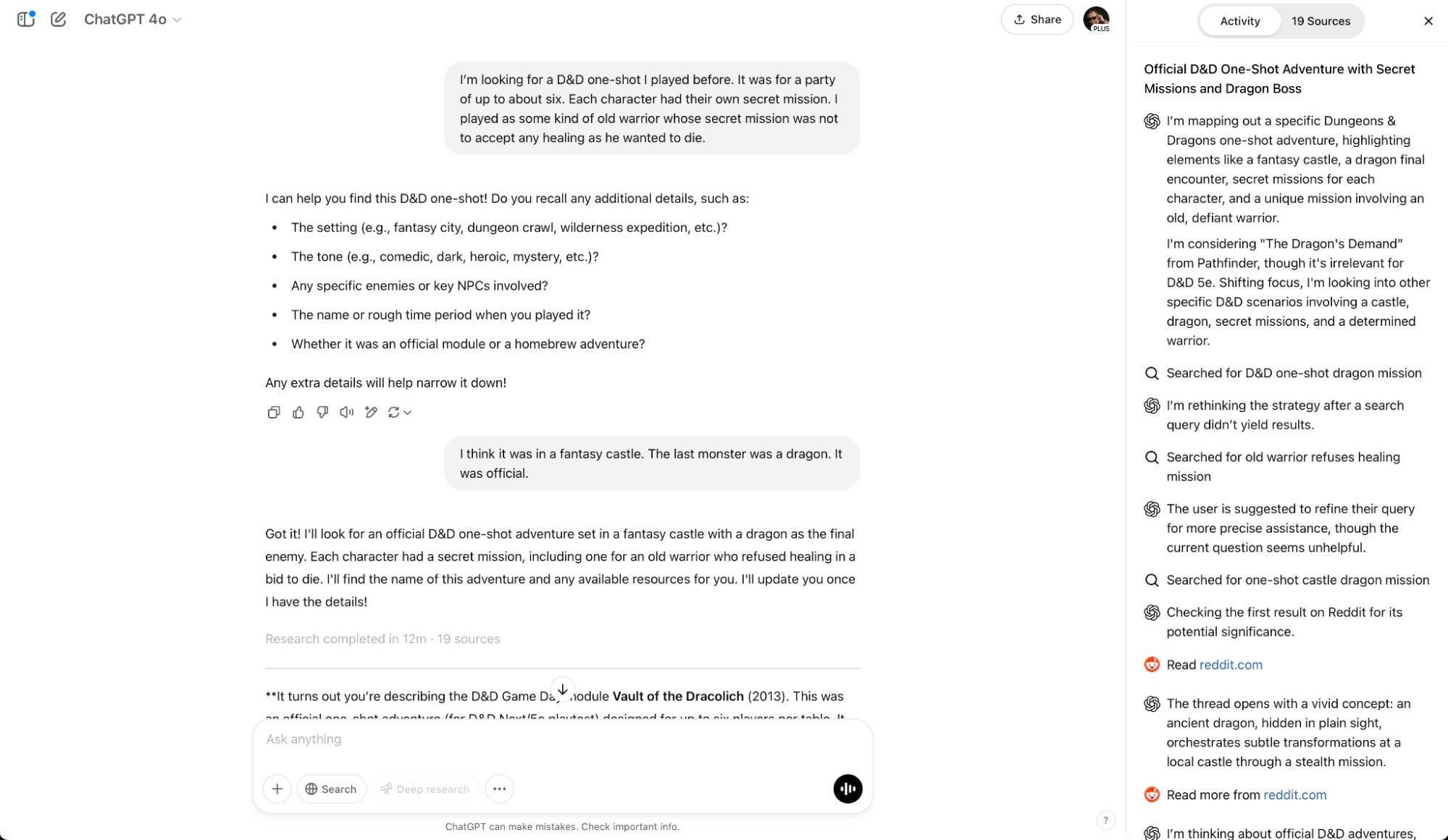
A normal ChatGPT response is often produced in one conversational step. Deep Research uses a longer, multi-step process. It breaks the request into smaller questions, searches the web and any relevant files you provide, evaluates what it finds, and combines the evidence into a report.
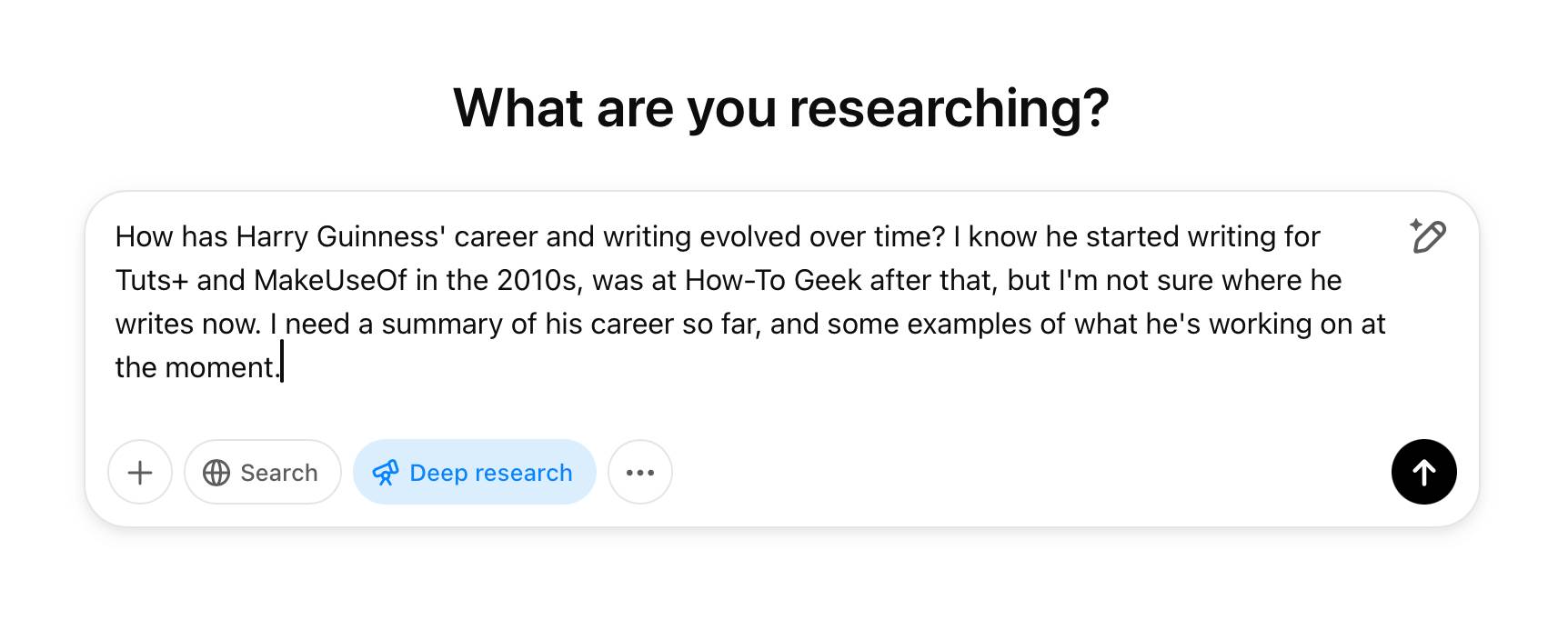
The search path can change during the task. For example, a product comparison may begin with manufacturer specifications, then move to independent reviews, support documentation, and current pricing. A research brief may compare dates, definitions, and conclusions across primary sources before drafting the answer.
Completed reports normally include links or citations so you can inspect the evidence. That traceability is one of the main reasons to use Deep Research instead of asking for a quick summary.
When should you use it?
Deep Research is a good fit when the answer depends on several sources or when the quality of those sources matters. Common examples include:
- comparing products, services, software, or policies against specific criteria;
- building a market, competitor, or technology overview;
- finding evidence for and against a claim;
- summarizing a collection of reports, PDFs, spreadsheets, or other files;
- creating a briefing that needs source links for later verification.
For a simple definition, a basic calculation, or a fact available from one authoritative page, regular ChatGPT search is usually faster. Deep Research can also be a poor choice when information is private, cannot be accessed from the web, or changes so quickly that every result must be checked in real time.
How to write a useful Deep Research prompt
The strongest prompts define the decision or deliverable, not just the topic. “Research home solar panels” is broad. “Compare three residential solar options for a 2,000-square-foot home in Texas, focusing on installed cost, warranty, expected output, and maintenance” gives the tool a workable scope.
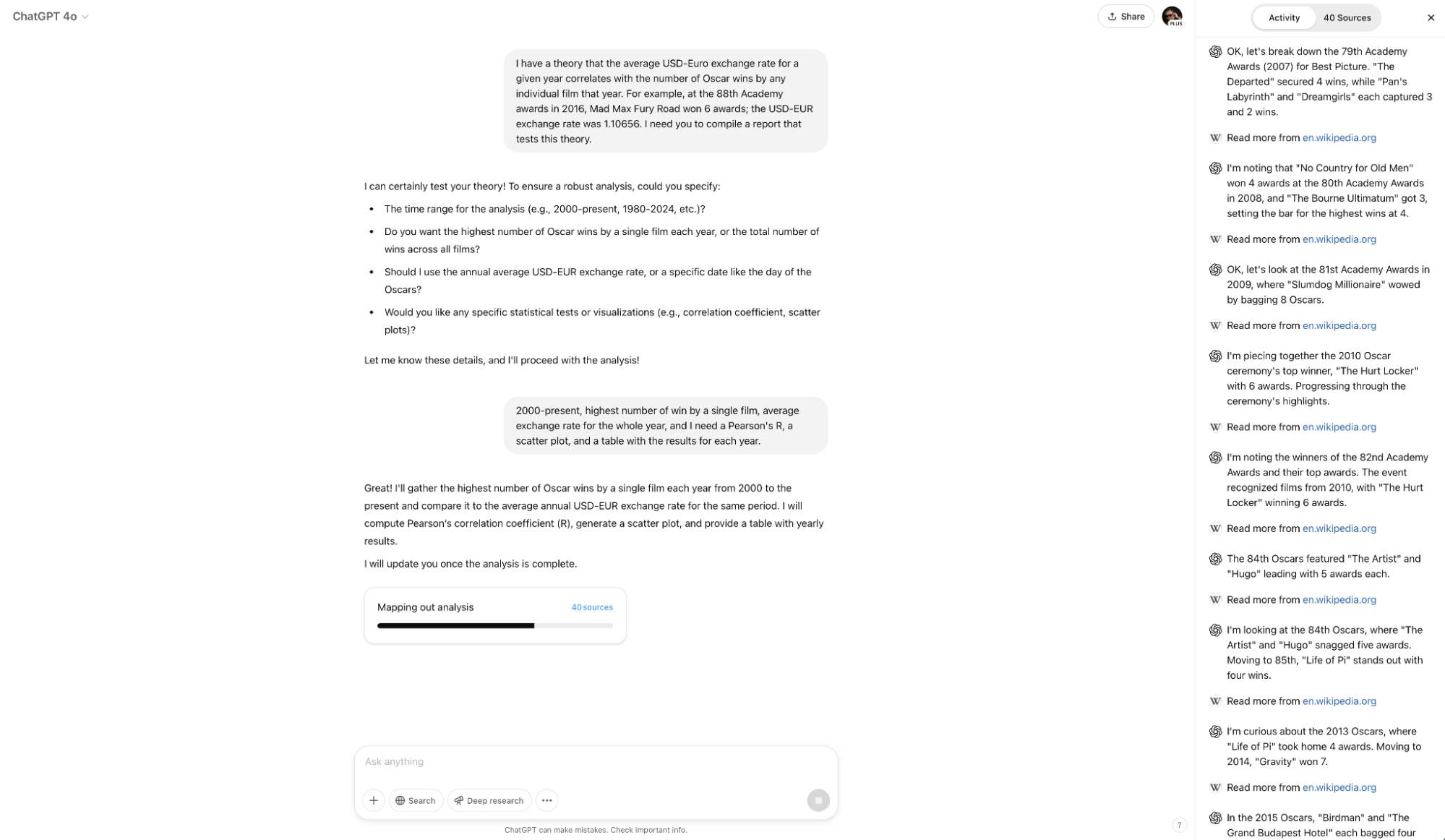
Include the following details when they matter:
- Goal: Explain what decision, question, or deliverable the research should support.
- Scope: Specify the relevant location, industry, audience, and time period.
- Questions: List the issues the report must answer.
- Criteria: State how options should be compared, such as price, reliability, compatibility, or risk.
- Sources: Request primary sources, official documentation, peer-reviewed research, or another appropriate source type.
- Output: Ask for a report, table, shortlist, timeline, or recommendation with citations.
Reusable prompt template
Objective: Research [topic] so I can [decision or use].
Scope: Cover [location, audience, timeframe, and exclusions].
Questions: Answer [question 1], [question 2], and [question 3].
Comparison criteria: Evaluate [cost, performance, risk, evidence quality, or other factors].
Sources: Prioritize [primary or authoritative sources] and clearly distinguish confirmed facts from estimates or opinions.
Format: Provide [desired structure], cite each important claim, and end with unresolved questions or evidence gaps.
How to start a Deep Research task
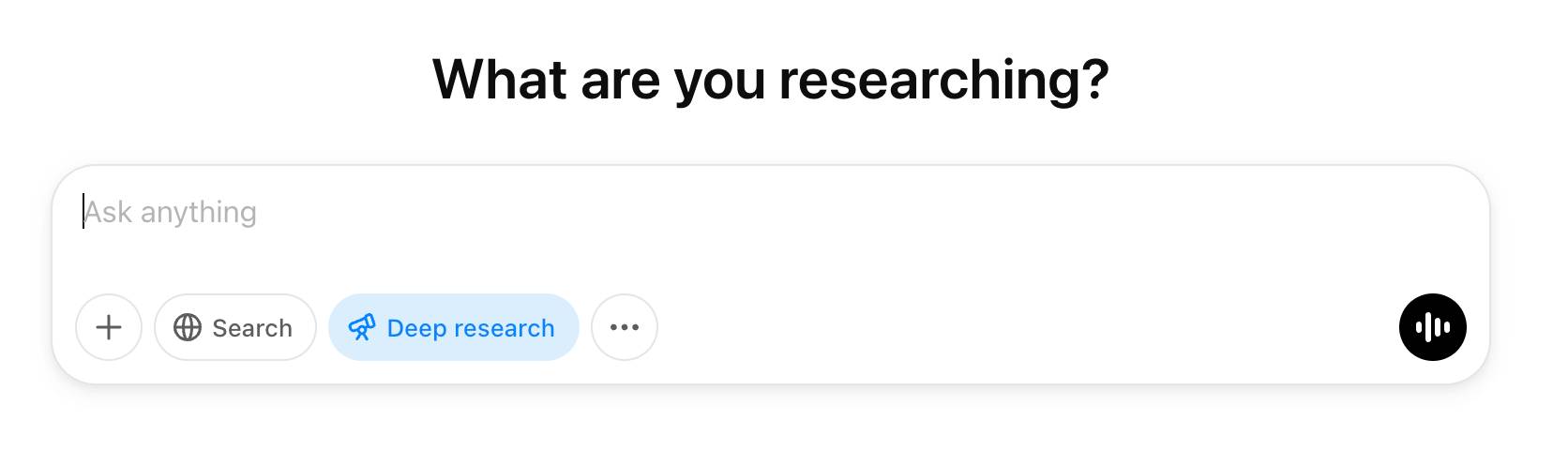
- Open ChatGPT and choose Deep Research from the tools available in the message composer.
- Enter a detailed prompt and attach relevant files if they provide useful context.
- Answer any clarifying questions about scope, sources, or the desired output.
- Start the task and review its progress or source list when the interface makes those details available.
- Read the completed report and open the citations behind important claims.
Availability and usage limits can vary by plan and may change over time, so check the current ChatGPT interface or OpenAI Help Center for the latest account-specific information.
Check the report before relying on it
Start with the citations. Make sure a source actually supports the sentence attached to it, and prefer original documentation or data over pages that repeat another publisher's claim. Check publication dates, geographic scope, sample size, definitions, and whether prices or product specifications are still current.
Look for missing perspectives as well. A polished report may still omit a relevant competitor, confuse correlation with causation, or combine figures that use different definitions. Treat Deep Research as a way to accelerate evidence gathering and organization—not as a substitute for judgment, professional advice, or final fact-checking.
Related Articles
 8 Ways to Use ChatGPT's Deep Research Tool8 minutes read
 OpenAI Unveils Deep Research, a New AI Agent That Can Complete4 minutes read
 How Scholar GPT Works: Custom GPT Searches for More Up-to-Date8 minutes read
 OpenAI Launches GitHub Connector for ChatGPT Deep Research4 minutes read
 How to Use ChatGPT Search Like a Pro7 minutes read
 Is ChatGPT Plus Still Worth Using in 2026?9 minutes read
Reader Comments 0
Sign in with email or Google to join the discussion.