Table of Contents
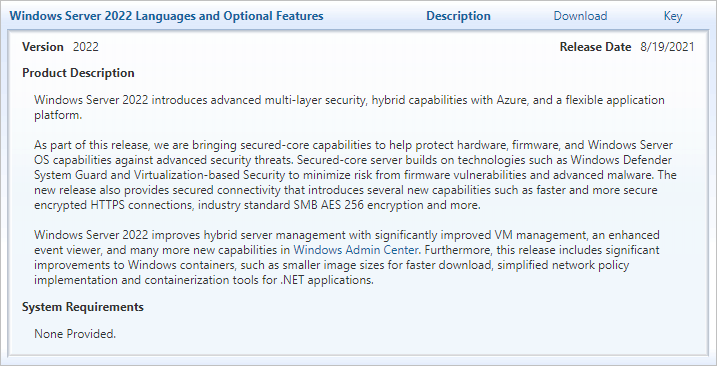
Windows Server 2022 is a Long-Term Servicing Channel (LTSC) release introduced in 2021. Its main changes include Secured-core server protection, more secure connections and improvements to Windows containers. It is available in Standard, Datacenter and Datacenter: Azure Edition, with features that vary by edition and deployment environment.
How long is Windows Server 2022 supported?
The lifecycle runs for roughly ten years in total: about five years of mainstream support followed by five years of extended support. It does not provide ten additional years of extended support after the mainstream period.
Mainstream support ends in October 2026, and extended support ends in October 2031. Check Microsoft's Windows Server 2022 lifecycle listing when planning maintenance or migration, including the exact dates and applicable support policy.
What Secured-core server protection adds
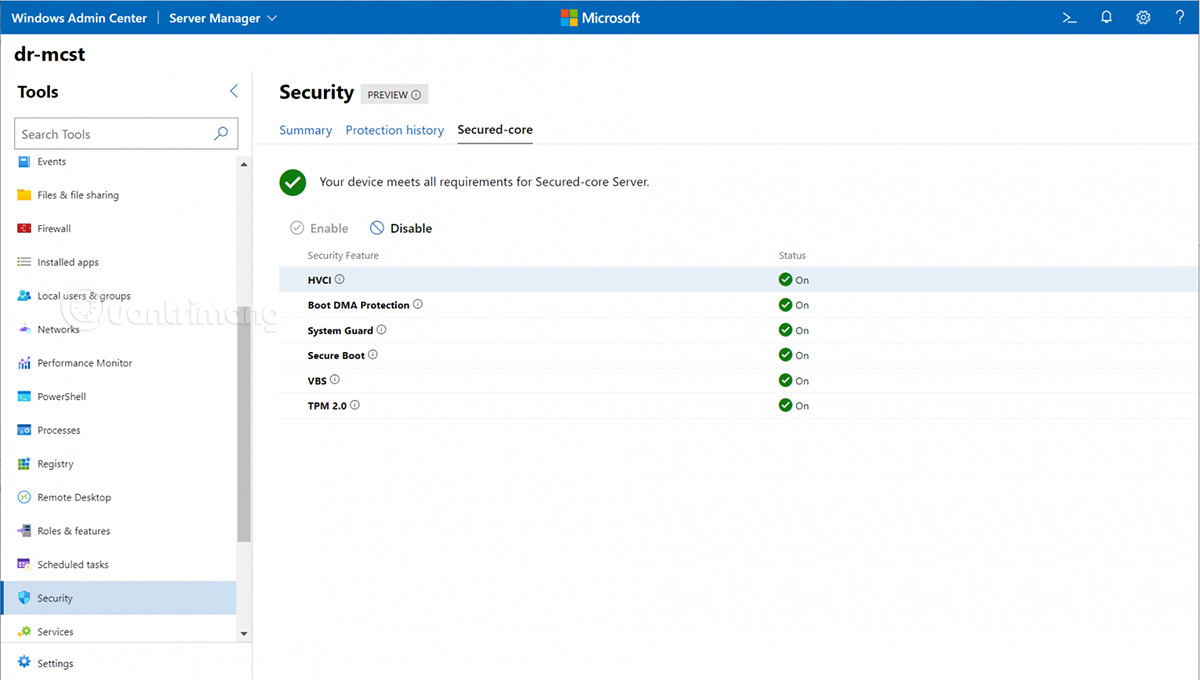
Secured-core combines compatible hardware, firmware and Windows security features. It is intended to strengthen the layers below and within the operating system, where a successful attack can be difficult to detect or contain.
- Hardware trust: TPM 2.0 provides a hardware-backed foundation for security functions.
- Firmware protection: Dynamic Root of Trust for Measurement (DRTM) helps establish a measured, trusted launch environment.
- Virtualization-based protection: Virtualization-based security (VBS) isolates sensitive operations. Hypervisor-protected code integrity (HVCI) adds checks around kernel-mode code.
These protections depend on compatible hardware and configuration. Installing Windows Server 2022 on an arbitrary server does not, by itself, make that machine a fully configured Secured-core server. Administrators still need to check the hardware vendor's requirements and the enabled security settings.
More secure network connections
Windows Server 2022 supports TLS 1.3, enabled by default in its Windows TLS implementation. This gives compatible applications a newer protocol for encrypted connections. Support in the operating system does not mean every application or remote client will automatically use TLS 1.3.
SMB also supports AES-256 encryption. Treat these as separate capabilities: TLS protects connections for applications that use it, while SMB encryption applies to file-sharing traffic. The original announcement's broad reference to AES-256 should not be read as a promise that every network connection uses the same encryption.
Management and container improvements
The release also improved Windows container image size and application compatibility. Windows Admin Center and Azure Arc provide management options for supported server environments, while Storage Migration Service supports file-server migration scenarios. Consult Microsoft's Windows Server 2022 feature documentation for requirements and edition-specific limits.
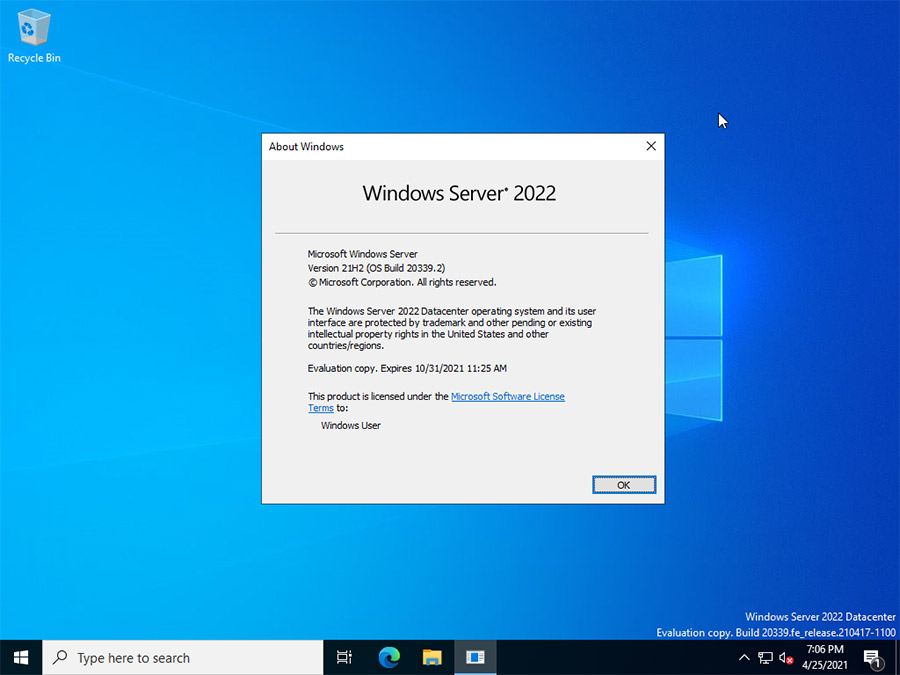
For hands-on evaluation, the Windows Server 2022 virtual-machine installation walkthrough shows the setup process. Its screenshots reflect the virtualization software used at the time, so check the options in your own version.
Before deploying or upgrading
- Confirm the chosen edition supports the features and virtualization use you need.
- Check application, driver and hardware compatibility before changing a production server.
- Test backups and recovery, and evaluate the upgrade in an isolated environment first.
- Check the remaining support period against your expected service life.
If you are comparing this platform with a desktop edition, see the differences between Windows Server and Windows Desktop before choosing an installation target.
Related Articles
 Windows 7, Windows Server 2008 R2 Will Continue to Be Unofficially Supported for6 minutes read
 Top 10 Security Improvements in Windows Server 201911 minutes read
 Germany Intends to Spend 20 Billion for the Public Computer3 minutes read
 Microsoft Ended Extended Security Update Support for Windows 7 on Tuesday3 minutes read
 Want to Receive Security Updates on Windows 7 Next Year, Users Will Have to Pay at Least 503 minutes read
 Mobile Communications with Exchange Server 2007 - Part 1: New11 minutes read
Reader Comments 0
Sign in with email or Google to join the discussion.