Table of Contents
Samsung Galaxy phones offer useful combinations of foldable designs, camera software, smart-home controls, payment tools, and interface customization. Their value depends on the particular model and on your daily needs. These features can make a Galaxy phone appealing, but they do not establish that Samsung is the best choice for every buyer.
1. Foldables offer two different kinds of convenience

The Galaxy Z Flip design folds a phone-sized display into a smaller package. The Z Fold design opens into a larger workspace for reading, supported multitasking, and media. Try both forms in person: closed size, weight, hinge behavior, and screen shape can matter more than a specification list.
Cover-screen functions vary by model, app, and software version. Good Lock modules can expand some options, but they do not guarantee that every app works comfortably on the smaller display.
Check stylus support separately. For example, Samsung specifies that Galaxy Z Fold7 does not support S Pen. Do not assume a feature from an earlier Fold carries into a newer one. Compare repair costs and care requirements as well as the benefits of the larger screen.
2. Camera and Gallery tools can simplify editing
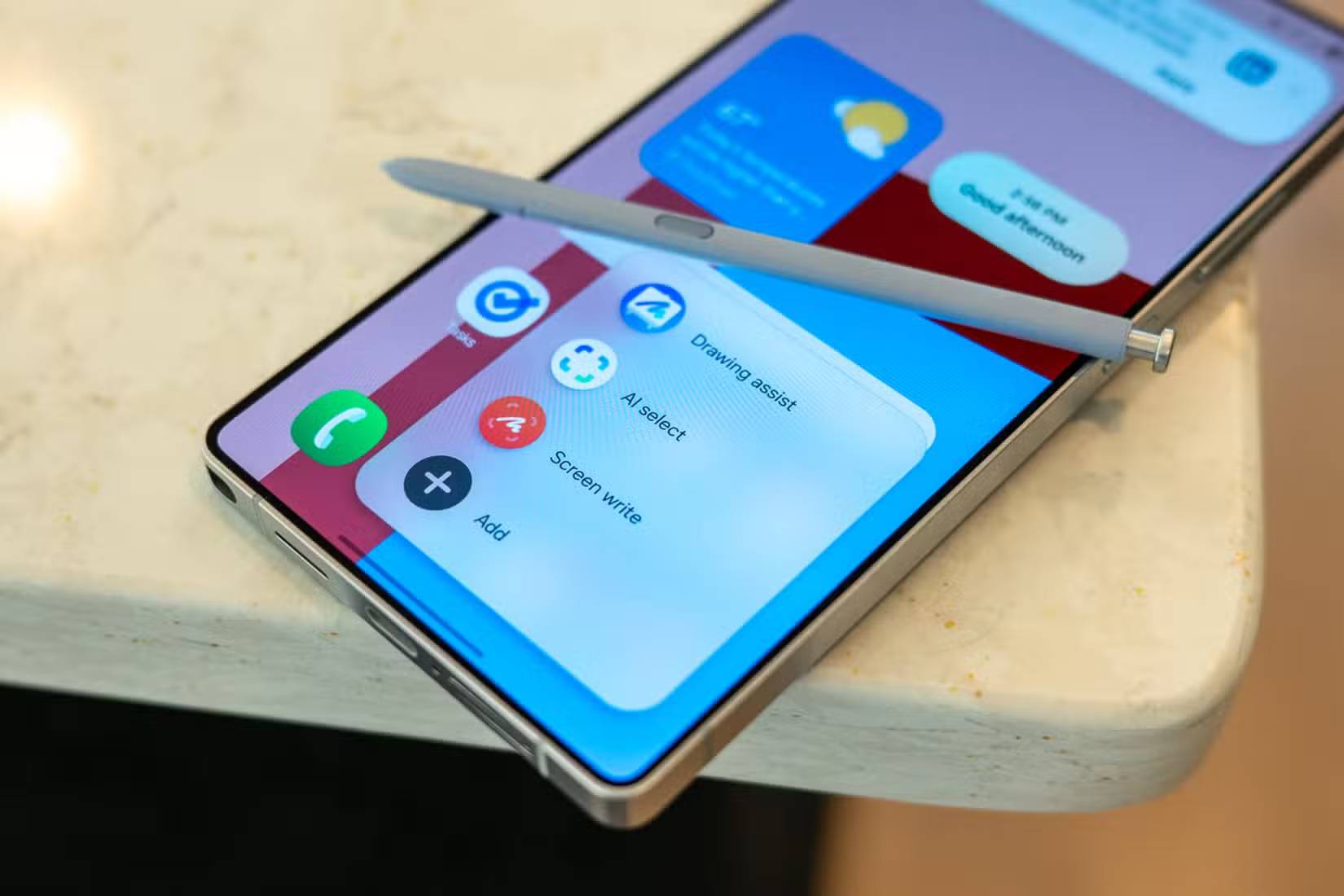
Galaxy camera options vary substantially between the S Ultra, standard S, Flip, Fold, and A-series models. Compare sample photos from the specific phone you are considering, including moving subjects, low light, zoom, and video. Megapixel counts alone do not establish image quality.
On supported devices, Gallery tools can remove or reposition objects and generate replacement image content. These are editing features rather than proof that the camera captured the scene accurately.
Samsung’s Generative Edit guidance lists account and internet requirements, as well as output limitations and an AI watermark. Check the requirements for your model and software version rather than assuming every edit runs entirely offline. Save an original copy if the photograph matters.
3. SmartThings can bring compatible home devices together
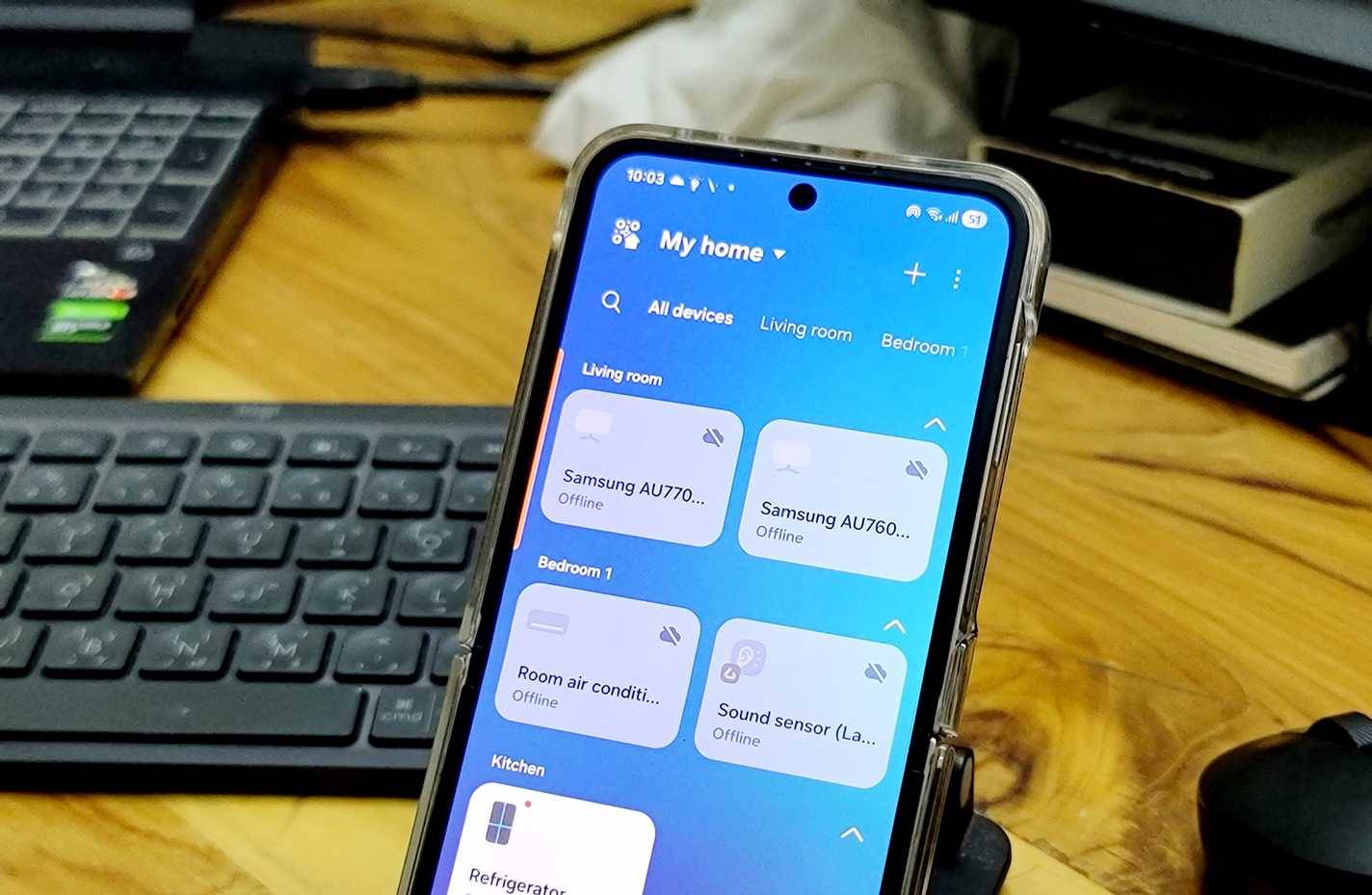
SmartThings lets you control supported devices and create routines from an app. It can be convenient if you already own compatible TVs, appliances, lights, or sensors. It also supports third-party products, but compatibility is not universal.
Check each product’s supported integration and whether it needs a hub. Some eligible hub-connected devices and routines run locally; cloud-connected devices or particular actions may still require internet access. The exact automation determines what works during an outage.
TipsMake’s SmartThings introduction covers the basic concept. For a purchasing decision, use Samsung’s current compatibility information. The app is available beyond Galaxy phones, so using SmartThings does not automatically require staying with Samsung.
4. Samsung Wallet is useful when your cards and region are supported
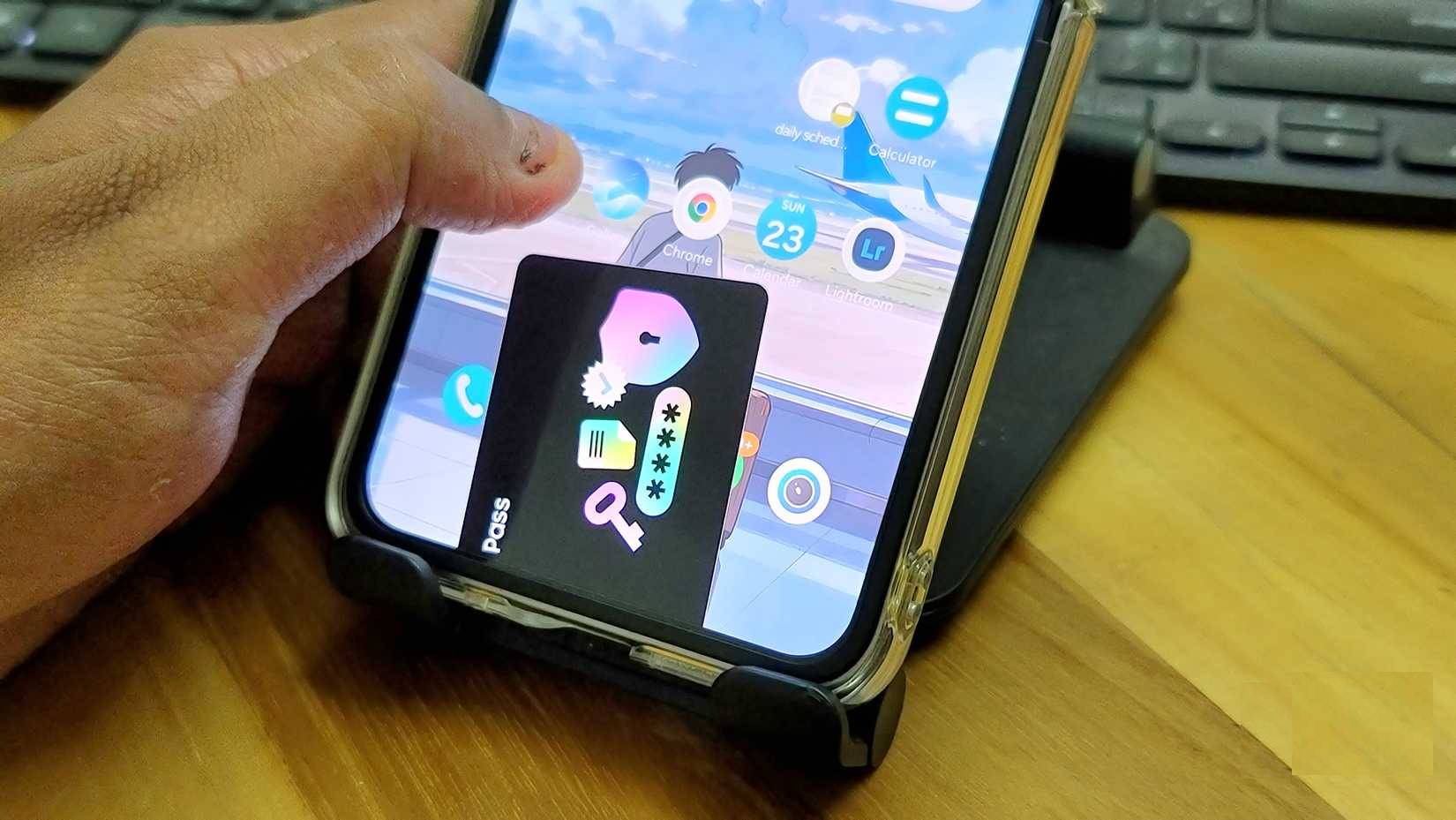
Samsung Wallet can combine eligible payment cards and supported passes or other credentials. What it offers differs by country, issuing organization, phone, and watch model. Check support for your actual card before treating Wallet as a reason to buy.
A supported watch may allow payments without the phone beside you after setup. That does not mean every Galaxy watch or card works, or that pairing and account setup are unnecessary. Consult the country and device availability information and the local card-issuer list.
Rewards and financial-service integrations have separate eligibility and terms. Do not assume every Wallet transaction earns points. When changing phones or platforms, check which cards and passes must be added or verified again.
5. One UI and Good Lock provide customization choices
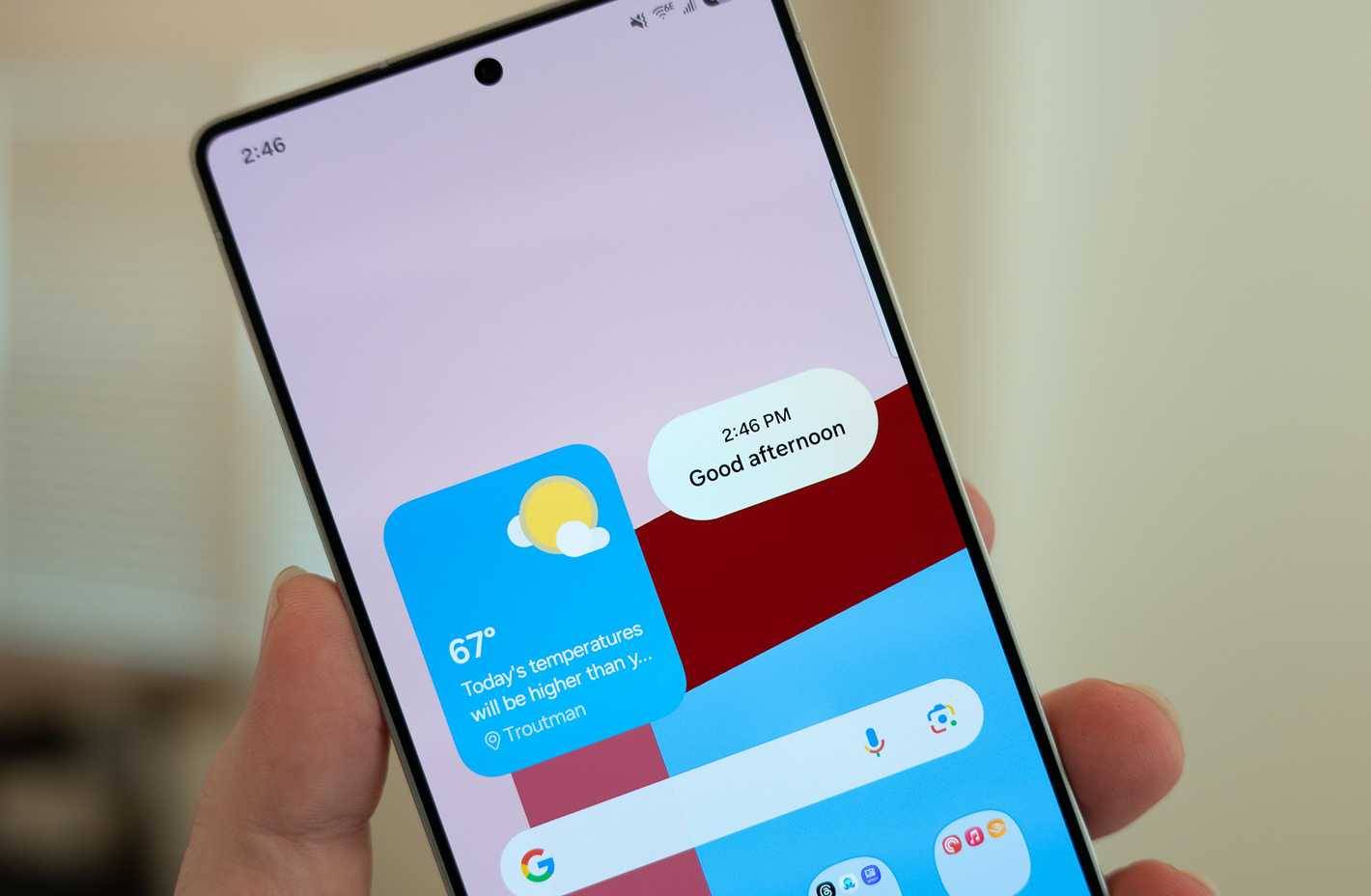
One UI includes Samsung’s settings, apps, and multitasking features. Modes and Routines can automate supported actions based on conditions such as time or a connected device. Whether those options help you depends on how you use the phone.
Good Lock offers modules for parts of the interface, such as navigation, quick settings, and the lock screen. TipsMake’s Good Lock overview shows examples. Samsung’s app listing notes that some devices are unsupported, and individual modules can have additional limits.
Before buying, make a short list of the features you will actually use and verify them on the exact model sold in your region. Compare software support, battery life, comfort, and price alongside the ecosystem features.
Related Articles
 7 Samsung Features You May Not Be Using for Better Photos
 6 simple tips to help your Samsung phone last for years
 10 Samsung Galaxy Features All Android Phones Should Learn
 10 useful ways to customize Samsung phones
 What is the difference between Samsung and Android phones?
 Tips for speeding up Samsung Galaxy crickets
Reader Comments 0
Sign in with email or Google to join the discussion.