Table of Contents
If your phone compass points the wrong way, take it out of any magnetic case, move away from large metal objects or vehicles, and test it again. If Google Maps shows a wide or misdirected beam around the blue dot, recalibrate and check the result against a landmark.
How the phone estimates direction
A magnetometer measures the local magnetic field. Other motion sensors help the phone interpret how it is tilted. Nearby magnets, steel, and some electronics can distort the reading. Outdoors, the movement of your location over time can also help a maps app work out which way you’re traveling.
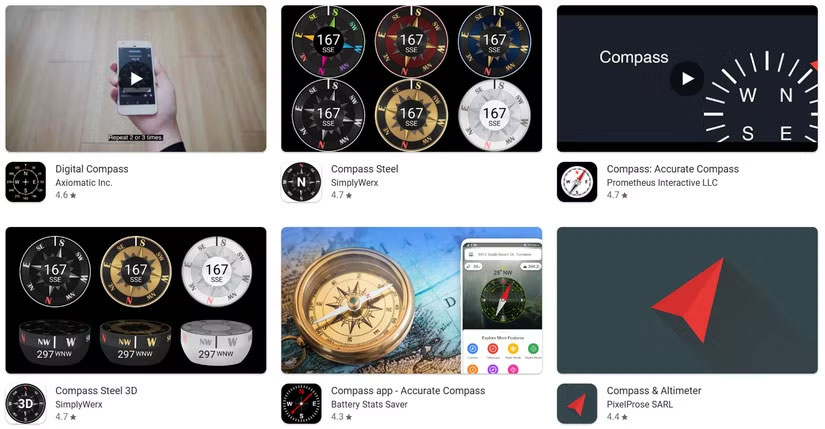
How to check or recalibrate the compass
- Remove magnetic accessories and test in an open area away from cars and large metal objects.
- On iPhone, open Compass and hold the phone flat, as shown in Apple’s Compass guide.
- In Google Maps on Android, a figure-eight motion can help when the blue dot’s beam points the wrong way. Follow Google’s calibration guidance and check that the beam narrows.
- Compare the heading with a known street, landmark, or another compass. If two apps disagree, check if one displays magnetic north and the other displays true north.
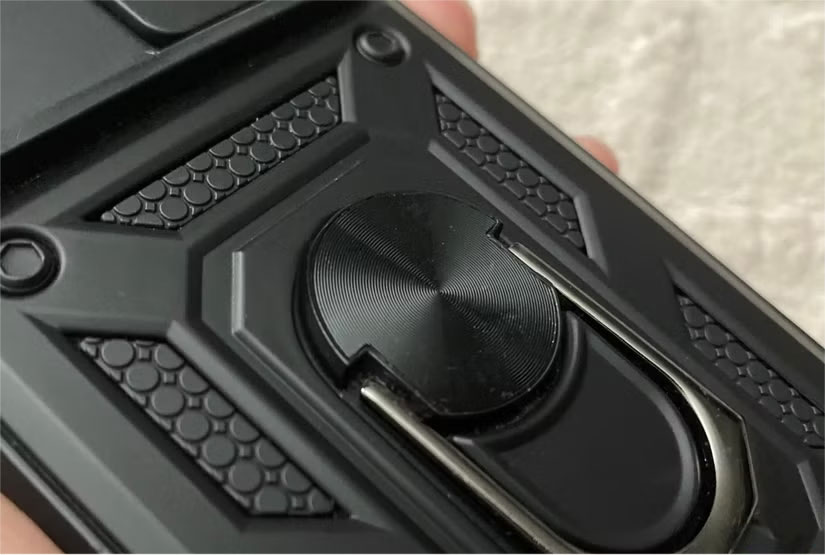
When to use another navigation aid
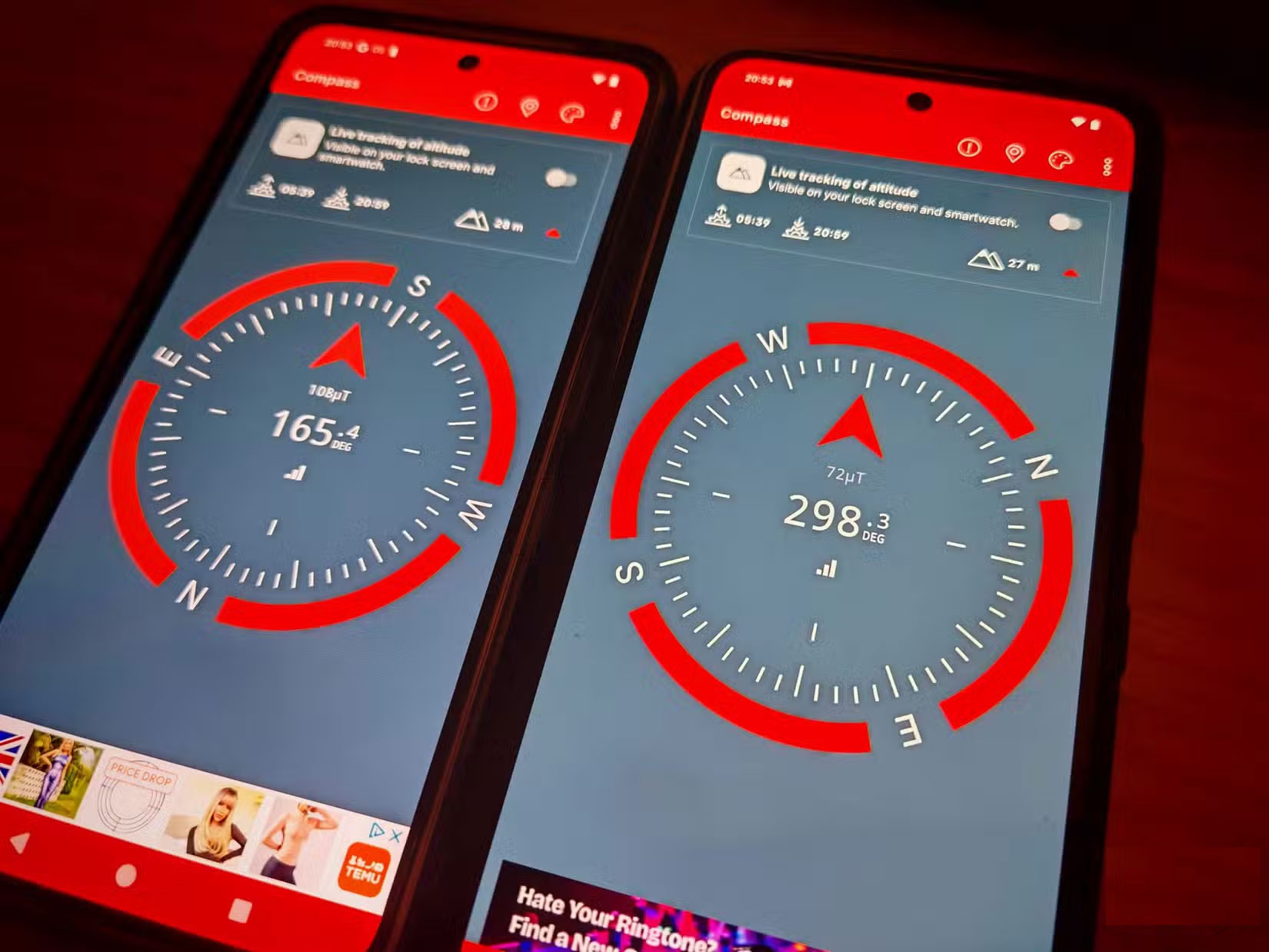
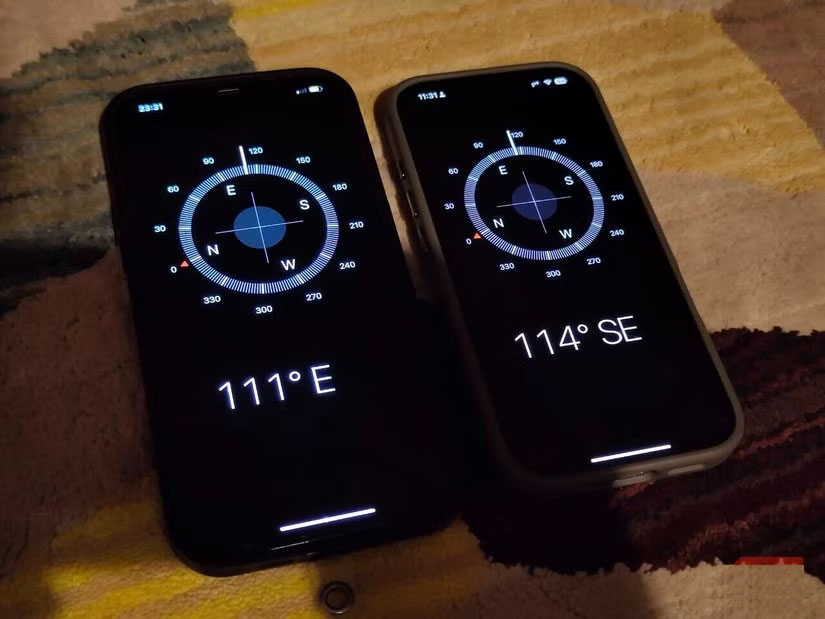
Two phones can give different headings under similar conditions, as the examples below illustrate. For a route where precision matters, cross-check with a map, known landmarks, or a separate compass. A successful calibration may improve the display, while it can’t remove local magnetic interference.






Reader Comments 0
Sign in with email or Google to join the discussion.