Table of Contents
Most major browsers like Chrome, Firefox, and Opera come with built-in password managers. But the question is: Are they trustworthy?
Passwords are some of the most private data anyone has. They are the keys to our email, banking, computers, and digital lives. So how we handle them is important. Experts often recommend using an offline password manager, such as KeePassXC. However, many people have a habit of storing passwords in their favorite password manager.
Built-in password managers are probably the most convenient option. They integrate seamlessly into your browsing experience, automatically offering to save and fill in your login information. However, they are not recommended because their disadvantages far outweigh their advantages.
Browsers are not password managers
Browsers are not designed to be password managers.
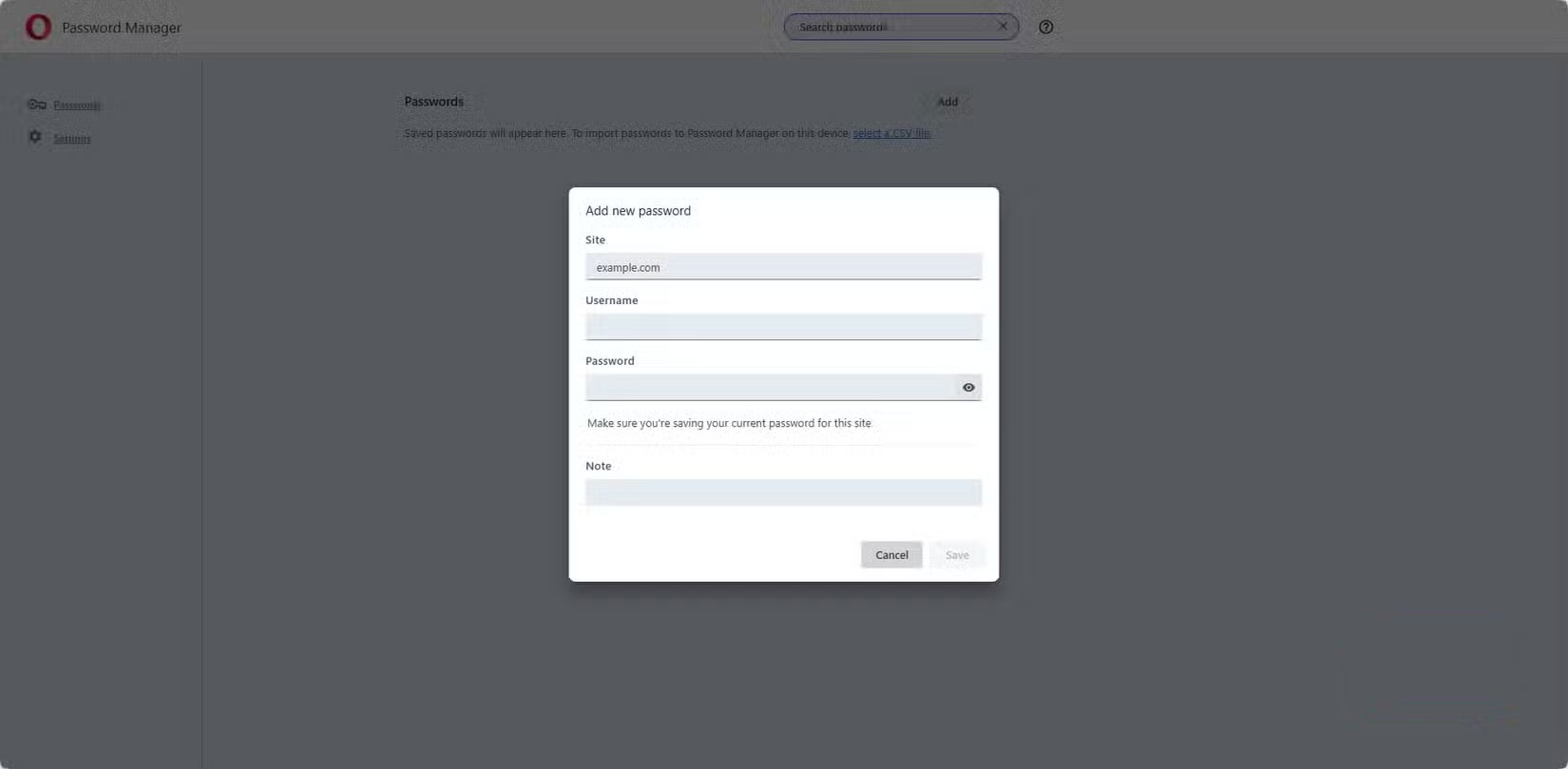
Browsers primarily show you web pages or search results when you type in a web address or search term. They are built to display HTML and manage session cookies so you don't have to log in repeatedly as you move from page to page. Password storage is presented as a convenience rather than a security-first feature. It is not built as a security-first feature.
Dedicated password managers are built on encryption, zero-knowledge technology, and resilience against breaches. These are core security architectures. While most modern browsers implement strong password encryption, their design does not adhere to the zero-knowledge model.
Instead of building a separate, highly secure repository for passwords, browsers simply integrate password storage into their existing systems. In practice, your passwords become just another piece of data to sync, rather than the keys to your digital world.
The browser knows too much
Password managers don't need the additional data that browsers collect
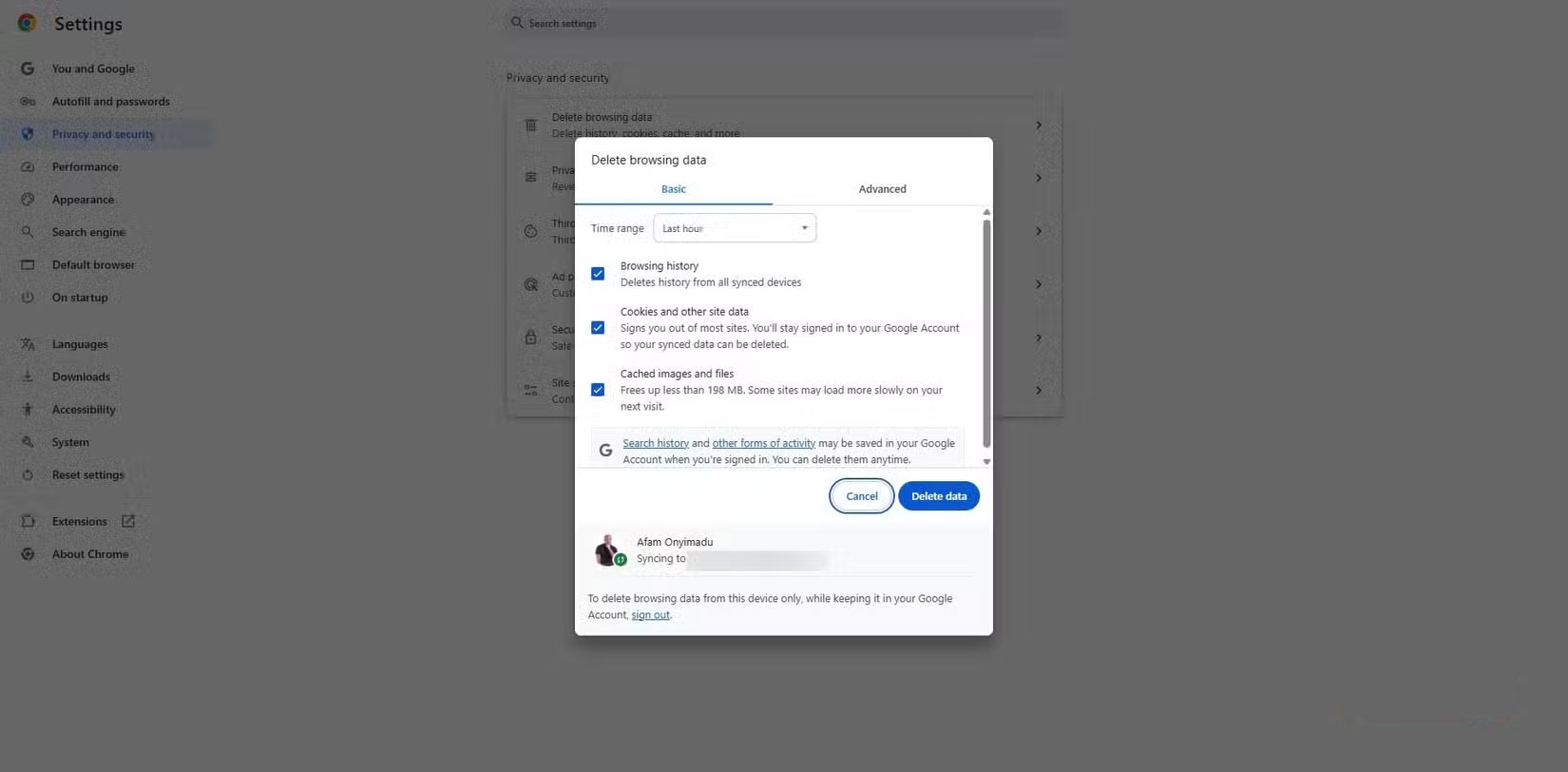
Browsers traditionally store many data: cookies, browsing history, autofill data, and device information. When you store passwords in your browser, you keep all of this information in the same ecosystem. You suddenly become more dependent on the browser itself, and the browser potentially becomes a more valuable target for attackers. Password managers, however, don't need this level of information to function. Their scope is only designed to protect access.
While browsers handle autofill of addresses, phone numbers, and payment cards separately from your passwords, they both exist on the same application, which increases the potential for damage in the event of a browser breach.
Login and identity information
Browsers protect logins; password managers protect identities
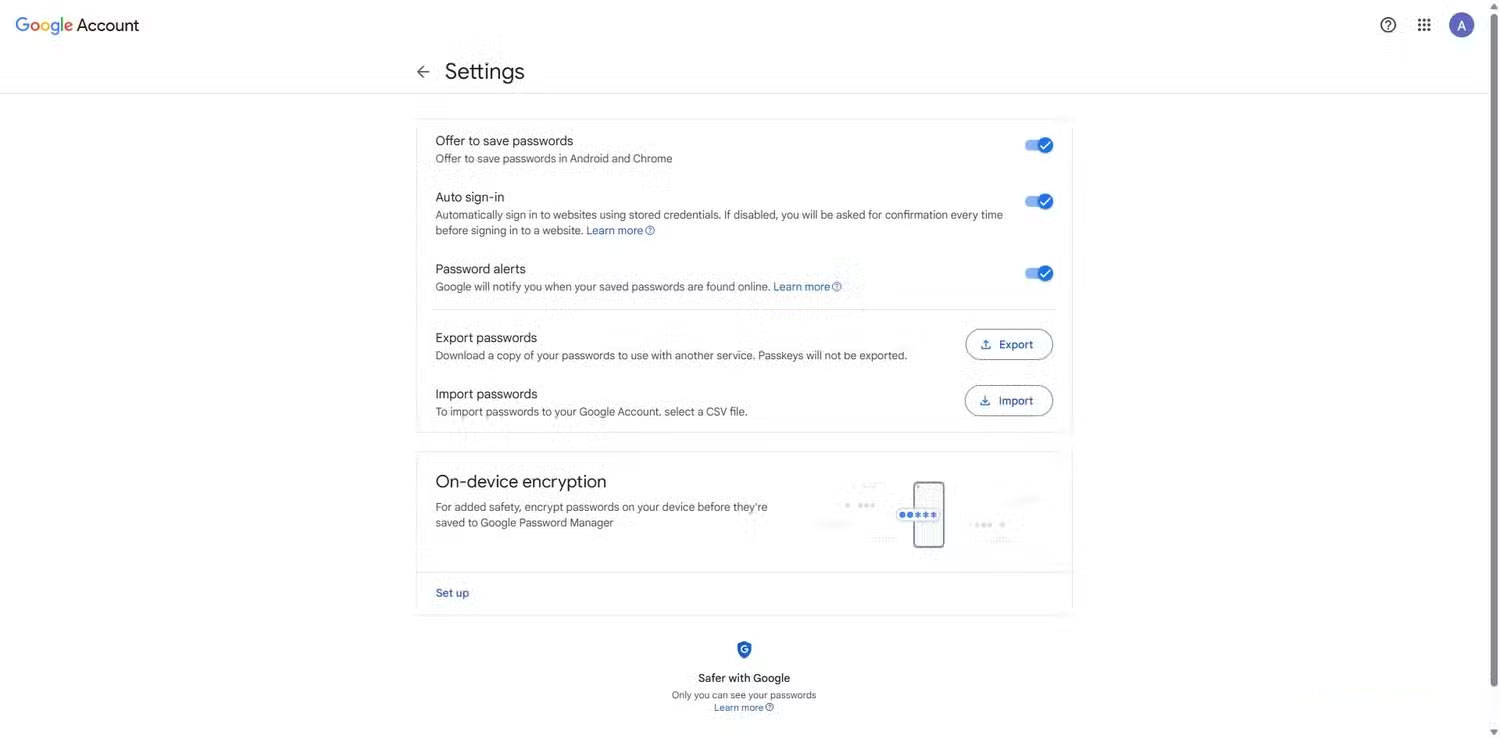
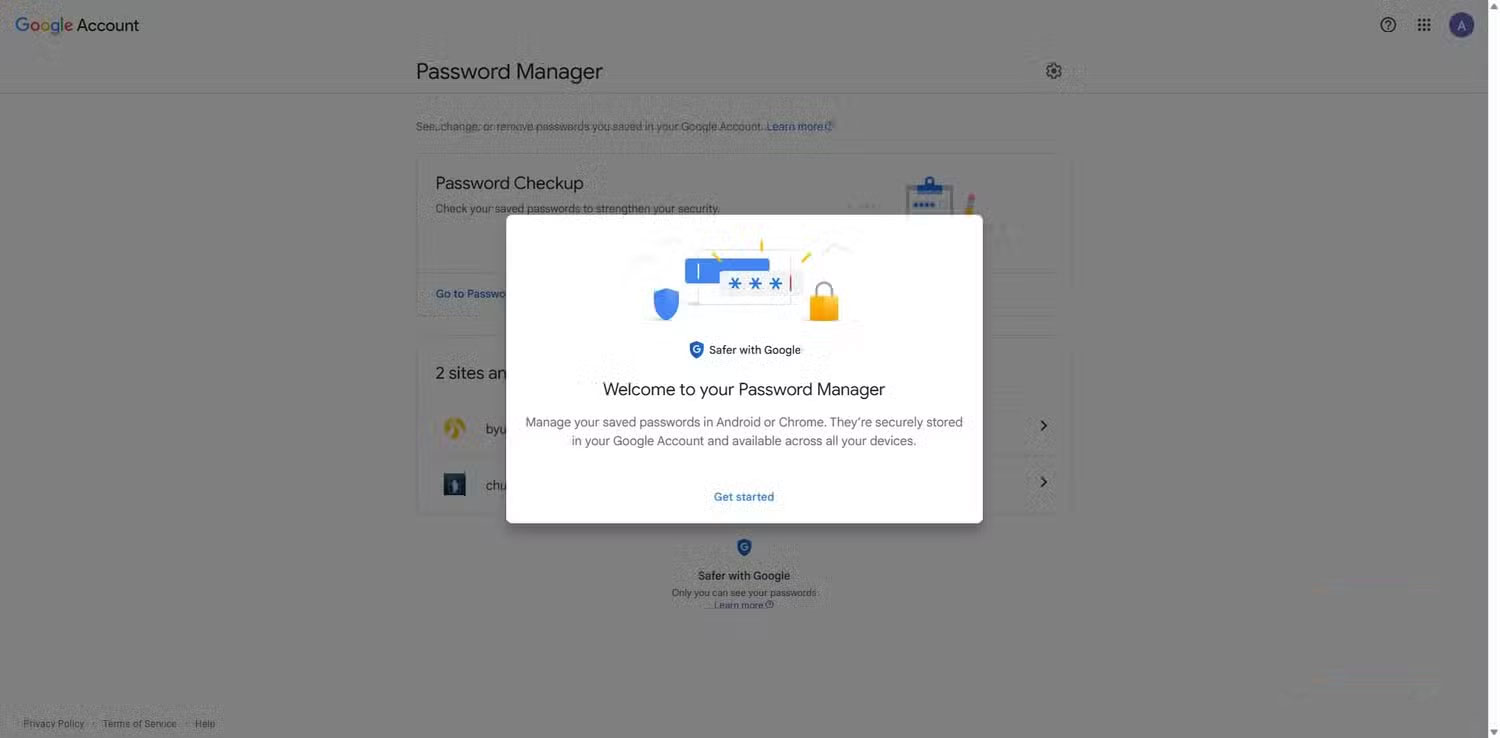
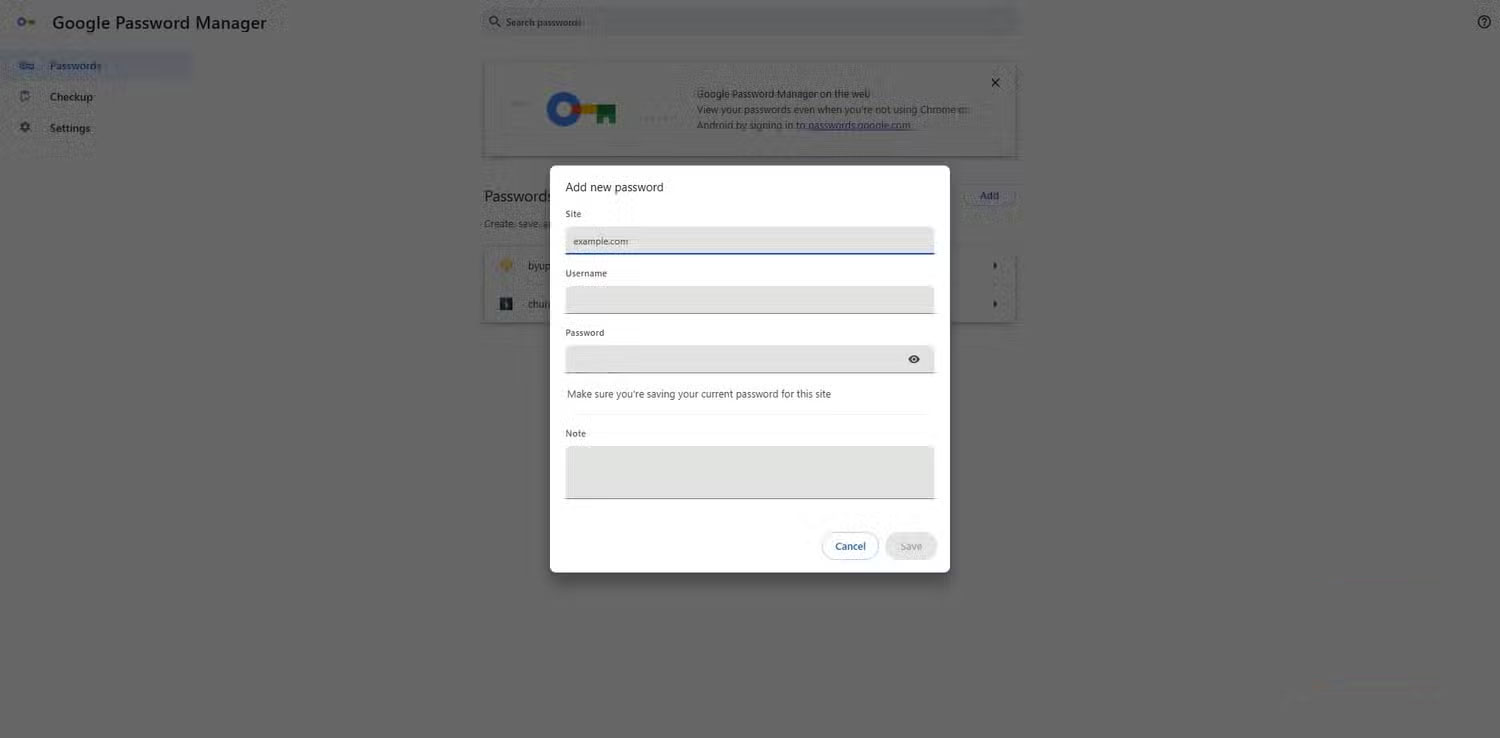
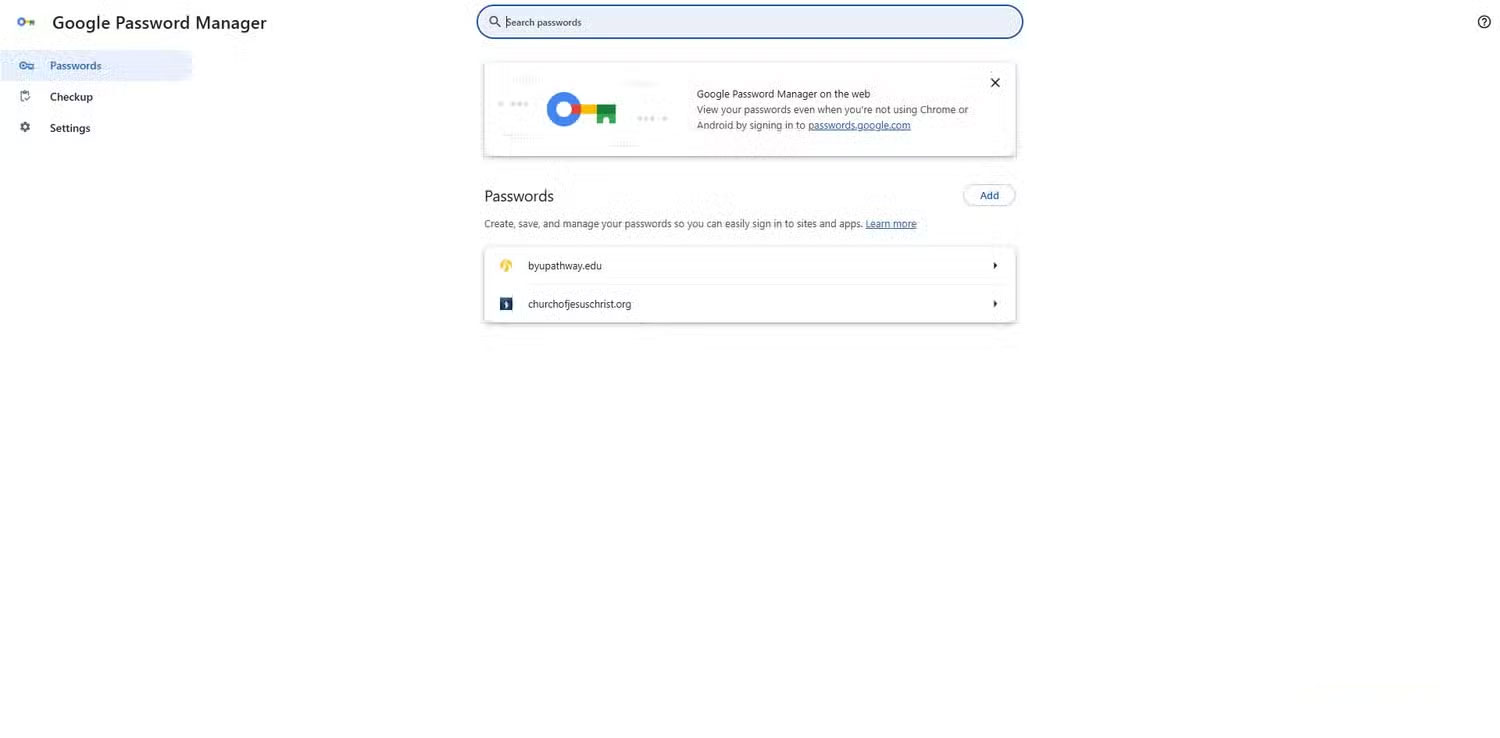
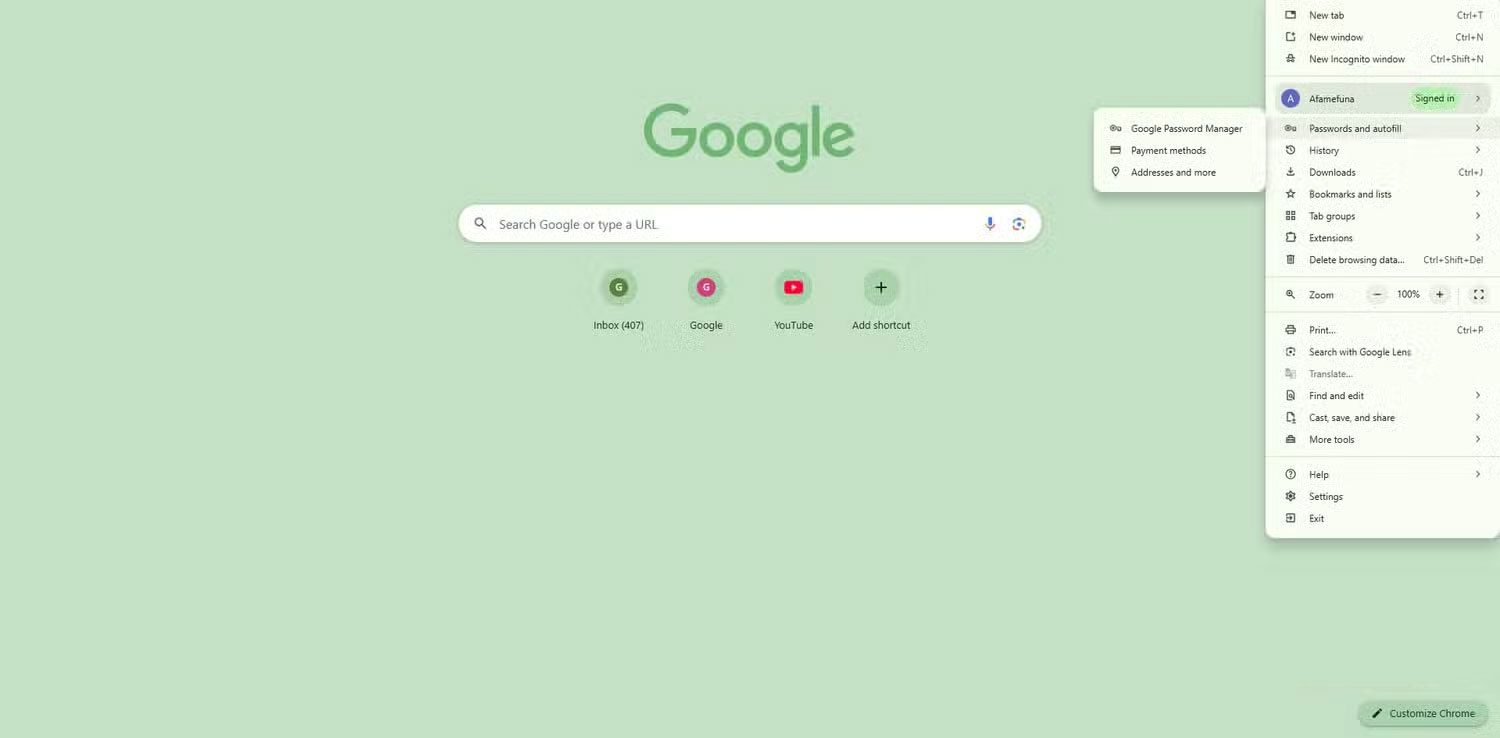
Traditionally, browser-based password managers simply remember your username and password, simplifying the login process. But today, our online identities extend beyond just a few websites. They include cryptocurrency wallets, bank accounts, and even work accounts.
Dedicated password managers understand how much our online identities have evolved. They're more than just a place to store passwords and logins; they're a secure repository for everything You should protect your identity. They store backup codes for two-factor authentication, Wi-Fi passwords, and even private notes containing sensitive information.
Not just one store of credentials, the other store holds the entire identity. The implementation is an important difference.
Dedicated password manager
Password managers make money in ways that browsers can't

The real difference between password managers and browsers isn't just design, but the depth of the problems they solve. Traditional password managers integrate across all your devices, rather than being housed in a single app. You'll be able to fill in logins in browsers, desktop apps, and even system prompts.
Additionally, dedicated password managers keep you ahead of threats. They regularly scan your vault for known breaches and trigger alerts when passwords are compromised. Modern browsers also perform breach checks, but they're not as comprehensive. You don't get detailed audits of weak or reused passwords, password strength analysis, or cross-account reporting. This is a proactive approach to security that browsers aren't designed to do.
If you work in a team, sharing is one reason you never want to use your browser as your default password manager. Traditional password managers allow groups or families to securely share specific login information without revealing the password. You can give someone access to your Netflix account without sharing the actual password.
FAQ
Why You Should Never Use a Password Manager in Your Browser: Explained?
In practical terms, most major browsers like Chrome, Firefox, and Opera come with built-in password managers. But the question is: Are they trustworthy.
What factors are most important?
The article highlights that the browser knows too much Password managers don't need the additional data that browsers collect Browsers traditionally store a lot of data: cookies, browsing history, autofill data, and device information.
What is the main takeaway?
The main takeaway is that if you work in a team, sharing is one reason you never want to use your browser as your default password manager.
Related Articles
 Is the Password Manager on the Browser Secure Enough?9 minutes read
 Which Browser Has the Best Password Manager?6 minutes read
 8 Best Linux Password Managers: Explained10 minutes read
 Review the Cyclonis Password Manager Password Manager6 minutes read
 How to Safely Backup Your Password Manager9 minutes read
 Fake Password Manager Highlights Download Security Risks5 minutes read
Reader Comments 0
Sign in with email or Google to join the discussion.