Table of Contents
An older CPU can become unusually expensive when it is the fastest practical upgrade for a large group of existing systems. Buyers are not paying only for the chip's age or benchmark score; they are paying to keep a compatible motherboard and memory instead of rebuilding the entire platform.
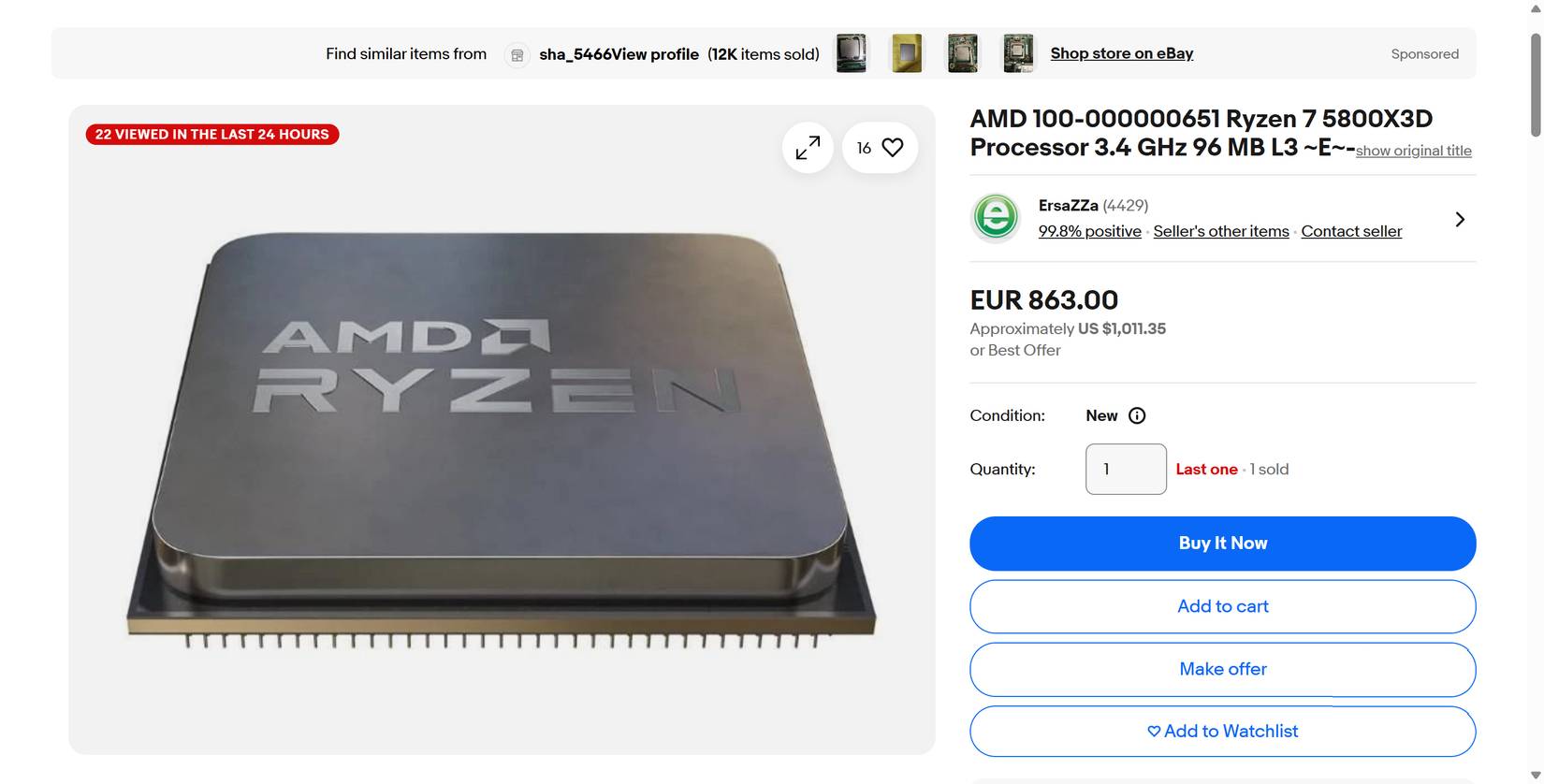
AMD's AM4 ecosystem is a clear example. An owner who already has a suitable AM4 board, DDR4 memory, case, and cooler may gain useful gaming performance from a Ryzen 7 5800X3D or 5700X3D with far less work than moving to AM5. That demand can keep used and remaining-stock prices high even when newer CPUs are faster.
Why the Ryzen 7 5800X3D remains attractive
The Ryzen 7 5800X3D launched in April 2022 as an eight-core, 16-thread AM4 processor with 96MB of L3 cache. Its 3D V-Cache design gives many games more on-chip data capacity, reducing how often the processor must wait on system memory. The benefit varies by game and settings; it is not a universal performance multiplier.
AMD's specifications list a 3.4GHz base clock, up to 4.5GHz boost, 105W default TDP, and support for selected X570, X470, B550, B450, and A520 chipsets. Motherboard support still depends on the exact model and BIOS version. The processor also lacks integrated graphics, so a discrete graphics card is required.
The later Ryzen 7 5700X3D offers another eight-core AM4 option with 3D V-Cache. Its lower clock speed can make it slower than the 5800X3D, but the better buy depends on actual local price and workload—not the model number alone.
A drop-in upgrade can cost less than a platform change
Moving from AM4 to a current AM5 processor normally means buying an AM5 motherboard and DDR5 memory in addition to the CPU. A cooler mounting kit, operating-system reactivation, or other replacement parts may also be needed. By contrast, a supported AM4 CPU may reuse most of the existing system.
| Cost or task | AM4 CPU upgrade | Move to AM5 |
|---|---|---|
| Processor | Required | Required |
| Motherboard | Usually reused | Required |
| Memory | DDR4 reused | DDR5 required |
| BIOS work | May require an update | May still require a compatible BIOS |
| Future CPU path | Limited | Broader |
| Installation effort | Lower if fully compatible | Full platform rebuild |
This is why the correct comparison is total platform cost. A used 5800X3D that looks overpriced in isolation can still be cheaper than a new CPU, board, and memory. But once an old chip approaches the cost of the entire newer platform, the value argument weakens.
Newer processors are faster, but the visible gain depends on the workload
AM5 X3D processors use newer cores, higher clocks, DDR5, and a newer I/O platform. They can deliver better average frame rates, stronger minimums, and more headroom for a future graphics card. Productivity applications may also favor a newer CPU or a model with more cores.
However, a gaming PC can be limited by the graphics card, display resolution, frame-rate target, or the game engine. At 4K with a heavily loaded GPU, replacing a still-capable CPU may make little visible difference. At 1080p with a high-refresh monitor and a powerful GPU, the CPU gap can be easier to see.
Use benchmarks that match your graphics card, resolution, quality settings, and games. Average FPS alone is not enough; examine 1% lows, frame-time consistency, power, and the non-gaming work you actually perform. If a GPU upgrade is also planned, compare options with the TipsMake graphics-card guide.
Why old-stock and used prices can rise
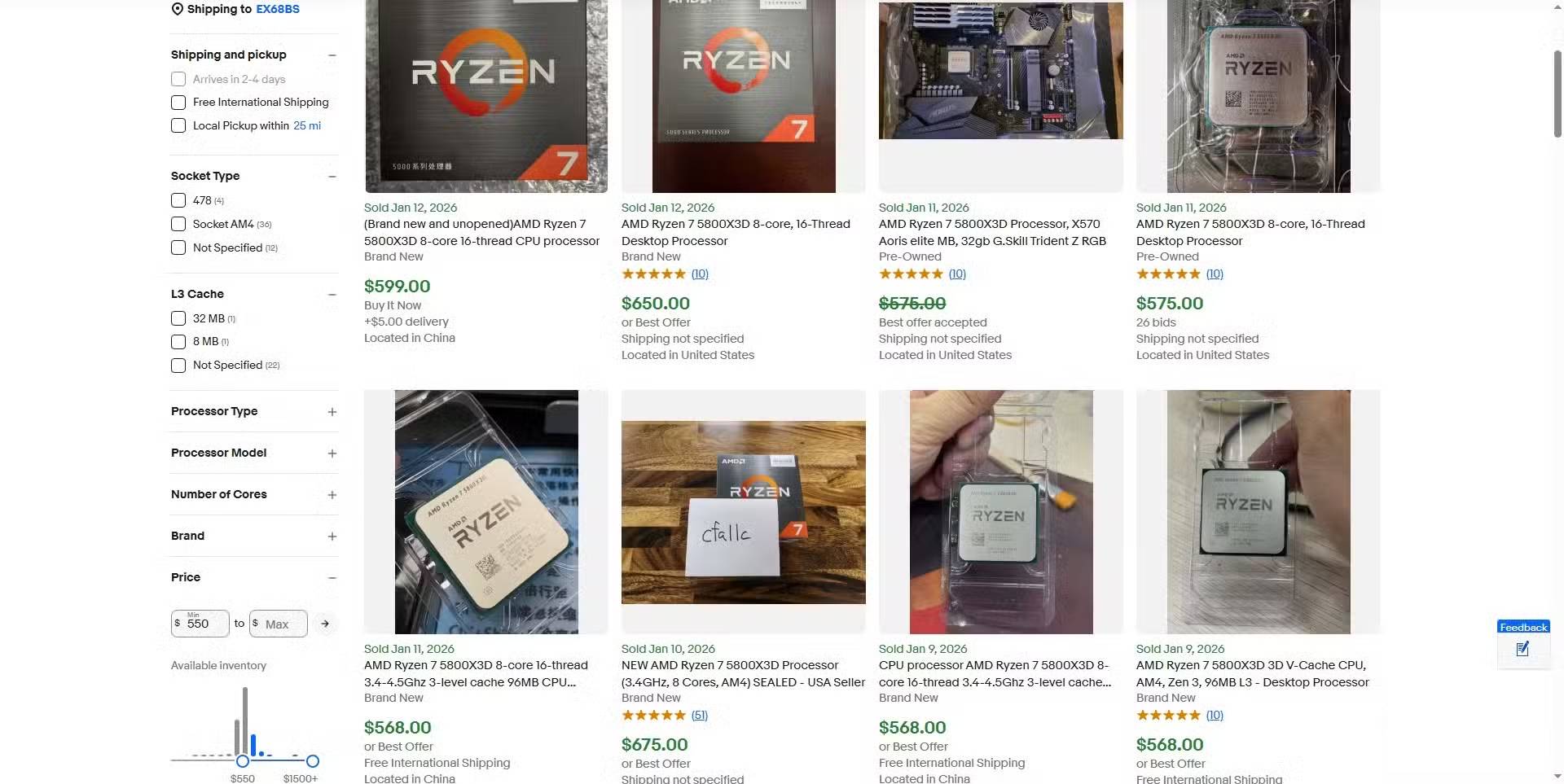
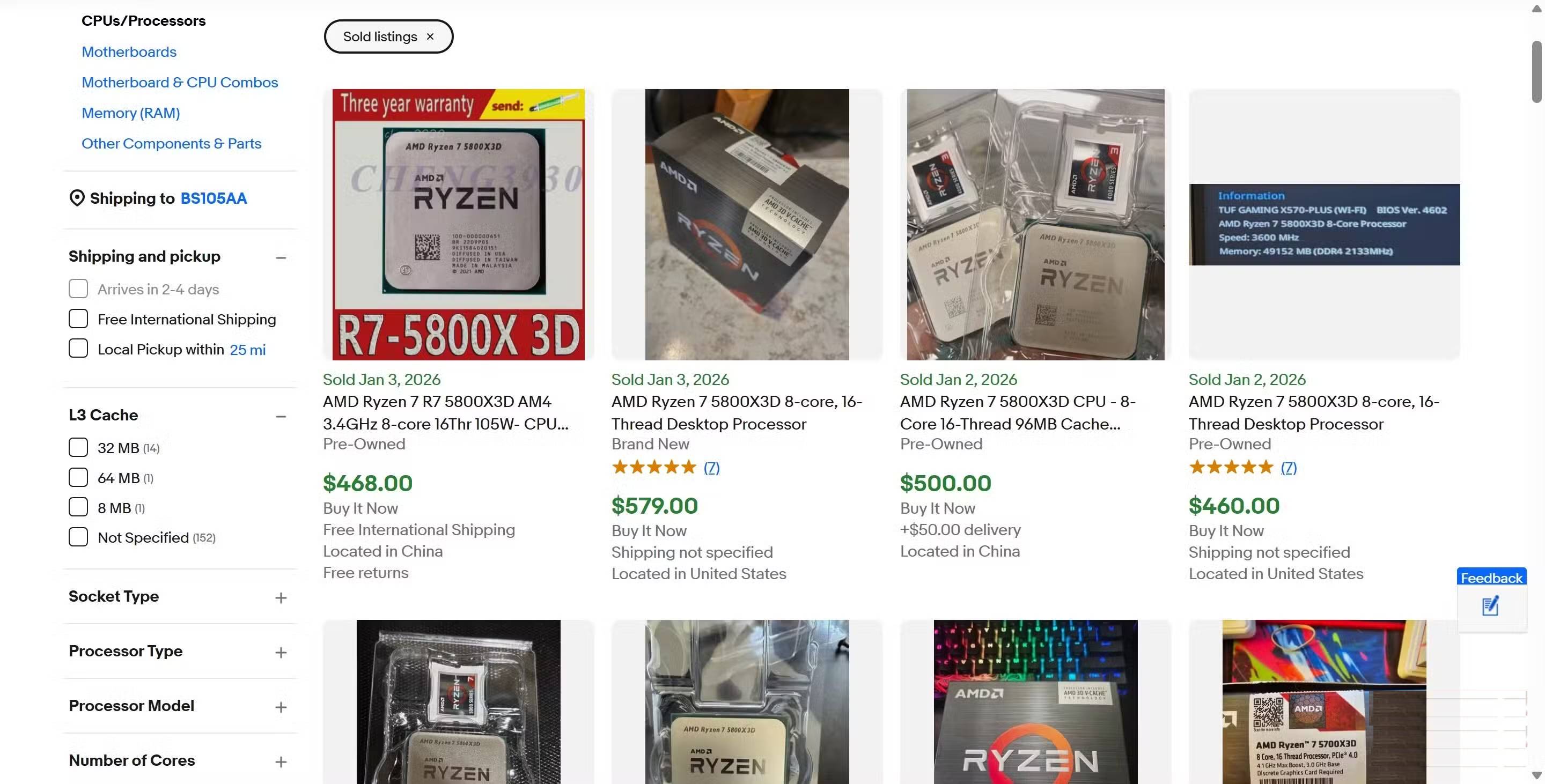
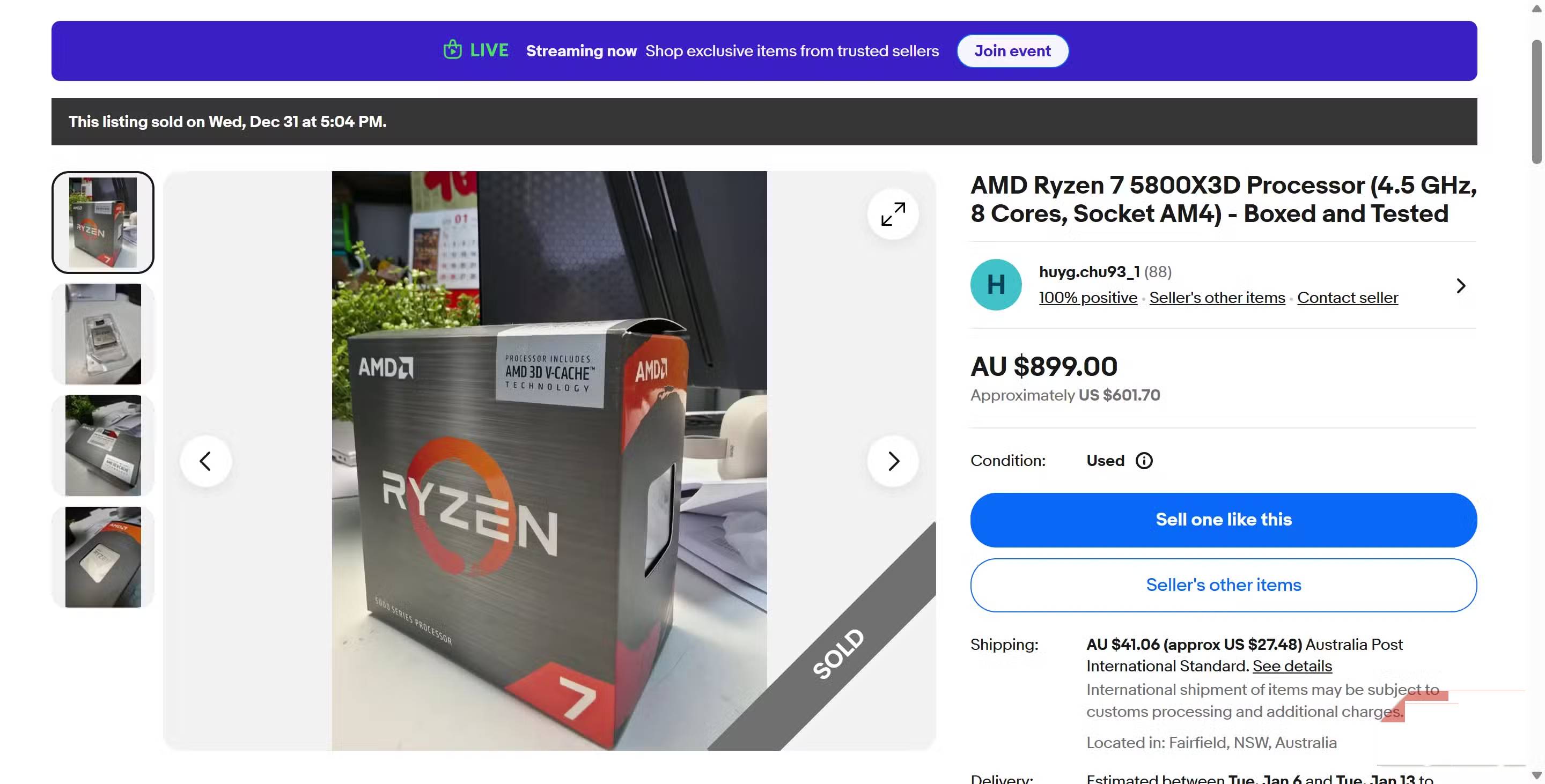
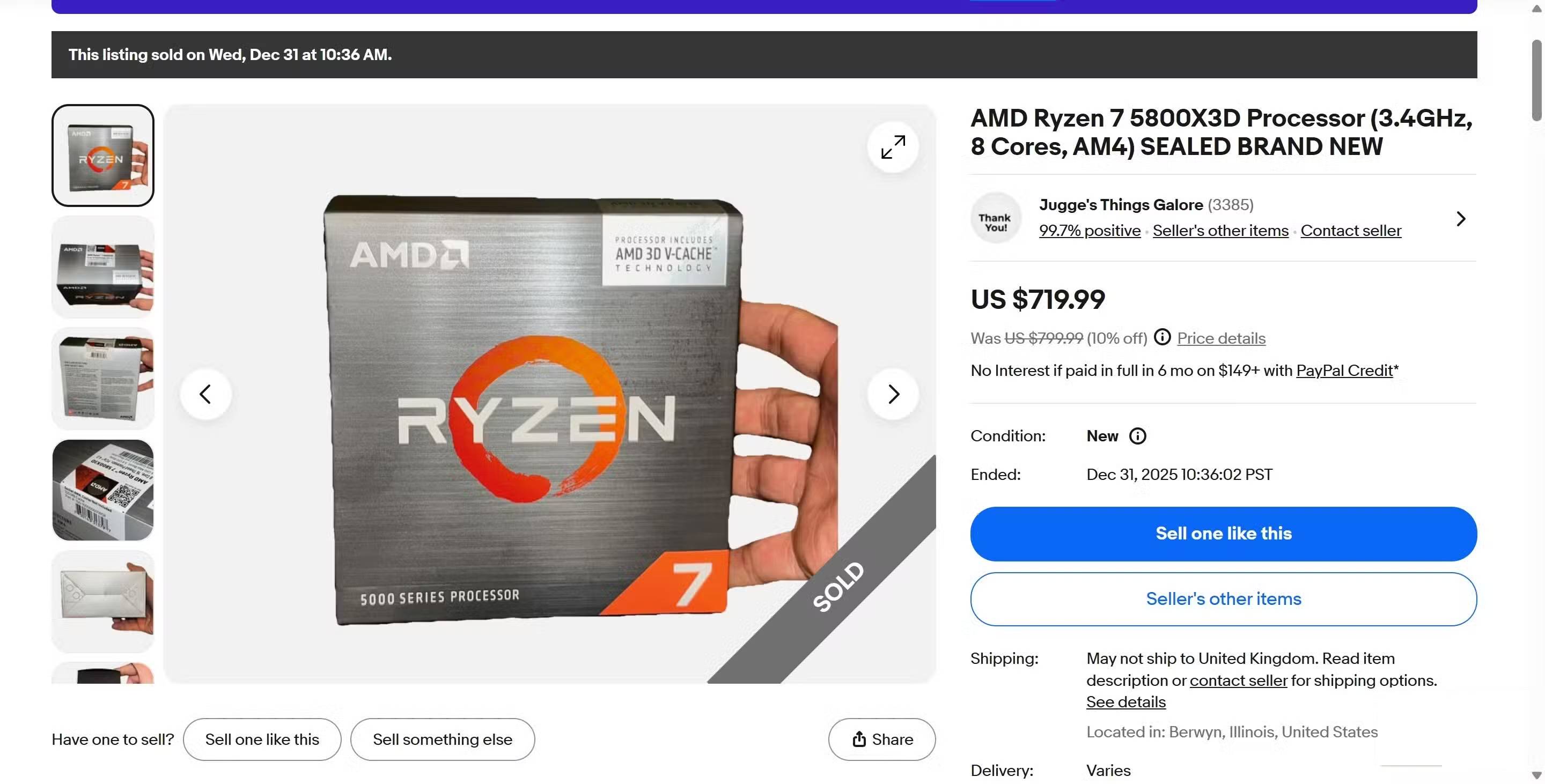
- Large installed base: Many compatible systems create demand for the same final-generation upgrades.
- Limited supply: Retail inventory narrows after production and distribution shift toward newer platforms.
- Avoided rebuild cost: Buyers value the motherboard and memory they can continue using.
- Model reputation: A well-known gaming CPU attracts more buyers than less familiar alternatives.
- Marketplace distortion: Asking prices are not the same as completed sales, and a few extreme listings can give a false picture of value.
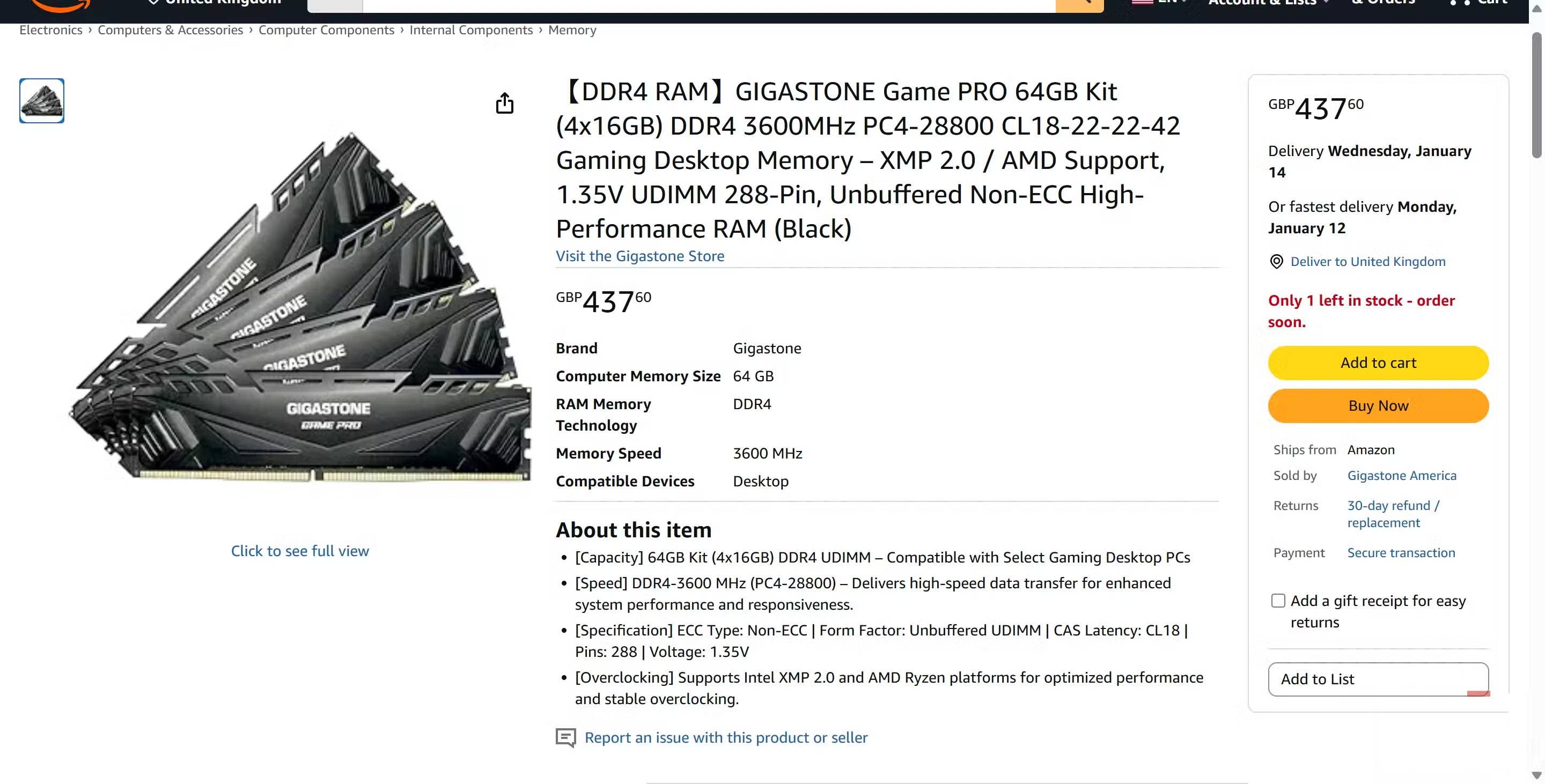
The same logic can affect DDR4 memory, although memory and CPU prices do not always move together. Capacity, speed, timings, module count, region, tax, and whether a kit is new or used all change the comparison.
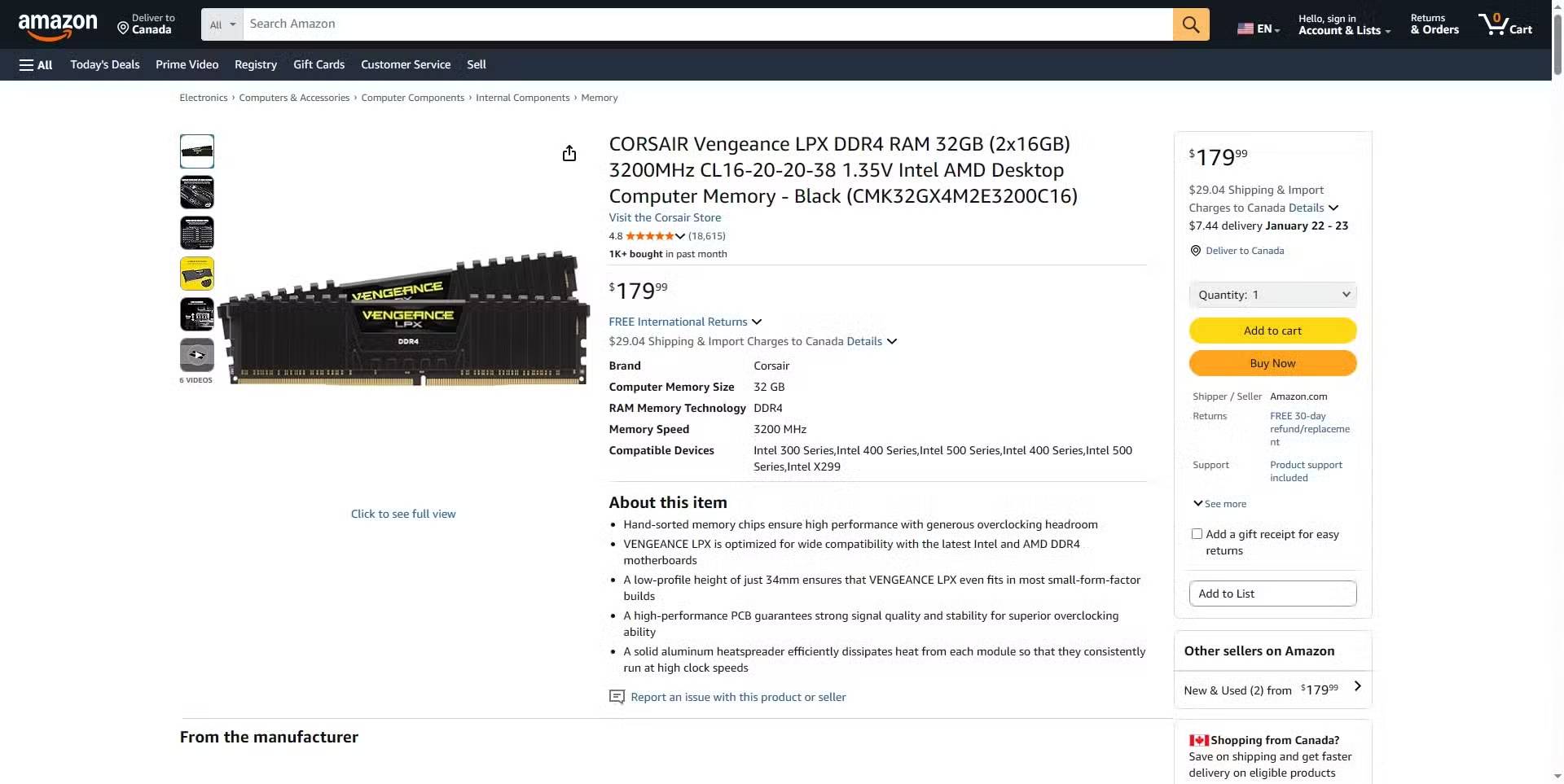
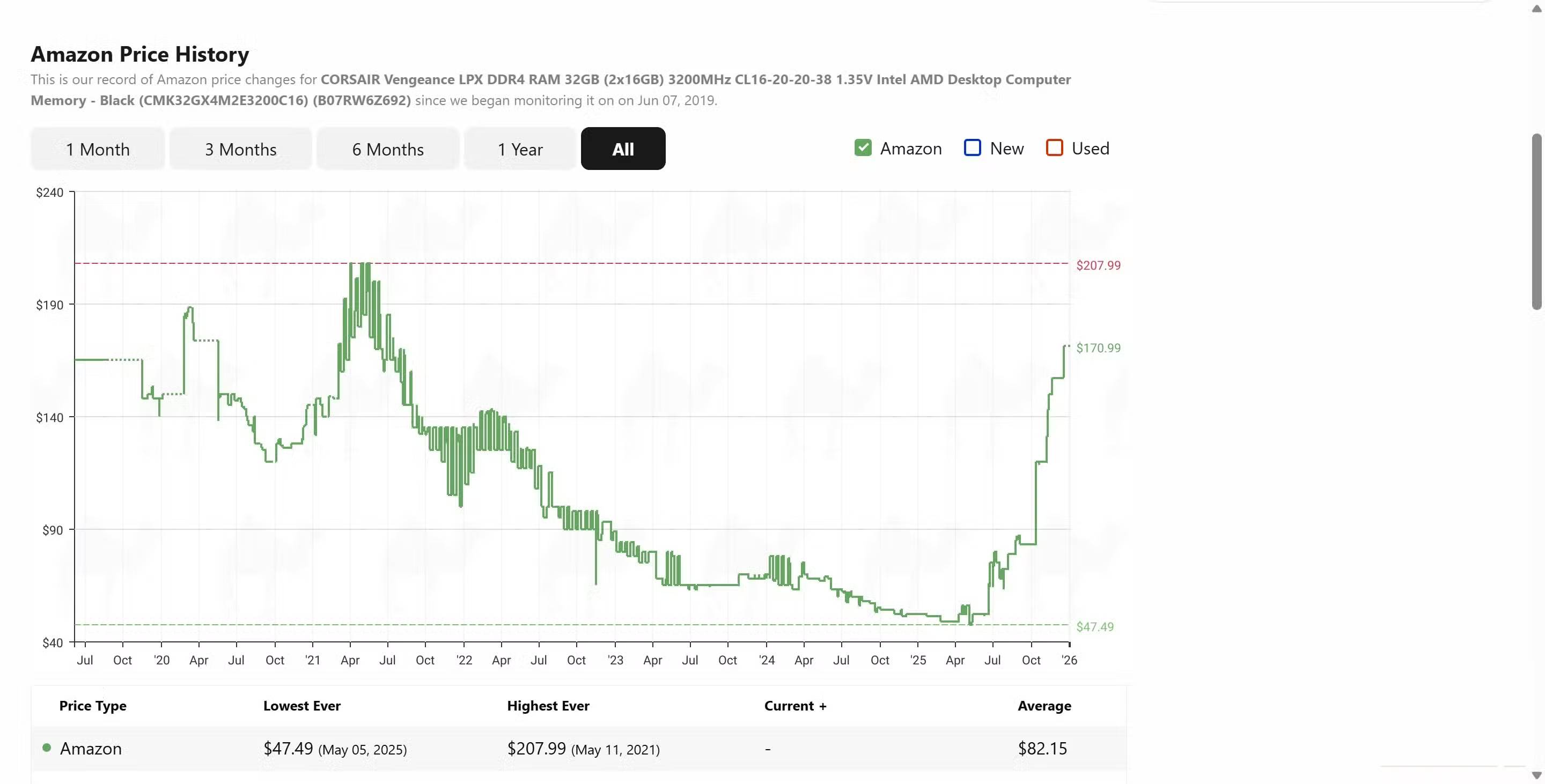
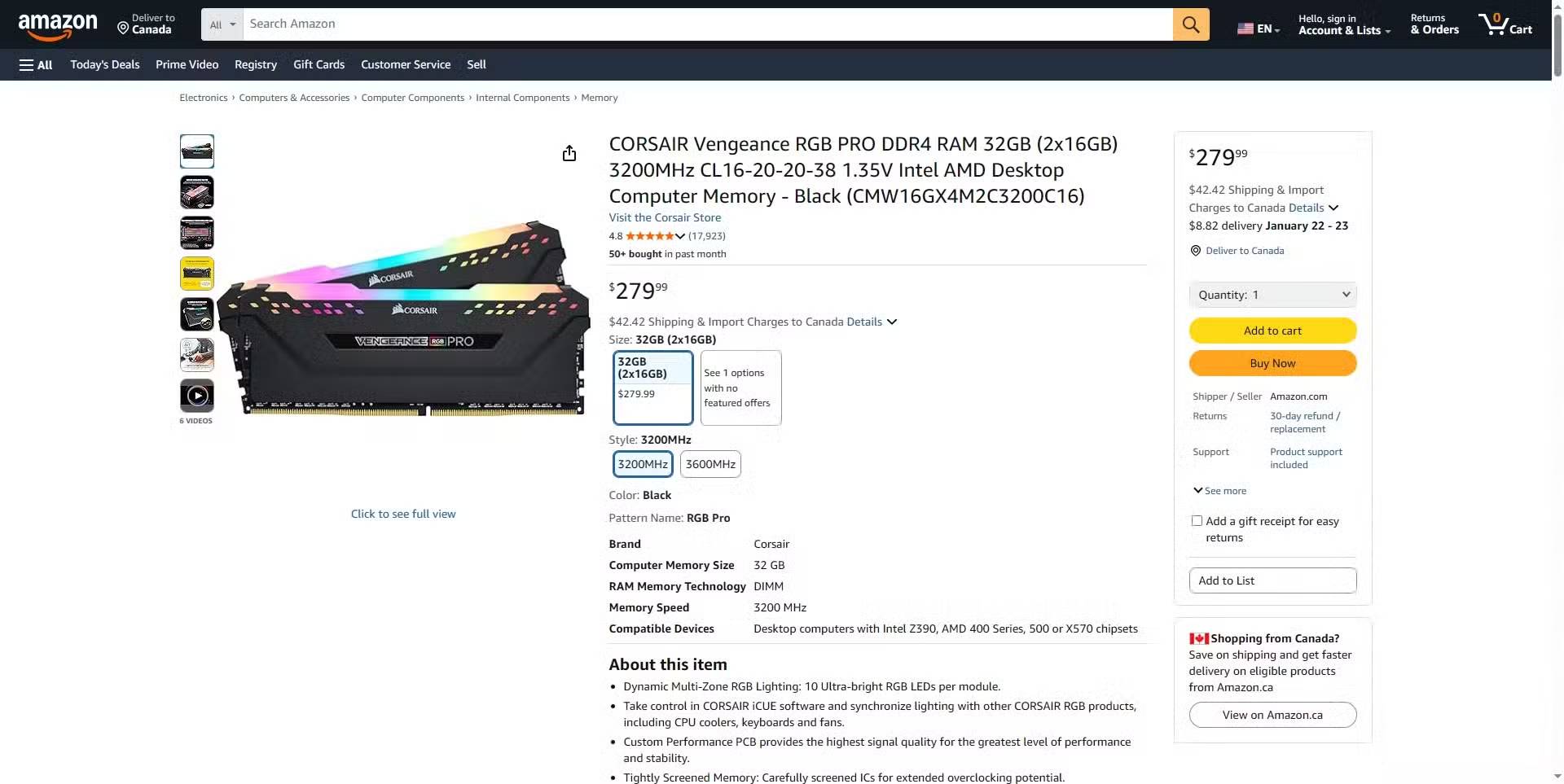
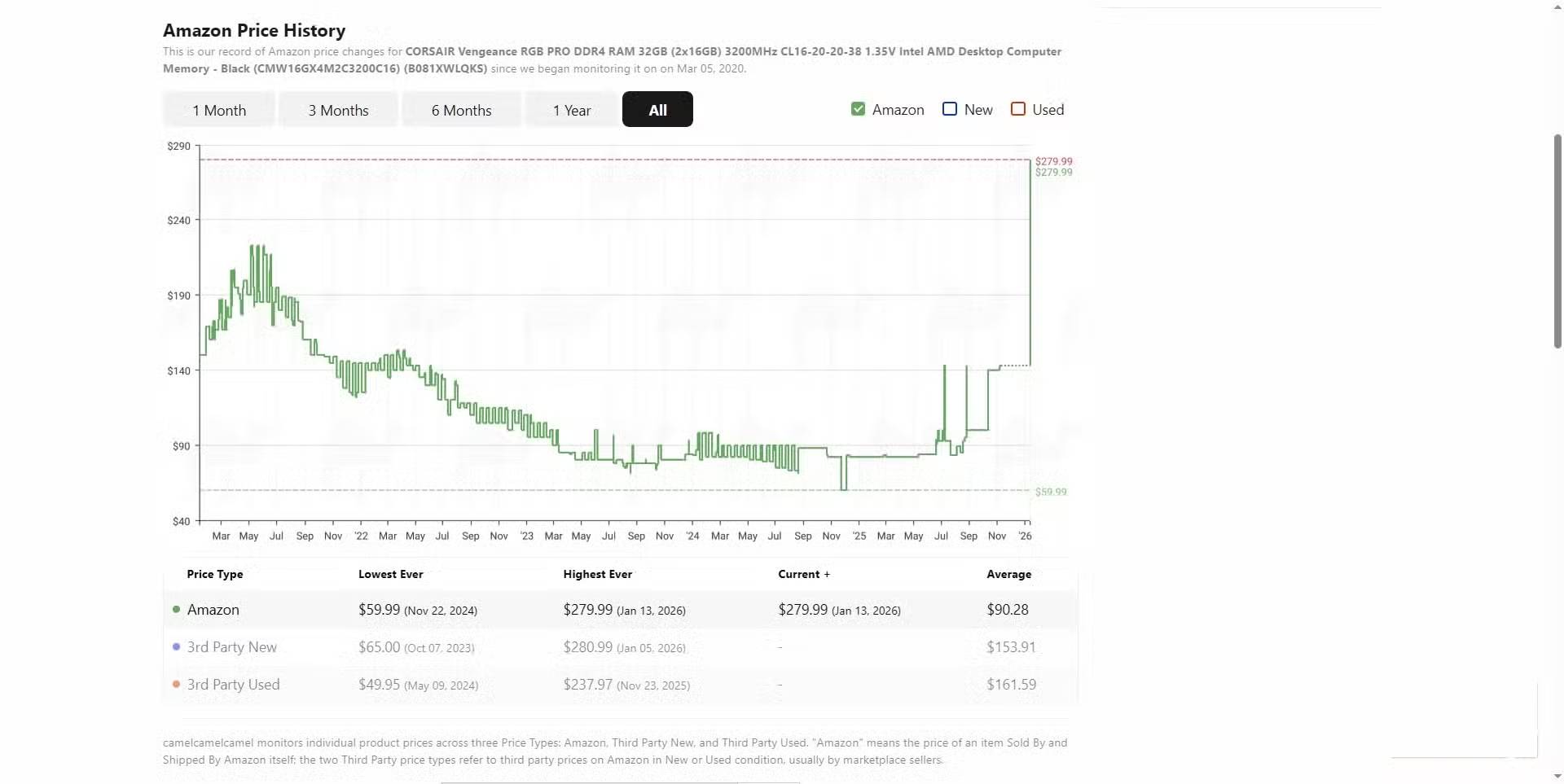
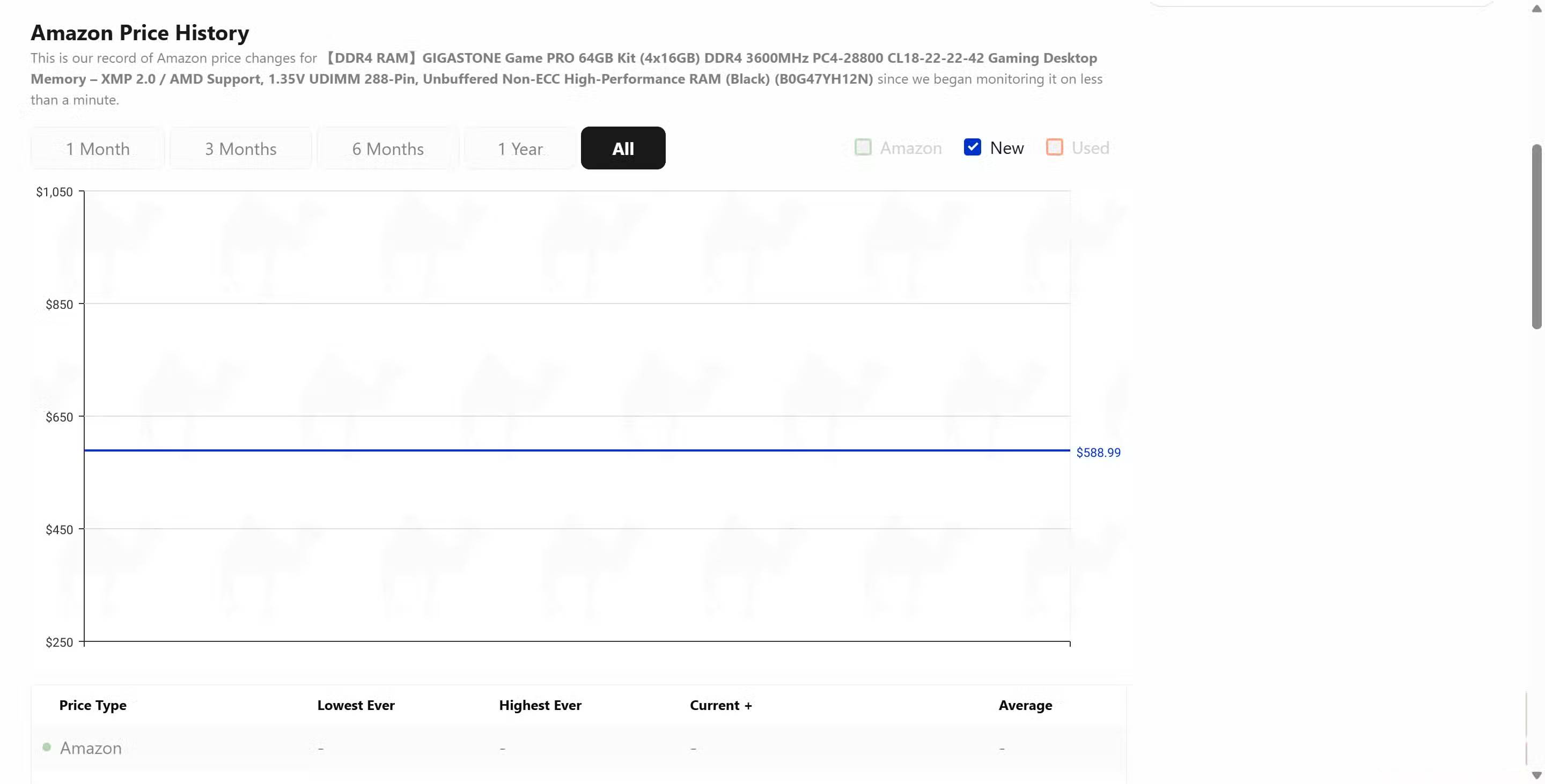
A short-term listing snapshot cannot prove a broad shortage. Before drawing a conclusion, compare several retailers and completed marketplace sales for the exact part number. Watch for temporary third-party markups, low-stock sellers, and kits that differ in capacity or timings.
How to decide whether the upgrade is worthwhile
- Identify the bottleneck. Monitor CPU, GPU, and memory behavior in the applications or games that feel slow.
- Check the motherboard CPU-support list. Match the exact board revision and required BIOS, not only the AM4 socket label.
- Price the whole alternative. Compare the old CPU with a complete newer-platform bundle, including board, memory, cooler parts, and any labor.
- Check cooling and power. Confirm cooler capacity, mounting hardware, case airflow, and power-supply headroom.
- Compare realistic performance. Use current benchmarks at your intended resolution and graphics settings.
- Consider the next upgrade. A cheaper AM4 refresh may be sensible for two more years of service; a frequent upgrader may benefit more from a newer platform.
The detailed CPU upgrade guide covers the physical replacement process. If a BIOS update is required, follow the motherboard maker's instructions exactly and review these BIOS update precautions before removing the old CPU.
Used-CPU checks and common scam signals
- Prefer a seller with buyer protection, a clear return policy, and a verifiable sales history.
- Ask for sharp, current photos of the exact chip, including pins or contact pads and the printed model code.
- Be cautious when the price is far below recent completed sales, the description is copied, or payment is requested outside the marketplace.
- Confirm whether the listing is the CPU itself, an empty box, a defective part, or an engineering sample.
- For AM4 chips, inspect photos for bent or missing pins. Ask whether the processor has been tested under load.
- Record the package opening and inspect the part before the return window closes.
An older CPU is valuable only if it produces a worthwhile gain in your existing computer. Compatibility, condition, warranty, and total platform cost matter more than a dramatic asking price or the fear of missing the final upgrade for a socket.
Related Articles
 How to Fix Svchost.exe Error Permanently Using Multiple CPUs5 minutes read
 Top Cheap Gaming CPUs Worth Buying in 2023: Main Insights9 minutes read
 What's the New Generation of CPUs Released by Intel?9 minutes read
 Microsoft Will Allow Windows 11 to Be Installed on Computers4 minutes read
 Apple Released iOS 12.4.2, Which Supports Older Iphones and Ipads2 minutes read
 Distinguish & Compare Intel CPUs6 minutes read
Reader Comments 0
Sign in with email or Google to join the discussion.