Table of Contents
Apple Music AutoMix may suit you better than Spotify DJ if you want smoother song transitions without spoken commentary. Spotify DJ is the more relevant feature when you want help choosing what to hear. They address different parts of listening, so there is no universal winner.
What AutoMix changes
AutoMix works on supported Apple Music playback to adjust transitions between tracks. It can choose a simple fade or a more involved transition depending on the music. It is not a conversational host and does not replace the queue with a personalized DJ session.
For a listener who already chose a playlist, that narrower role can be an advantage: the music continues without a voice introducing the next selection.
Check AutoMix on iPhone
On a supported iPhone running iOS 26 or later, open Settings > Apps > Music > Song Transitions and select AutoMix. It may already be enabled. Crossfade is a separate option if you prefer a consistent fade instead.
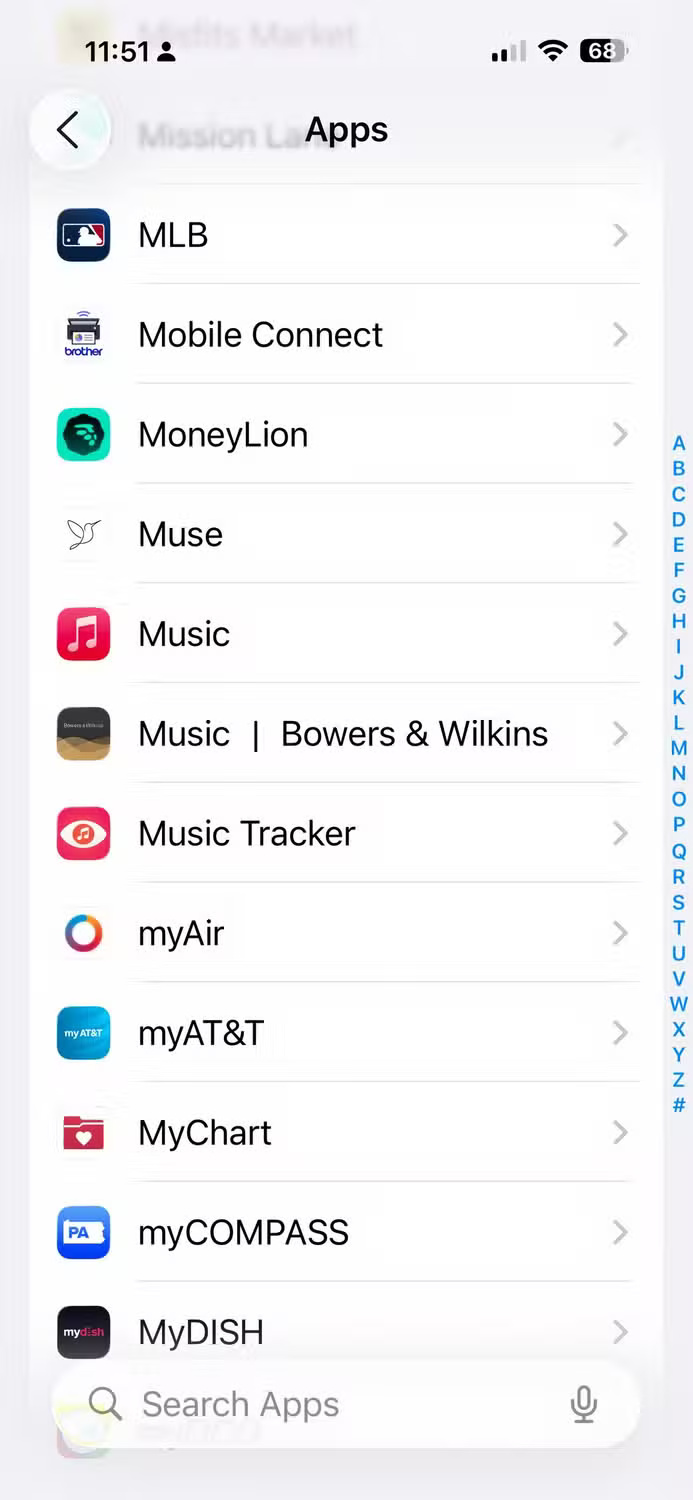
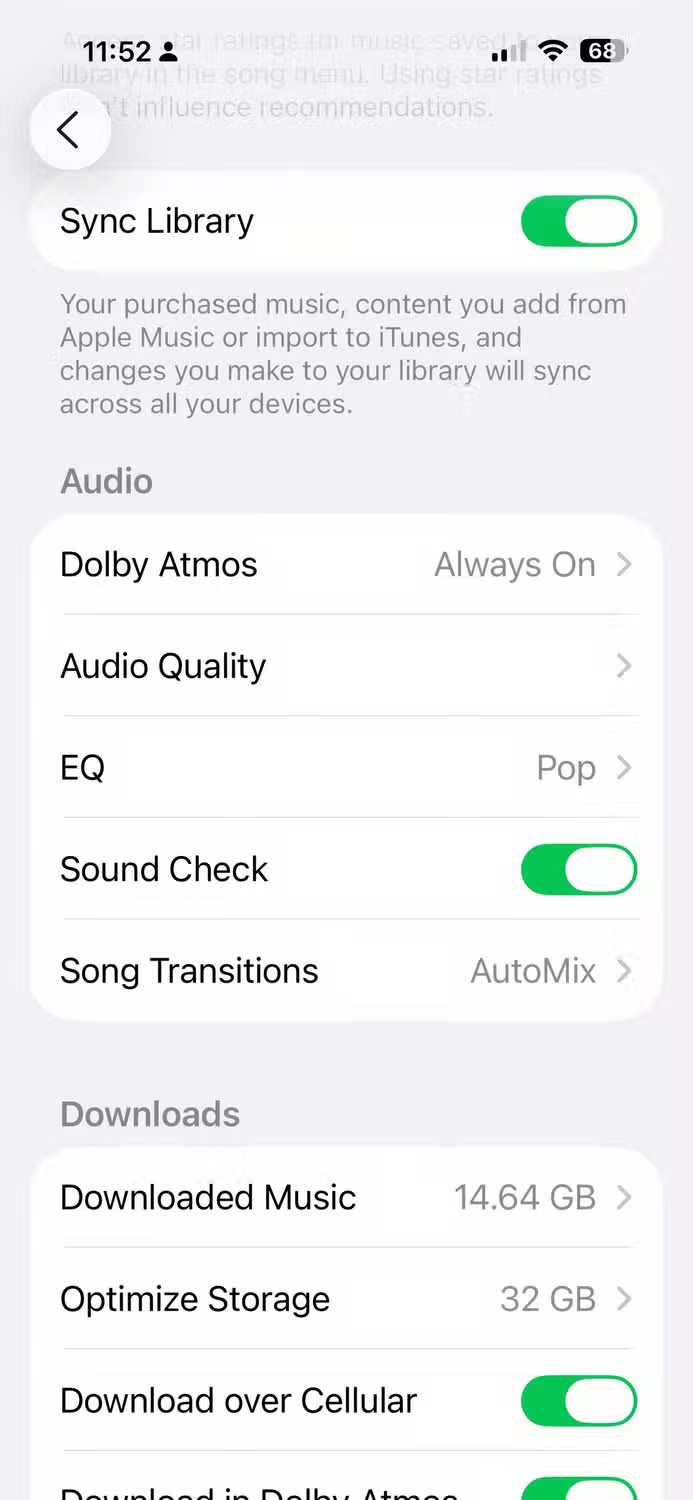
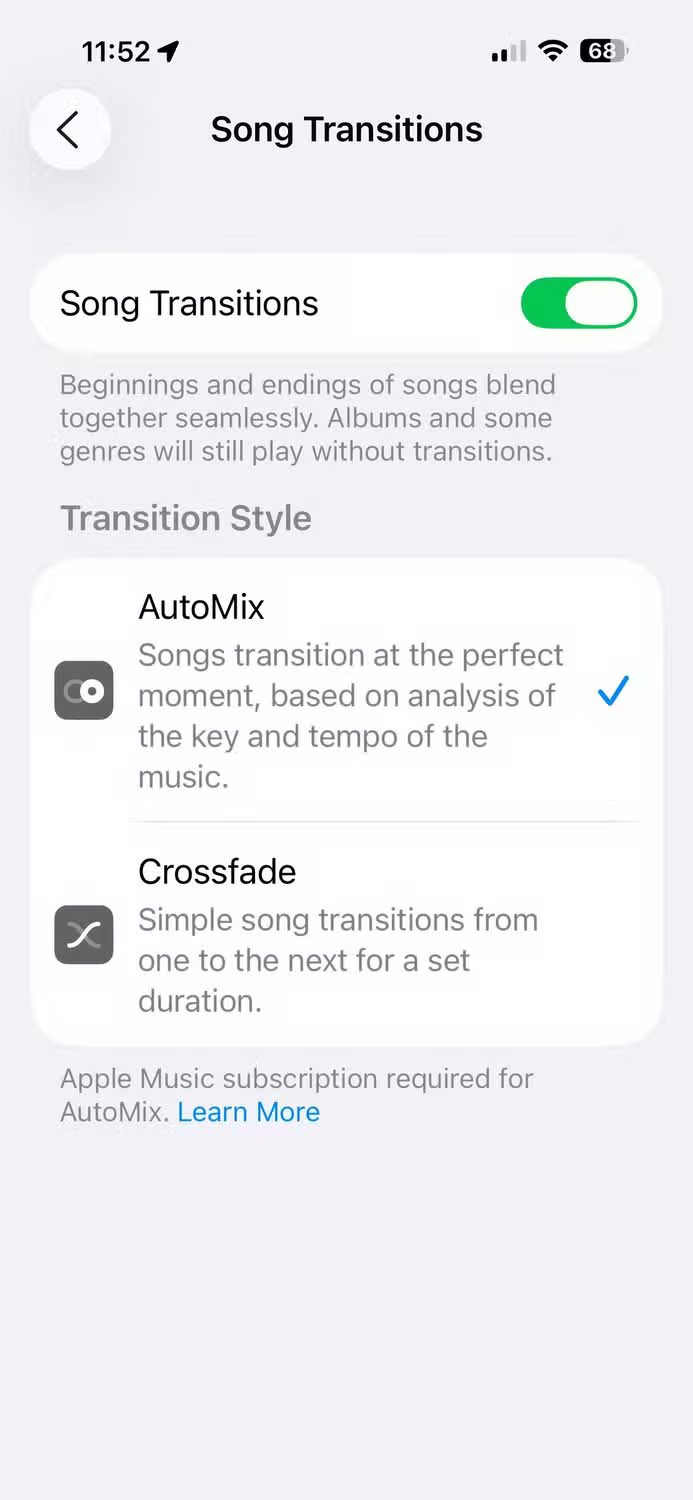
You can also check the transition control in the playback queue. The screenshots show the settings and queue controls, whose appearance can vary by version.
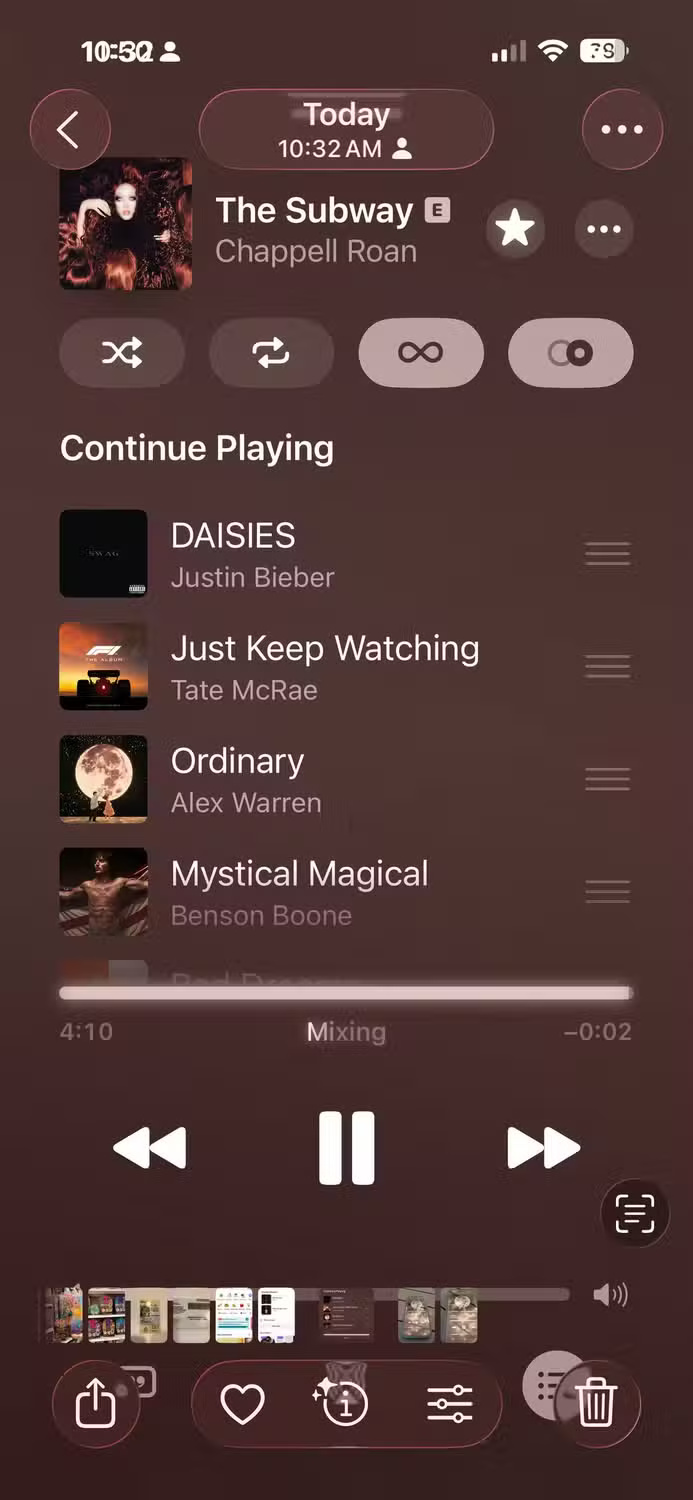

Do not expect an elaborate mix at every boundary. Albums and some genres can play without transitions, and support depends on the content and playback setup. Test a compatible Apple Music playlist before treating the absence of a transition as a fault.
What Spotify DJ changes
Spotify DJ combines personalized music selection with a generated voice that introduces parts of the session. Supported versions also accept requests, including voice or text, subject to language, market and account availability.
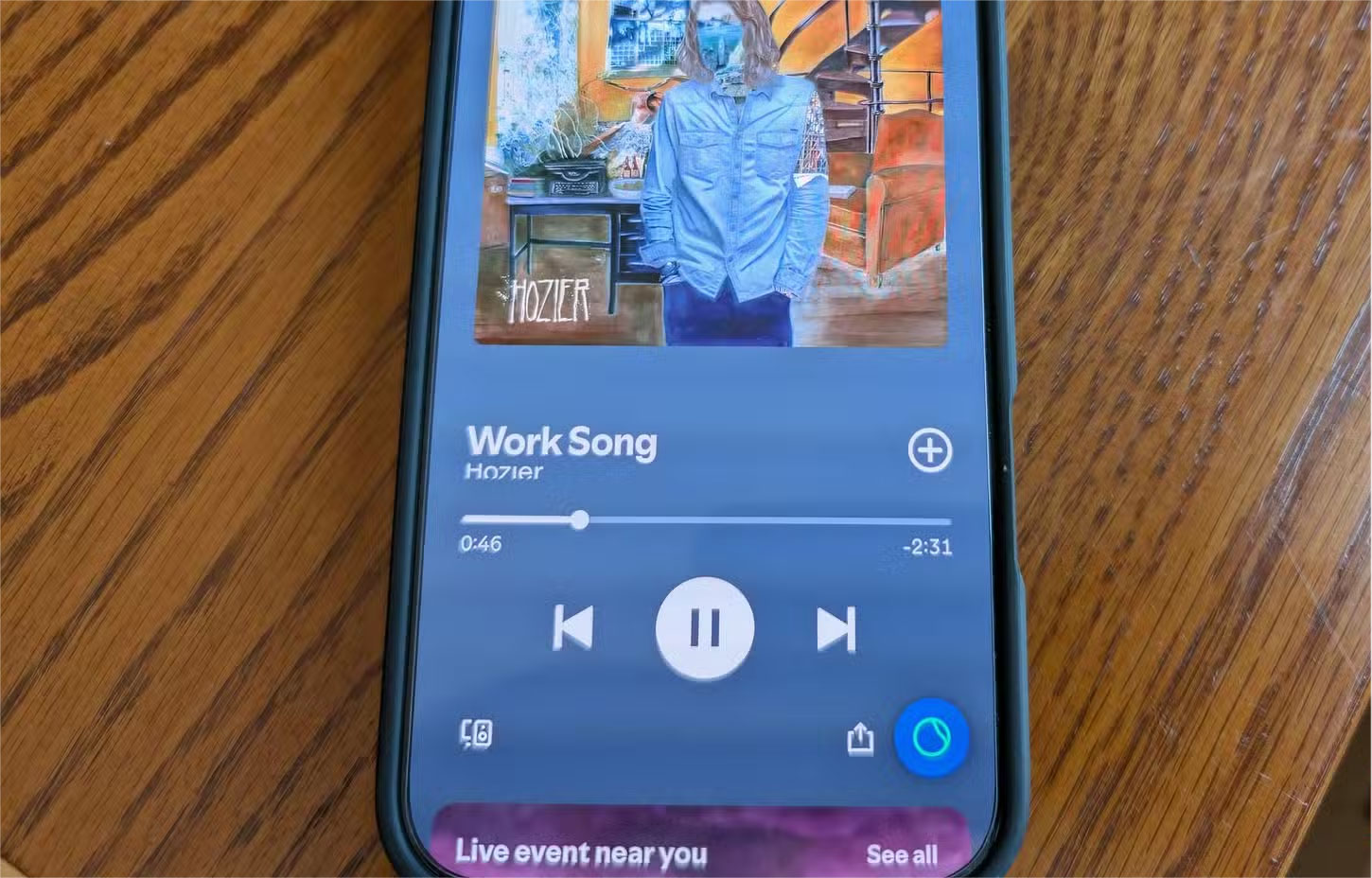
Use the DJ control shown in your app to request a mood or type of music. This is a different experience from asking AutoMix to smooth the boundary between two tracks already in a queue.
Choose based on how you listen
| Your priority | Feature to try | Why |
|---|---|---|
| Keep a chosen playlist flowing | AutoMix | It focuses on transitions without adding a spoken host. |
| Have the service choose a session | Spotify DJ | Personalized selection is central to the feature. |
| Ask for a different mood | Spotify DJ requests, where supported | You can steer the session rather than manage every track. |
| Preserve an album’s intended sequence | Ordinary album playback | A DJ-style mix is not necessary for every listening session. |
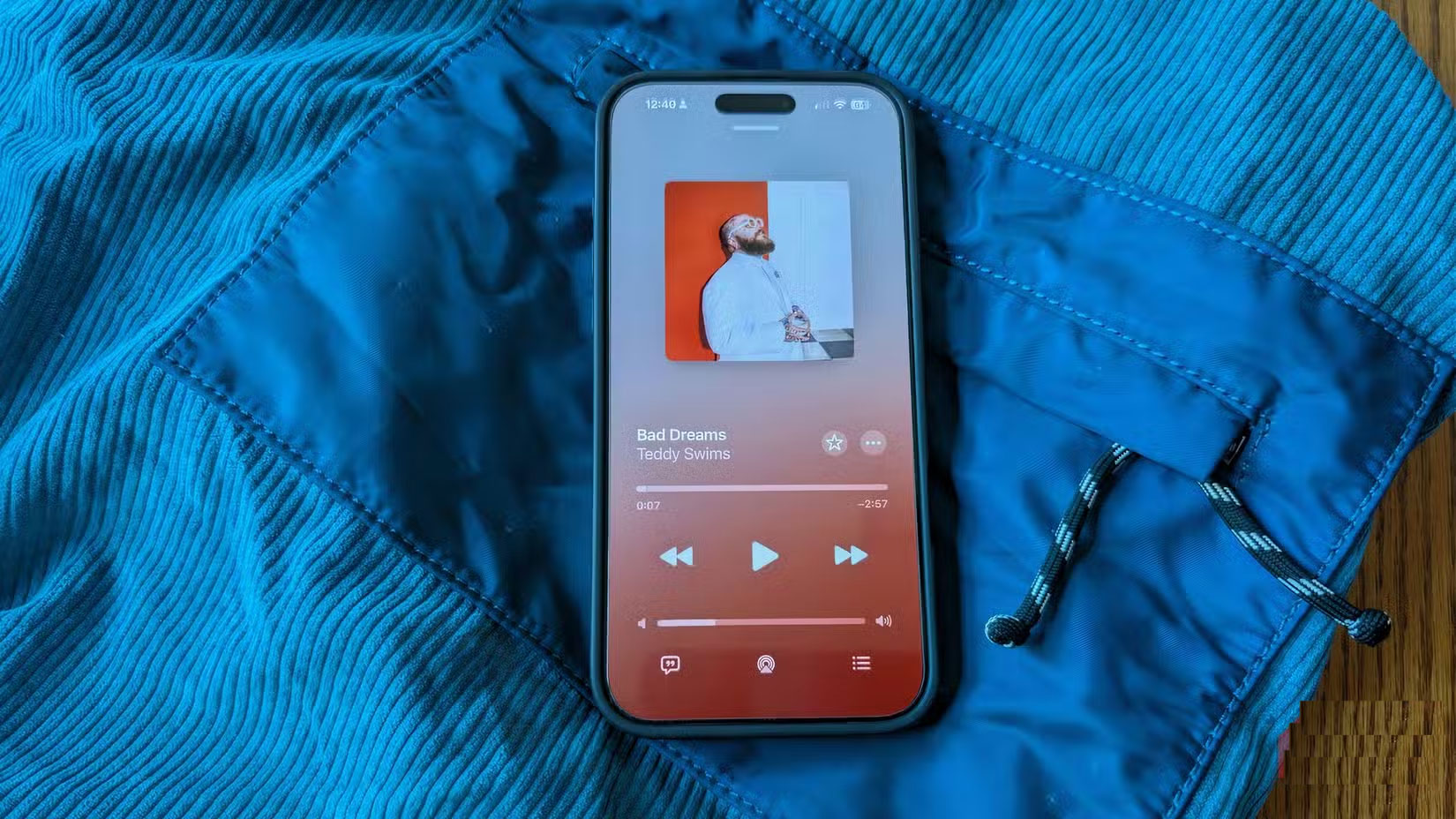
If you dislike voice interruptions, AutoMix has an obvious appeal. If you enjoy a radio-like introduction and do not want to build a queue, DJ may be more useful. Repeated recommendations or transitions you dislike are reasons to try another listening mode, not evidence that all listeners have the same experience.
Try both with the music and devices you actually use before changing subscriptions. See the AutoMix setup guide for the controls, and the broader Spotify and Apple Music comparison for considerations beyond these two features.





Reader Comments 0
Sign in with email or Google to join the discussion.