Table of Contents
Start with a subject and a change you can see. Tap to focus, take one frame, then move your feet or change the angle and take another. Comparing the two shots teaches you more about your camera and your taste than repeating the same frame.
Practice with different subjects

Try a portrait, a street detail and a still life before settling on a genre. At the end of a week, mark a few favorites and look for what they share. You might notice that you like quiet backgrounds, strong shadows or close-up details. Take a break when the exercise starts to feel like a chore.

Use the light you have
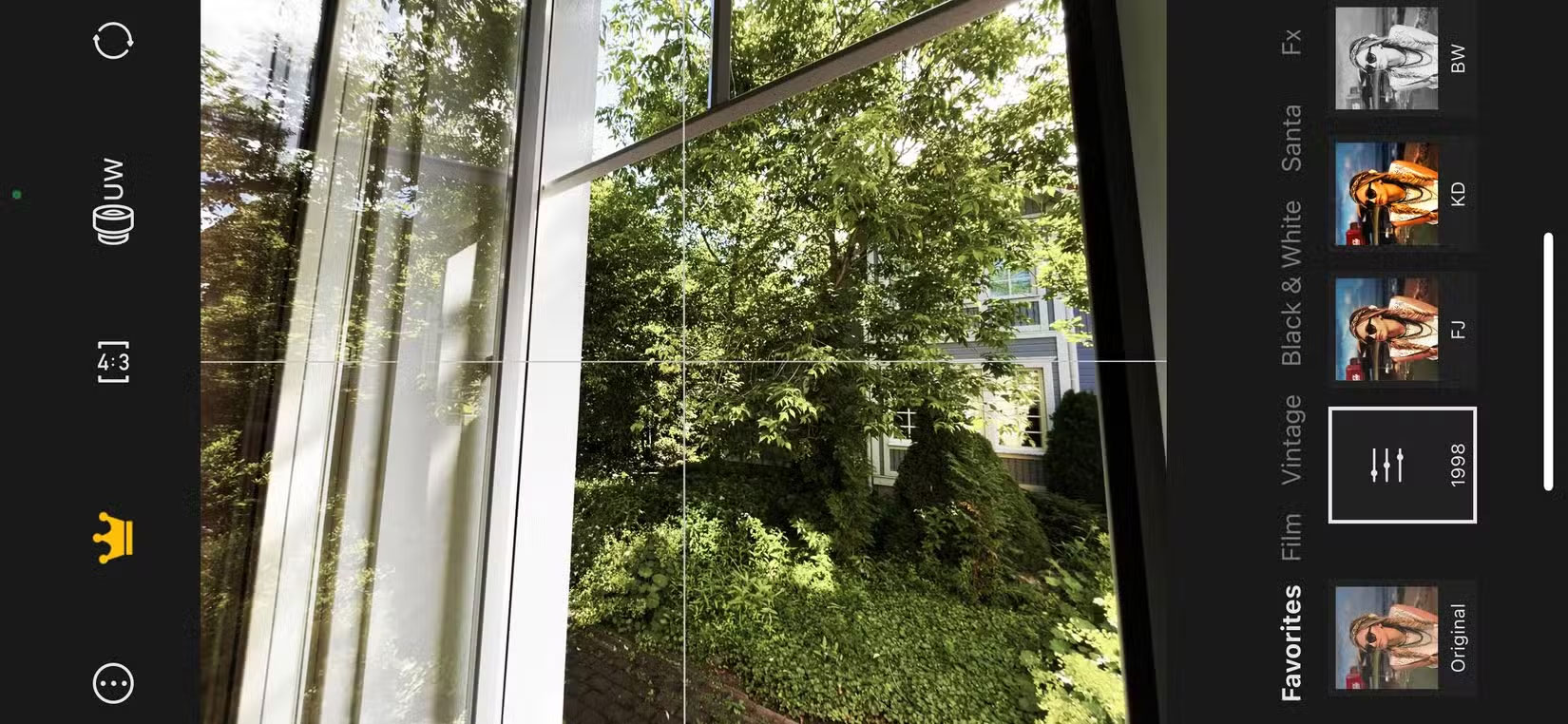
Window light is useful for soft shadows. In harsh midday light, try moving a person into open shade, or use the shadows as part of the composition. Tap your subject on the screen and adjust exposure if bright areas wash out. When the scene is dim, steady the phone against a surface. See common phone-camera mistakes for more ways to spot blur and focus problems.

Turn on the camera grid and use your existing gear
Use the grid to level a horizon or check the spacing around your subject. Try the main camera at its default zoom before buying an accessory. If you repeatedly hit a specific limit, such as needing more control over focus, try a camera app that offers that control. See more iPhone photography tips.
Choose the strongest frame before editing
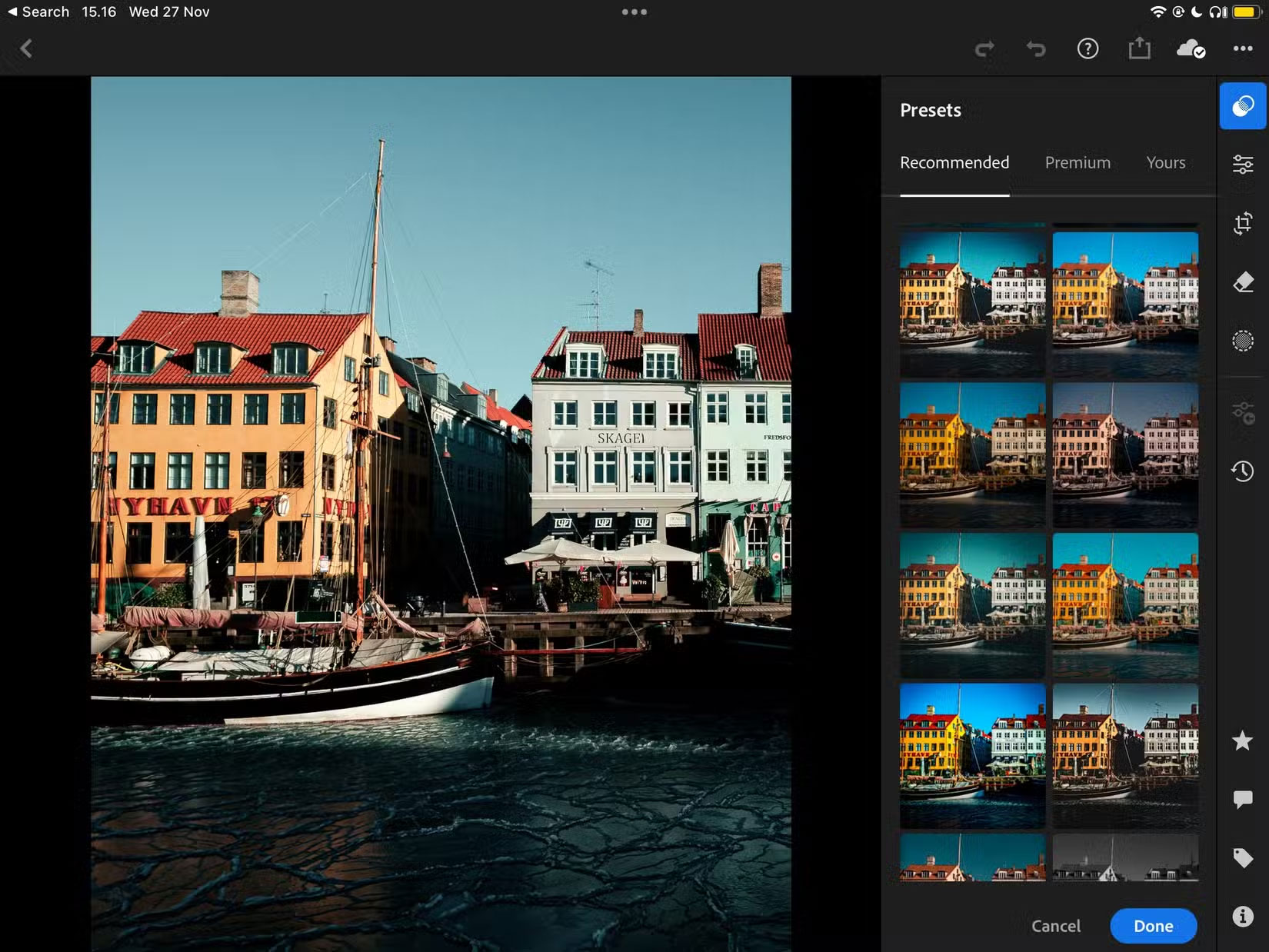
Compare shots of the same scene at full size. Check sharpness, distracting objects at the edges and the timing of an expression or gesture. Pick one frame and try a small crop, a straighter horizon or a slight exposure adjustment. Keep the original if you want to revisit the edit later.
Make a separate copy of your favorites
Keep an extra copy of important originals in a cloud backup or on a separate drive. Check that you can open the copies before deleting files. If you use a synced library, check whether deleting a photo on your phone also deletes the cloud copy. See the Google Photos guide if that is where you store your pictures.

Related Articles
 10 Tips for taking great photos with your smartphone
 6 tips to help you take photos Selfie is more impressive
 10 tips for taking beautiful pictures with your phone
 6 smartphone settings to instantly upgrade your group photos
 Make your smartphone photos more impressive with this simple tip!
 Common errors when taking photos with a phone
Reader Comments 0
Sign in with email or Google to join the discussion.