Table of Contents
Keyboard ghosting is the appearance of a key press you did not make when several keys are held together. A missing key in a combination is more precisely called blocking or masking, although product pages often use “ghosting” for both problems. Anti-ghosting is an imprecise marketing term for designs that prevent phantom inputs and support selected multi-key combinations.
Do not assume “anti-ghosting” means every combination works. Check the stated rollover, the supported key area, and the exact wired or wireless mode—then test the combinations you actually use.
Ghosting, blocking, and rollover
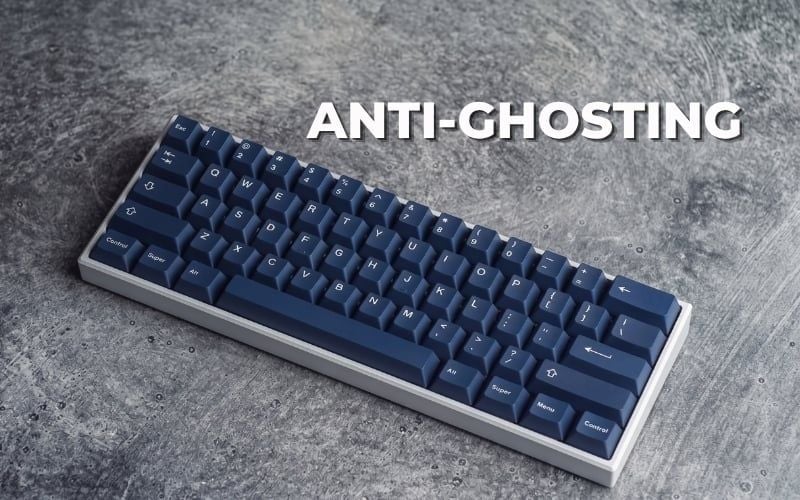
- Ghosting: the keyboard reports an additional key that was not physically pressed.
- Blocking or masking: a real key press is suppressed or not reported when it conflicts with other held keys.
- Rollover: the number or set of simultaneous keys the keyboard can report correctly.
- Anti-ghosting: a general product label for avoiding problematic combinations; its scope must be verified.
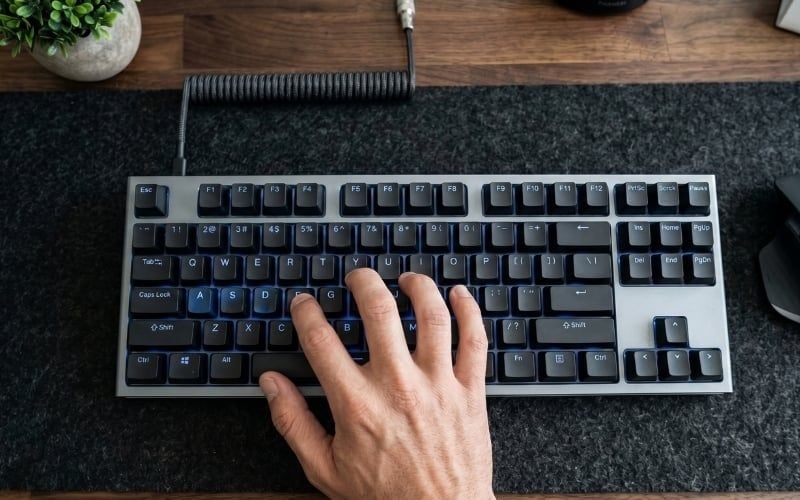
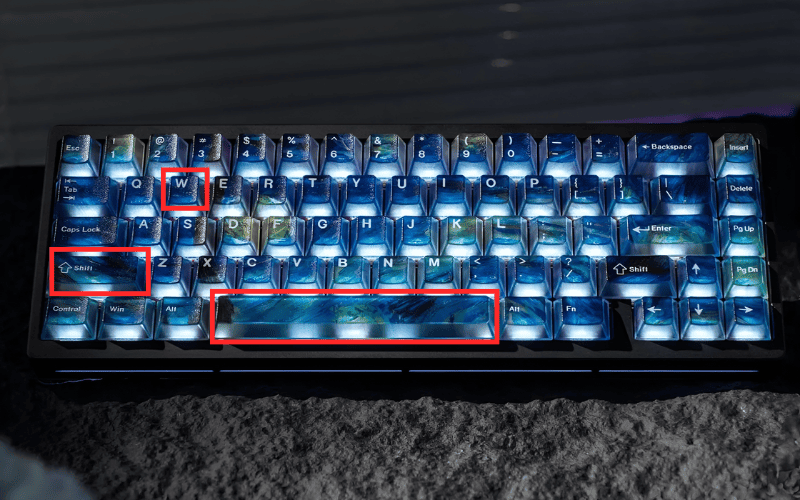
In everyday support conversations, people often call any failed multi-key combination “ghosting.” That shorthand is understandable, but the distinction helps diagnosis. If W + Shift works but adding Space makes Space disappear, the immediate symptom is blocking. If another unpressed key appears, that is true ghosting.
Why key combinations can fail
Most keyboards arrange keys in a row-and-column matrix rather than running a unique wire from every switch to the controller. The controller scans the matrix to determine which intersections are active. With a simple matrix, pressing certain corners of a rectangle can create an electrically ambiguous state.

A controller may avoid reporting a phantom key by blocking one of the ambiguous real keys. More capable designs use isolation components such as per-switch diodes, a matrix layout chosen around common combinations, and firmware that reports multiple states correctly.
Failure can also occur after the matrix:
- the keyboard's report format or connection mode may limit simultaneous keys;
- firmware may process one mode differently from another;
- the operating system, accessibility feature, browser, remote-desktop session, virtual machine, or game may intercept a key;
- a physical switch, hot-swap socket, cable, receiver, battery, or radio link may be unreliable.
A single key that fails by itself is not a rollover problem. Troubleshoot the individual key or software mapping first.
How anti-ghosting designs work
An anti-ghosting keyboard can improve multi-key input in several ways:
- placing problematic gaming keys on matrix positions that do not conflict;
- adding diodes so current from one pressed switch cannot create an ambiguous path through another;
- scanning and debouncing the matrix correctly in firmware;
- using a report protocol capable of transmitting the intended simultaneous keys;
- validating common key clusters such as WASD, modifiers, Space, and nearby action keys.

This improves correctness, not necessarily speed. Polling rate, scan rate, debounce or sensing logic, connection, and application processing are separate parts of latency. An “anti-ghosting” badge alone does not establish a latency result.
Anti-ghosting vs. 6KRO and NKRO
| Term | What it describes | What it does not guarantee |
|---|---|---|
| Ghosting | An unpressed key is reported during a combination | That every missing key is technically a ghost |
| Blocking/masking | A pressed key is suppressed during a conflicting combination | That the key or switch is physically defective |
| Anti-ghosting | Some design effort to prevent phantom or failed combinations | A specific number of supported keys |
| 6KRO | Typically up to six ordinary keys at once, often with modifiers handled separately | Identical behavior in every mode or every arbitrary combination unless specified |
| NKRO | A claim that all ordinary keys can be reported simultaneously | Low latency, good switches, or application support |
Marketing usage is inconsistent. A keyboard may advertise anti-ghosting only for a gaming cluster, while another may advertise NKRO in wired mode and a lower rollover in Bluetooth mode. Look for explicit documentation rather than treating the terms as interchangeable.

How much rollover do you need?
Office work and ordinary typing
Most typing does not require a large number of simultaneous letter keys. Layout, ergonomics, switch feel, stabilizers, and reliable shortcuts are usually more important. However, users of design, audio, video, CAD, accessibility, or language-input software should test their real modifier combinations.
Casual games
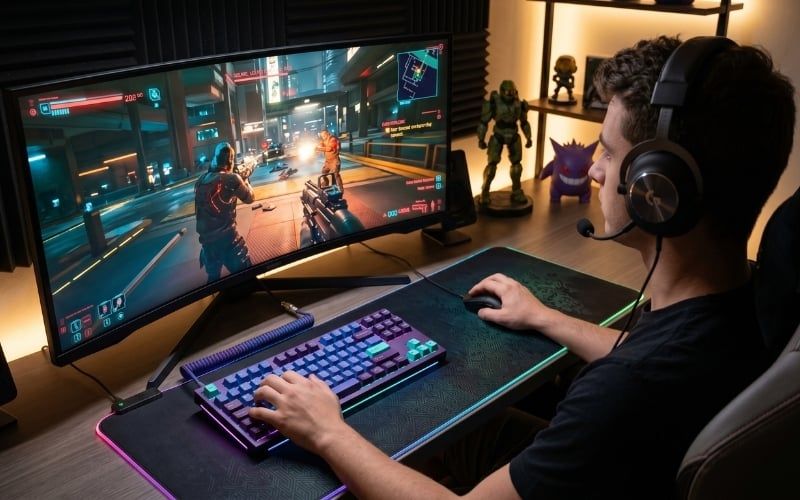
A well-implemented gaming cluster or 6KRO is often sufficient for movement, a modifier, Space, and one or two action keys. The important point is not the headline number but whether your combinations fall inside the supported set.
Rhythm games, split-screen play, simulations, and complex hotkeys
These workflows can hold many ordinary keys at once or use unusual areas of the board. NKRO or a clearly documented wide rollover is more relevant. Test the exact connection and firmware profile used for play.
How to test keyboard rollover safely
1. Write down real combinations
List the keys you hold together in the application. Examples might include W + Shift + Space + an action key, or a modifier-heavy shortcut in creative software. Testing random keys can miss the one combination that matters.
2. Use a visual tester
A plain text editor does not show modifier keys clearly and some combinations trigger commands instead of typing characters. Microsoft's Keyboard Ghosting Interactive Demonstration displays recognized keys and explains its browser limitations.
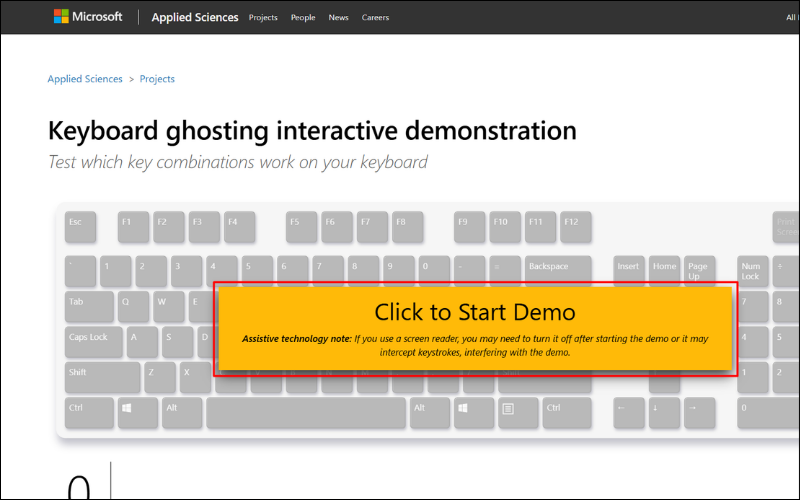
Any keyboard-testing page receives keystroke events while it is focused. Use a trusted tool, close sensitive applications, and never type a password, recovery phrase, private message, or authentication code during a test. TipsMake also has a broader guide to keyboard testing tools.
3. Test combinations methodically
- Press and hold the first two keys; confirm both appear.
- Add one key at a time without releasing the earlier keys.
- Repeat with a different press order.
- Release one key at a time and confirm that released keys disappear.
- Test left and right modifier variants if both matter.
- Repeat in wired, 2.4 GHz, and Bluetooth modes that you actually use.
- Repeat after changing firmware profiles or operating systems.
Microsoft's demonstration suggests holding a common movement cluster and adding other keys one at a time, while noting that one successful six-key set does not prove every six-key set works.
4. Compare with the product specification
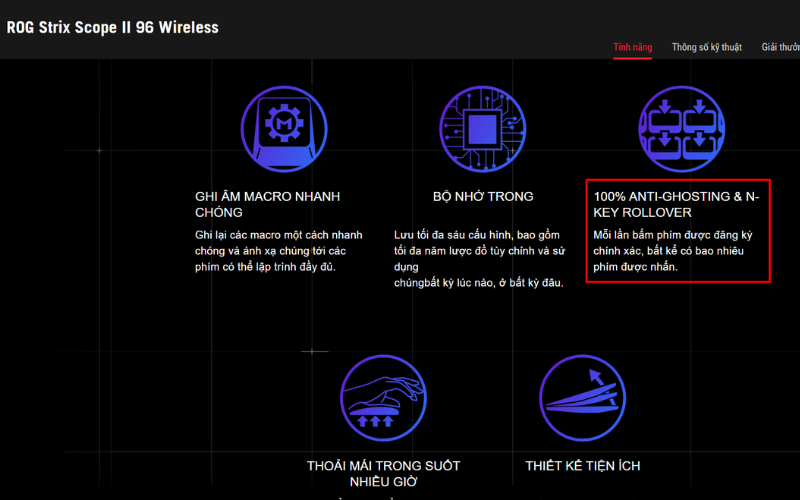
Look for precise statements such as “6-key rollover over Bluetooth” or “NKRO over USB,” not only “100% anti-ghosting.” Check firmware release notes in case a rollover option must be enabled or a compatibility mode changes reporting.
When a combination fails
- Test each key alone. A key that fails alone points to hardware, mapping, or software rather than rollover.
- Try another application. The original program may reserve or suppress the combination.
- Check accessibility and remapping. Sticky Keys, Filter Keys, game overlays, macro tools, and keyboard managers can change behavior.
- Change connection mode. Compare direct wired USB with the receiver or Bluetooth, without an unreliable hub.
- Check the keyboard profile. Gaming mode may disable the Windows key or remap a modifier.
- Update through the official utility. Read release notes and do not interrupt firmware installation.
- Test on another computer. This separates keyboard behavior from the first system's software.
If the failure follows the same physical combination across systems, it is likely a matrix or rollover limitation. If it follows one application, investigate that application's shortcut handling.
What to check before buying
- Does the maker state 6KRO, NKRO, or only “anti-ghosting”?
- Is support limited to a cluster such as WASD?
- Does rollover change between USB, receiver, and Bluetooth?
- Are modifier keys counted separately in the published claim?
- Can you test the combinations used by your game or software?
- Does the firmware utility support your operating system?
- Are layout, switches, stabilizers, keycaps, and connection also suitable?

Rollover is one part of the keyboard. Our mechanical keyboard construction guide explains how the PCB, controller, firmware, switches, and connection fit together. If you assign automated inputs, also review the safety and game-policy notes in the keyboard macro guide.
Bottom line
Anti-ghosting does not mean unlimited simultaneous input. It means the keyboard is designed to avoid some phantom or failed combinations. Use the more specific rollover claim when available, test your real keys in every relevant connection mode, and distinguish a matrix limitation from a broken key or an application that intercepts the shortcut.
Related Articles
 What Is Keyboard Ghosting?5 minutes read
 Anti-Ghosting: Complete Guide and Key Details7 minutes read
 How to Fix Typed Keyboard Errors When Entering Content7 minutes read
 How to Load an Image Onto a PC Using Ghosting4 minutes read
 How to Fix Slow Responsive Keyboard Errors on Windows 104 minutes read
 How to Fix the Inactivity Laptop Keyboard Error6 minutes read
Reader Comments 0
Sign in with email or Google to join the discussion.