Table of Contents
Codex Plan Mode is useful when a coding task is complex, ambiguous or risky enough that you want to review the approach before implementation. It lets Codex inspect repository context, ask clarifying questions and propose an ordered, testable plan before it starts changing code.
The main advantage is not a longer answer. It is that planning happens next to the real project, so file structure, conventions, tests and dependencies can inform the proposal.
Why repository-aware planning is better than a pasted summary
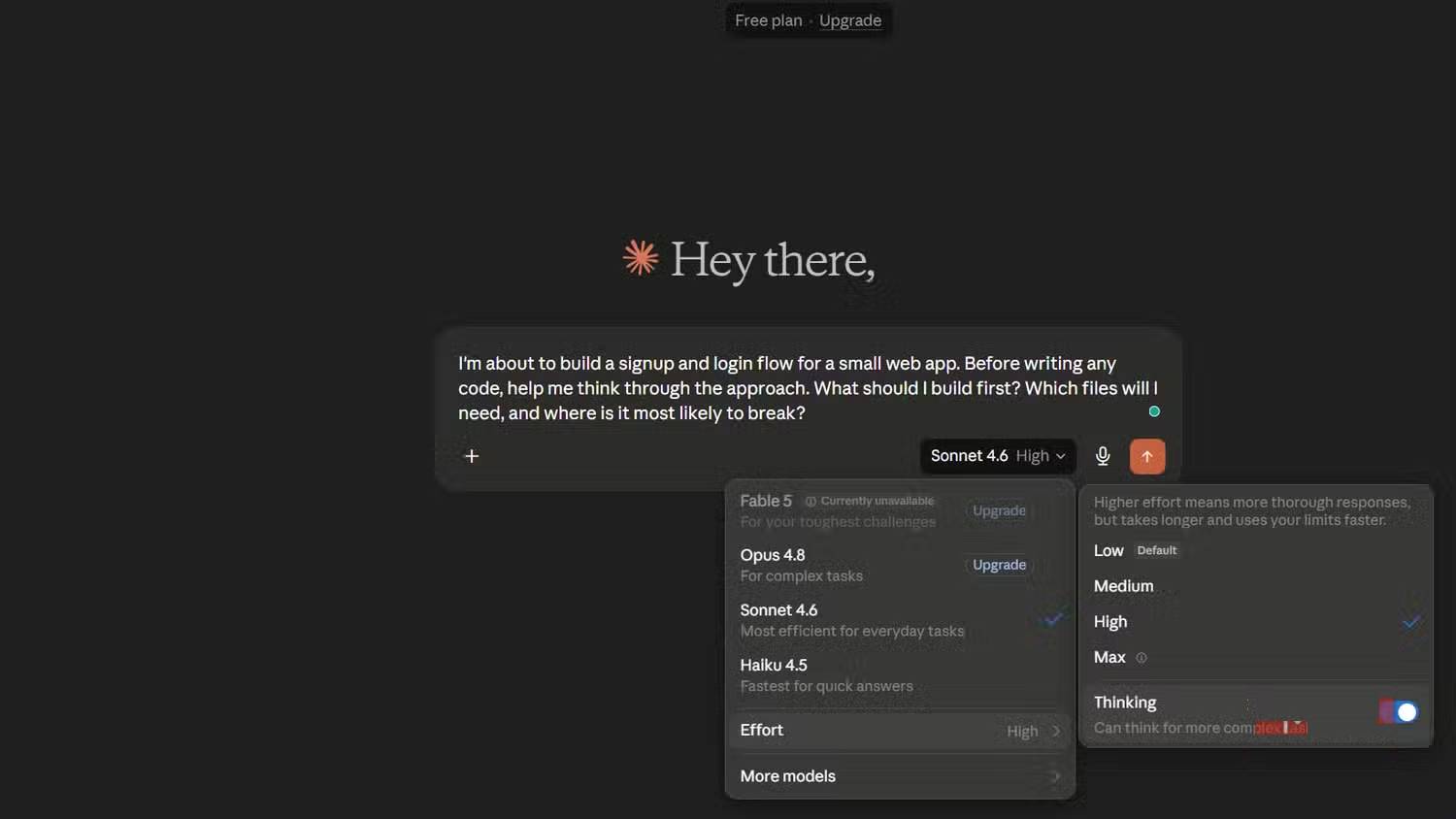
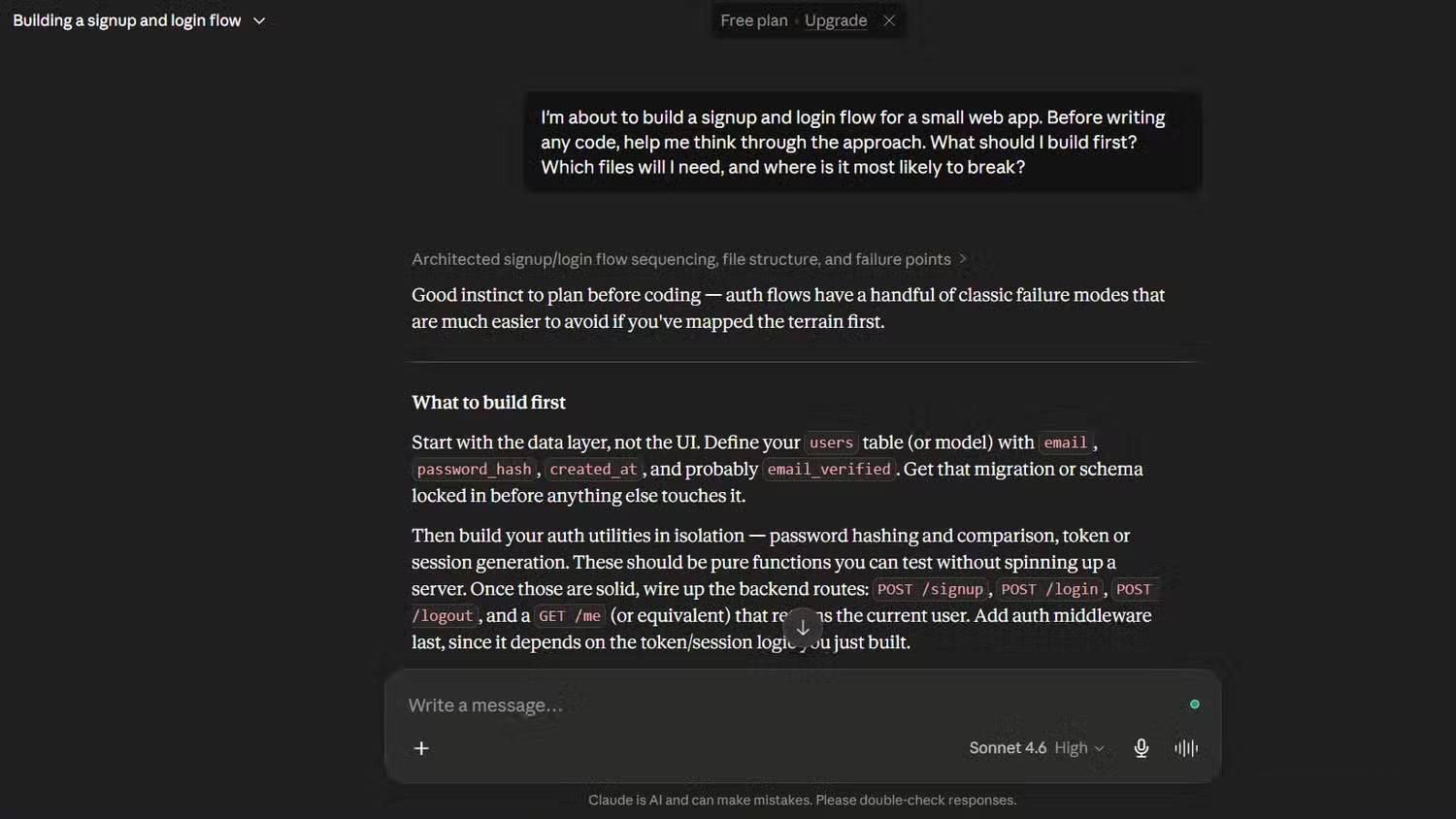
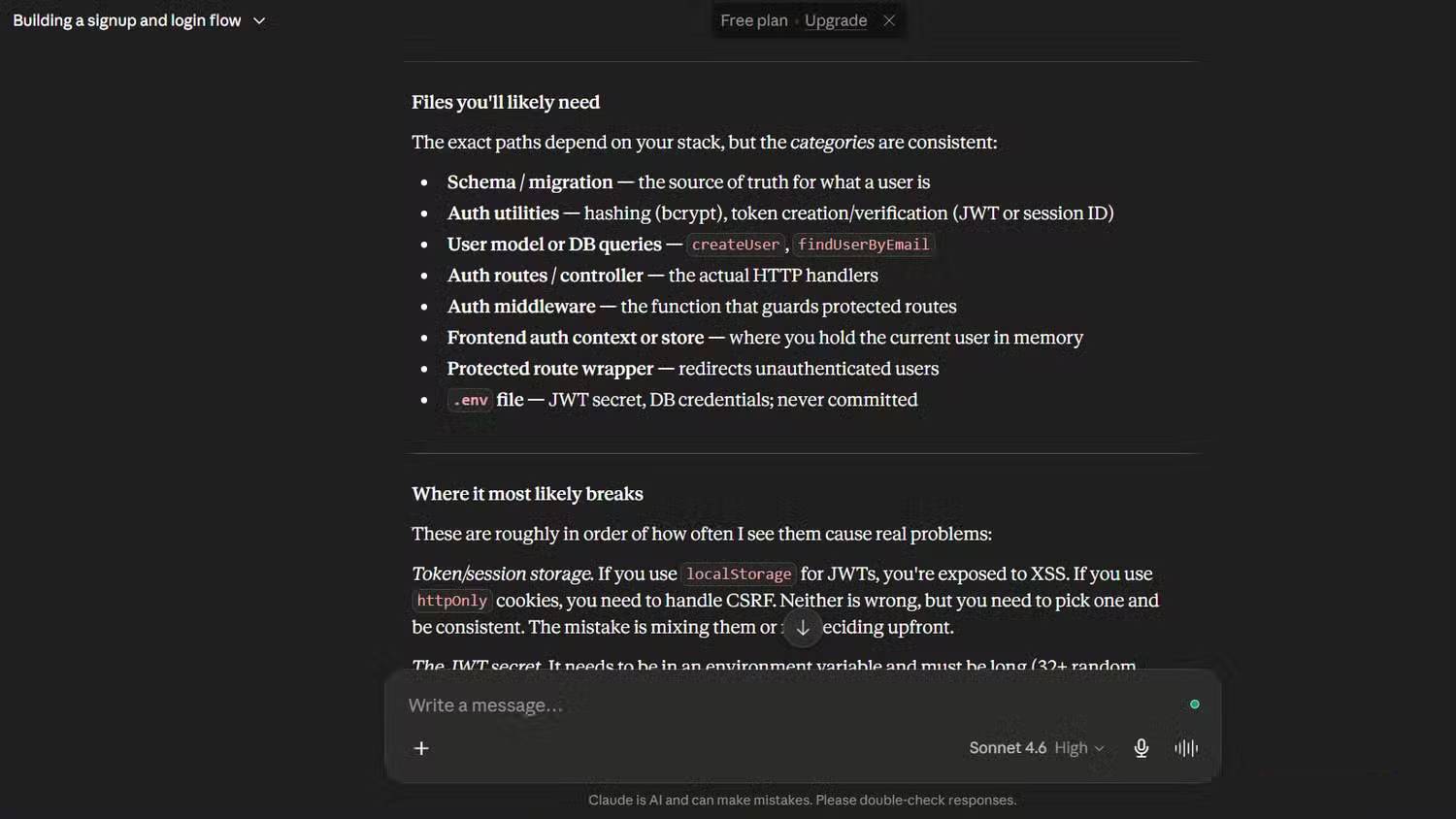
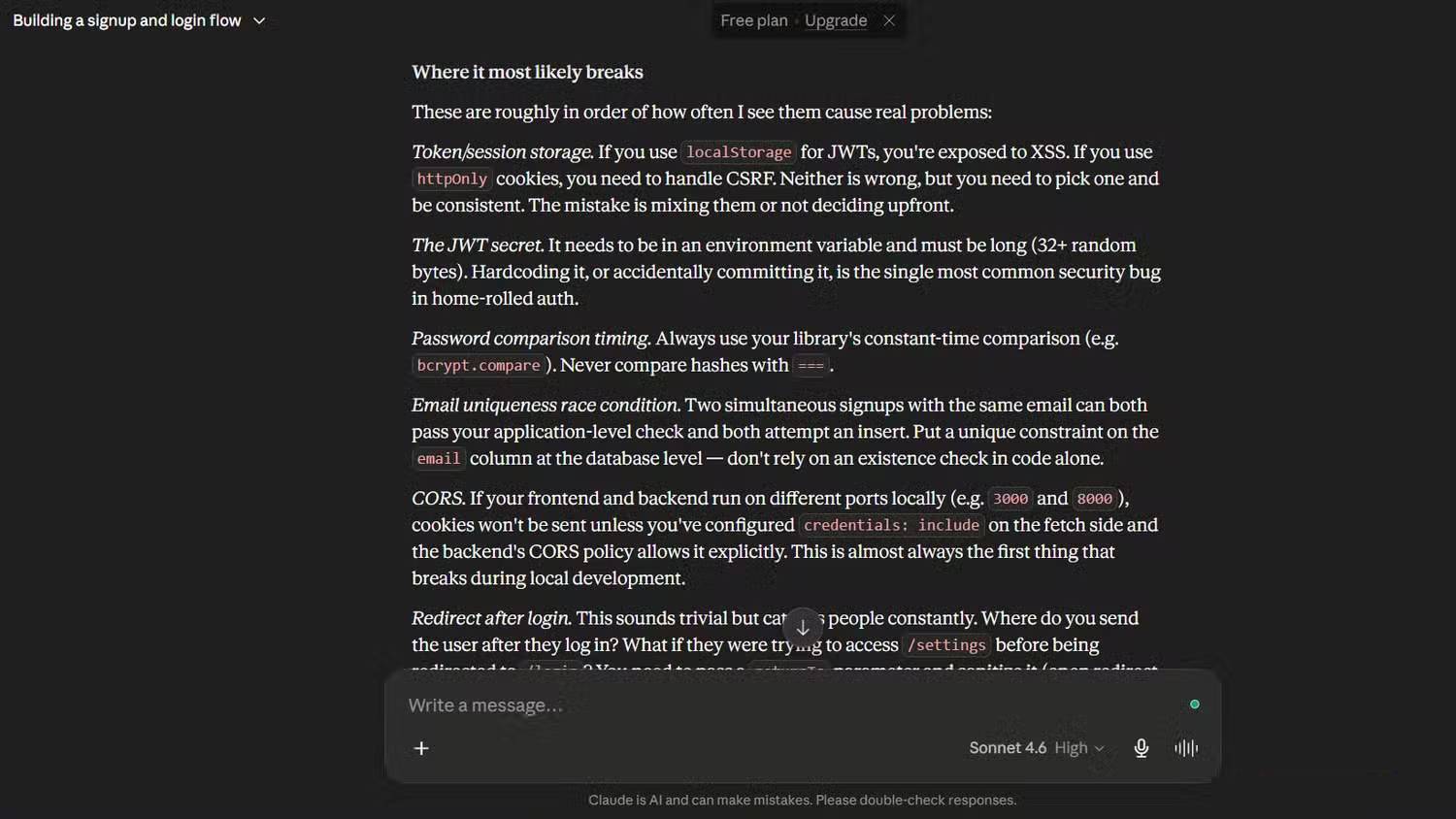
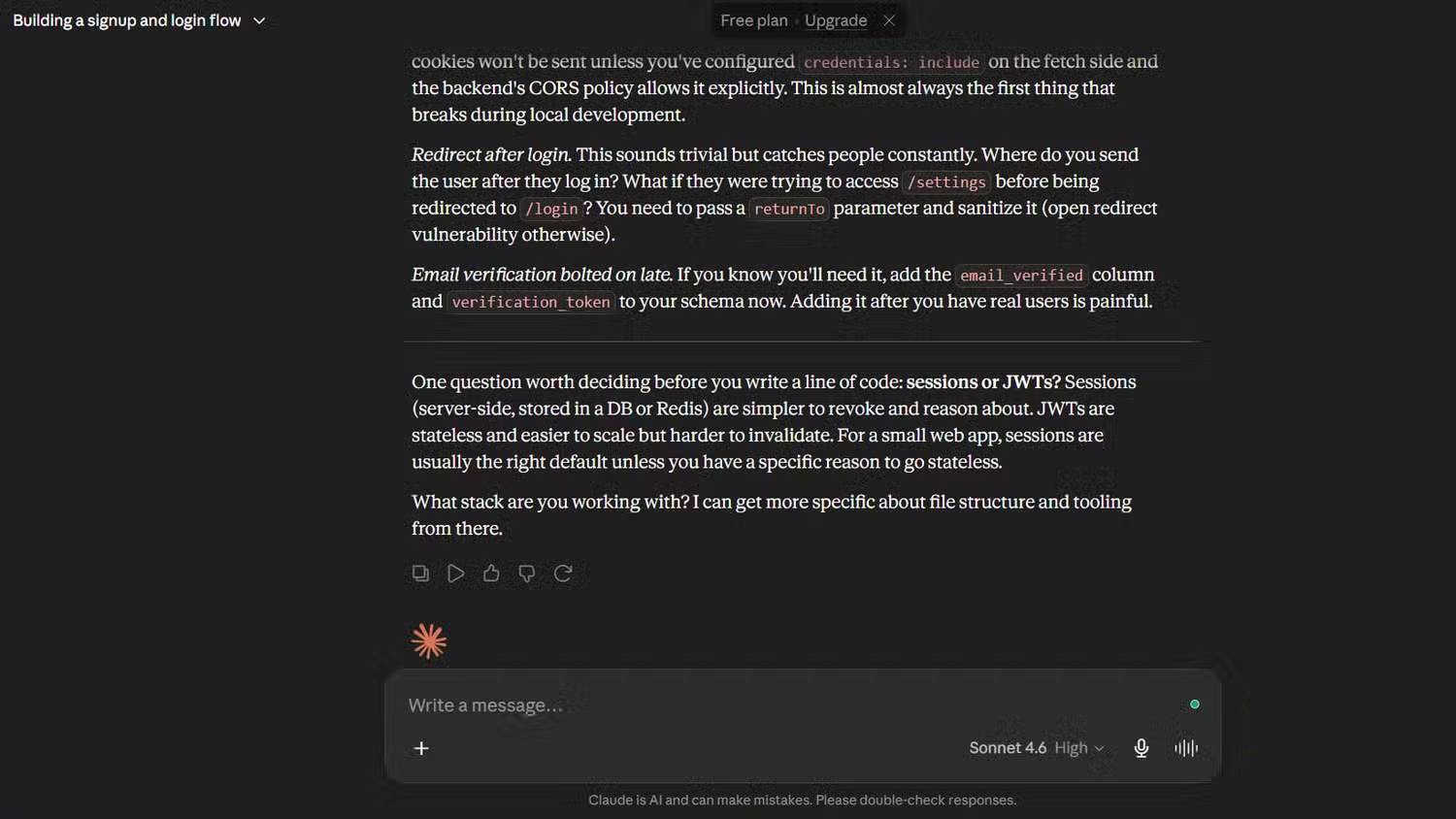
A plan made in a separate chat often depends on the developer accurately describing every relevant file and constraint. Details are easily omitted, and the coding agent may have to rediscover the same context later. Plan Mode keeps discovery and implementation in one thread.
- Relevant files and existing patterns can shape the plan.
- Questions appear before a costly implementation choice is made.
- The developer can correct scope, sequencing and assumptions early.
- The approved plan becomes a shared reference during the coding turn.
It does not make the proposal automatically correct. You still need to review architectural assumptions, security impact, migration safety and the proposed verification steps.
How to enter Plan Mode
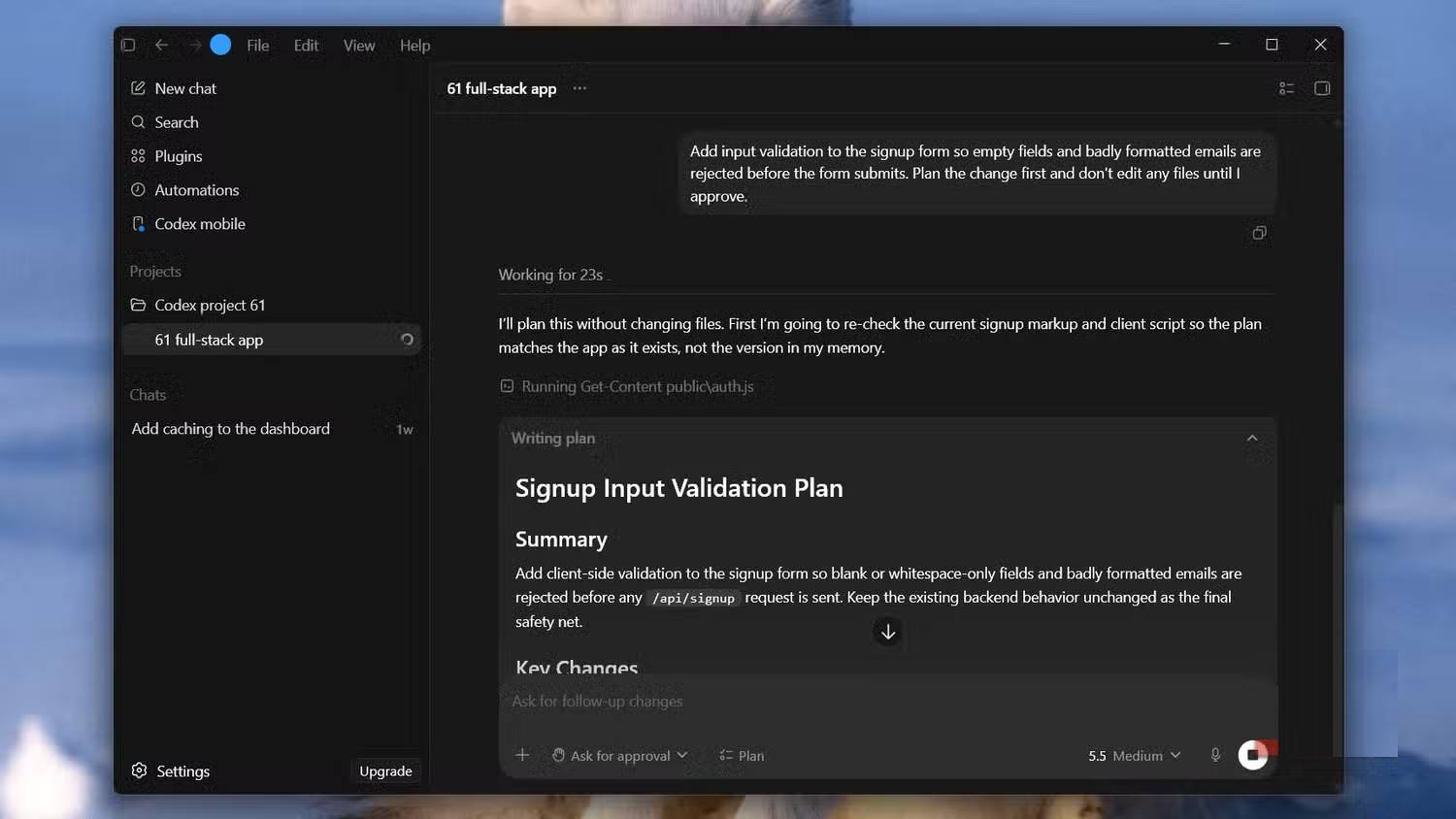
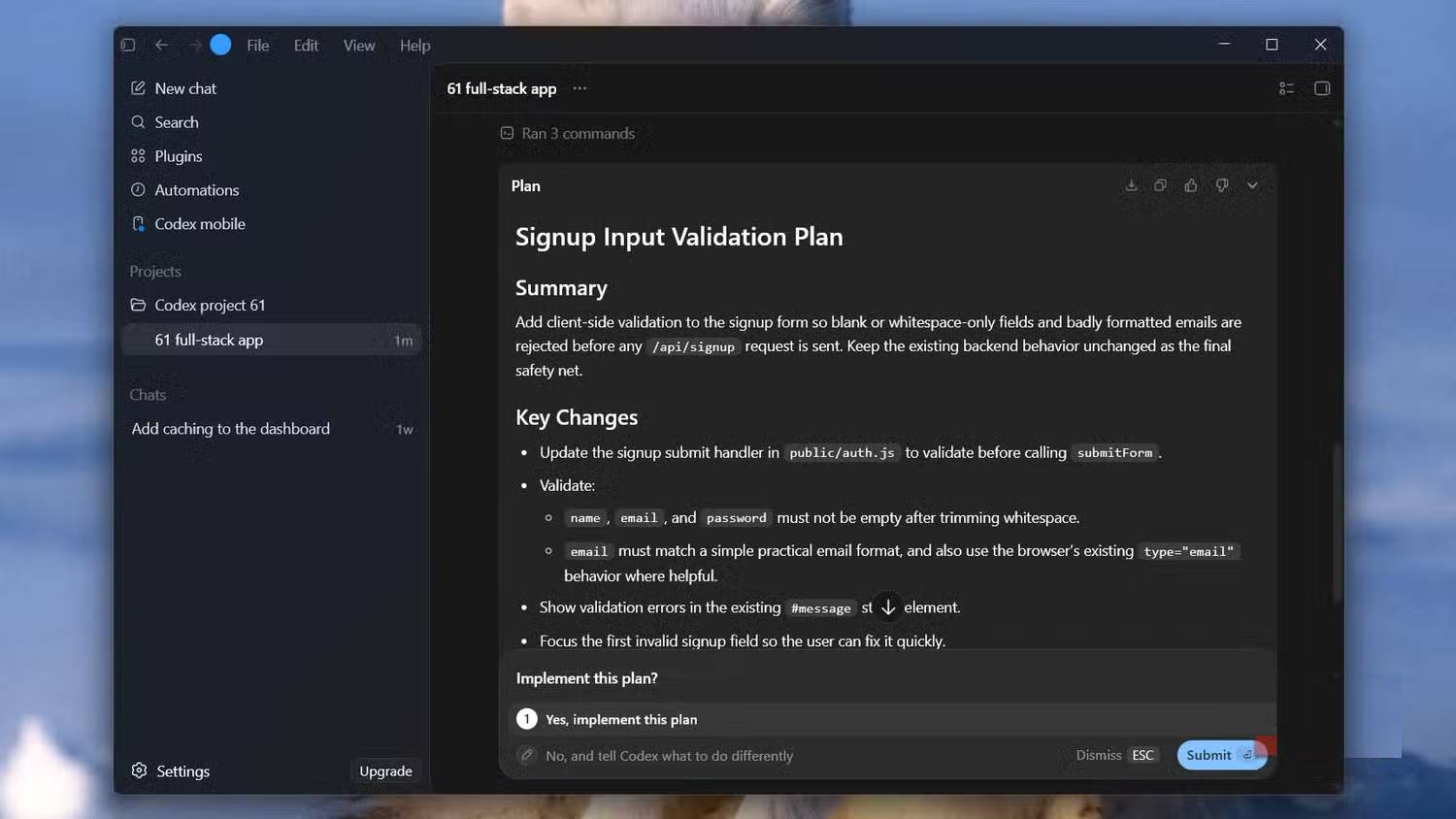
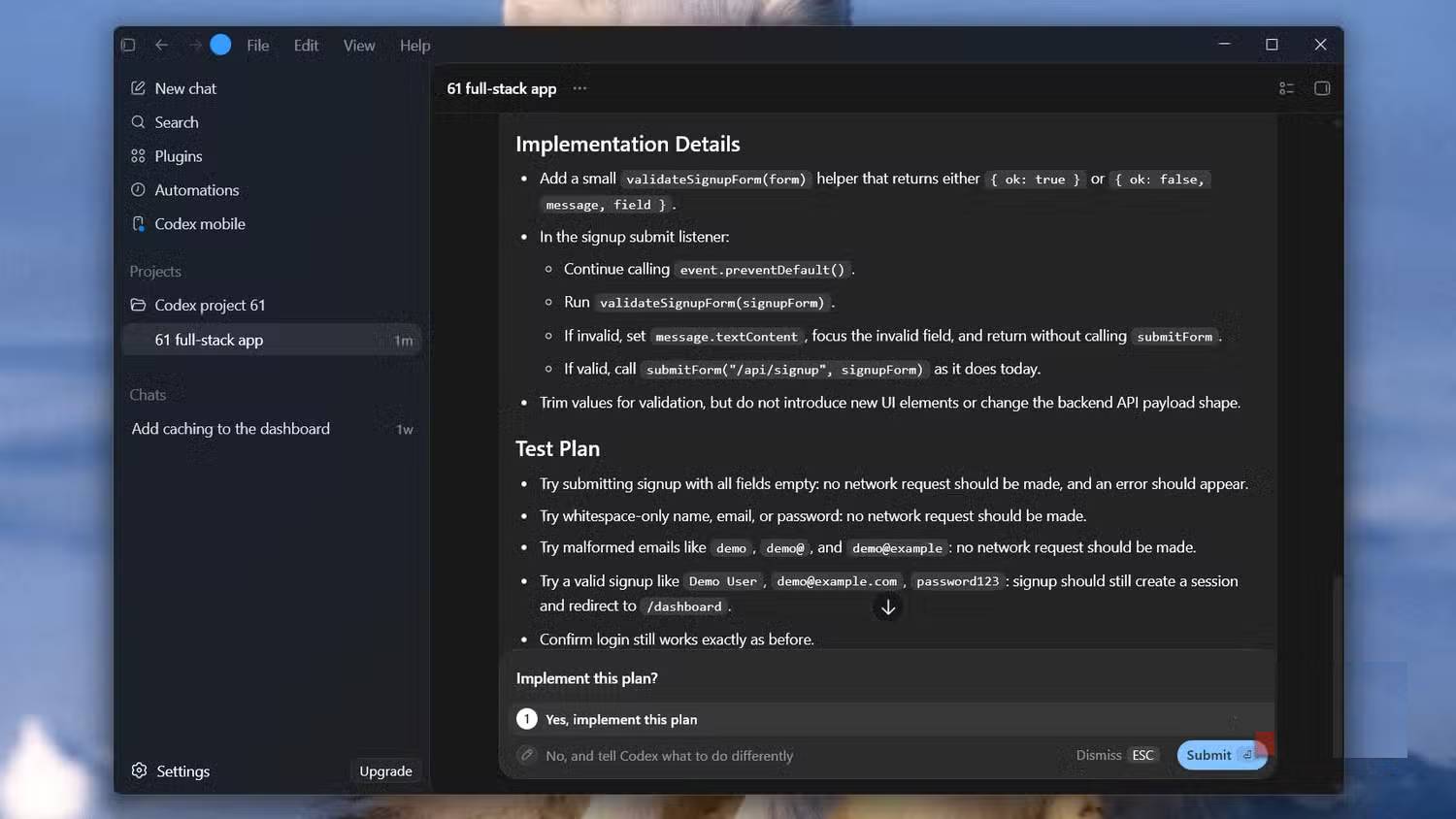
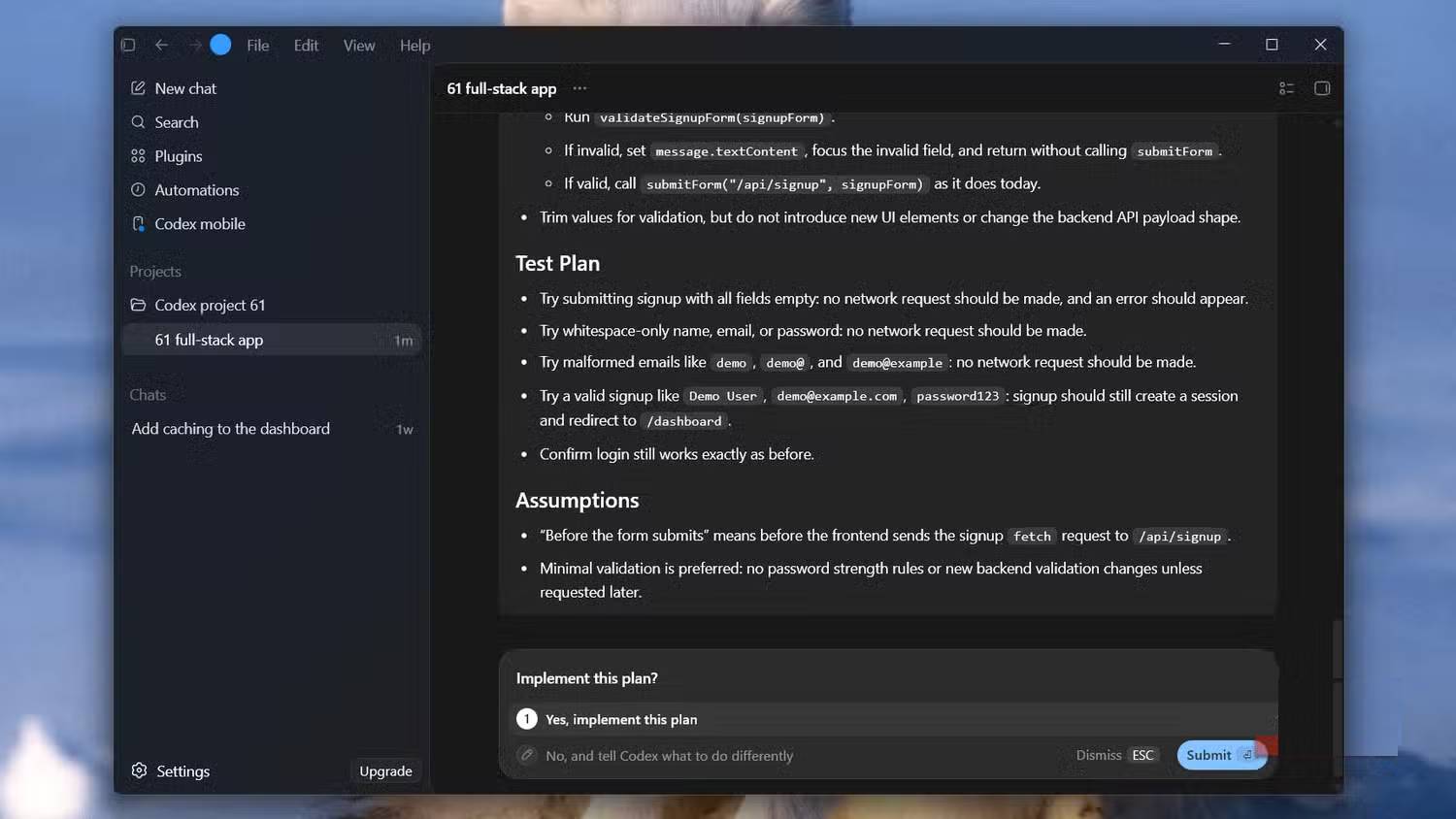
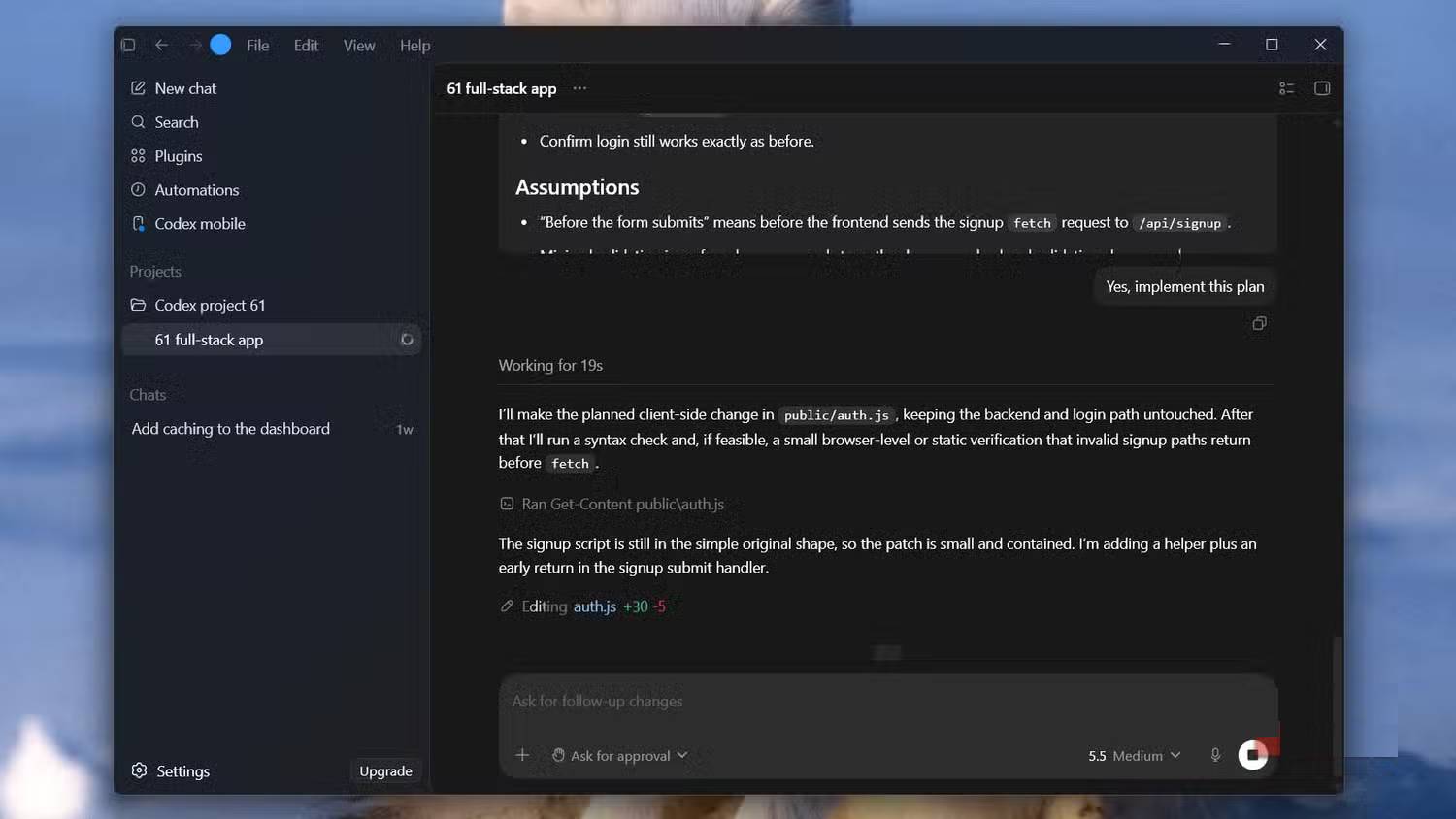
Open Codex in the repository you want to change, then switch to Plan Mode. Current Codex guidance documents the /plan command or Shift+Tab as shortcuts; the exact control can vary between the Codex app, CLI and IDE extension.
Describe the outcome, constraints and success criteria. For example:
Add server-side validation to the signup flow. Preserve the current API contract, reuse the existing validation library, add tests for duplicate email and invalid input, and plan the change before editing files.Codex can gather context and return a proposed sequence. Review it, request corrections and only then move to implementation. See OpenAI's Codex planning best practices for the current workflow.
Plan Mode exposes ambiguous requirements
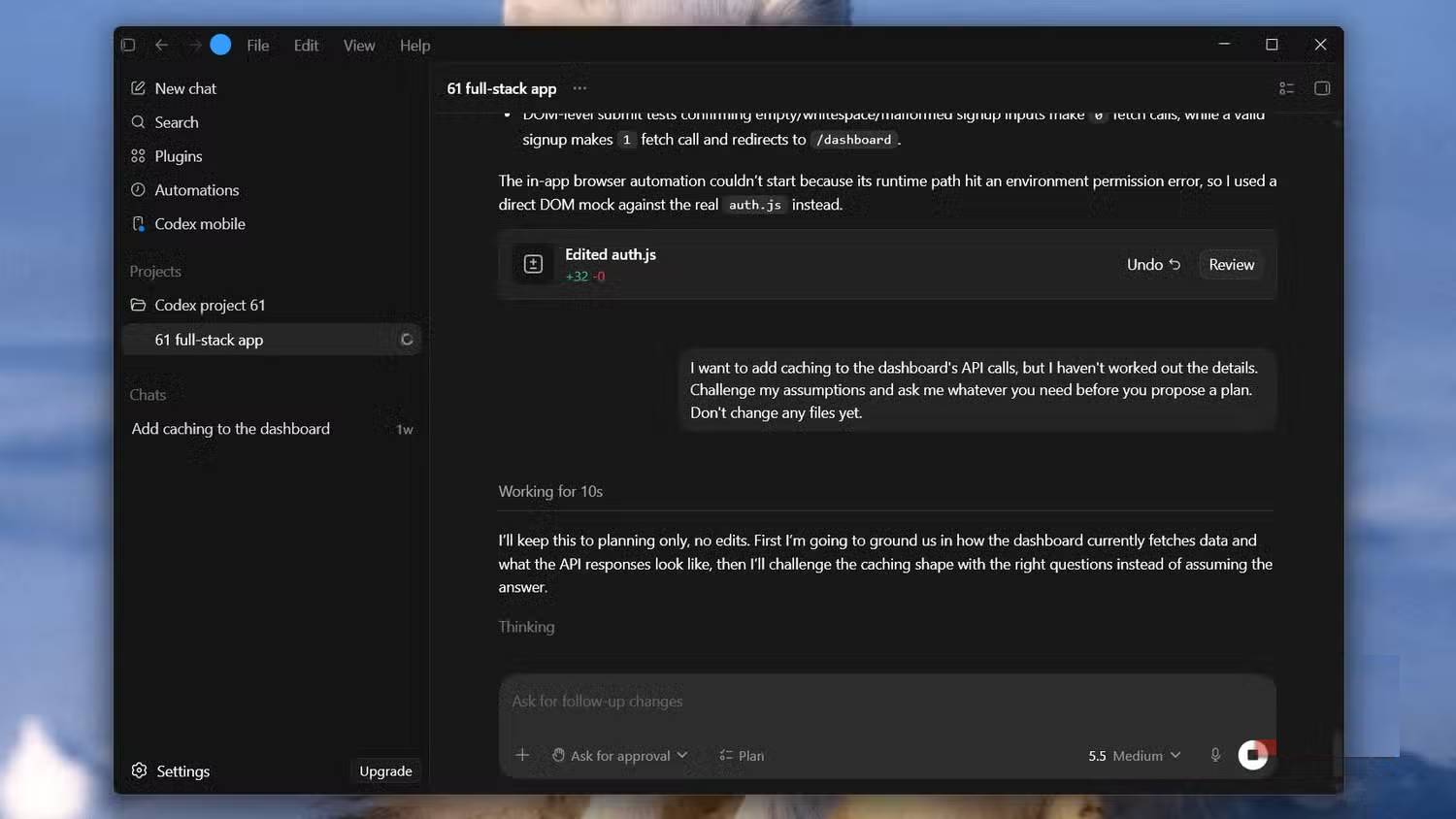
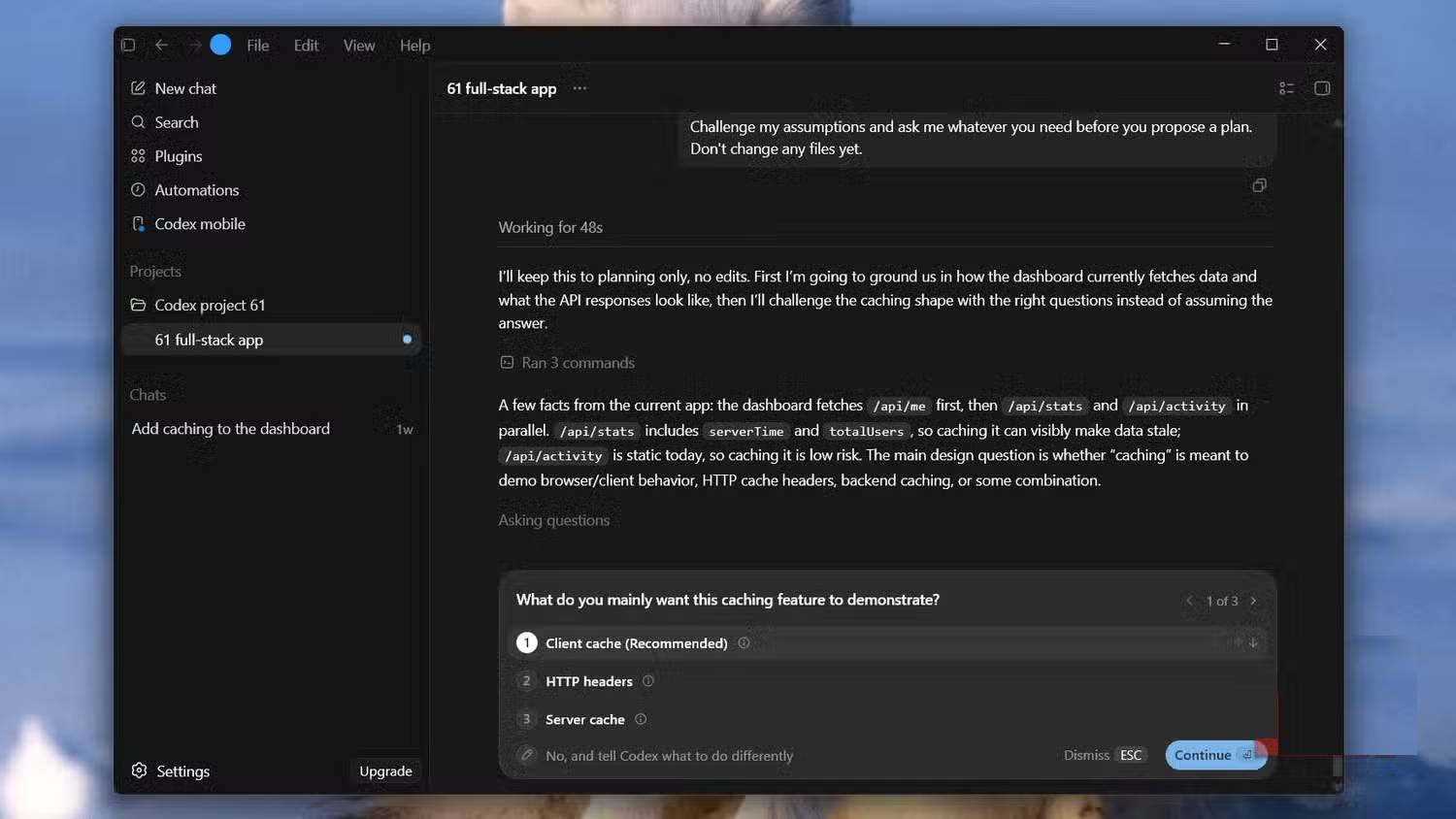
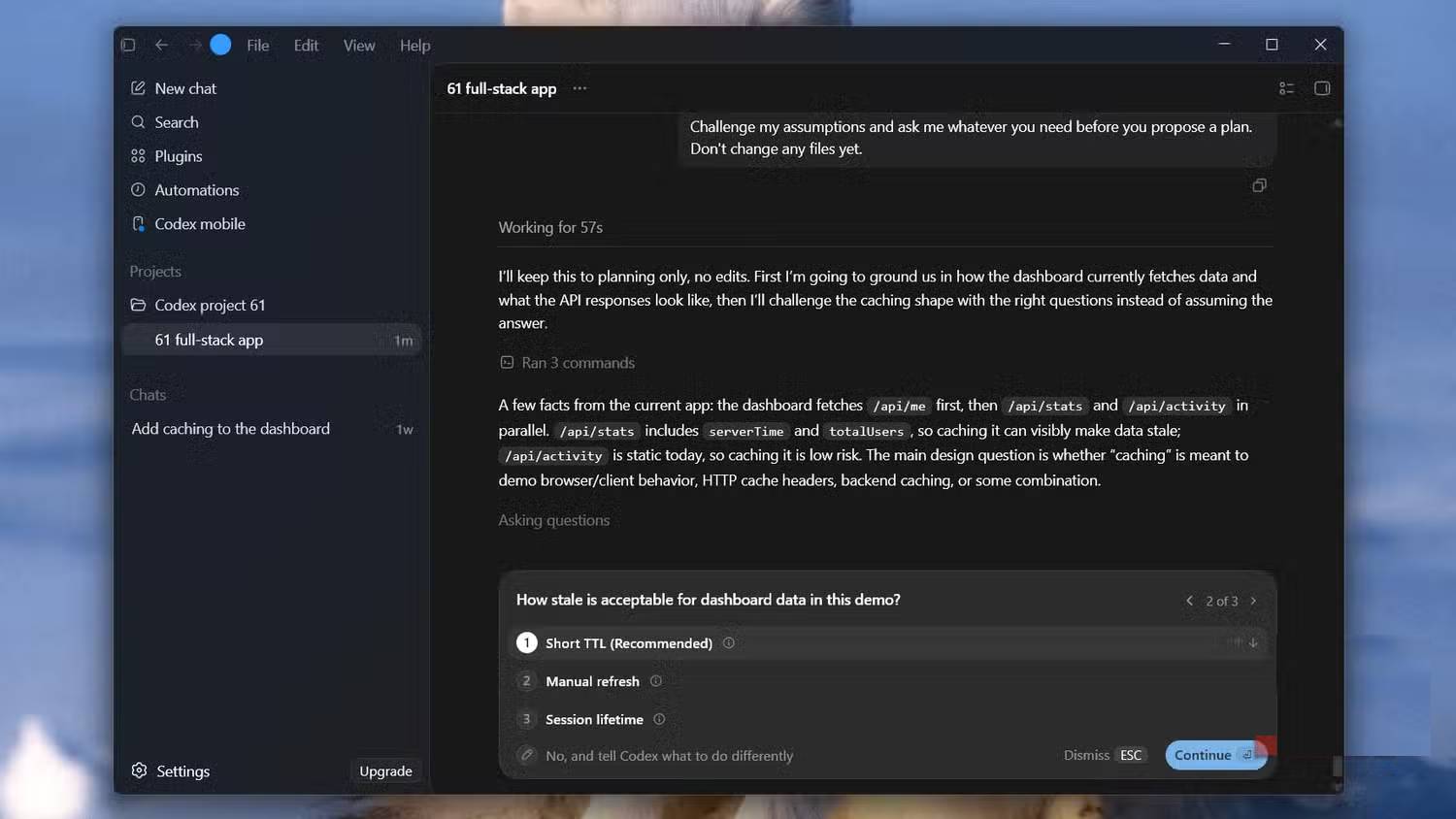
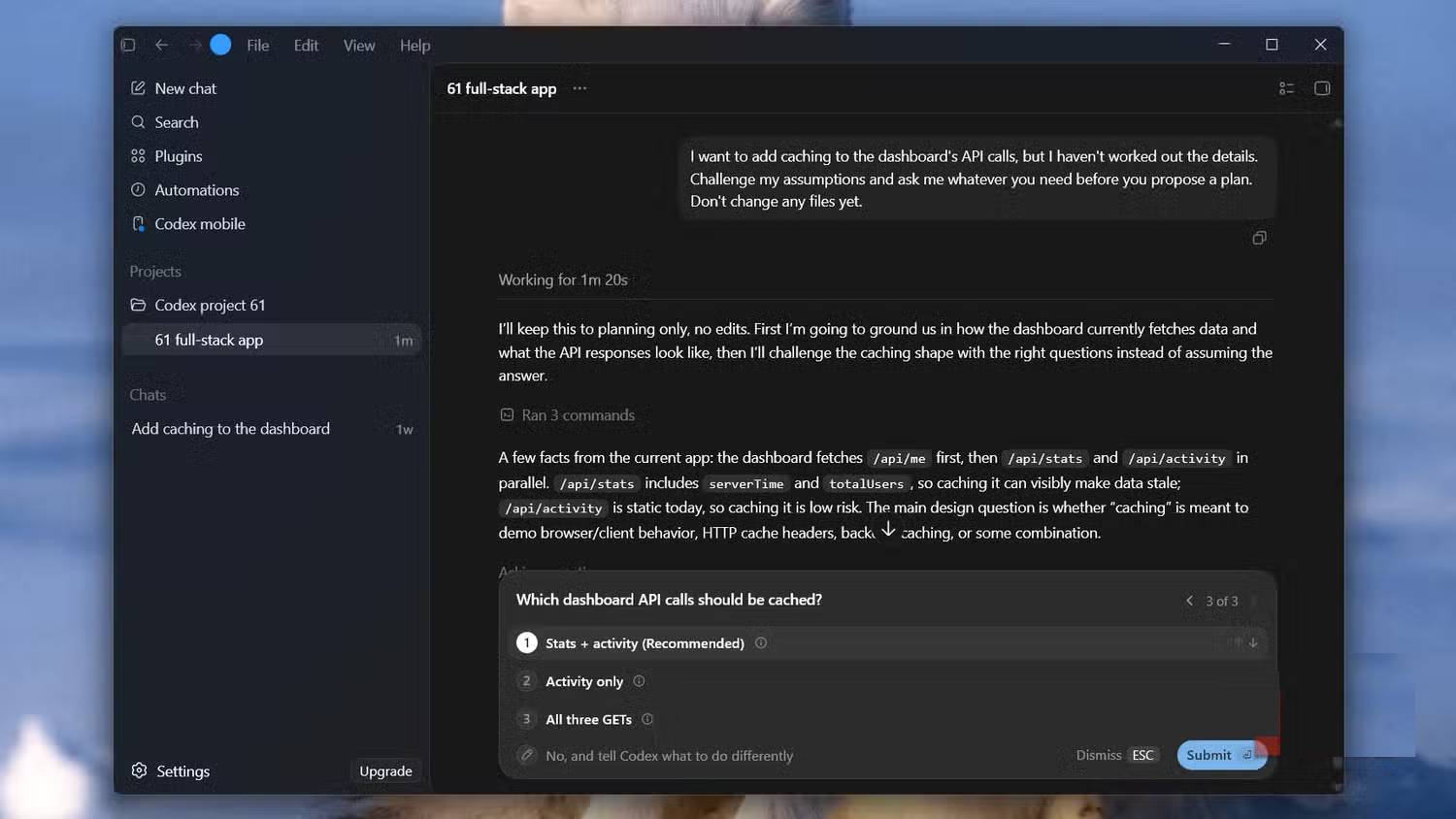
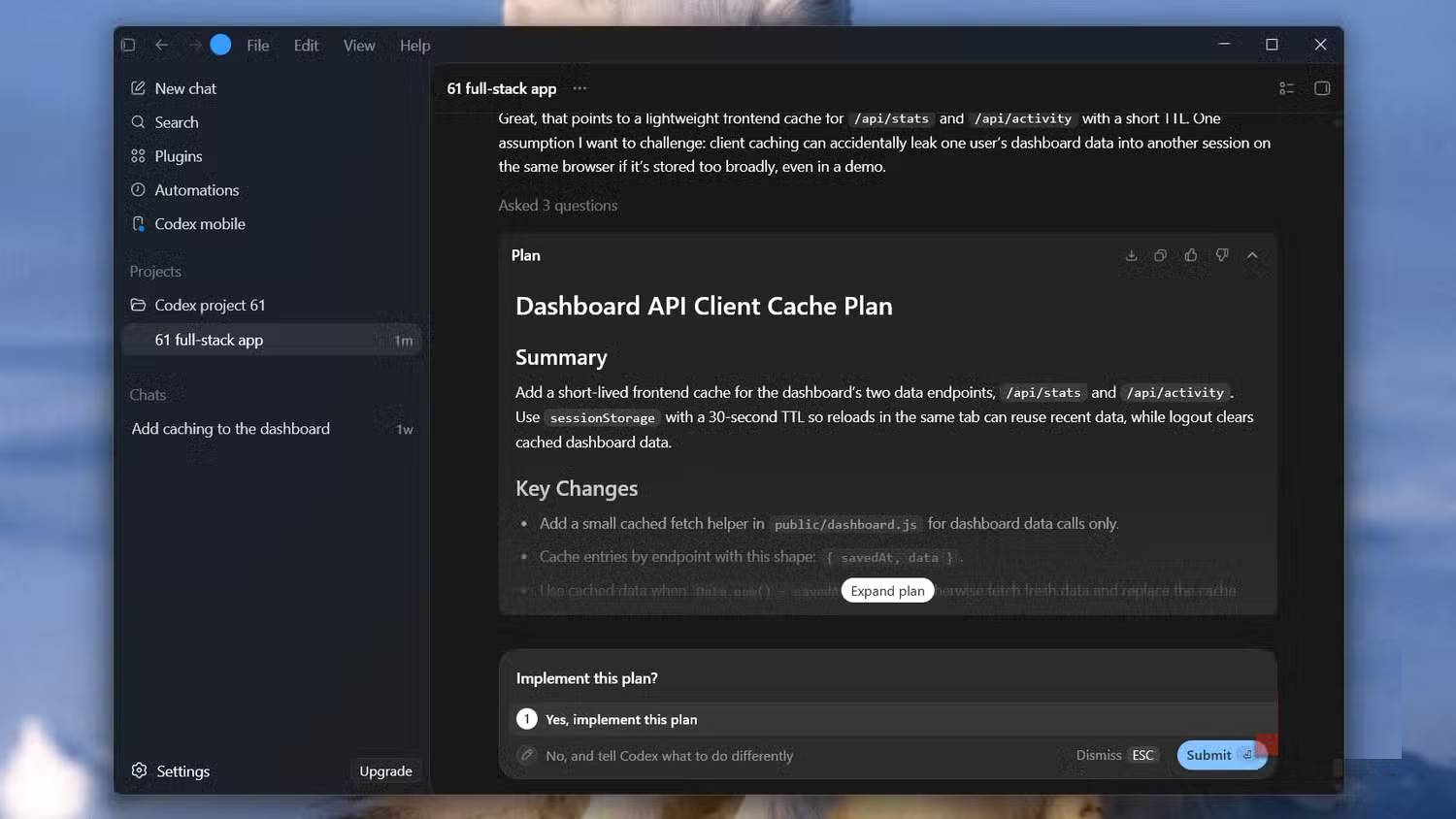
Vague requests often hide decisions that affect architecture. A caching task, for example, cannot be planned responsibly without knowing what is cached, how fresh it must be, how entries are invalidated and whether data may be shared between users.
Tell Codex which decisions are unresolved:
I want to add caching, but the storage layer and invalidation policy are undecided. Inspect the current request flow, identify the decisions that materially affect the design, and ask me focused questions before writing the plan.Good questions are specific to the repository. They might point to an existing Redis client, a deployment constraint or a test that already defines expected freshness. Generic questions that do not change the plan can be answered briefly or removed.
Use more reasoning only where it buys down risk
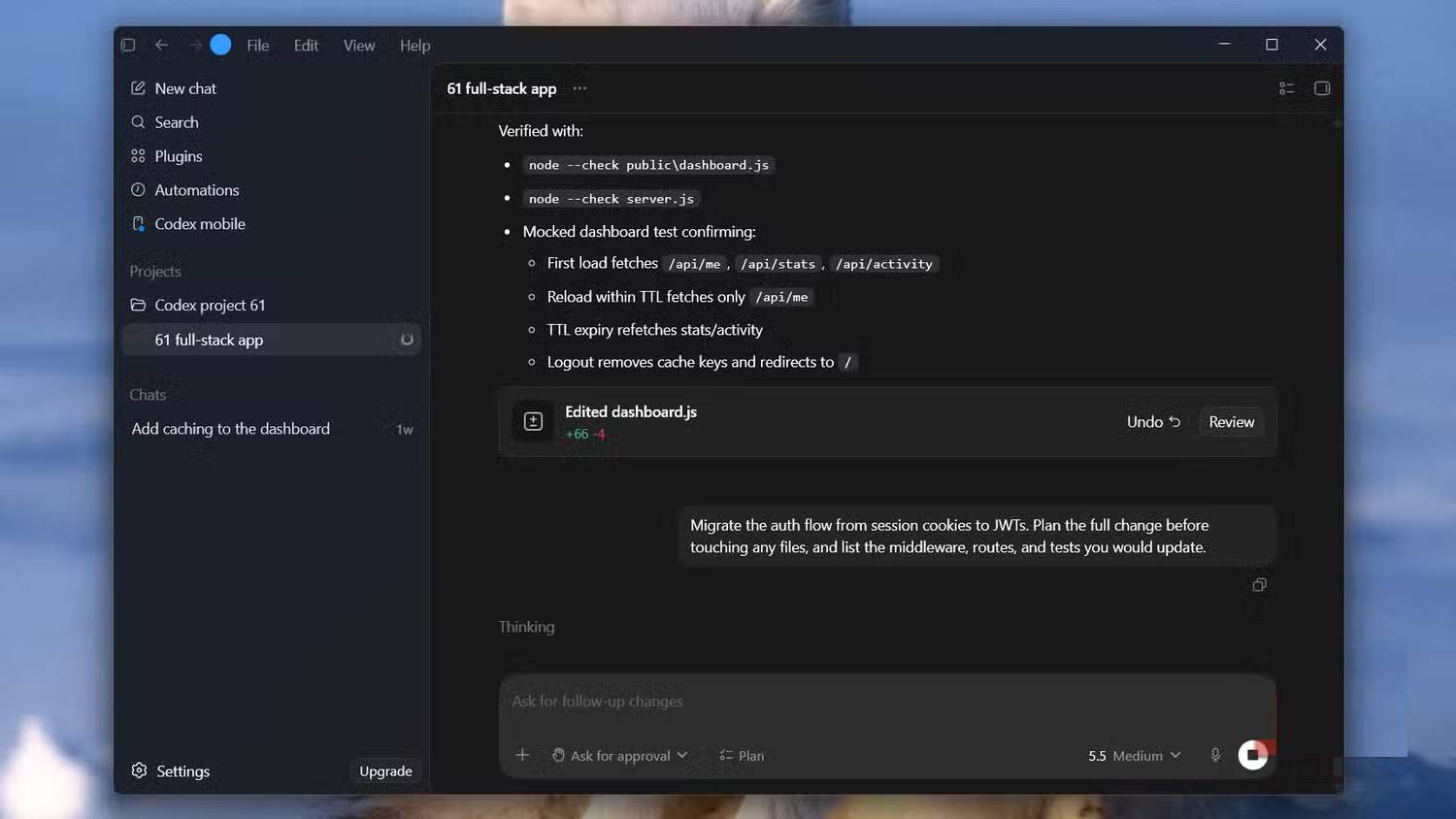
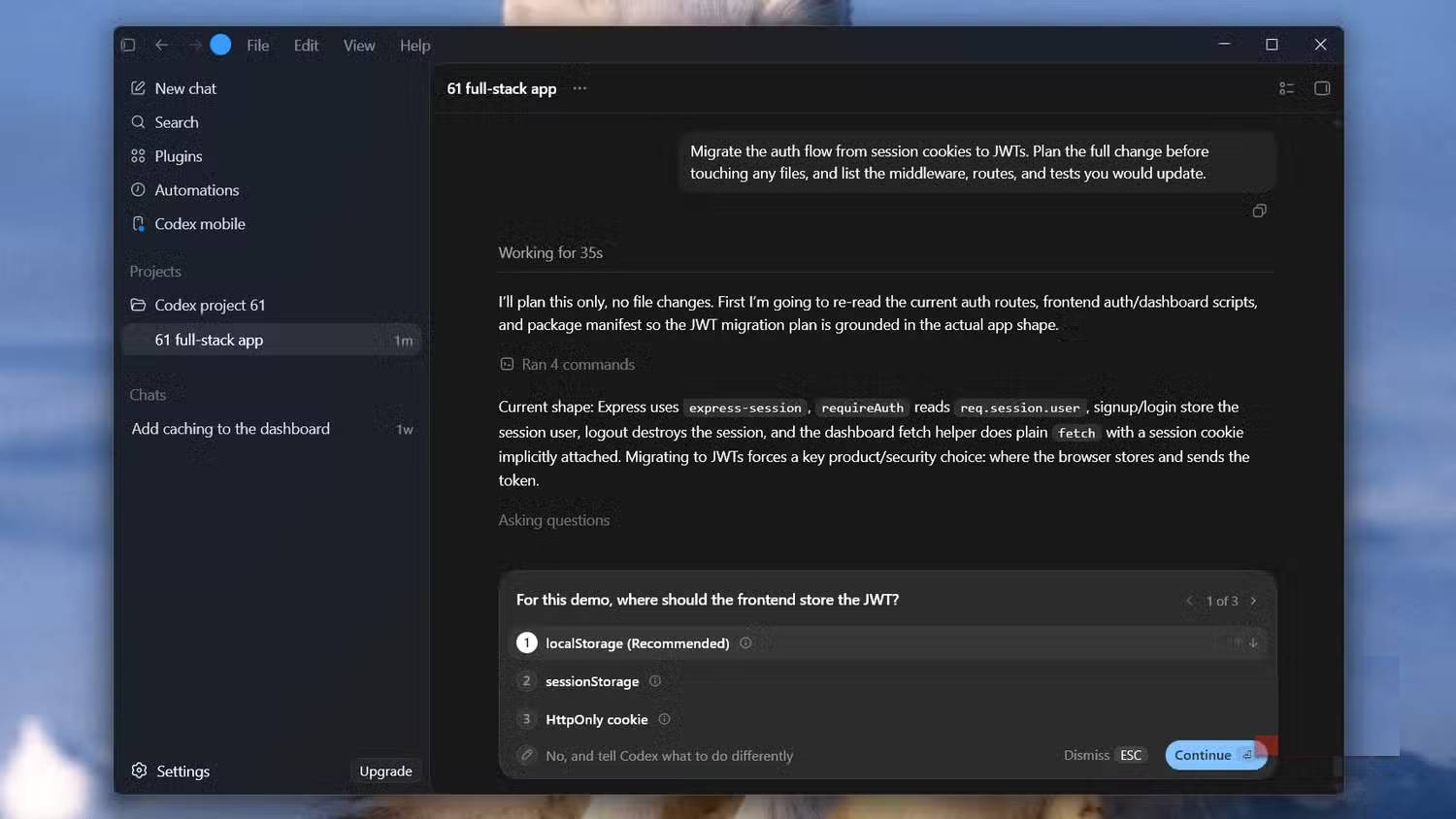
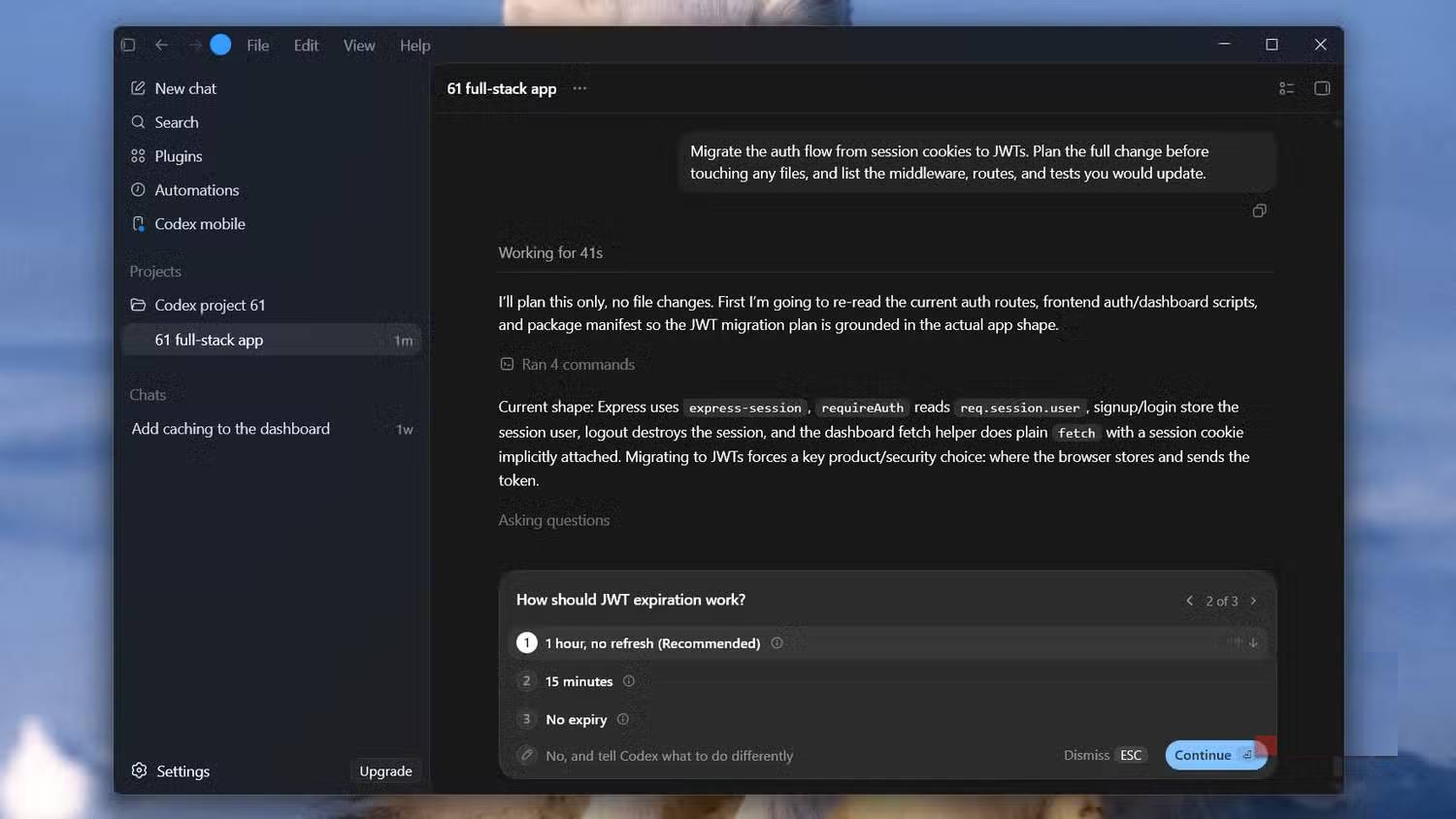
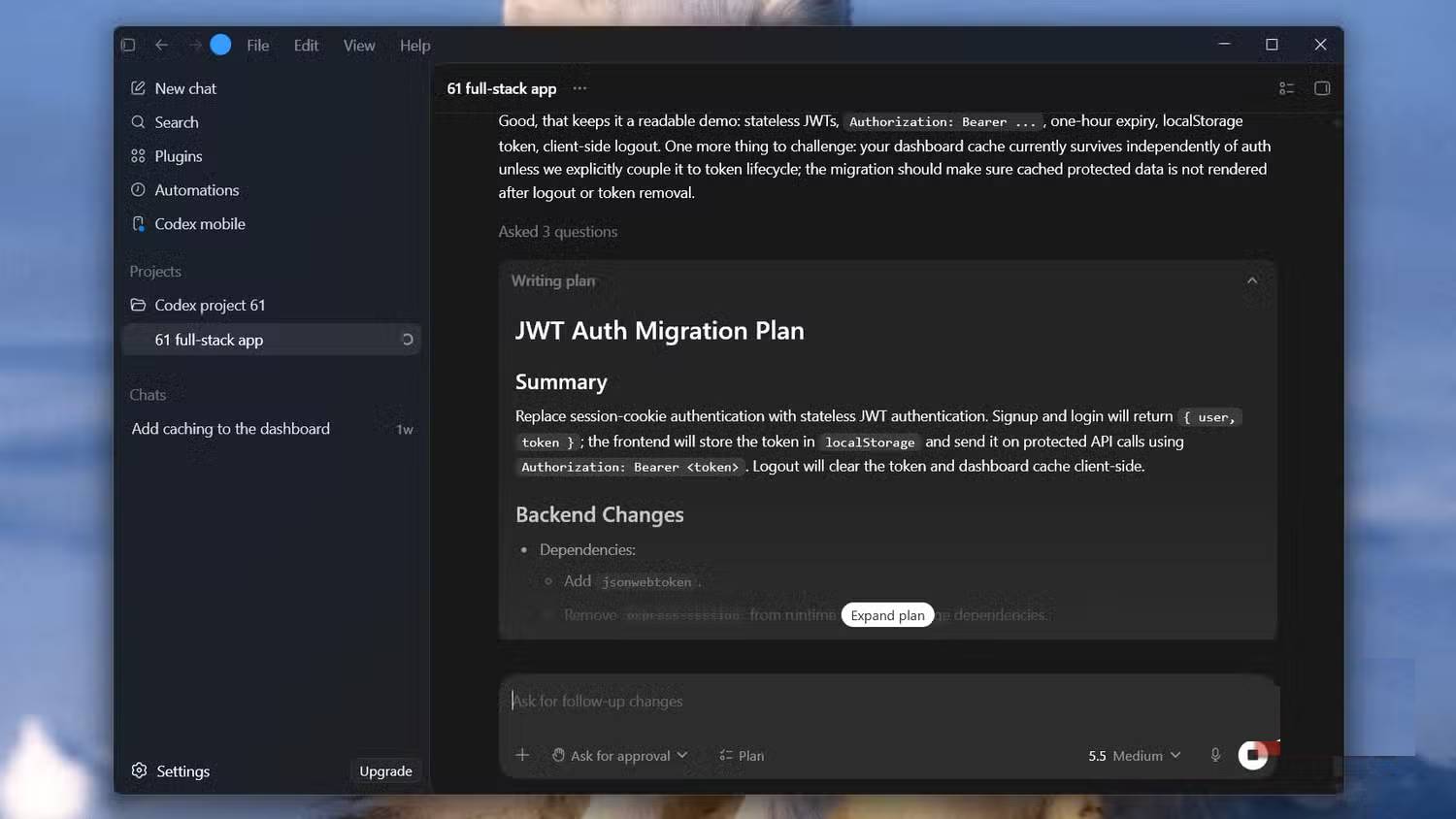
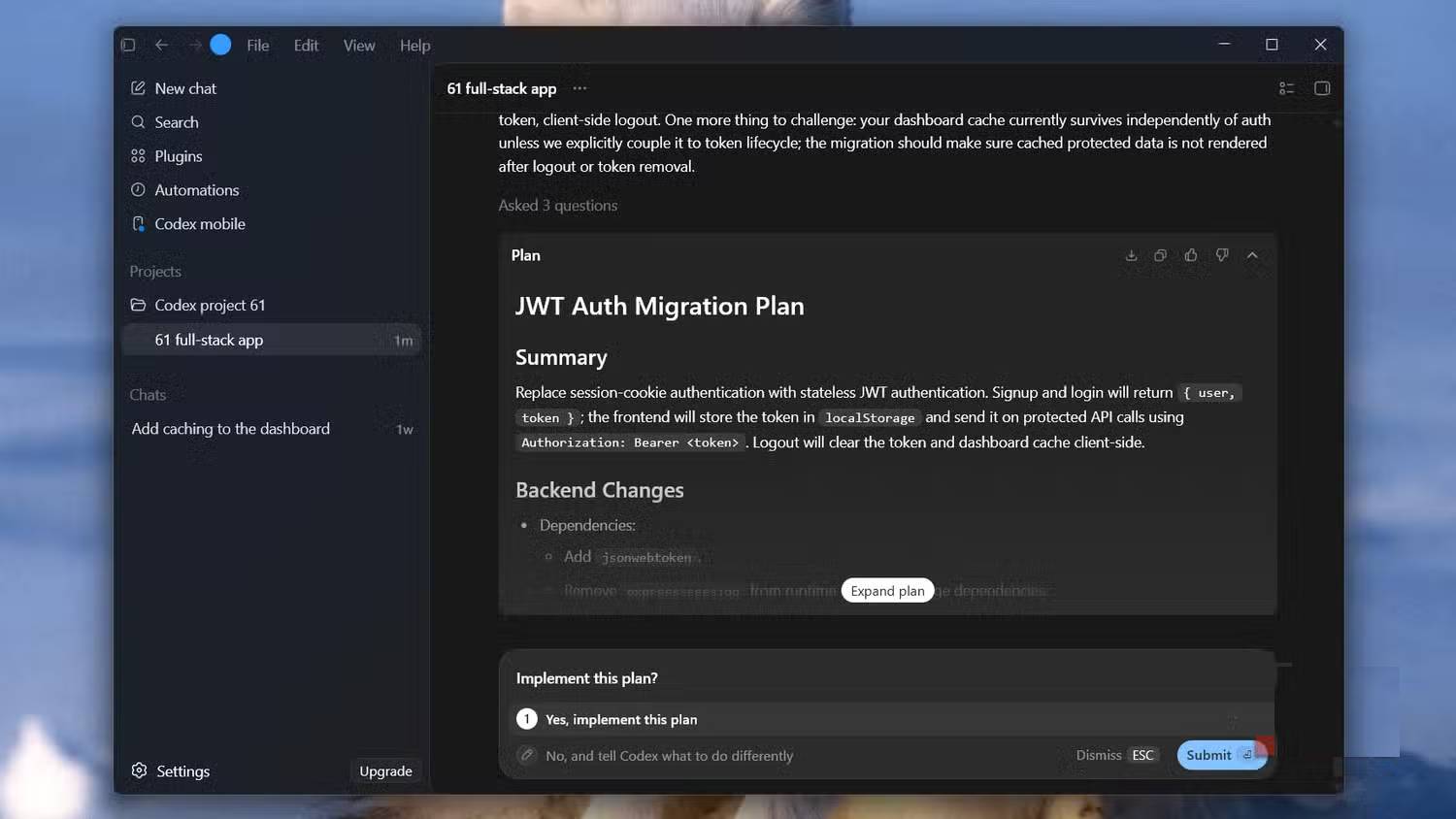
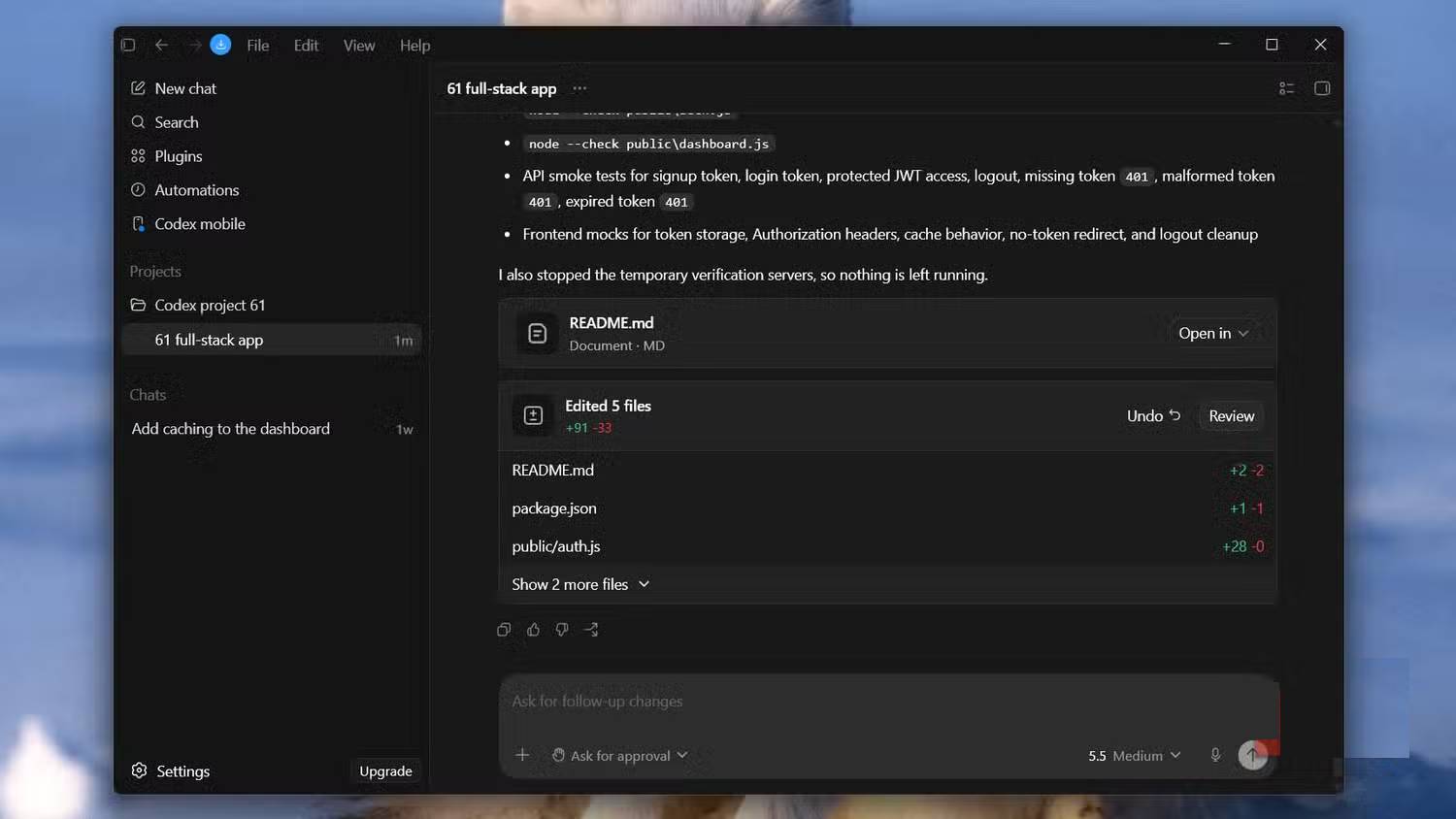
Available models and reasoning levels change over time and by plan. Higher reasoning can help with migrations, cross-cutting refactors and unfamiliar code, but it also takes longer and uses more capacity. A one-file text change usually does not need the same planning depth as authentication or data migration.
For a high-risk change, provide explicit boundaries:
Plan a migration from session cookies to token-based authentication. Do not edit files. Map the current login, refresh, logout and authorization paths; identify compatibility and rollback risks; list affected tests; and call out security decisions that require human approval.A strong plan should name the relevant components, explain the order, include rollback or migration considerations where needed, and specify how success will be verified.
What to check before approving a plan
- Scope: Does the plan solve the request without unrelated refactoring?
- Evidence: Are its claims tied to files and behavior in the repository?
- Dependencies: Does it account for callers, schemas, configuration and external interfaces?
- Safety: Does it address permissions, secrets, destructive migrations and rollback?
- Tests: Does it cover the failure paths, not only the happy path?
- Completion: Are the acceptance criteria observable?
When Plan Mode is unnecessary
Skip a formal plan for a straightforward, well-bounded edit when the implementation and verification are obvious. Planning overhead can exceed the value for a typo, a one-line configuration change or a small test update. Use it when uncertainty, blast radius or coordination makes an early review cheaper than rework.
Plan Mode versus a reusable execution plan
Native Plan Mode is well suited to an interactive plan-and-approve loop. For a multi-hour effort that must survive context changes or be handed between people, write the approved plan into a project document with milestones, decisions and validation evidence. The document, not a chat transcript alone, should become the durable source of truth.
Related Articles
 What Is Plan Mode in Cursor?8 minutes read
 How to Choose Power Plan in Windows 10: Step-by-Step Guide4 minutes read
 How to Turn on Dark Mode Messenger: Step-by-Step Guide3 minutes read
 7 Advantages When Switching from PC to Mac You May Not Know7 minutes read
 Guide to Creating Integrated NLS Lesson Plans Using AI4 minutes read
 10 Hidden Modes in Windows and How to Use Them7 minutes read
Reader Comments 0
Sign in with email or Google to join the discussion.