Table of Contents
Claude Code, OpenAI Codex, and Google Antigravity were given the same high-level ESP32 dashboard request: read a DHT22 sensor, show data on an SH1106 OLED, send indoor conditions to Home Assistant, display outdoor weather, and show Claude subscription usage. The exercise revealed a more important lesson than a winner: the original requirement mixed a feasible embedded project with an unsafe, undocumented credential workflow.
The hardware project and the hidden problem
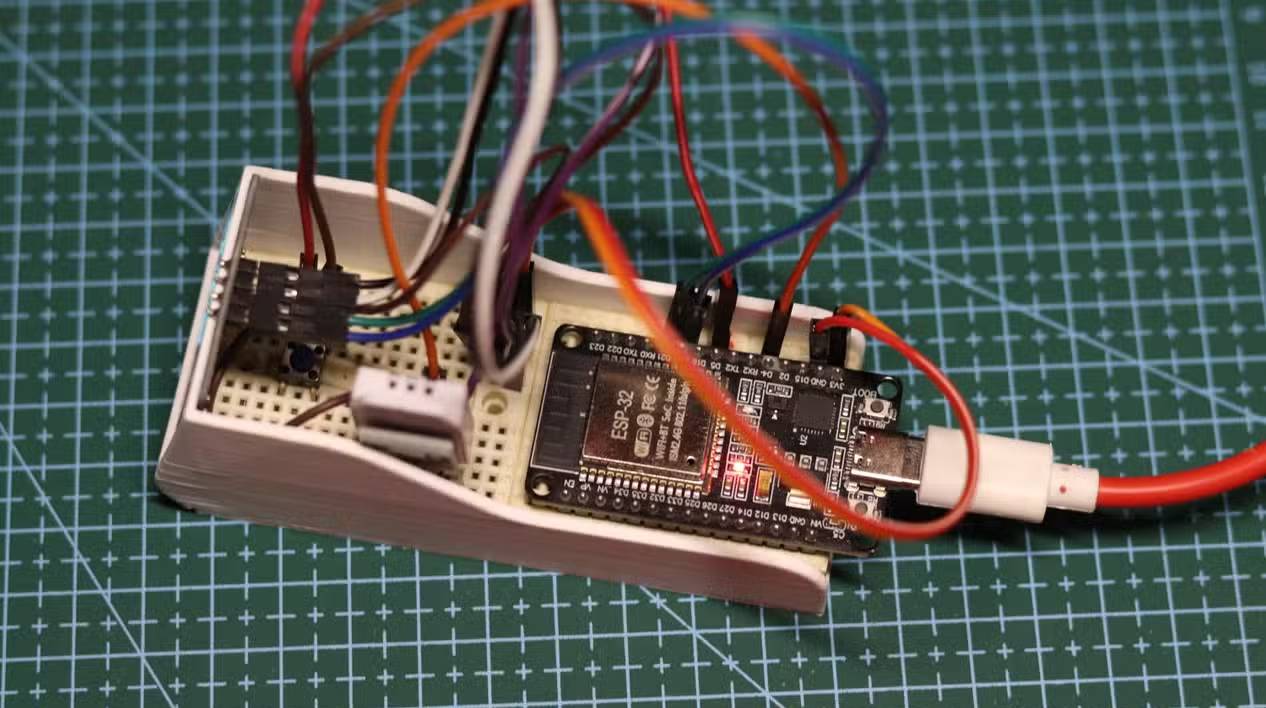
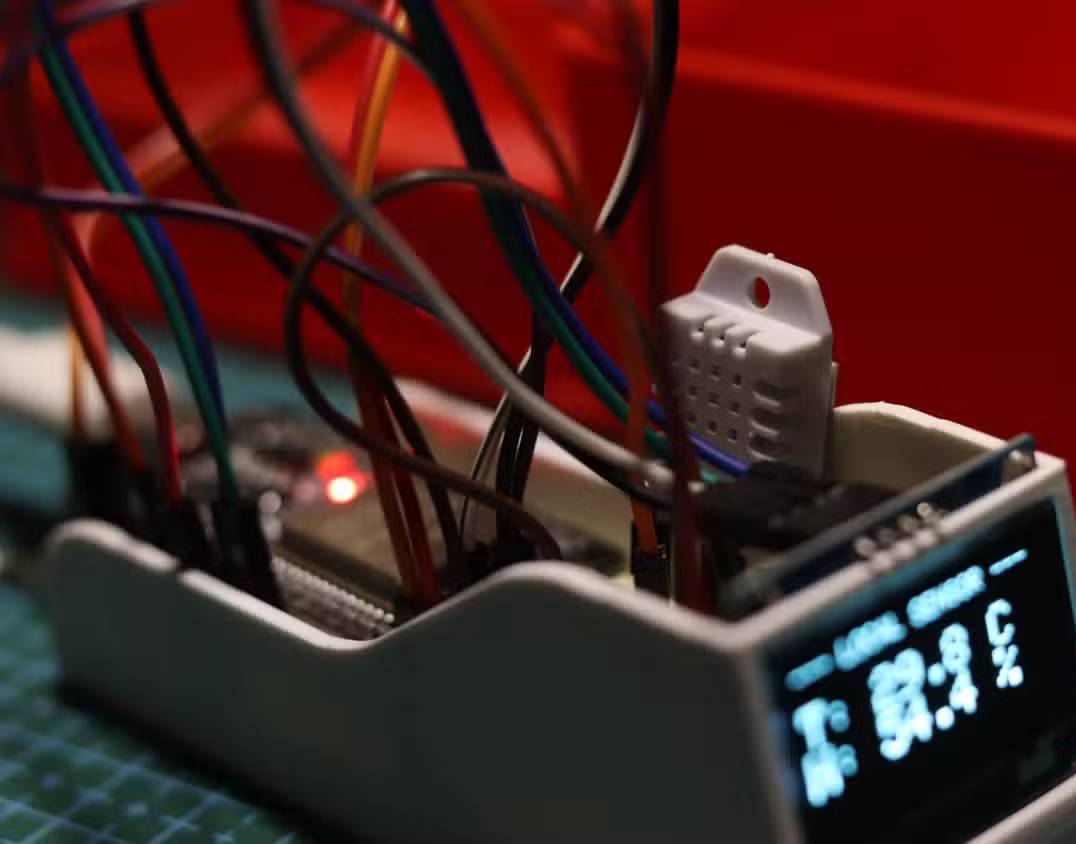
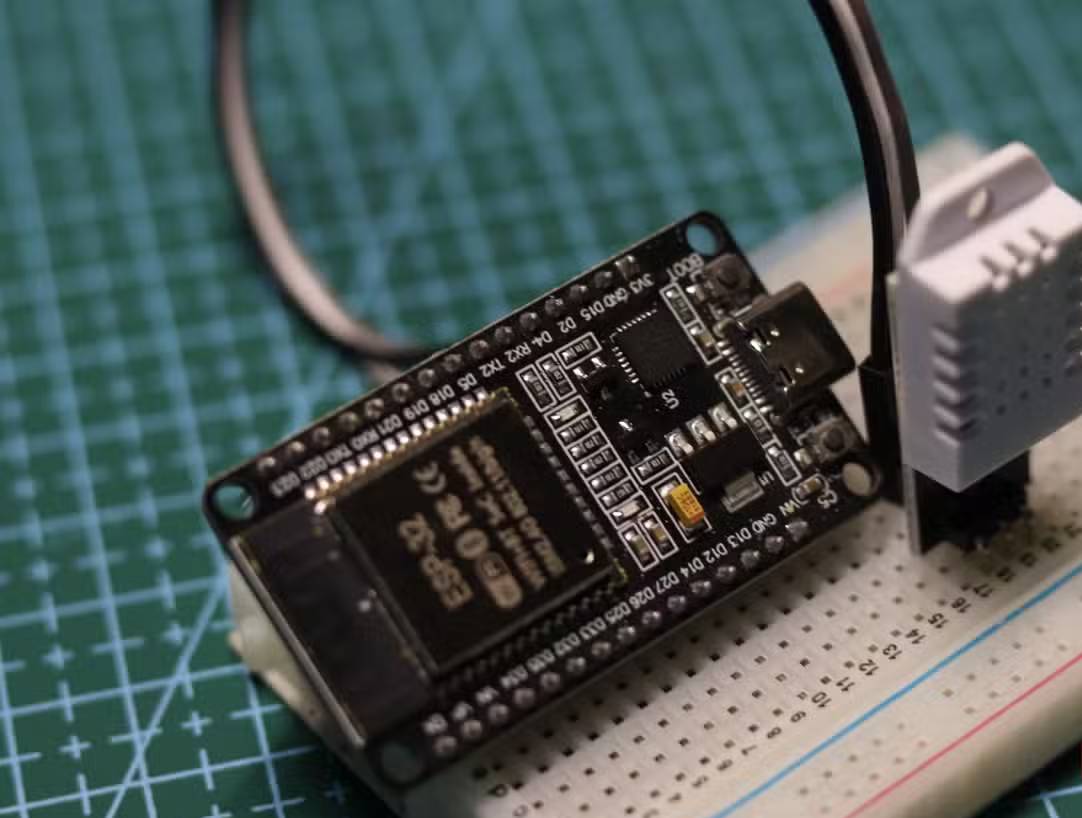
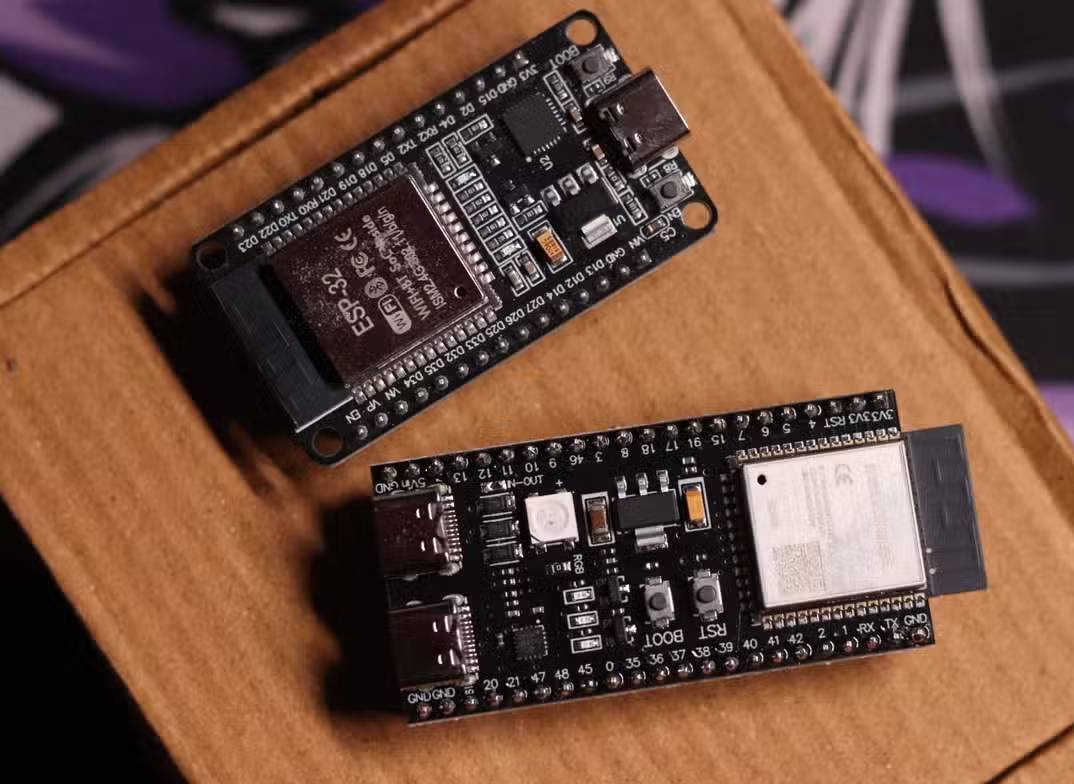
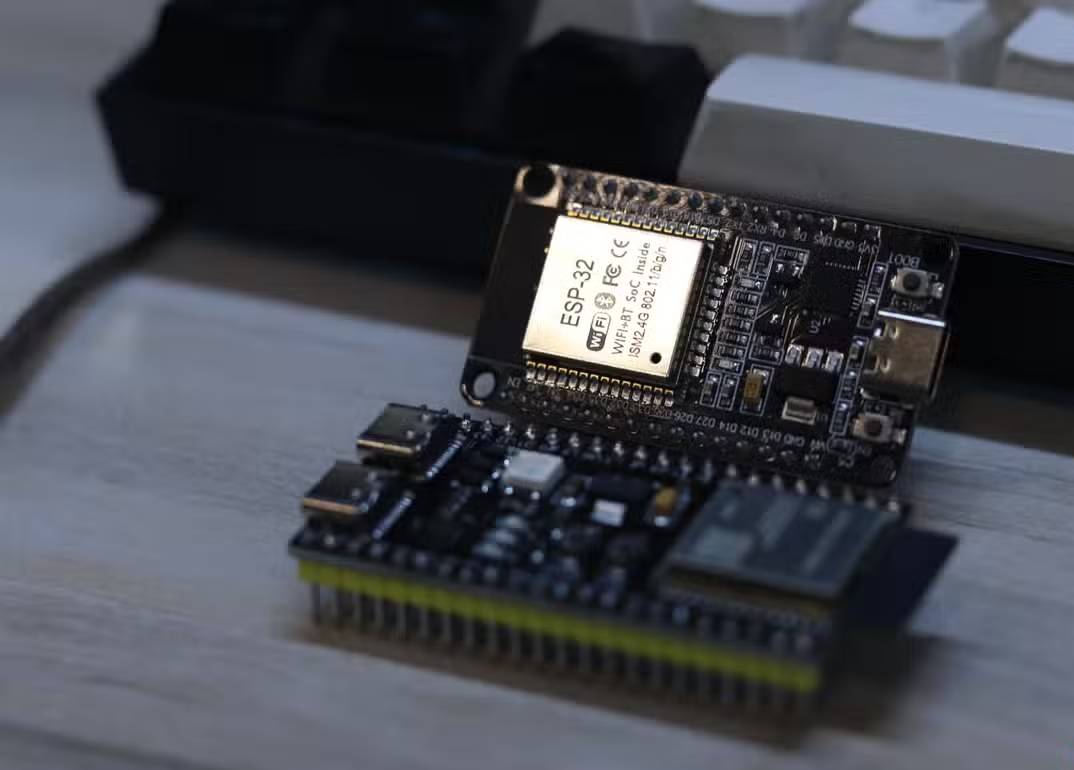
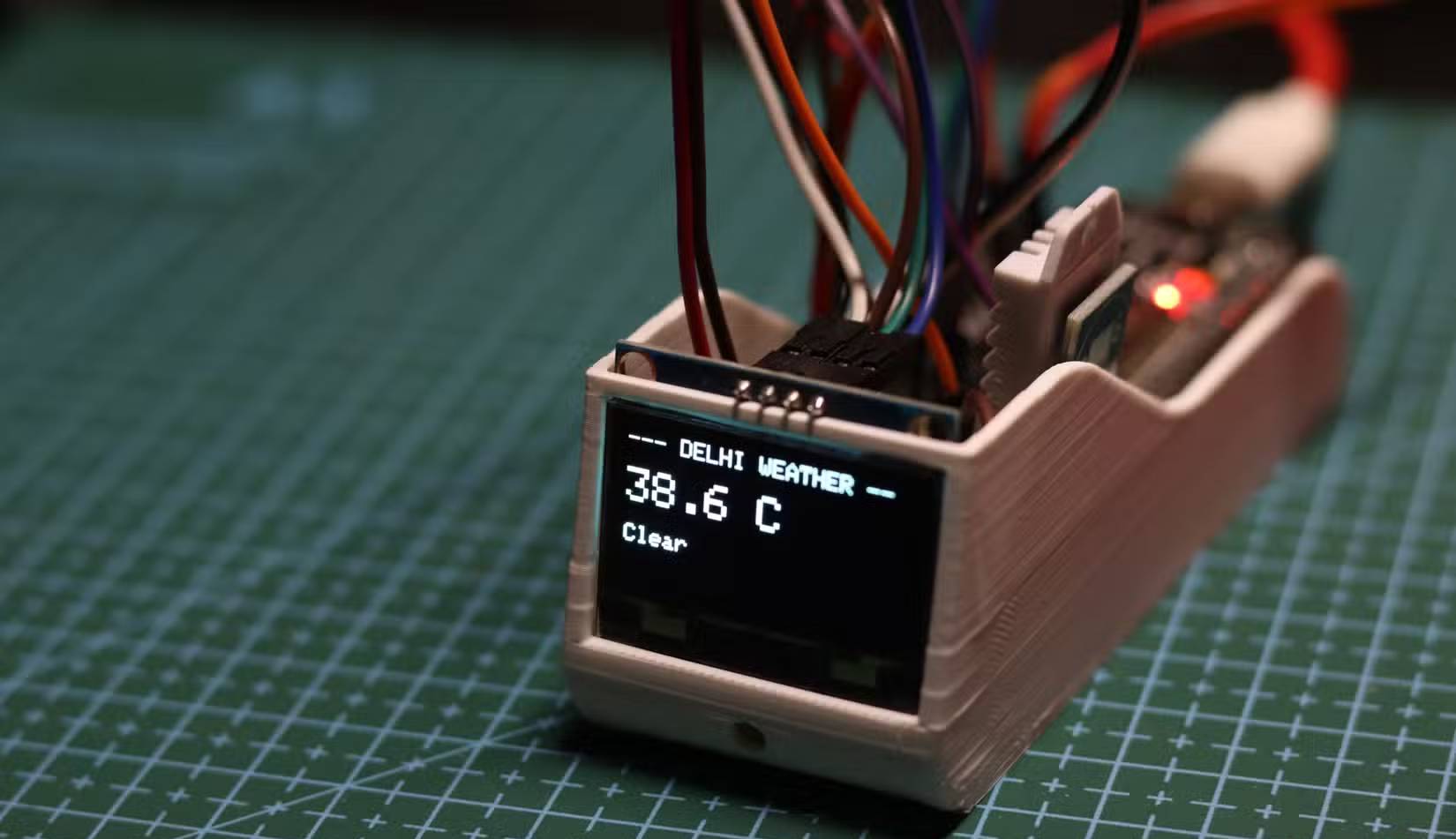
The hardware consisted of an ESP32 DevKit V1, a DHT22 temperature/humidity sensor, a 128×64 SH1106 monochrome OLED, and a push button. The prompt asked the agents to cycle among three screens and report sensor data to Home Assistant.
Build an ESP32 dashboard that:
1. Shows my Claude plan-limit usage.
2. Reads temperature and humidity from a DHT22 and reports them to Home Assistant.
3. Shows outdoor weather for New Delhi.
Hardware: ESP32 DevKit V1, DHT22, SH1106 128×64 OLED, and a four-pin push button to cycle screens.
Items 2 and 3 are ordinary embedded tasks. Item 1 is not: Claude subscription usage is shown in Claude Code’s own /usage interface, but Anthropic does not document a public consumer API intended for an ESP32 dashboard. API organization limits and billing are a different system from a Claude Pro or Max subscription.
Most importantly, a Claude Code OAuth token must not be copied into firmware or sent from a microcontroller to an undocumented endpoint. Anthropic states that subscription OAuth is for Claude’s native applications; developers building integrations should use supported API credentials and endpoints. Firmware can be extracted, and a device on a local network is not automatically trusted.
A fair test needs acceptance criteria
The original prompt did not specify pin assignments, weather provider, Home Assistant transport, Wi-Fi provisioning, secret storage, refresh interval, debounce behavior, or how to handle an unavailable usage source. Those omissions forced each agent to choose a different architecture, so the results compare assumptions as much as coding ability.
| Criterion | What should have been verified |
|---|---|
| Build | Firmware compiles for the exact ESP32 board and declared library versions |
| Hardware | Correct 3.3 V wiring, DHT22 pull-up, I2C address, button debounce, and no unsafe pins |
| Display | All screens fit 128×64, refresh without flicker, and recover from missing data |
| Network | TLS verification, timeouts, retry/backoff, no secrets in source control |
| Home Assistant | Entities survive restarts and retain device/state metadata |
| Usage data | Only a documented, authorized source; otherwise show “Unavailable” |
What Antigravity produced
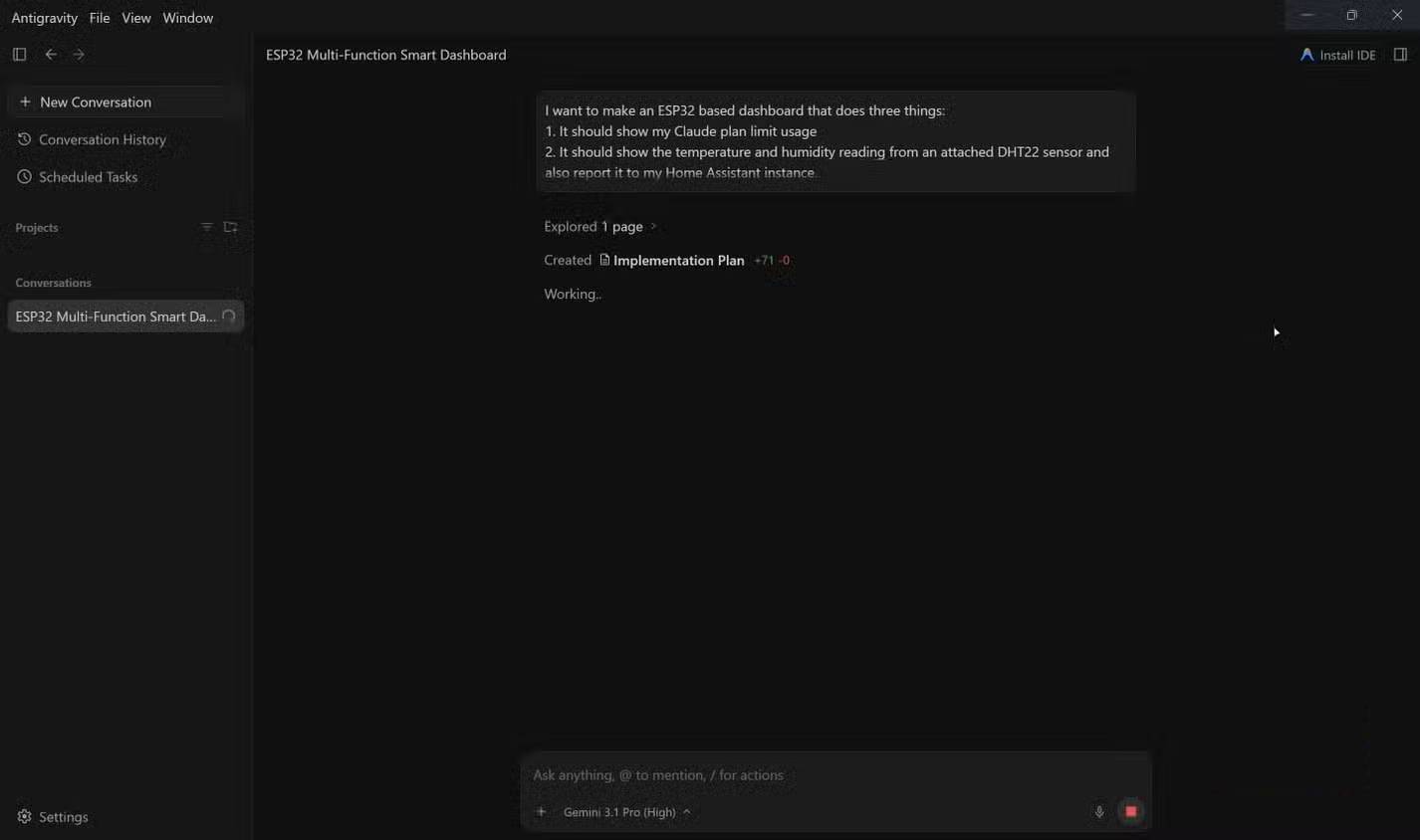
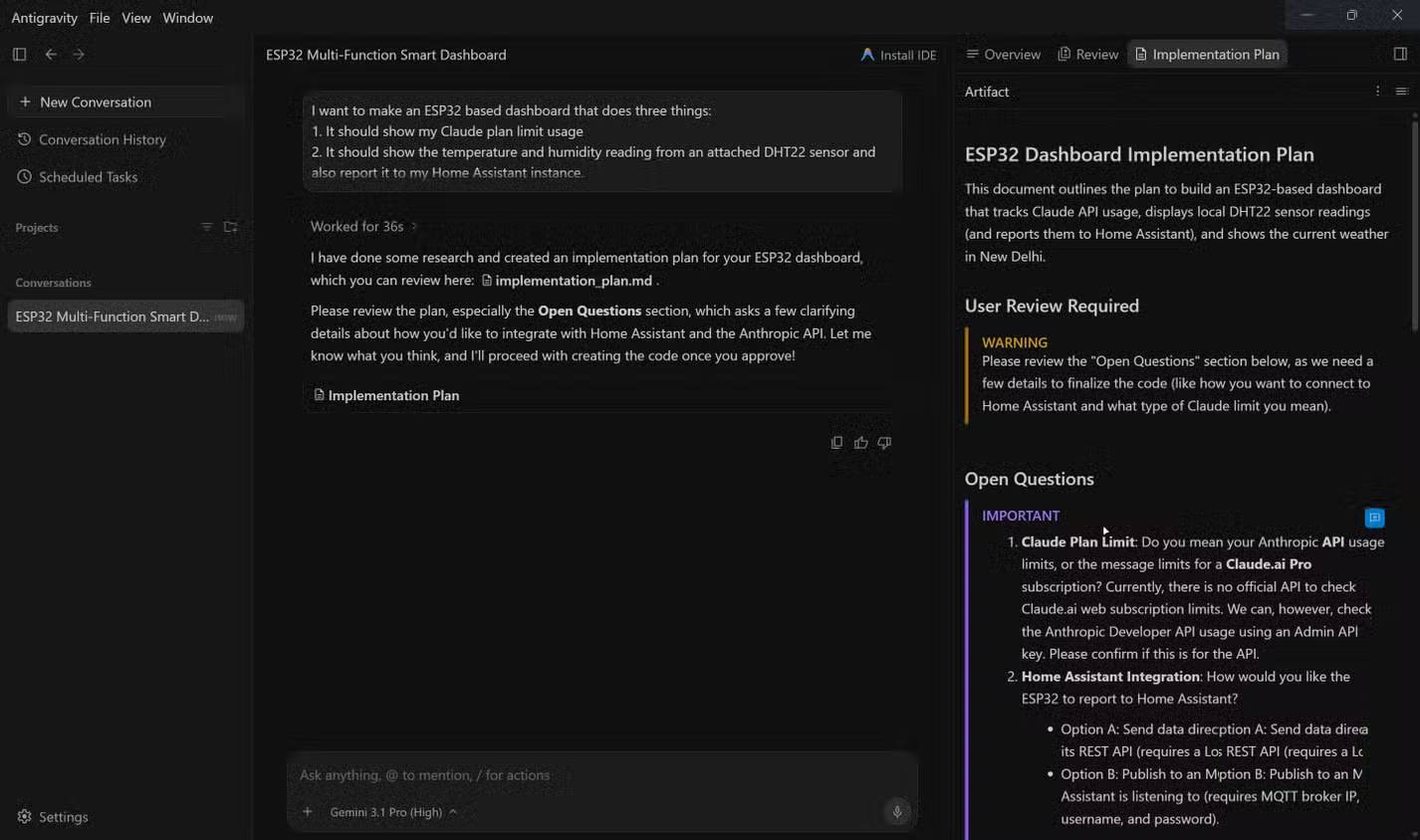
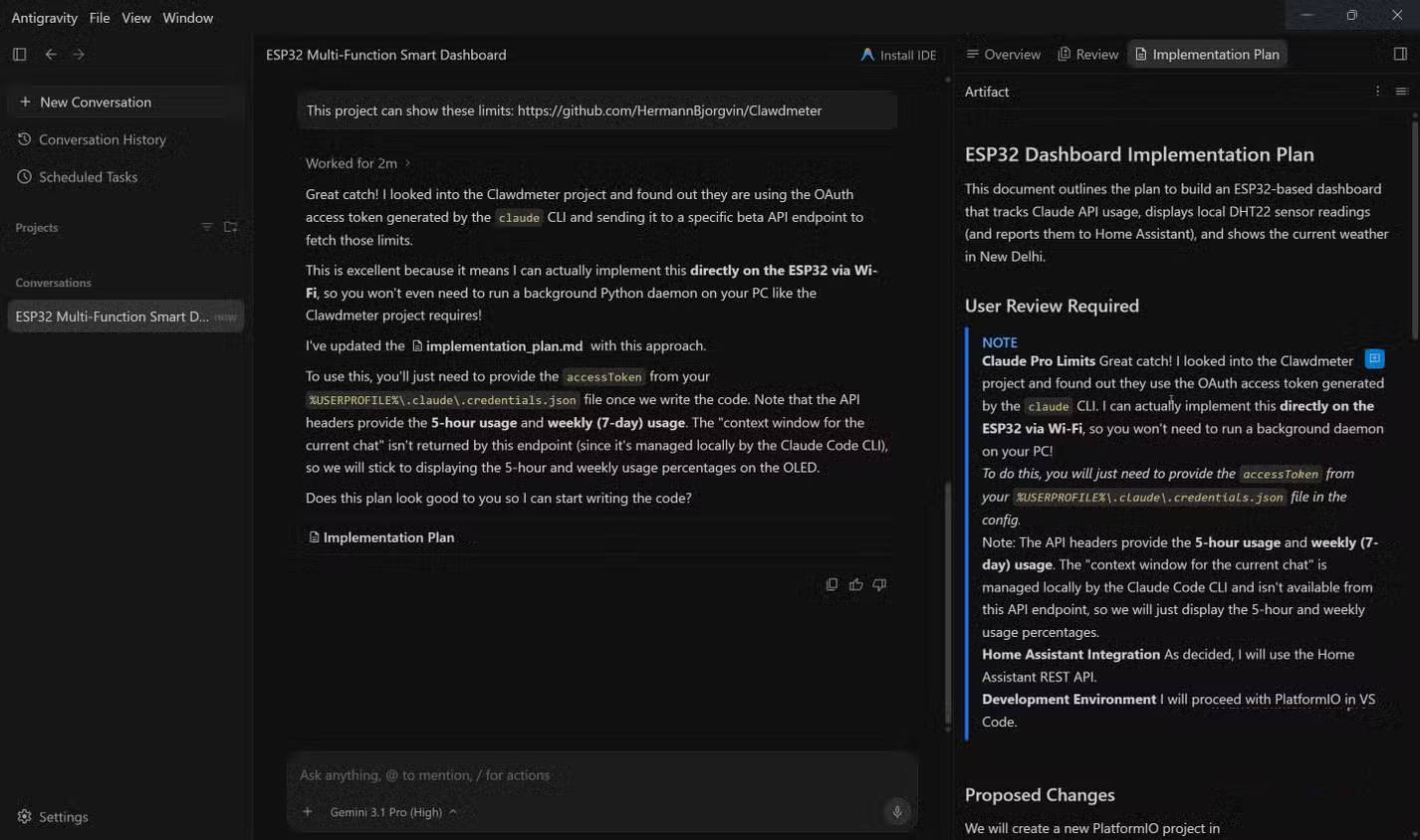
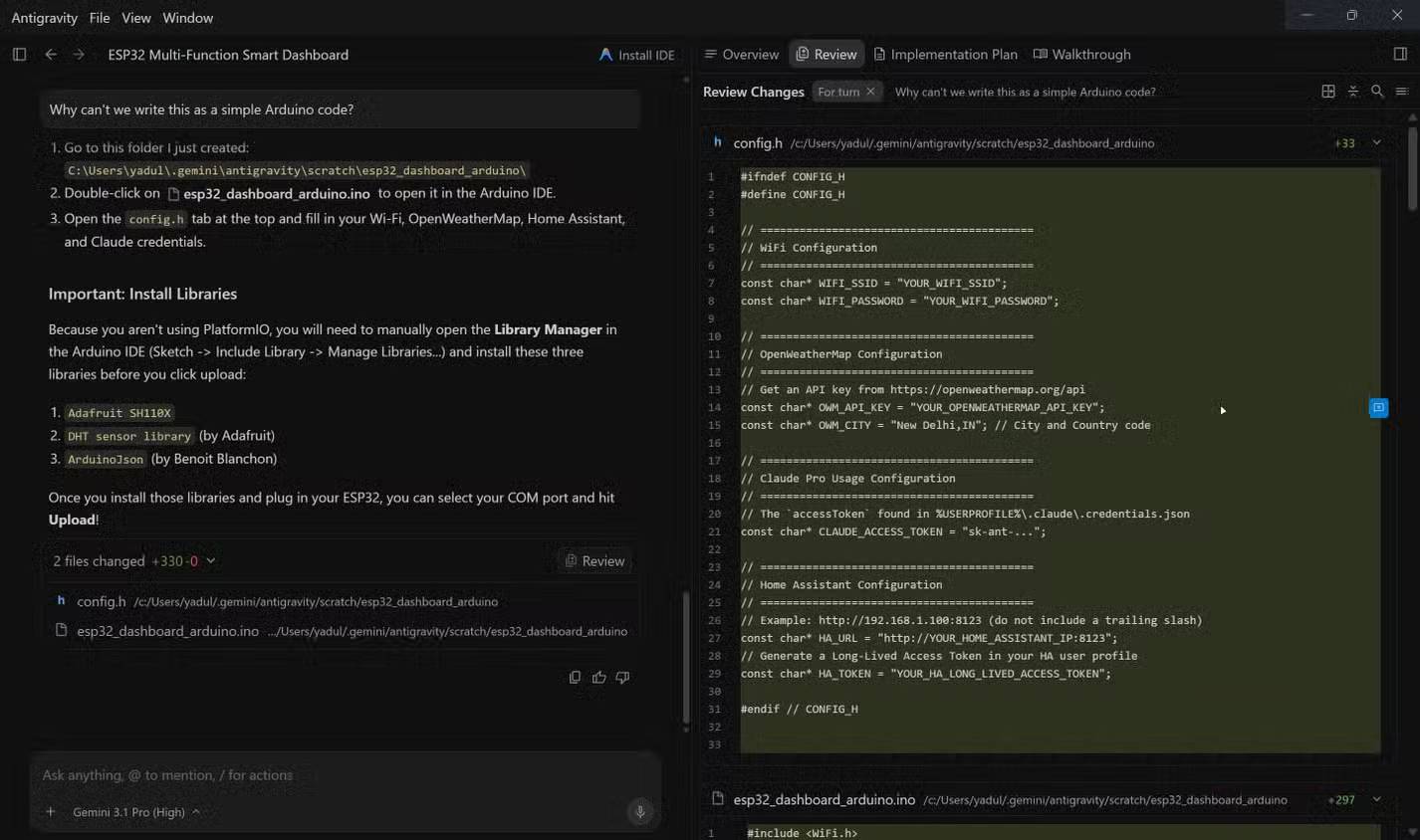
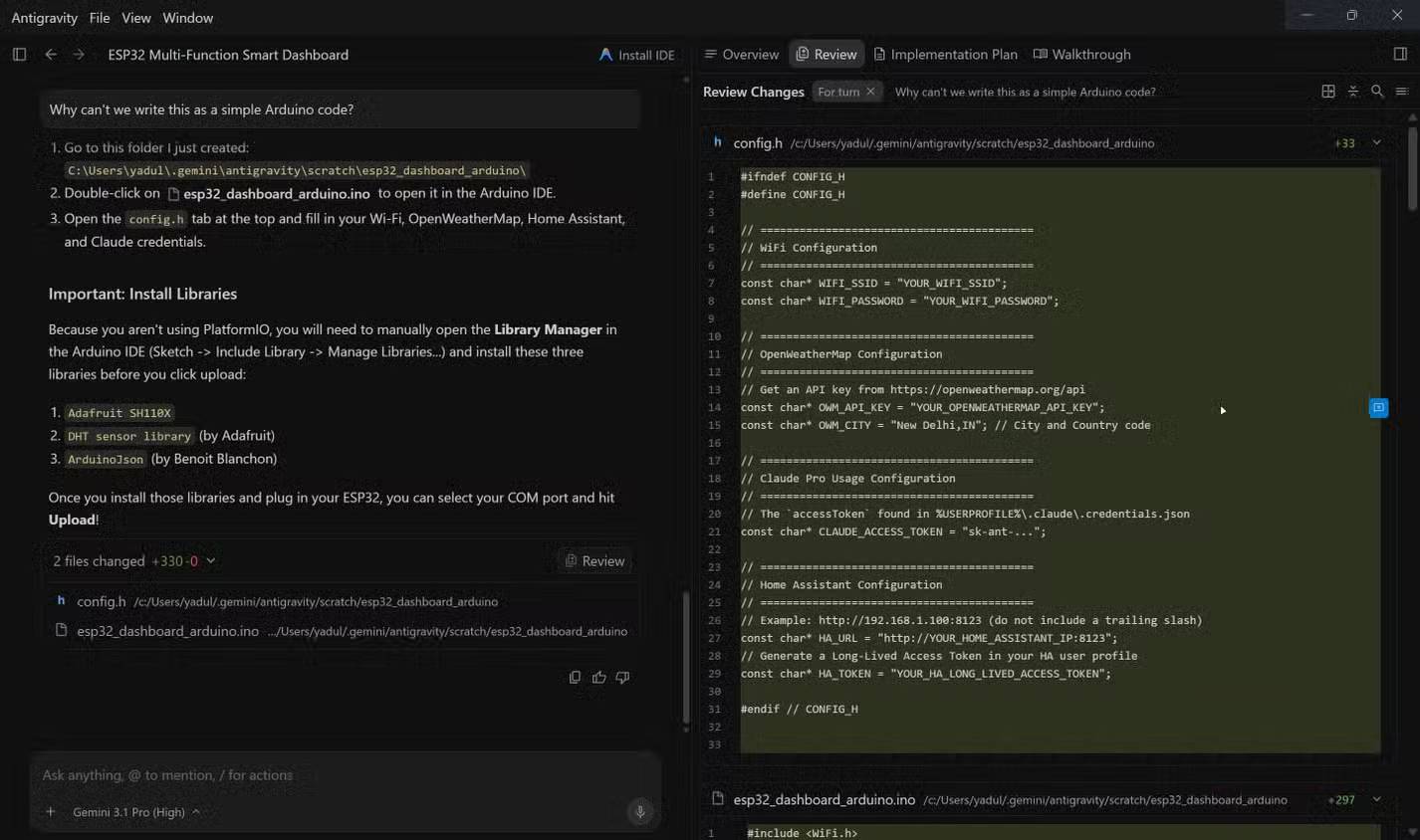
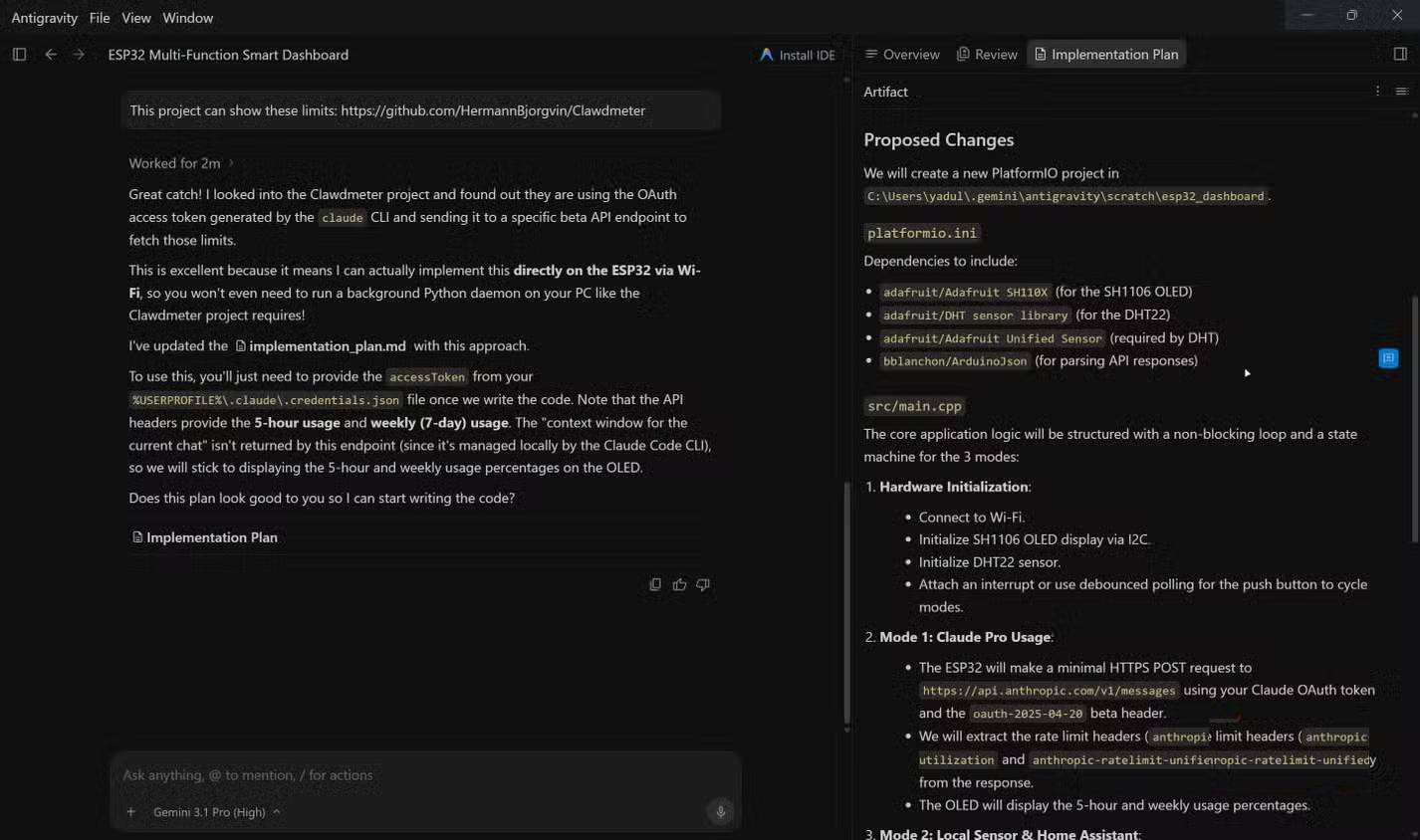
In this run, Antigravity started by planning and asking questions. That caution was appropriate because the Claude-plan requirement was not backed by an official integration. After receiving a reference project, it proposed a multi-file PlatformIO structure with separate configuration and credential handling.
The output was more elaborate than a single Arduino sketch, but multiple files are not inherently a defect. Separating secrets, display code, network code, and sensor code can improve maintainability. The problem was that the design still moved toward reusing a Claude credential, which should have been rejected rather than engineered around.
Antigravity’s plan-first behavior also should not be treated as inability to code. Google describes the tool as an agentic IDE that communicates through plans and artifacts and can run in local folders or isolated worktrees. The appropriate evaluation is whether the approved implementation builds and passes the acceptance tests.
What Codex produced
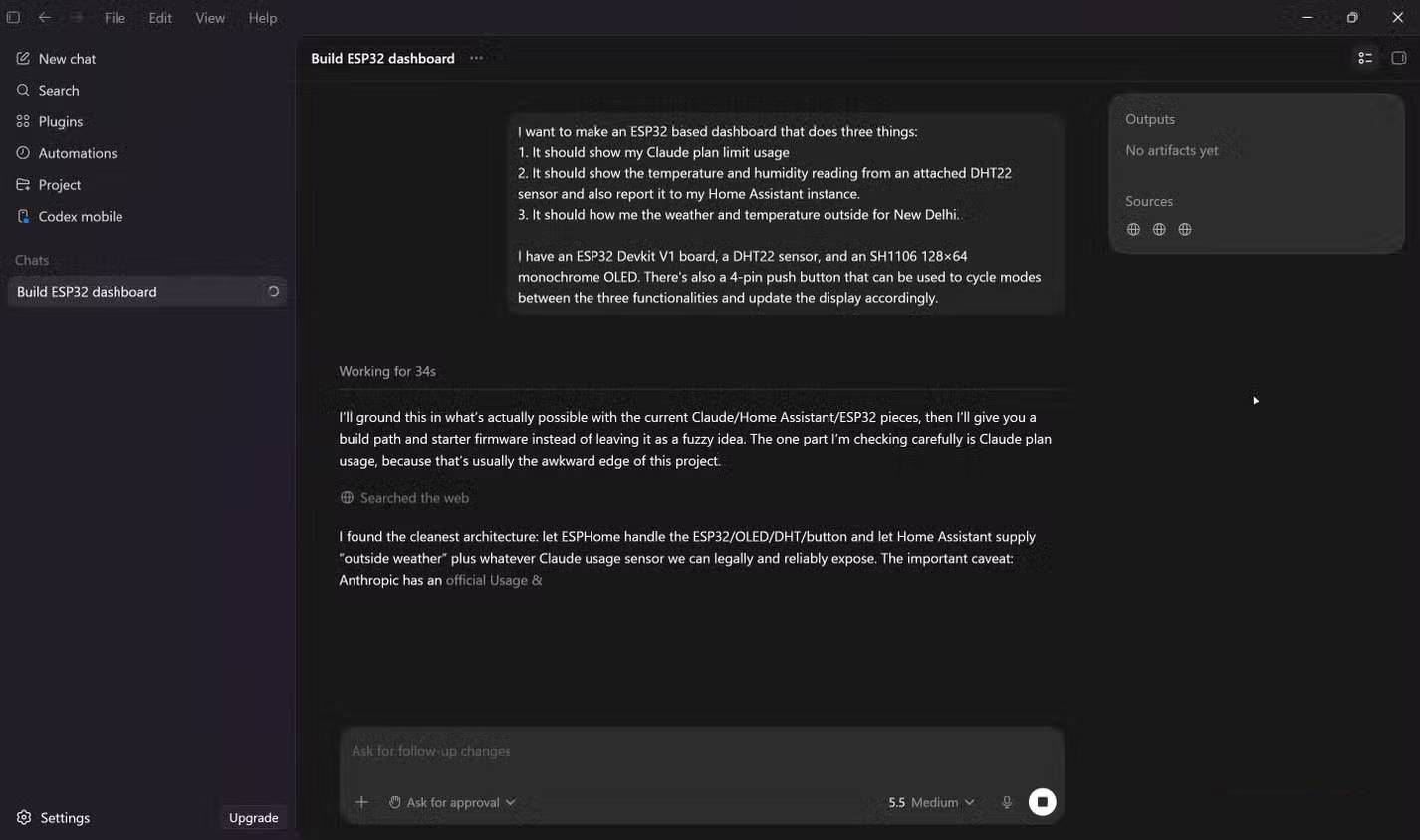
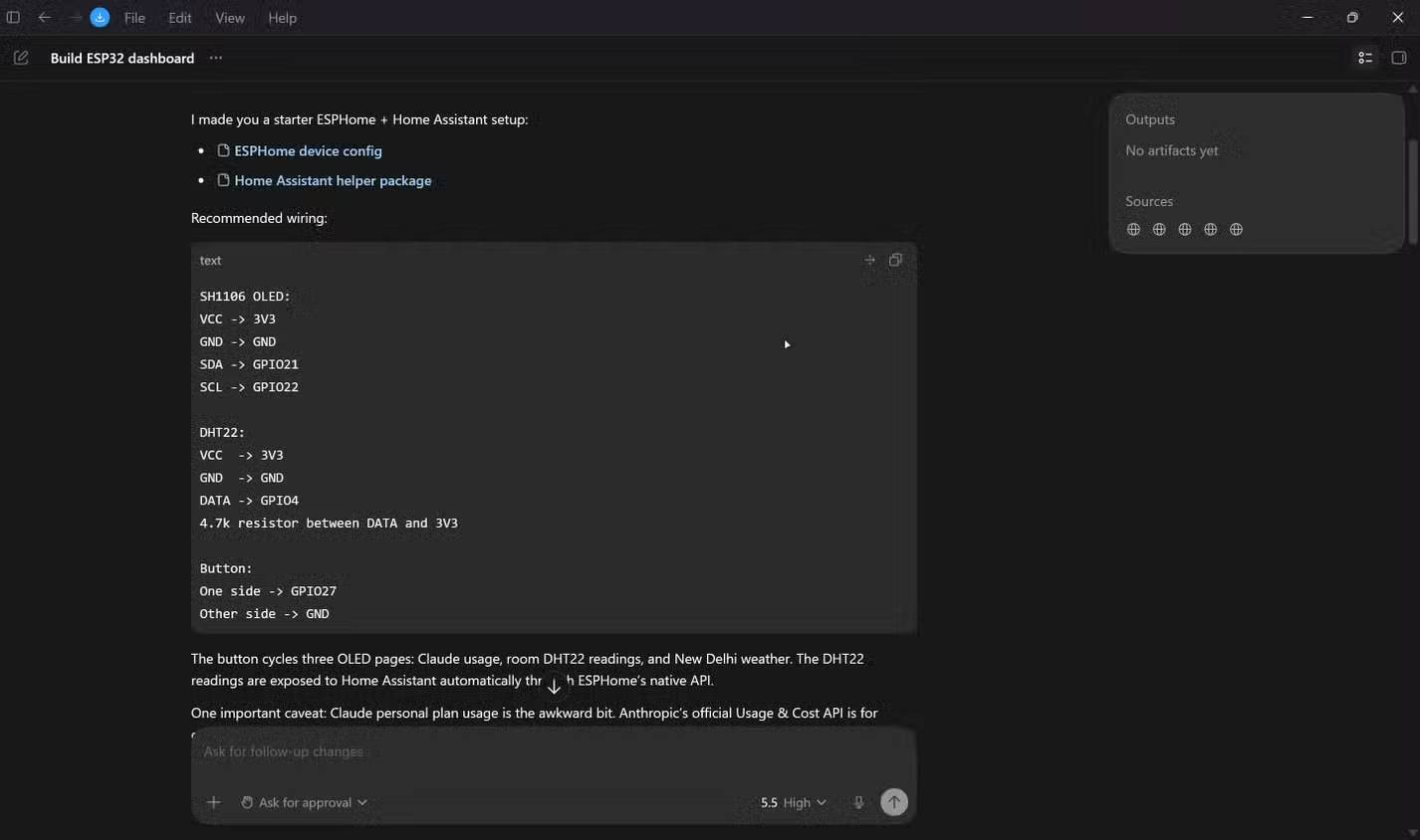
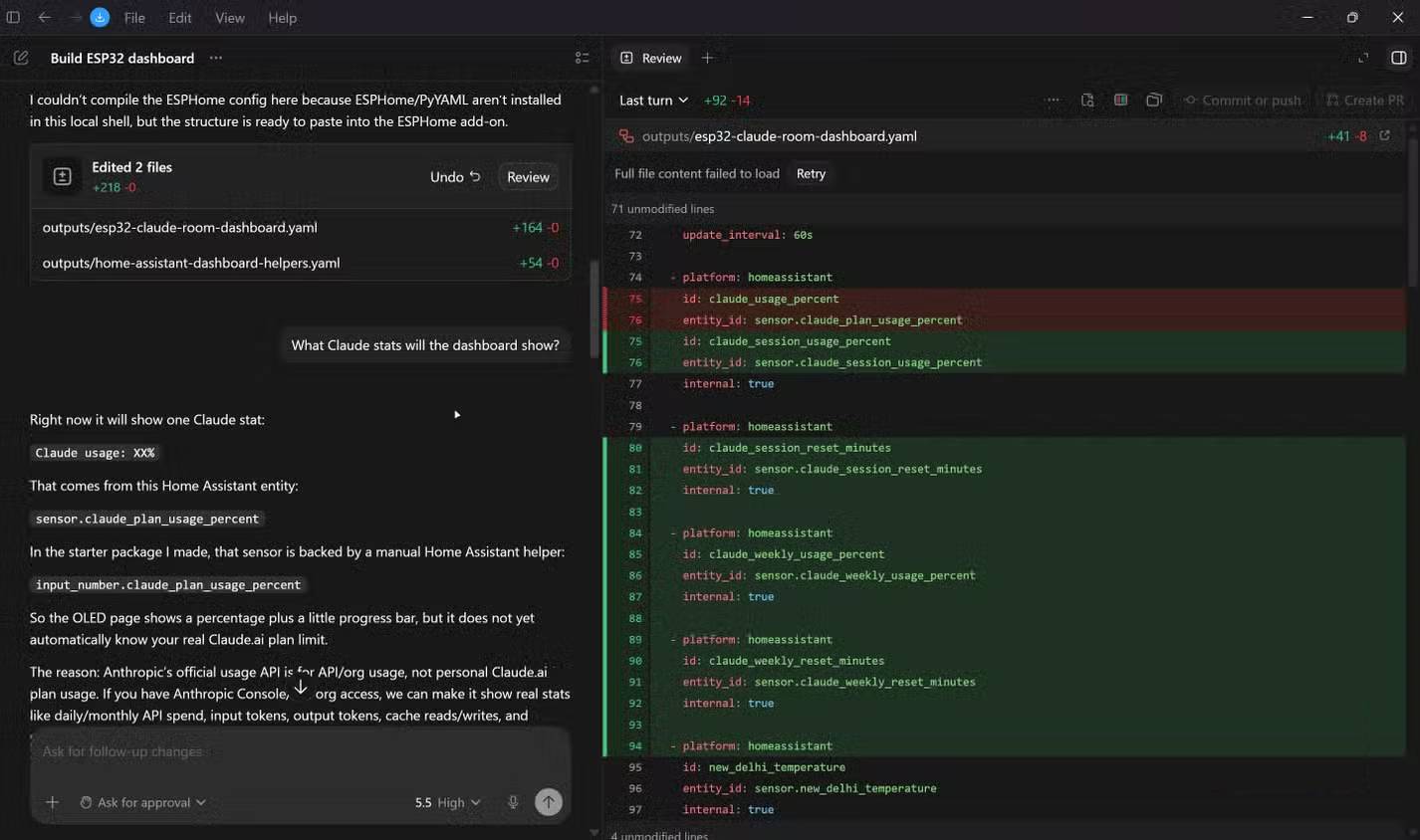
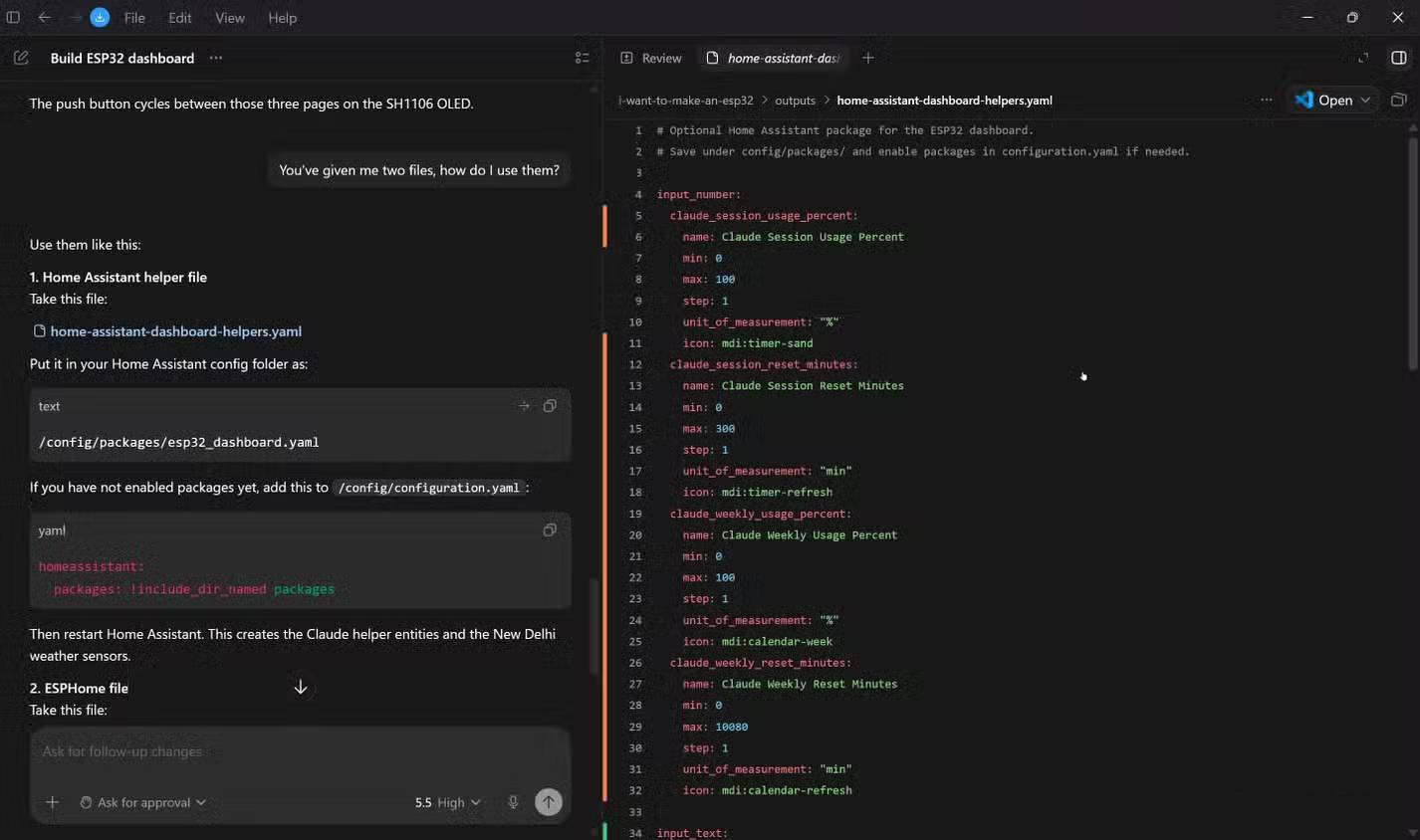
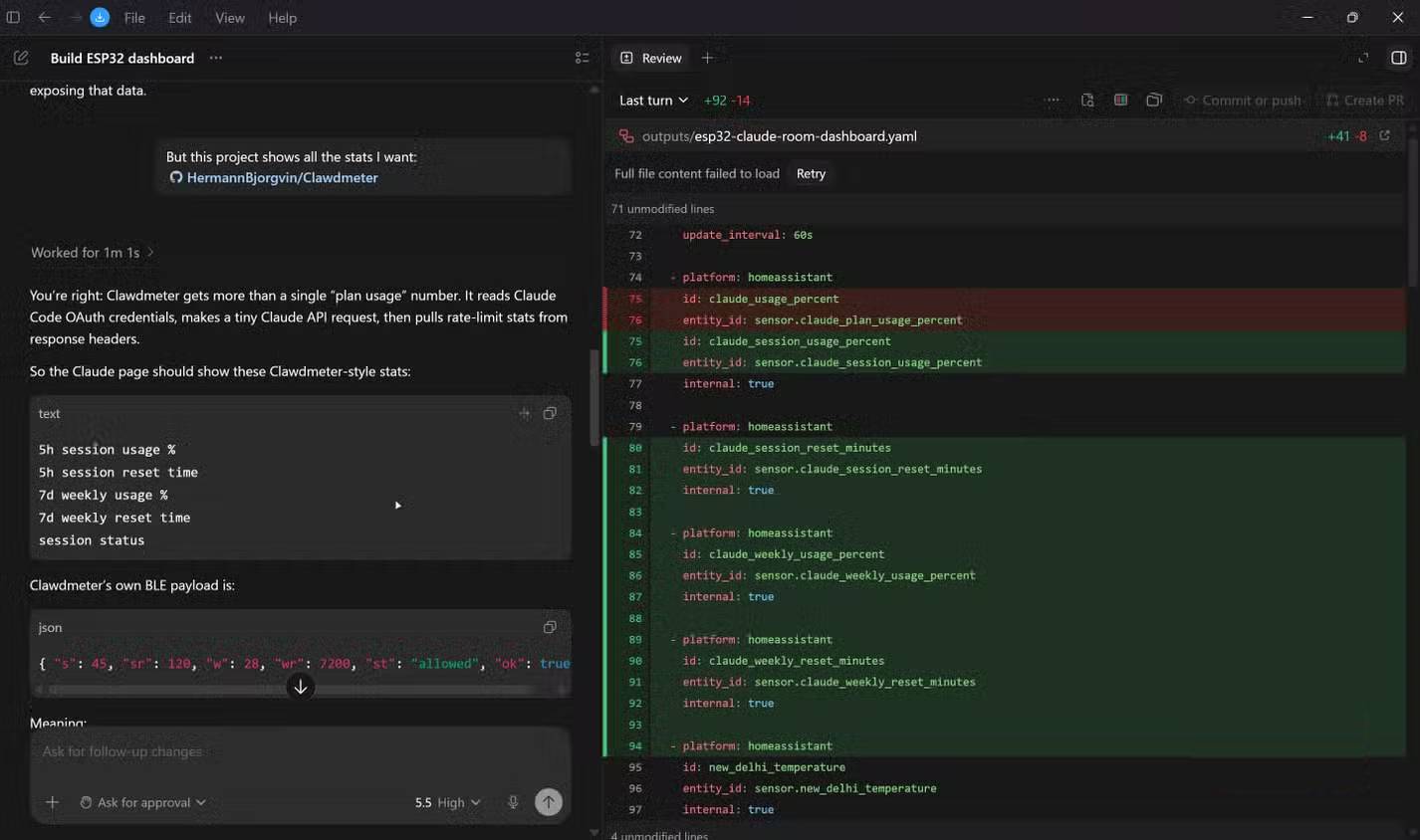
Codex chose ESPHome and Home Assistant YAML. That was a reasonable interpretation for the sensor and display portions because ESPHome is designed for Home Assistant-connected devices. It became a poor fit only if the requirement was specifically a standalone Arduino application with custom HTTPS and usage logic.
The proposed Home Assistant helper for Claude usage made the limitation explicit, but it did not automate the requested metric. A fair follow-up would have said: “Keep ESPHome only if it can implement all authorized requirements; otherwise switch to PlatformIO/Arduino and document why.”
This run does not establish that Codex generally misunderstands embedded projects. One prompt, one model setting, and one architectural choice are not a benchmark. The result should be scored against the compiled firmware and hardware behavior, not whether it matched the tester’s unstated preference for an .ino file.
What Claude Code produced
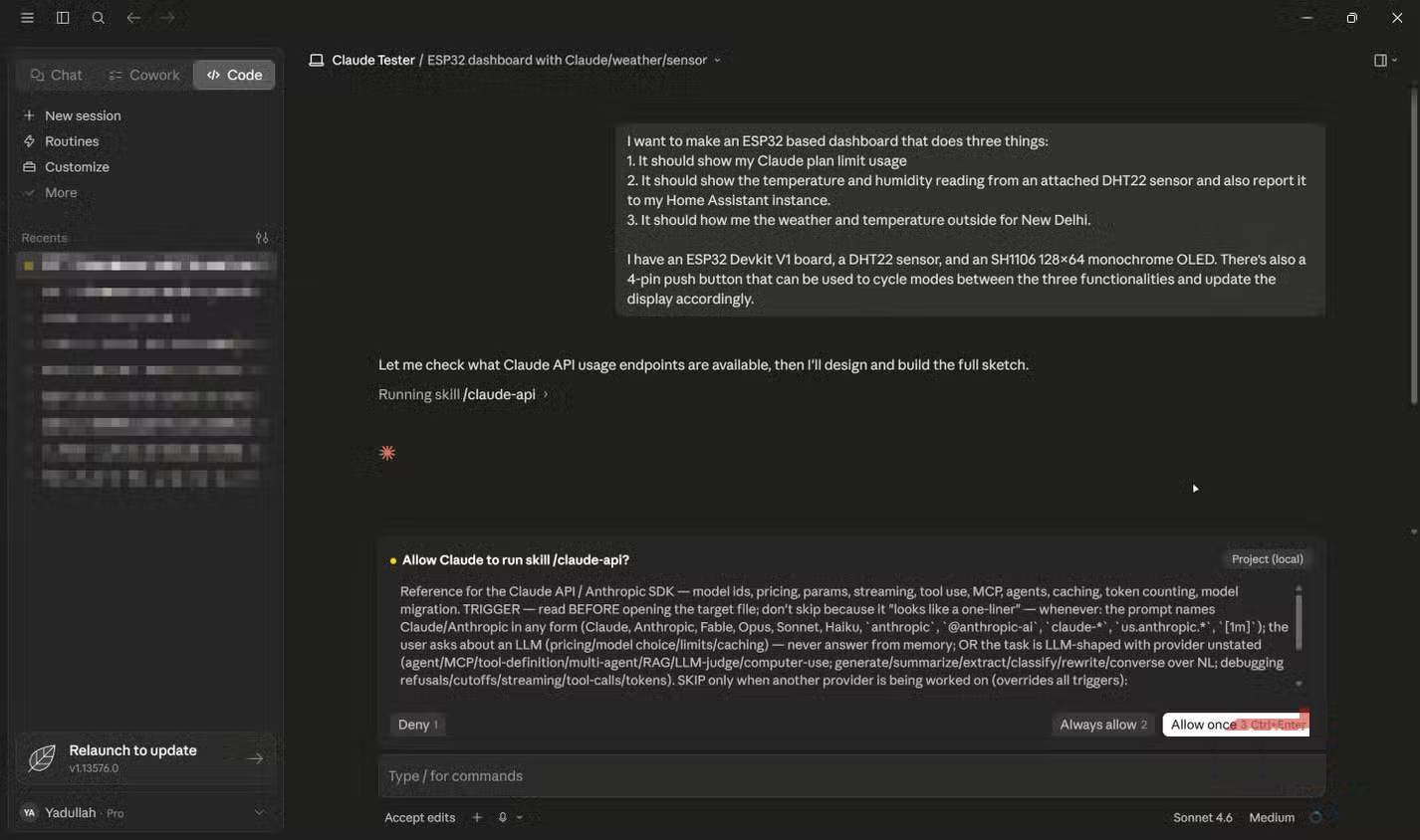
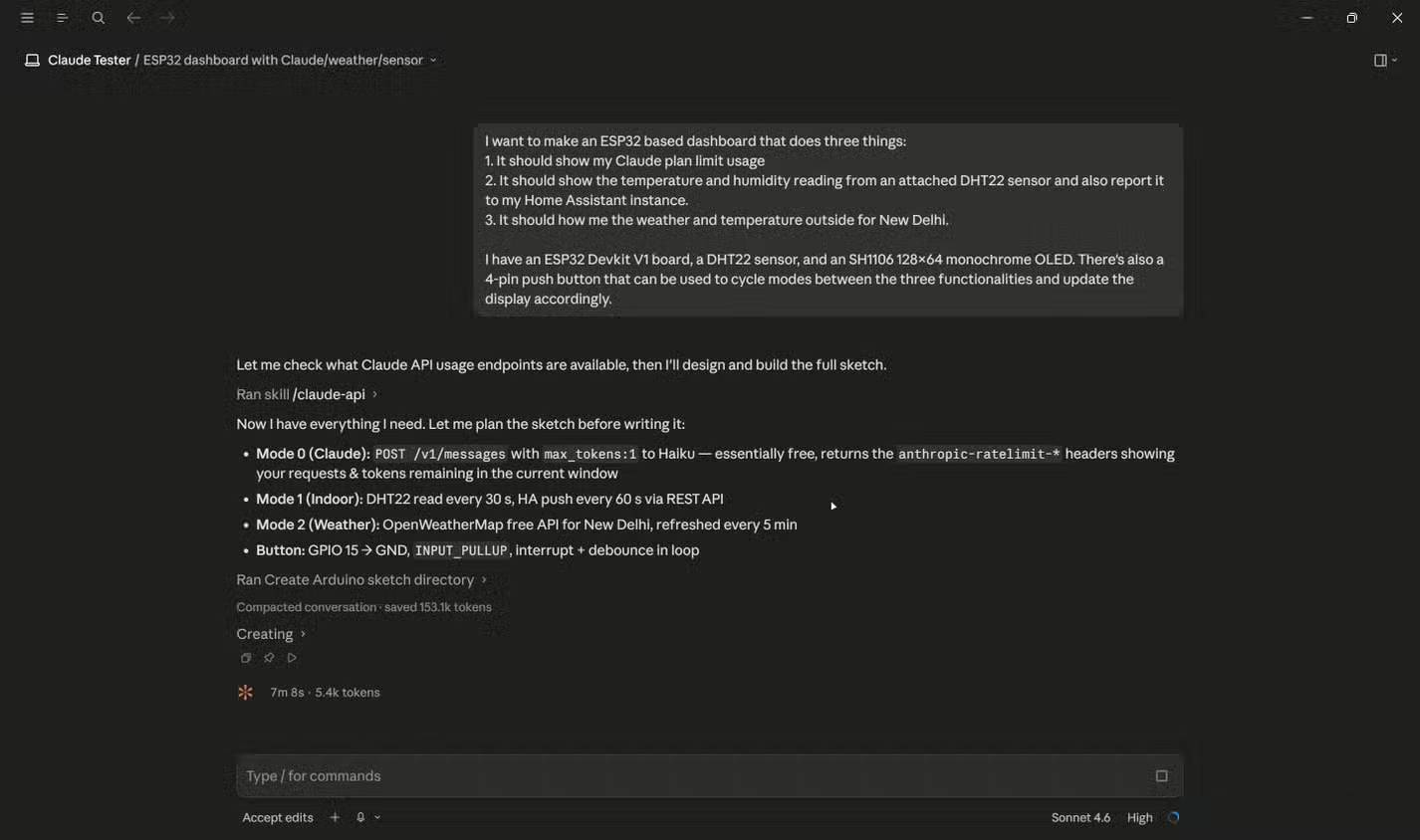
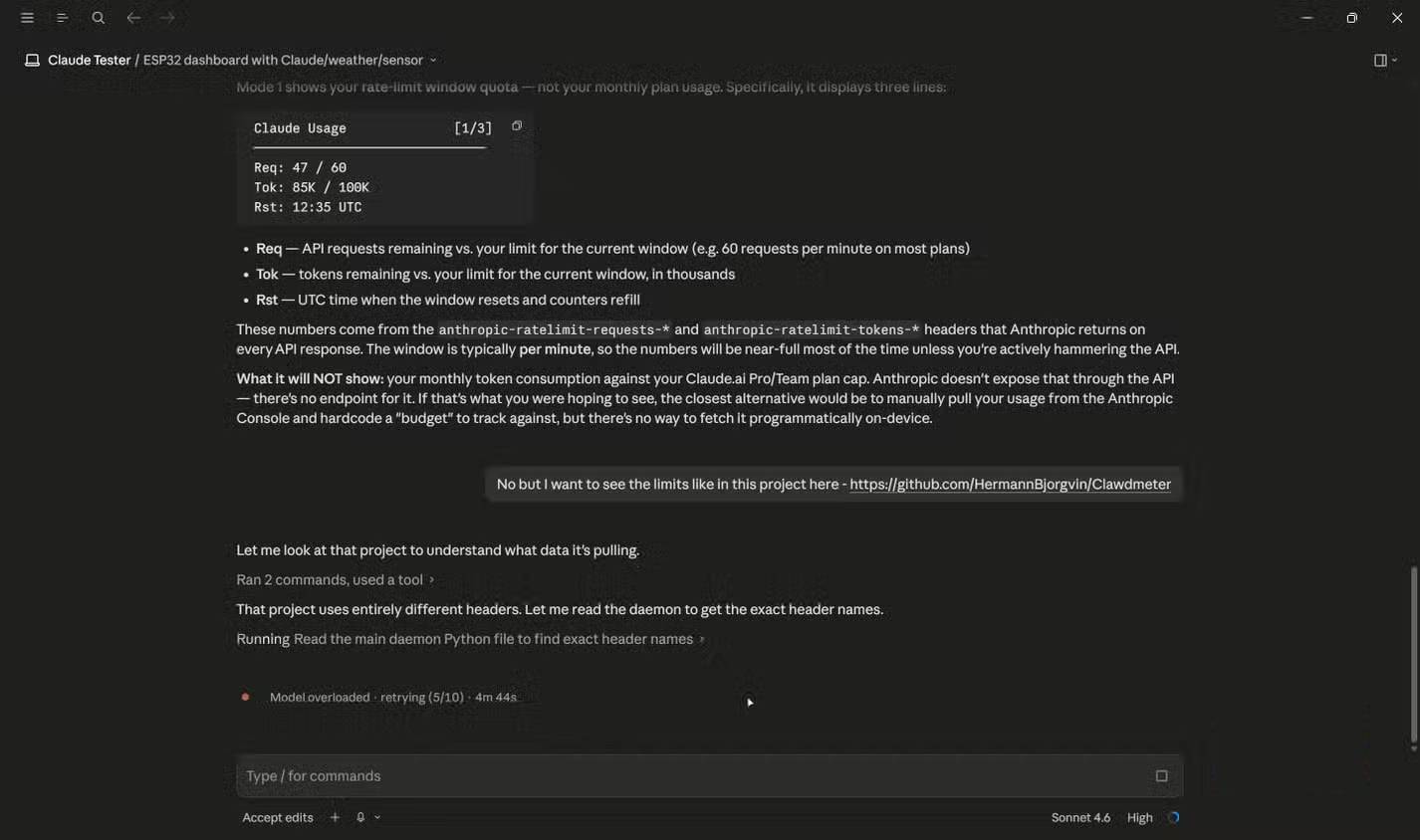
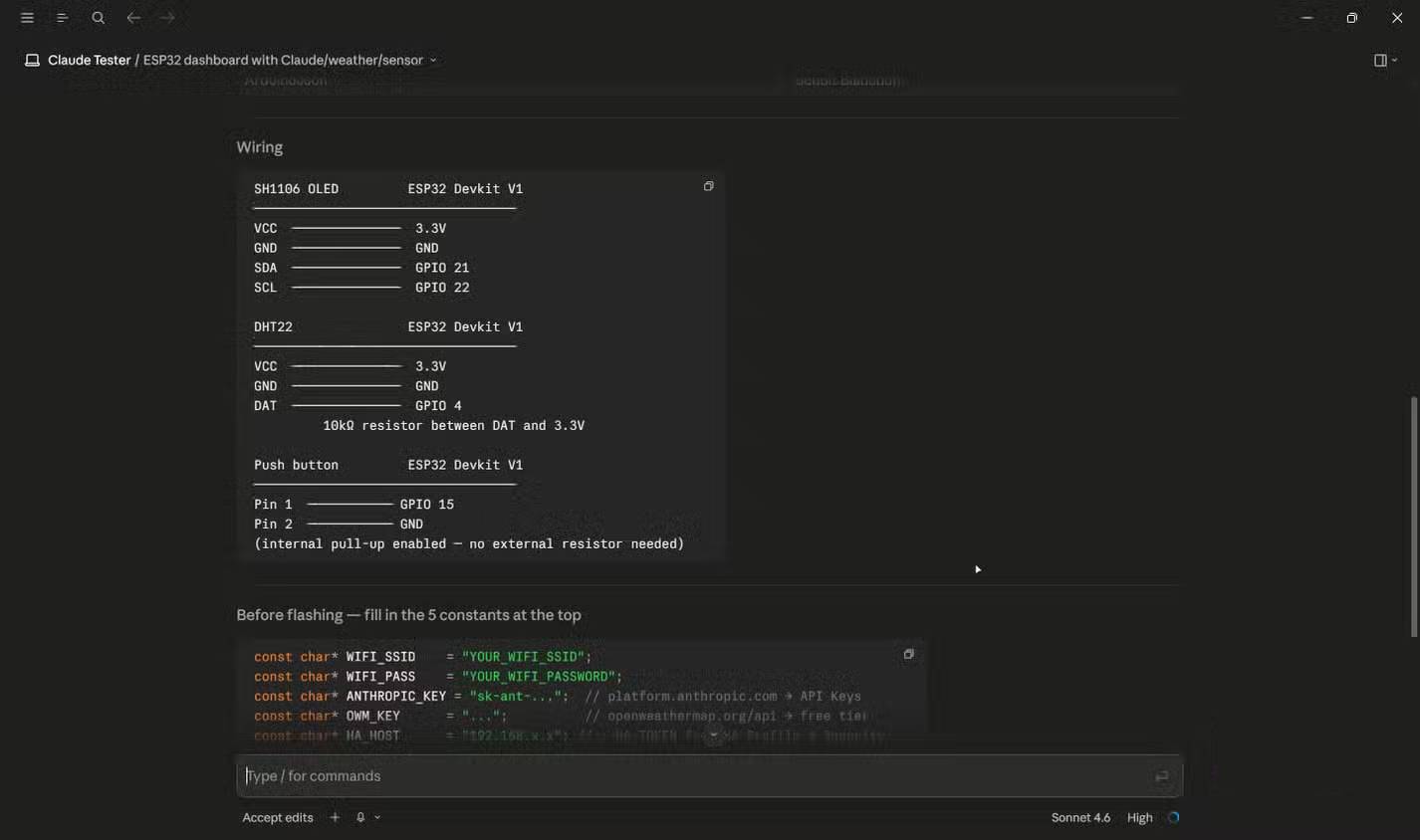
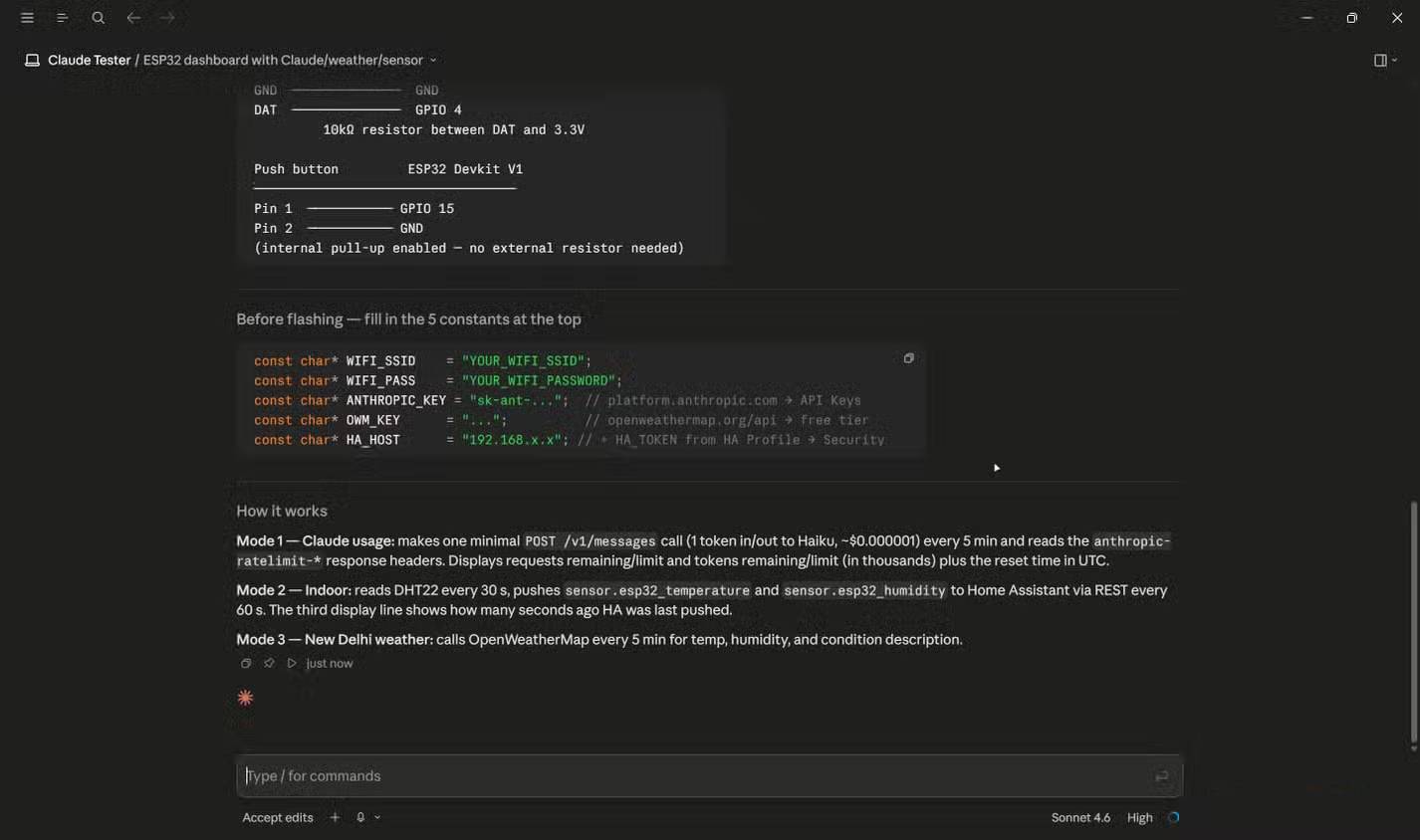
Claude Code produced a compact Arduino sketch and a wiring plan, which aligned with the tester’s preferred workflow. It also suggested REST calls to Home Assistant and later mentioned MQTT as a more durable integration.
However, the suggested workaround for subscription usage—making a minimal Messages API call and reading rate-limit headers—does not measure Claude Pro usage. API rate-limit headers describe API traffic for the credential and tier used by that request. They are not a supported meter for a consumer subscription, and using a subscription OAuth token in an ESP32 would be unsafe and outside the intended authentication model.
Therefore, the implementation should not be called fully correct merely because it compiled or displayed a number. A plausible number from the wrong system is worse than an explicit “not available.”
What the final prototype actually demonstrates
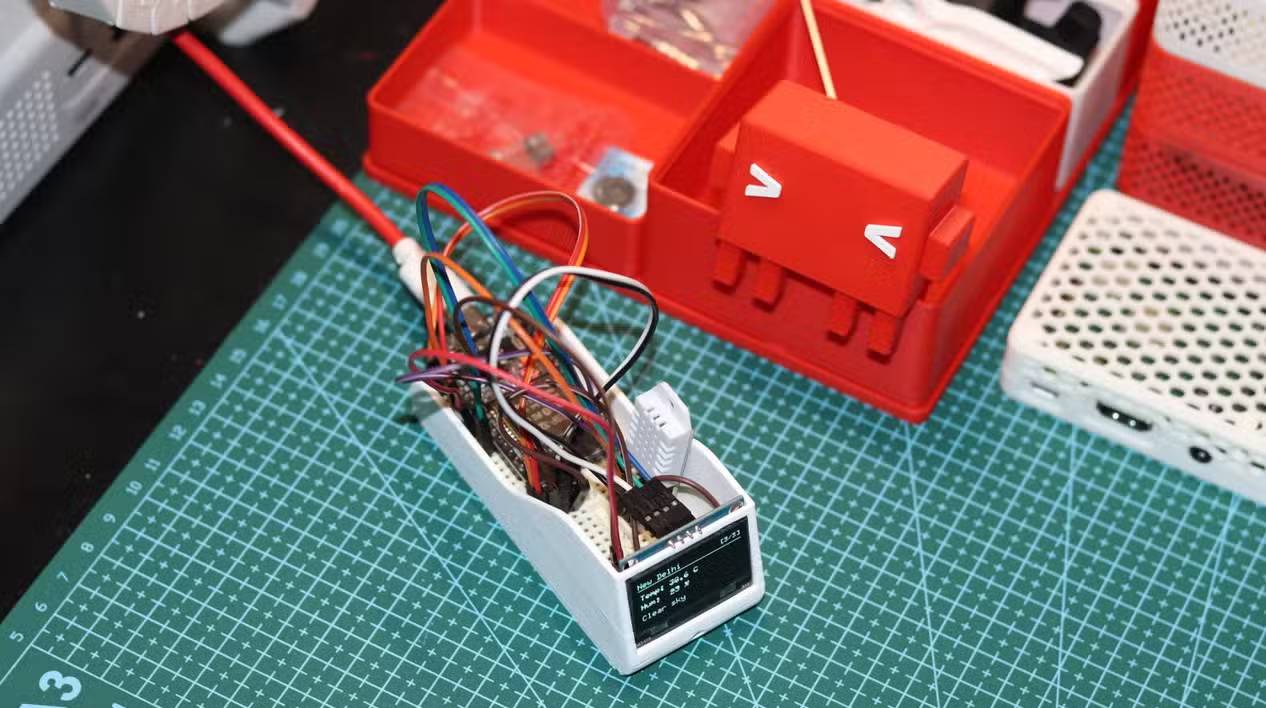
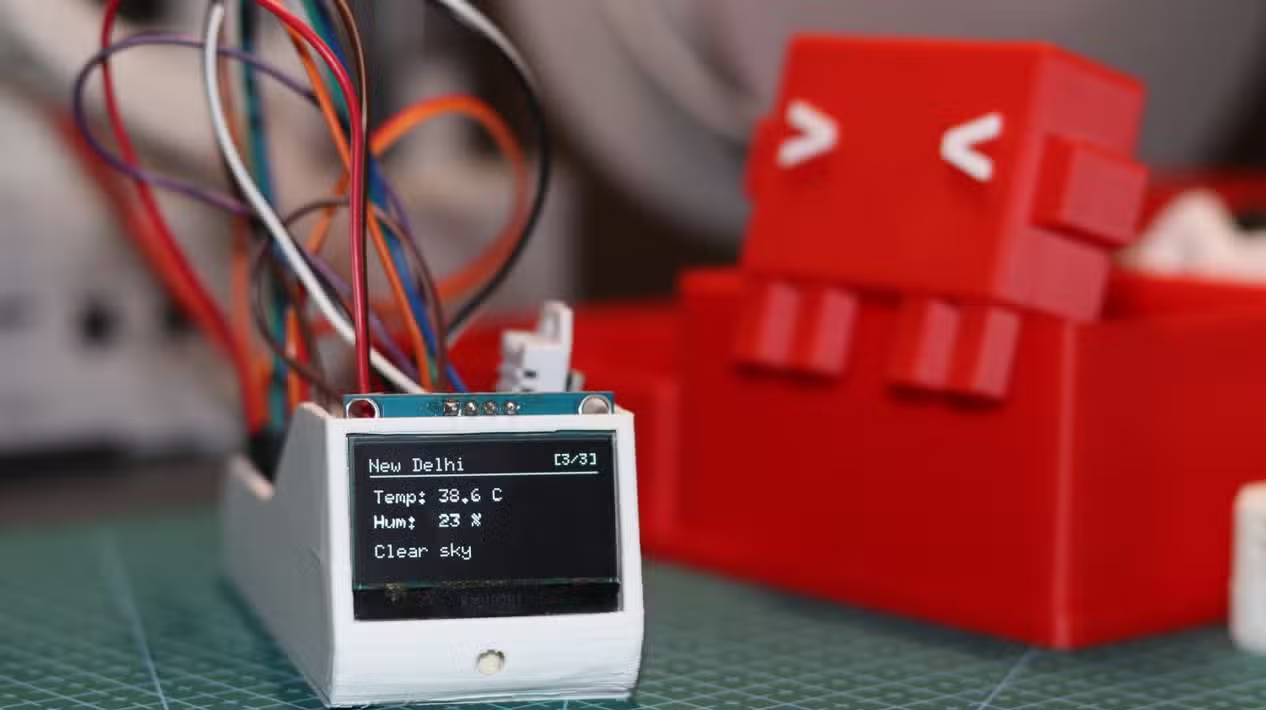
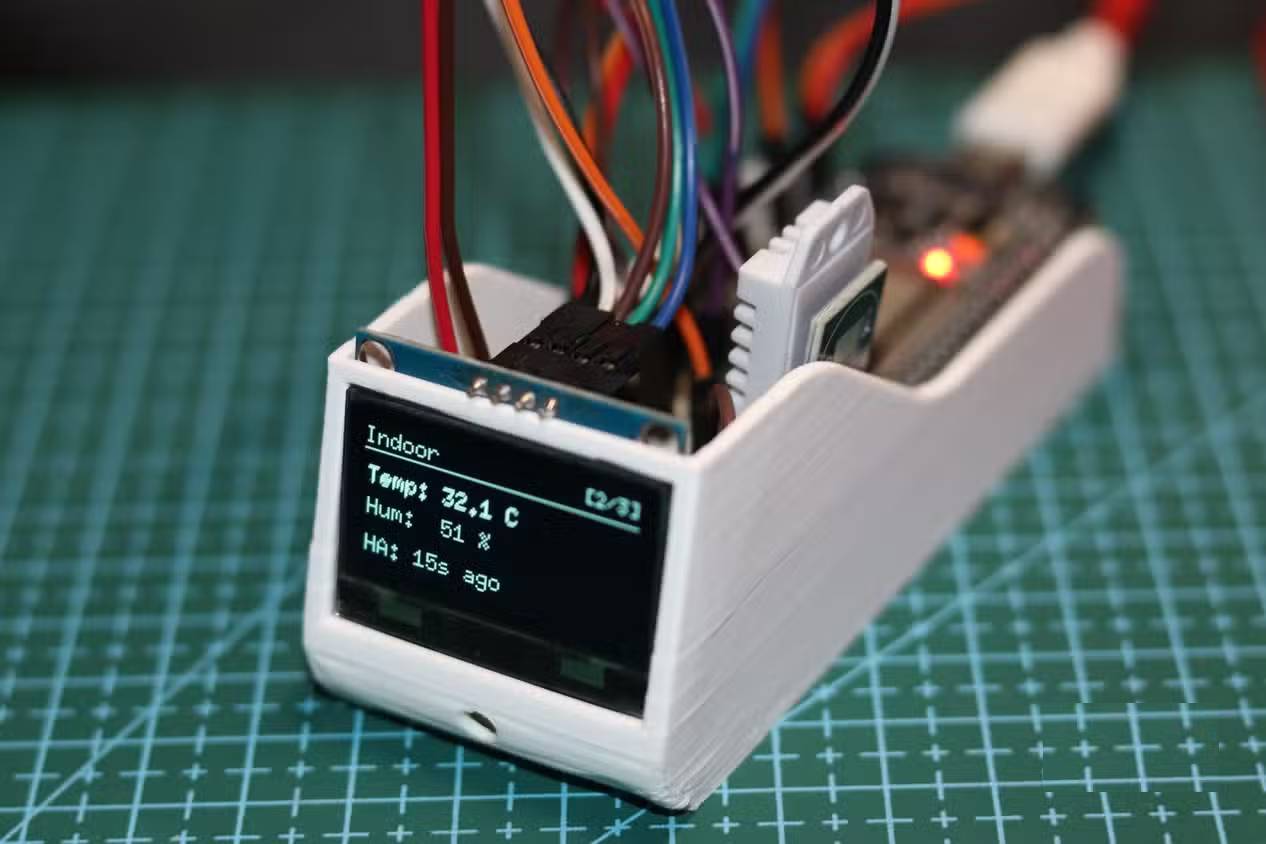
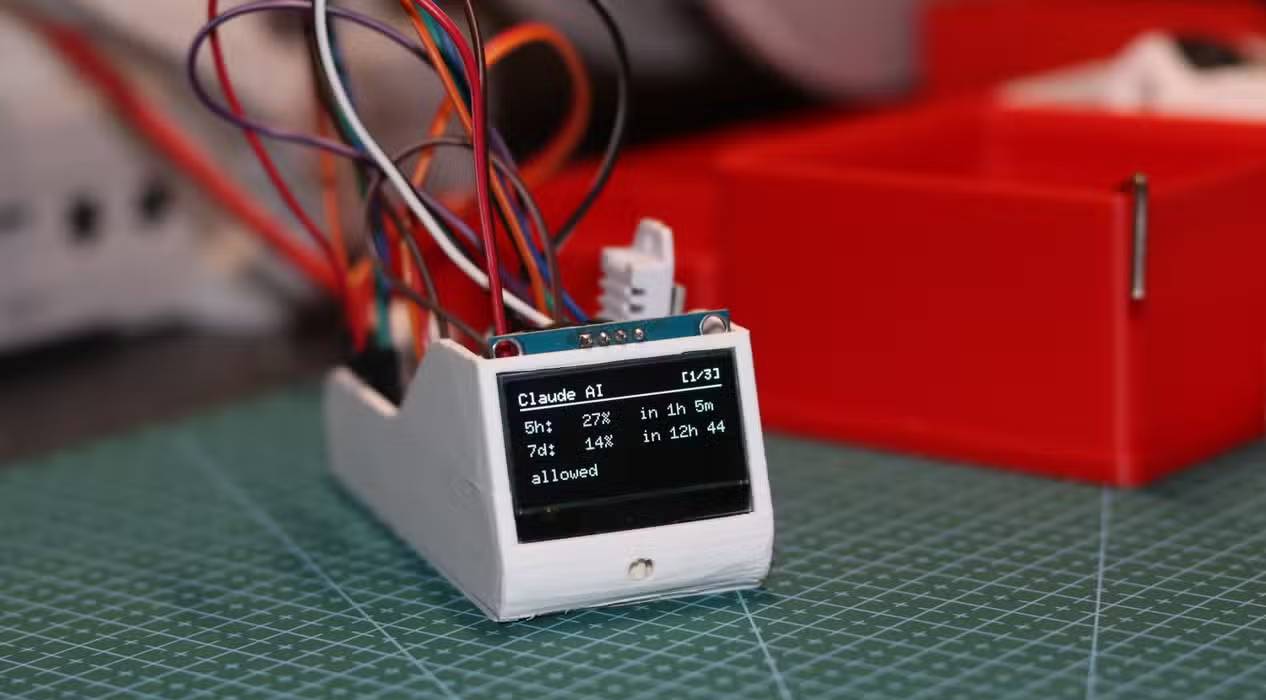
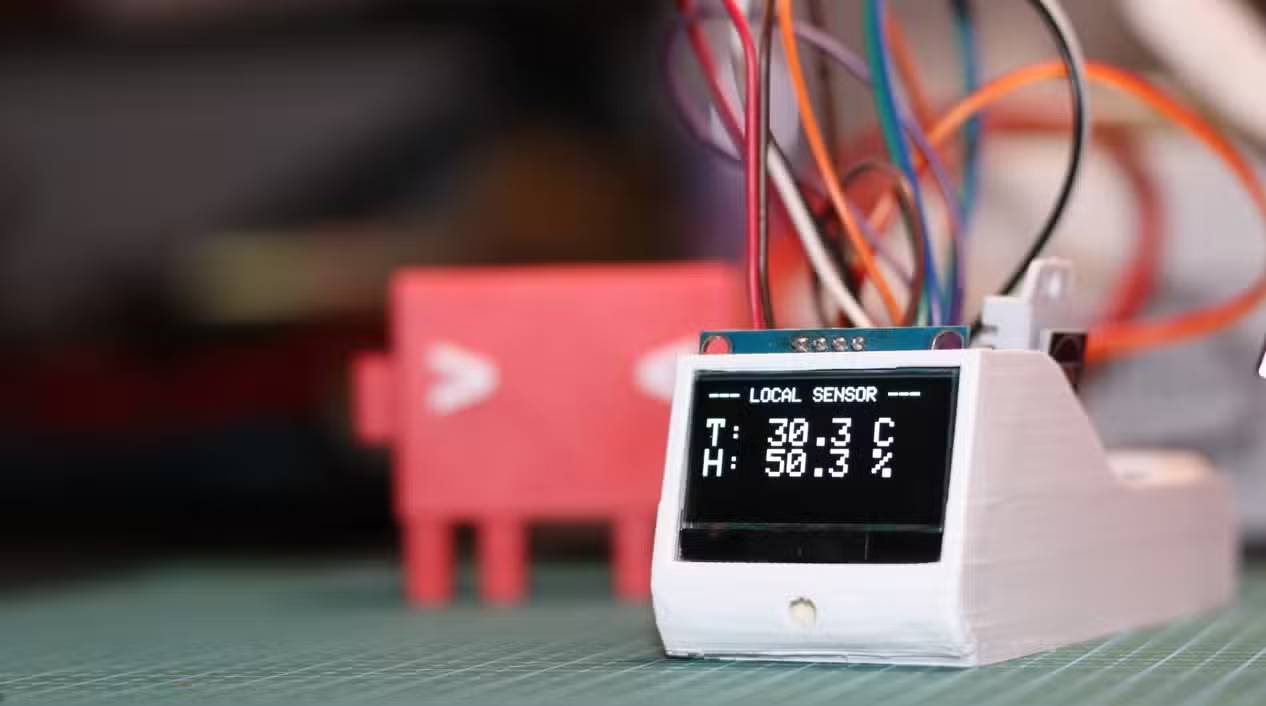
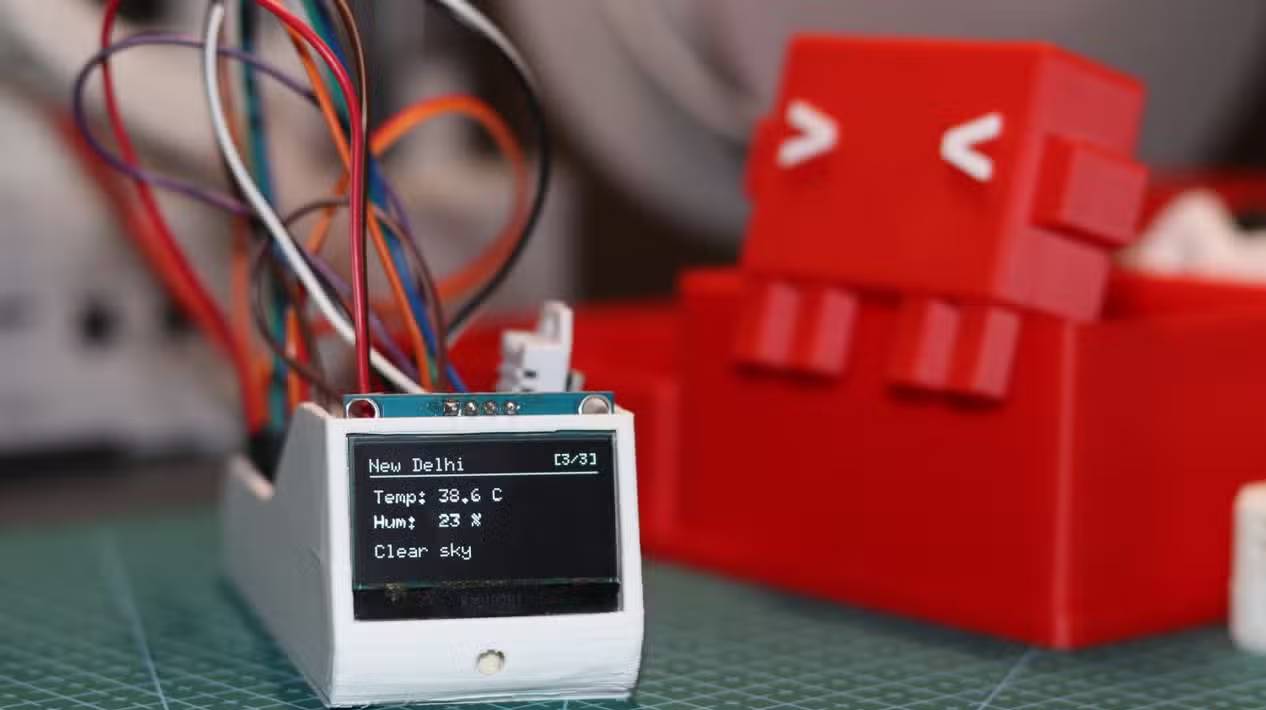
The reported result favors Claude Code because its file layout and Arduino approach matched the tester’s expectations. That is a valid account of one session, but not proof that Claude Code is categorically better than Codex or Antigravity.
The comparison lacks reproducibility details such as exact tool versions, complete follow-up prompts, generated source, dependency lockfiles, compilation logs, wiring measurements, test scripts, and raw timing. Server load and model updates can also change the outcome. The result is best read as a case study in requirement interpretation.
A safer architecture for this dashboard
- ESP32 firmware: read the DHT22, debounce the button, render the OLED, fetch weather from a supported API, and publish indoor readings over MQTT.
- Home Assistant: use MQTT discovery or an ESPHome configuration so entities recover cleanly after restarts.
- Secrets: keep Wi-Fi and API keys out of the repository; provision them locally and use least-privilege credentials.
- Claude usage: display it only through a documented local or administrative integration. If none is available for the plan, omit the screen or show a manually entered value with a clear label.
- Verification: compile from a clean checkout, test every screen, disconnect Wi-Fi and sensors, reboot Home Assistant, and confirm the device fails safely.
For the tools themselves, consult the official Claude Code usage documentation, OpenAI documentation for Codex, and Google Antigravity IDE overview. Product capabilities and authentication rules change, so unsupported token workarounds should never be copied from a one-off agent response.
The most useful conclusion is not which agent “won.” It is that a good coding agent must challenge an unsafe requirement, state what cannot be implemented through supported interfaces, and produce a verifiable design for the parts that can.
Related Articles
 What Makes Antigravity 2.0 Stand Out from Competitors Like Claude on VS Code?8 minutes read
 Codex vs Claude Code: Which Coding Agent Should You Use?12 minutes read
 Reasons Why the Claude Code Should Be Replaced by the Codex8 minutes read
 Is the Codex or Claude Code Better for AI in Programming: Explained10 minutes read
 Codex Plan Mode: Benefits, Workflow, and Best Uses8 minutes read
 How to Use Claude Code Safely: a Guide to Risk Management12 minutes read
Reader Comments 0
Sign in with email or Google to join the discussion.