Table of Contents
This guide compares 5 leading Best VPN Apps for Android, focusing on useful features, compatibility, ease of use, and overall value.

1. NordVPN
NordVPN is one of the leading applications because of its extremely large coverage with 5200 different servers located in 60 countries around the world. In addition, Nord's VPN also has useful features such as blocking ads when you surf the Web to save data. With NordVPN software, the manufacturer has divided many options for users such as: Free and paid use with corresponding features. If you only need a software to access VPN normally, do not require any other features, NordVPN is more than enough for you to use. NordVPN is also one of the editors' top rated and selected VPN apps on the Google Play Store.
Homepage: https://play. google. com/store/apps/details? id=com. nordvpn. android&hl=en_US

2. ExpressVPN
ExpressVPN is highly rated with fairly fast access speeds of up to 83Mbps upload speed and 100Mbps download speed at the server. This speed will not be fixed due to the number of devices accessing the server, location. But this is also a good result of ExpressVPN. ExpressVPN is suitable for all different Android operating systems, including old, low-speed versions of ExpressVPN. The most outstanding feature on ExpressVPN is suggesting the VPN servers around you so that you can get the fastest and most effective experience. ExpressVPN is also greatly appreciated in the market of VPN applications today.
Homepage: https://play. google. com/store/apps/details? id=com. expressvpn. vpn&hl=en_US

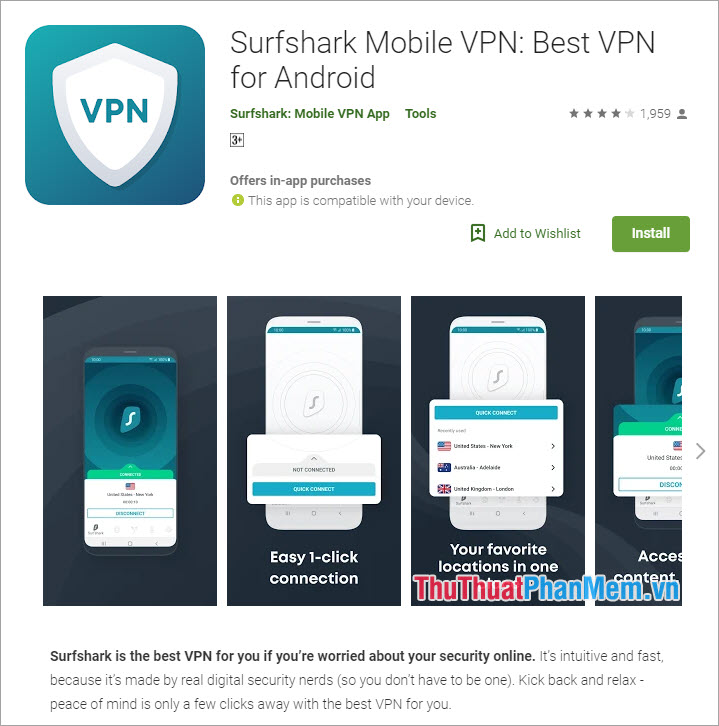
3. Surfshark
Surfshark is a relatively small VPN server provider, but they are more focused on user experience than market expansion. Surfshark's experience is far more effective than other software, even though VPNs are not that numerous. But in certain geographical areas, Surfshark VPN is still very strong and provides users with effective connection. Surfsharkd has two strong protocols, OpenVPN and IKEv2, which allow for unlimited connections.
Homepage: https://play. google. com/store/apps/details? id=com. surfshark. vpnclient. android&hl=en_US
4. Private Internet Access
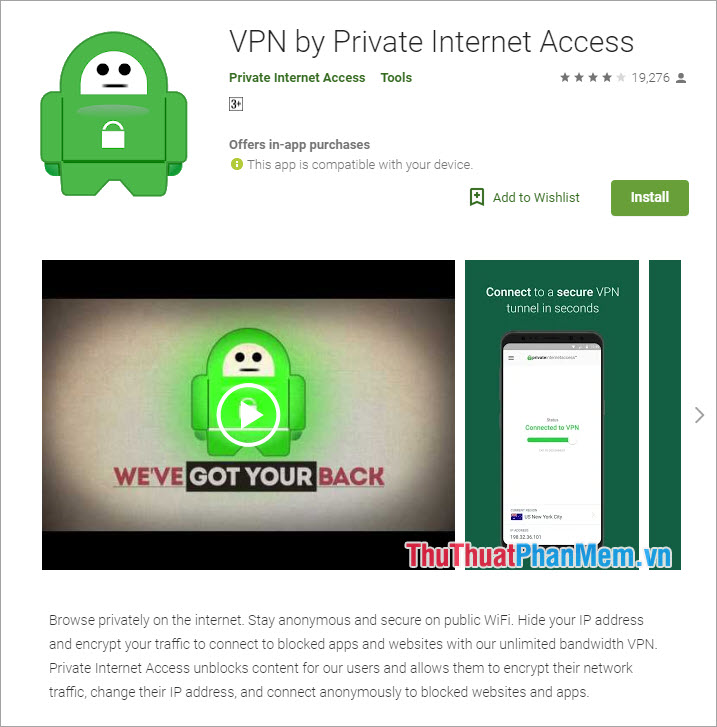
Private Internet Access is abbreviated as PIA. PIA is known for its high access speed when maintaining 81% of connections with speeds over 100Mbps during software testing and experience. So if you're looking for the fastest VPN, then Private Internet Access is right for you. PIA has more than 3,300 servers located in different parts of the world. This means that you will never be shy when using.
Homepage: https://play. google. com/store/apps/details? id=com. privateinternetaccess. android&hl=en_US
5. TunnelBear
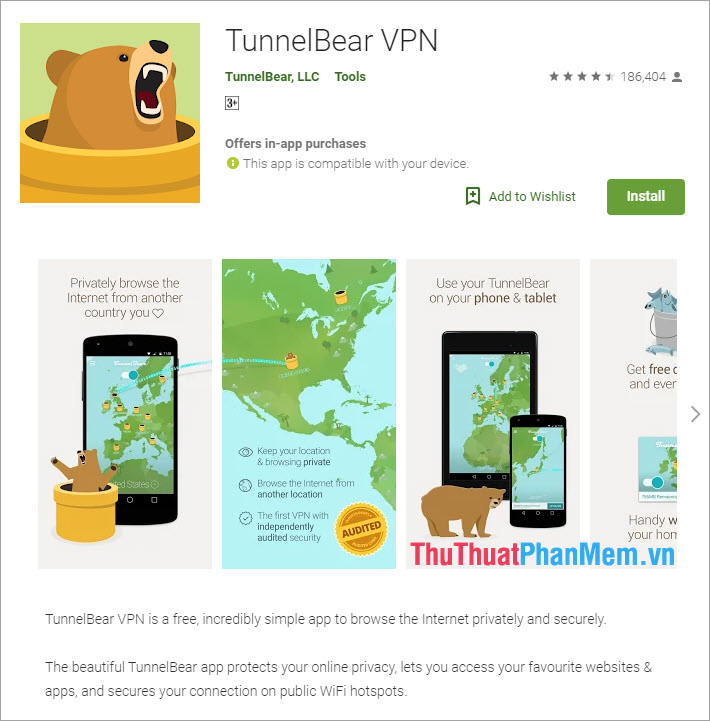
TunnelBear is known as a highly regarded VPN application in the paid VPN segment. For reasons of payment, TunnelBear is a bit picky. But the money you pay for TunnelBear is very cheap to be able to use. Moreover, TunnelBear offers users extremely high experience with beautiful interface, funny graphics and easy to use.
Homepage: https://play. google. com/store/apps/details? id=com. tunnelbear. android&hl=en_US
In the article is Top 5 best VPN software on Android today by General Software Tips. Have a nice day!
FAQ
How should I choose among Best VPN Apps for Android?
Compare compatibility, essential features, ease of use, security, support, and total cost rather than choosing only by popularity.
Are free options suitable for everyday use?
Free tools can be sufficient for basic needs, but advanced features, commercial use, or priority support may require a paid plan.
What should I check before installing or using one?
Verify the official source, system requirements, recent updates, privacy practices, and support for your device and file types.
Related Articles
 The Best Android Apps9 minutes read
 Why Are Android Tablet Apps So Bad: Key Facts7 minutes read
 Best AI Apps for Android7 minutes read
 10 Open Source Android Apps You Can't Live Without8 minutes read
 Series of Fake Android Apps You Should Remove from Your Device Immediately6 minutes read
 Detects Many Malicious Android Applications That Hide Icons4 minutes read
Reader Comments 0
Sign in with email or Google to join the discussion.