Table of Contents
A VPN can replace the public IP address websites see and encrypt traffic between your Android device and the VPN provider. It is useful on untrusted networks, for reducing what a local internet provider can observe, or for connecting through another region when the service and local law permit it.
A VPN does not make you anonymous. The provider can become a new point of trust, websites can still identify a logged-in account or browser fingerprint, and a VPN does not remove malware or make a fraudulent site safe. Avoid installing an unknown “free VPN” simply because it promises unlimited access or a fake location.
Quick comparison
| Service | Free option | Location choice | Best fit |
|---|---|---|---|
| Proton VPN | Unlimited data | Limited on free plan | Everyday free full-device protection |
| Windscribe | 10GB/month with confirmed email | Limited free countries | Occasional use and split tunneling |
| hide.me | Unlimited data; restricted speed | Eight free locations | Free plan with a location choice |
| TunnelBear | 2GB/month | Available | Testing a simple interface |
| Cloudflare WARP | Free | No country selector | Encrypting a connection, not changing region |
| Mullvad | No | Yes | Privacy-focused paid service and minimal account data |
| ExpressVPN | No ongoing free plan | Yes | Polished paid app and broad location choice |
| CyberGhost | No ongoing free plan | Yes | Paid multi-device use and specialized servers |
Plan details and server availability change. Verify the current Android listing, privacy policy, renewal price, and refund terms before subscribing.
1. Proton VPN
Proton VPN's free plan has no data cap. That makes it practical for users who need continuing protection rather than a short trial. The trade-off is reduced control over server selection and fewer premium features. Paid plans add broader location choice and other features.
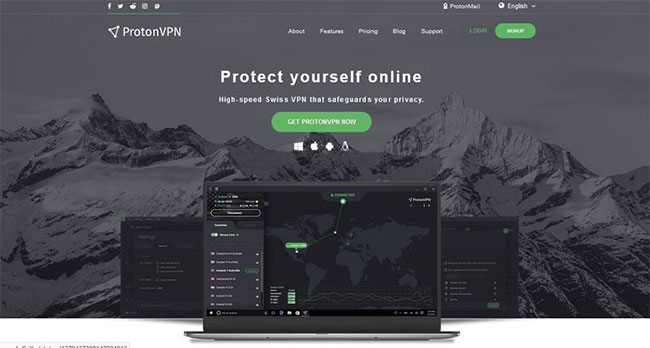
Choose Proton when unlimited free data matters more than selecting a precise country. Download it from Proton's official Android page or its verified Google Play listing.
2. Windscribe
Windscribe provides Android support, split tunneling, WireGuard, IKEv2, and OpenVPN. Its standard free allowance is 10GB per month after confirming an email address; an unconfirmed account may receive less. The free plan uses a smaller location pool than the paid plan.
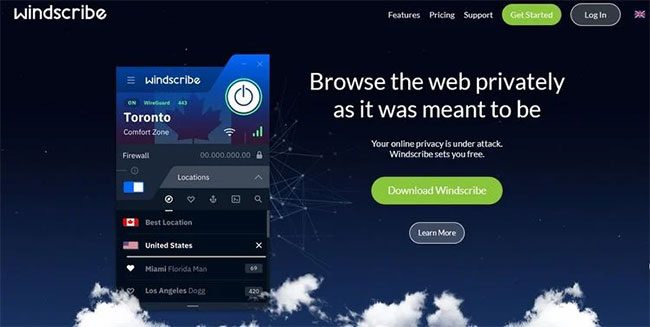
Windscribe is a reasonable choice for light monthly use when you want some server choice and per-app routing. Check the official Android download page for the current feature list.
3. hide.me
hide.me's current free plan advertises unlimited data, restricted speed, eight locations, and one simultaneous connection. Those restrictions make it different from the premium plan even though data is not capped.
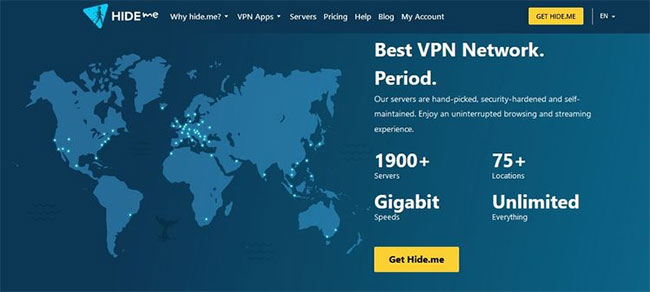
This option suits one Android device when moderate speed is acceptable. Confirm the current limits on the official free-plan page before relying on it.
4. TunnelBear
TunnelBear's free account includes 2GB of data per month. That is enough to test the app or protect a small amount of browsing, but not enough for regular video streaming or large downloads.
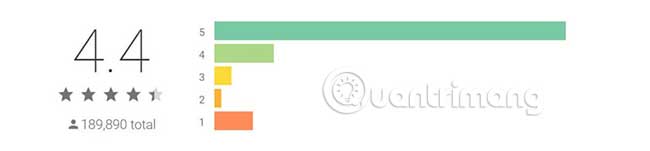
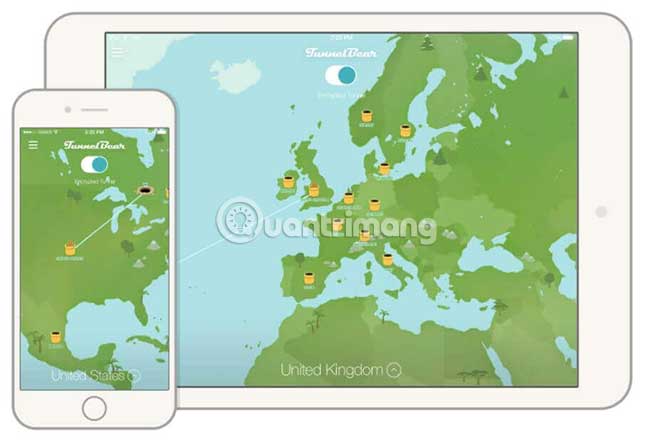
Use the free tier as a compatibility test, then compare the full renewal cost before upgrading. TunnelBear documents the current free allowance.
5. Cloudflare 1.1.1.1 with WARP
Cloudflare's 1.1.1.1 app uses WARP mode by default to protect DNS queries and internet traffic. It is free and simple, but it is not a conventional location-switching VPN: users cannot choose a country to access a regional catalog.
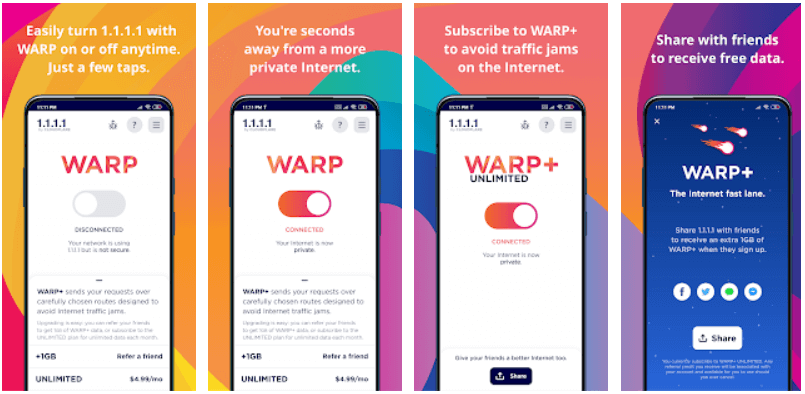
Choose WARP when the goal is an encrypted connection rather than appearing to browse from a particular region. Cloudflare's Android setup documentation explains the available modes.
6. Mullvad VPN
Mullvad is a paid, privacy-focused service that uses numbered accounts rather than requiring a normal username. Its Android app supports split tunneling, automatically rotates WireGuard keys, publishes source code, and offers a signed APK outside Google Play.
Mullvad reports that its Android app passed independent mobile security assessments in 2025 and 2026 and that its newer WireGuard implementation was separately audited. It is a strong option for users who prefer a simple paid plan and minimal account data. Check the official Android page for the current minimum Android version and audit links.
7. ExpressVPN
ExpressVPN is a paid service with a polished Android app, broad server choice, split tunneling, and its Lightway protocol. The company publishes third-party security and no-logs audit information, but readers should examine the scope and date of each report instead of treating the word “audited” as a permanent guarantee.
This is better suited to users who value ease of use and country selection and are willing to pay. Review ExpressVPN's audit index and current subscription terms before purchase.
8. CyberGhost VPN
CyberGhost is a paid Android VPN with WireGuard and OpenVPN support, a kill switch, split tunneling, and a large location catalog. The provider says its systems and no-logs policy have undergone repeated Deloitte audits, including a third review completed for late 2025.
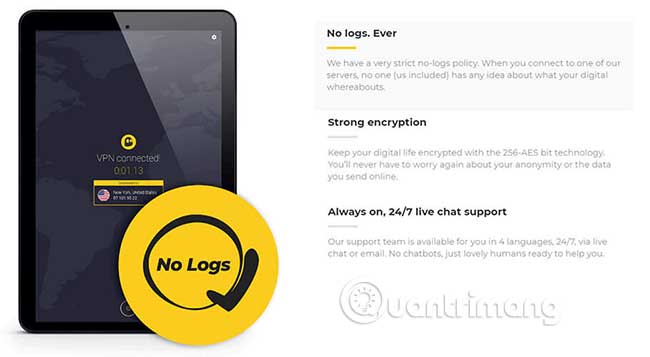
It is most relevant to households that want several simultaneous devices and location-specific servers. Confirm current device limits, renewal price, and refund eligibility on the official download page.
What about Opera's built-in VPN?
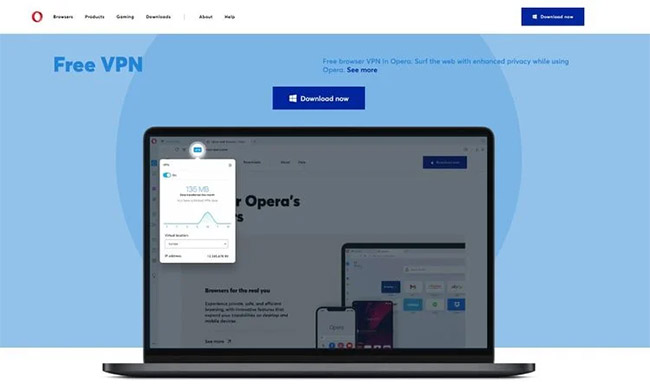
Opera's free feature protects traffic inside the Opera browser; it does not tunnel every app on the phone. Treat it as a browser privacy feature, not a replacement for a full-device VPN.
Apps removed from the old list
The previous article recommended Secure VPN, VPN Master, Touch VPN, SpeedVPN, Hotspot Shield, NordVPN, HMA, Speedify, and iRocketVPN alongside the services above. Some are legitimate products, but many descriptions relied on old prices, unverified speed claims, unclear ownership, or unsupported promises of anonymity and guaranteed streaming access.
A long list is not automatically helpful. This revision keeps services whose current Android support and plan limits could be checked from official sources and removes claims that could not be safely verified. It also removes the original non-YouTube embedded player.
How to choose an Android VPN
- Identify the purpose. Public Wi-Fi protection, private browsing from an ISP, work access, and changing region are different needs.
- Read the data policy. Look for what is collected, retention periods, diagnostic sharing, account identifiers, payment data, and legal jurisdiction.
- Inspect independent work. Prefer recent, published app or infrastructure audits whose scope and findings you can read.
- Check protocols. WireGuard and OpenVPN are widely reviewed choices. A provider should name its proprietary protocol and publish technical information.
- Require leak protection. Test IPv4, IPv6, DNS, and WebRTC behavior after connecting.
- Look for a kill switch. Android's system-level always-on VPN and Block connections without VPN can prevent accidental fallback.
- Compare the real price. Promotional rates may require a long upfront payment and renew at a higher amount.
- Verify support. Banking, streaming, work profiles, tethering, and local network devices may behave differently through a VPN.
For the underlying concepts, read TipsMake's explanation of how a virtual private network works. A VPN and a secure DNS resolver solve overlapping but different problems; the guide to DNS services for online safety explains the distinction.
Set up a VPN safely on Android
- Use the provider's official website to reach its Google Play listing. Check the developer name before installing.
- Create an account only if required. Use a unique password and enable multifactor authentication when offered.
- Open the app, review its permissions, and approve Android's VPN connection request.
- Choose a nearby server for lower latency or a specific region only when needed.
- Open Android Settings and search for VPN. Set the trusted app as always-on if you want continuous protection.
- Enable Block connections without VPN only after confirming that emergency, work, local-network, and captive-portal access still functions as expected.
- Test the visible IP and DNS resolver, then check important apps before depending on the configuration.
Important limits and legal considerations
A VPN may be restricted in some countries, workplaces, schools, or services. Check the rules that apply where you are. Changing an IP address does not give permission to access an account, network, or content unlawfully, and it may violate a streaming provider's terms.
HTTPS already encrypts the content of most web sessions, but a VPN adds protection for traffic leaving the device and hides destination details from the local network. Keep Android and apps updated, use strong account security, and continue to avoid suspicious downloads. TipsMake's overview of essential security tools shows why a VPN is only one layer of protection.
Related Articles
 Series of Fake Android Apps You Should Remove from Your Device Immediately6 minutes read
 10 Fake Call Apps on Android10 minutes read
 How to Identify and Avoid Fake Android Apps in Play Store13 minutes read
 Two-Factor Authentication: Complete Guide4 minutes read
 Detected 172 Fake Android Apps Used to Mine Coins4 minutes read
 Top 5 Fake GPS Apps on Android5 minutes read
Reader Comments 0
Sign in with email or Google to join the discussion.