Table of Contents
Top 5 Office Alternatives on Mac is easier to approach with a clear overview and reliable steps. This guide organizes the essential information, highlights practical details, and explains what to check along the way.
Key Takeaways
- Review i. Top office alternative software on mac.
- Explore google workspace.
- Understand LibreOffice.
I. Top Office Alternative Software on Mac
1. Google Workspace
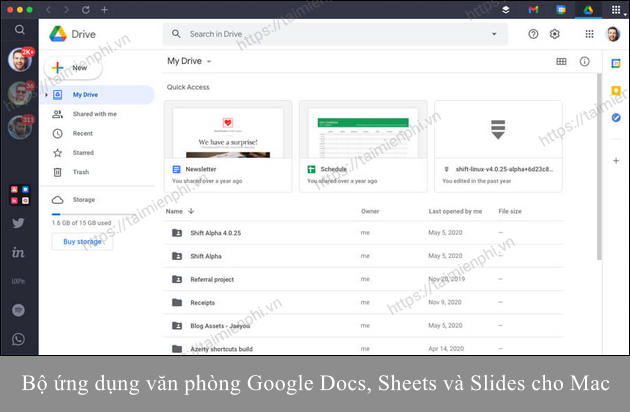
Need an alternative to Microsoft Office on Mac? Google Workspace is a top choice. It includes Gmail, Google Meet, Google Docs, Sheets, Slides, and Google Drive, making it easy to collaborate with your team without downloading anything. You can edit Microsoft Office files, integrate plugins, and collaborate in real time.
=> Access Google Docs here. => Access Google Sheets here. => Access Google Slides here.
2. LibreOffice
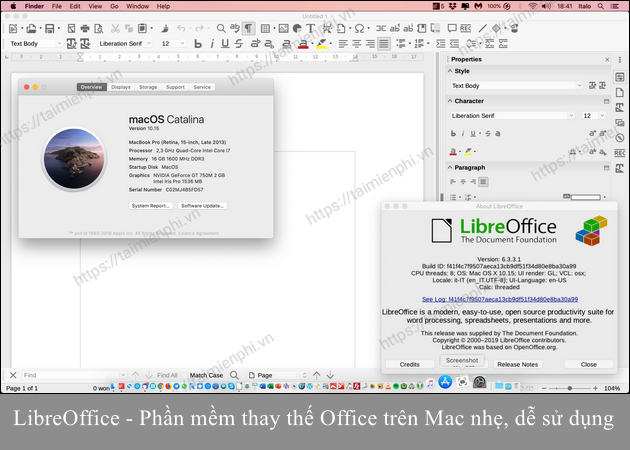
LibreOffice is a free alternative to Microsoft Office for Mac and Windows. Developed by The Document Foundation since 2010, the software supports over 110 languages and includes a word processor, spreadsheet, and slideshow maker.
Unlike Google apps, LibreOffice works offline with full functionality. Although it uses the ODF format, it supports many other formats, including Microsoft Office. It can also sync files from Google Drive or OneDrive for editing, but there is no online collaboration feature.
=> Download link for LibreOffice for Mac here.
3. IWork Suite
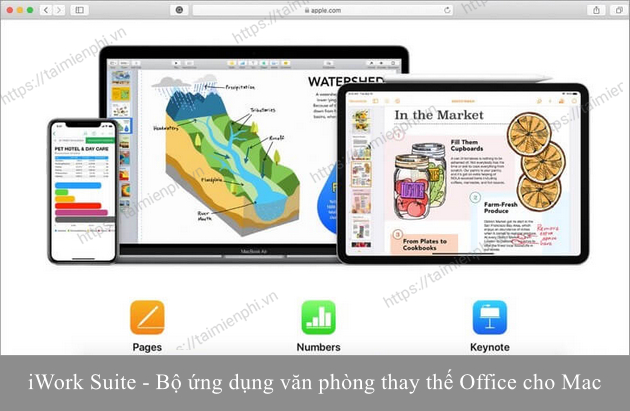
Macs come with the iWork suite of apps, including Pages, Numbers, and Keynote, which replace Word, Excel, and PowerPoint. Apple offers web versions that are compatible with Safari, Chrome, and iCloud integration.
Although it uses its own file formats, iWork allows you to import and export Microsoft Office files like.docx,.xlsx, and.pptx. However, if you're used to using Microsoft Office, the iWork interface will take some getting used to.
=>>> Link to download iWork Suite for Mac here.
4. OpenOffice
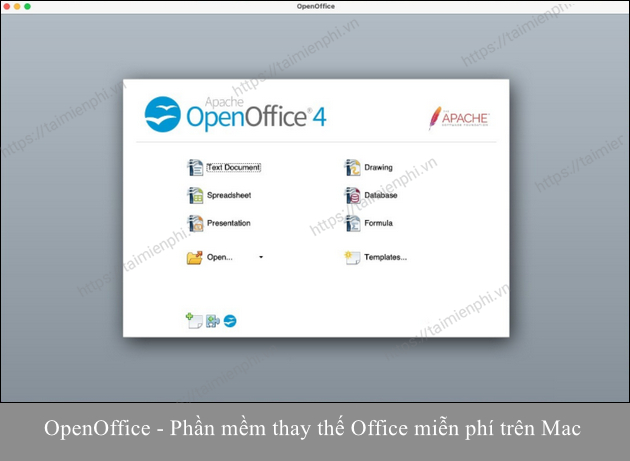
Apache OpenOffice has the most Microsoft Office-like interface. The suite consists of six tools: Writer, Calc, Impress, Draw, Base, and Math. Writer, Calc, and Impress correspond to Word, Excel, and PowerPoint, while the other three tools have their own functions.
Draw supports creating diagrams and 3D illustrations. Base allows creating and editing tables, forms, queries, and reports. Math is used to edit mathematical formulas. As a free, open source software, OpenOffice lets you contribute bug fixes and improvements. An active support community helps troubleshoot problems while using it.
=> Download link for OpenOffice for Mac here.
5. WPS Office
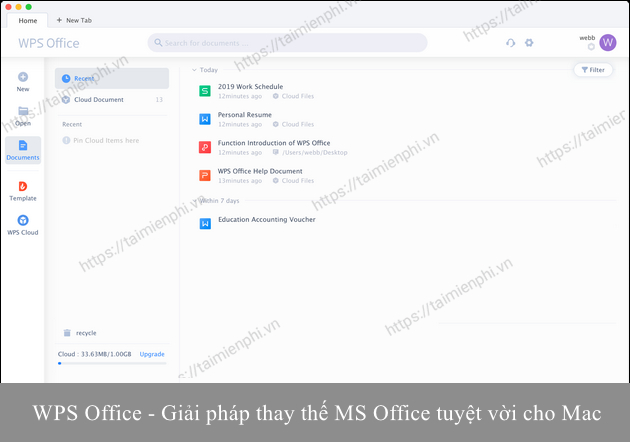
WPS Office is a Microsoft Office alternative for Mac, with free and premium versions. The free version includes Writer, Presentation, and Spreadsheets, which are equivalent to Word, Excel, and PowerPoint.
WPS Office supports PDF to Word conversion, batch document export, split and merge PDF files. The premium version removes ads, supports 9 device connections, and provides 1GB of free cloud storage.
=> Download link for WPS Office for Mac here.
II. Should Choose Alternative Office Suite
- Choose Google Docs, Sheets and Slides if you want real-time collaboration capabilities and don't need as many advanced features as MS Office.
- Choose LibreOffice if you need a lightweight and flexible Office alternative for Mac.
- Choose iWork Suite if you don't want to download any additional third-party software because iWork Suite is built into your Mac.
- Choose OpenOffice if you are looking for a free open source office suite for Mac.
- Choose WPS Office if you don't mind ads when using the free version. You can subscribe to the premium plan at any time to access more advanced features and remove ads.
Thus, the article has shared with you the top best Office replacement software on Mac today. Hopefully with the information provided above, you can easily choose for yourself an office application suite that suits your needs.
Final Thoughts
The most reliable way to handle top 5 office alternatives on mac is to follow the process in order, verify each important setting, and test the result before moving on. Use the guidance above as a practical reference, then adjust the details for your device, software version, or specific goal.
FAQ
What should I know first about Top 5 Office Alternatives on Mac?
You don't need to leave Microsoft Office when switching from Windows to macOS, as Microsoft offers Office 365 for Mac with Word, Excel, PowerPoint, and more.
How do I get the best results with Top 5 Office Alternatives on Mac?
Use current software or equipment, follow the steps in order, review the recommended settings, and test one change at a time so you can identify what improves the result.
What should I do if Top 5 Office Alternatives on Mac doesn't work as expected?
Check compatibility, permissions, connectivity, and version-specific settings. Restart the relevant device or app, then repeat the process carefully before trying a more advanced fix.
Related Articles
 minutes read
 How to Cancel an Office 365 Subscription3 minutes read
 9 ChatGPT and Generative AI API Alternatives for Developers: Top Picks and12 minutes read
 Cheap Backup Tips to Replace When You Run Out of iCloud Storage9 minutes read
 4 Garageband Alternatives for Windows 106 minutes read
 9 Best Kodi Alternatives12 minutes read
Reader Comments 0
Sign in with email or Google to join the discussion.