Table of Contents
For mainly black-and-white documents, compare a Canon monochrome laser printer with a model that adds a scanner or feeder if you need one. For recurring color pages, look at the PIXMA ink tank models and check the ongoing ink cost. The models below are useful for comparing listings, including older and refurbished units.
Decide which features you will use
Check whether you need color, automatic two-sided printing, a scanner, and network access. Compare the actual ink or toner for that model, paper sizes, and driver support for your devices. A printer that supports duplex printing may still scan only one side at a time.
Ten Canon printers to compare
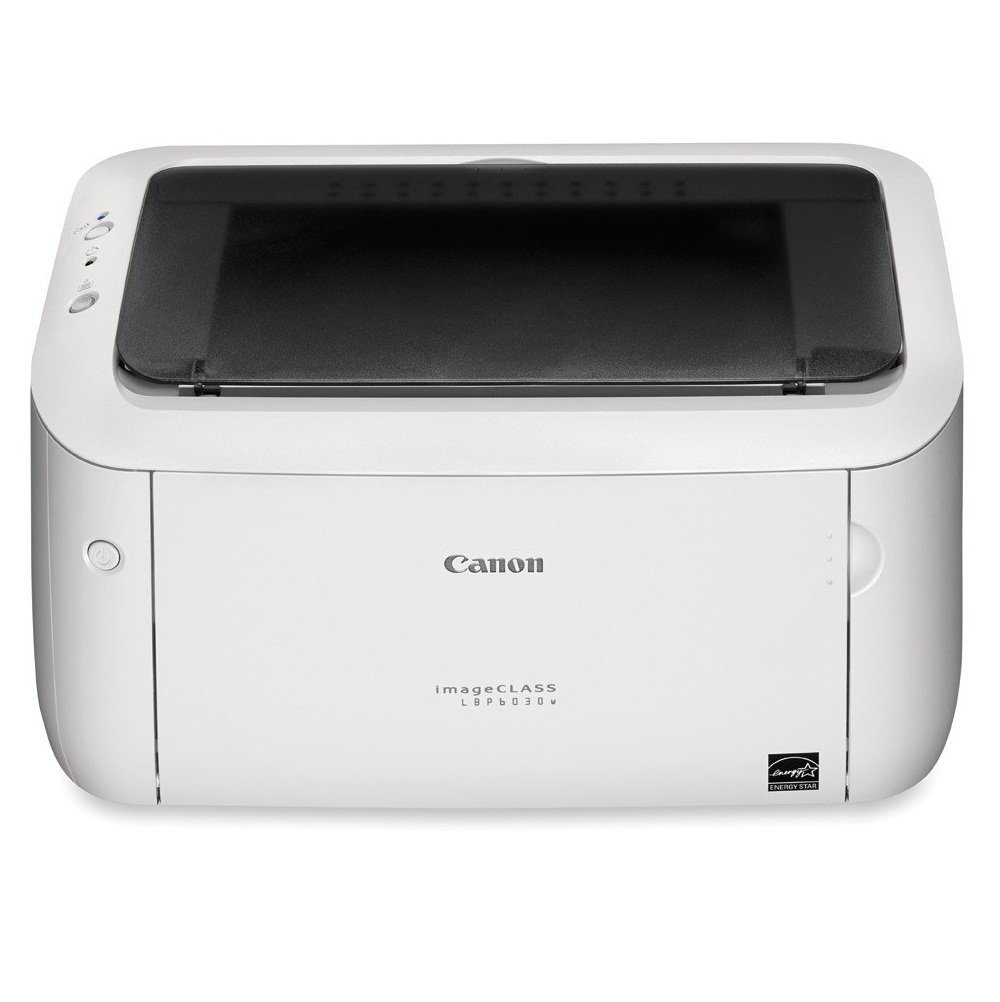
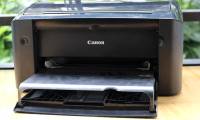
imageCLASS LBP6030w
A compact monochrome print-only option. Confirm the “w” suffix if you need wireless access.
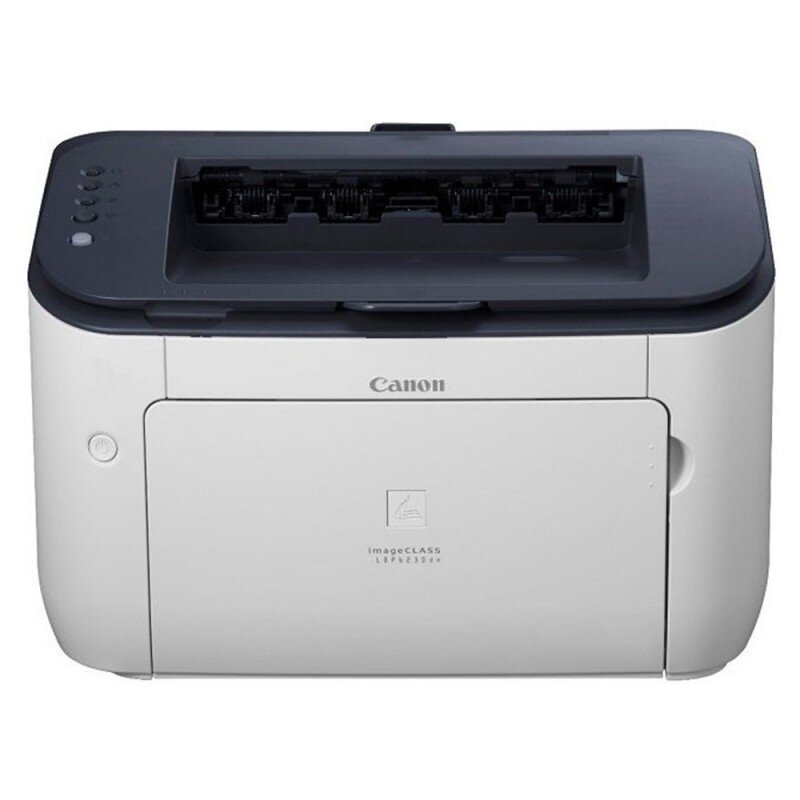
imageCLASS LBP6230dw
A monochrome laser printer to consider for automatic two-sided printing. Check wireless setup and driver support before buying an older unit.
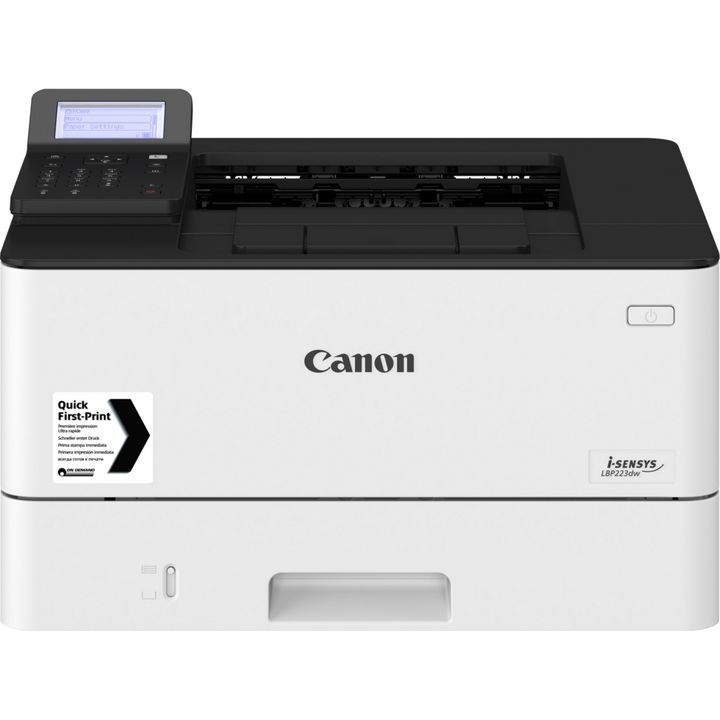
imageCLASS LBP223dw
A monochrome office model. Compare its toner cost, tray setup, and duplex behavior with the jobs you actually print.
PIXMA G1010
A print-only color ink tank model. Check the regional Canon specifications if you need support for a particular operating system.
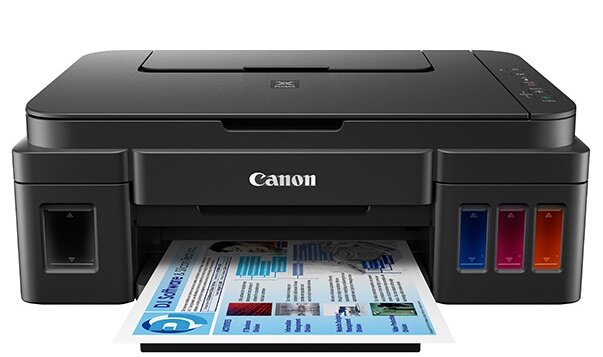
PIXMA G2010
A color ink tank model with copy and scan functions. Test a nozzle check and a flatbed scan if you buy it used.
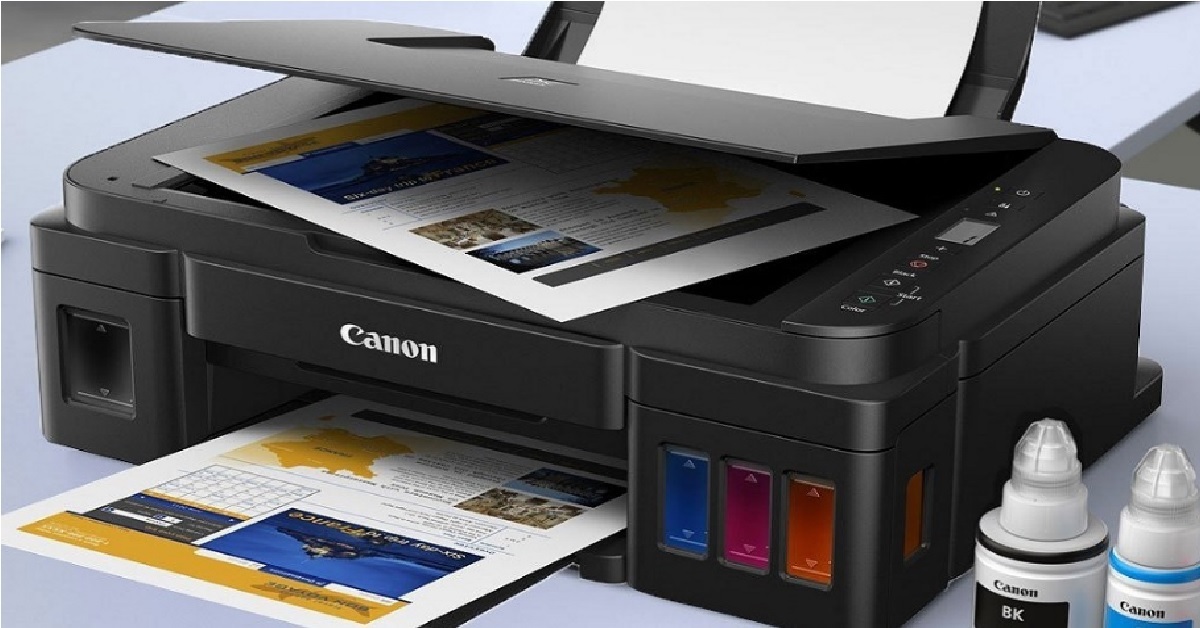
imageCLASS MF235
A monochrome multifunction model to consider if you need a document feeder or fax. Verify which functions still have driver support on your computer.
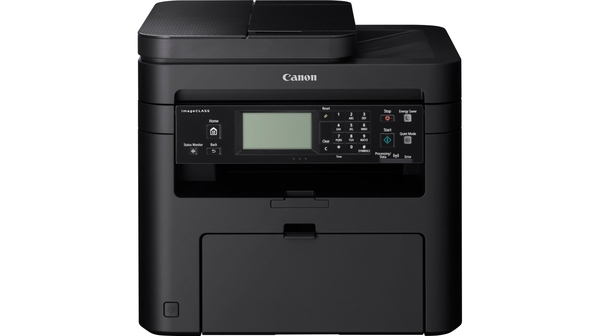
imageCLASS MF241d
A monochrome print, copy, and scan model to compare when you want automatic duplex printing. Check network support if you need to share it.
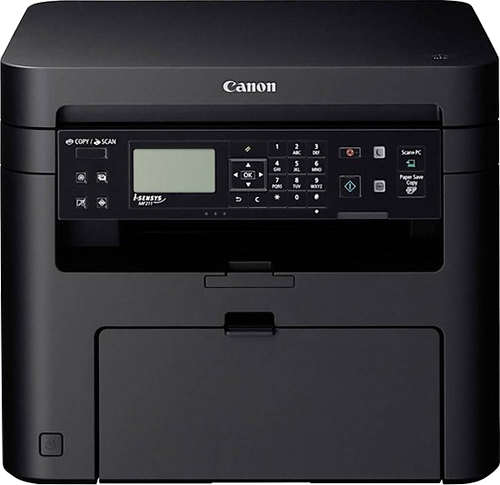
PIXMA iP2770
A legacy compact color inkjet. Check replacement cartridge availability and the driver for your operating system. Identify the exact model on its label rather than relying on near-matching listing names.
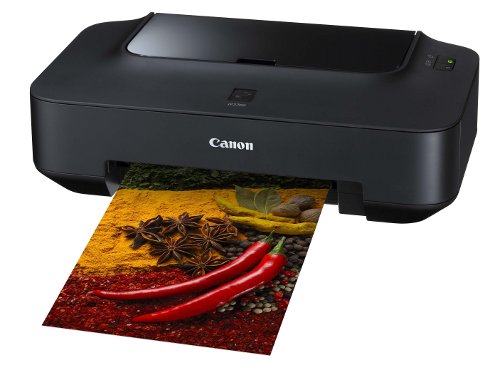
PIXMA G2000
An older color ink tank multifunction model. Check the paper sizes supported for borderless output and inspect the print-head condition.
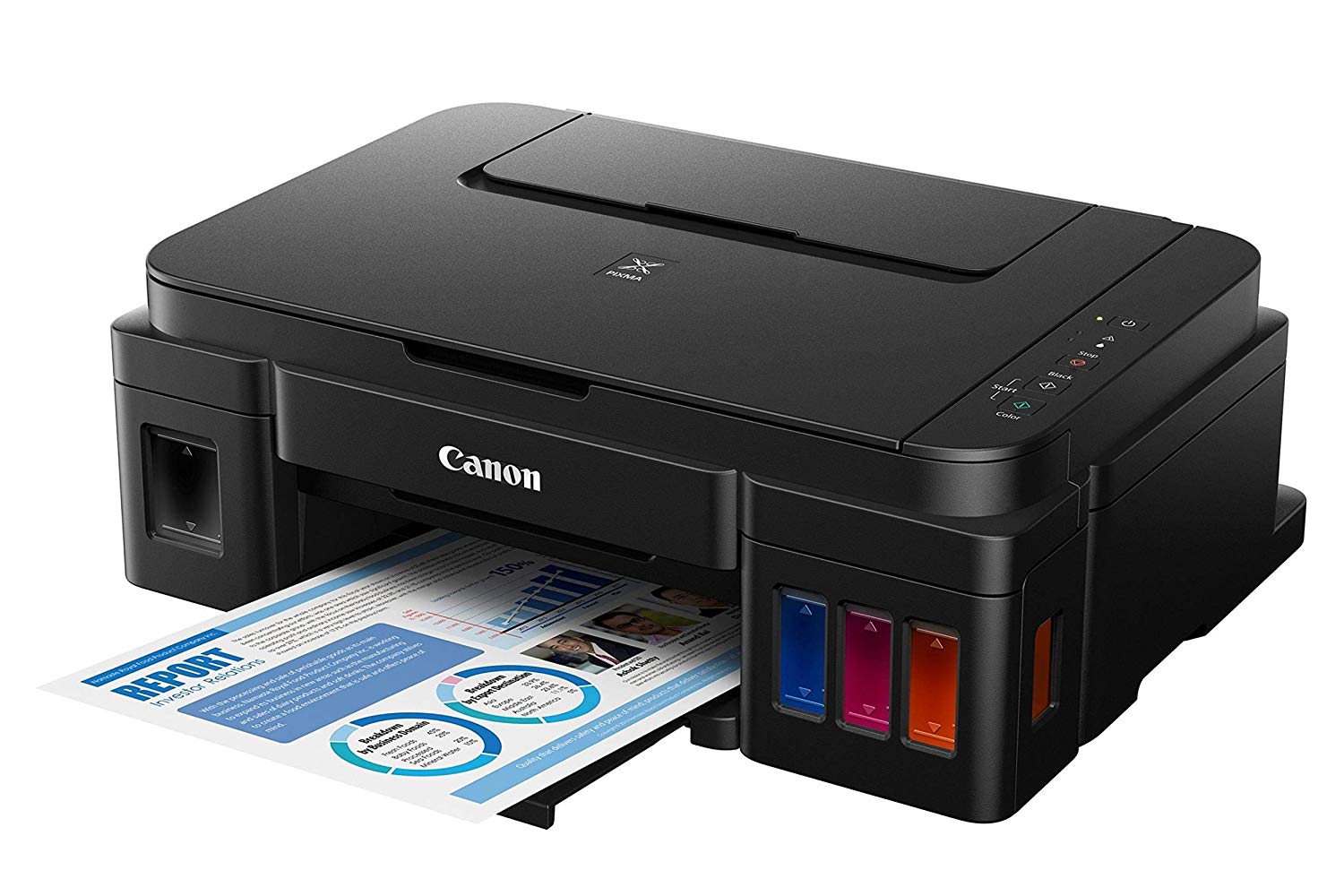
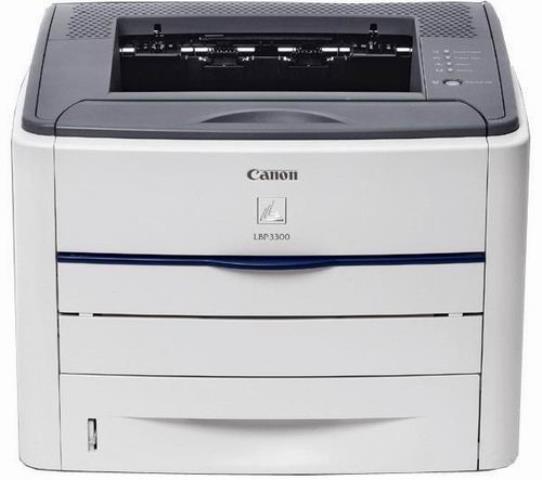
Laser Shot LBP3300
An older monochrome laser model. Verify that your computer can install an appropriate driver before buying, and ask for a printed test page.
Verify a used printer before paying
Ask for a recent sample print, the exact model suffix, and the working connection type. For inkjet models, check the nozzle pattern for gaps. For laser models, look for streaks or repeated marks. If you need a shared printer, confirm how to connect and test it on Windows or Mac before committing.
Reader Comments 0
Sign in with email or Google to join the discussion.