Table of Contents
This curated overview of top 10 best alternative web browsers for safari on iPhone focuses on useful options, standout features, and details worth checking before making a choice.
1. Google Chrome
The most popular browser on computers and laptops . Google Chrome offers a simple, easy-to-use interface, and Chrome also offers syncing within the same account, you can access opened tabs, history and passwords save in your account. Moreover, Chrome also supports the installation of utilities that are very convenient to use.
Download the Chrome app:
Link download on iOS: Here .
2. Mozilla Firefox
Firefox is also a widely used browser on computers. With a simple interface, easy to use, supports scalability through utilities and high security. Mozilla Firefox has long been known as a browser that is concerned with user privacy. A top choice if you want a browser that is similar to Chrome, but with security concerns.
Download the Mozilla Firefox application:
Link download on iOS: Here .

3. Opera Touch
Opera Touch browser is an emerging browser, with a modern, novel interface and focused on user experience. In particular, optimizing one-handed use on the phone and built-in ad blocker, the built-in Fast Action Button helps users to operate more quickly. Opera Touch is great if you are a user who likes to experience new things.
Download the Opera Touch app:
Link download on iOS: Here .

4. Microsoft Edge
Developed by Microsoft, the Edge browser is a complete revamp of the outdated Internet Explorer. On the phone, the browser still retains its advantages like on the computer such as a sharp, square interface and simple and easy to use icons layout. Best of all, as the browser comes with Windows, Edge on the phone supports syncing very well on Windows computers , especially the Continue on PC feature, which allows us to continue surfing open web pages on the computer.
Download the Microsoft Edge app:
Link download on iOS: Here .
5. Brave Browser
A very special browser on all platforms, now available on phones. Brave pays special attention to security with ad blocking features or virtual payment for users if they receive ads, optimize browsing speed and save data for users. At the same time, it also supports users to receive news through the Brave Today interface.
Download the application Brave Browser:
Link download on iOS: Here .

6. Yandex Browser
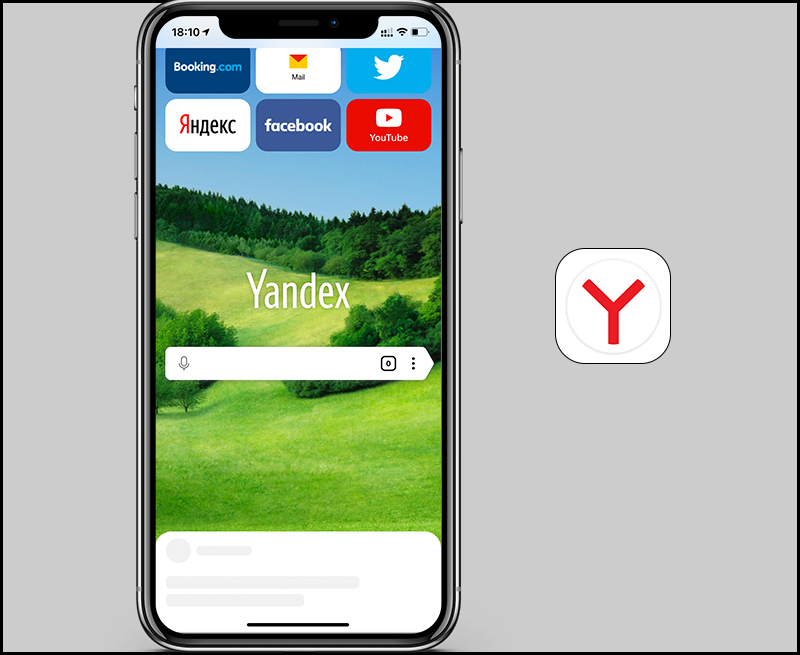
Yandex is a very popular browser in Russia. With a modern, beautiful customized interface. Optimize network data from there to help web pages load faster with Turbo mode. In addition, Yandex also supports you to customize the interface and wallpaper according to your liking.
Download application Yandex Browser:
Link download on iOS: Here .
7. DuckDuckGo Privacy Browser
Developed by DuckDuckGo - a search engine geared towards the privacy of users' information. DuckDuckGo Privacy Browser was launched with the emphasis on browser security. With a simple interface and features for security such as erasing data traces, assessing the security of a website, integrating consumer data protection tools.
Download the DuckDuckGo Privacy Browser app:
Link download on iOS: Here.
8. Firefox Focus
Released by Mozilla, a sister browser to Mozilla Firefox. Launched with the main goal of being open source , simple and secure. Users can customize whether to block or not block any content that they want. At the same time, open source makes the browser more functional in the future. Unlike regular Firefox, Firefox Klar does not support adding add-ons.
Download the Firefox Focus application:
Link download on iOS: Here .
9. Aloha Browser
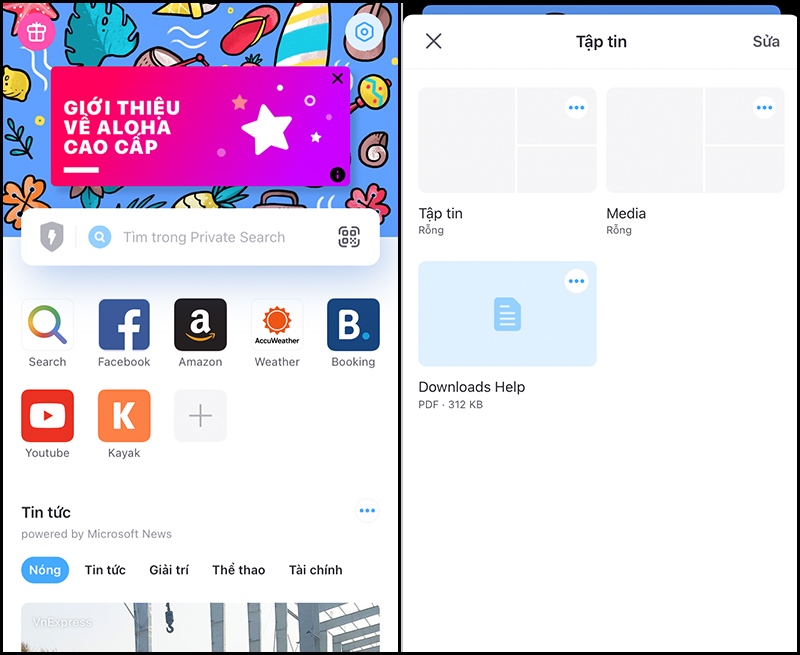
Aloha Browser is a browser that integrates a lot of features inside. Specifically, built-in VPN in the browser, block ads, protect privacy. In addition, this browser also integrates the file management system to be downloaded, very convenient and convenient.
Download application Aloha Browser:
Link download on iOS: Here .
10. Ghostery
Ghostery is an open source browser that fully serves security, has a separate search engine, has its own algorithm to completely block trackers and steal information, without ads in Browser interface and web surfing interface. What's more, this browser also has its own password manager. Ghostery deserves to be the top browser in terms of security.
Download the Ghostery application:
Link download on iOS: Here .
Key Takeaways
Use the information above as a practical reference for top 10 best alternative web browsers for safari on iPhone. Review each step carefully, confirm any requirements, and choose the option that best fits your situation.
FAQ
What does this guide explain about Best Alternative Web Browsers for Safari on iPhone?
It explains the main concepts, practical considerations, and useful steps related to best alternative web browsers for safari on iPhone without requiring advanced knowledge.
Who can benefit from learning about Best Alternative Web Browsers for Safari on iPhone?
This information is useful for readers who want a clear overview, practical guidance, and reliable steps related to best alternative web browsers for safari on iPhone.
What should I check before applying this information?
Review the requirements, confirm that your device, software, or situation matches the instructions, and back up important data before making major changes.
Related Articles
 9 Browsers Replace Safari on iPhone9 minutes read
 4 Best Safari Alternative Browsers on Mac7 minutes read
 How to Fix 5 Safari Bugs on iPhone8 minutes read
 How to Export Safari Bookmarks from iPhone3 minutes read
 How to Open Recently Closed Tabs on iPhone or iPad5 minutes read
 Change the Following 7 iOS Settings to Better Safari Security9 minutes read
Reader Comments 0
Sign in with email or Google to join the discussion.