Table of Contents
You can control an Apple TV streaming box from an Android phone with a compatible third-party remote app on your home network. If your phone has an infrared (IR) blaster, you may also be able to use it for basic navigation without Wi-Fi. Apple’s own Control Center remote is built into iPhone and iPad.
Pair an Android remote app over Wi-Fi
- Connect your Android phone and Apple TV to the same home network. The Apple TV can use Ethernet if it connects to the same local network as the phone.
- Choose a remote app from Google Play that lists your Apple TV model. Check the developer name, permissions and any in-app charges before installing.
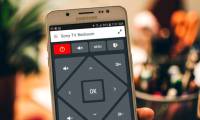
- Open the app and tap its device selector. In the app shown below, it is labeled Not connected.
- Select your Apple TV. If a pairing code appears on the television, enter it in the remote app.
- Test the directional pad and playback buttons. Keyboard input and direct app launches depend on the app, and volume control can depend on your TV or receiver setup.
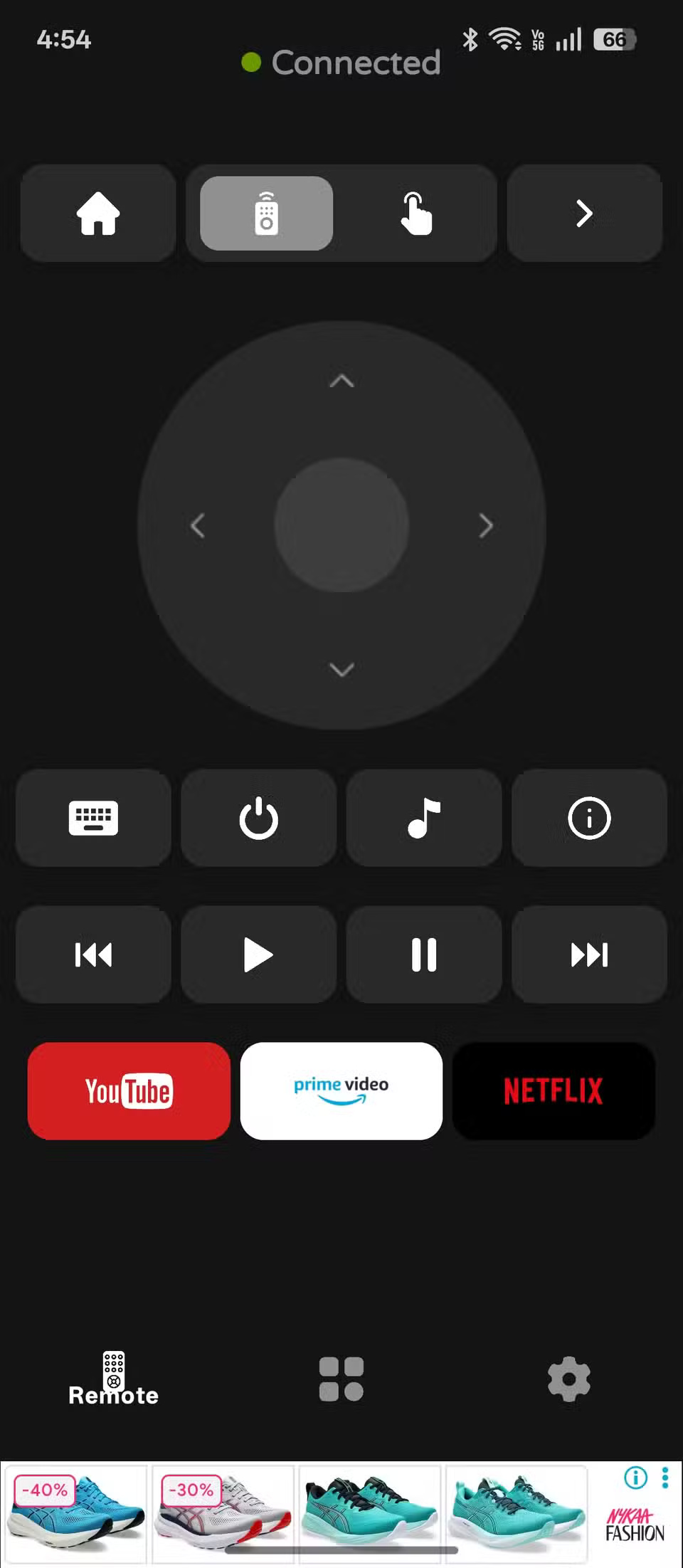
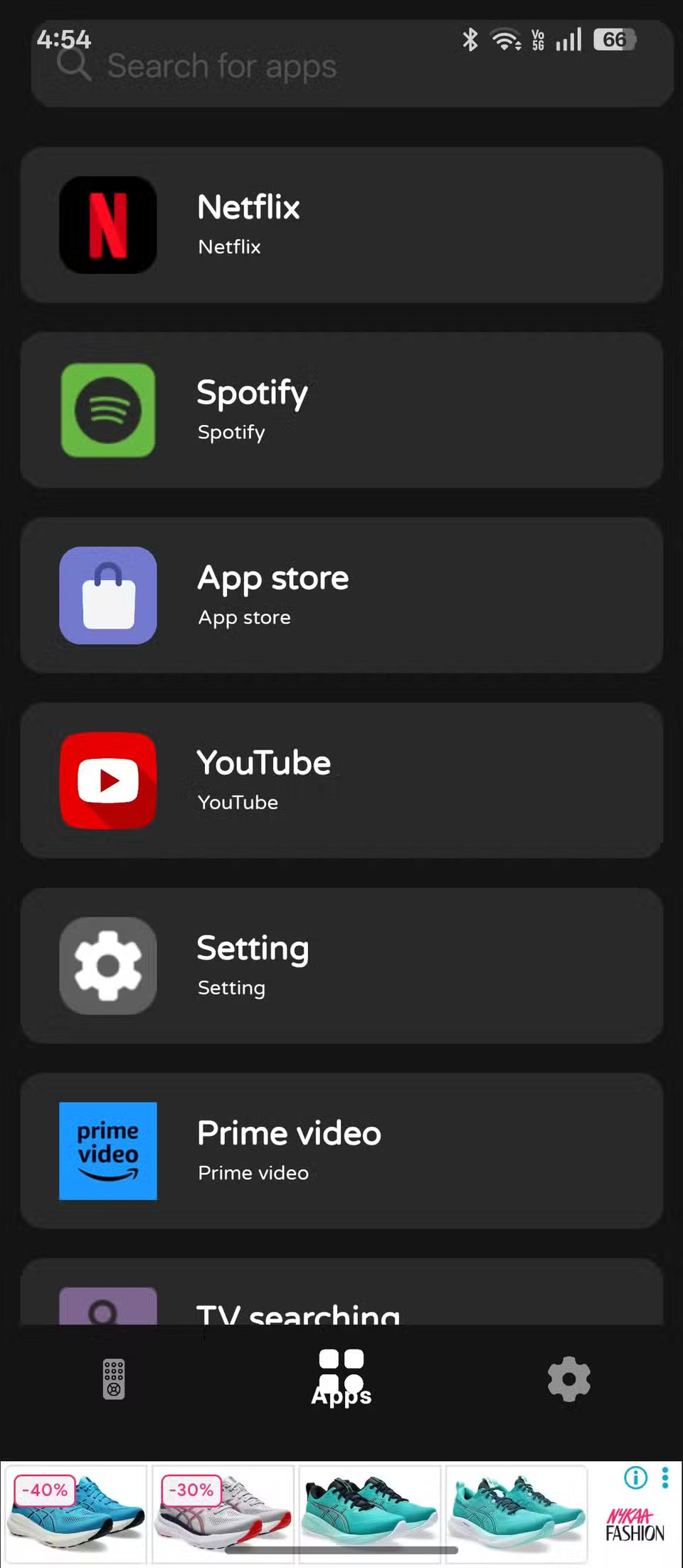
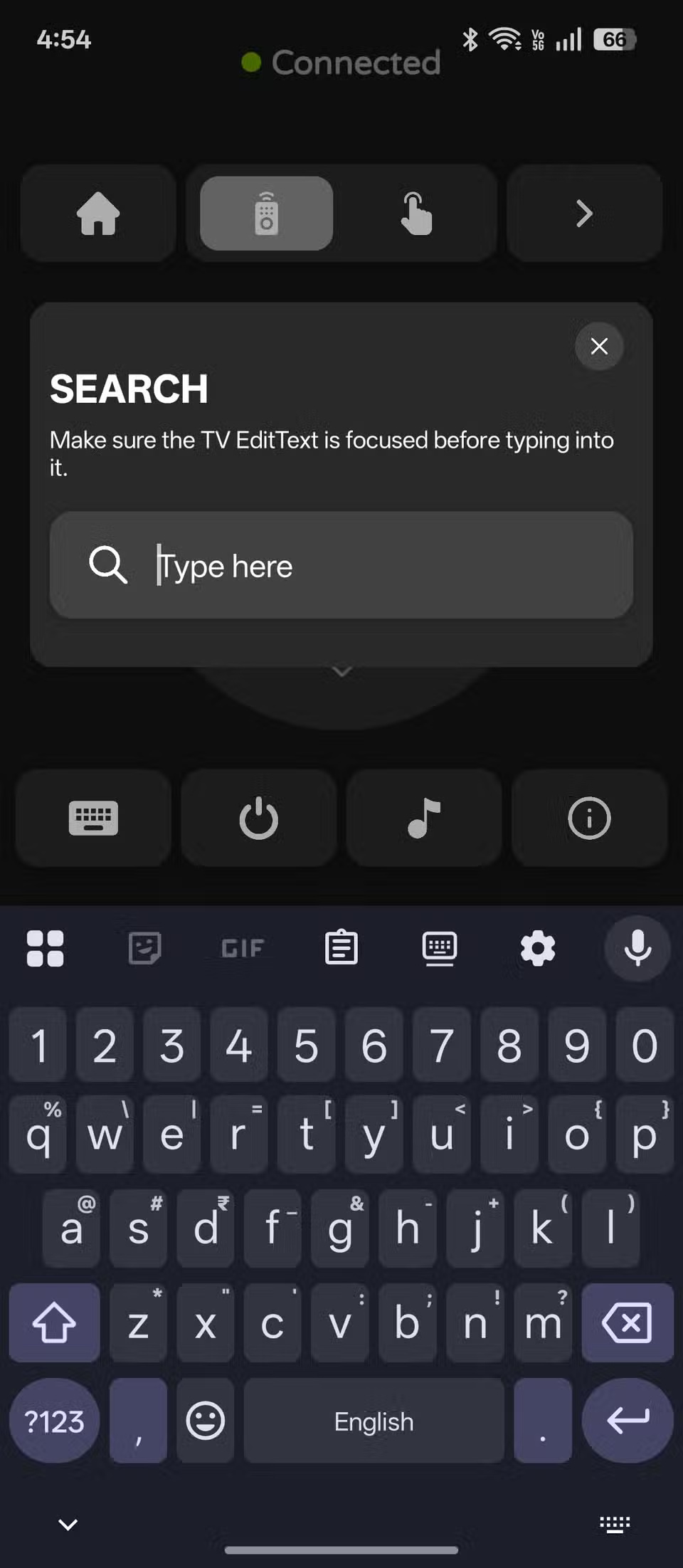
What to do if the app cannot find your Apple TV
Wake the Apple TV and check its network under Settings > Network. Move the phone off any guest Wi-Fi network, since guest networks can prevent devices from seeing one another. Check whether you denied a permission the remote app needs for device discovery, then reopen the app and try pairing again. If the box still needs its first-time setup, use a physical remote to get it onto your network.
Use your phone’s infrared blaster
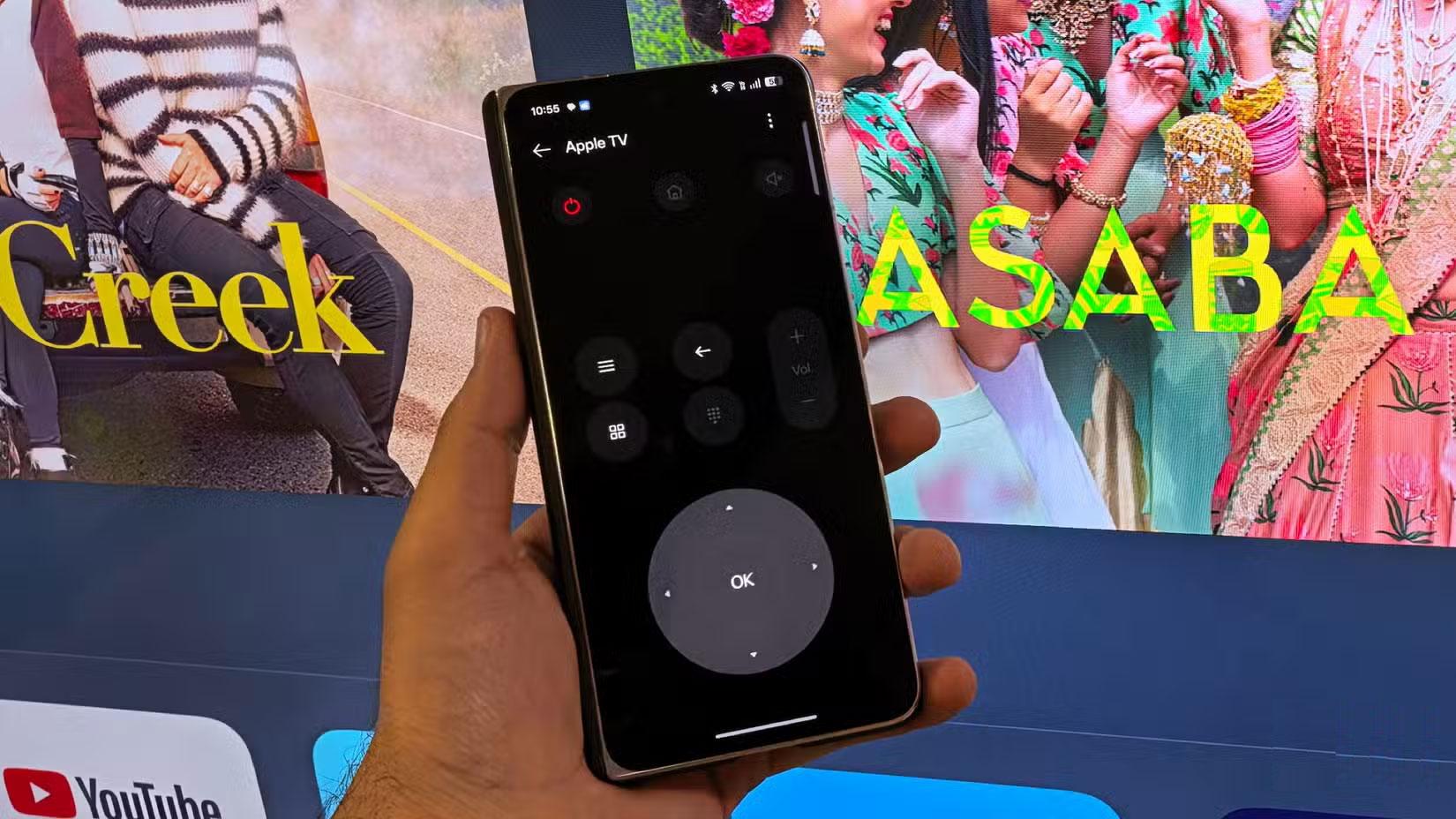
Check your phone’s exact model for an IR blaster. If it has one, open the manufacturer’s remote app, choose an Apple TV profile if available and point the top edge of the phone toward the box. A compatible profile can send basic commands without a network connection. If you can still navigate on the Apple TV, look under Settings > Remotes and Devices > Learn Remote for Apple’s universal IR remote setup. A compatible TV remote over HDMI-CEC can also help if your Android phone lacks infrared.
Related Articles
 Set up, control new Android TV Box faster thanks to Android TV Remote Control
 How to use Android phone control Sony TV
 Secret Settings to Fix Laggy Old Android Phones
 How to use Mirroid to show and control Android smartphone on PC
 How to turn an Android phone into a universal controller for every home appliance
 Instructions for installing and using Apple Music on Android
Reader Comments 0
Sign in with email or Google to join the discussion.