Table of Contents
Raindrop.io attempts to address a feature that browser companies have long overlooked by providing a superior browser bookmark replacement.
When was the last time you used a bookmark in your browser? If you're like most people, the answer is 'not recently.' It's not because we don't want to save useful pages—it's because the bookmark system is clunky, hard to find, and has a host of usability issues that most people ignore or try to work around in a variety of ways.
Raindrop.io attempts to address a feature that browser companies have long neglected by providing a superior browser bookmark alternative - a dedicated bookmark manager that works across all devices. After using it for a few days, many people have started creating and reusing bookmarks. It's been a blast!
Intuitive and modern user interface
Easily add, view, and search bookmarks
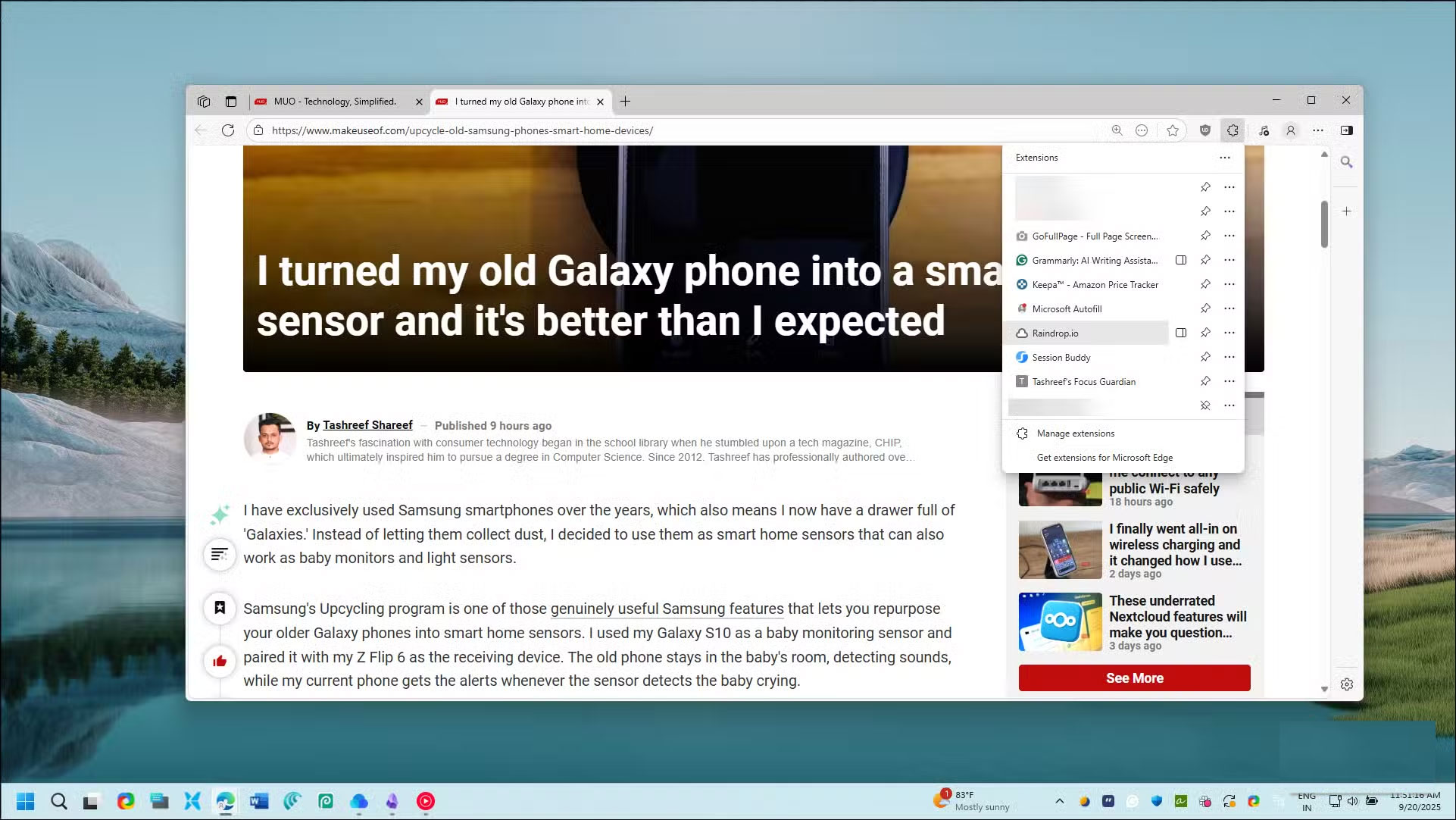
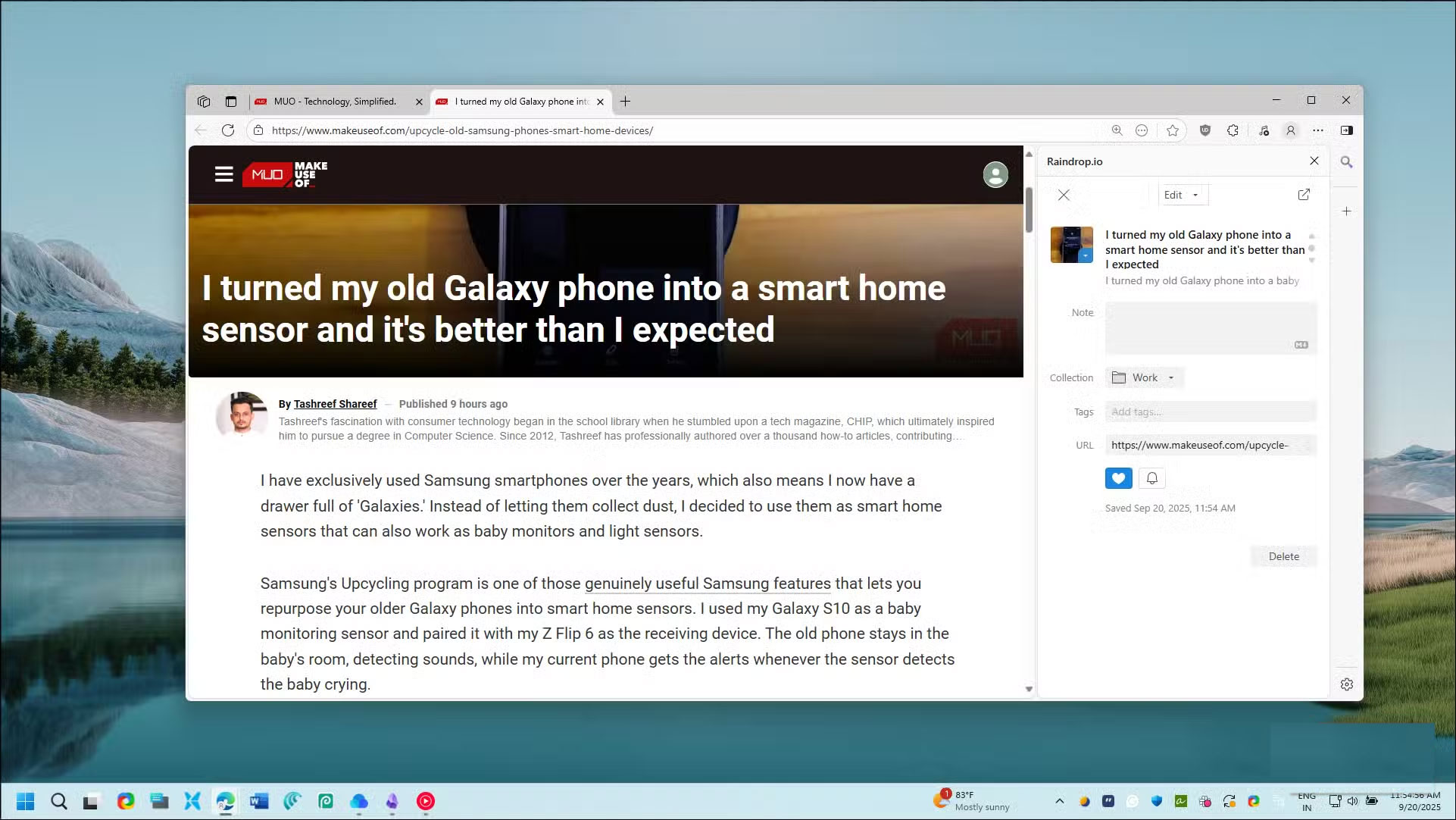
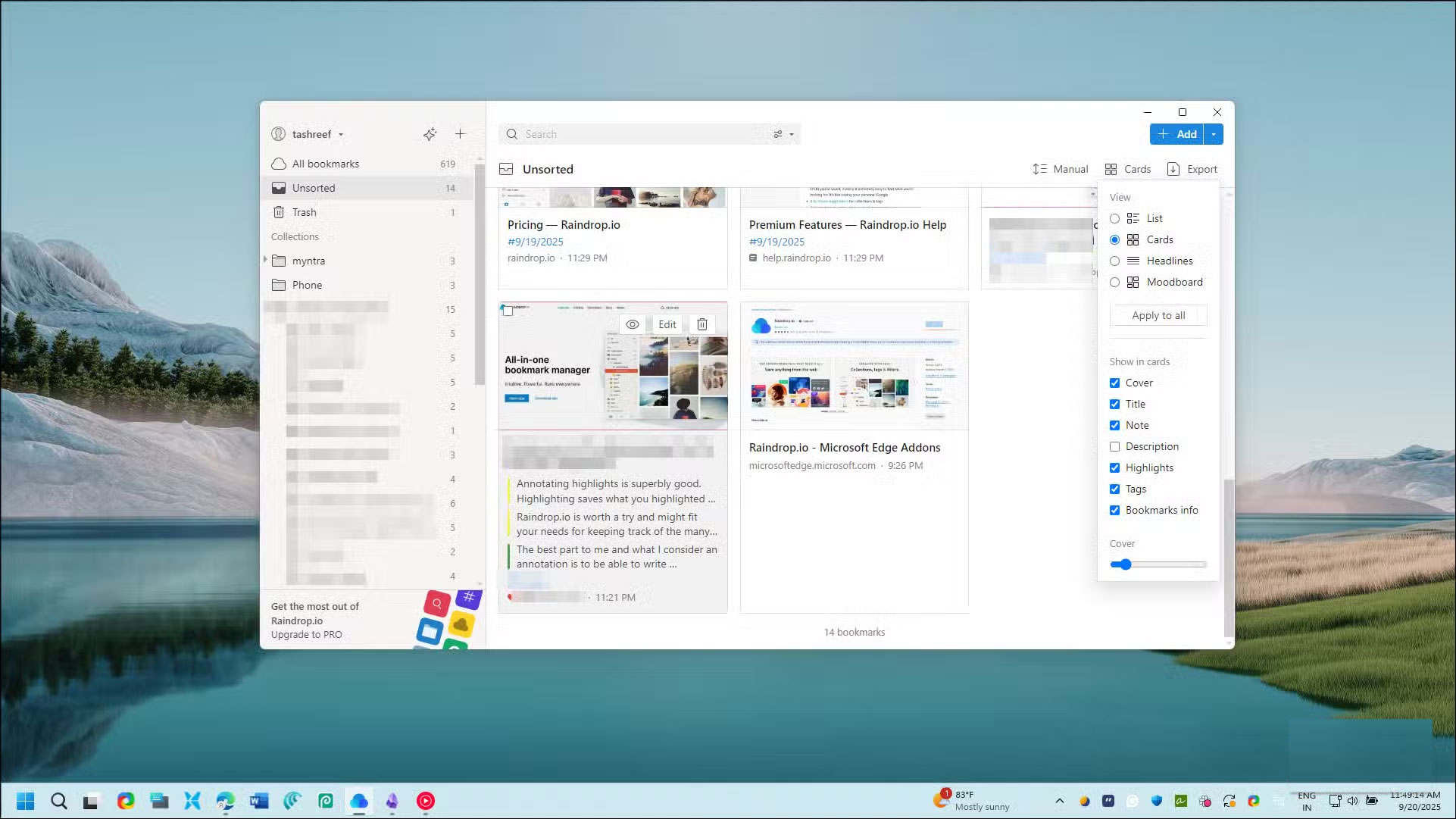
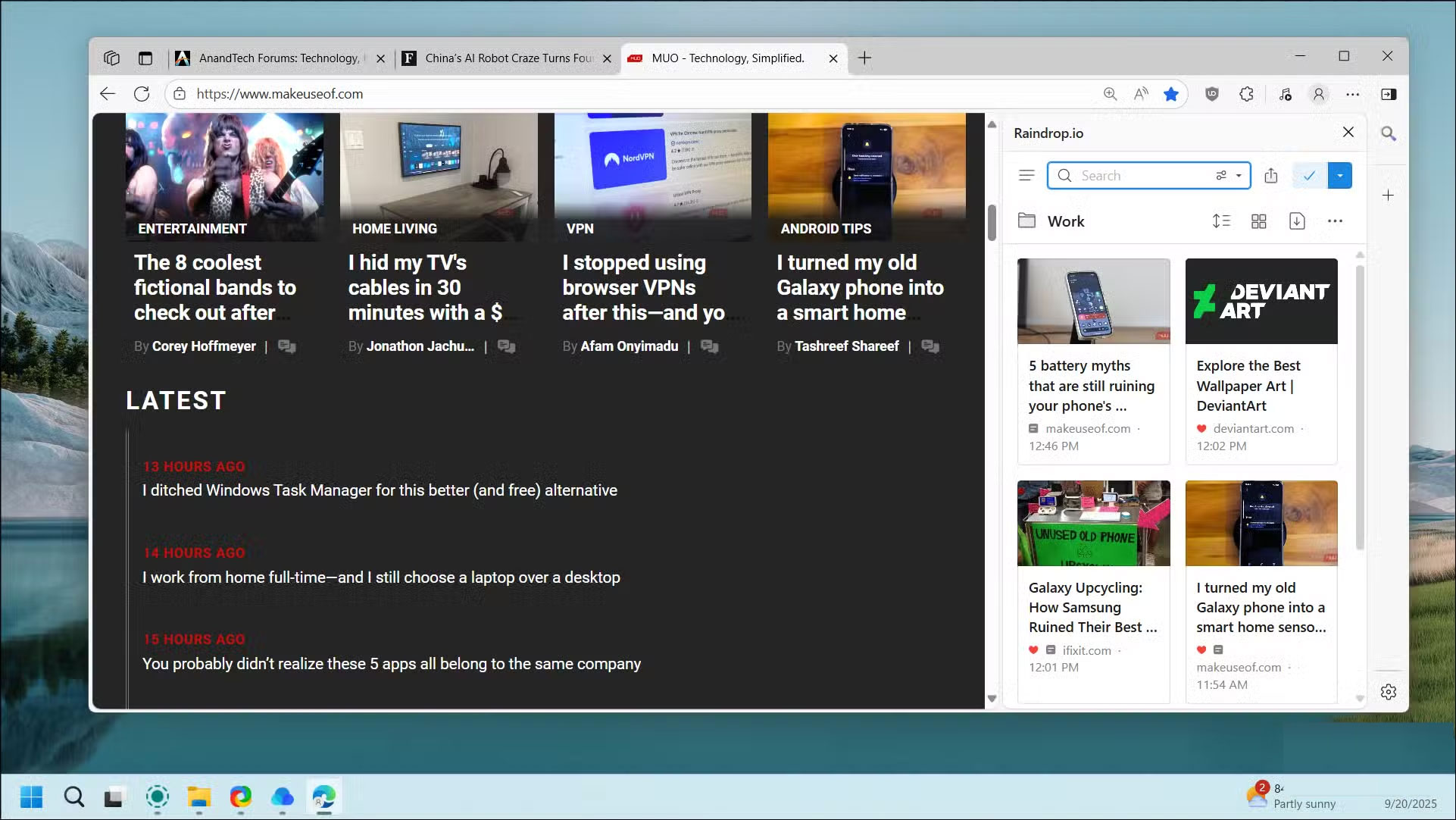

Raindrop.io has a clean, unobtrusive interface, but once you start using it, you'll notice how intuitive it is. Adding bookmarks is easy with the browser extension, and everything syncs across devices without any work on your part.
You can customize each bookmark with Markdown notes to add context, organize them into collections, add tags, or mark them as favorites for quick access. There's also Tabs , a feature that helps you manage your browser tabs more efficiently by saving your entire current session with just one click. This is useful when You should restart your browser but don't want to lose your research.
To browse your bookmarks, click Extensions , then select the Raindrop.io sidebar option to open the bookmark manager next to your current page. The search bar lets you find bookmarks by name, tag, date, or type, or you can filter to only show your favorites.
Powerful features
Annotations, filters, text search, and more
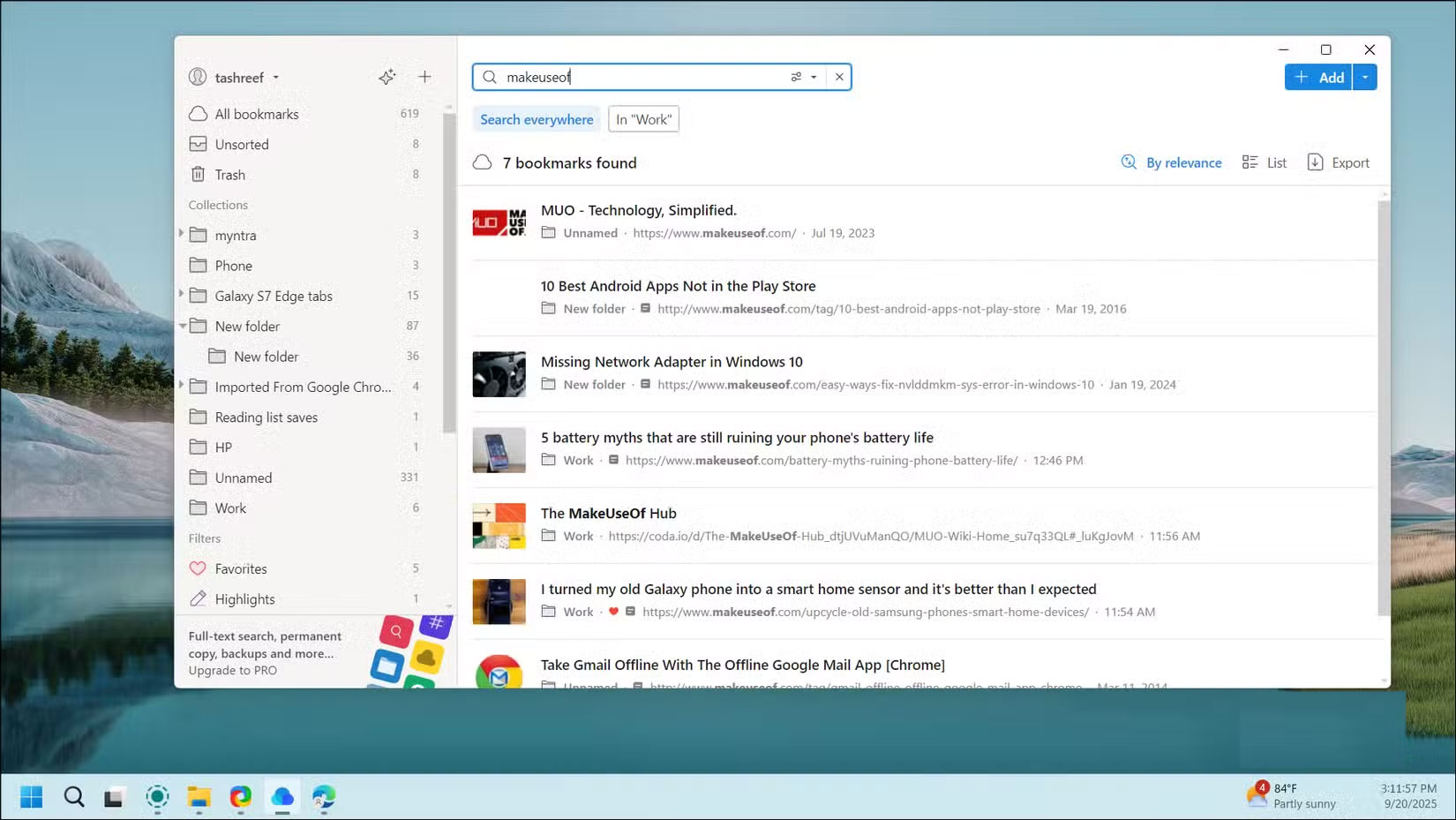
Raindrop.io's search capabilities go far beyond what your browser offers. The standard search bar and filters work fine, but what if you don't remember the title of the bookmark, just a phrase from the article itself?
Semantic search uses natural language processing to find bookmarks even if your search term doesn't appear in the title or tags. You can describe what you're looking for in plain language, and it will try to find the right bookmark. More importantly, it searches text from pages, PDFs, and EPUB files in your saved content. So if you remember a specific quote from an article and nothing else, you can still find it.
Highlighting is another favorite feature in Raindrop.io. While reading, you can mark ( Alt + X ) important passages and assign them different colors based on their importance or category. When you come back to the article later, you can jump directly between the marked sections .
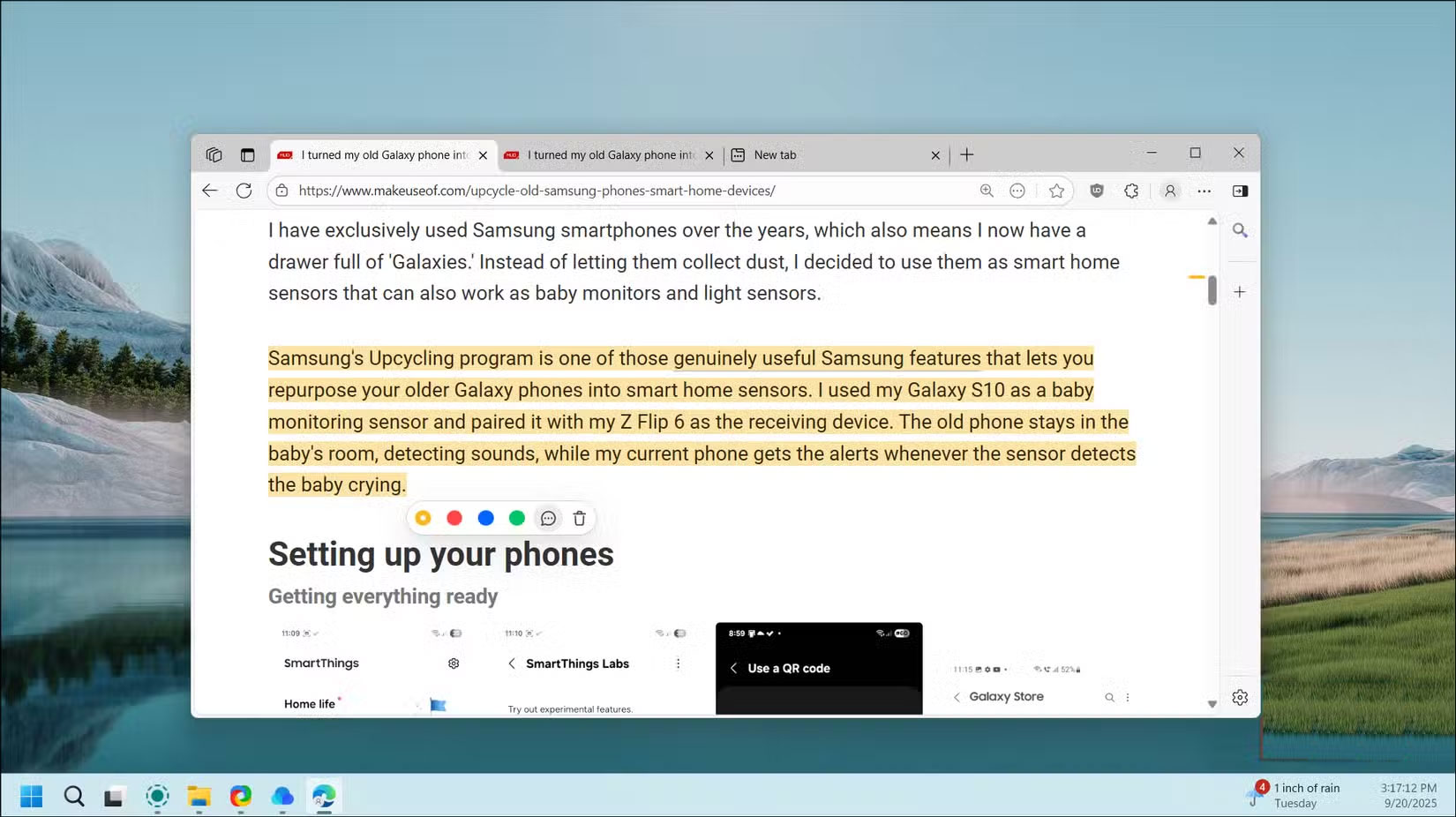
These highlights also appear in the bookmark preview, so you can see the main points without opening the entire article. Premium You can add notes to these highlights, although the basic bookmarking feature may be enough.
Cross-platform, collaborative, and offline support
On mobile, web and PC
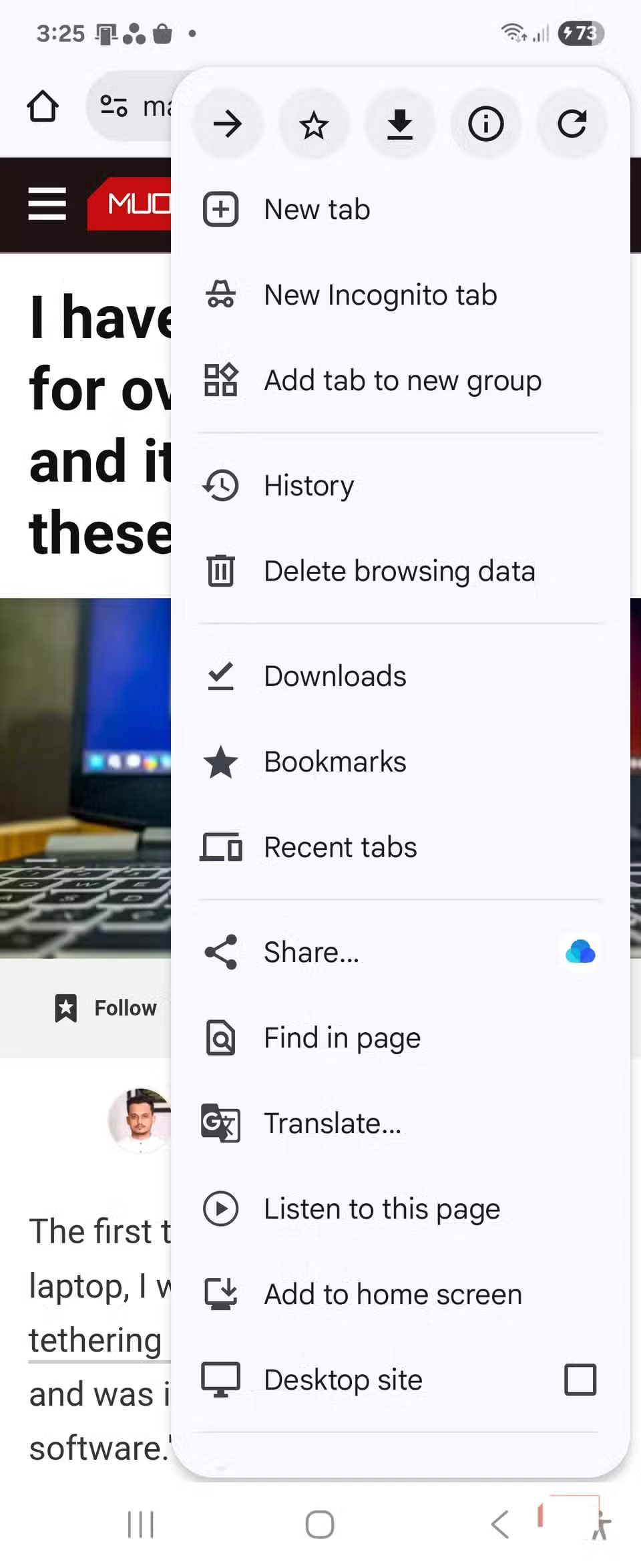
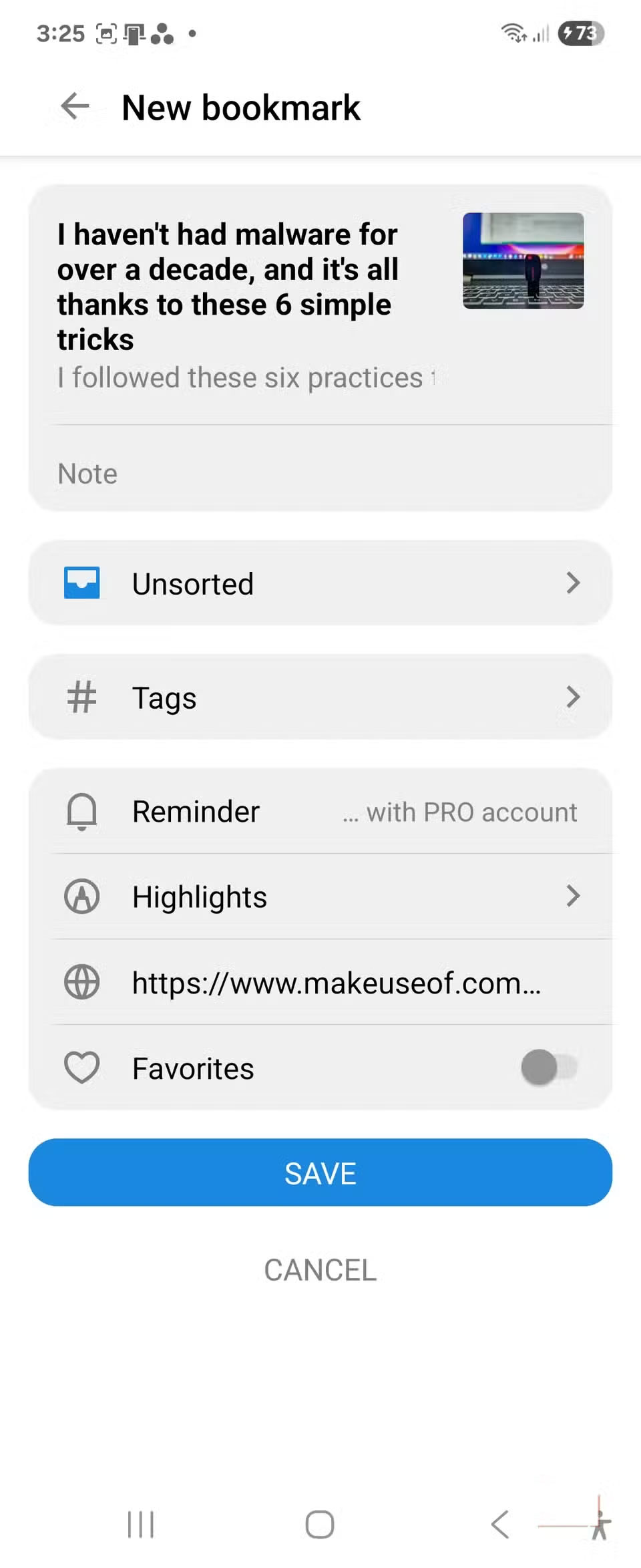
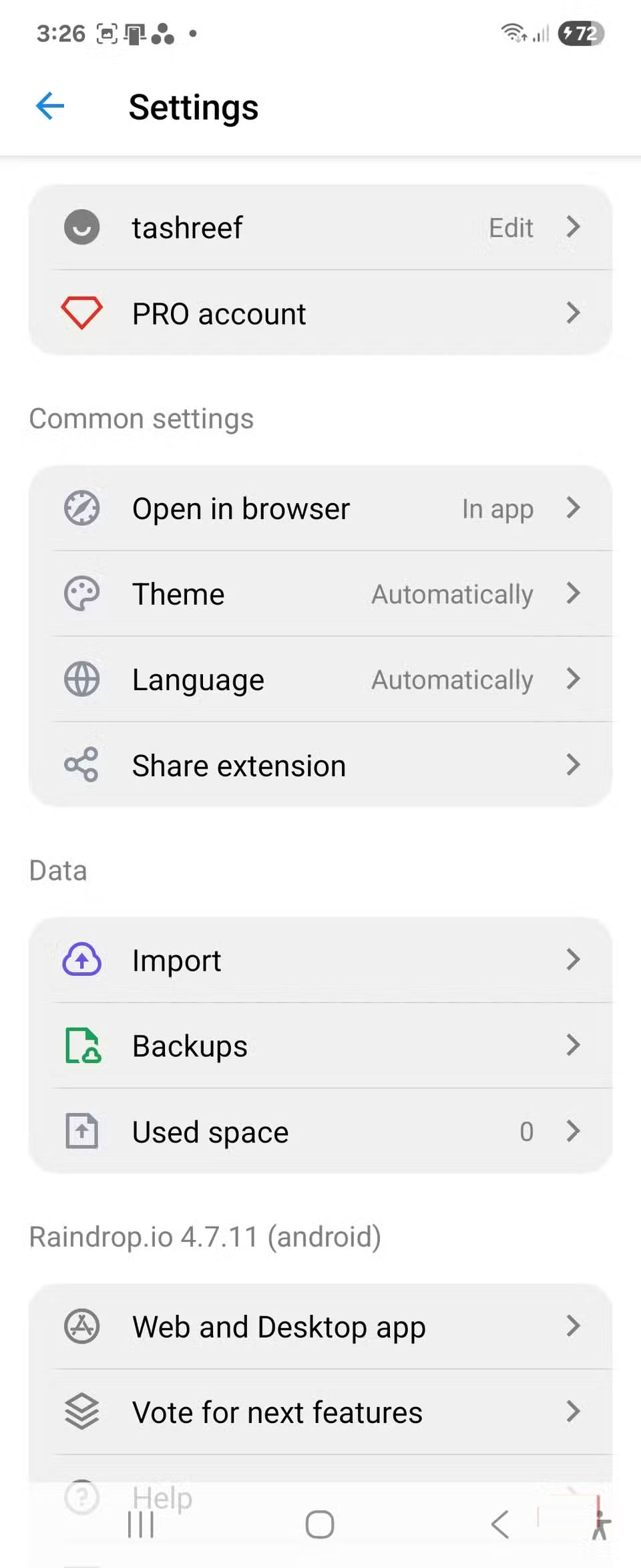
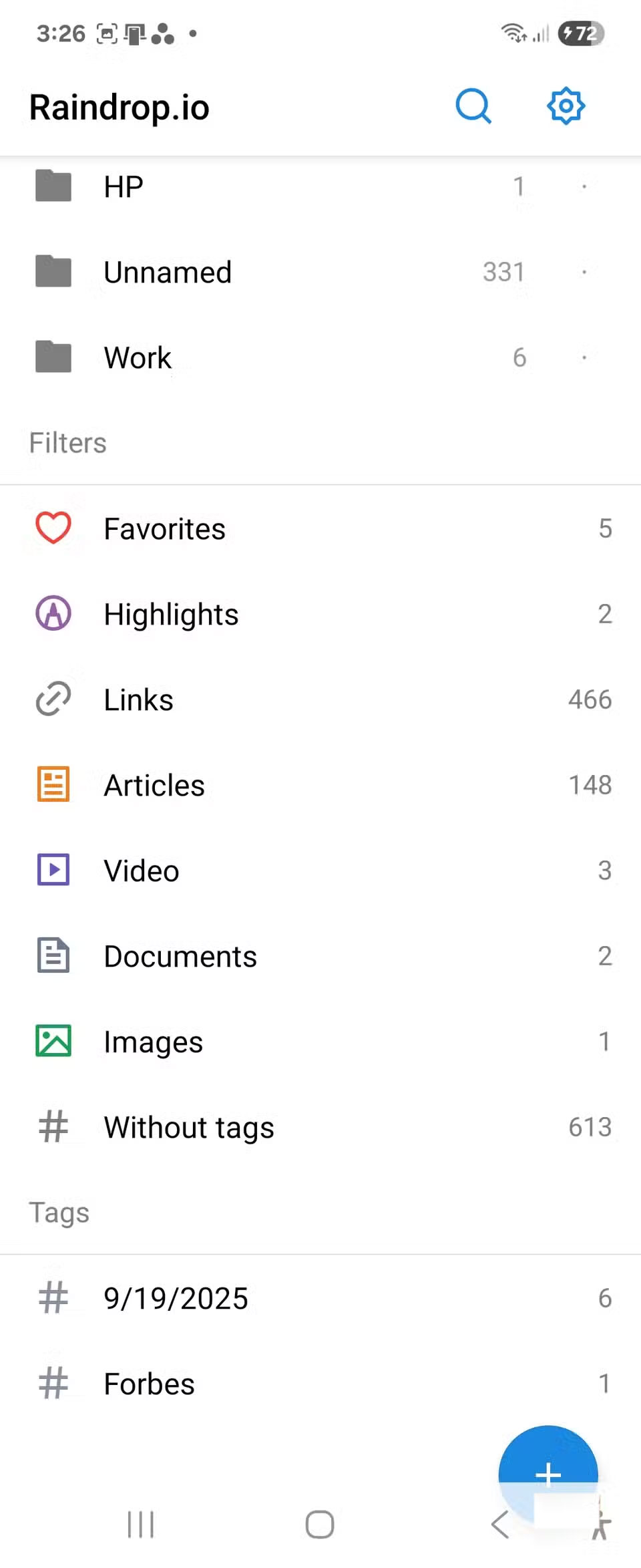
Because Raindrop is cross-platform, you can bookmark an article on your phone while you're on the go and pick it up on your laptop when you get home. It works on iOS, Android, macOS, Windows, Linux, and web browsers. The mobile apps are full versions, not stripped-down versions, allowing you to sort, search, and annotate just like you would on your desktop.
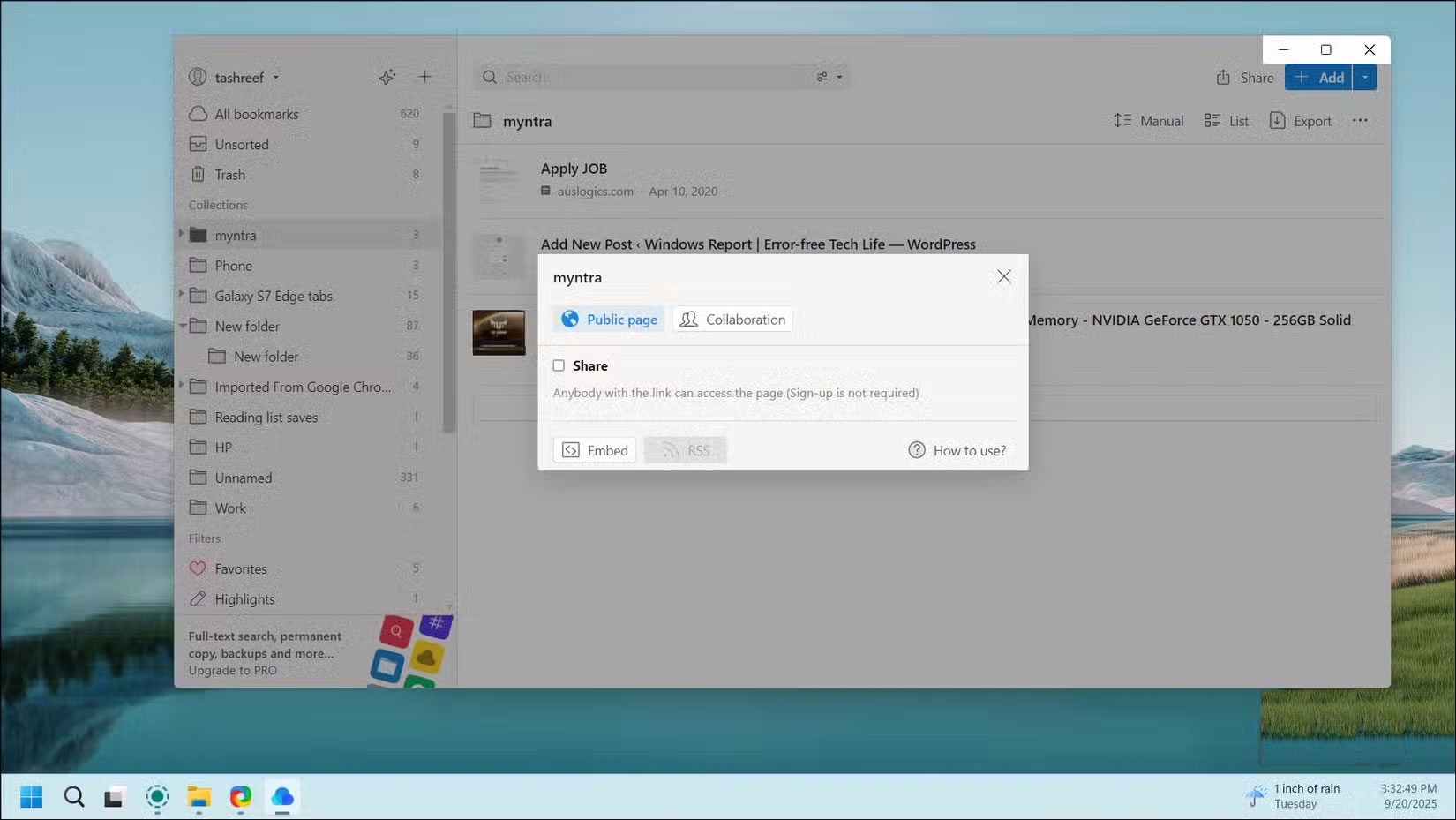
Raindrop also supports collaboration on bookmark collections. While bookmarks are private by default, you can share collections via a public URL or invite specific people to collaborate.
This feature is great for teams building a shared resource library. Everyone can add relevant articles, documents, and tools to the collection. It's more efficient than sharing links on Slack or email, where valuable resources get buried in chat history.
Raindrop makes bookmarks useful again
The requirements for a bookmark manager aren't complicated. We just need an easy way to save, organize, and search for our bookmarks across all our devices. Raindrop handles these basics well enough that you'll be able to tell anyone who'll listen about Raindrop.io.
If you've given up on using bookmarks in your browser, Raindrop's free plan is worth checking out. It's generous enough to give you a sense of whether the app fits into your workflow. For those who want more features, the Pro version costs about $28/year and unlocks additional features.
FAQ
What should you know about raindrop.io?
In practical terms, raindrop.io attempts to address a feature that browser companies have long overlooked by providing a superior browser bookmark replacement.
Why does raindrop.io matter?
The article highlights that intuitive and modern user interface Easily add, view, and search bookmarks Raindrop.io has a clean, unobtrusive interface, but once you start using it, you'll notice how intuitive it is.
What is the main takeaway?
The main takeaway is that to browse your bookmarks, click Extensions , then select the Raindrop.io sidebar option to open the bookmark manager next to your current page.
Related Articles
 How to Play Pokémon GO on a Computer6 minutes read
 How to Play Pokémon GO on a Smartphone6 minutes read
 26 Types of Poké Balls Explained: Part 25 minutes read
 How to Earn and Use Stardust in Pokémon GO5 minutes read
 Pokémon GO Eggs: Incubation and Hatching Guide4 minutes read
 26 Types of Poké Balls Explained: Part 18 minutes read
Reader Comments 0
Sign in with email or Google to join the discussion.