Table of Contents
AI can help luxury brands explore campaign concepts, backgrounds, lighting directions, and visual variations faster. It is less reliable at reproducing an exact product. For jewelry, watches, cosmetics, and fashion, a changed clasp, stone count, logo, color, or material finish can mislead buyers. The strongest workflow uses AI for art direction and environment while preserving a verified product photograph for factual detail.
Choose the role AI will play
| Use | Best approach | Main risk |
|---|---|---|
| Early concept exploration | Generate mood, color, texture, composition, and lighting variations. | Teams mistake an attractive draft for a feasible shoot. |
| Editorial campaign image | Generate or extend the set, then composite an approved product packshot. | Lighting and reflections do not match the real product. |
| Product detail page | Use accurate studio photography; limit generative edits to controlled cleanup. | Customers receive a product that differs from the image. |
| Model or lifestyle scene | Use consented assets and review anatomy, fit, product placement, and representation. | False endorsement, distorted fit, or unauthorized likeness. |
Define this role before writing prompts. A campaign visual can be interpretive; a commerce image must accurately represent what is sold.
Start with a visual brief, not a vague luxury prompt
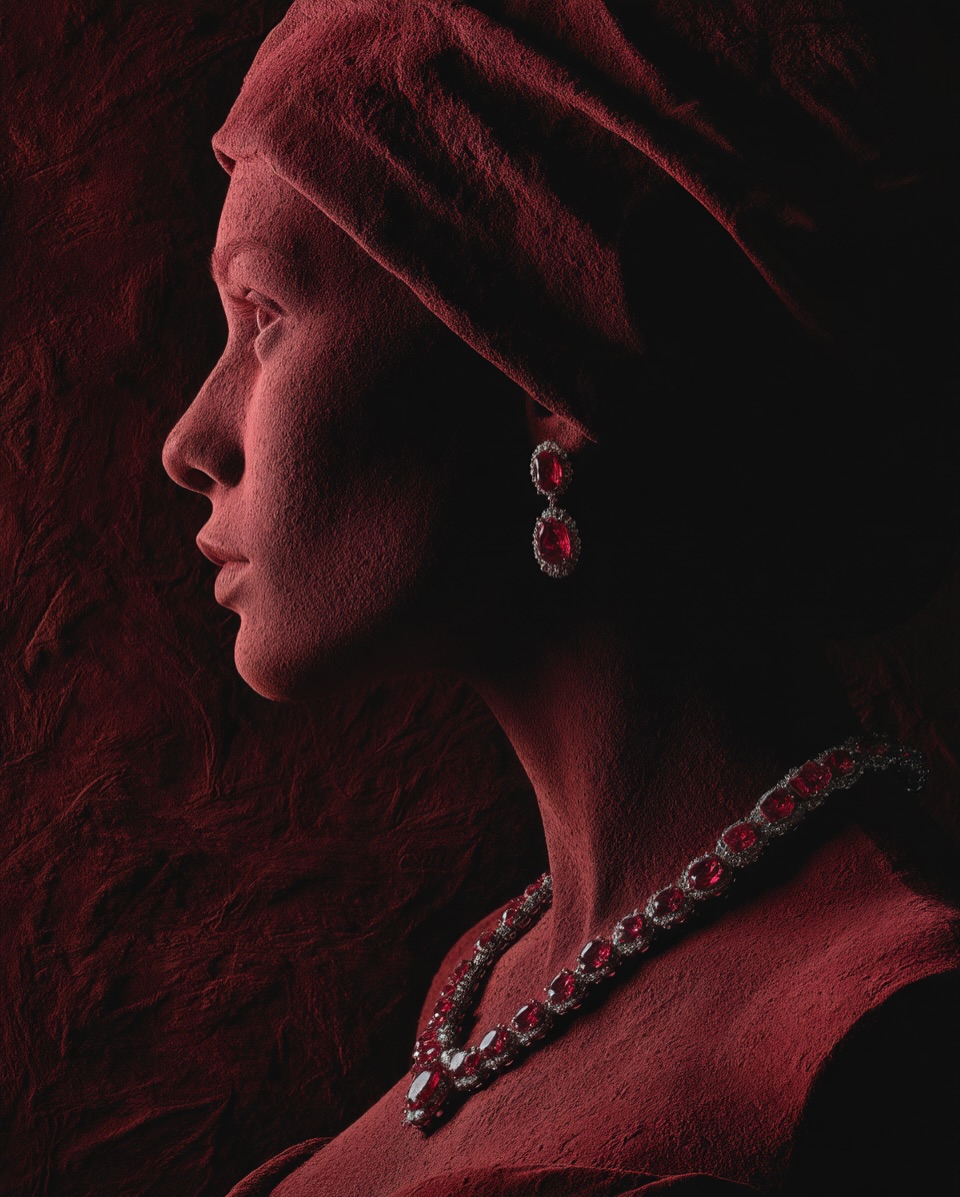
A useful brief explains the product, audience, channel, focal point, material truth, mood, composition, and restrictions. Replace broad words such as “premium” or “cinematic” with decisions the image can show.
Create a high-resolution editorial fashion concept for a 4:5 campaign image.

Subject: an adult model in profile, covered in dry dark-red mineral pigment.
Hero product: [insert approved product reference], which must remain unchanged in shape, stone count, metal color, logo, clasp, and proportions.
Composition: head and shoulders, product unobstructed, negative space at upper left for copy.
Lighting: one narrow warm key light from camera left, soft shadow fill, controlled highlights on the jewelry.
Palette: oxblood, rust, charcoal, and neutral skin tones.
Texture: matte granular pigment contrasted with polished metal and gemstones.
Avoid: extra jewelry, altered product details, text, watermark, deformed anatomy, duplicated features, oversaturated gemstones.
If the generator cannot keep the product exact, use the result as a background or composition reference and composite the real product photograph later.
Use texture to create contrast—not fake value
Coarse sand, stone, textile, clay, and coffee grounds can contrast with polished metal or glass. That tactile difference can make a still image more memorable, but texture does not prove craftsmanship or product value.
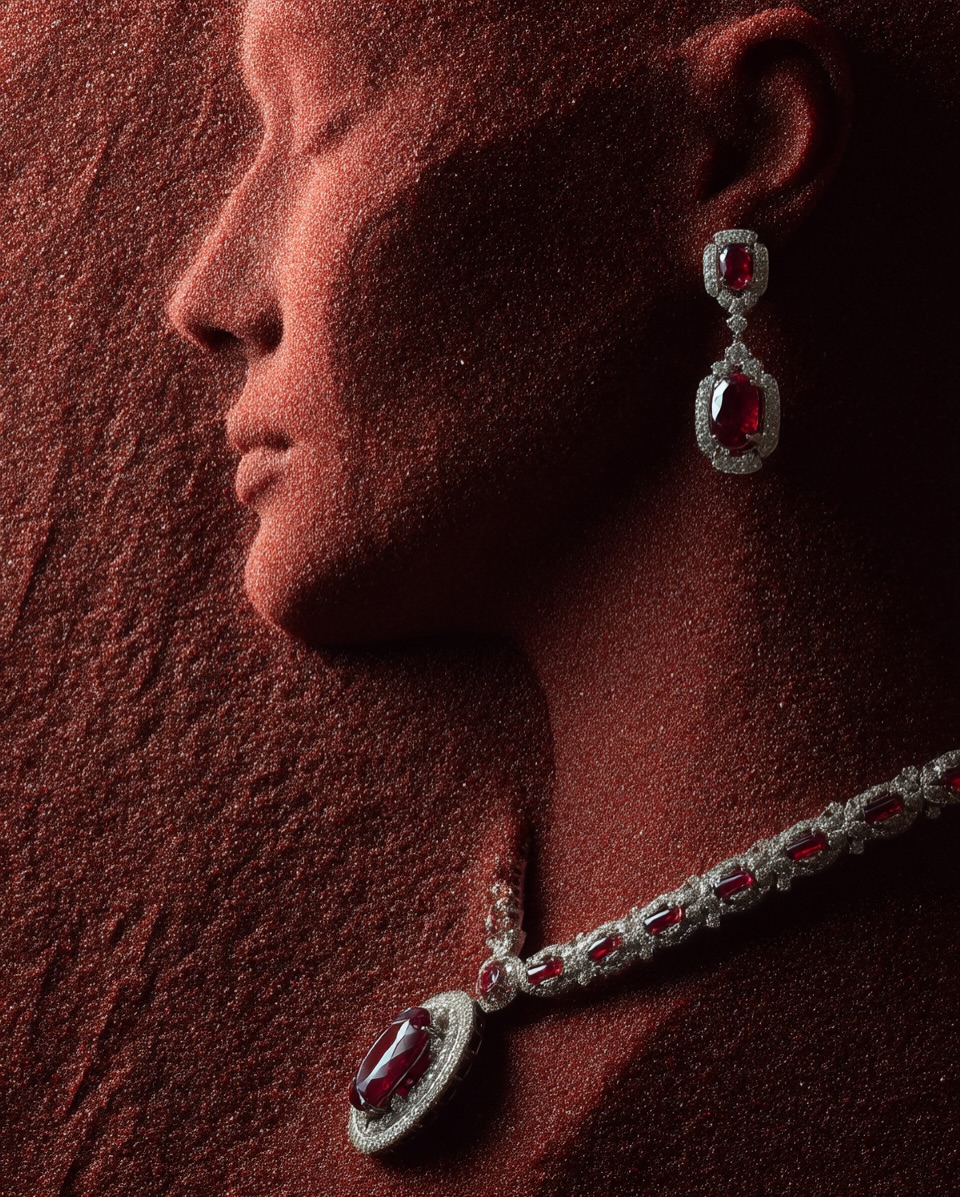
Check the boundary where the product meets the generated material. Common failures include stones that merge into sand, impossible contact shadows, metal edges that dissolve, and reflections showing a light source that does not exist.
Write lighting instructions that can be reproduced
“Cinematic lighting” is too broad on its own. Describe the number, direction, hardness, color, and purpose of the lights.
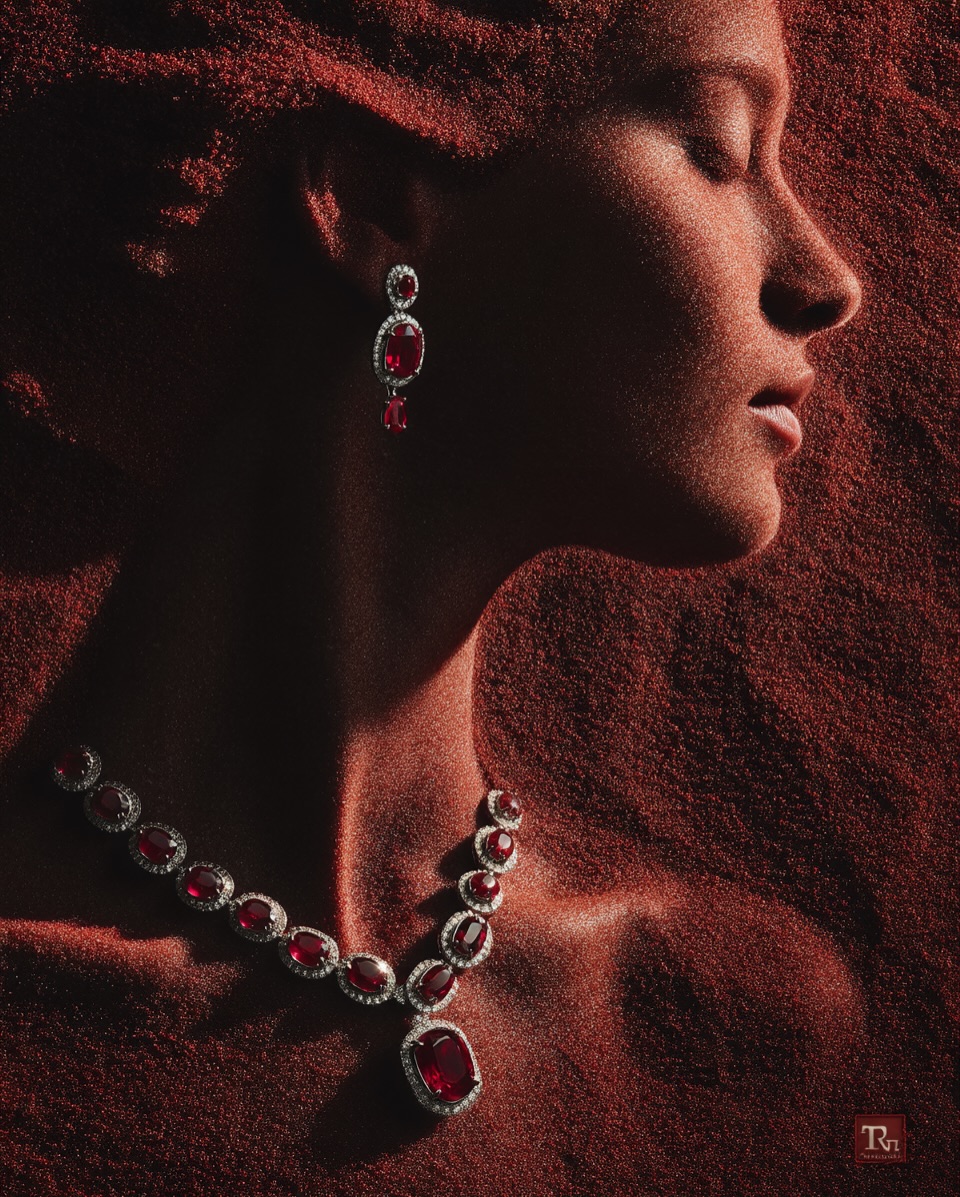
- Key light: direction and whether it is hard or soft.
- Fill: how much shadow detail should remain.
- Rim or accent: which product edge it should separate from the background.
- Reflection control: where highlights should appear on metal, glass, or polished stone.
- Background falloff: whether the set remains visible or drops into shadow.
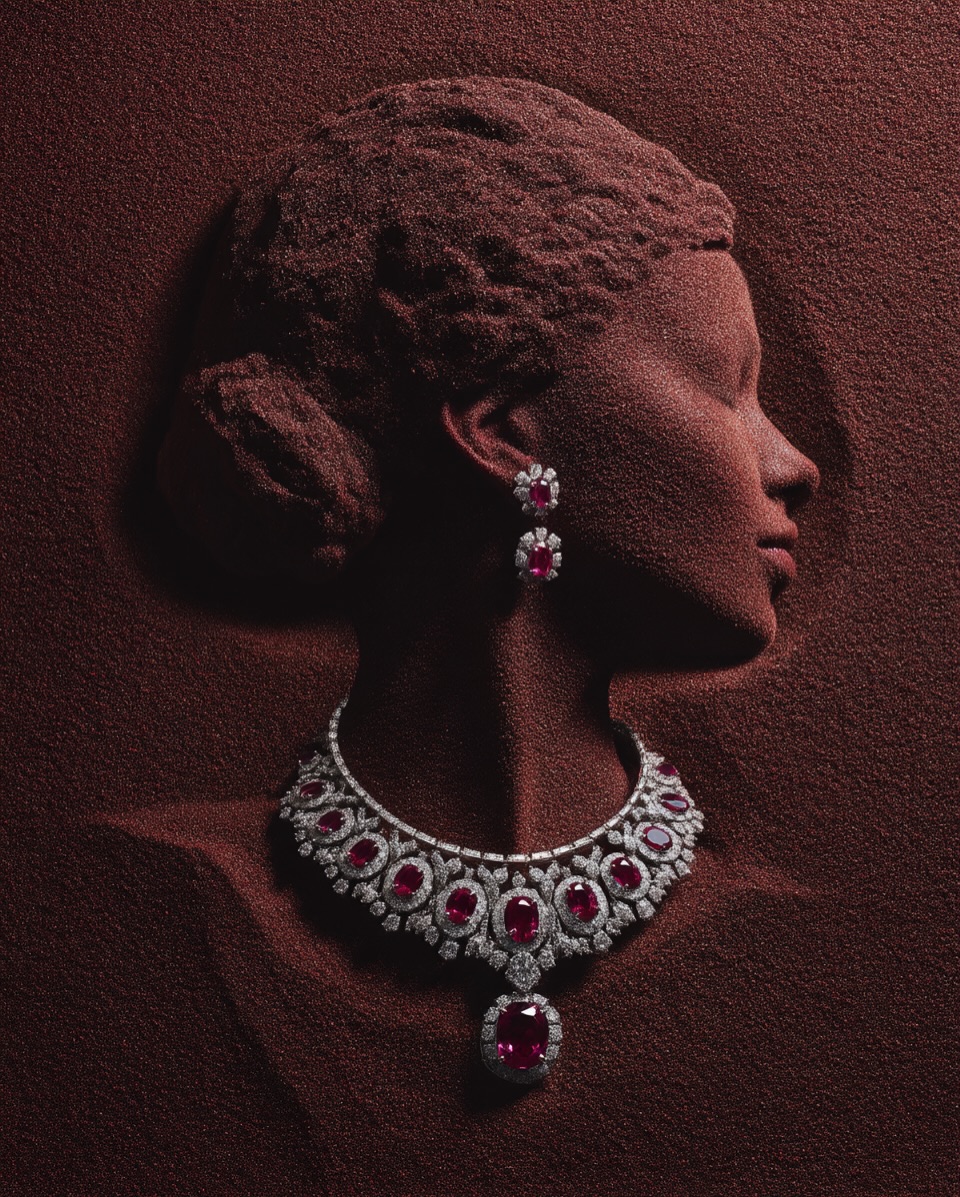
When several campaign images will be shown together, record the lighting recipe and reuse it. Consistent direction and highlight shape matter more than generating many unrelated dramatic images.
Build a repeatable campaign system
AI makes variation inexpensive, which can easily produce a visually inconsistent campaign. Fix a small system before scaling:
- One or two aspect ratios for the intended channels.
- A restricted color palette.
- A consistent light direction and contrast level.
- Two or three recurring materials or set motifs.
- Rules for product size and placement.
- Protected space for headline, logo, and legal copy.

Generate a contact sheet of low-resolution concepts first. Select a direction, test it with the real product, and only then create channel variations. This prevents a team from polishing dozens of images that do not fit the brand or product.
Three adaptable prompt patterns
Jewelry on a sculptural form
Create a profile view of a sculptural mannequin covered in fine red sand, displaying the referenced ruby necklace and earrings. Preserve every product detail exactly. Use a dark neutral studio, a narrow side light, subtle fill, and realistic contact shadows. Keep the product unobstructed and leave clean negative space for copy. Editorial campaign image, 4:5. No text, extra jewelry, changed stones, distorted anatomy, or artificial sparkle.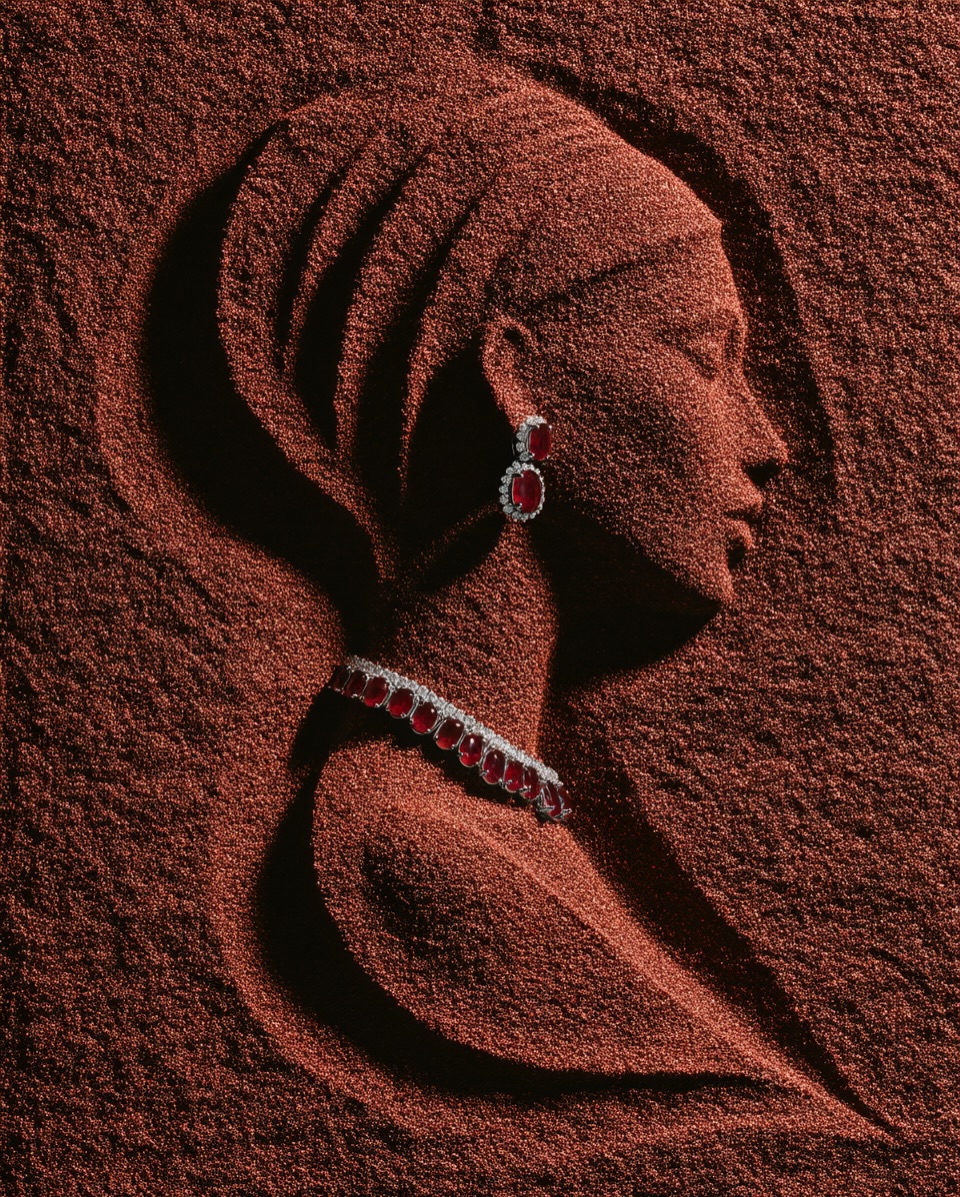
Material-led relief portrait
Create an editorial relief portrait of an adult woman formed from finely ground coffee, shown in three-quarter view. The referenced necklace and earrings are real product packshots composited into the scene and must remain unchanged. Use warm directional light, restrained ruby accents, visible granular texture, and a matte dark-brown background. Leave lower-right space for product copy. Do not imitate a living person's likeness.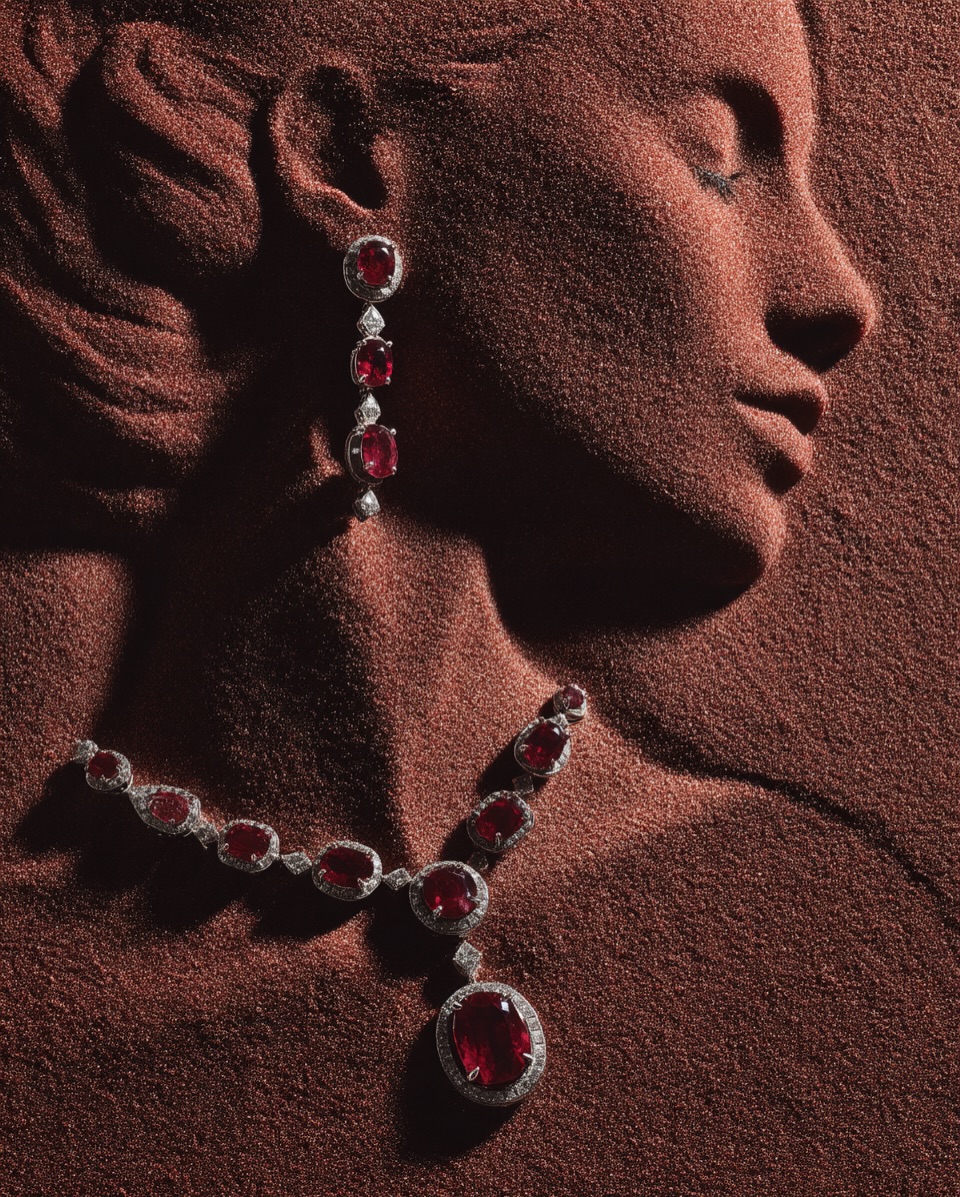
Close crop for social media
Create a close profile crop for a luxury jewelry campaign. Use thousands of fine dark-red particles to form the portrait while keeping the referenced ruby-and-diamond necklace and earrings photographically exact. Product details must be sharp; the surrounding portrait may be interpretive. Add realistic occlusion and contact shadows, controlled highlights, and an oxblood-to-charcoal background. 4:5 composition with no generated typography or logo.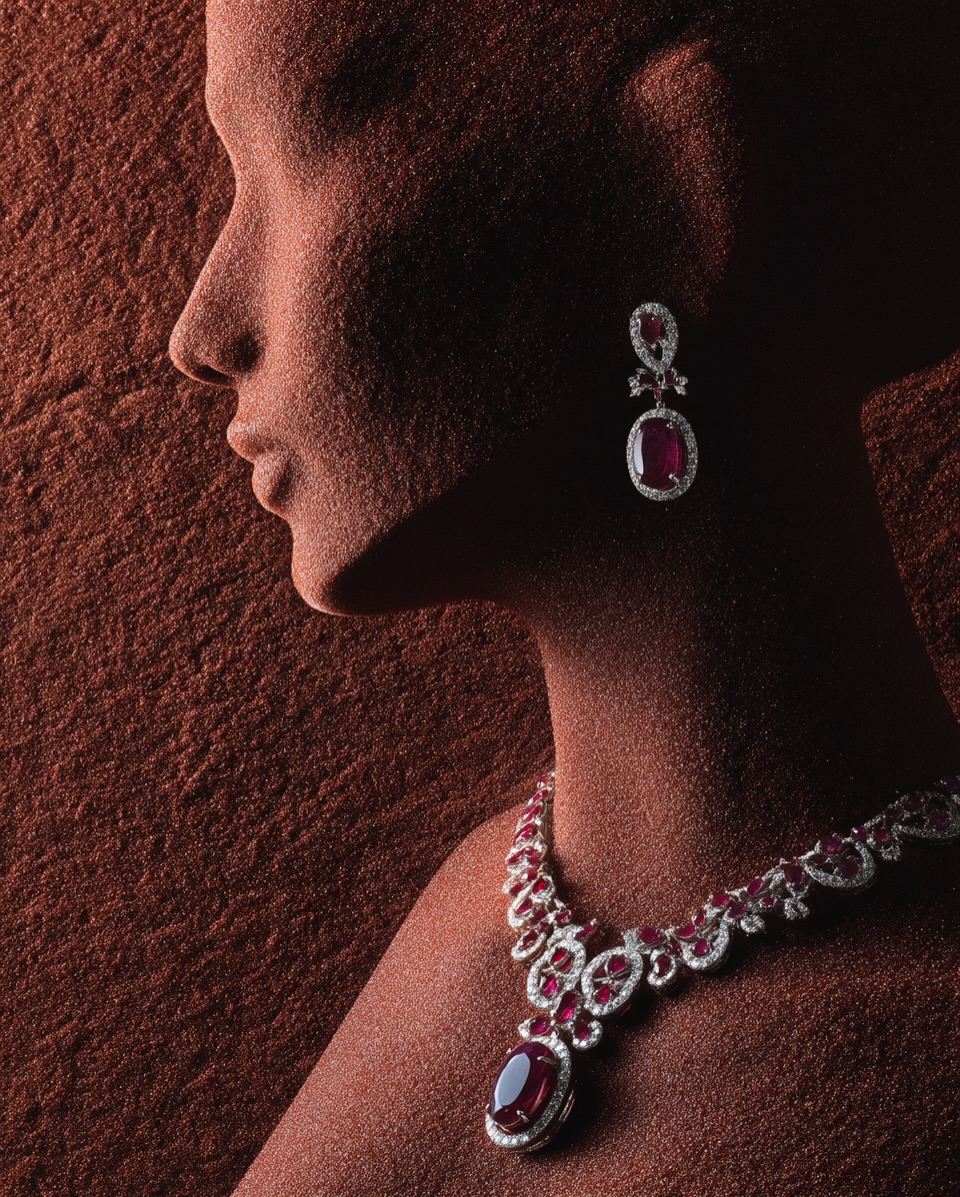
Model-specific flags such as version numbers and stylization values are not portable. Keep those settings outside the core brief and update them for the generator you actually use.
Composite a verified product when accuracy matters
- Photograph the real product with sufficient resolution, accurate color, and a lighting angle compatible with the generated set.
- Generate the environment with a placeholder or protected area for the product.
- Mask and place the real packshot without warping it.
- Match scale, perspective, color temperature, depth of field, contact shadow, and reflected light.
- Retouch the transition at chains, hair, fabric, fingers, and other occluding edges.
- Compare the composite with the physical product and approved specification.
For transparent stones, polished metal, and glass, a professional retoucher may need separate masks and reflection passes. A simple cutout often looks pasted on.
Quality-control checklist
- Product silhouette and proportions match the approved reference.
- Logos, engravings, stone count, prongs, clasps, seams, and fasteners are correct.
- Metal and gemstone colors are not exaggerated beyond the real item.
- Hands, ears, necks, hair, and clothing do not intersect the product unnaturally.
- Shadows and reflections agree with the stated lights.
- Packaging and included accessories are not invented.
- Generated text has been removed and replaced with approved typography.
- The image works at its final crop and mobile size.
- Alt text describes the product and scene without repeating marketing claims.
Rights, disclosure, and brand safety
Use product images, trademarks, models, voices, and reference photography only with appropriate permission. Do not prompt for a living artist's exact style or a real person's likeness when the campaign lacks authorization. Review the generator's commercial-use terms and the license for every uploaded or generated asset.
Keep records of the prompt, reference assets, model and version, edits, approvals, and final files. Depending on the market, channel, and nature of the image, disclosure or synthetic-media labeling may be appropriate or required. Obtain legal review for regulated products, comparative advertising, endorsements, and claims about materials or performance.
Measure performance instead of assuming ROI
An AI-generated image does not automatically increase trust, reduce price resistance, or improve return on investment. Test the creative against an appropriate control and measure results relevant to the channel:
- Click-through and qualified landing-page visits.
- Conversion rate and return rate.
- Time spent on the product detail page.
- Brand-lift or recall research with a suitable sample.
- Production time, retouching time, approval cycles, and total cost.
- Customer-service complaints about image-to-product mismatch.
Keep the media placement, audience, offer, and landing page comparable when testing. A visually striking campaign is useful only if it communicates the intended brand story without weakening product truth.
Where AI adds the most value
AI is strongest at rapid concept exploration, previsualization, background development, and controlled variations. Traditional photography remains essential for precise product representation, and experienced art direction and retouching connect the two. Treat the generator as part of the production workflow—not as evidence that an image is accurate, luxurious, or effective.
Related Articles
 6 Best TV Brands You Can Trust7 minutes read
 Be Overwhelmed by the Most Luxurious Things Only Available in Dubai4 minutes read
 5 Types of Photos Ideal for Those Who Like to Travel6 minutes read
 Photography Techniques: The Harsh Truths in Photography6 minutes read
 Travel, Want to Stay in a Luxury Hotel with a Discounted Price6 minutes read
 Photography Knowledge: 5 Best Free Photography Learning Websites5 minutes read
Reader Comments 0
Sign in with email or Google to join the discussion.