Table of Contents
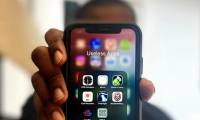
Your iPhone comes pre-installed with dozens of apps to get you started, but not all of them are worth keeping. Sure, some are really useful and indispensable, but others just sit there without adding much value. Luckily, Apple makes it easy to uninstall them.
10. Compass
The Compass app on your iPhone can… point north. It also shows direction, degrees, and elevation — but that's about the extent of its usefulness. You can't use it for anything else, which makes the Compass app feel more like a novelty than a necessity.
9. Securities
The Stocks app has been a part of the iPhone since day one.

That said, if you are a serious investor, you probably already have a dedicated finance app that does everything the Stocks app does and also lets you track your investments. This makes the Stocks app redundant, so keeping it is unnecessary.
8. Freeform
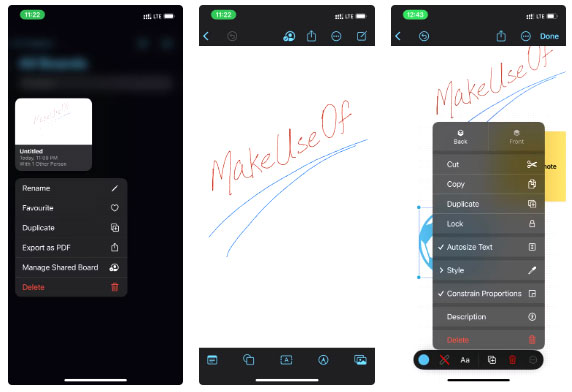
Freeform isn't for everyone. If a digital whiteboard isn't part of your workflow, or if you prefer traditional note-taking apps, Freeform isn't the app for you. There are also better whiteboard alternatives that offer cross-platform syncing with Android and Windows.
7. Diary
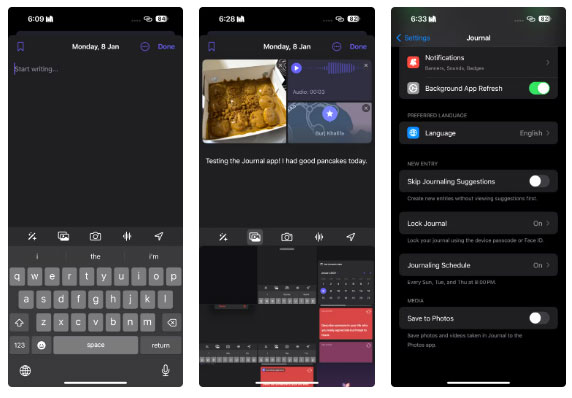
Many people don't like journaling. If that's the case for you, or if another app is already handling your notes and reflections, the Journal app doesn't offer much else. In that case, you can safely delete the app to free up space on your iPhone.
6. Books
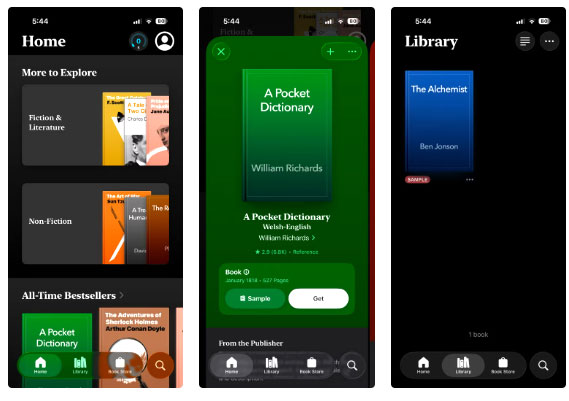
The downside is that for those who already use a Kindle, Audible, or Kobo, the Books app doesn't offer anything particularly unique. Its library syncing capabilities are limited compared to dedicated apps, and its customization options are very basic. Unless you're really tied to the Apple ecosystem, Books is another app you can skip.
5. Tips
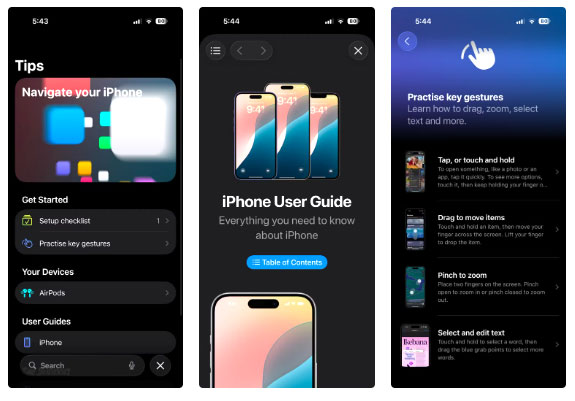
If you're already familiar with smartphones, the Tips app doesn't offer anything that will surprise you. And even if you're a first-time iPhone user, you'll have a hard time scrolling through pages of tips. In fact, you'll have a much better experience exploring the device yourself or searching for tutorials and videos online.
4. Map
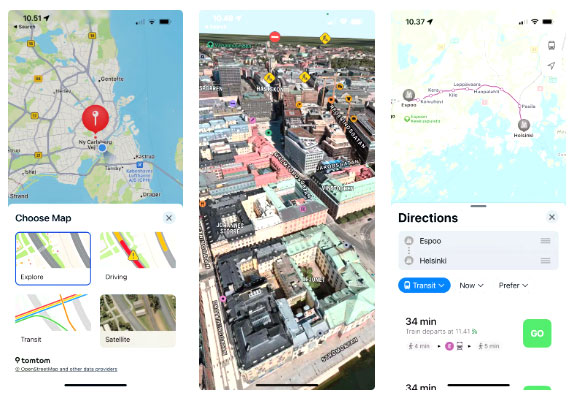
Deleting Apple Maps won't affect the functionality of your iPhone, and you won't lose any essential features, so if Apple Maps is just sitting there taking up space, it's probably best to delete it.
3. Podcast
If you enjoy listening to podcasts, Apple's Podcasts app is a solid choice.
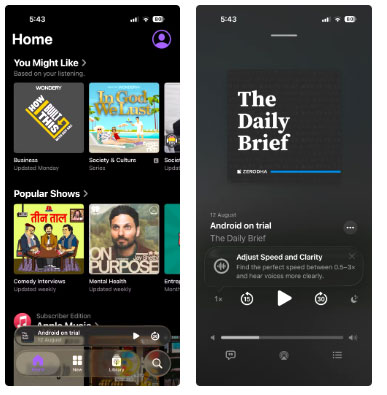
That said, many people still prefer to use Spotify for podcasts for one simple reason – it's available on every device they own. Subscriptions, listening history, and playlists are all there, and it stores both music and podcasts in one place. For these people, Apple Podcasts is one of those apps that never gets opened, so deleting it is an easy decision.
2. Playground
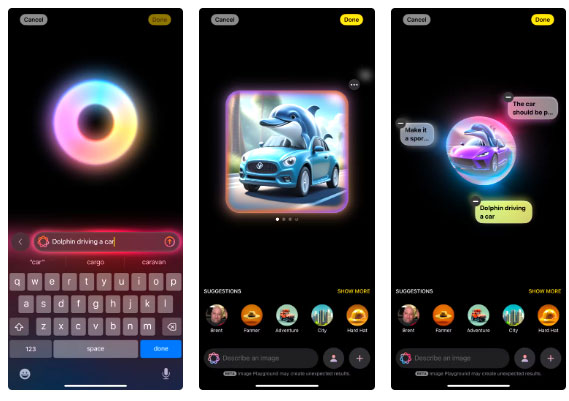
For many people, Image Playground is one of those apps that they open, play with for a few minutes, and then forget about. Even if you enjoy seeing your ideas come to life so quickly, there are plenty of other AI image generators that do a much better job. That makes Image Playground not worth keeping.
1. iTunes Store
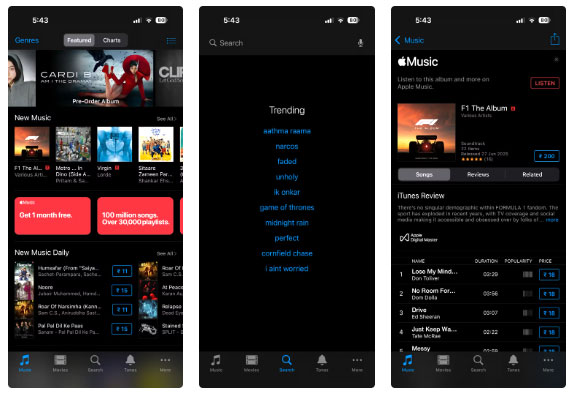
It's actually surprising that the iTunes Store is still part of the iPhone. If you didn't know, it's where you can buy music, movies, and TV shows directly. It works perfectly, but it feels like it belongs to a different era. Seriously, when was the last time you bought an album or movie instead of streaming it?
The above list is not meant to be a criticism of Apple apps. In fact, Apple makes a lot of great apps that don't need to be pre-installed, and each of us has downloaded a few of them onto our iPhones.
Ultimately, it's important to keep the apps you love and get rid of the ones that just take up space. So don't be afraid to delete apps you don't find useful. If you need to, you can always re-download them from the App Store.
Final Thoughts
Overall, Delete These 10 Pre-Installed Apps Immediately After Buying Your iPhone! is best understood by considering the main facts, practical context, and limitations together. Use the details above as a clear starting point and confirm time-sensitive information when necessary.
FAQ
What does this article explain about Delete These 10 Pre-Installed Apps Immediately After Buying Your iPhone!?
Your iPhone comes pre-installed with dozens of apps to get you started, but not all of them are worth keeping. Sure, some are really useful and indispensable, but others just sit there without adding much value. Luckily, Apple makes it easy to uninstall them.
What should you know about 10. Compass?
The Compass app on your iPhone can… point north. It also shows direction, degrees, and elevation — but that's about the extent of its usefulness. You can't use it for anything else, which makes the Compass app feel more like a novelty than a necessity.
Should time-sensitive details be verified?
Yes. Software features, game codes, product specifications, prices, and research findings can change. Confirm important details with an official or primary source when accuracy affects your decision.
Related Articles
 32 Applications to Immediately Delete from iPhone or iPad6 minutes read
 8 Unnecessary Apps for iPhone5 minutes read
 iOS 12 Allows Users to Completely Delete Preinstalled Applications on iPhone4 minutes read
 How to Uninstall Installed Applications on Mac OS5 minutes read
 How to Set up the Default Application on iPhone6 minutes read
 10 Android Apps You Should Delete Immediately to Protect Your Privacy9 minutes read
Reader Comments 0
Sign in with email or Google to join the discussion.