Table of Contents
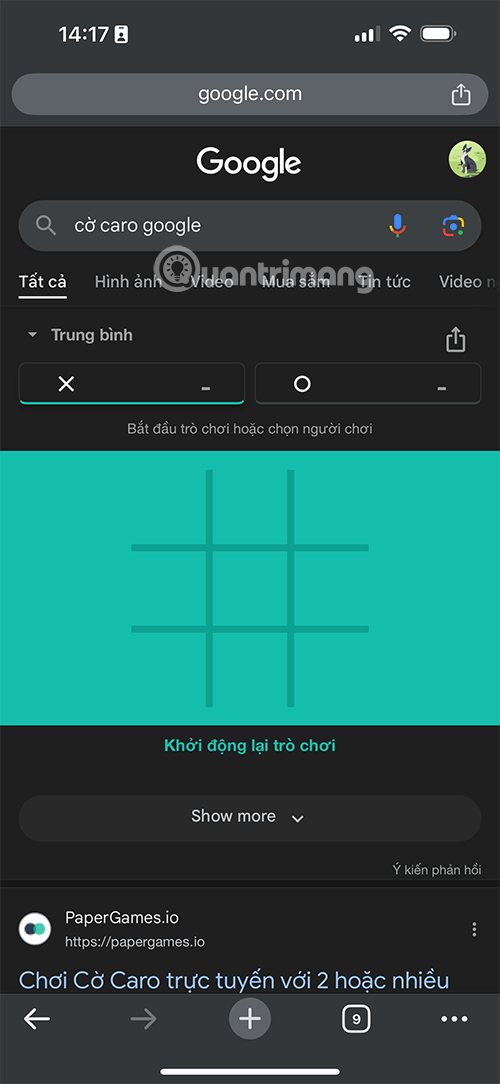
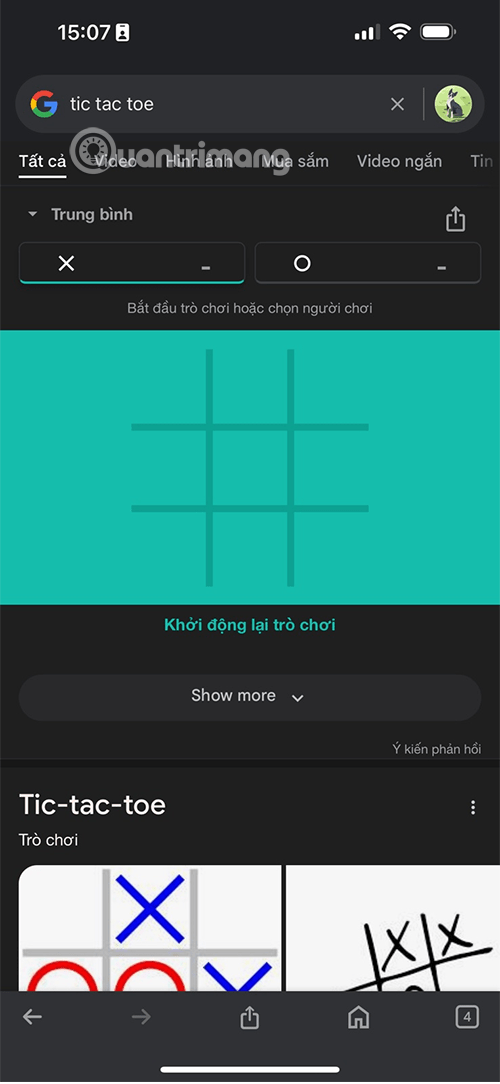
Search Google for tic tac toe and look for the playable 3×3 board in the results. You can play against the computer or take turns with a friend on the same device.
Start a game in Google Search
- Search for tic tac toe on desktop or in the Google app. If the widget doesn’t appear, try the exact English phrase in Google Search.

- Open the difficulty menu and select Easy, Medium, or Impossible. Use the friend option for a local two-player game.

- Choose an empty square. Get three of your marks in a row horizontally, vertically, or diagonally to win. If the board fills with no winner, it’s a draw. Select Restart game for another round.

The controls work the same way on a smaller screen. Tap an empty square to make your move.
How to avoid losing on the 3×3 board
Check first whether you can win on the current turn. If not, block any line your opponent can complete next. Then look for a move that gives you two ways to win on your next turn. The center and corners participate in more potential lines than the edge squares. With perfect play from both sides, standard tic-tac-toe ends in a draw.
Tic-tac-toe and Gomoku use different boards
| Rule | Google tic-tac-toe | Gomoku |
|---|---|---|
| Board | 3×3 squares | Often a 15×15 grid, depending on the rules |
| Goal | Line up three marks | Line up five stones under the rules of the variant |
| Moves | Mark an empty square with X or O | Place a stone on an empty intersection |
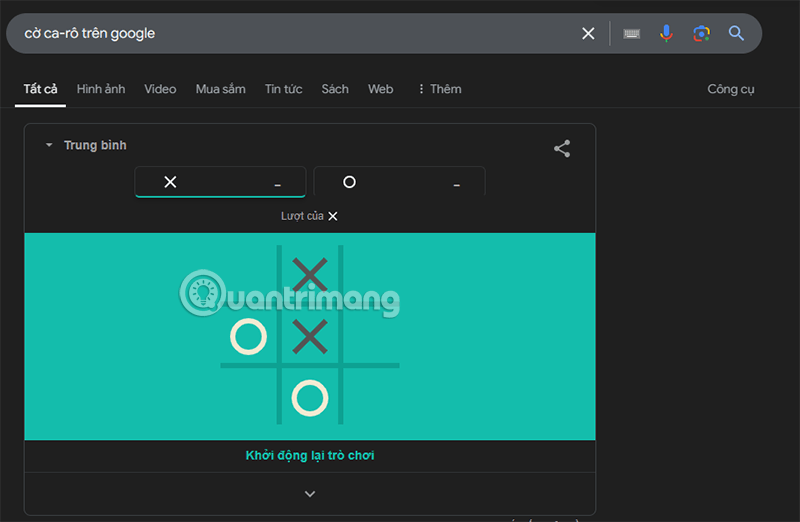
Google’s announcement also describes the solitaire game you can open from Search.
Related Articles
 Google Play will probably become 'egg-laying chicken'
 Google Play increases the refund period by 2 hours
 The best Google Play Store alternatives
 The best CH Play alternative solutions for Android
 Decode all errors that appear on Google Play and how to fix them (Part 1)
 Google Play Store accepts payment by Paypal
Reader Comments 0
Sign in with email or Google to join the discussion.