Table of Contents
This article examines New Feature Allows Answering Instagram Messages from Facebook. It presents the main facts, practical implications, and key points in a clearer, easier-to-follow format.
Understanding New Feature Allows Answering Instagram Messages from Facebook
Facebook has just updated a new feature that is quite useful, allowing account holders to reply to Instagram messages from this social networking platform itself.
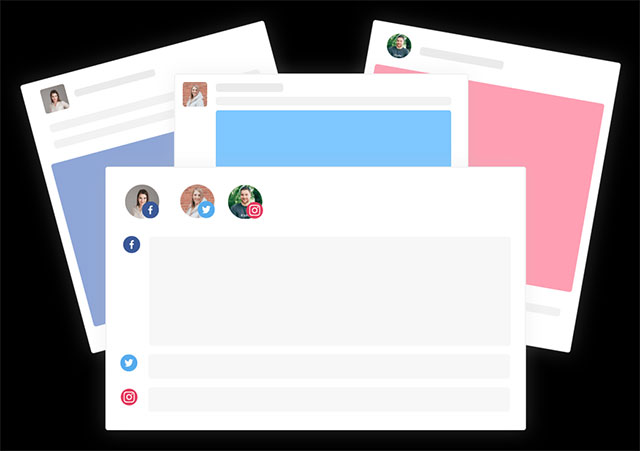
Specifically, on February 8, Facebook announced that businesses will now be able to receive and respond to Instagram messages from customers in their inbox (inbox) on their Facebook pages, eliminating the need to switch between two applications just to reply to the message as it is now. With this new feature, Facebook has shown its determination to synchronize service platforms. Earlier, CEO Mark Zuckerberg also decided to interoperate the company's three major messaging applications, Messenger, WhatsApp and Instagram, allowing users of these applications to cross-message.
- Facebook doesn't want to argue more about how many people are using their apps!
Accordingly, this new feature will be initially deployed for businesses in the United States and Brazil in the next few weeks. Businesses in these two countries can access this link to connect their Instagram page to their Facebook account.
This move of Facebook immediately received many positive comments from the business community, but there were also no experts expressed concerns about privacy as well as monopoly when new features This is officially put into operation.

- Mark Zuckerberg explains the reason for merging Messenger, WhatsApp and Instagram.
Facebook has announced that there are currently more than 90 million small businesses using their applications, many of them free. In addition, it also has more than 7 million advertisers operating on all platforms under the management of this company. In the previous quarter, despite the clutter surrounding privacy issues, Facebook still earned $16.64 billion in advertising revenue, smashing doubts about the company's prospects.
FAQ
What is the main point of New Feature Allows Answering Instagram Messages from Facebook?
Facebook has just updated a new feature that is quite useful, allowing account holders to reply to Instagram messages from this social networking platform itself. Specifically, on February 8, Facebook announced that businesses will now be able to receive and respond to Instagram.
Why is New Feature Allows Answering Instagram Messages from Facebook important?
New Feature Allows Answering Instagram Messages from Facebook matters because it can affect how readers understand, choose, use, or respond to the subject discussed in the article.
What should readers verify about New Feature Allows Answering Instagram Messages from Facebook?
Check the date, product or software version, compatibility, and any current guidance before acting, especially when technology, security, health, or pricing is involved.
Related Articles
 Facebook Pages, Messenger, and Instagram Will Have a Shared Inbox4 minutes read
 Instagram Brings Direct Messages to the Web Version3 minutes read
 Instagram Adds a Feature to Send Text Messages2 minutes read
 How to Recall Instagram Messages3 minutes read
 Guide to End-to-end Encryption on Instagram: Key Facts4 minutes read
 Translate Instagram Messages: How to Translate Messages on Instagram2 minutes read
Reader Comments 0
Sign in with email or Google to join the discussion.