Table of Contents
Last Z: Survival Shooter is a mobile zombie game that combines dodge-and-shoot stages with shelter expansion and economic, technological and military development. Base progression is a substantial part of the experience, so allow time for building and resource management as well as combat.
The international mobile store listings name Omnilojo Pte Ltd as the developer. Regional editions can have a different publisher. The game includes in-app purchases; a free download does not mean every upgrade or offer is free.
What the gameplay involves
Zombie-shooting stages
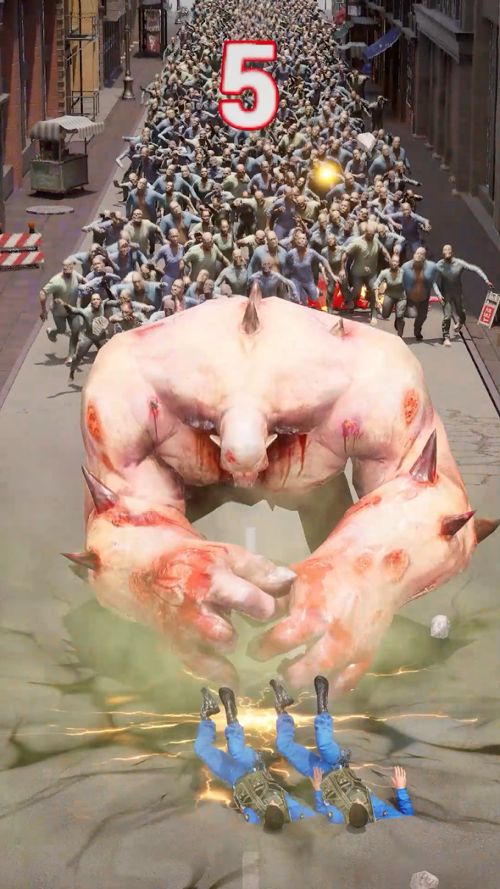
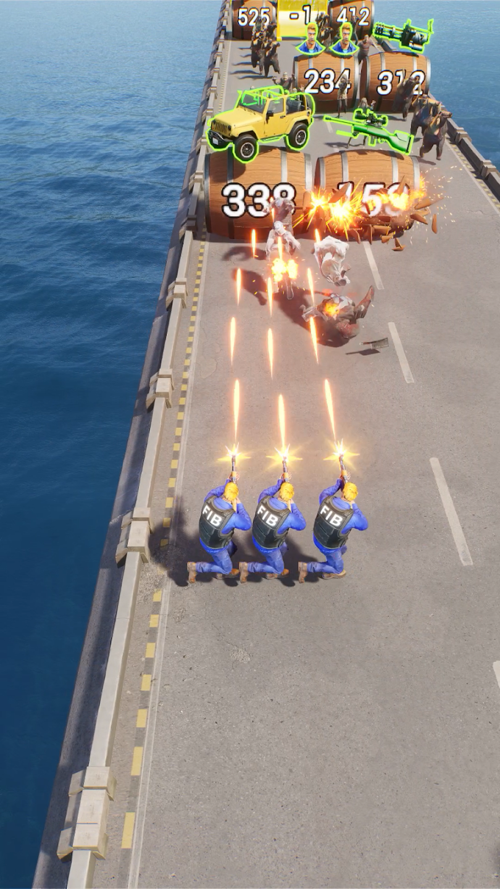
The developer describes action stages in which you dodge enemies and shoot through waves of zombies. Follow the on-screen tutorial to learn the controls and objectives for each mode. Combat rewards feed into the wider progression system.
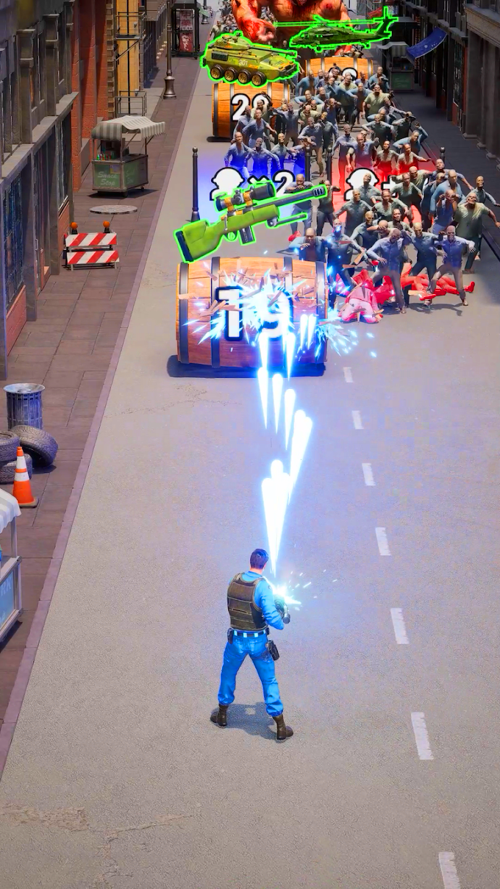
Look at the next obstacle and leave room to move. If a stage is difficult, check its objective and available upgrades before spending scarce resources or repeatedly attempting it. The useful upgrade depends on the mode and your current account, so there is no single movement upgrade that every new player must buy first.
Shelter growth and exploration
Exploration, rewards and companions support the development of your shelter. The official description includes economic, technological and military growth. As more systems open, check what each building or upgrade contributes before committing resources.

This progression makes Last Z relevant to players who enjoy managing a base. The store's “explore and expand” description should not be read as a promise of unrestricted open-world movement or a conventional first-person shooter.
Download the correct mobile edition
Use the official store for your device:
- Last Z: Survival Shooter on Google Play for the international Android edition.
- Last Z: Survival Shooter on the App Store for iPhone and iPad.
- For Vietnam, the official regional site identifies the Funtap edition and its download options.
- Check the title, publisher and screenshots so you do not install a similarly named game.
- Review device compatibility, age rating, storage requirements and purchases on your local store page. These details can change with updates.
- Tap Install or Get, then allow the download and any required game data to finish.
- Open the game and follow its account and tutorial prompts. Use any offered account-linking method if you want to protect progress before changing devices.
If the store says the game is unavailable or incompatible, check its regional availability and your device's software. An unofficial APK is not a reliable way to establish that an unsupported device will work.
Beginner tips for steady progress
Follow the tutorial and current objectives
Finish the introductory tasks so you can see how combat, rewards and shelter upgrades connect. Read the live task requirements before starting a long upgrade. If progress is blocked, identify the missing prerequisite rather than upgrading unrelated buildings at random.

Spend upgrade materials deliberately
Compare the cost and effect shown on an upgrade screen. Keep some resources available for the next required task instead of spending everything as soon as it arrives. For companions or combat upgrades, concentrate on the team you actually use while learning the systems.
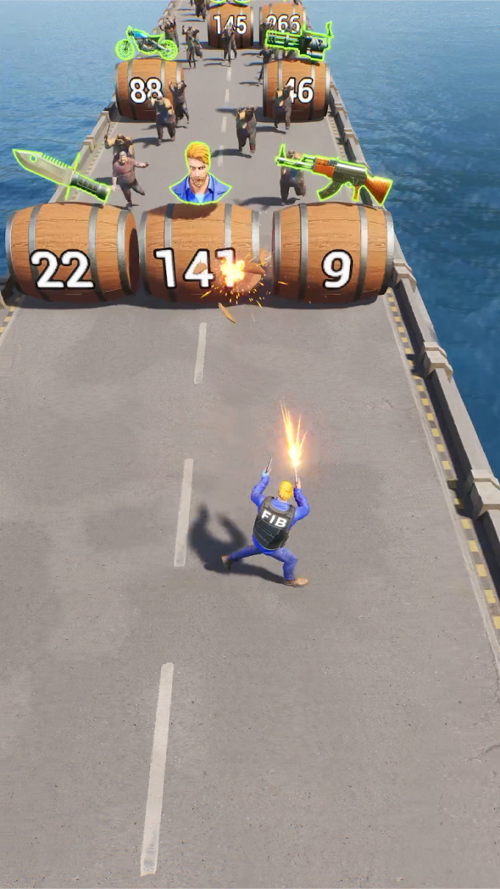
Use the current in-game descriptions when choosing equipment. Bonuses, costs and unlocks can differ by update, server or progression stage; a universal weapon ranking is not a substitute for checking those details.
Set limits for purchases and play time
Try the progression loop before paying for an offer. Check what the purchase contains and whether it is a one-time pack or recurring payment. Do not assume paid items guarantee victory or make every timer disappear.
On iPhone, you can restrict in-app purchases. For a supervised Android account, Google Family Link provides app and device-use controls. Review the local age rating and interaction features before letting a younger player use the game.
If an account, payment or progress problem occurs, use the support contact shown in your edition's store listing or in-game settings. Include the relevant player ID and error details through that support channel, and never share your account password.
Related Articles
 Invite the Zombie Army Trilogy, a great tactical shooter game for free
 Tips for playing Rules of Survival in Zombie mode
 Please download Last Survivor Diaries, the survival game about the zombie disaster, which is free
 Dead Frontier 2: Free Zombie Survival MMO Guide
 There was Survival Game of survival game between PUBG and Fortnite of Xiaomi, invited to download and experience
 Please download Live or Die: Zombie Survival Pro, the survival game is very good and is free
Reader Comments 0
Sign in with email or Google to join the discussion.