Table of Contents
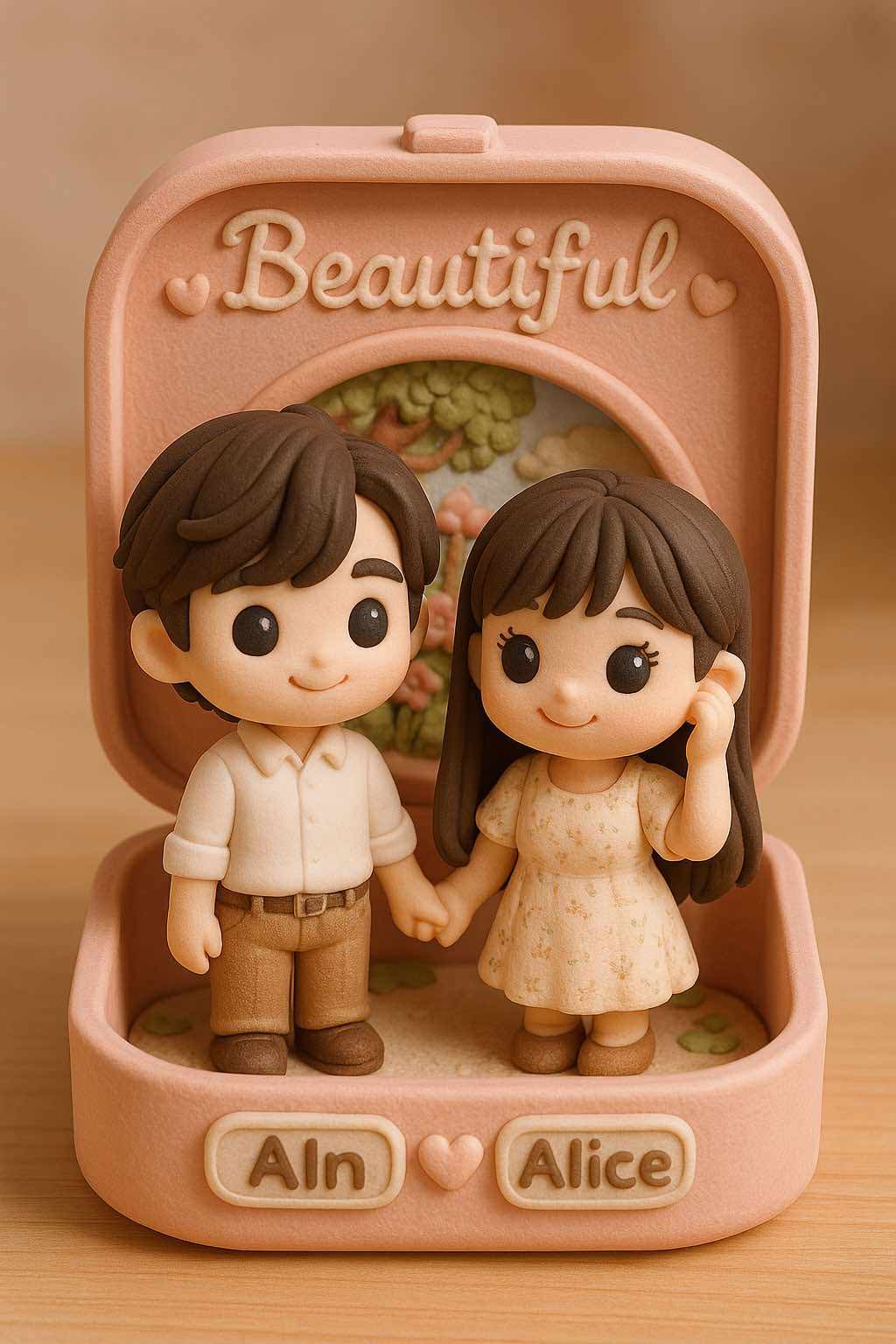
To make a chibi couple picture in ChatGPT, describe two characters, what they’re doing, and how you want the scene framed. If you want it to look like a particular couple, attach a clear reference photo you have permission to use and say which details should stay recognizable.
Copy and customize this prompt
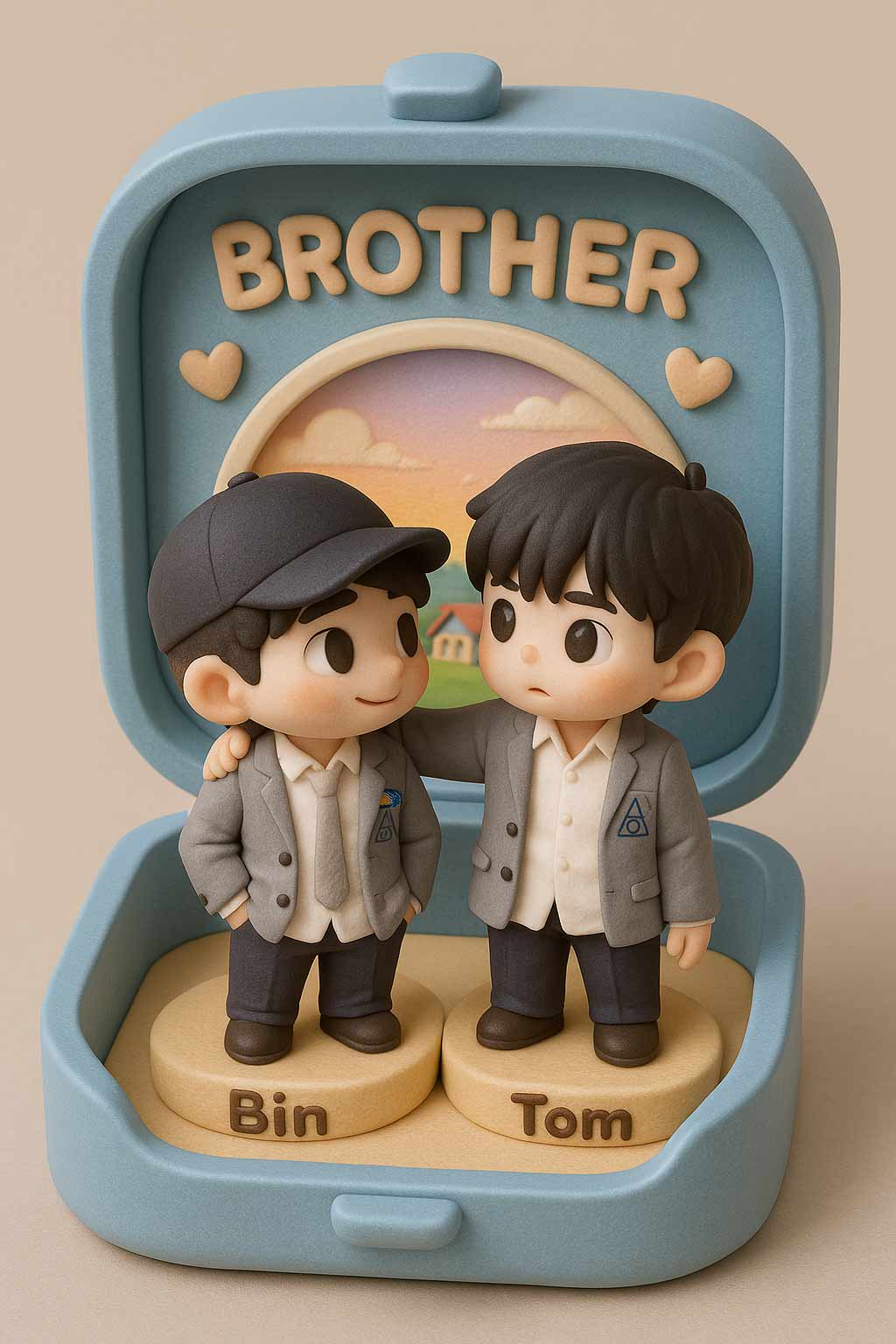
Create a square illustration of two chibi clay figurines inside an open sage-green keepsake box. Give them oversized heads and short bodies. The person on the left wears a navy jacket and glasses. The person on the right wears a cream sweater and has shoulder-length curls. They sit together holding two mugs, with a moonlit city visible through a round window behind them. Use soft clay textures and warm light. Keep both faces and both mugs visible. Leave the base blank for a label.Change the outfits, activity, and backdrop to fit the couple. For a labeled version, add a short instruction such as “Write the exact names MINH and LINH on the bases.” Check that the letters and their placement are correct. For a card or gift print, you can leave the base blank and add text afterward with an editor.
Revise one thing at a time
Open the generated image and use the available edit controls, or request a change in the chat. For example, say “Change only the jacket from navy to burgundy. Keep the pose, framing, and background.” If the editor offers a selection tool, use it to indicate the area you mean, then inspect the whole picture for unintended changes.
Save the version you want to keep. For more on editing from a reference, see how to create and edit images in ChatGPT. To create multiple facial expressions, see how to make a chibi sticker set.





Reader Comments 0
Sign in with email or Google to join the discussion.