Table of Contents
A tape measure is one of those tools that always seems to go missing when you need it most. But what you do have is your phone, and your phone's camera can actually replace it quite conveniently.
How AR Measurements Work on Phones
AR Measurement, short for augmented reality measurement, allows phones to calculate the size of objects and spaces in the real world with the help of the camera. The way it works is pretty clever.
When you point the camera at a room, a table, or even a bookshelf, the phone begins to analyze the scene. It looks for flat surfaces like floors, walls, and tables. Once these surfaces are detected, the tool can measure the distance between multiple points to create an accurate three-dimensional image of the environment in real time.
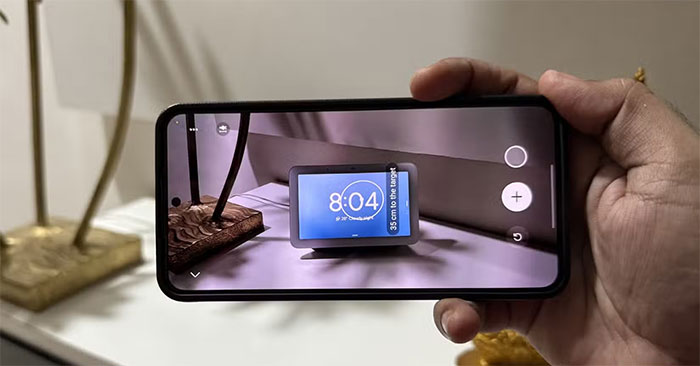
In addition to the camera, phones rely on a combination of sensors and spatial maps to provide accurate results. For example, the accelerometer detects movement, while the gyroscope tracks the device's orientation.
By combining visual information from the camera with data from these sensors, the phone can determine not only the size of objects but also their location in the surrounding space.
Access the measurement tool on Android or iPhone
AR measurement is available on most Android models, as well as mid-range and high-end iPhones, so unless your phone is a budget phone, you should be able to use it right away.
On iPhone, the Measure app comes pre-installed, so you can open it and start measuring right away. If you previously considered it just another useless built-in Apple app and uninstalled it, you can reinstall it from the App Store.
Similar to Apple, Google used to offer its own free Measure app, but it was discontinued in 2021 due to accuracy and stability issues. However, if you have a Galaxy phone, you can download Samsung's Quick Measure app from the Play Store or Galaxy Store.
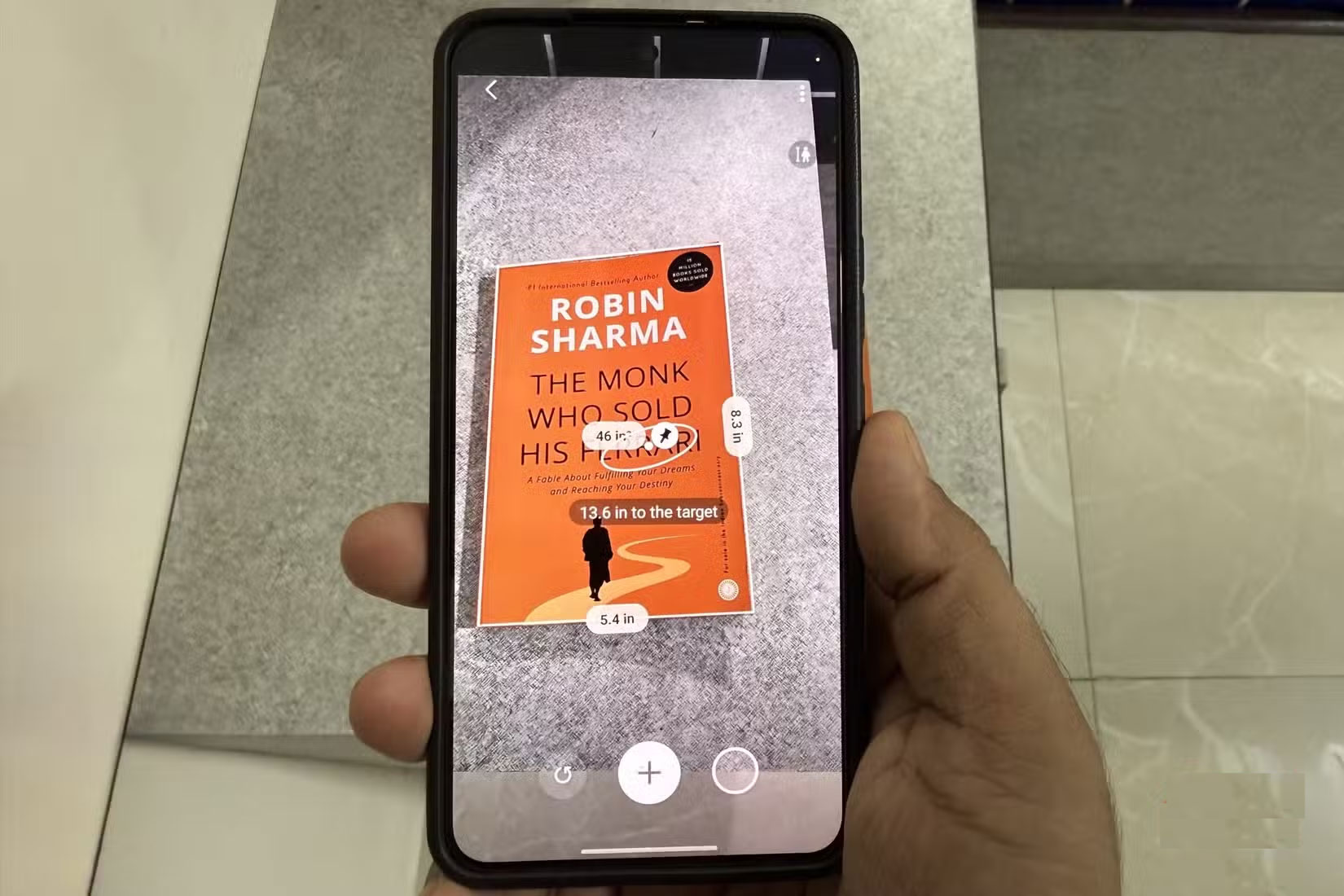
On Android, third-party apps also meet this need. A popular choice is the AR Ruler app, which you can download from the Play Store. It's also available on iOS if you want more advanced features. The app goes beyond basic length and height checks, but also offers volume measurements, path scanning, and angle detection.
- Download AR Ruler for Android | iOS (Free, in-app purchases available)
Using measuring tools
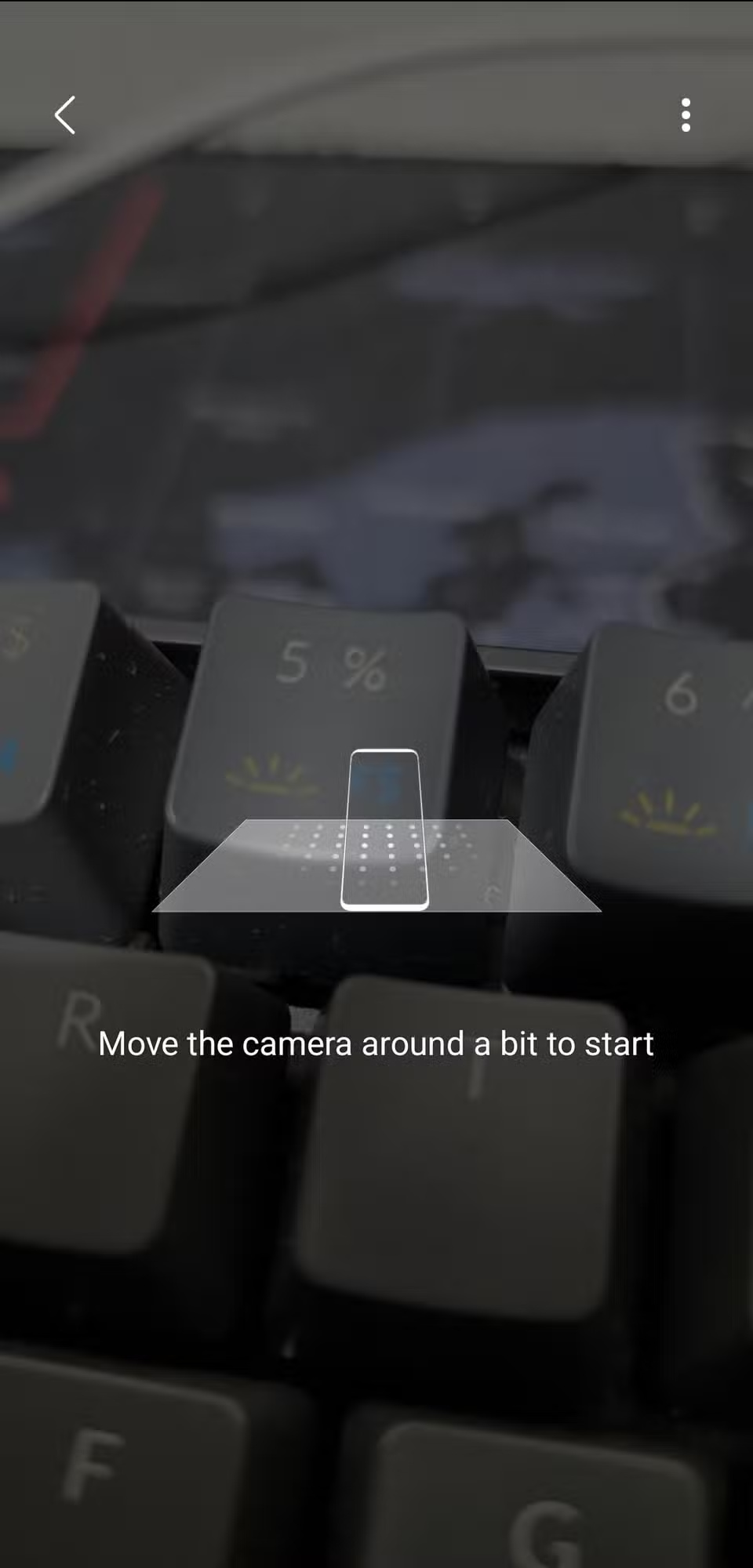
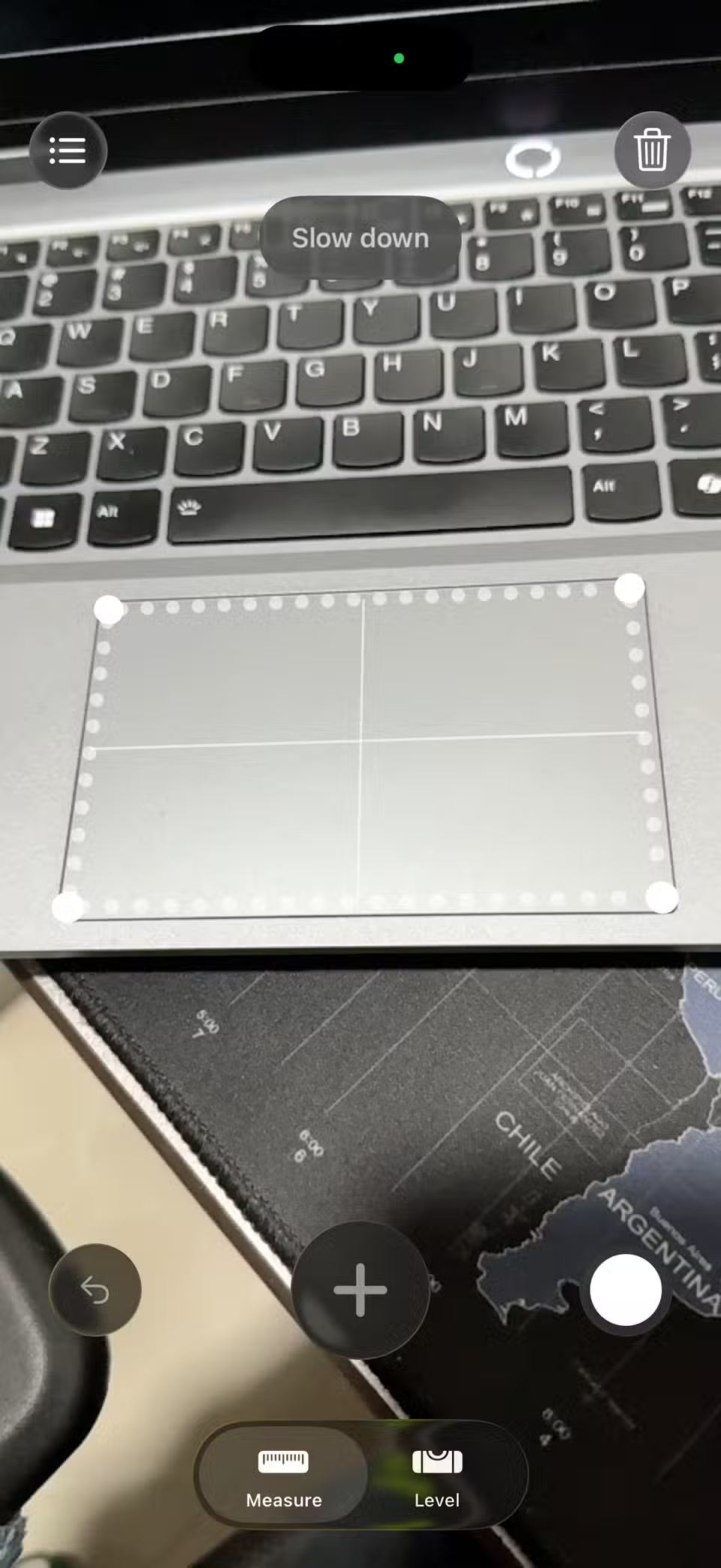
Once you have the appropriate app installed on your phone, using the AR measurement tool is incredibly simple. Open the app and point your camera at the object or space you want to measure. The app will typically guide you through the process with on-screen prompts, such as asking you to move your phone slowly to scan the area.
The app will identify flat surfaces in view, such as a tabletop or the floor in your living room. Once the surface is recognized, you will see a dot or crosshair appear on the screen. That's it!
From there, you tap to mark a point, then move your phone to the next point and tap again. The app will calculate the distance between the two points to give you an accurate measurement. You can use this to measure objects, check the size of a room, or even estimate someone's height.
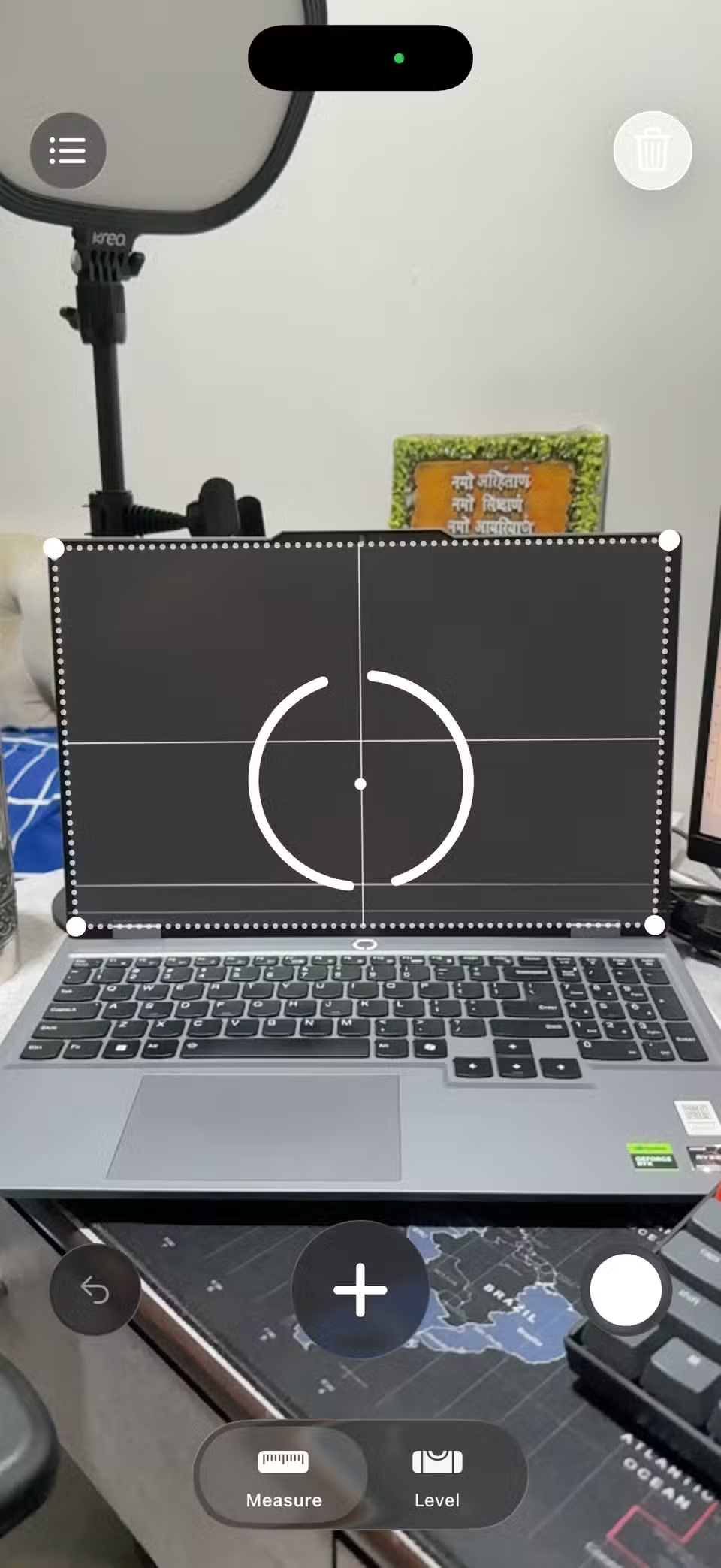
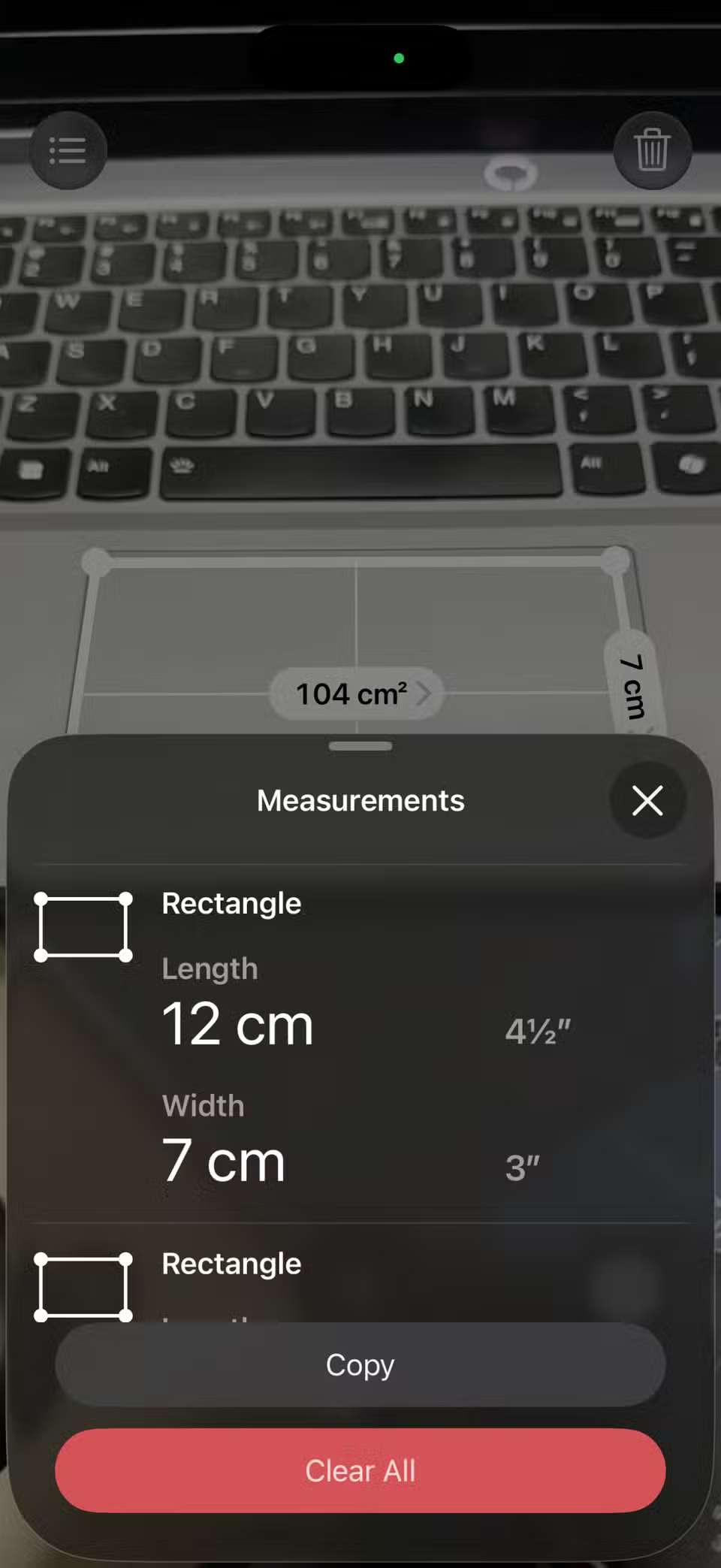
Most measurement apps can also automatically detect shapes. If the app detects a square, rectangle, or circle, it will display the measurements without you having to manually measure each side. This makes it easier than ever to check if a new piece of furniture will fit in a space.
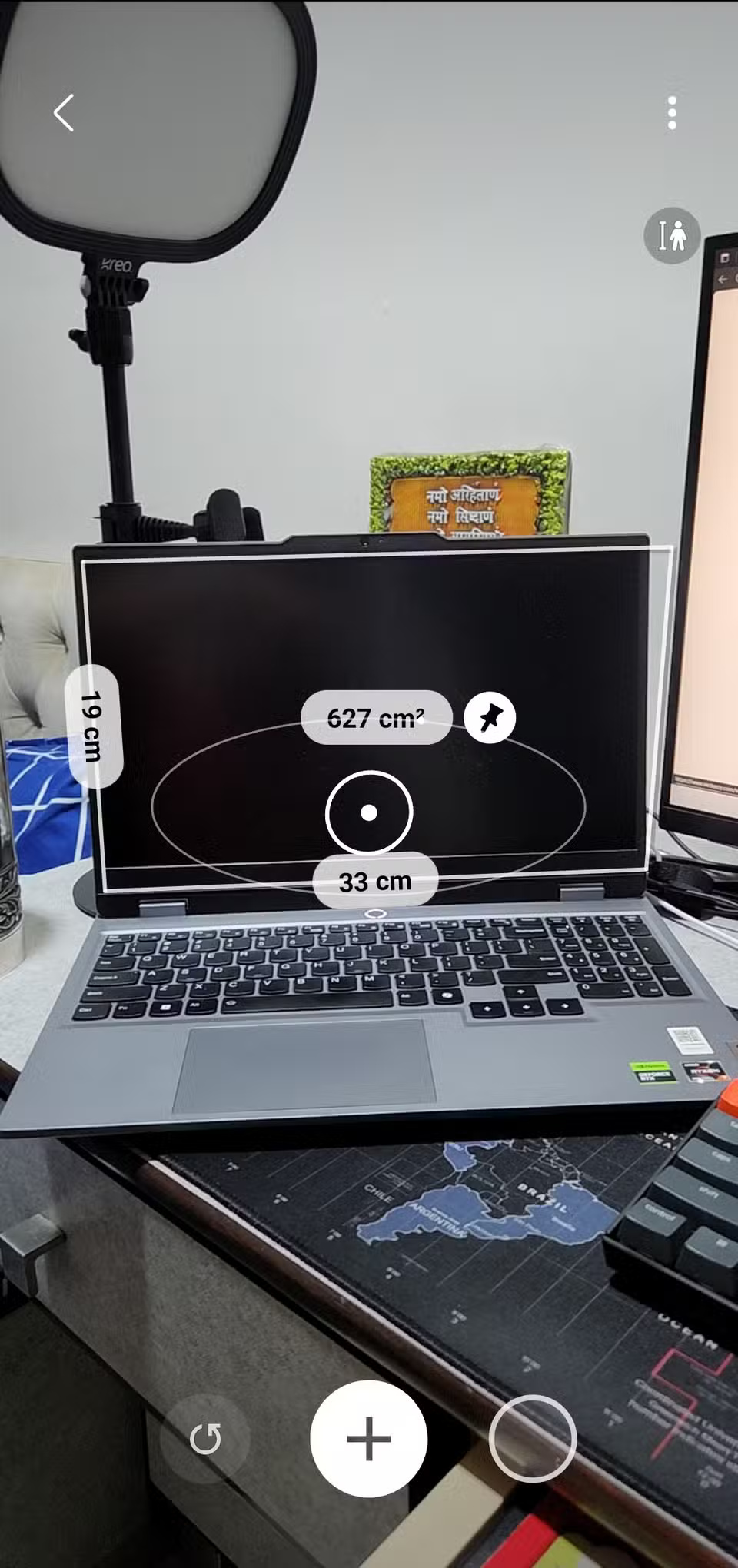
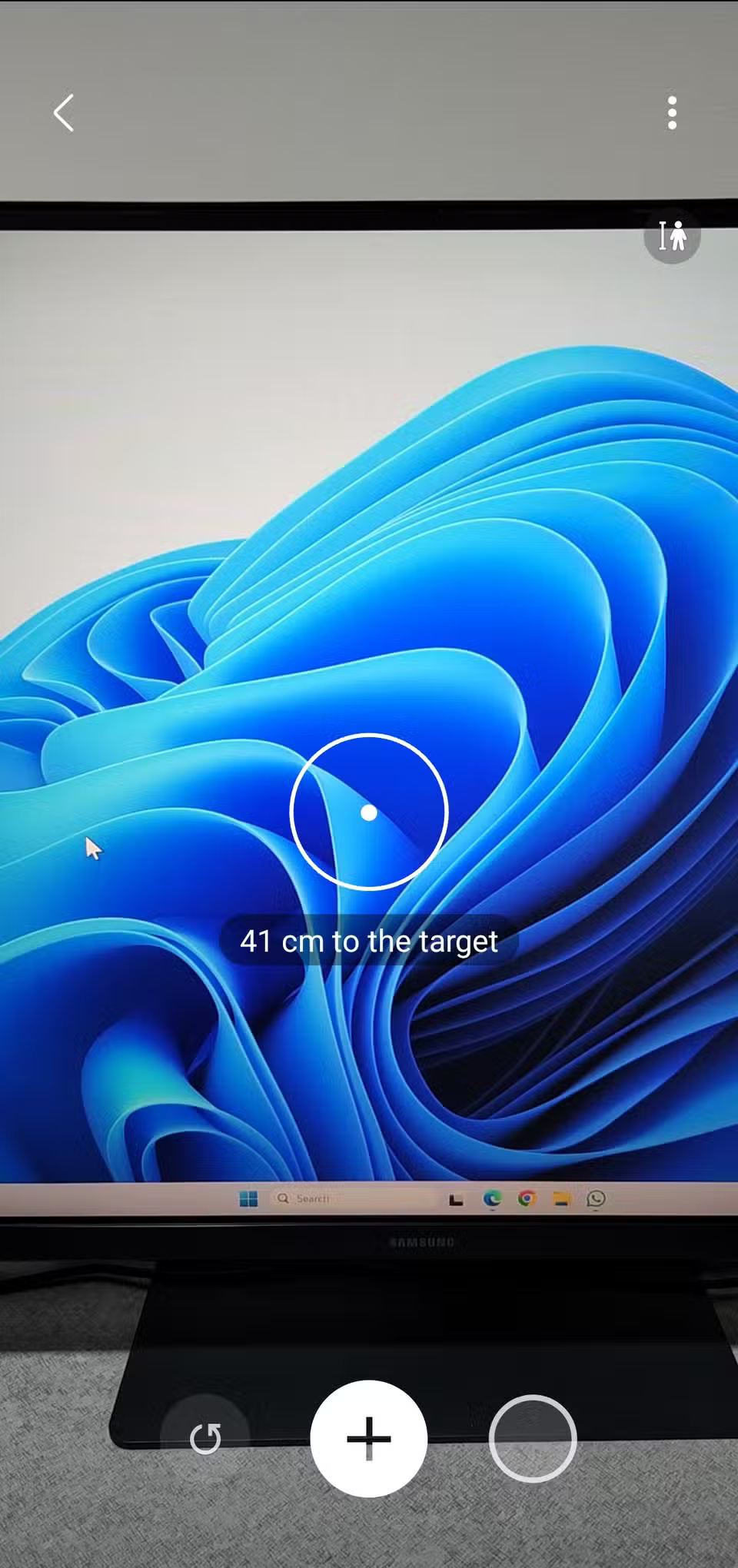
Samsung's Quick Measure app includes a handy feature that calculates the distance between the camera and an object. This is especially useful when you want to estimate the distance from your TV, wall, or any object to where you're standing.
To save your measurements, you can take a photo using the shutter button. Apple's Measure app also includes a history tab that stores all your measurements, so you can review them later if needed.
The accuracy of these measurements
With all the talk about turning your phone into a digital tape measure, you might be wondering how much you can trust the results. The short answer is that AR measurements are impressively accurate in general use, but they do have their limitations.
In most cases, the error is usually within a few centimeters. That means if you're checking to see if a new chair will fit through a doorway or estimating the size of a rug, the measurement is reliable enough.
For instance, I measured my 55-inch TV and it came out to be 56 inches, which is about right. However, when I measured it from a slightly different angle, it came out to be 59 inches, so the accuracy may vary depending on how you position your phone.
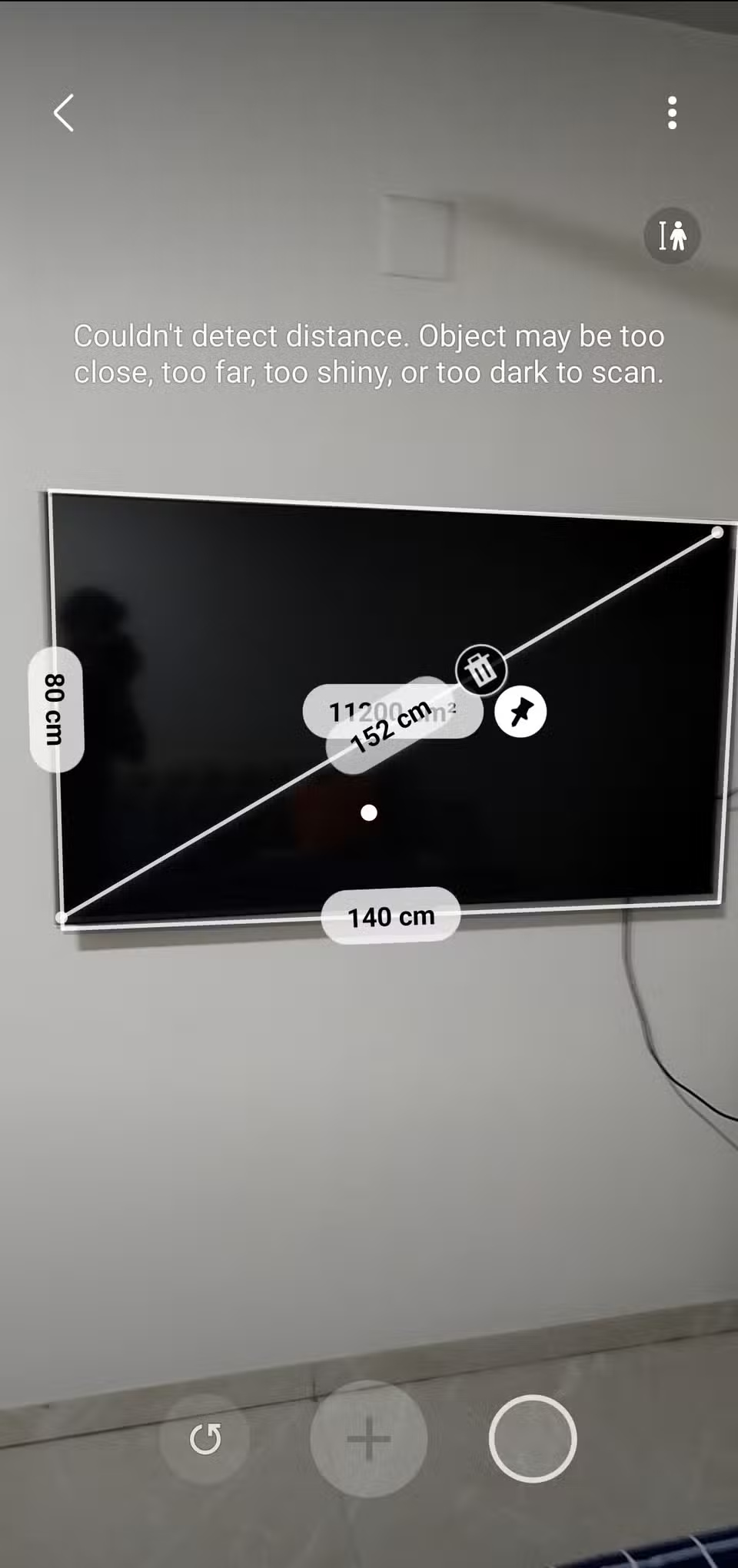
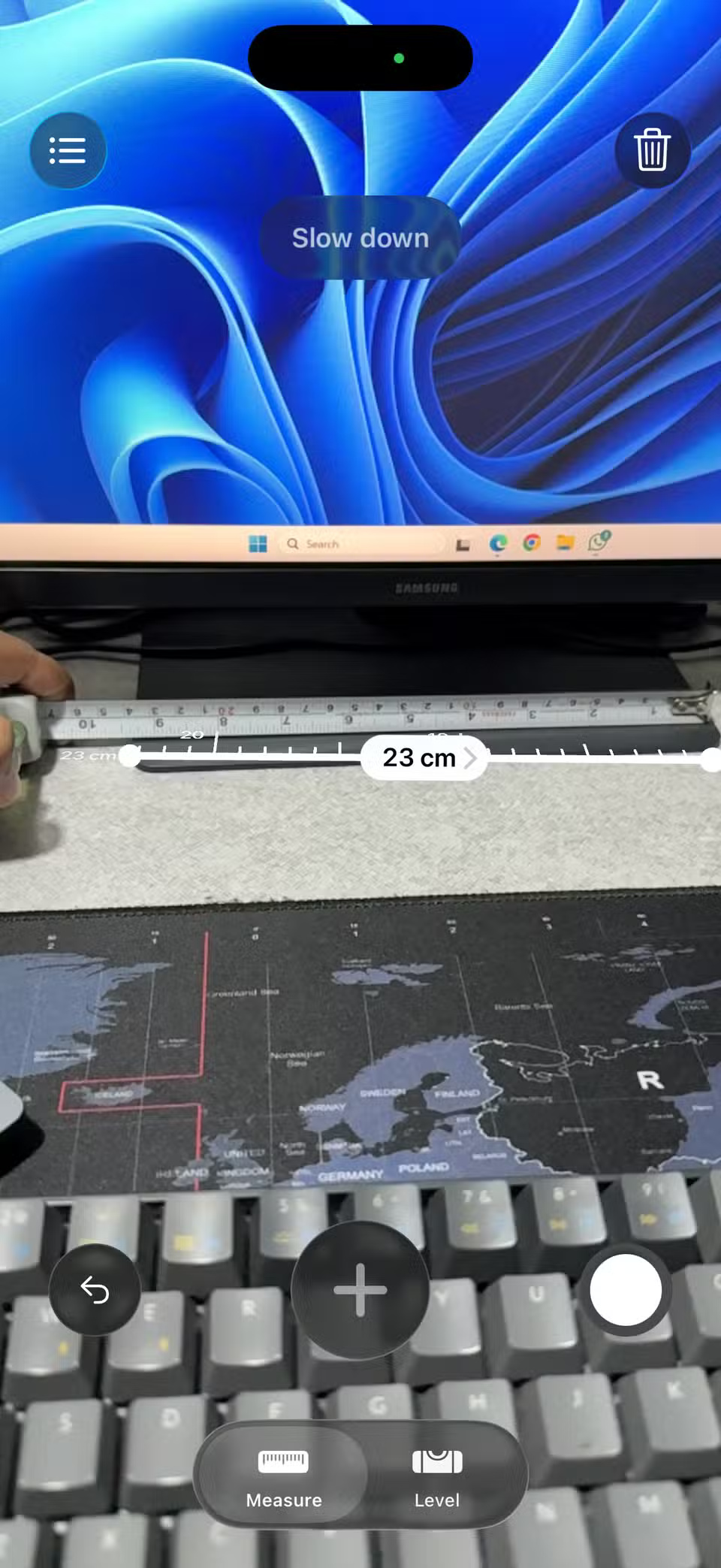
The camera on your phone can be useful for many things besides taking photos and videos. AR Measure is one of those handy additions. While it can't replace a tape measure or professional laser tools, it's accurate enough for most everyday tasks like checking furniture dimensions or estimating space.
Final Thoughts
Following the steps in order and checking version-specific settings should make it easier to Use Your Phone Camera as a Measuring Tool. If an option looks different, verify the device, app, or operating-system version before changing additional settings.
FAQ
What is the best way to Use Your Phone Camera as a Measuring Tool?
Start with the requirements described in the article and follow the steps in order. A tape measure is one of those tools that always seems to go missing when you need it most. But what you do have is your phone, and your phone's camera can actually replace it quite conveniently.
What should you know about How AR Measurements Work on Phones?
AR Measurement, short for augmented reality measurement, allows phones to calculate the size of objects and spaces in the real world with the help of the camera. The way it works is pretty clever.
What should you do if the instructions do not match your screen?
Check the device, software version, account permissions, and regional settings. Interfaces can change after updates, so use the closest matching option and consult the official support documentation when necessary.
Related Articles
 You're Missing Out on Your Phone Camera's Potential: This Free App Will6 minutes read
 Instructions for Measuring Heart Rate by Phone Camera6 minutes read
 How to Install the Yoosee Wi-Fi Camera on the Phone4 minutes read
 How to Turn Your Old Phone into a Security Camera: Step-by-Step Guide8 minutes read
 How to Use the Level Tool in the Camera App on iPhone4 minutes read
 Smartphones with the Most 'Anticipated' Camera Quality in 20255 minutes read
Reader Comments 0
Sign in with email or Google to join the discussion.