Table of Contents
Many people's first laptop sat in a drawer for years, gathering dust. Until they realized they could reuse it and give it a new life.
Many people's first laptop sat in a drawer for years, gathering dust. Until they realized they could reuse it and give it a new life.
Let's start by exploring all the practical ways to use an old laptop. Initially, many people plan to turn it into a classic gaming machine or a Chromebook. However, problems such as a faulty display cable – which requires opening the lid at a certain angle – and many non-functioning keys on the keyboard make it unsuitable for both roles. In addition, they cannot completely repair the laptop, because compatible parts are difficult to find on the market, let alone at a price.
Then they decided to use their old broken laptop in an effective way: as a home server.
What is a home server? What is a home server used for?
A home server is essentially a centralized hub on your home network, providing access to a variety of services, both locally and remotely (with proper configuration).
For example, your home server can act as a media server, where you can store all your media files (photos, videos, music, and documents) and serve them to other devices. Likewise, you can use it for backups, run Pi-hole to block ads and improve your network, host your own programs, or test and host personal projects or websites, among other things.
You may discover some interesting ways to use it during this time.
Back up photos and videos
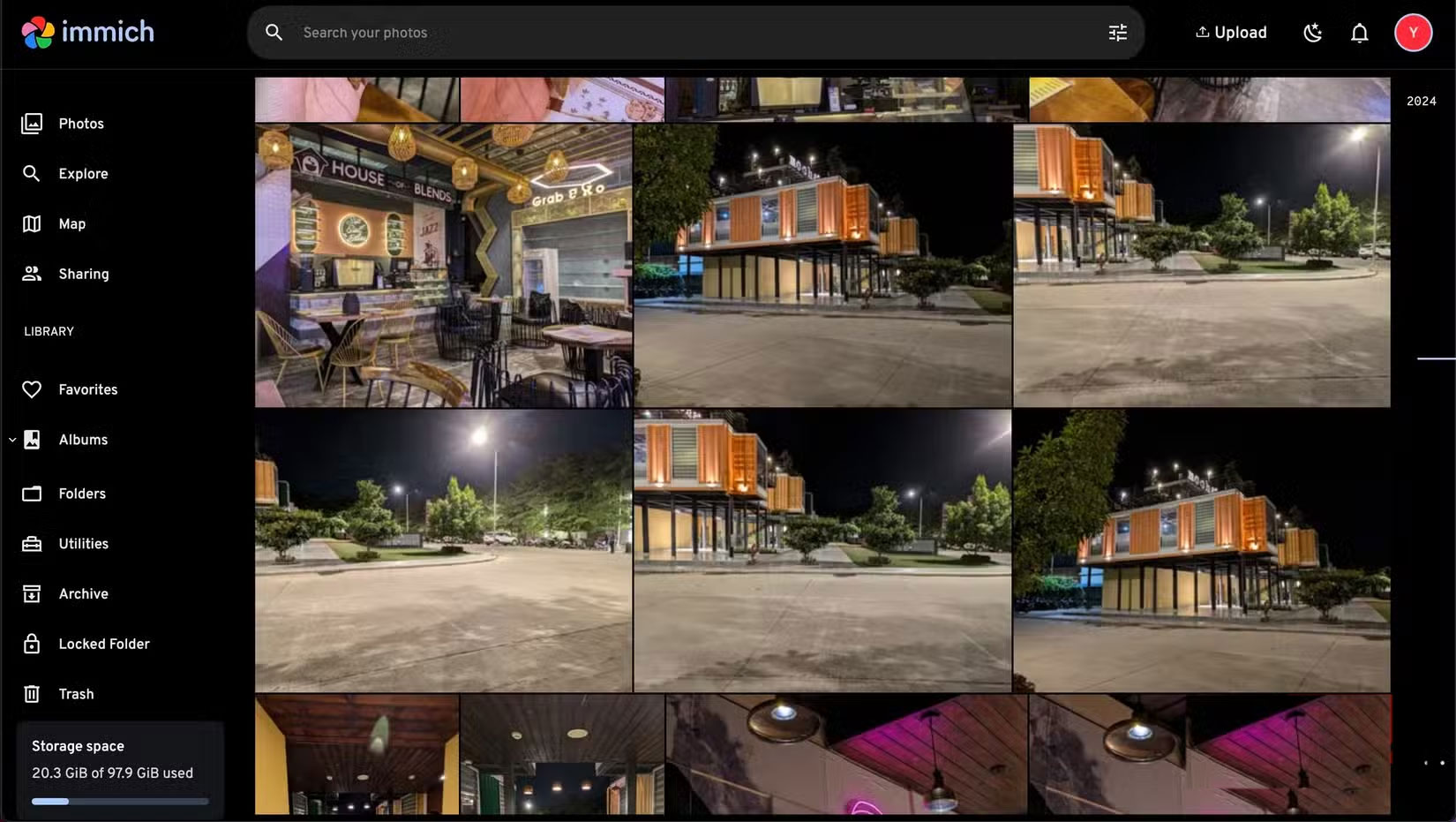
People often accumulate huge libraries of photos and videos taken over the years. While using cloud services like Google Photos and iCloud is a way to store and maintain access across all devices, people prefer ownership, especially of personal photos and videos. So they stick to self-hosted services. They simply don't trust cloud photo storage apps.
Store data and other useful files
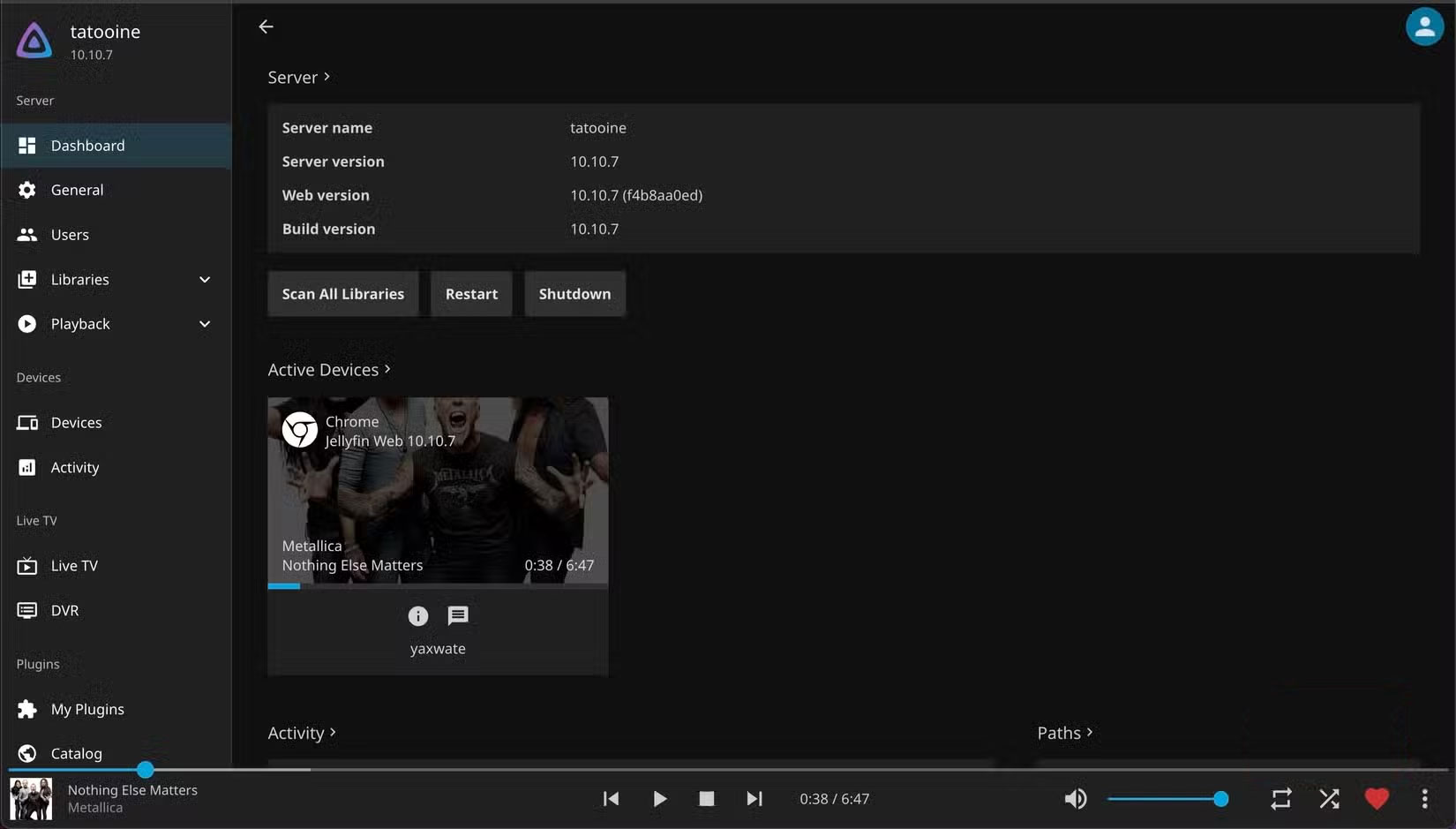
Aside from preserving old memories, people also like to hoard data (TV shows, movies, and hi-res music) that they bought or downloaded years ago. Jellyfin is a free media streaming tool that lets you turn your home server into a media streaming service that anyone in the house can access, allowing them to watch TV shows, movies, or stream music. You can also create a media server with Plex.
Block ads and trackers with Pi-hole
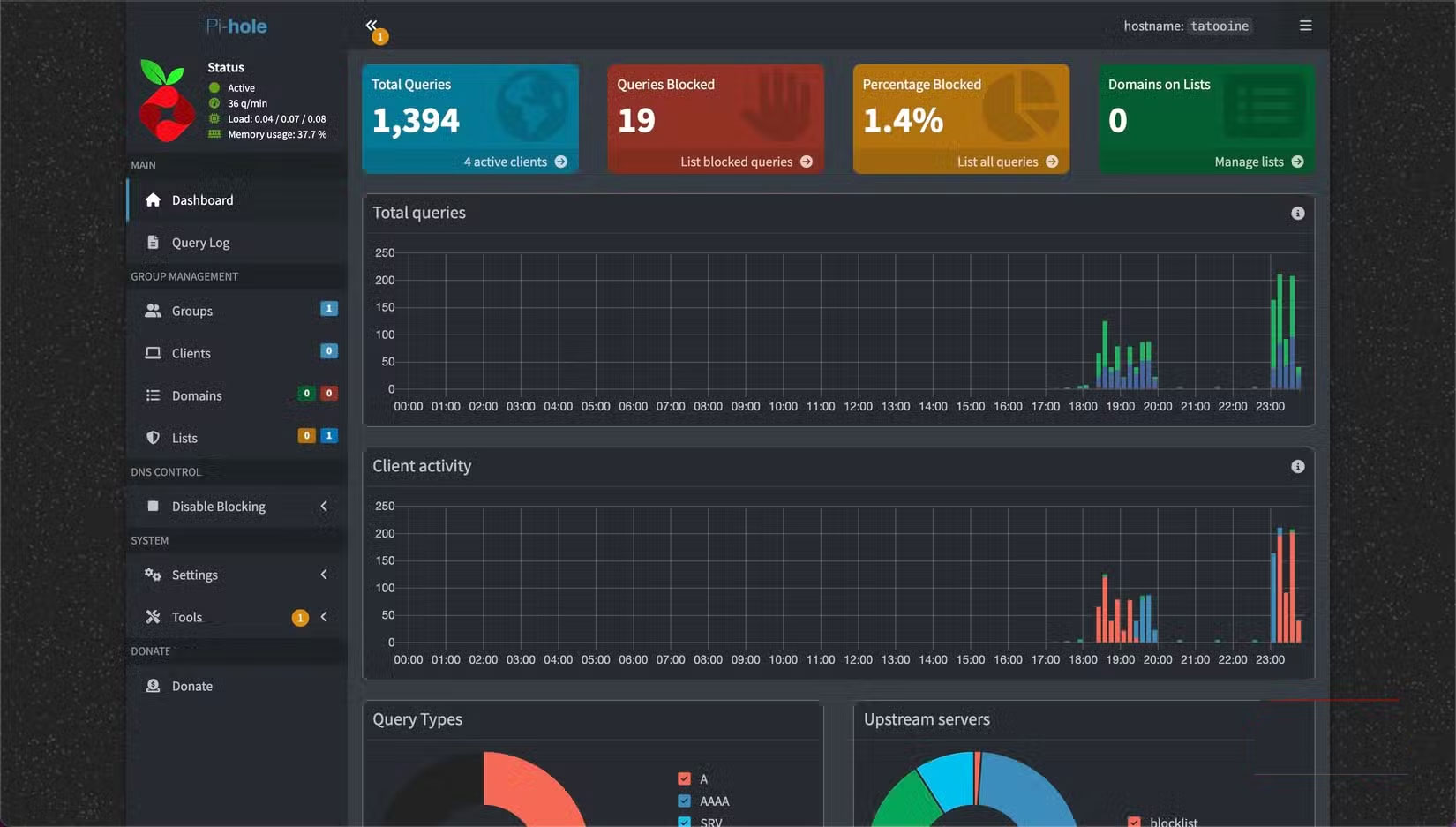
Pi-hole is a network-wide ad blocker. It's often referred to as a DNS "black hole," filtering requests for domains that serve ads or track activity from all devices on the network. Because it runs at the network level, it can block ads not only in your web browser, but also in apps on your Smart TV or mobile phone.
Self-hosted programs
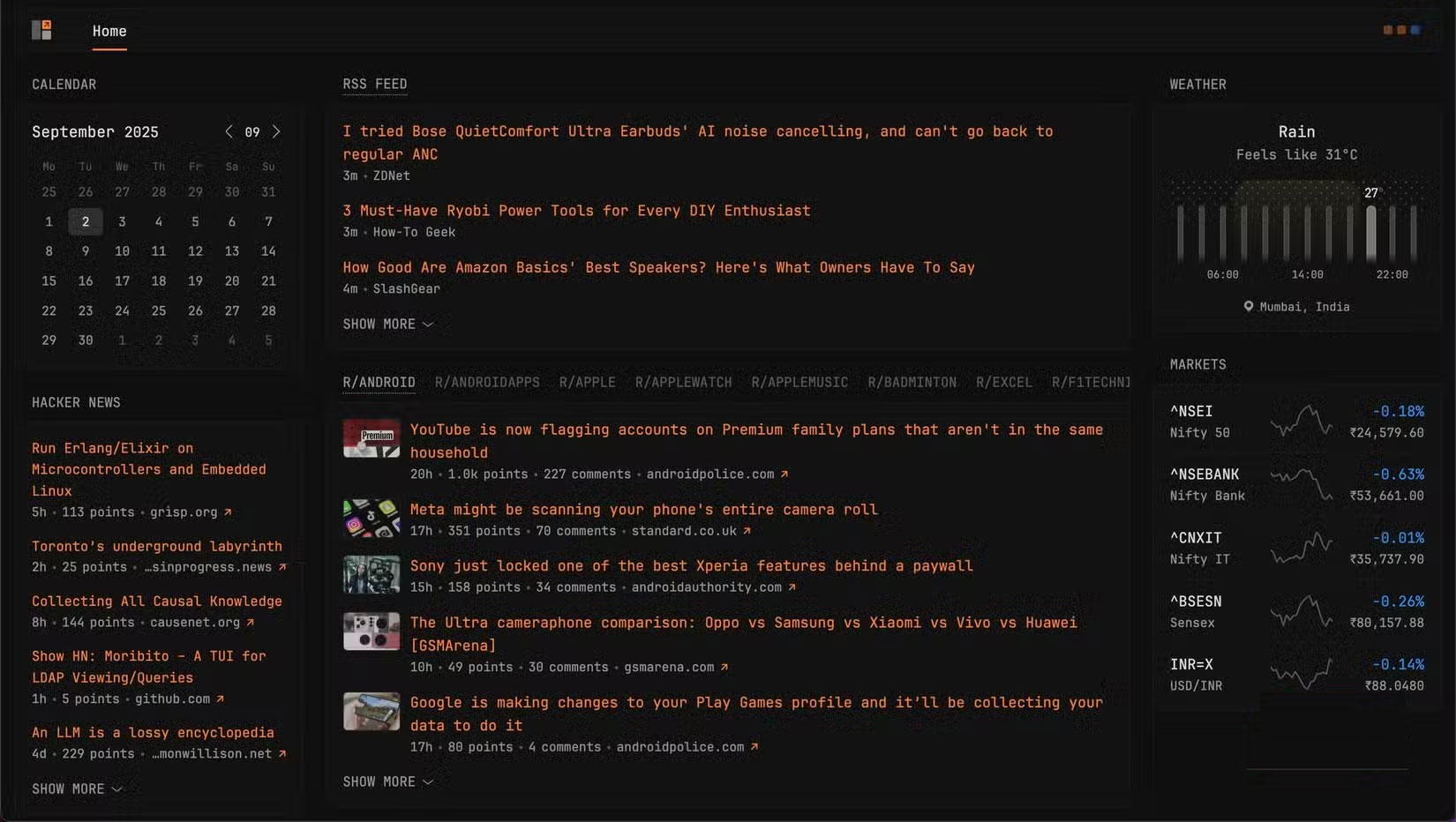
A home server can act as a hub for all the cool apps you want to experiment with. Immich, Nextcloud, Jellyfin, and Pi-hole are the four apps we've covered so far.
But that's just the beginning: You also have Home Assistant to control and automate smart home devices, Proxmox to create virtual machines to test different operating systems, Homebox to manage your home inventory, and Glance to aggregate feeds from various sources on the internet. You can also run AI chatbot experiments on your home server for a more private AI experience.
Build, test, and host personal projects
After a long break, many people are back to coding and building personal projects that they have long wanted to. A home server acts as a hub where you can set up dedicated environments for the various projects you are working on to avoid conflicts between software versions.
Can turn old or unused laptop into home server
If you're looking for a way to use your old laptop, you can also turn it into a home server.
Choosing an operating system for your home server
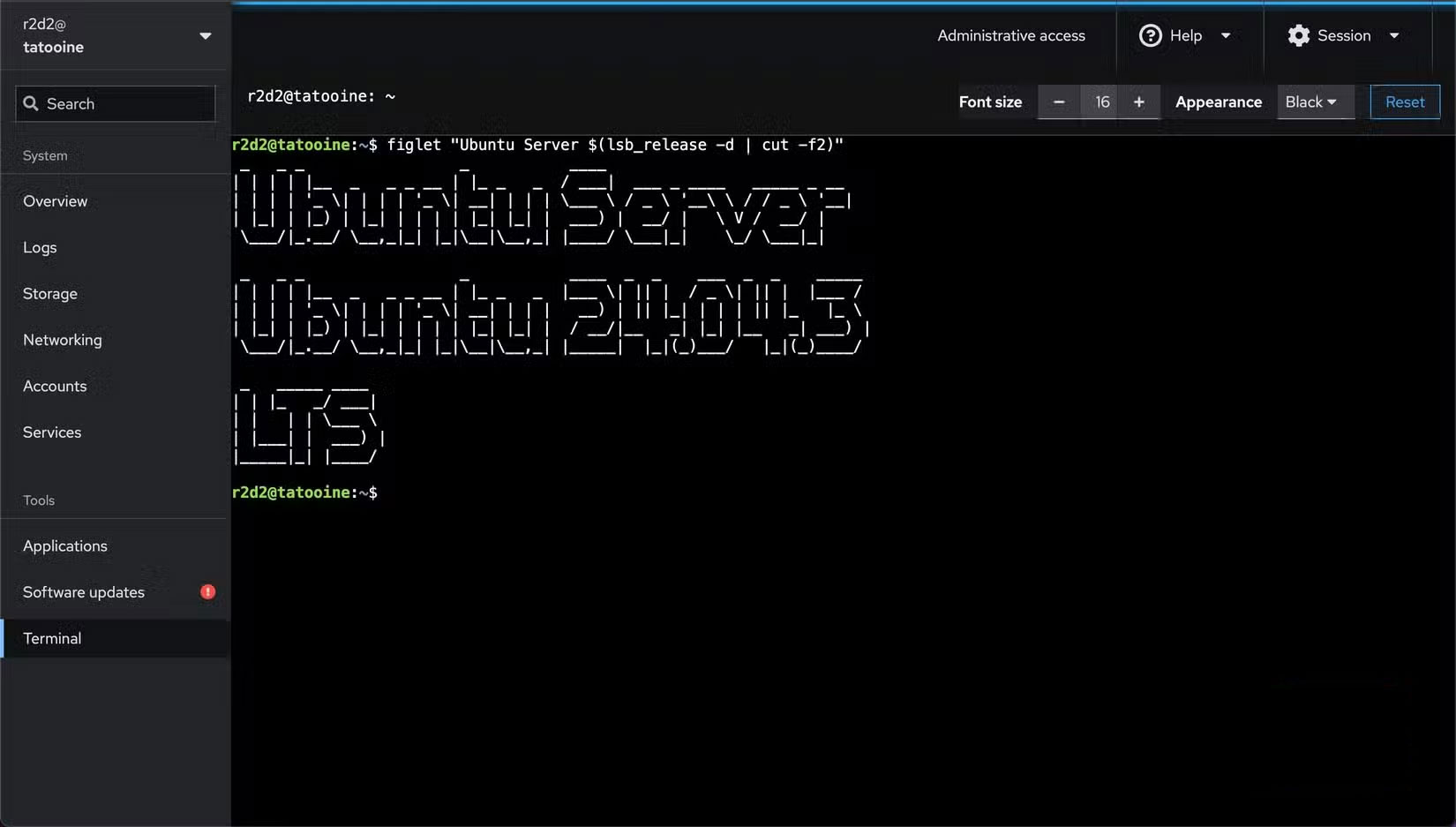
Choosing the right operating system is an important step in turning your laptop into a home server. It directly affects the performance you can get from your device, especially if it's an older machine. You want an operating system that offers broad application support, is easy to use, has a good support community, and is updated regularly.
Install operating system on laptop
After selecting the operating system, create a bootable USB using balenaEtcher.
Plug the boot drive into your laptop and it should automatically boot into it. If not, turn on your laptop and quickly press F2, F10, F12, Esc, Delete , or the key shown on the screen to open the boot menu. Then, set the USB drive as the primary boot source. Your laptop will reboot from the USB drive.
Set up SSH for desktop-less access
After installing the operating system, the next important step is to set up SSH (Secure Shell) on your home server. You only need to do this if you were not prompted to set up SSH during setup or if you accidentally skipped it.
SSH allows screenless access to your server, meaning you don't need a physical keyboard or mouse to use it.
Install essential utilities
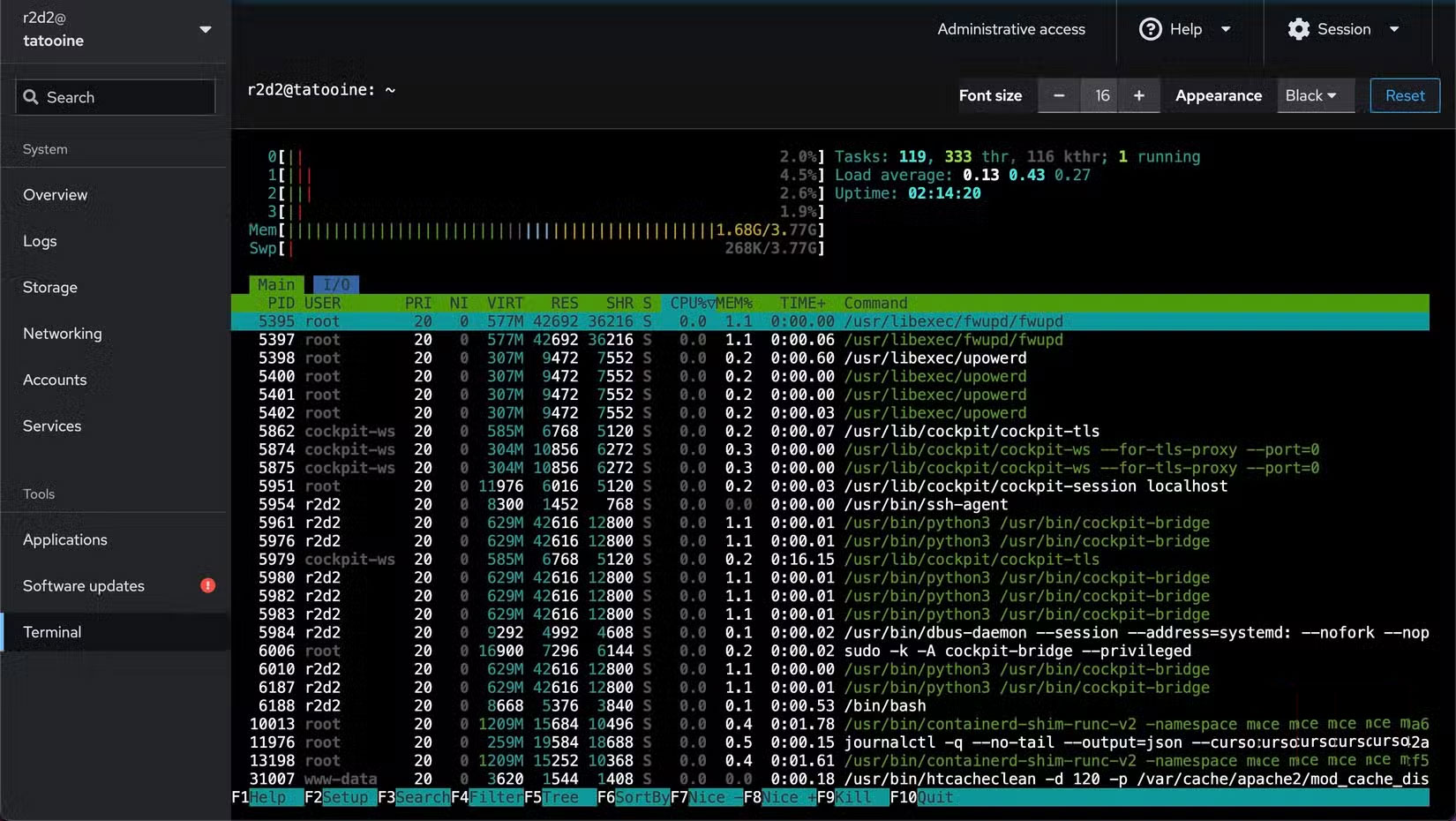
Similar to SSH, there are a few essential programs you should install on your home server. If you are running Ubuntu Server, you can install htop to view and manage system processes, Glances to monitor system resources (CPU, memory, disks, and sensors), and lm-sensors to check system temperatures.
Set charge limits to avoid overcharging the battery
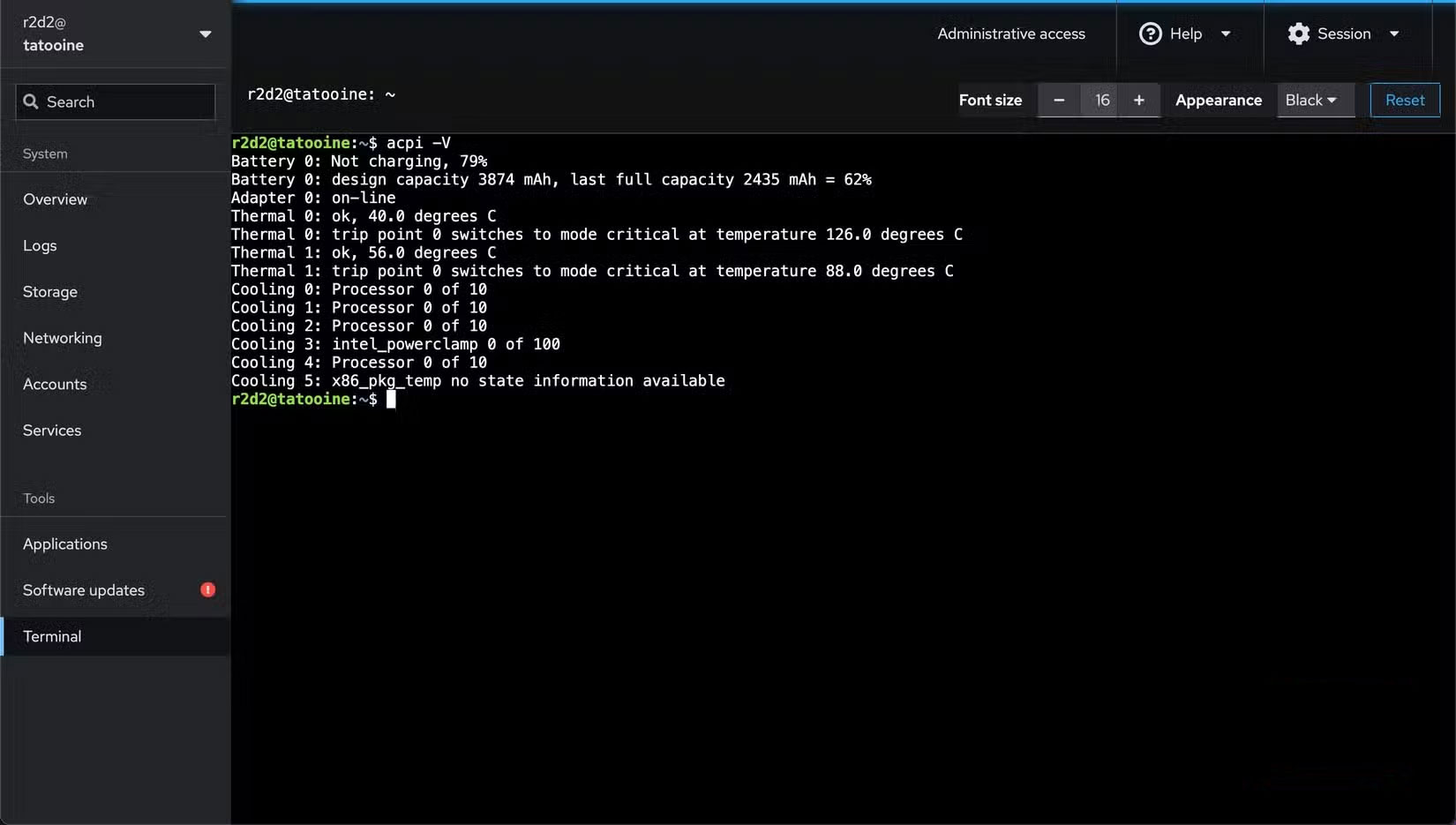
Ideally, you would want to leave your home server running 24/7. However, this is not suitable for laptops, as it means You should keep the laptop plugged in at all times. Since laptops have internal batteries, this is not ideal, as overcharging the battery can lead to overheating and reduced performance over time.
A quick Google search using your laptop make and model should help you find instructions on how to set a charging limit.
Set up laptop to run even when closed
In addition to setting a charging limit, you should also set your laptop to operate normally when closed. This is important because you do not want your laptop screen to be on all the time, as this can consume a significant amount of power.
If you do not configure this feature and close the computer lid, the laptop will suspend or hibernate, thus interrupting running services.
Alternatively, if this is not possible on your device due to hardware limitations, you can temporarily turn off the display and turn it back on when needed. In Ubuntu Server, you can do this using Vbetool , with the corresponding commands being Sudo vbetool dpms off And Sudo vbetool dpms on .
FAQ
How do you repurpose it without repairs?
In practical terms, many people's first laptop sat in a drawer for years, gathering dust. Until they realized they could reuse it and give it a new life.
What should you check before getting started?
Review the requirements, compatible device or software version, and any warnings described in the guide before making changes.
What should you do if the steps do not work?
Repeat the steps in order, confirm that your app or system is up to date, and review the troubleshooting details provided above.
Related Articles
 How to Handle When the Laptop Keyboard Key Is Broken6 minutes read
 5 Causes of Fast Laptop Failure So Users Should Know to Avoid5 minutes read
 How to Fix ''repairing Disk Errors'' on Windows6 minutes read
 Where Can You Sell Your Broken iPhone 8? and for How Much?6 minutes read
 Experience in Handling Laptop Chargers with Broken Wires7 minutes read
 Is the Laptop Broken, Should It Be Repaired or Purchased?5 minutes read
Reader Comments 0
Sign in with email or Google to join the discussion.