Table of Contents
A laptop makes sense for full-time home working when you want one computer that can move between a desk, meetings, and travel. Add an external monitor and keyboard at your main workspace, and it can serve as both a portable computer and a desk setup. A desktop may still suit you better if sustained performance, repairability, or upgrades matter more than mobility.
Move without maintaining two computers
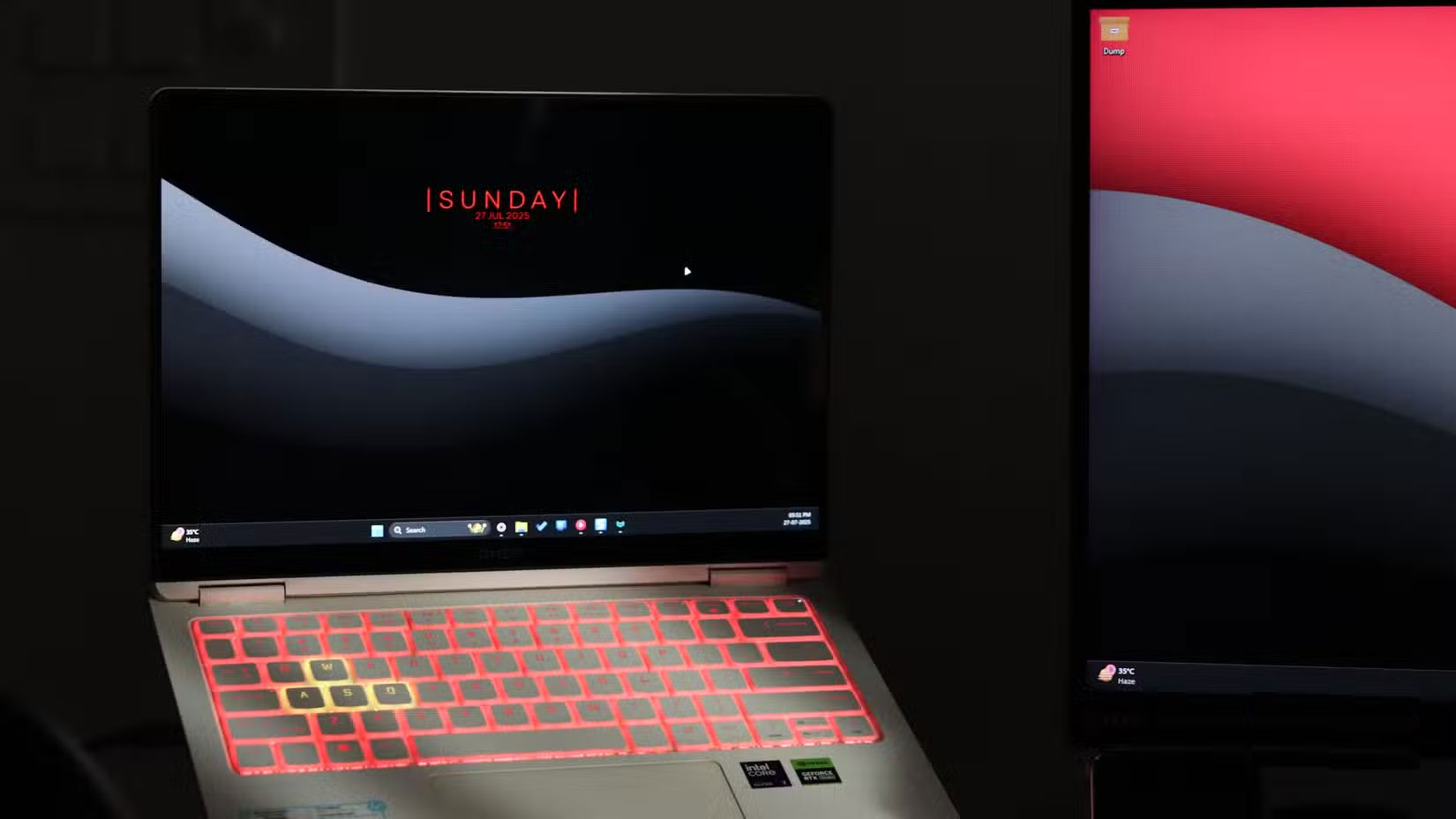
Using the same laptop at home and elsewhere keeps your applications and working files together. You can change rooms or take it to an office without transferring your whole workflow to another machine. Before working away from home, download essential files and check your employer's requirements for network access and device security.
Portability should not mean spending every day hunched over a couch. At your main desk, arrange the screen and input devices for comfortable use. Our home-office setup guide covers the wider workspace.
Match performance to your actual work
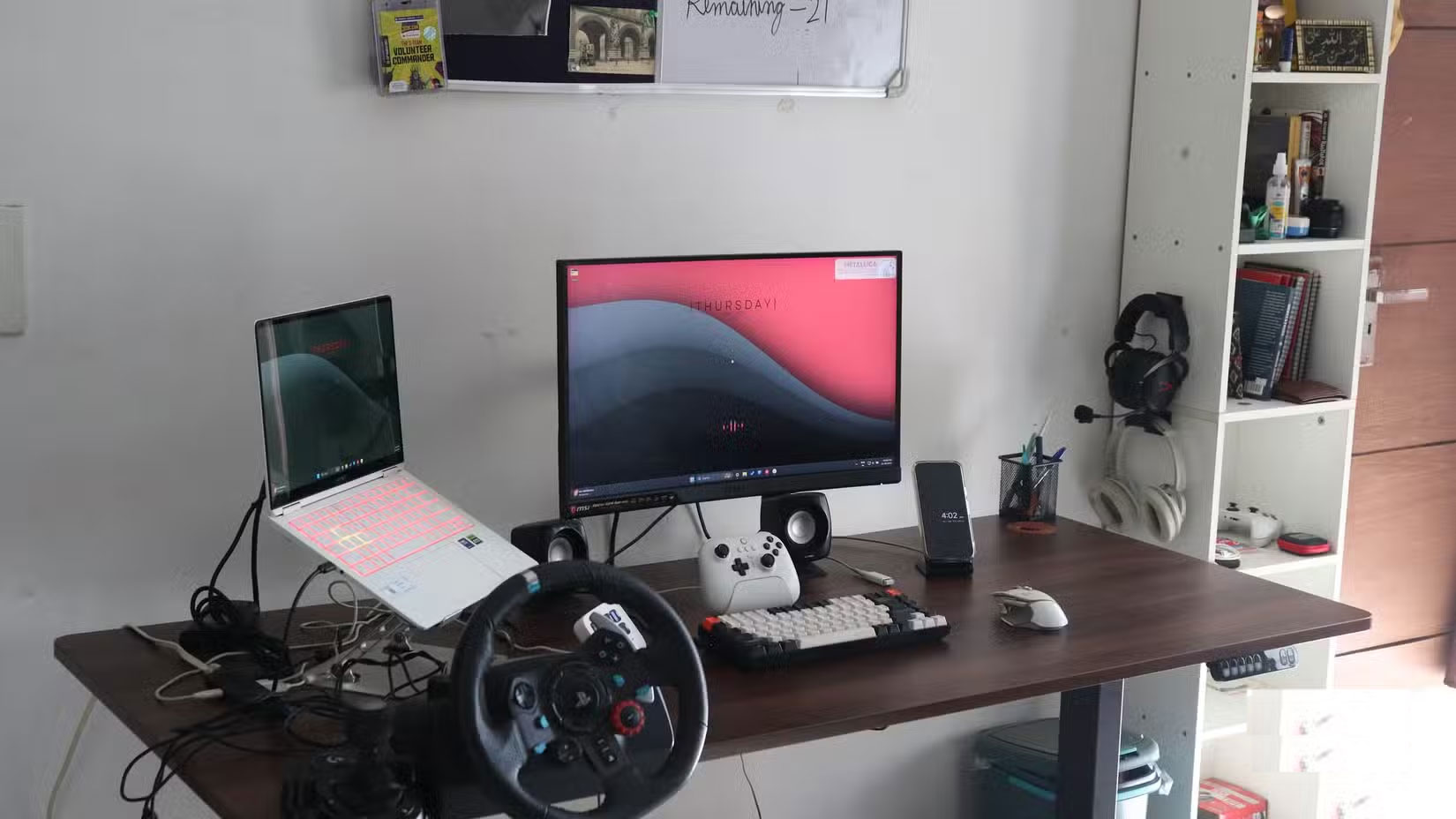
Email, documents, browser-based tools, and many development tasks can run well on a suitably configured laptop. Video editing, large datasets, 3D rendering, and gaming require closer attention to processor, memory, graphics, cooling, and storage.
Compare performance in the applications you use, not just processor or GPU names. Laptops with similar components can behave differently because their power and cooling limits differ. If long exports or demanding computations occupy much of your day, compare a desktop at the same total budget.
Use a dock, but check compatibility

A compatible dock can connect displays, storage, Ethernet, a keyboard, and a mouse through fewer cables. It makes leaving the desk easier, but the USB-C connector's shape alone does not guarantee video output, charging, or a particular data speed.
- Check the laptop port's supported video and data modes.
- Confirm the number of displays, resolution, and refresh rate the complete setup can drive.
- Check how much charging power the dock delivers to the laptop after its own needs are accounted for.
- Allow for a separate power adapter if the laptop needs more power than the dock supplies.
See our guide to USB-C port symbols and capabilities. You may only need an inexpensive adapter if your requirement is simply to add Ethernet.
A battery helps during outages, within limits
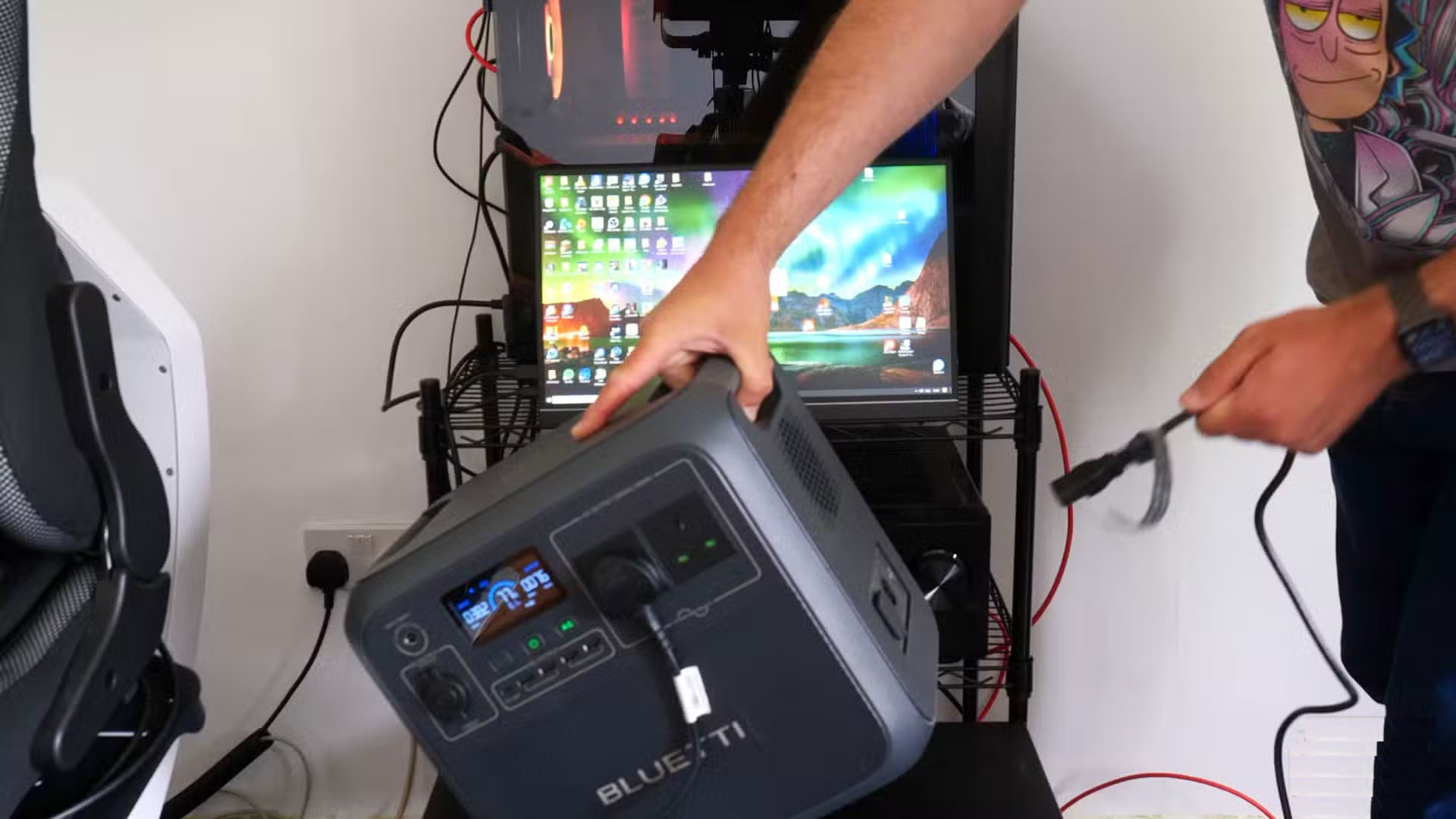
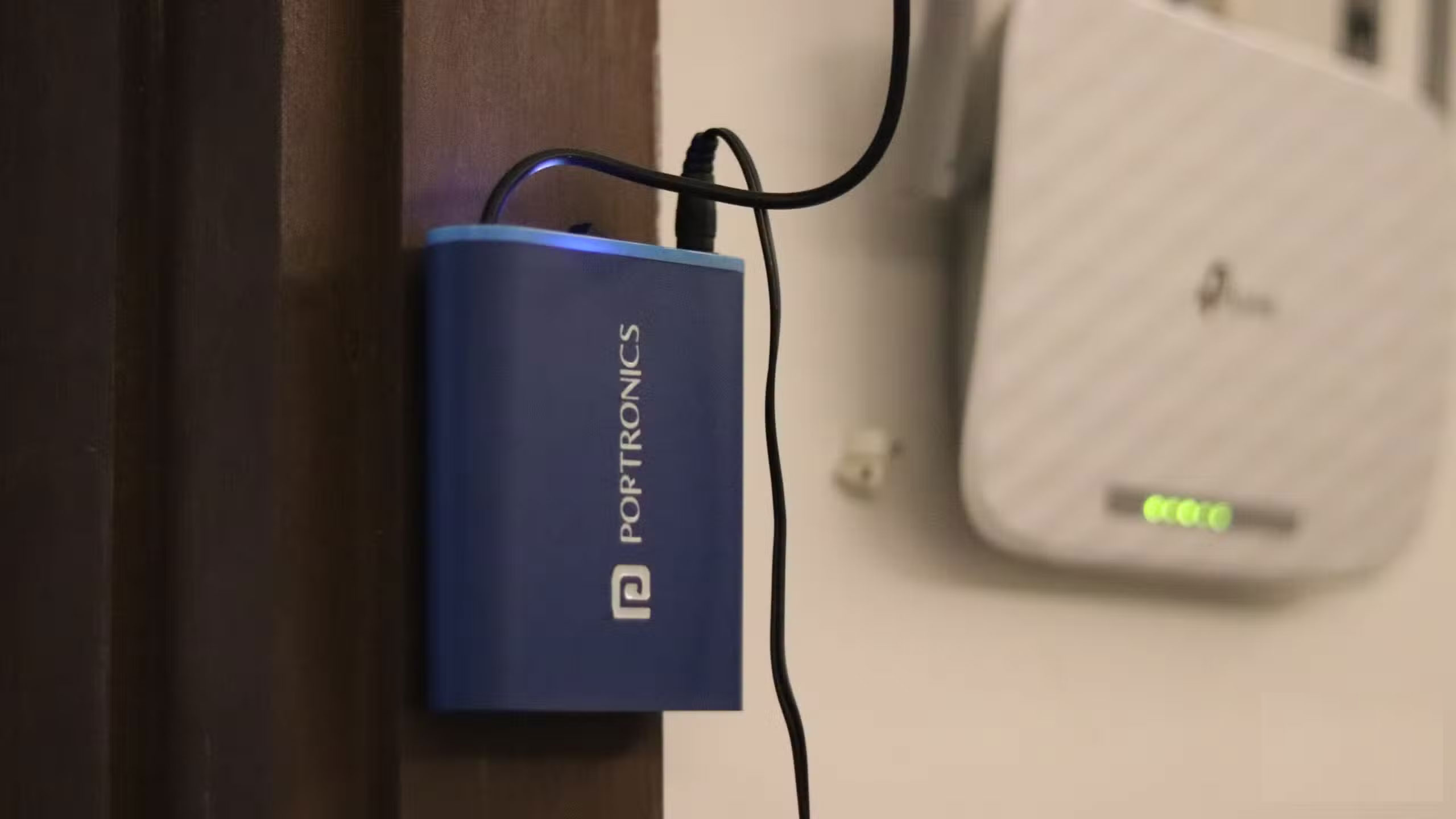
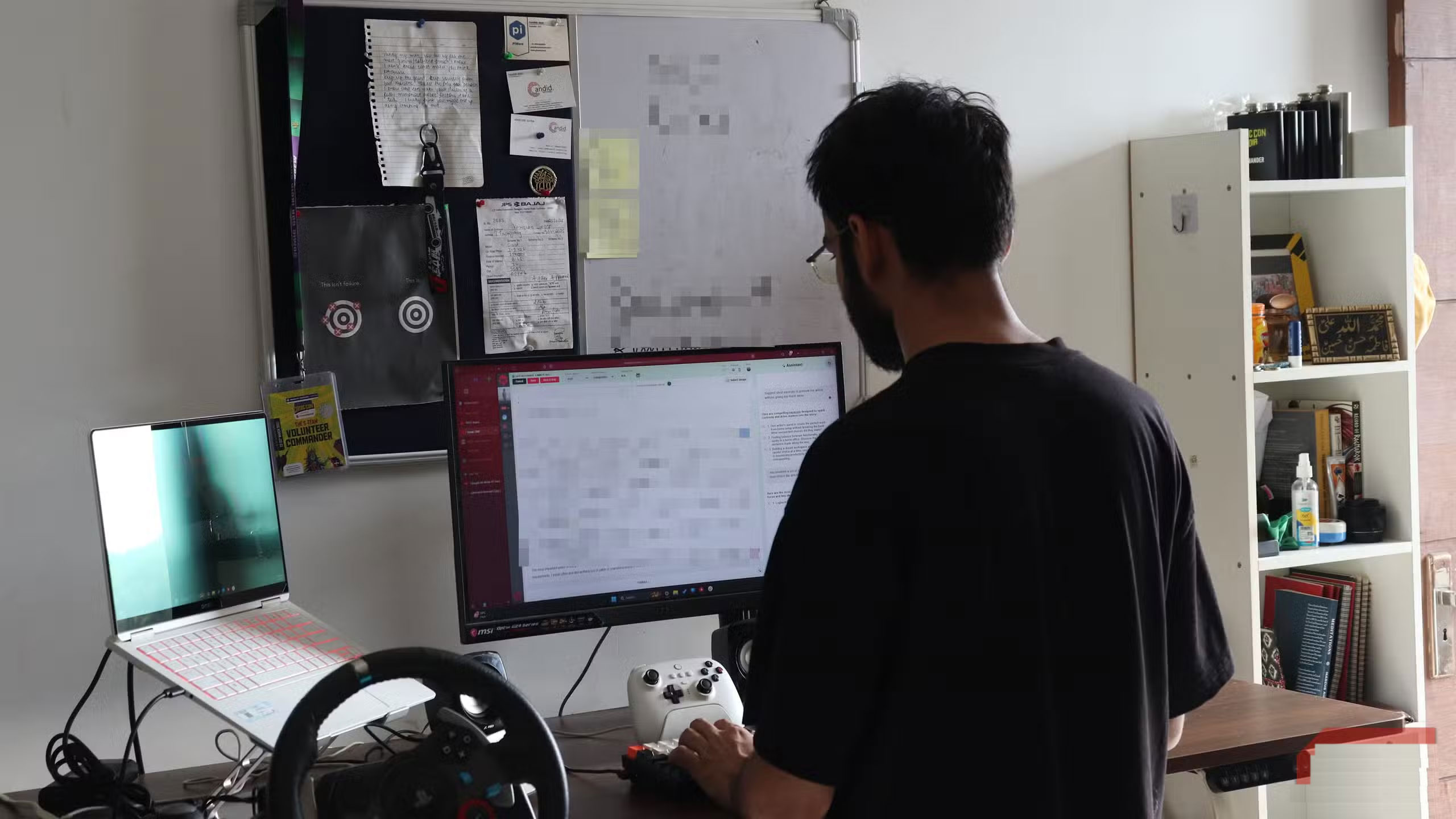
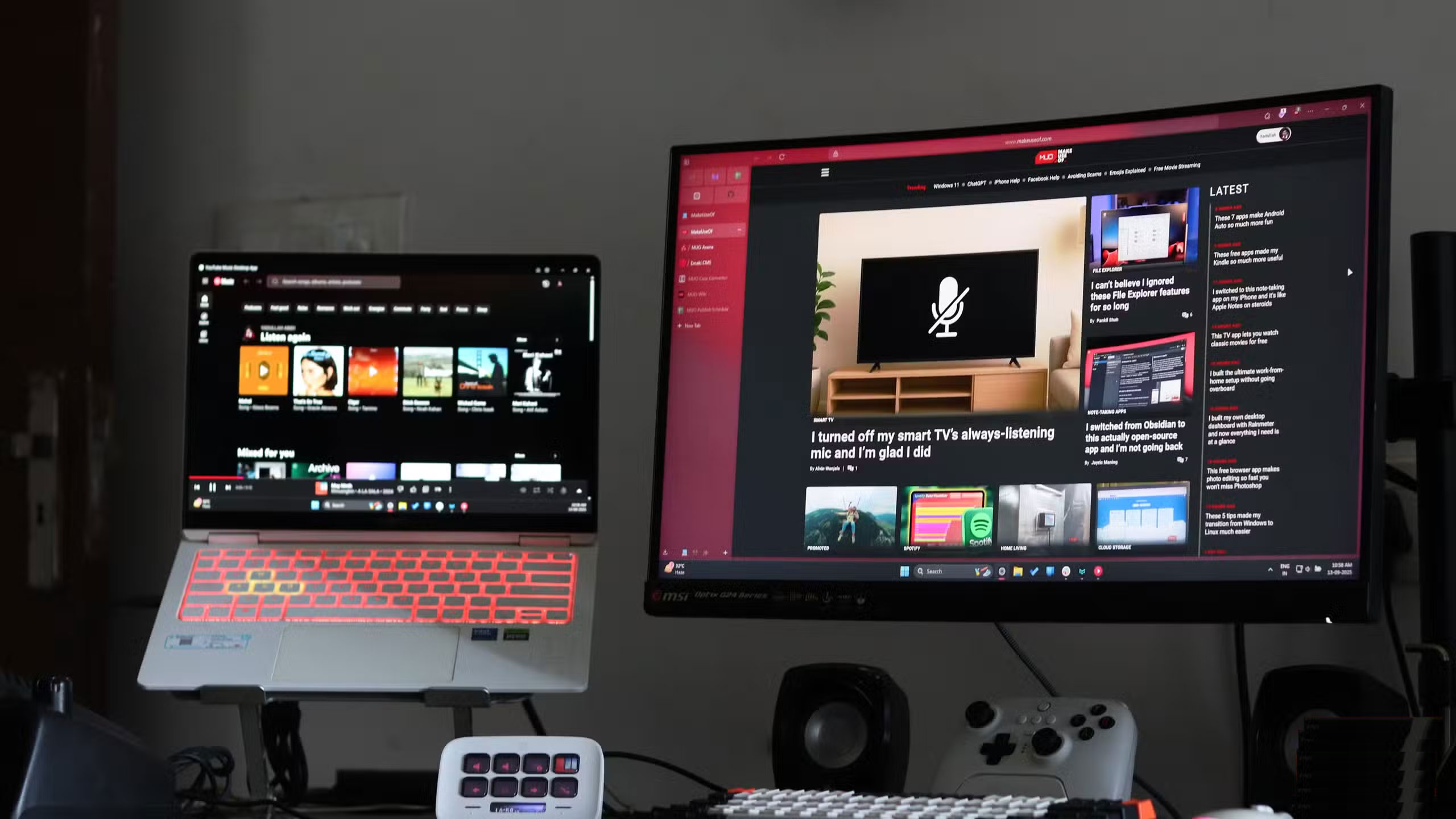
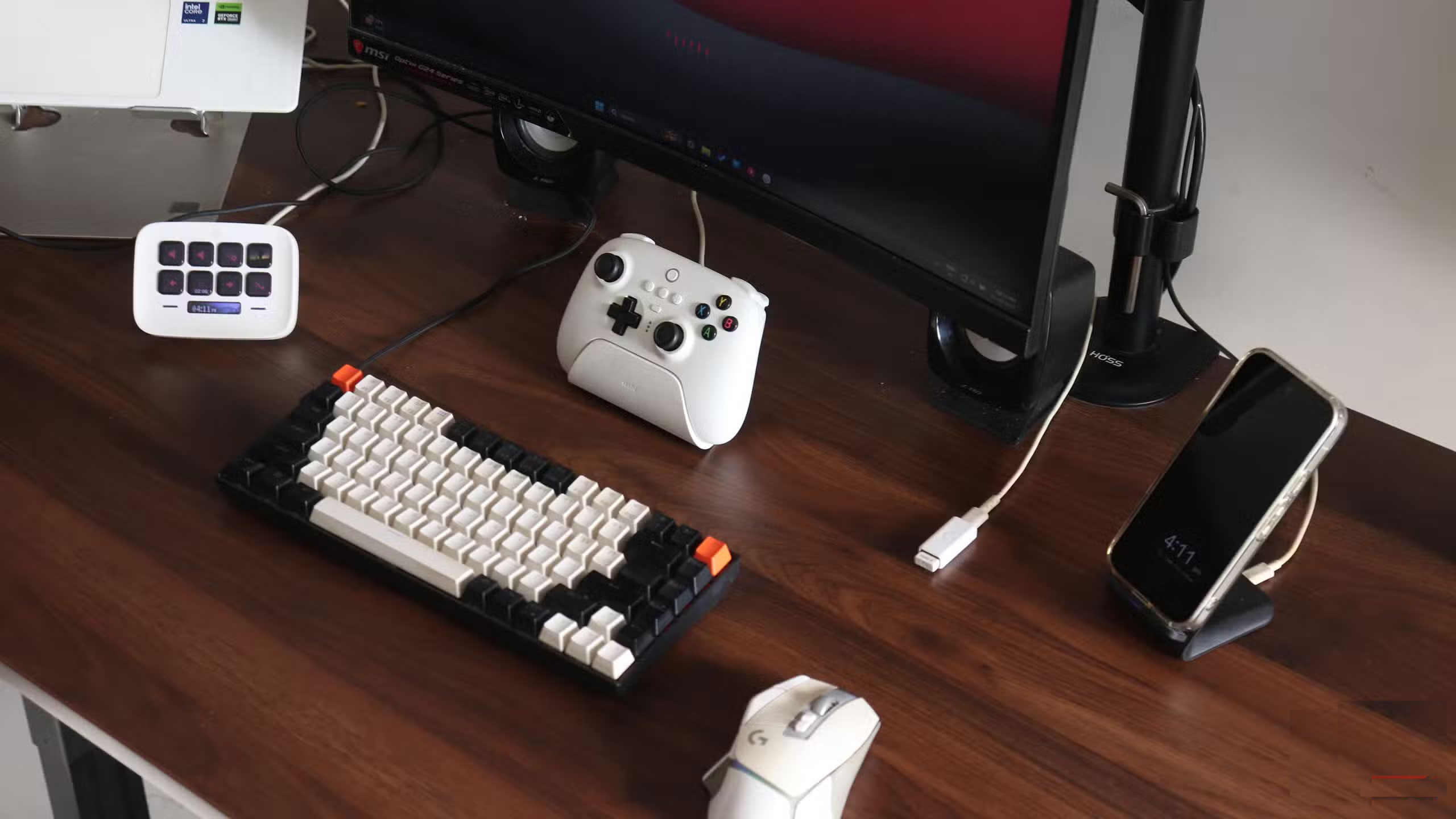
A charged laptop can keep running when mains power fails. Actual runtime depends on its battery condition, display settings, workload, and connected devices. Heavy processing may drain it much faster than light document work, so do not assume an entire workday on battery.
Your router, modem or optical terminal, external displays, and dock may still lose power. A correctly sized UPS can help with selected equipment, but runtime depends on both battery capacity and load. Even a powered router cannot guarantee that your provider's network remains available.
USB-C power banks are useful only when their output and supported charging modes meet the laptop's requirements. Test an outage plan before relying on it for a deadline or video call.
Compare the complete setup cost
Include the laptop, dock, monitor, peripherals, warranty, and any backup-power equipment in your comparison. Check whether RAM and storage are upgradeable and what battery service involves. Choose the laptop if its mobility solves a recurring need; choose a desktop if you will rarely move it and its performance or serviceability offers better value.
Related Articles
 Buying a computer to work from home, why choose a laptop over a desktop?
 Does Desktop or Laptop Really Save You Money Over Time?
 Difference between desktop GPU and laptop GPU
 200 Full HD computer wallpapers, varied themes
 Features that should be available on a 'trendy' laptop
 Please download a wide range of themes, Full HD resolution for your computer
Reader Comments 0
Sign in with email or Google to join the discussion.