Table of Contents
People have experimented with countless AI tools, but these four great open source tools were chosen because they are easy to use, private, and free.
4. LocalAI
LocalAI is an open source application that allows you to run large language models on hardware. You can run many different models locally on your device by choosing from its library of over 1,100 options.
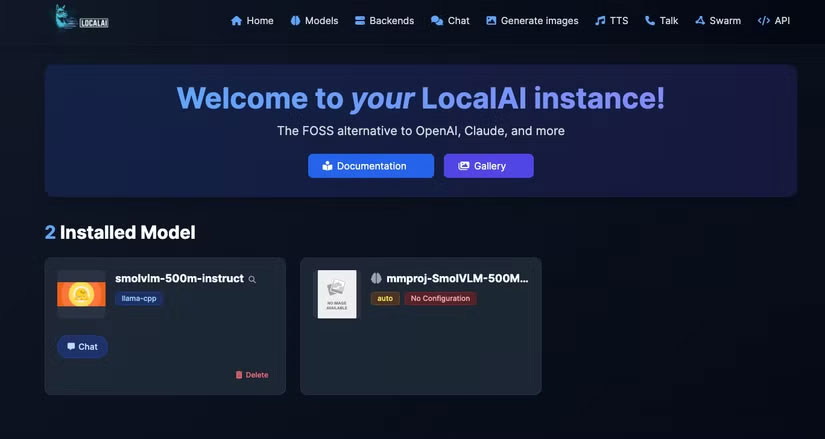
Once a model is running, LocalAI provides you with a user-friendly web interface to interact with the model (as shown in the image above). From the web UI, you can configure custom prompts, browse available models, and install them.
3. AnythingLLM
AnythingLLM is an open source application designed to work with large language models (LLMs) in a flexible and accessible way. Thanks to its intuitive interface, you can download and run LLMs locally without any technical skills. The application supports a wide range of models, including popular options from OpenAI, Anthropic, Mistral, and local implementations via Ollama or LM Studio.
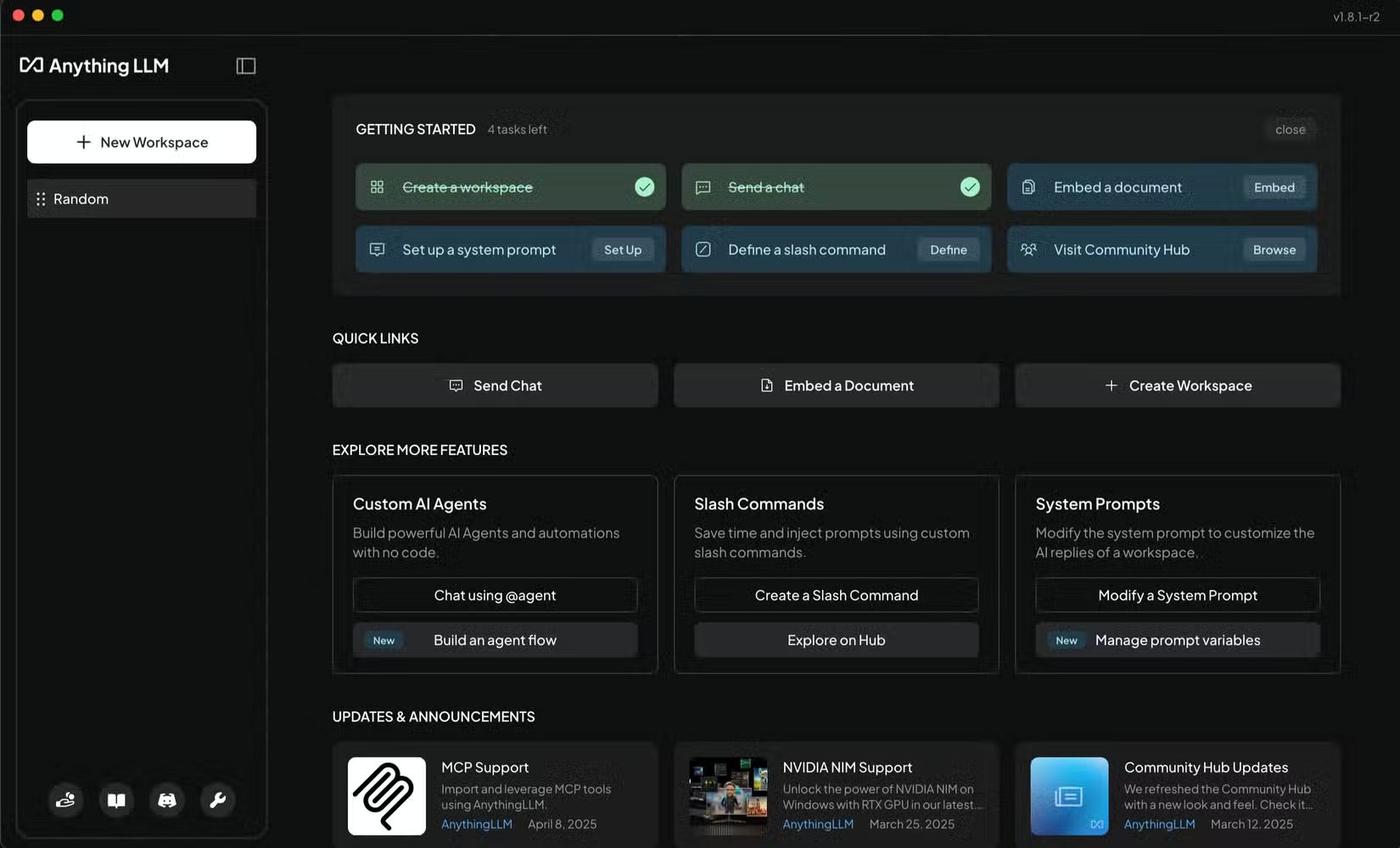
A key feature of AnythingLLM is its workspaces. These workspaces allow you to upload, organize, and manage documents, then interact with the AI to get contextually relevant responses directly from your data. For example, you can upload a PDF of a lecture and have the model extract key points. This is especially useful for tasks like research, knowledge management, customer support, or any situation where you need quick, relevant answers based on custom data. The app also integrates with a vector database to ensure fast and accurate retrieval of relevant content.
2. Jan.ai
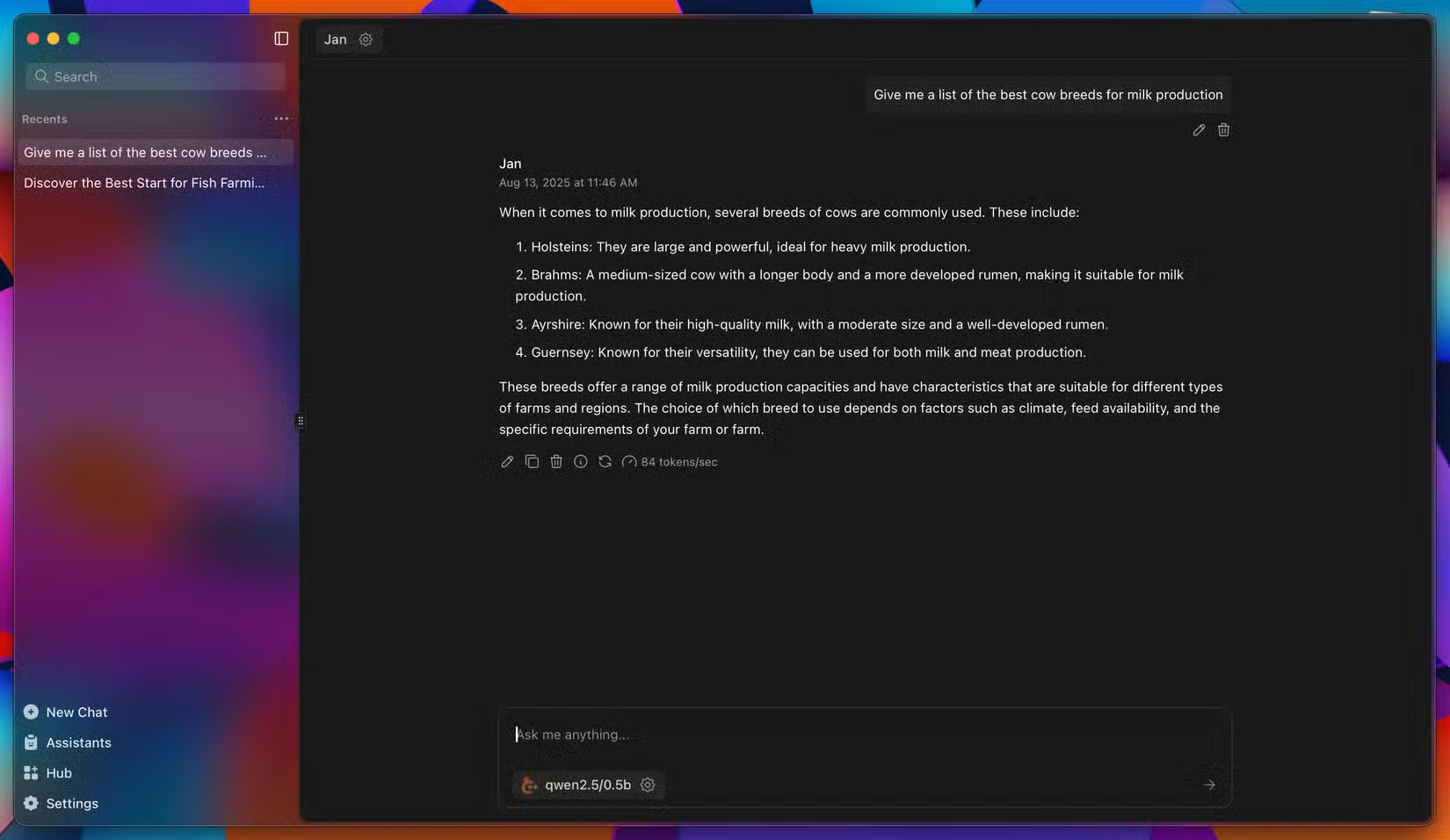
If you're looking for an open-source alternative to ChatGPT, Jan.ai is the answer. Jan.ai is an open-source, privacy-first AI chat app that runs entirely on your computer. Instead of relying on cloud servers, the app uses local LLM, meaning your conversations and data never leave your computer. This makes it a great choice for privacy-conscious users who want AI features without compromising sensitive information.
The app offers a clean, distraction-free interface where you can chat with AI models just like you would with ChatGPT. However, since it runs locally, performance depends on your computer hardware - more powerful GPUs and more RAM allow for faster, more complex responses. Jan.ai supports a variety of models, allowing you to choose the one that best suits your needs based on the task at hand.
1. Ollama
Ollama is another open source AI application that allows you to run LLMs on your hardware. You can choose a model from Ollama's diverse library, which includes popular choices like Llama 3, Mistral, Gemma, DeepSeek-R1, Phi, Code Llama, and even the best offline LLMs.
For convenience, Ollama has a desktop app (available on Windows, macOS, and Linux) that makes it easy for anyone to use. The interface is similar to other apps like ChatGPT, with chat history on the left and the main interface on the right.
You can select a model to use from the interface, and Ollama gives you the option to search the web, a rare feature in open source AI applications. The only downside is that you have to log in to use the web search feature.
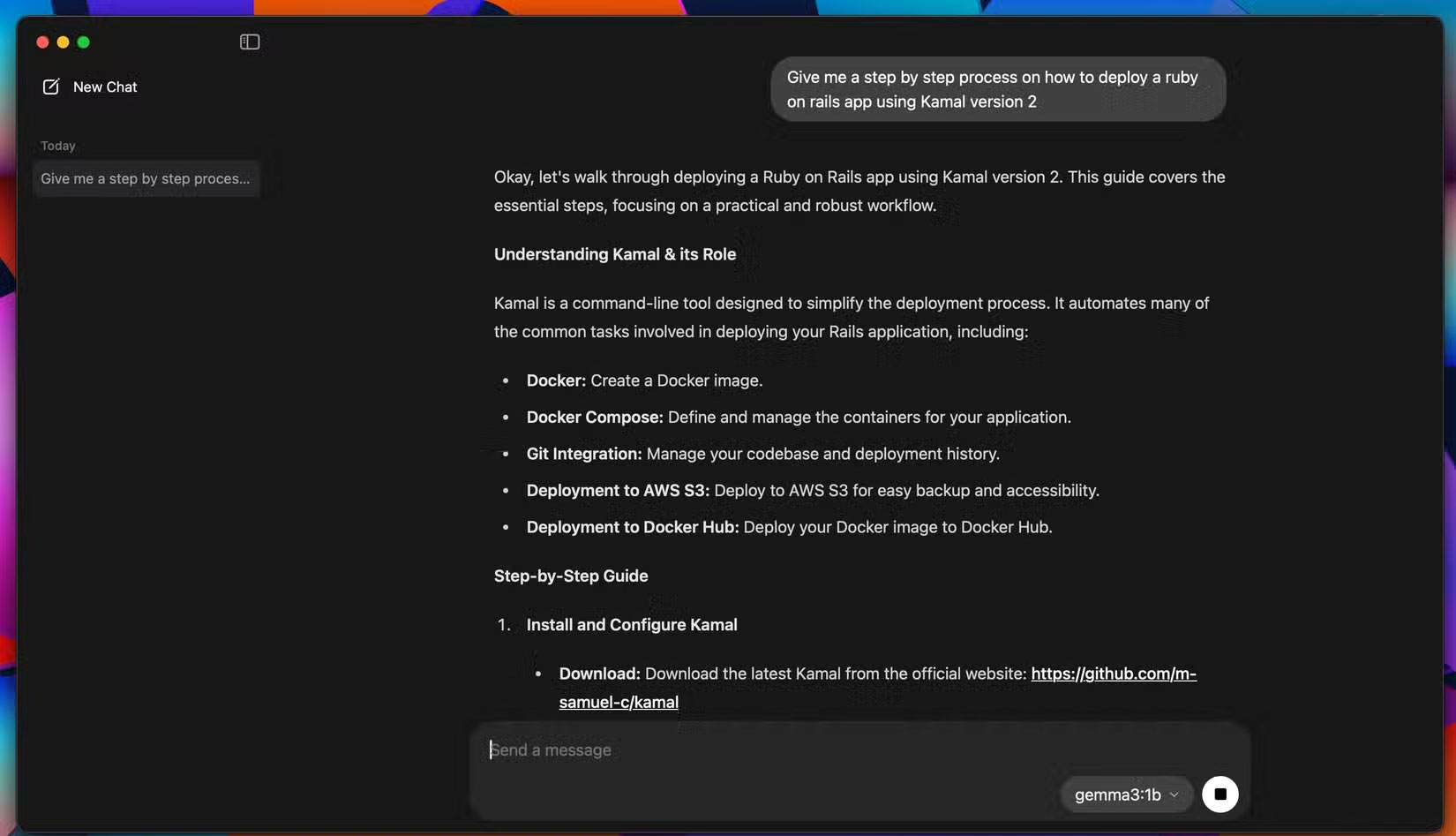
From the interface, you can upload files by dragging and dropping and ask models about them, as long as the selected model supports multimodal input. For large documents, you can increase the context length in the app settings up to 128,000 tokens.
Final Thoughts
Overall, 4 Open Source AI Apps You Can Use Every Day is best understood by considering the main facts, practical context, and limitations together. Use the details above as a clear starting point and confirm time-sensitive information when necessary.
FAQ
What does this article explain about 4 Open Source AI Apps You Can Use Every Day?
People have experimented with countless AI tools, but these four great open source tools were chosen because they are easy to use, private, and free.
What should you know about 4. LocalAI?
LocalAI is an open source application that allows you to run large language models on hardware. You can run many different models locally on your device by choosing from its library of over 1,100 options.
Should time-sensitive details be verified?
Yes. Software features, game codes, product specifications, prices, and research findings can change. Confirm important details with an official or primary source when accuracy affects your decision.
Related Articles
 10 Open Source Android Apps You Can't Live Without8 minutes read
 Top 5 Best Open Source Apps on iPhone5 minutes read
 Can Open Source Technology Make Money?5 minutes read
 How to Use F-droid to Install Open Source Android Apps5 minutes read
 Try Switching Everything to Open Source for a Week, You'll Be Amazed!6 minutes read
 What Is Open Source Software?7 minutes read
Reader Comments 0
Sign in with email or Google to join the discussion.