Table of Contents
This practical guide walks through how to jailbreak iOS 14 for the latest iPhone and iPad, explains the main requirements, and highlights common issues that may appear along the way.
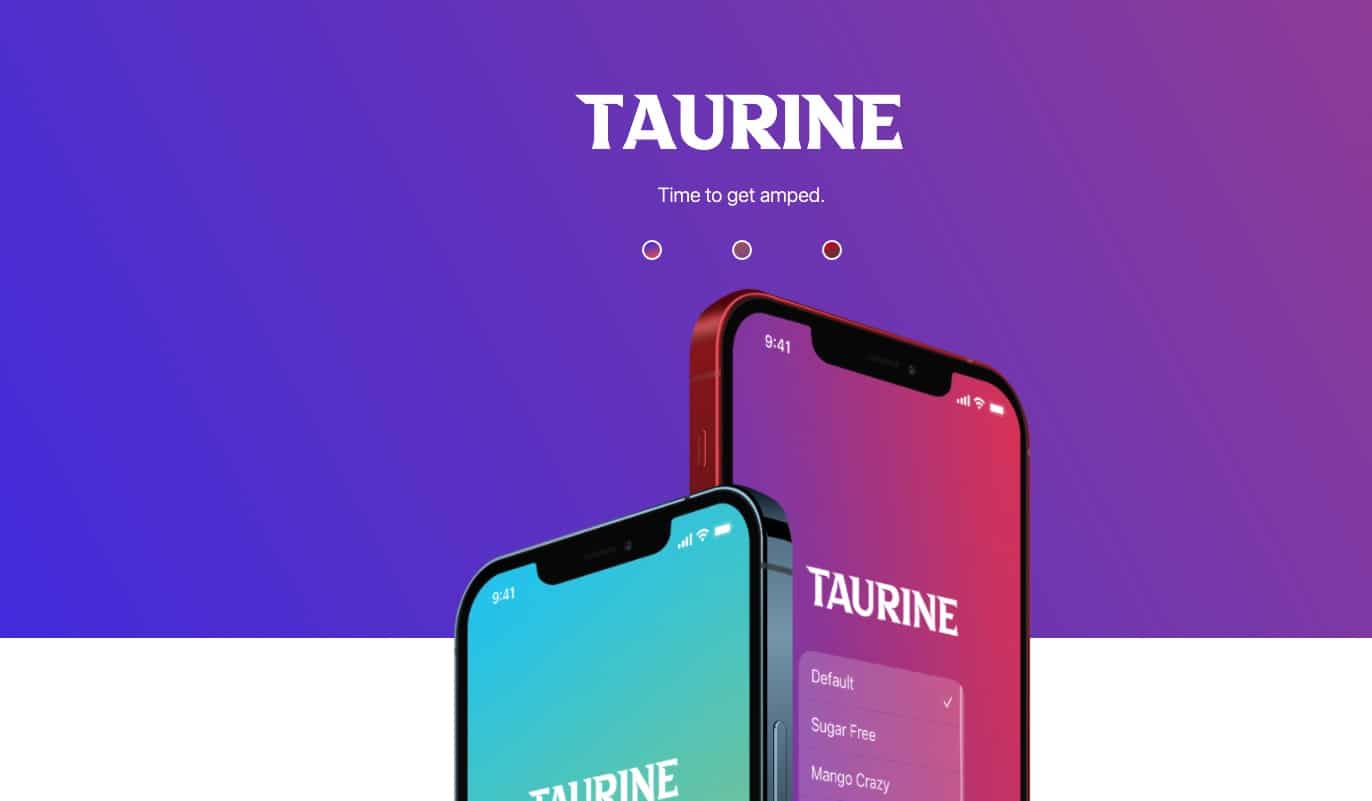
It is known that Taurine uses a vulnerability exploited by security researcher @Modern Pwner. This tool supports iPhone and iPad devices running on iOS 14.0 to iOS 14.3 platforms, including the iPhone X to iPhone 12 series). This tool uses Sileo as the manager instead of the legendary Cydia.
This tool has now been released to the 7th update with the aim of improving performance, increasing the probability of successful jailbreaking and fixing outstanding bugs.
To download Taurine Jailbreak tool for iPhone and iPad operating on iOS 14.0 - 14.3 platform, please visit the link here. To install you need to use AltStore here. Watch the video below on the steps to Jailbreak with the Taurine tool.
Key Takeaways
Use the information above as a practical reference for how to jailbreak iOS 14 for the latest iPhone and iPad. Review each step carefully, confirm any requirements, and choose the option that best fits your situation.
FAQ
What does this guide explain about Jailbreak iOS 14 for the Latest iPhone and iPad?
It explains the main concepts, practical considerations, and useful steps related to jailbreak iOS 14 for the latest iPhone and iPad without requiring advanced knowledge.
Who can benefit from learning about Jailbreak iOS 14 for the Latest iPhone and iPad?
This information is useful for readers who want a clear overview, practical guidance, and reliable steps related to jailbreak iOS 14 for the latest iPhone and iPad.
What should I check before applying this information?
Review the requirements, confirm that your device, software, or situation matches the instructions, and back up important data before making major changes.
Related Articles
 What Is Jailbreak? Jailbreak Guide for iPhone, iPad Latest8 minutes read
 Instructions for iOS 10.1, iOS 10.1.1, iOS 10.2 Jailbreak on7 minutes read
 Jailbreak iOS 26: Everything You Need to Know5 minutes read
 Instructions for Installing Ppsspp on iPhone / iPad Does Not6 minutes read
 4 Reasons Users Should Not 'Jailbreak' Their iPhone, Ipod Touch or6 minutes read
 How to Change iOS Interface Without Jailbreak5 minutes read
Reader Comments 0
Sign in with email or Google to join the discussion.