Table of Contents
Choose a budget smart TV by comparing the exact model and size you’ll buy. Start with picture quality in the room where it will sit, then check that it has the ports and apps you need. A longer list of features matters less if the screen is hard to see or a device you own won’t connect.
Compare picture quality at your viewing distance
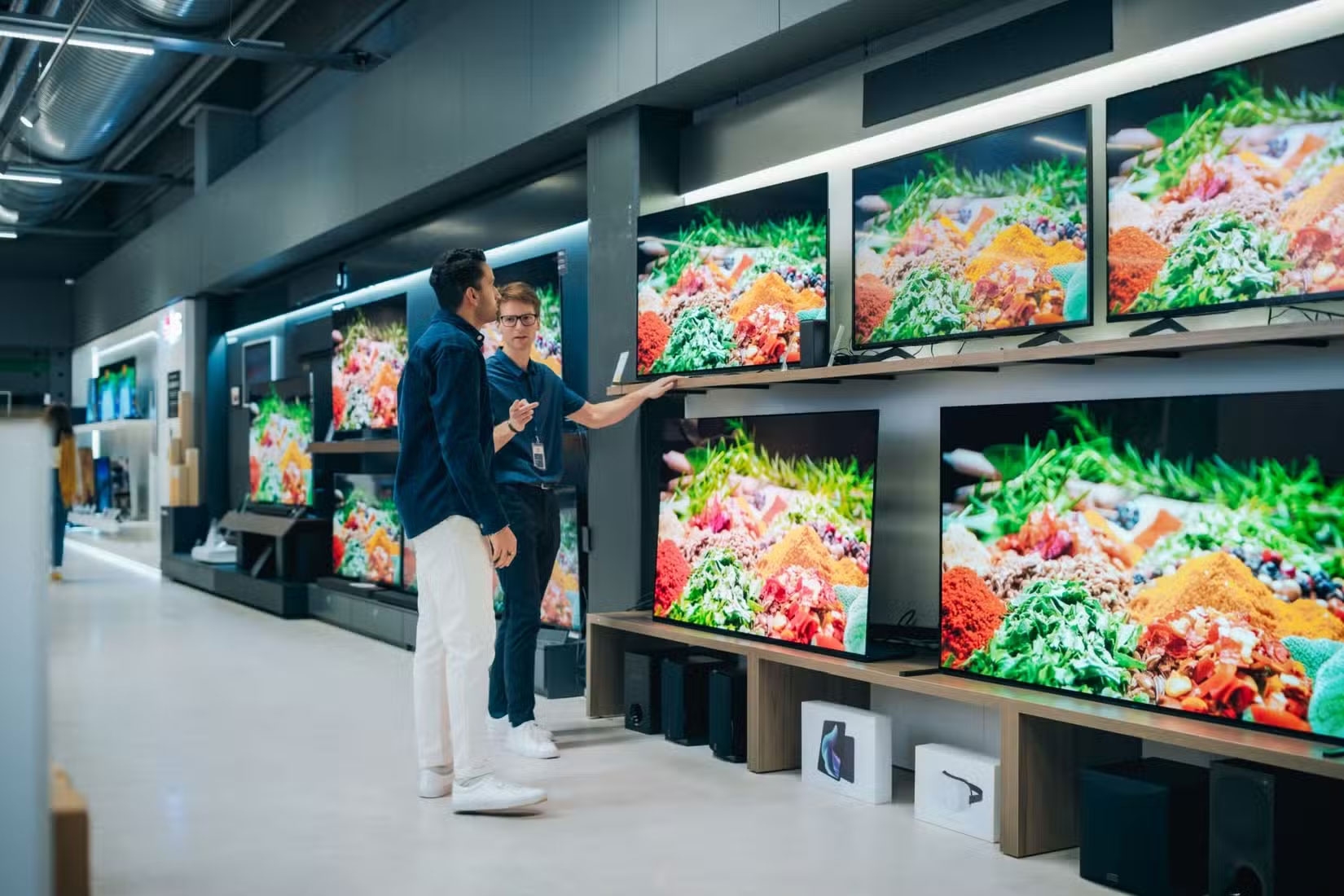
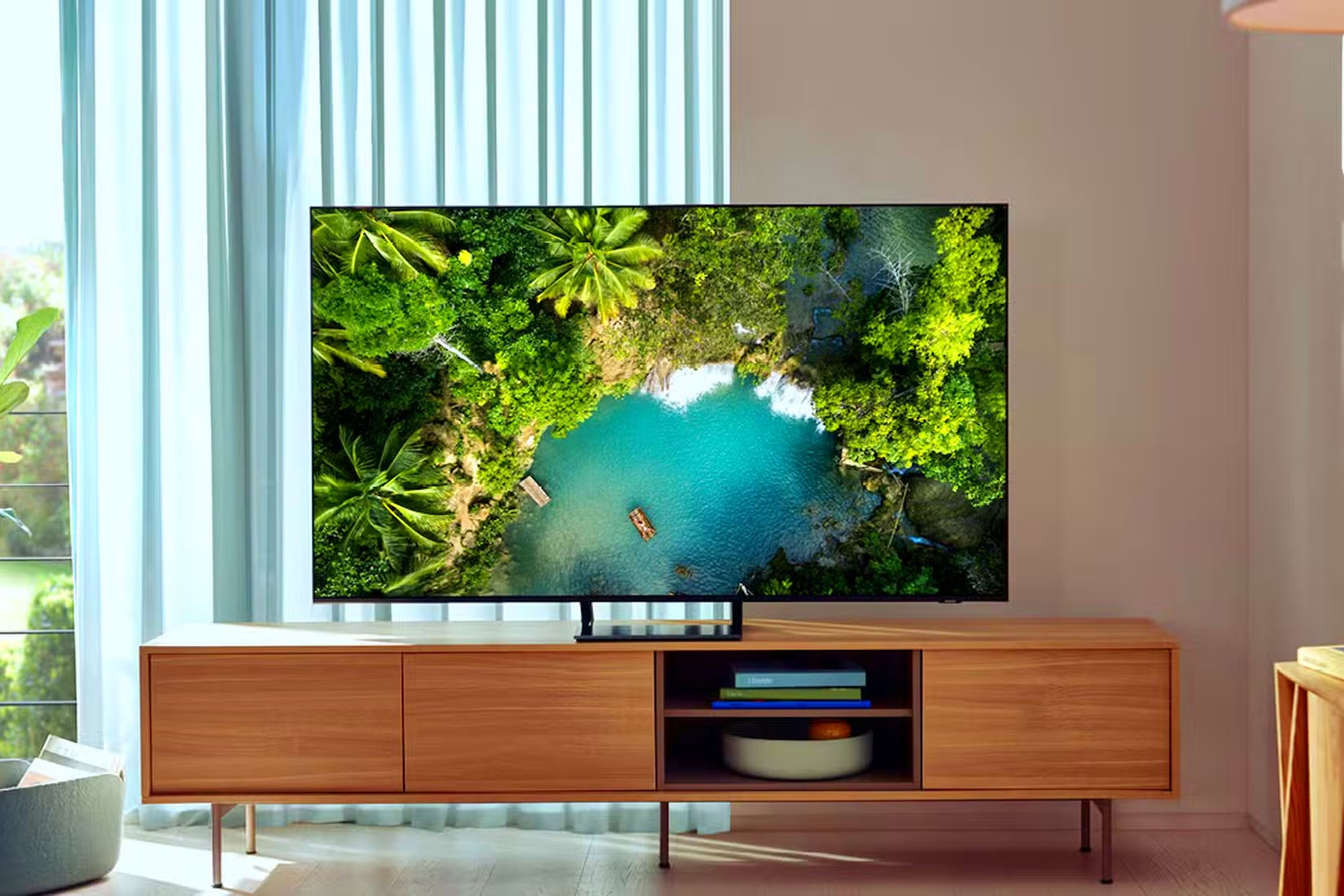
4K is worth comparing on larger TVs, especially for close seating or sharp text. A smaller 1080p set may be enough for casual viewing. Check reflections if you watch during the day, contrast if you watch films at night, and viewing angles if people sit off-center. QLED is a type of LCD TV that uses quantum dots. OLED uses self-emitting pixels. Neither label tells you how well a specific model performs.
Look beyond the HDR badge
Check measured brightness and contrast when a review is available. A TV can accept HDR10, HDR10+ or Dolby Vision without producing bright highlights or deep shadows. Compare reviews for the same model and screen size, since performance can differ across a model line.
Count the HDMI ports you’ll actually use
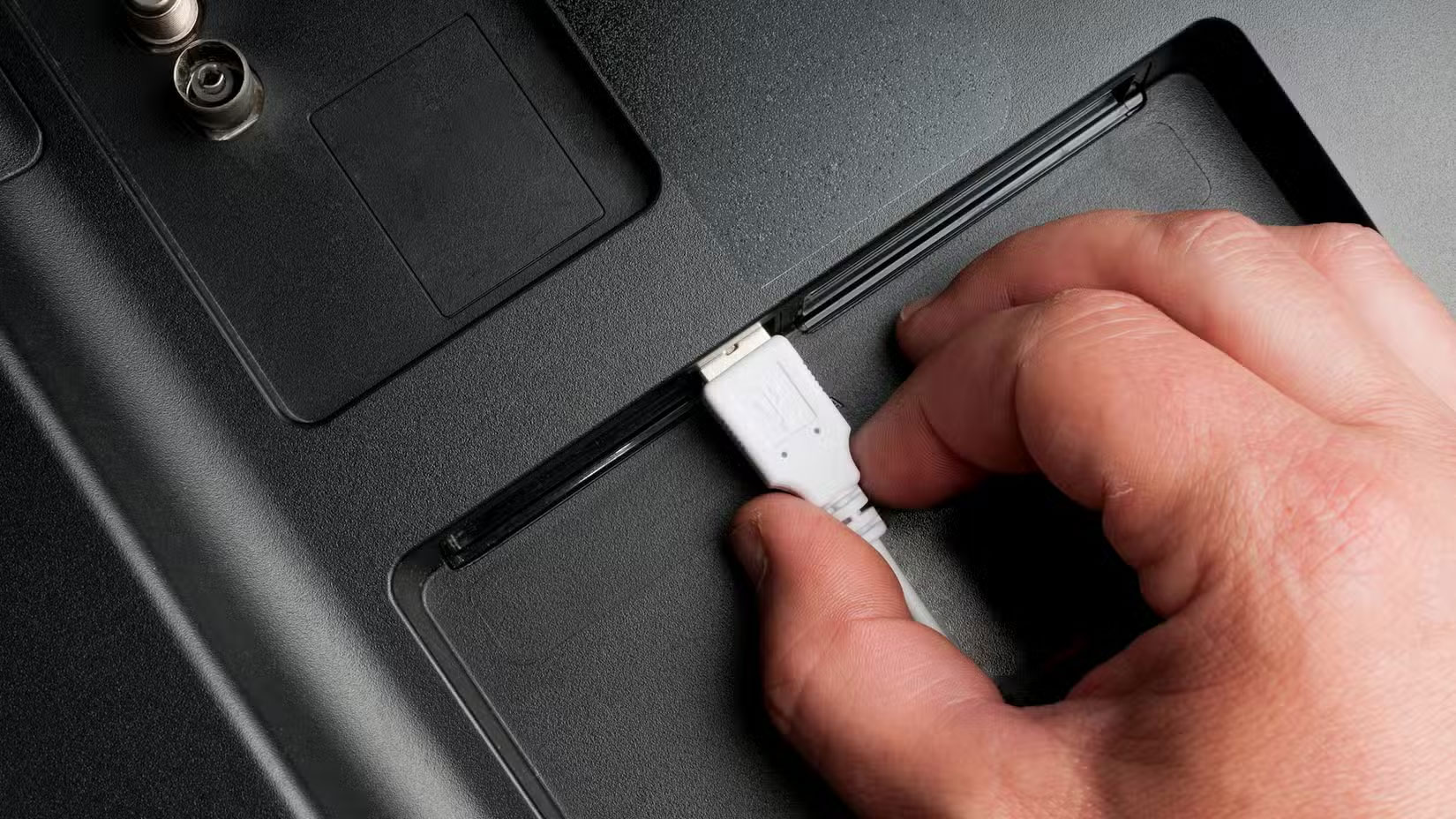
List your console, streaming stick, disc player and soundbar. A soundbar using HDMI ARC or eARC takes one of the TV’s ports. For gaming, check which input supports your console’s required resolution, refresh rate and variable refresh rate. Don’t assume every HDMI port has the same capabilities.
Check the built-in apps
Confirm that the services you use are available for the TV’s platform in your country. Try opening an app or switching inputs in the store if you can. If you plan to use an external streamer, leave a port free and include it in the price comparison.
Compare warranty and returns by model
Check the seller’s return window, what happens if the panel arrives damaged and who provides local warranty service. Compare the total price with delivery and any accessories included. Keep the packaging until you’ve checked the panel, sound and ports at home.





Reader Comments 0
Sign in with email or Google to join the discussion.