Table of Contents
If your current TV already has a good 4K picture, an external streaming device can replace a slow or unsupported smart interface. It won’t turn a 1080p panel into a 4K one or improve a TV’s contrast. Spend on the display first if picture quality is the real problem.
Compare displays at the same size
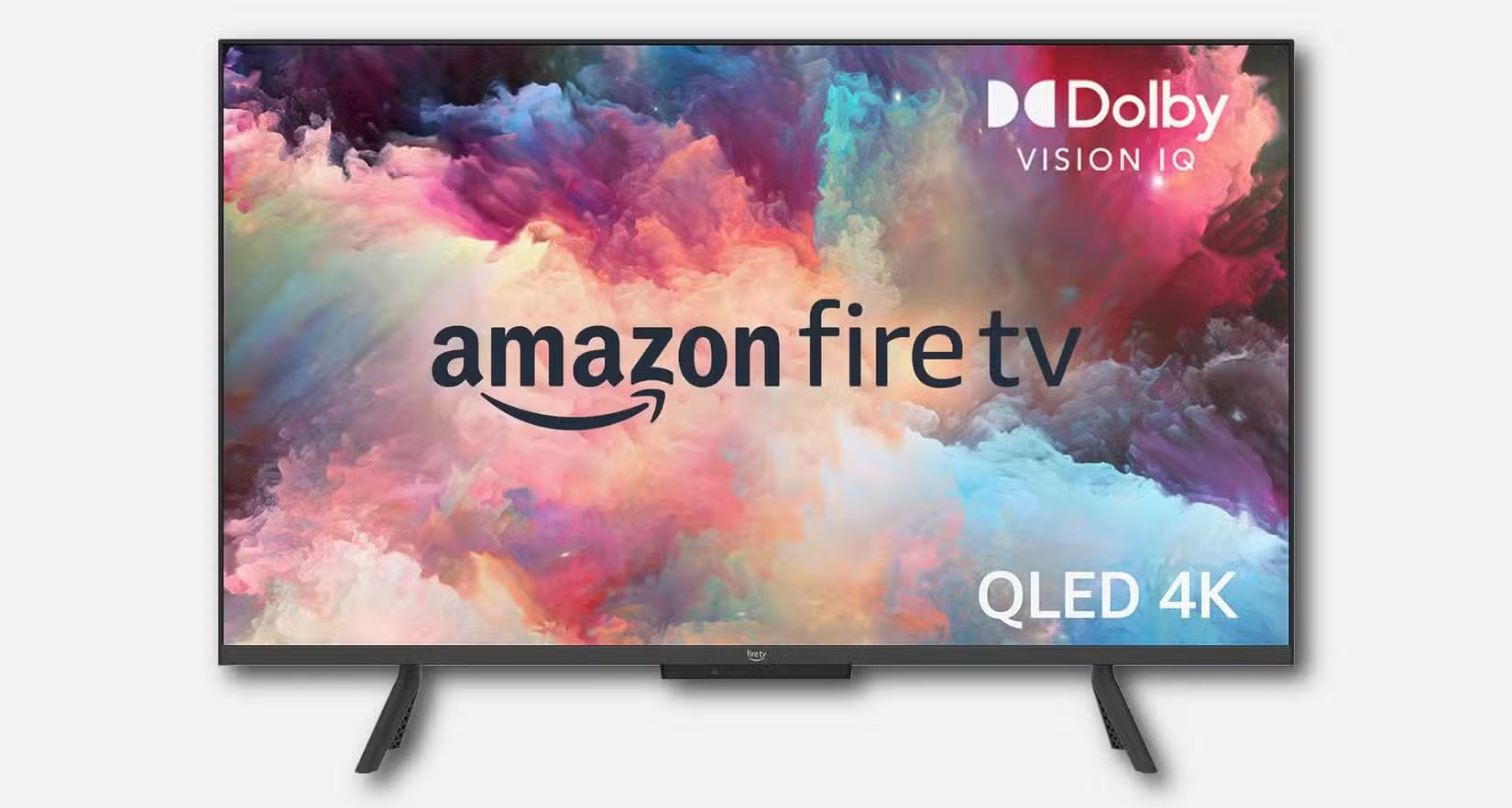
| Example TV line | What to verify on your exact model |
|---|---|
| Hisense QD6 | Regional model number, HDMI support, and available HDR formats. |
| Xiaomi TV A Pro | Regional specifications, display size, and whether the panel is the one reviewed. |
| Amazon Fire TV Omni QLED | Exact generation, size, and available backlight and dimming features. |
Model names and panel features can vary with size and year. Compare how the exact display handles dark scenes, reflections, and seating angles. HDR format support alone does not describe its HDR picture quality.
Check the entire 4K streaming path
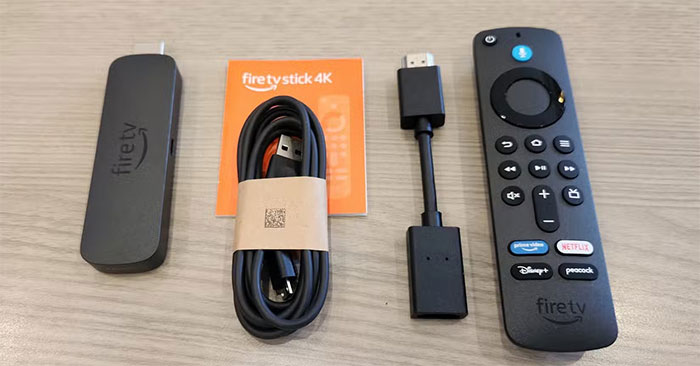
- Confirm that the streaming device, HDMI input, and any receiver in the path support the required 4K and HDCP settings. See Roku’s 4K setup checklist for an example.
- Check whether your service, plan, and selected title actually offer 4K. If HDR matters, confirm the format is supported by both the player and the TV.
- Use the power supply the player specifies. Test a known 4K title and check the playback resolution if the app provides it.
Budget for the component you need
| Your situation | Where the money is most useful |
|---|---|
| Good 4K picture, slow menus or missing apps | A separate player with your apps and required HDR formats. |
| Weak contrast or distracting reflections | A better display. A player won’t fix panel limitations. |
| Dialogue is hard to hear | A soundbar, after checking the TV’s connections and trying its dialogue mode. |
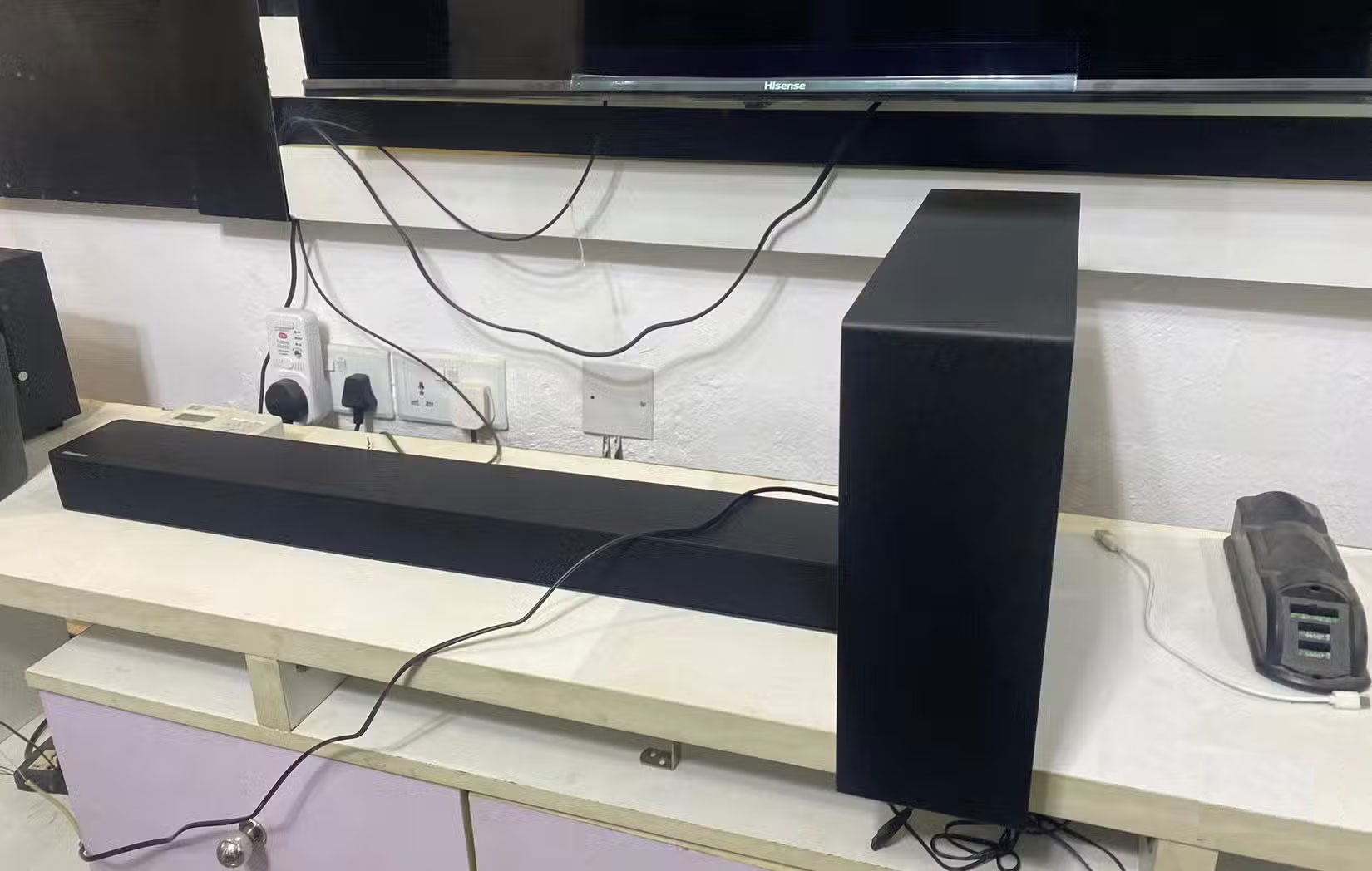
When adding a soundbar, check for the port marked HDMI ARC or eARC. If you are using optical audio, check which formats both devices support. See soundbar connection options before purchasing a cable.




Reader Comments 0
Sign in with email or Google to join the discussion.