Table of Contents
Smart TV Can Replace These 5 Gadgets is easier to approach with a clear overview and reliable steps. This guide organizes the essential information, highlights practical details, and explains what to check along the way.
Key Takeaways
- Review streaming device.
- Explore digital photo frame.
- Understand game console (for casual gamers).
5. Streaming Device
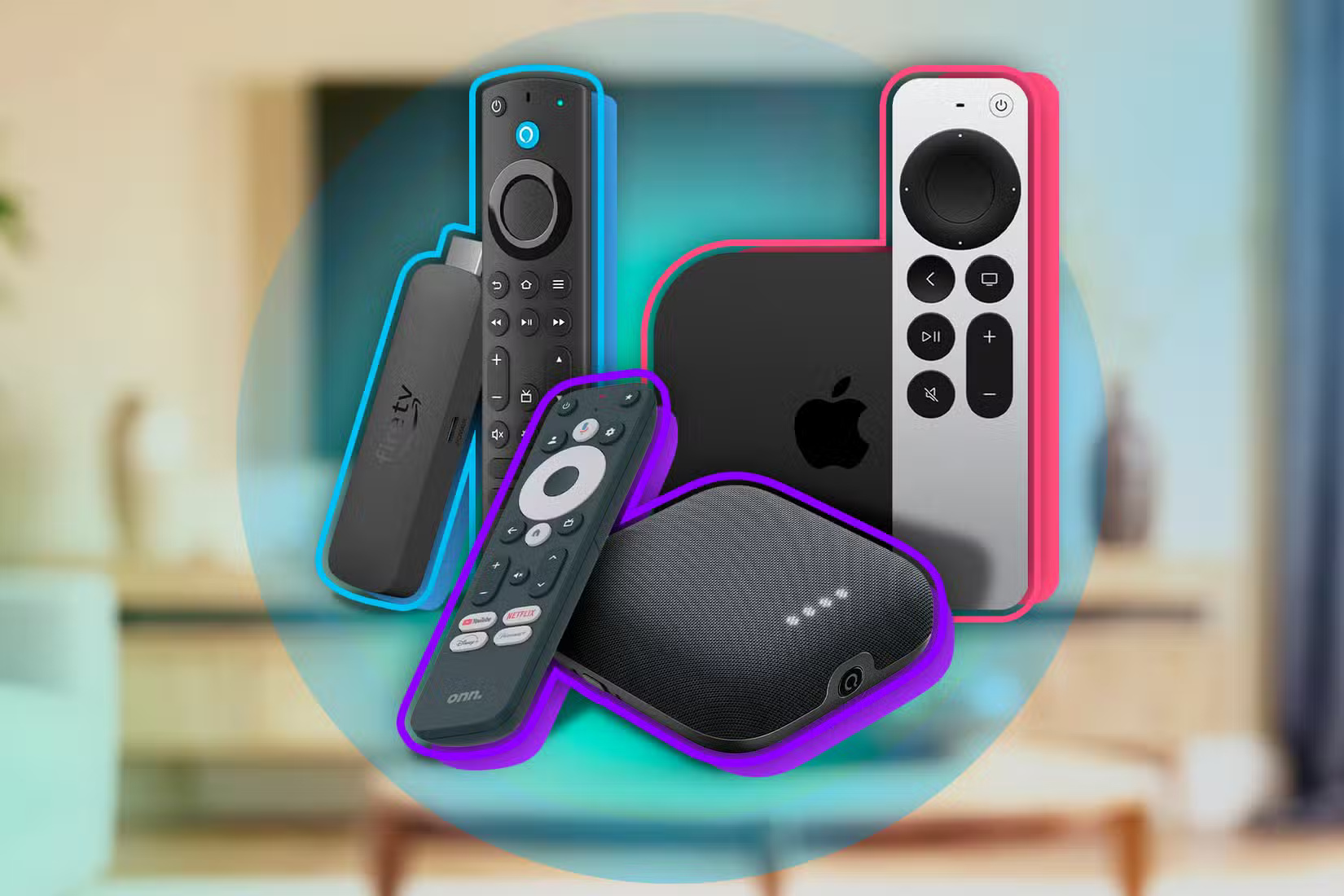
Chances are it comes with streaming apps like Netflix, Hulu, Disney+, and YouTube if you have a Smart TV. These apps provide direct access to the most popular streaming services without the need for additional hardware.
You might wonder if streaming devices like Roku or Fire TV are better than smart TVs. Dedicated boxes used to win. But not anymore. Smart TVs today have faster processors, smoother navigation, and regular software updates that keep them running smoothly.
Most Samsung QLED TVs, for instance, let you stream in 4K HDR without needing an external streaming device like a Fire Stick or Chromecast. Some of Hisense's lower-cost models also offer similar capabilities, so you don't even need a high-end model to make your streaming device redundant.
4. Digital Photo Frame

Digital photo frames like Frameo are a fun way to display your favorite memories without printing out a bunch of photos, but if you have a Smart TV, you've got a much bigger, better version in your living room.
Most Smart TVs have built-in features that let you display photos directly from your phone or cloud storage. For instance, Samsung's Ambient Mode allows you to display photos from your phone on the TV or even mimic the look of a wall so the screen disappears when not in use.
Another option is that Google TV and Android TV systems easily integrate with Google Photos, allowing you to set albums as slideshows or even automatically display your latest vacation photos.
3. Game Console (for Casual Gamers)
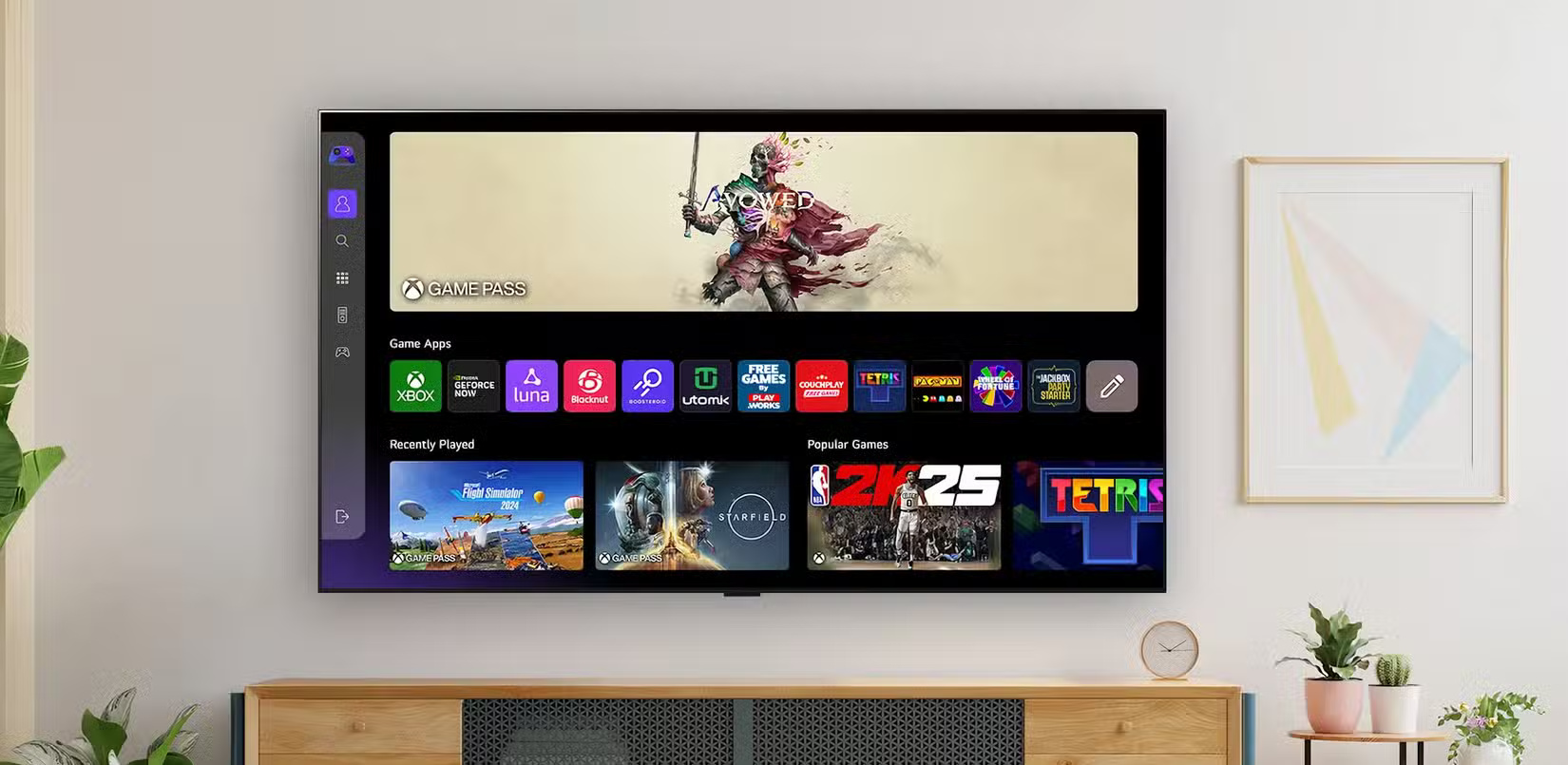
For the casual gamer, your Smart TV can easily replace the need for a dedicated gaming console. Many Smart TVs come with (or offer to download) casual titles like trivia, puzzle, or card games that you can play without any additional hardware. But the real game-changer is the integration of cloud gaming services.
Platforms like Xbox Cloud Gaming, NVIDIA GeForce NOW, and Amazon Luna are available on some Smart TVs, allowing you to stream games from the cloud. All you need is a reliable internet connection and a Bluetooth controller, and you're ready to play titles like Halo Infinite or Fortnite without needing a game console.
Of course, if you're a hardcore gamer who needs the absolute best graphics, low input lag, and exclusive titles, then a dedicated console like the PlayStation 5 or Xbox Series X is probably still a better choice. But for casual gamers who just want to relax with a quick game after work, a Smart TV might be all you need.
2. Soundbar

It may sound surprising, but Smart TVs can be good enough that you don't need a separate soundbar. Many modern Smart TVs have built-in speakers that deliver surprisingly powerful sound quality while dedicated soundbars are still the go-to option for audiophiles looking for immersive surround sound.
High-end Smart TVs from Sony, Samsung, and LG often feature advanced speaker systems with technologies like Dolby Atmos and DTS:X, creating three-dimensional sound right out of the box.
Additionally, Smart TVs often include features like 'Audio Mode' presets, which let you customize your sound profile to suit different types of content. Using the right sound mode for the content you're watching can help you avoid the need for a soundbar.
1. Blu-Ray Player
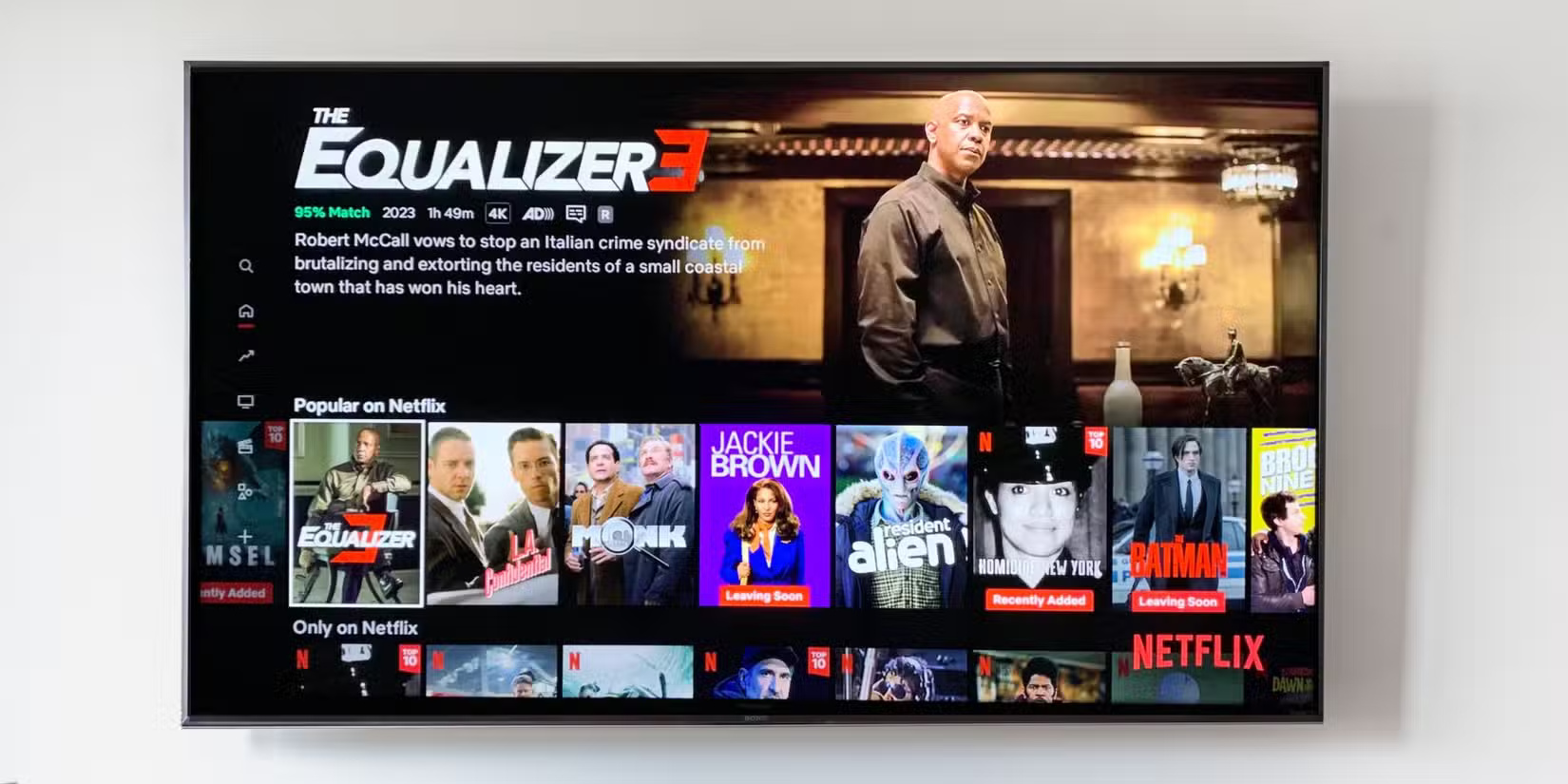
Streaming services have made Blu-ray players less necessary. Most major streaming platforms offer (depending on your plan) high-definition, 4K, and even HDR content if you know where to look. Thanks to technologies like Dolby Vision and HDR10+, streaming can provide picture quality that's on par with, or at least close to, what you'd get from a Blu-ray disc.
Many modern Smart TVs are compatible with external USB drives or network storage solutions if you own a Blu-ray disc collection. You can rip discs and store them digitally, allowing you to stream them directly to your TV.
Your Smart TV has the power to replace many gadgets and simplify your entertainment setup. From streaming devices and digital photo frames to game consoles and soundbars, it consolidates functions that previously required separate devices.
You can save money, reduce clutter, and enjoy a seamless experience by maximizing the potential of your Smart TV while dedicated gadgets still have a place for enthusiasts.
Final Thoughts
The most reliable way to handle smart TV can replace these 5 gadgets is to follow the process in order, verify each important setting, and test the result before moving on. Use the guidance above as a practical reference, then adjust the details for your device, software version, or specific goal.
FAQ
What should I know first about Smart TV Can Replace These 5 Gadgets?
Your living room is more cluttered than it needs to be.
How do I get the best results with Smart TV Can Replace These 5 Gadgets?
Use current software or equipment, follow the steps in order, review the recommended settings, and test one change at a time so you can identify what improves the result.
What should I do if Smart TV Can Replace These 5 Gadgets doesn't work as expected?
Check compatibility, permissions, connectivity, and version-specific settings. Restart the relevant device or app, then repeat the process carefully before trying a more advanced fix.
Related Articles
 17 Smart Gadgets on Smartphones Make Life Easier6 minutes read
 If You Have These Devices, You Don't Need to Buy a Smart TV Anymore6 minutes read
 Create Gadgets: Guide to Creating Gadgets in Windows 75 minutes read
 9 Awesome USB-C Gadgets You Didn't Know You Needed10 minutes read
 Smart Devices Shouldn't Cost Too Much7 minutes read
 Instructions for Using Gadgets, Gadgets on the Desktop3 minutes read
Reader Comments 0
Sign in with email or Google to join the discussion.