Table of Contents
An OLED monitor is often worth the extra cost for dark-room gaming, HDR video, or fast motion. If you spend most of the day reading text in a bright room or leaving static windows open, compare a good LCD or mini-LED monitor before buying.
Where OLED makes a visible difference
Dark scenes and contrast
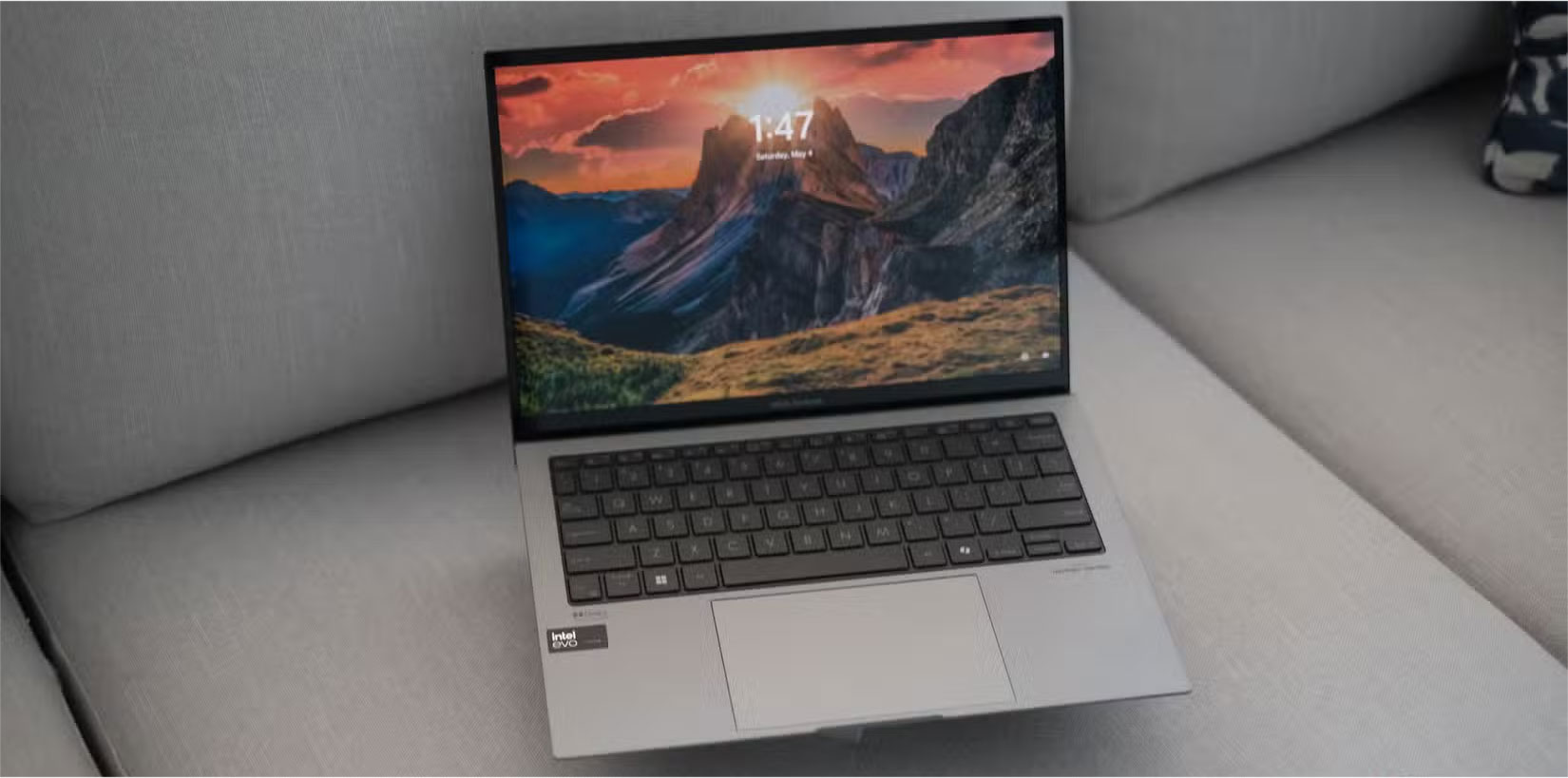
OLED pixels produce their own light and can switch off individually. That creates deep blacks around small bright details, without relying on a shared backlight or dimming zone. It’s most obvious in dark games and films. Color accuracy still depends on the panel, settings, and calibration.
Motion and viewing angles
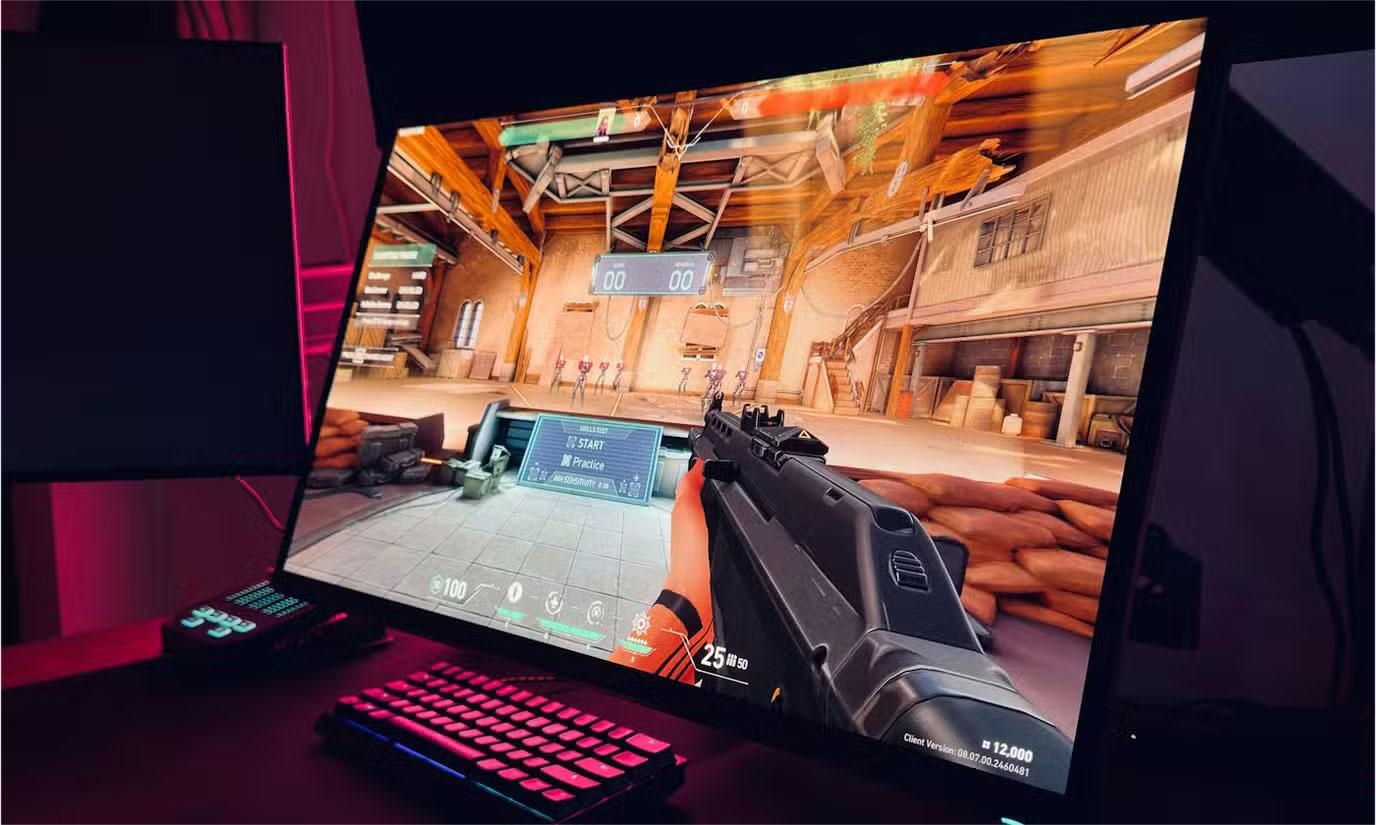
Fast pixel transitions can reduce smearing in games and scrolling. Refresh rate is a separate specification, so check how often the monitor updates at its advertised resolution and how well it works with your PC or console. Off-axis image quality is often good but varies across panels and coatings.
Where LCD may suit you better
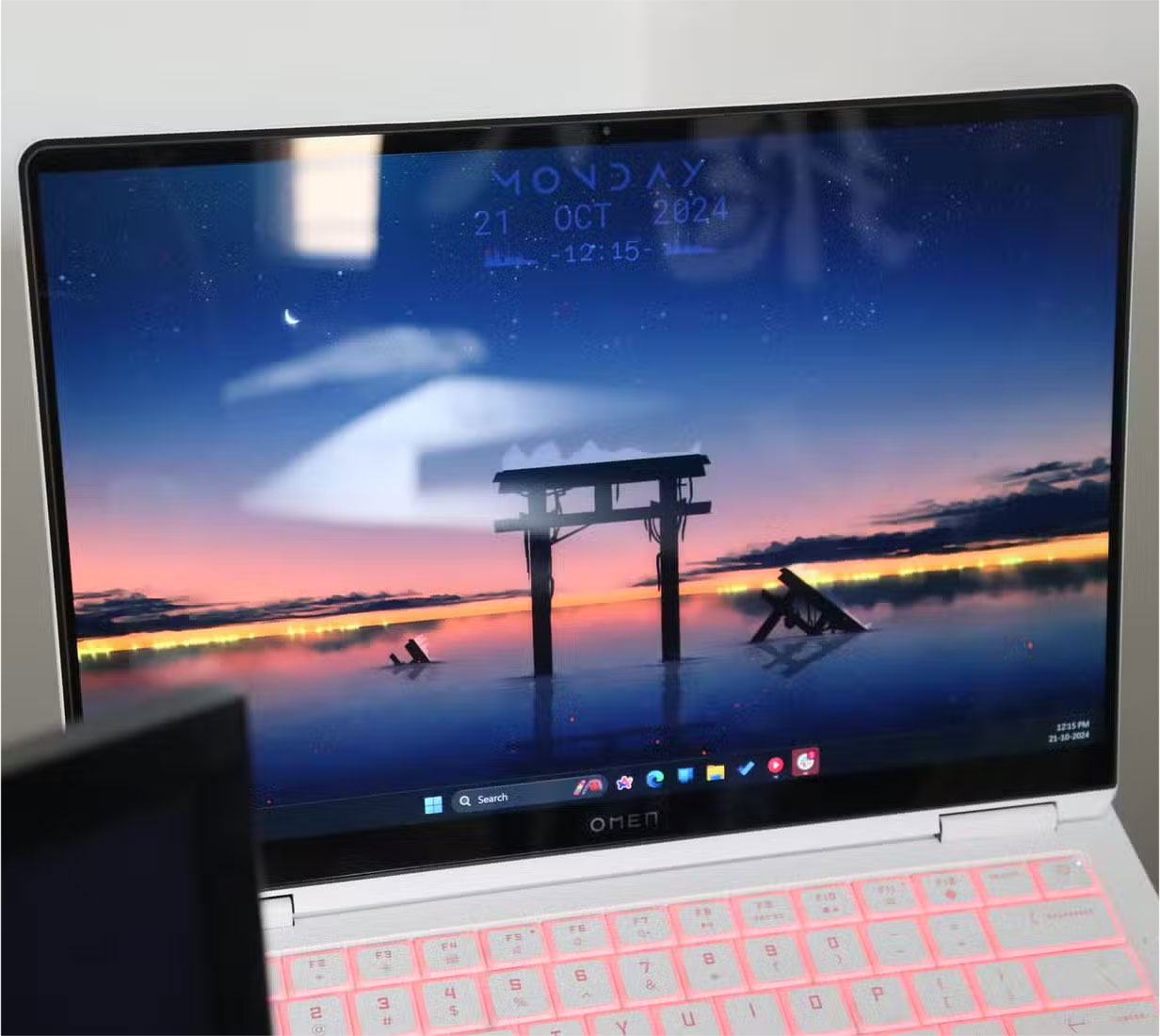
- Bright room: Compare reflections and sustained brightness, particularly on a mostly white screen. Brief HDR highlights and full-screen brightness are different measurements.
- Text work: Some OLED subpixel layouts can show color fringing on small text. Try the model at your normal viewing distance and scaling.
- Static interfaces: Repeatedly displaying the same bright elements can contribute to permanent image retention. Check the model’s burn-in warranty and panel care features.
On an OLED laptop, dark interfaces may reduce display energy use, especially at higher brightness. The actual battery savings depend on the content and the rest of the laptop. For a desktop monitor, prioritize readability, brightness, and the uses you spend the most time on. See the panel comparison from RTINGS for more detail.
Related Articles
 OLED burn-in: how it differs from image retention and how to reduce risk
 What is evo OLED panel? What's different from OLED?
 What is QD-OLED? Why is QD-OLED better than OLED or LCD TV?
 LG Display presents 65-inch scrollable OLED TV like paper
 Done, Samsung and LG will be the makers of OLED displays for the iPhone
 Samsung's new durable OLED screen passes the test of being hammered
Reader Comments 0
Sign in with email or Google to join the discussion.