Table of Contents
To get a good deal on a smart TV, compare the exact model number and total cost, including delivery. If your current TV’s picture is fine and only its apps are outdated, an HDMI streaming device may cost less than replacing the whole set.
Decide which features are worth paying for
Start with screen size, room brightness, and the devices you’ll connect. If you play console games, check whether the ports support the refresh rate your console uses. If you mainly stream movies and shows, verify app support. If apps are your only problem, see how to add streaming to a TV you already own.
Inspect a used TV before buying
Ask for the full model number and a demonstration with the set powered on. Display a plain light and dark image to look for defects. Test an HDMI input, the speakers, the remote, and Wi-Fi. Confirm the stand and screws are included if you need them.
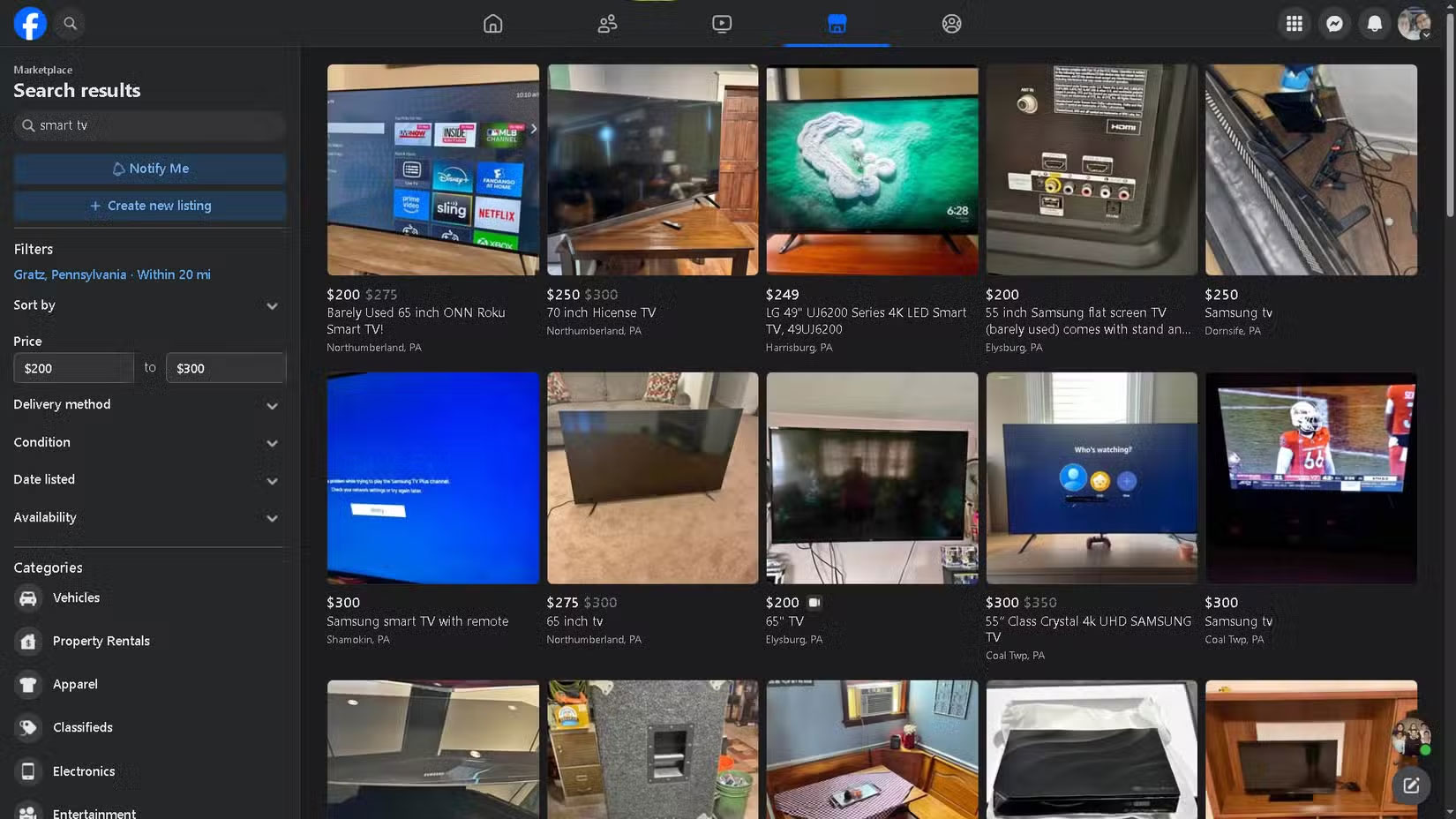
Check what open-box or clearance actually includes
Confirm the condition, return window, and warranty in writing. Ask whether it was a display unit and whether the manufacturer still supports the software. An older set can still be a good buy if the panel is sound and you plan to use an external streamer.
Compare the price for the same model
Use a shopping comparison service, then verify the seller and the exact model on the retailer’s page. Similar names can hide differences in panel size, features, or accessories. Compare tax, delivery, and any return shipping cost alongside the price.
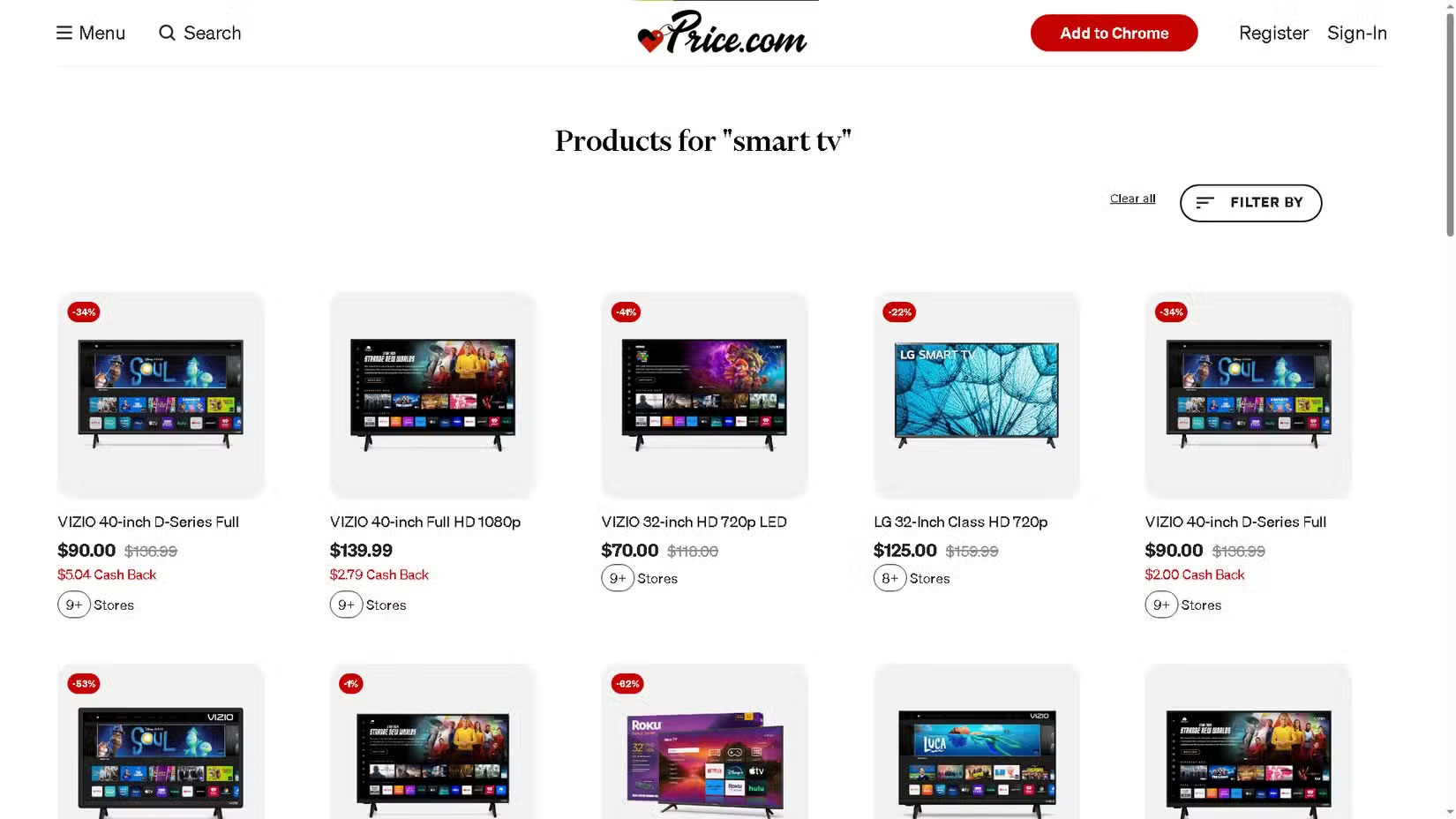
Set a target price before the sale
Track the model’s ordinary price and buy when the total reaches your budget. If a sale offers a different model, compare its specifications and return terms before ordering. For more setup and buying help, see the TipsMake television guides.
Related Articles
 Xiaomi Smart Band 8 Pro: Bigger screen, 14-day battery, price from 54 USD
 Some tips to see if your smart TV is really broken
 How to Speed Up a Slow Smart TV
 5 smart shopping tips that save you quite a bit of 'bullet' on Amazon
 6 reasons to use smart sanitary equipment
 14 beautiful tips or you will wish to price as much as you know sooner
Reader Comments 0
Sign in with email or Google to join the discussion.