Table of Contents
Before buying a budget 4K smart TV, check how well it displays HDR, which gaming signals its HDMI inputs accept, whether it runs your apps, and what audio it can send to your soundbar. If you mostly watch TV and stream shows, good picture quality and reliable apps are usually better places to put your budget than a 120 Hz panel or advanced audio passthrough.
1. Check HDR brightness, contrast, and glare
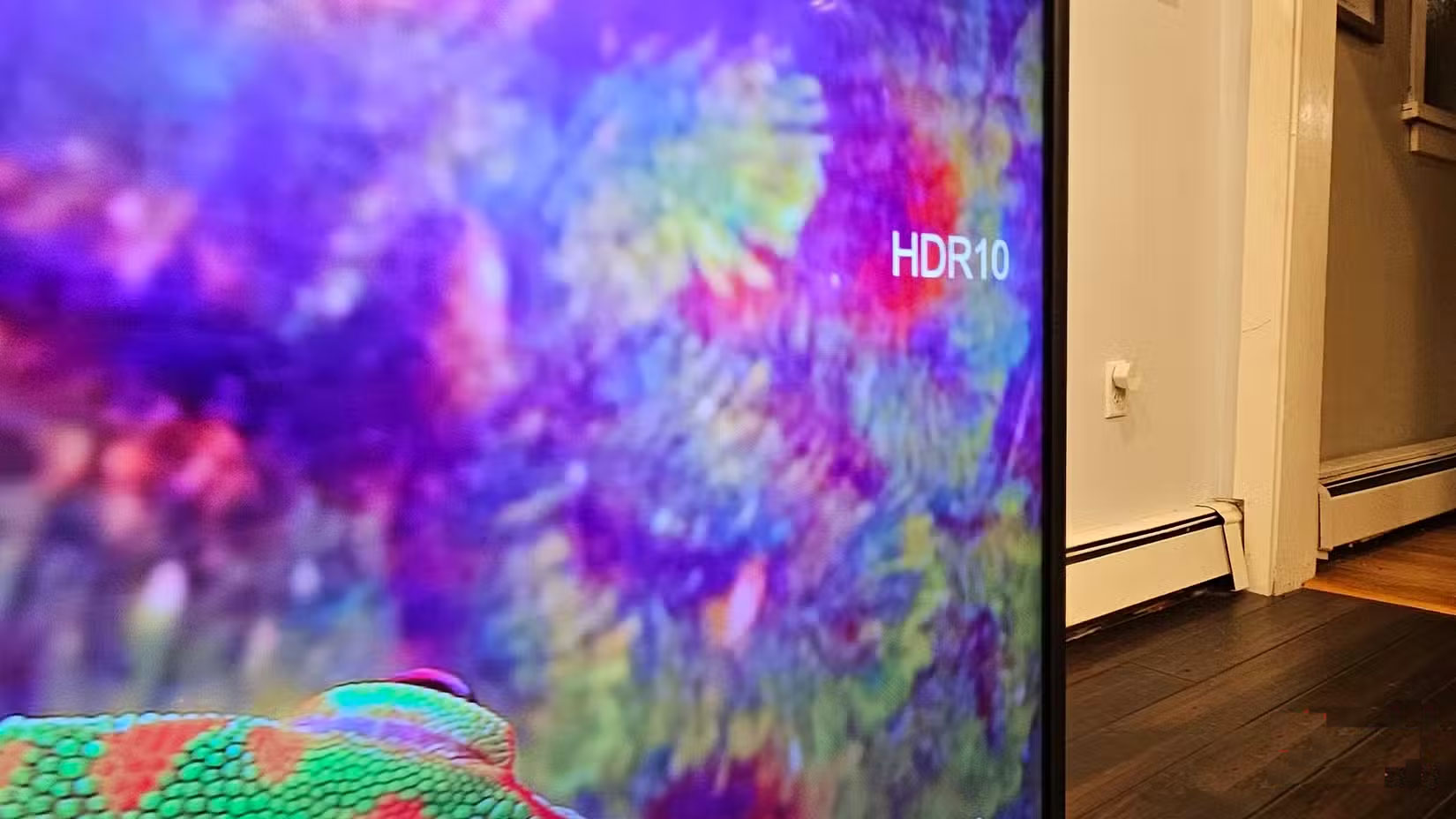
An HDR10 or Dolby Vision label tells you which HDR signal the TV can accept. Look at independent measurements of the exact model and screen size to find out how it actually looks. Peak brightness helps highlights stand out, contrast keeps dark scenes from looking washed out, and reflection handling matters if a window faces the screen. If you can see the TV in person, compare a dark movie scene and a bright HDR scene in a normal picture mode. See how brightness, contrast, and color affect HDR on budget TVs.
2. Match the HDMI inputs to your console or PC
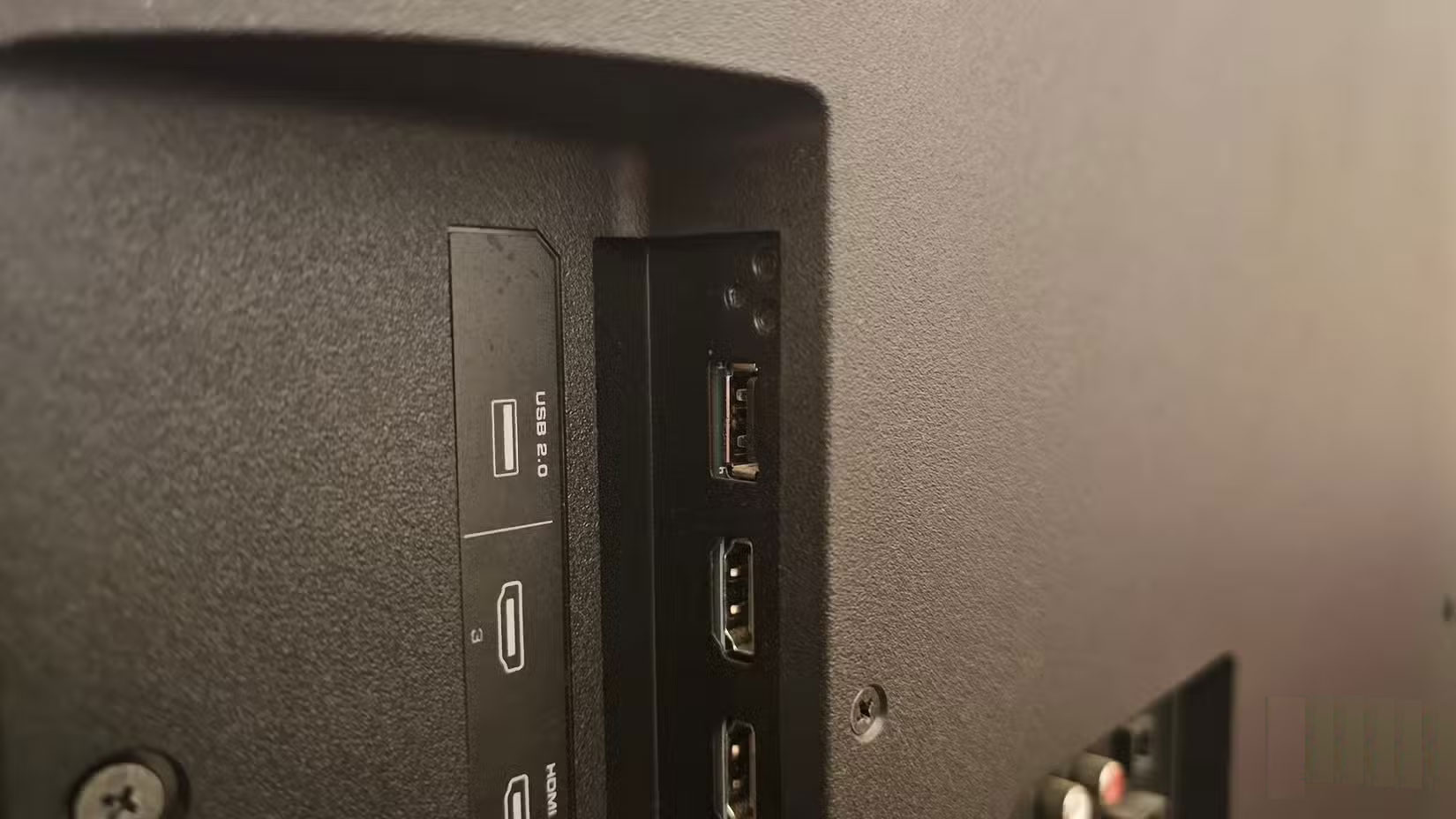
For streaming and games you play at 60 frames per second or below, a 60 Hz TV can be enough. If you want 120 Hz gaming in supported games, confirm that the panel is native 120 Hz and that an HDMI input accepts 4K at 120 Hz. A motion-smoothing label alone does not establish either. Variable refresh rate (VRR) can reduce tearing when frame rates fluctuate, while Game Mode can reduce input lag. They are separate features. Check whether the same input supports the combination you want, especially if other devices will also take up HDMI ports.
3. Confirm your streaming apps are available
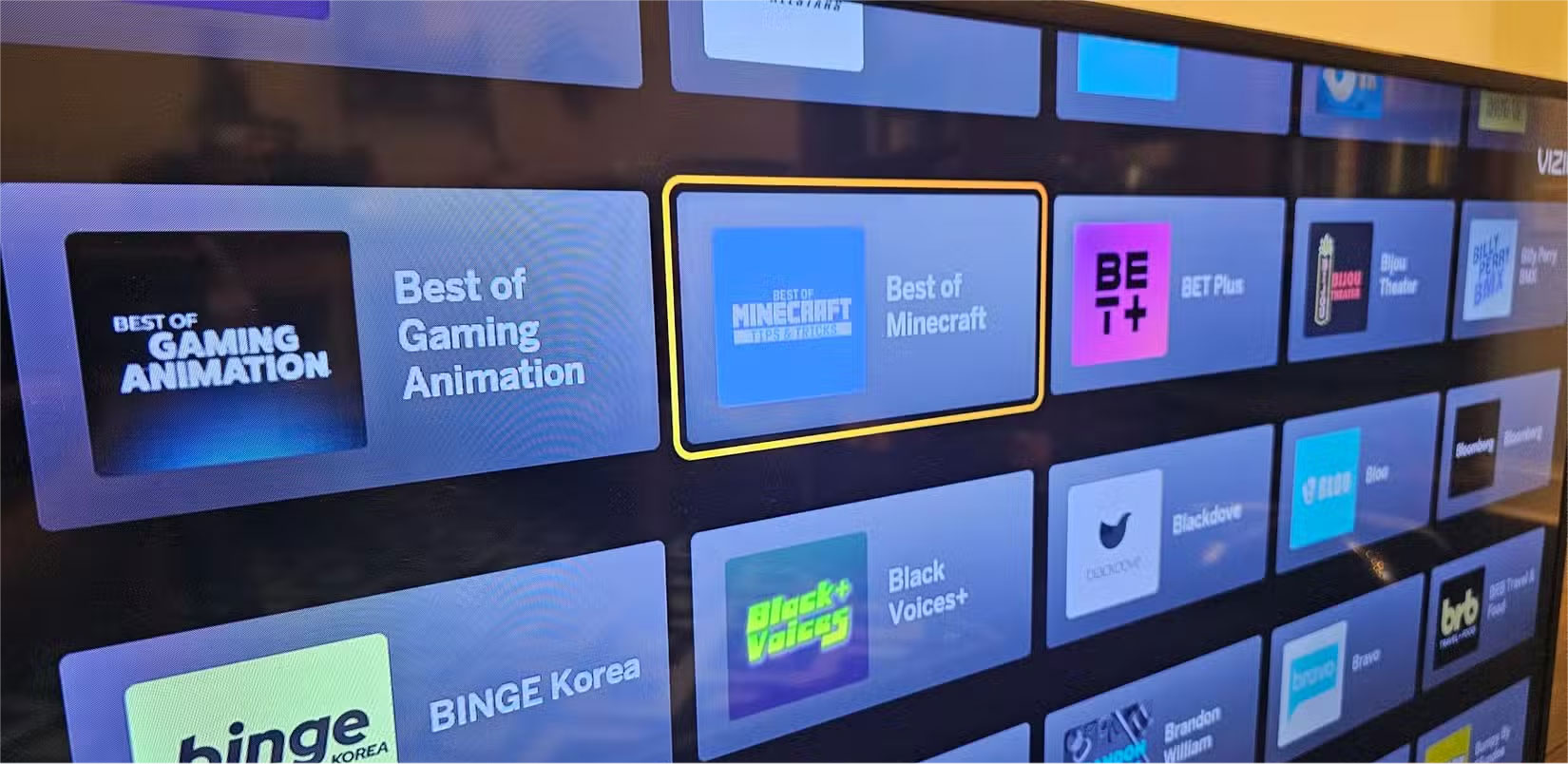
Check the TV platform’s app store for the services you use in your country before you buy. If you rely on a particular media player or need to install an app outside the official store, verify that separately. If you already have a streaming box that supports your apps, you can use it and focus your TV budget on picture quality and enough HDMI ports.
4. Check ARC or eARC for your audio setup
HDMI ARC sends TV audio back to a compatible soundbar or receiver through a labeled HDMI port. It can be enough for stereo or compatible compressed surround sound. Look for eARC if your setup needs the TV to pass through higher-bandwidth formats such as multichannel PCM or Dolby TrueHD. Check the formats supported by both the TV and the audio device, because the eARC label alone does not guarantee passthrough for every format. Learn how to find the HDMI ARC port on your TV, and see HDMI’s eARC format overview.






Reader Comments 0
Sign in with email or Google to join the discussion.