Table of Contents
This updated guide explains how to download star wars emoji for iPhone with clear steps, practical tips, and useful context. You will find many applications that support you to add emoji to use on iPhone, such as the Star Wars application. Users will own many emojis on the Star Wars theme to use for messages, or any content you want to use on iPhone.
How to Download Star Wars Emoji for iPhone
Step 1:
Download the Star Wars app for iPhone from the link below and install it as usual.
- Download Star Wars iPhone App
Step 2:
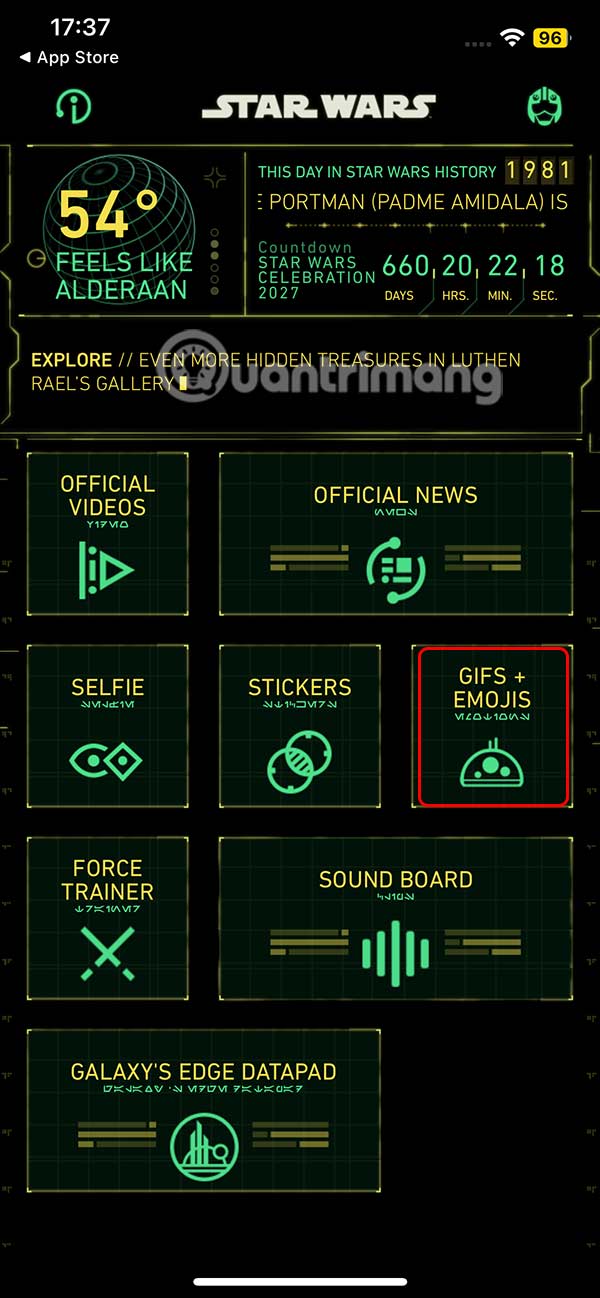
After you successfully install the Star Wars application, we select GIFS + EMOJIS to access.
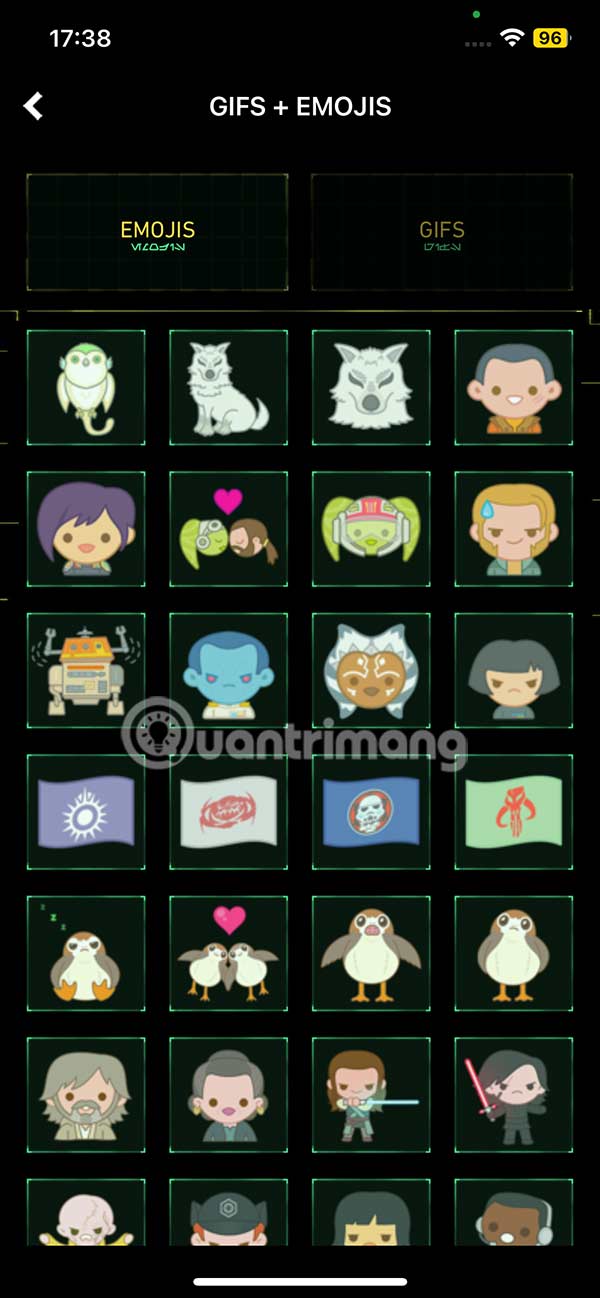
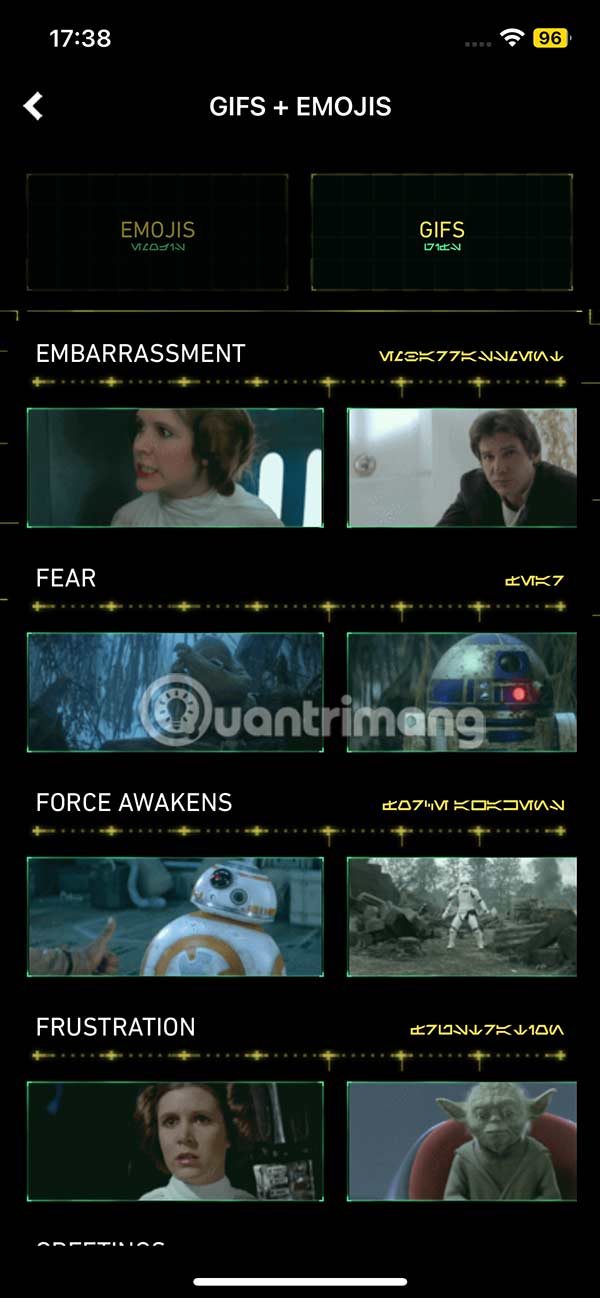
Now, the user will see the Gifs and Emoji interface for us to see the content inside. You select each item to select the emoji or Gif that you want to download to your phone.
Step 3:
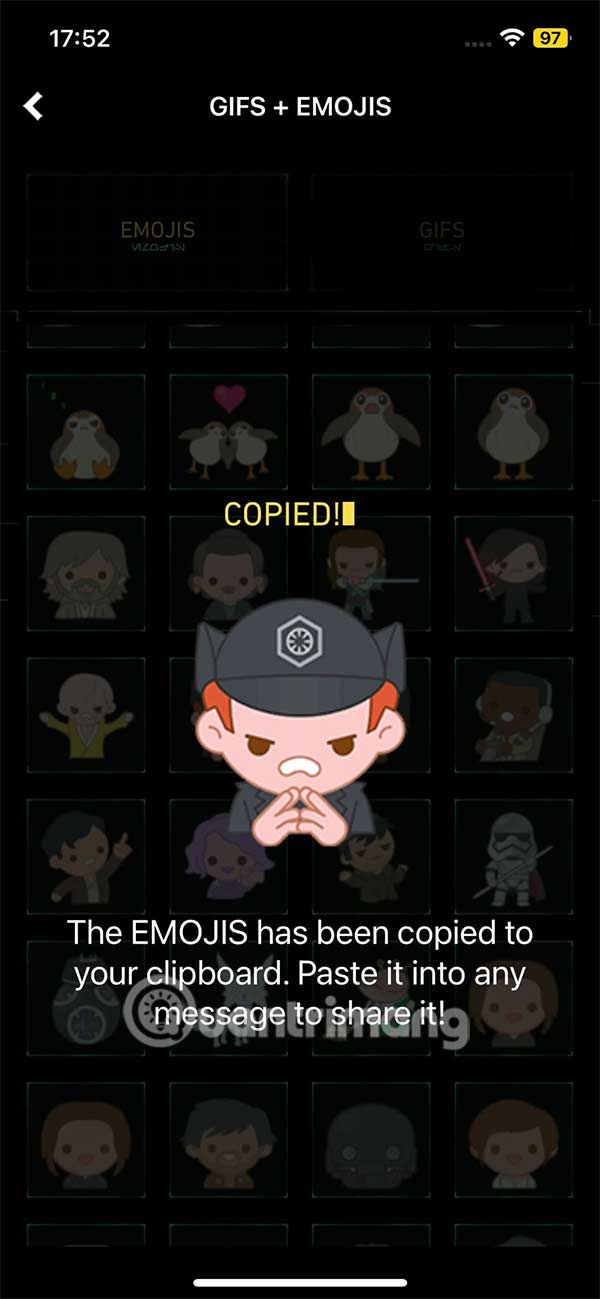
to use any emoji, just select it and the emoji will be immediately saved in the clipboard in iPhone so we can use it for any application you need.
Step 4:
Now open any app , like the Messages app on your iPhone , and then paste to send the Star Wars emoji.
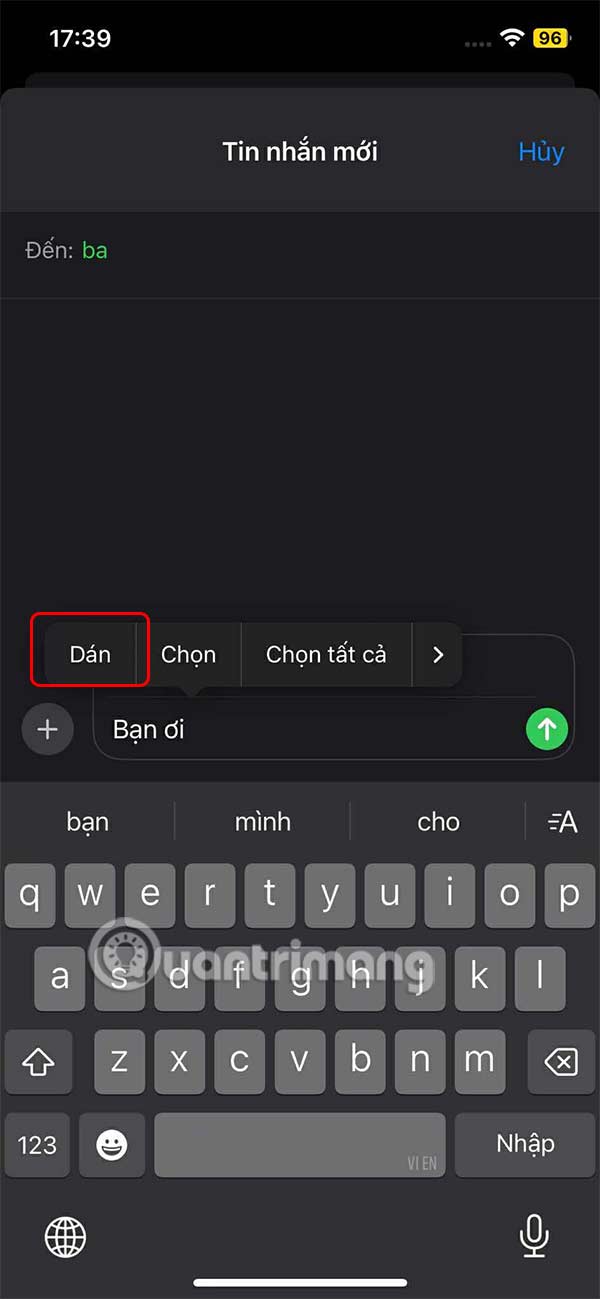
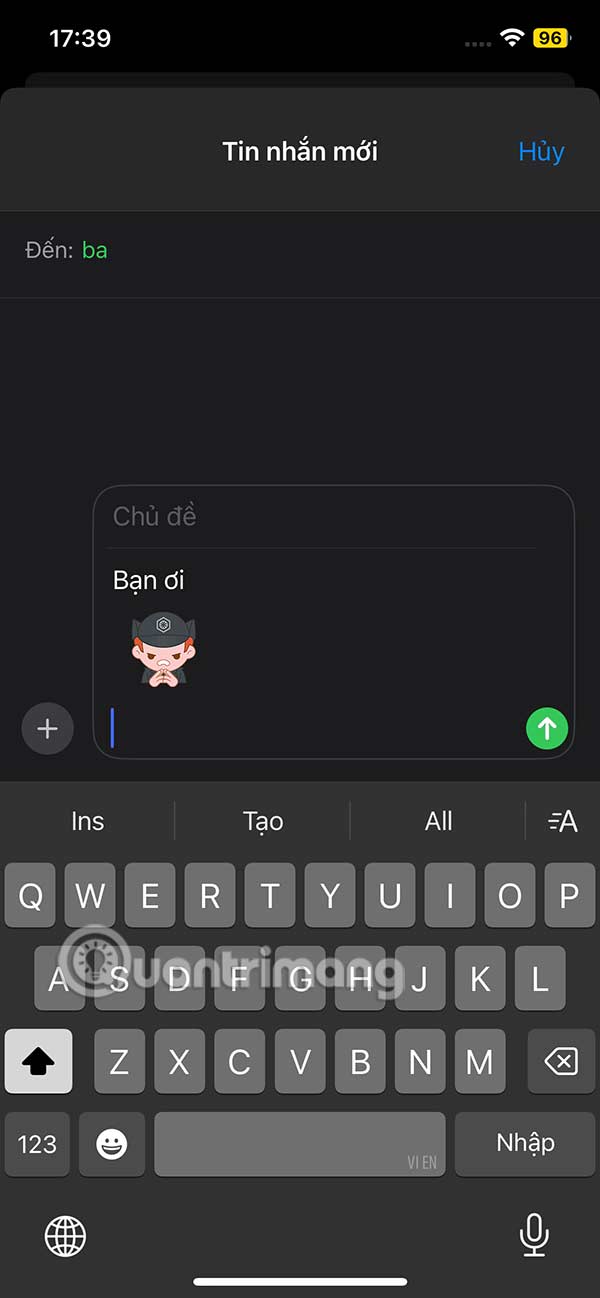
Or on the Messnger app you can paste and send emoji and you're done.

FAQ
What should I prepare before I download star wars emoji for iphone?
Review the requirements and options in the guide first. Having the correct device, app version, account access, or materials ready helps prevent avoidable errors.
How long does it take to download star wars emoji for iphone?
The time depends on the task and your setup. Most basic steps can be completed quickly, while downloads, updates, scans, or troubleshooting may take longer.
What should I do if the steps do not work?
Repeat the instructions in order, confirm that your software or device is supported, and check permissions, connectivity, and available updates before trying again.
Related Articles
 Star Wars Eclipse Release Date Has Been Pushed Back to 20273 minutes read
 How to Insert Star Wars Effect in Messenger4 minutes read
 How to Get a Star Wars Jedi: Survivor. Mount5 minutes read
 How to Watch Star Wars on Command Prompt: Step-by-Step Guide4 minutes read
 Transform Your Facebook Profile Picture in Star Wars Style2 minutes read
 How to Create Intro in PowerPoint Like Star Wars Movie8 minutes read
Reader Comments 0
Sign in with email or Google to join the discussion.