Table of Contents
The best Apple Watch app is one that makes a frequent task easier on your wrist. These eight options cover battery planning, voice notes, ring data, weather, login codes, workouts, sleep trends, and audiobooks. Some work independently for part of the task; others still depend on a paired iPhone, a subscription, or additional hardware.
You do not need an Ultra model for every app here. Check each current App Store listing for watchOS and iPhone requirements, regional availability, and payment terms before installing. For initial pairing, see TipsMake's Apple Watch setup guide.
1. Battery Grapher: estimate when to recharge
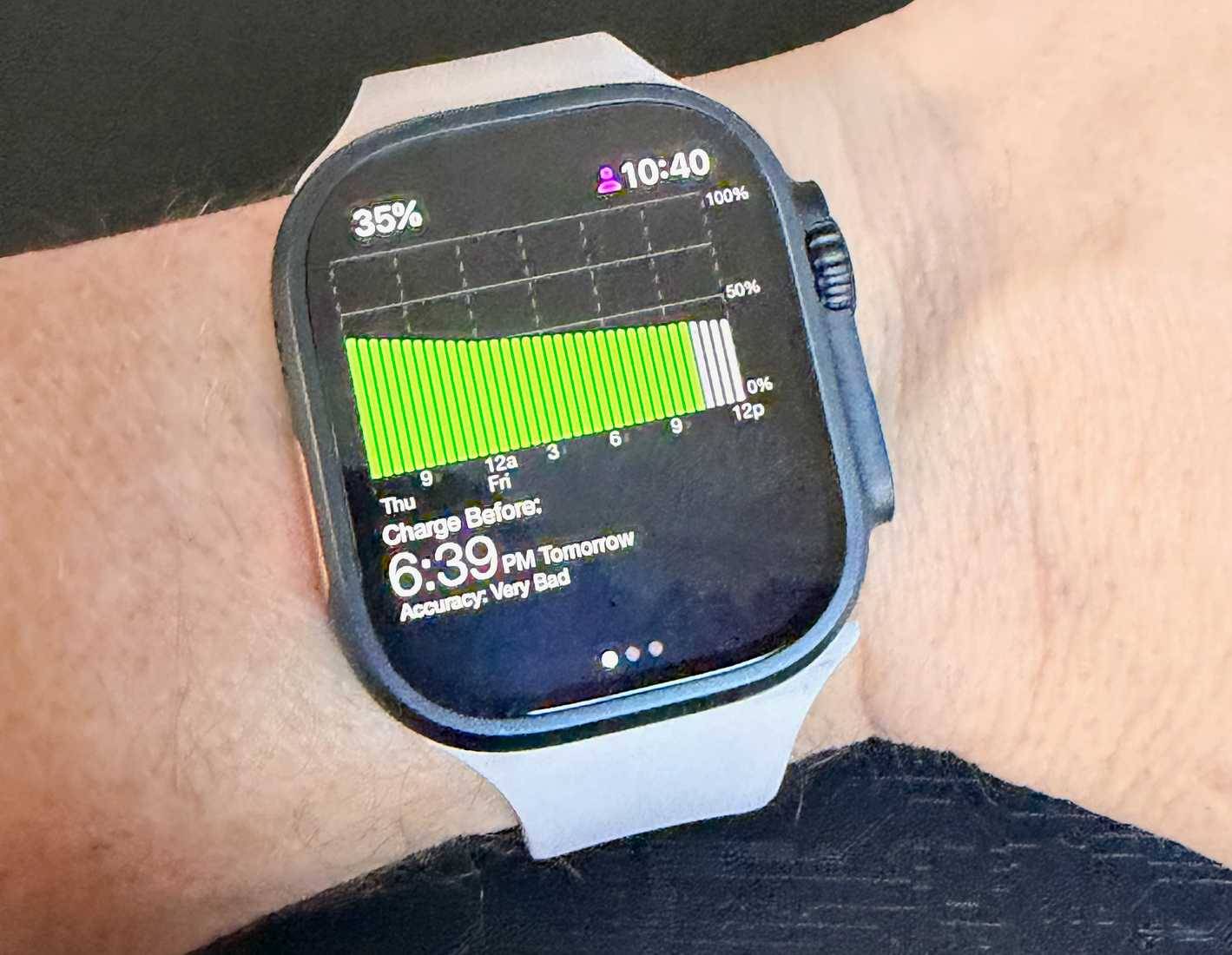
Battery Grapher records battery levels and uses your history to predict future charge levels. It is useful when you want to see whether a particular routine leaves enough charge for an evening activity or overnight sleep tracking.
Treat remaining-time estimates as predictions, not promises. A GPS workout, cellular use, or a change in routine can alter consumption. Let the app collect a representative history before drawing conclusions. It does not repair a worn battery or guarantee longer battery life.
2. Just Press Record: capture a voice note without your phone
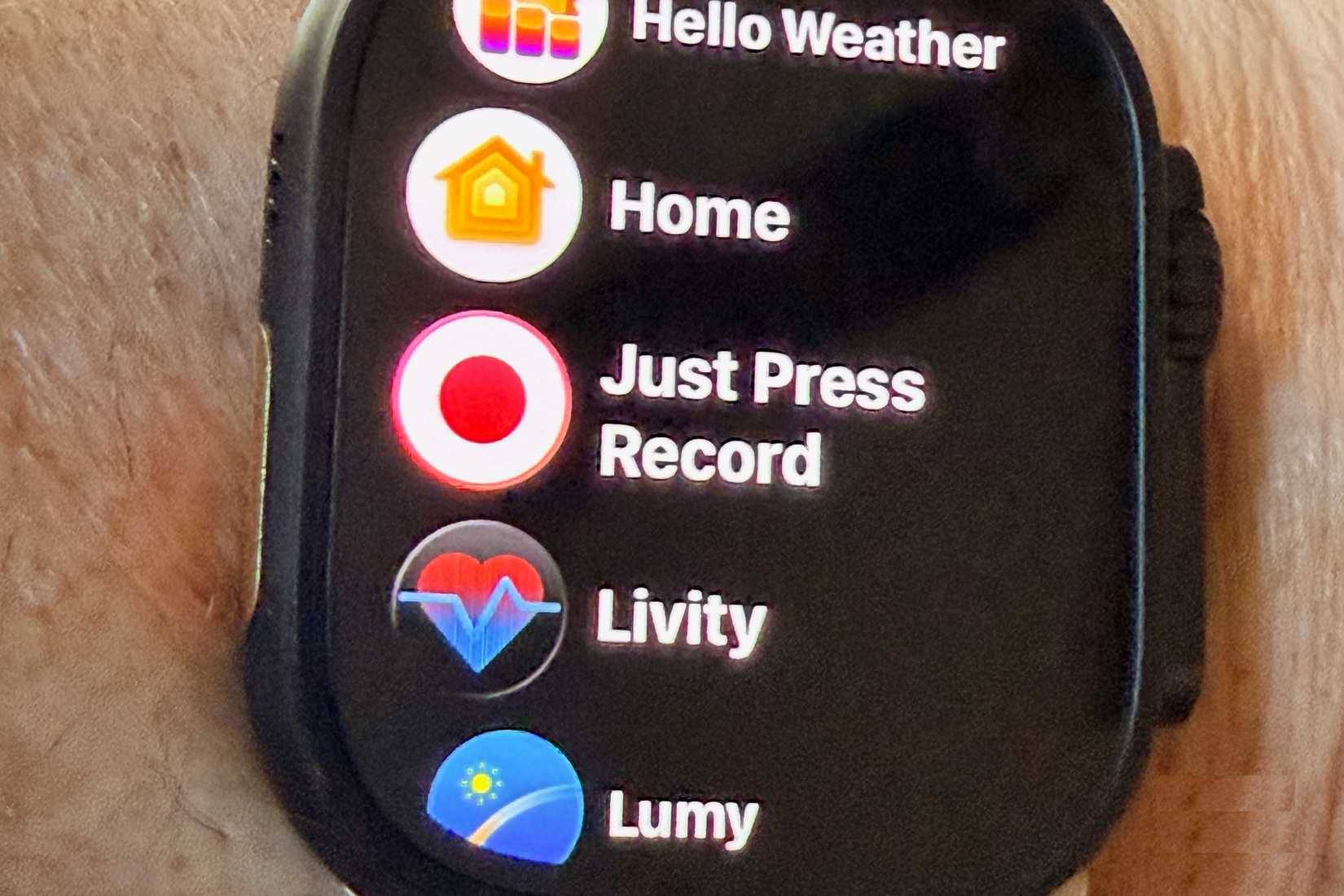
Just Press Record by Open Planet Software uses the watch's microphone to record audio, including when the iPhone is not nearby. The recording transfers to the paired iPhone later for transcription and optional iCloud syncing.
This is useful for a spoken idea, rehearsal, or a short note while your hands are occupied. It is not a remote control for the iPhone's recorder, and the watch app itself does not create transcripts. Clear audio matters; review any transcription for mistakes. The app does not record phone calls or audio from other apps. Obtain appropriate consent before recording other people.
3. Oura: glance at data from an Oura Ring
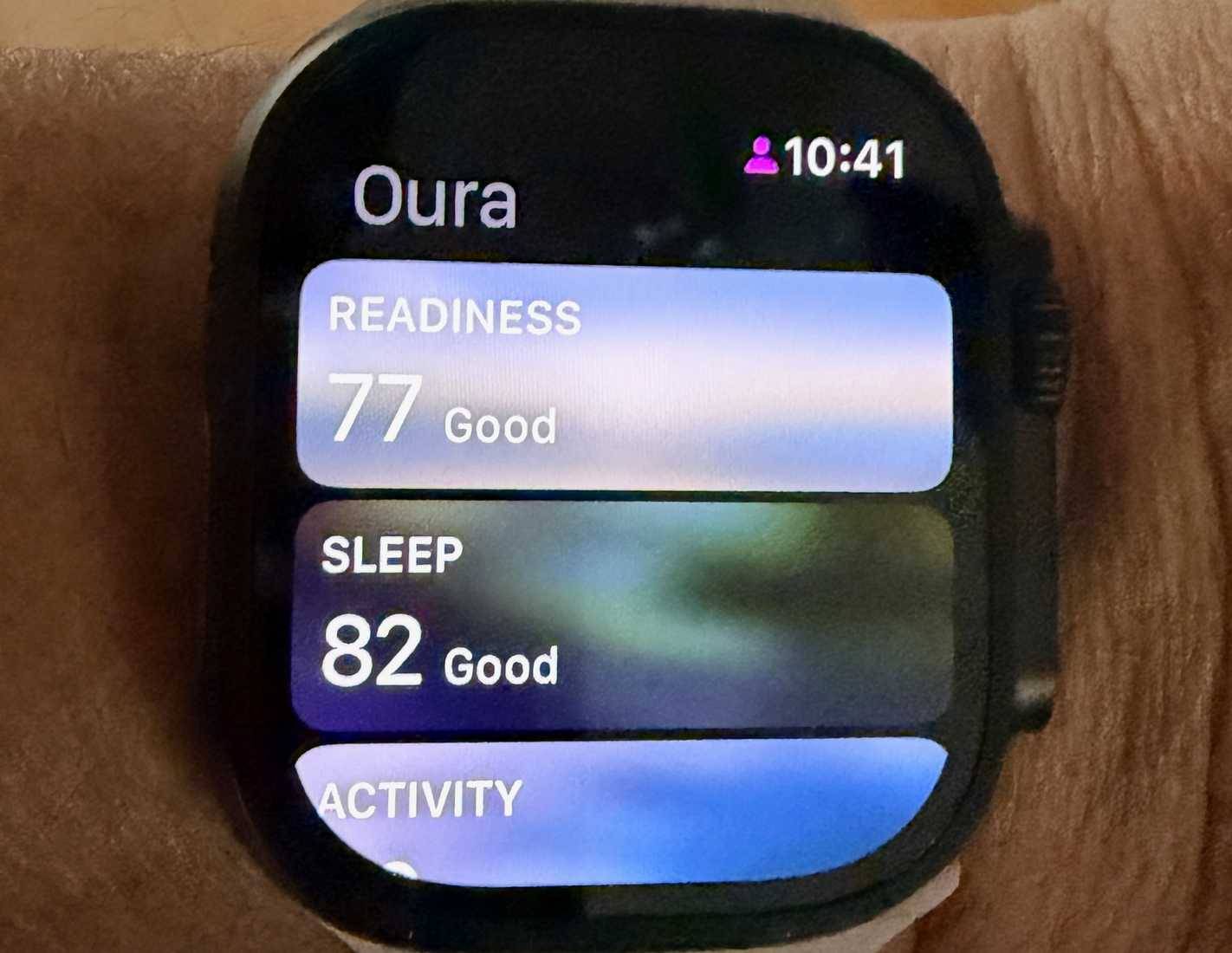
Oura's watch companion displays information such as Sleep, Readiness, and Activity scores and the ring's battery level. It is useful primarily if you already use an Oura Ring; installing it does not give an Apple Watch all of the ring's measurements.
The watch app mirrors data sent through the Oura iPhone app. It does not connect directly to the ring or update every metric in real time. Open the iPhone app and sync the ring when scores appear stale or missing. Membership requirements depend on the ring generation. The Oura companion-app guide lists requirements and available controls.
4. Hello Weather: readable forecasts and complications
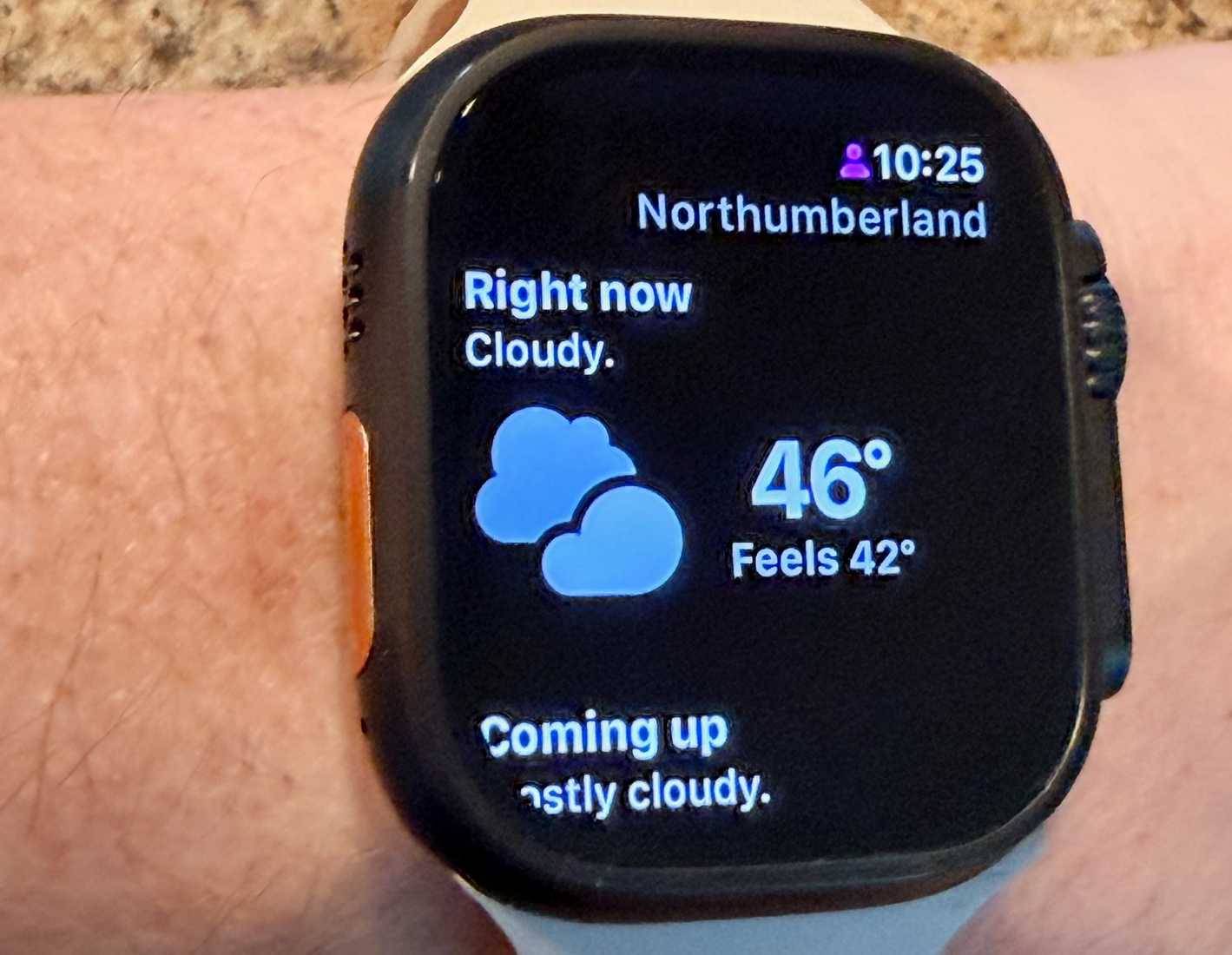
Hello Weather's Pro features include its Apple Watch app and complications, with current, hourly, and weekly forecasts. It is an option when you want weather information arranged differently from Apple's built-in Weather app.
The watch uses the location and forecast source selected on the phone. Automatic location updates require the appropriate location permission. If a complication is stale, first open the watch app to refresh it; the developer's watch troubleshooting page explains synchronization. Check the paid plan before assuming the free iPhone download includes the watch features.
5. Proton Authenticator: access two-factor codes
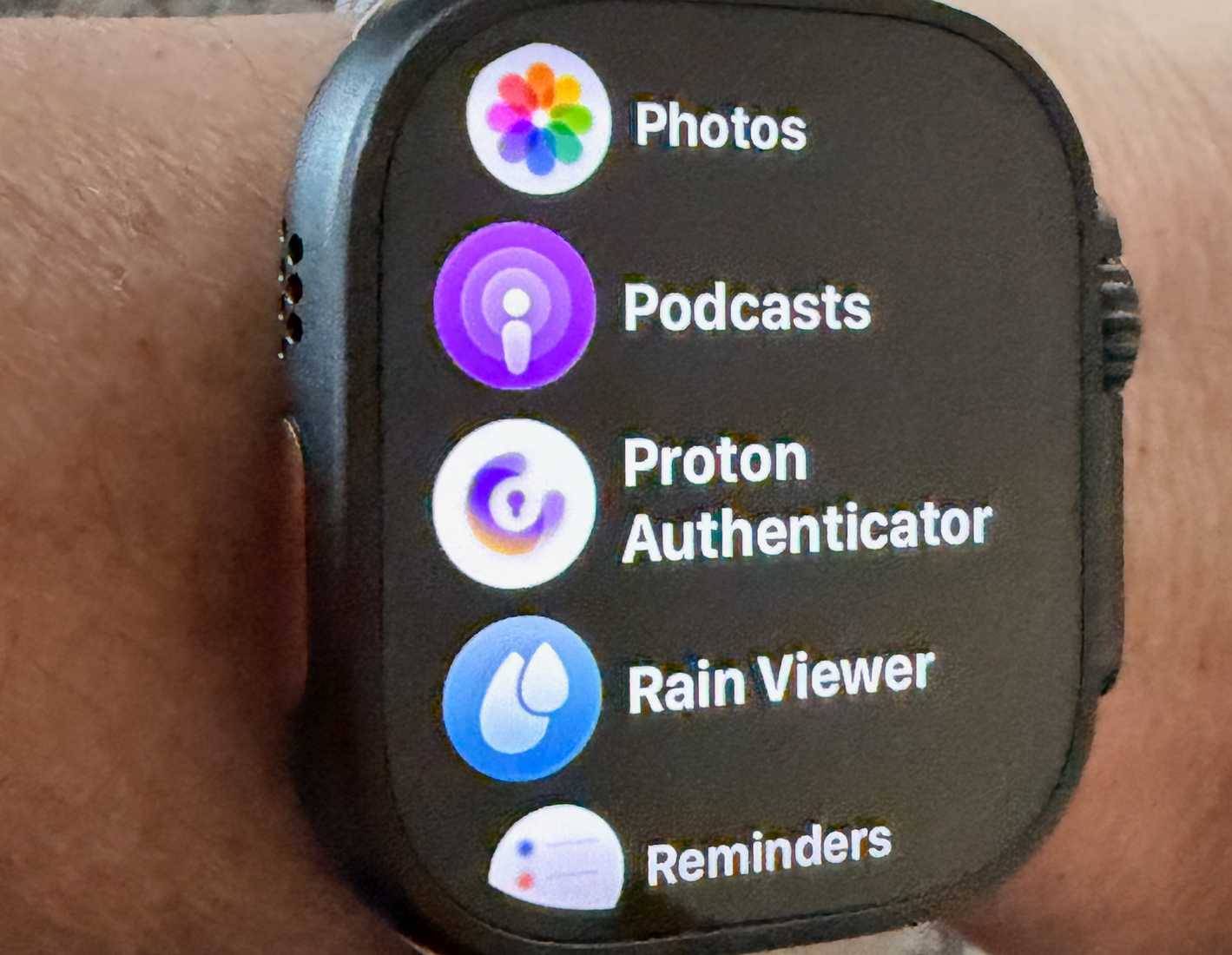
Proton Authenticator is a standalone authenticator with Apple Watch support. It can make checking an account's time-based login code more convenient after you configure the account's two-factor authentication.
Adding a code to an app is not enough unless the account's own security setup has been completed and verified. Keep recovery codes or another approved recovery method separately from the devices holding your authenticator. TipsMake explains how to enable and test MFA and prepare account recovery.
One-time codes can still be stolen through phishing. Use them only on the correct service, and protect the watch with a passcode and wrist detection.
6. Gentler Streak: workout tracking with room for rest
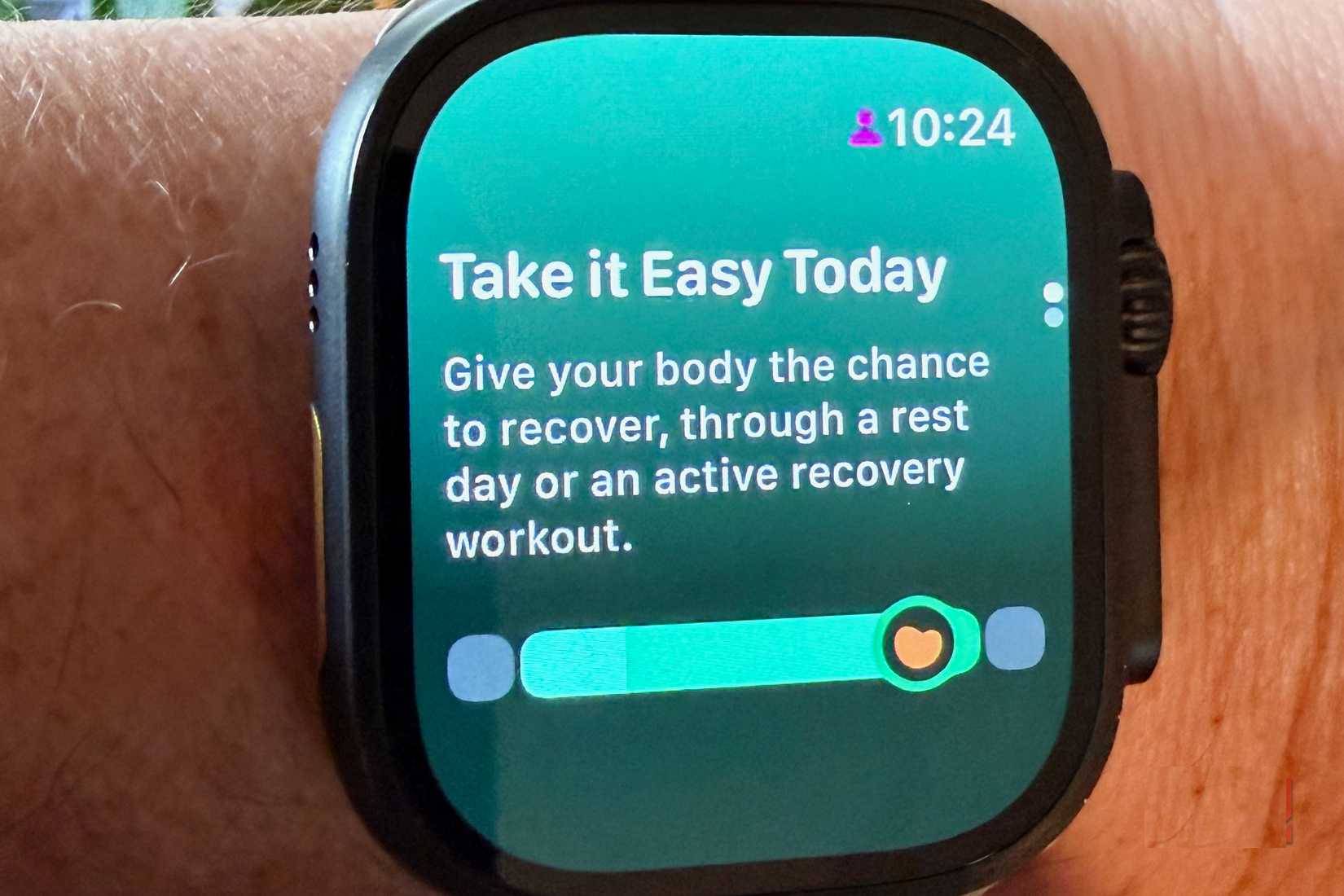
Gentler Streak tracks workouts and offers suggestions based on its interpretation of your recent activity. Its Go Gentler recommendations can include different durations and intensities, making it useful for someone who wants a less rigid approach than closing activity rings every day.
The watch app provides live workout metrics and controls. You can adjust the suggested session rather than following it automatically. Review the developer's watch interface guide and current Premium terms to see which features are included.
Readiness and training guidance are estimates. They do not assess every illness or injury, so do not let an app's recommendation override symptoms or professional advice.
7. AutoSleep: inspect sleep patterns over time
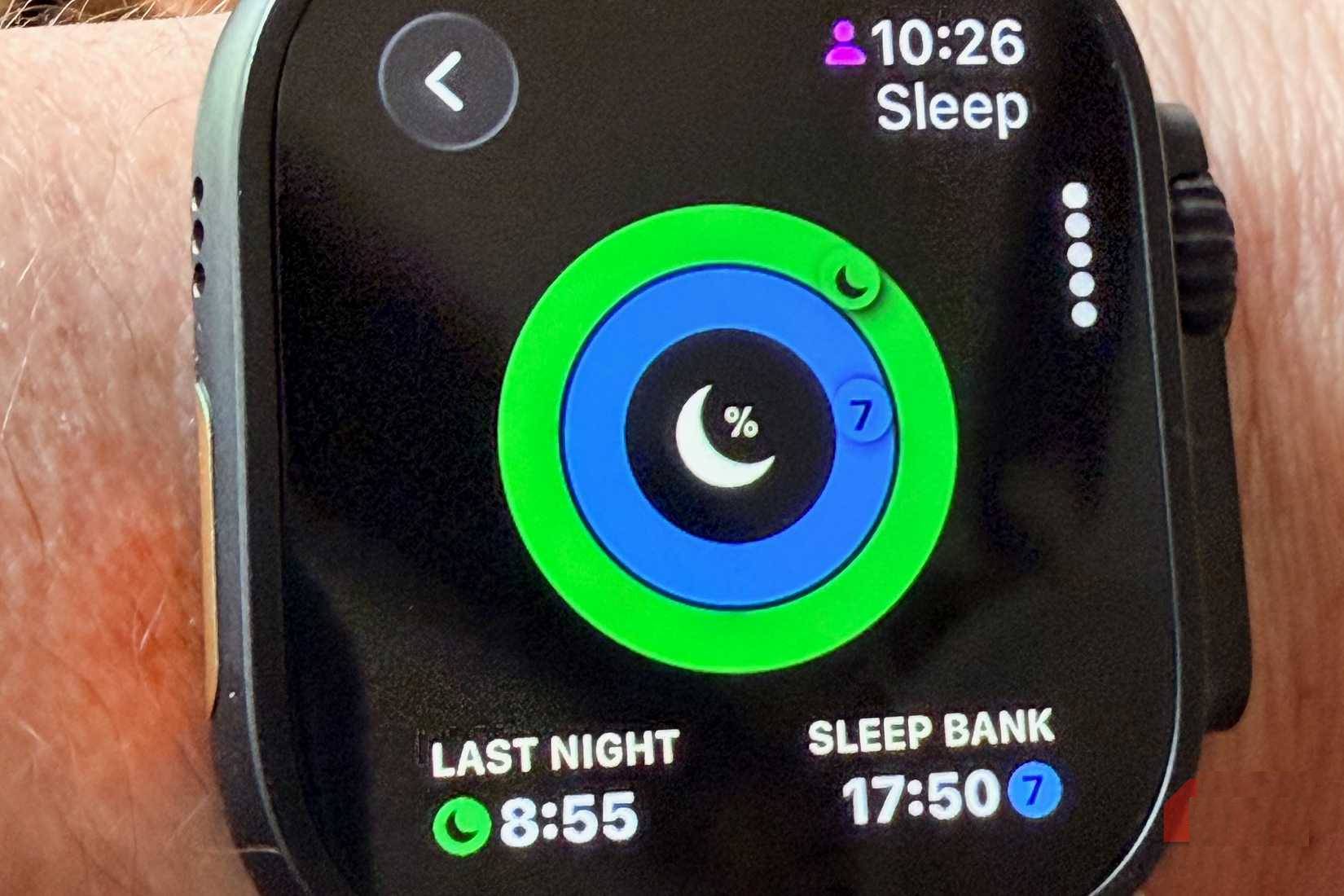
AutoSleep estimates sleep from compatible watch data and provides history, charts, and configurable views. It can help you compare bedtime consistency and estimated sleep duration across several nights.
Wear the watch with enough charge, check health-data permissions, and review entries that do not match your experience. It can also work without a watch in a more limited way; the richer measurements depend on compatible hardware and available data.
Sleep stages, quality scores, and other inferred metrics are not a clinical sleep study. Compare it with the built-in Sleep app before buying another tool, and seek medical advice for persistent sleep problems rather than treating a score as a diagnosis.
8. Audible: download audiobooks for phone-free listening
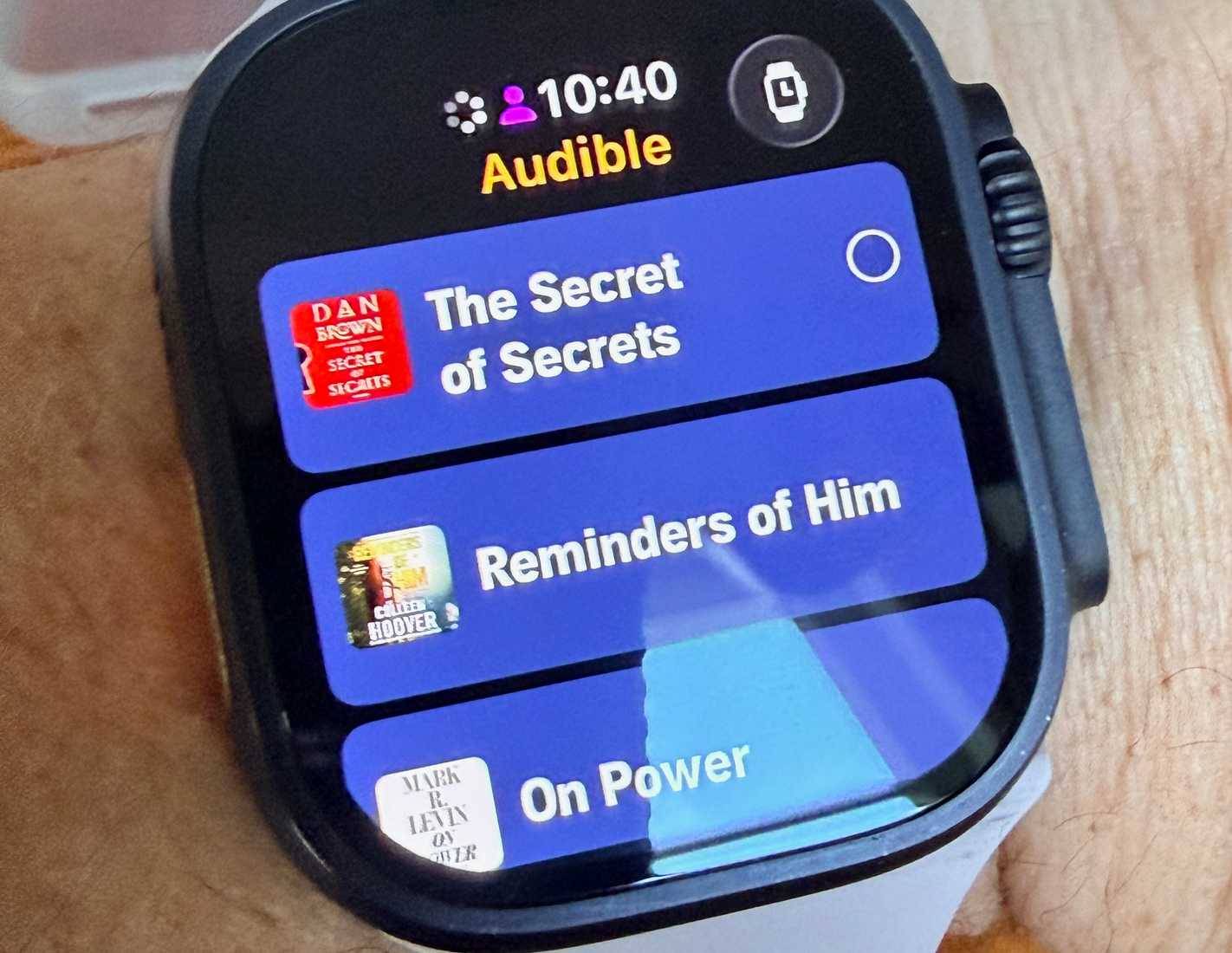
Audible's watch app can download eligible titles for offline listening or stream them over an available data connection. You need an Audible account with a title in its library and compatible watch software.
Pair Bluetooth headphones, open the app, select a title, and confirm its download finishes before leaving your phone or network behind. If it only streams, check the player's More > Data & Storage setting for stream-and-download options. Follow Audible's Apple Watch instructions for the current interface.
Offline downloads do not need a cellular watch. Streaming away from the phone does need a suitable connection and can use battery and mobile data. Current Audible guidance calls for Bluetooth headphones, so do not assume the watch's speaker is supported for this app.
Choose one app for one clear need
Start with the task you repeat most often, compare the app with the watch's built-in alternative, and try its workflow before adding more complications or background services. Check phone dependence and downloads while still at home; an installed watch icon does not guarantee every feature works offline.
Related Articles
 How to update Apple Watch to watchOS 6
 watchOS 9 is available, users can download it immediately
 Check out the redesigned Apple apps in watchOS 10
 upgrading to WatchOS 10.1 for Apple Watch
 watchOS 9 launched: More new watch face options, additional heart rhythm monitoring feature
 Apple releases watchOS 7.3: More Unity watch faces
Reader Comments 0
Sign in with email or Google to join the discussion.