Table of Contents
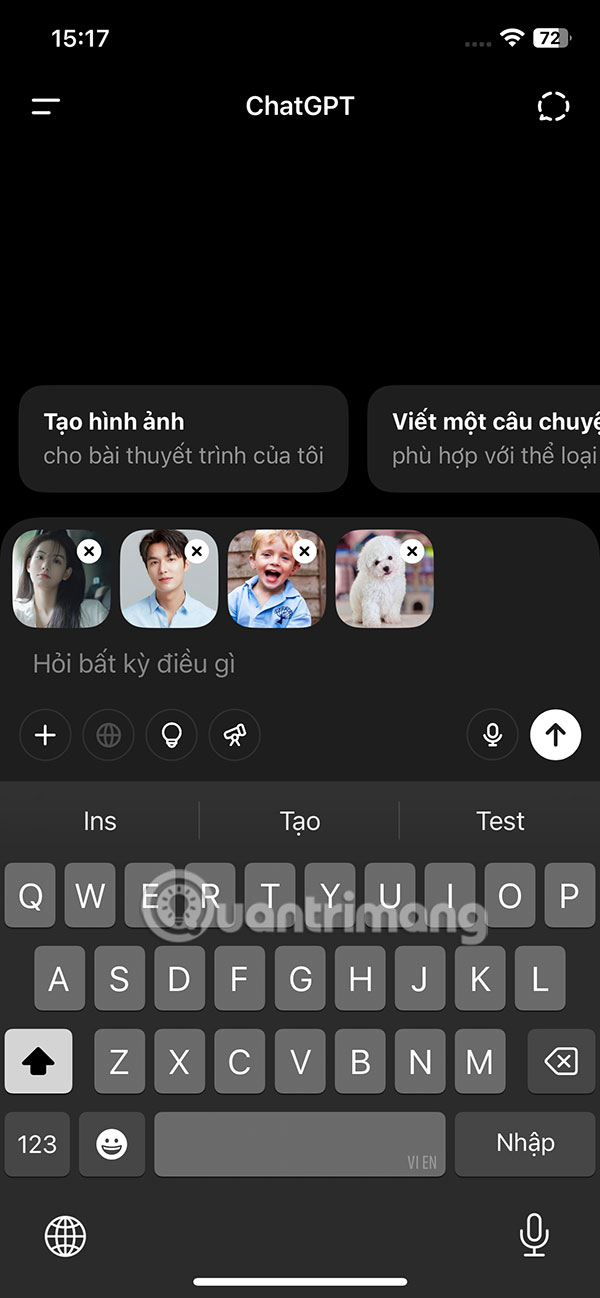
Upload a clear photo of each person to ChatGPT, identify who is in each photo, and ask for one illustrated group portrait. Specify the arrangement and the details you want to keep so you can check the result person by person.
Upload and label the reference photos
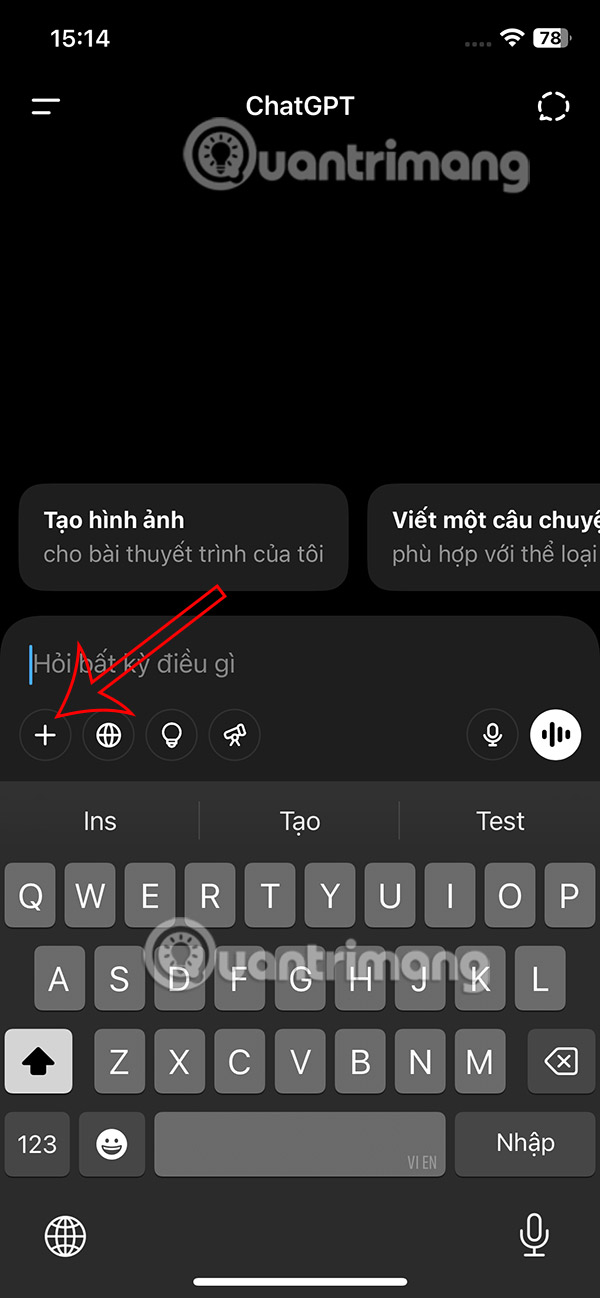
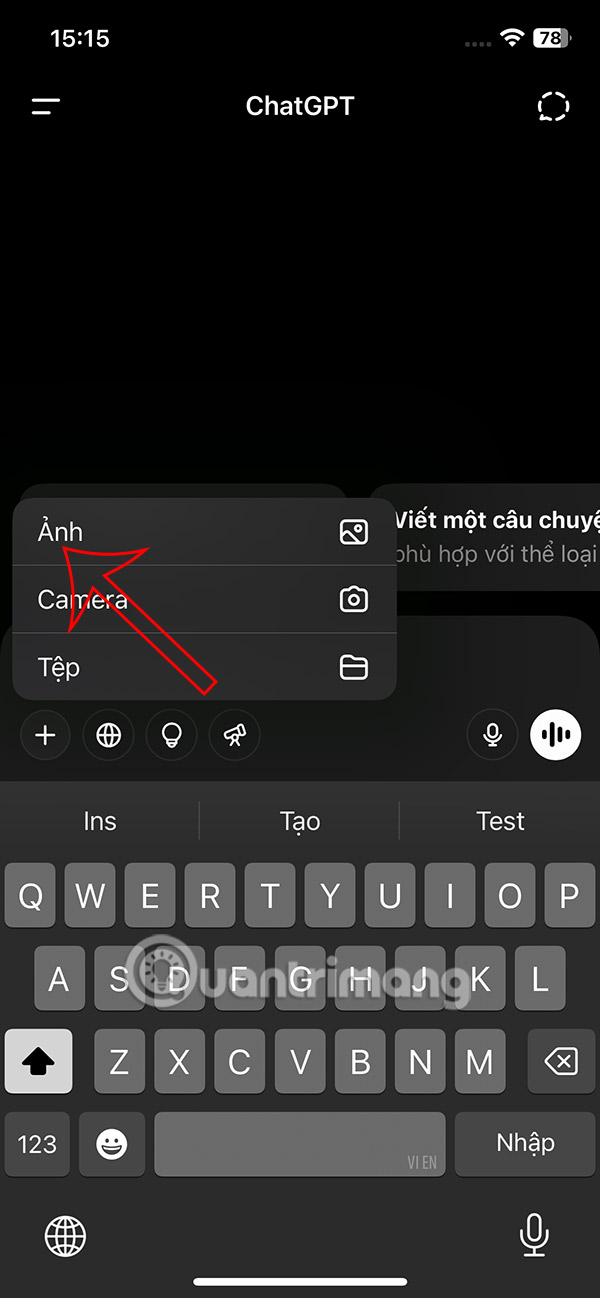
Use the attachment control beside the message box and select your photos. Choose references where faces are easy to see. In your message, label them by upload order, such as “Photo 1 is Grandma and photo 2 is Alex.” Upload images you have permission to use and crop out any background details you don’t want to share.
Ask for one group portrait
Choose a style, setting, and aspect ratio. Try this prompt and replace the names and details with yours:
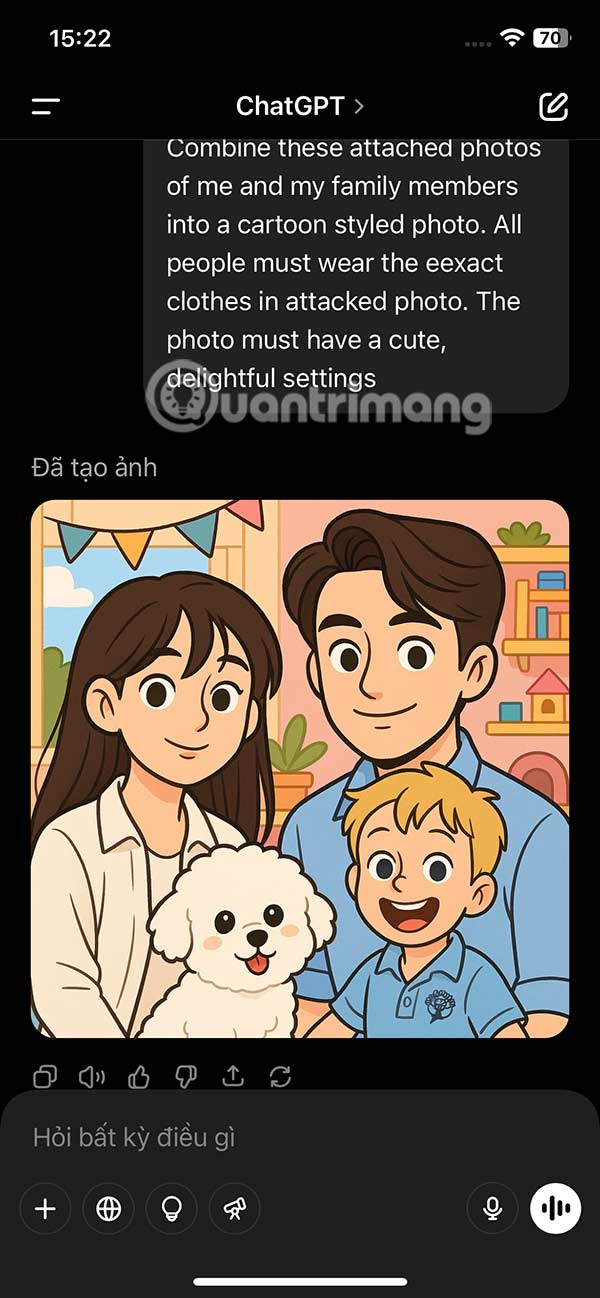
Create one landscape family portrait in a cheerful illustrated storybook style. Use photos 1–3 as references and include each person exactly once. Put Grandma in the center, Alex on the left, and Sam on the right. Keep their hairstyles, glasses, and clothing colors recognizable. Use a simple garden background with room around the group. Leave out text and extra people.
Check the faces, clothing, and composition
Count the people and check for swapped outfits, missing glasses, or faces that look too similar. Ask for one targeted fix, such as “Restore Sam’s round glasses and leave the rest of the picture as it is.” If the image editor offers a selection tool, select the area you want to change, then review the entire portrait after the edit.
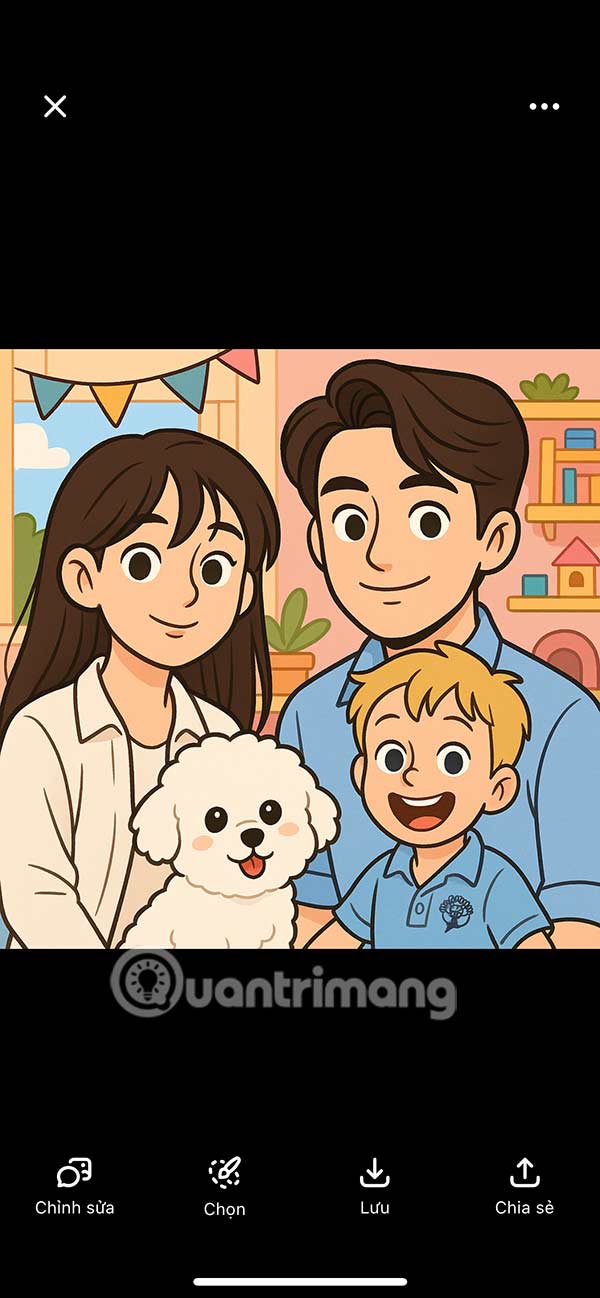
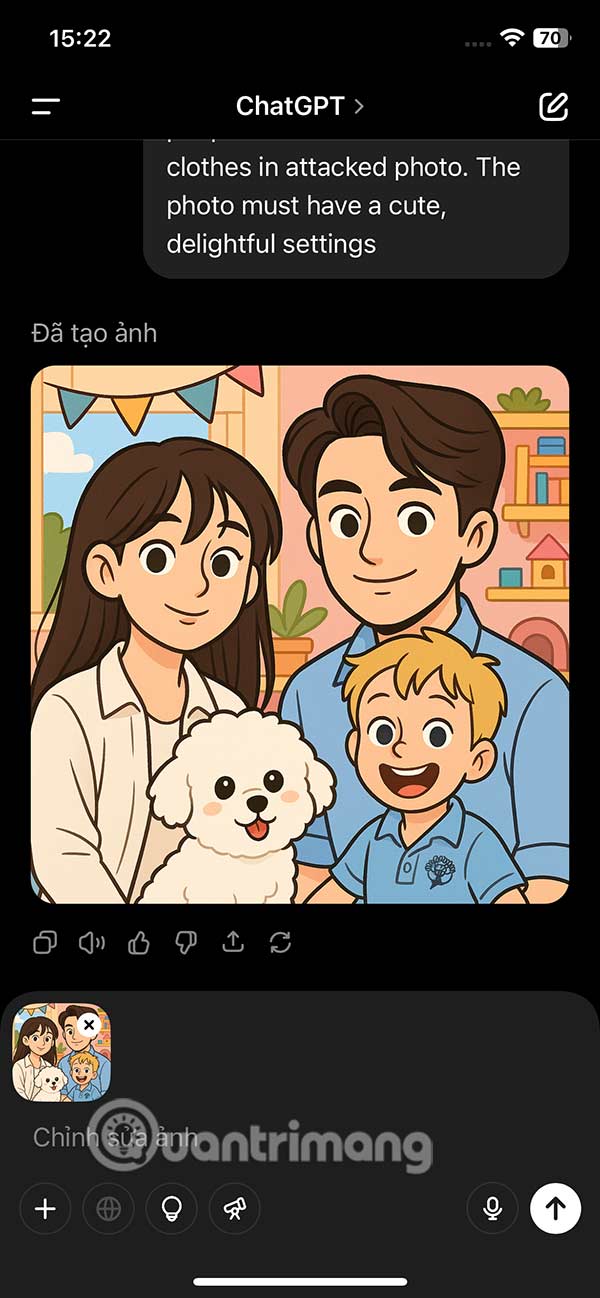
Try a different illustration style
Keep the family details and replace only the style instruction. For example, try “small, rounded cartoon figures with simple expressions” or “blocky toy-like characters with bright colors.” Compare the results at the size you plan to print or share.
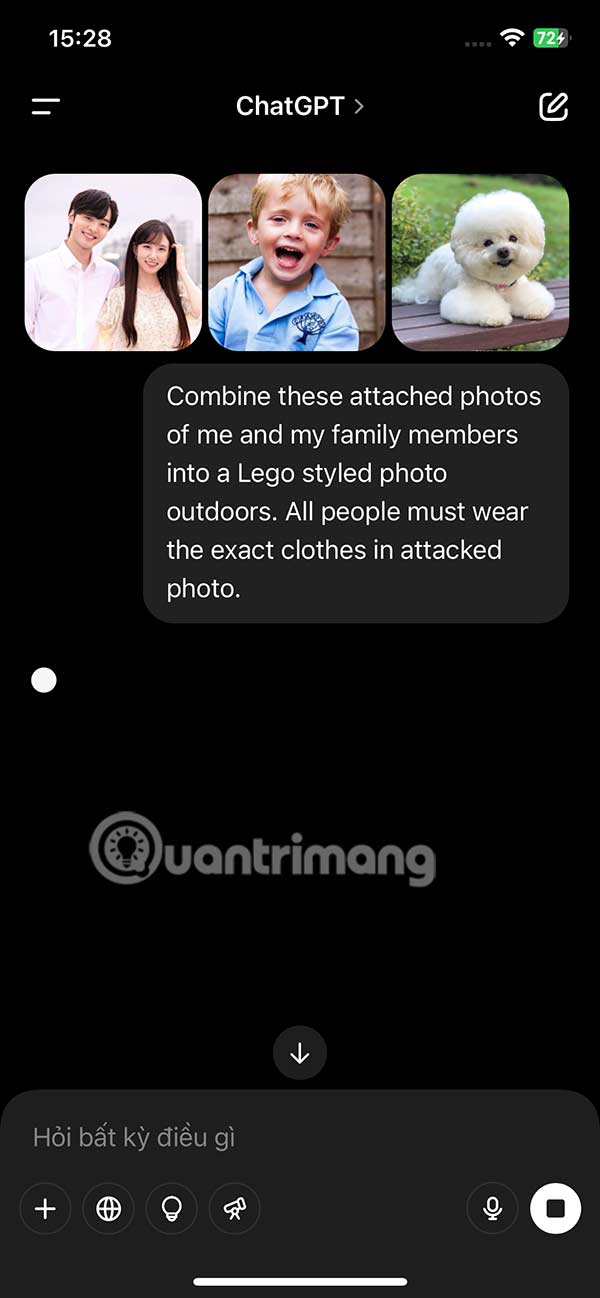
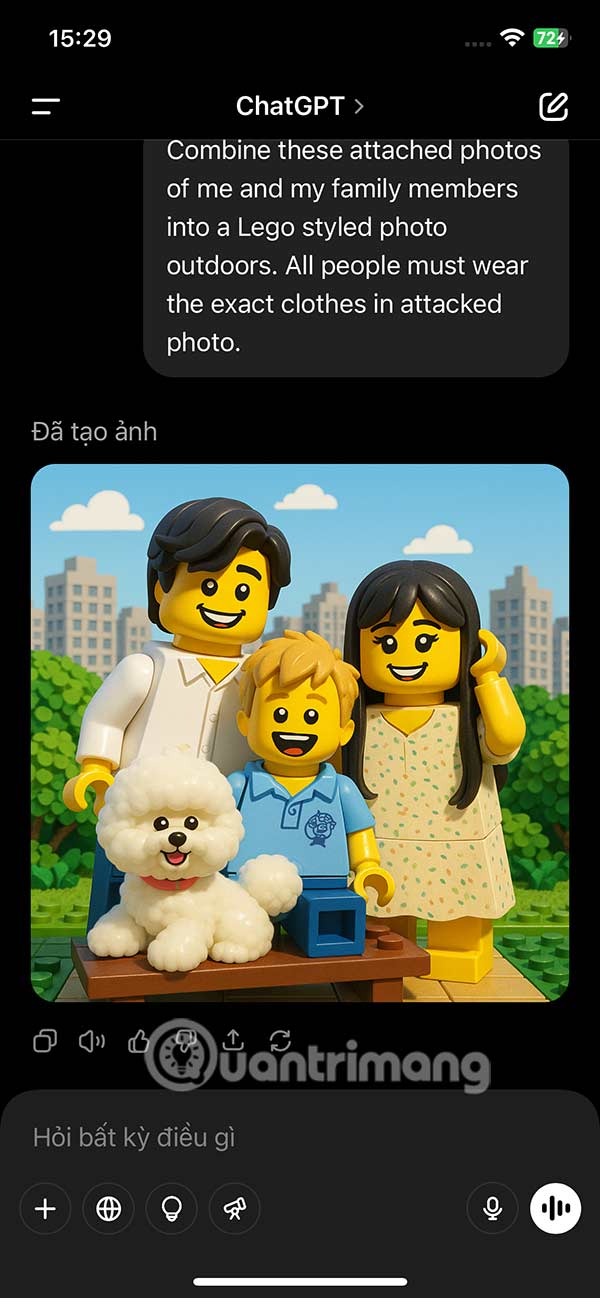
For the editing controls, see how to create and edit images in ChatGPT. For more ways to describe a scene, see these storybook illustration prompts.
Related Articles
 How to use ChatGPT Photos to create photos using AI technology
 Guide to creating Chibi-style cartoon images with MomentCam
 Create cute drawings from photos using AI
 Who is the voice actor for the classic cartoon characters?
 How to turn a portrait photo into a cartoon image on Picsart
 How to Choose ChatGPT’s Personality and Response Style
Reader Comments 0
Sign in with email or Google to join the discussion.