Table of Contents
Before paying for a used iPhone or iPad, have the seller erase it properly and verify that it can complete online activation without the previous owner's Apple Account. A photo of the “Hello” screen, an unlocked Home Screen or a third-party serial-number report is not enough.
What Activation Lock means
Activation Lock links a supported device to its owner's Apple Account through Find My. Erasing the device alone does not necessarily remove that link. During activation, a linked device can request the previous owner's credentials.
A remaining lock can be an incomplete sale preparation, not proof by itself that the device was stolen. Either way, resolve it before taking ownership. You should not need the seller's password or ongoing help to use a device you buy.
Inspect the screen you are given
| What appears | What it tells you | Next step |
|---|---|---|
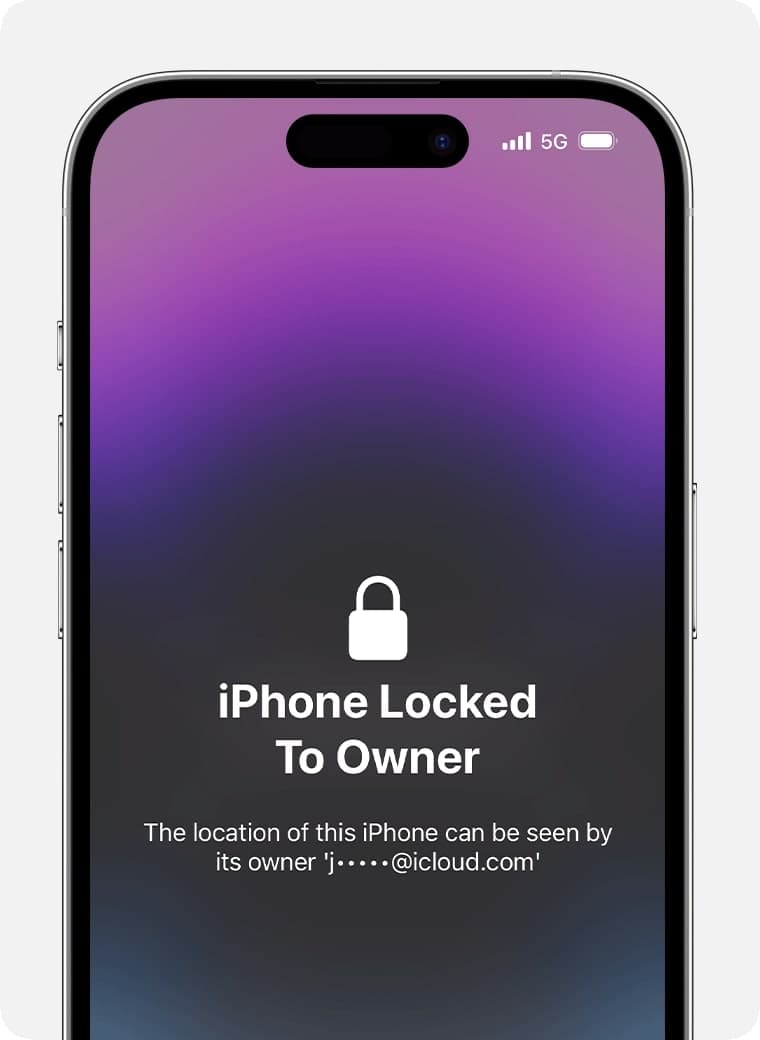
| “iPhone Locked to Owner” or an equivalent iPad prompt | The device is still protected | Ask the owner to remove the link; do not pay while it remains |
| A passcode screen or Home Screen | The device is already set up and has not been prepared for your setup | Have the seller back up and erase it correctly |
| “Hello” | The device is at the setup stage | Continue through network activation and watch for an owner-account request |
Check it in person before payment
- Let the seller prepare the device. They should back up their information, remove their account association as required and erase the device through the proper process. They enter their own password privately.
- Start setup from Hello. Choose the initial language and region options and connect to a trusted internet connection.
- Wait for activation. If the device asks for the previous owner's Apple Account, stop and return it to the seller.
- Verify the issue is resolved. After the seller removes the device from their account, repeat activation. A promise to unlock it after payment is not the same as a successful check.
- Complete other purchase checks. Make sure the device meets your needs before committing.
Follow Apple's Activation Lock guidance for the current setup behavior. If buying remotely, use a seller with a clear return process and inspect the device promptly on arrival.
What Find My settings can show
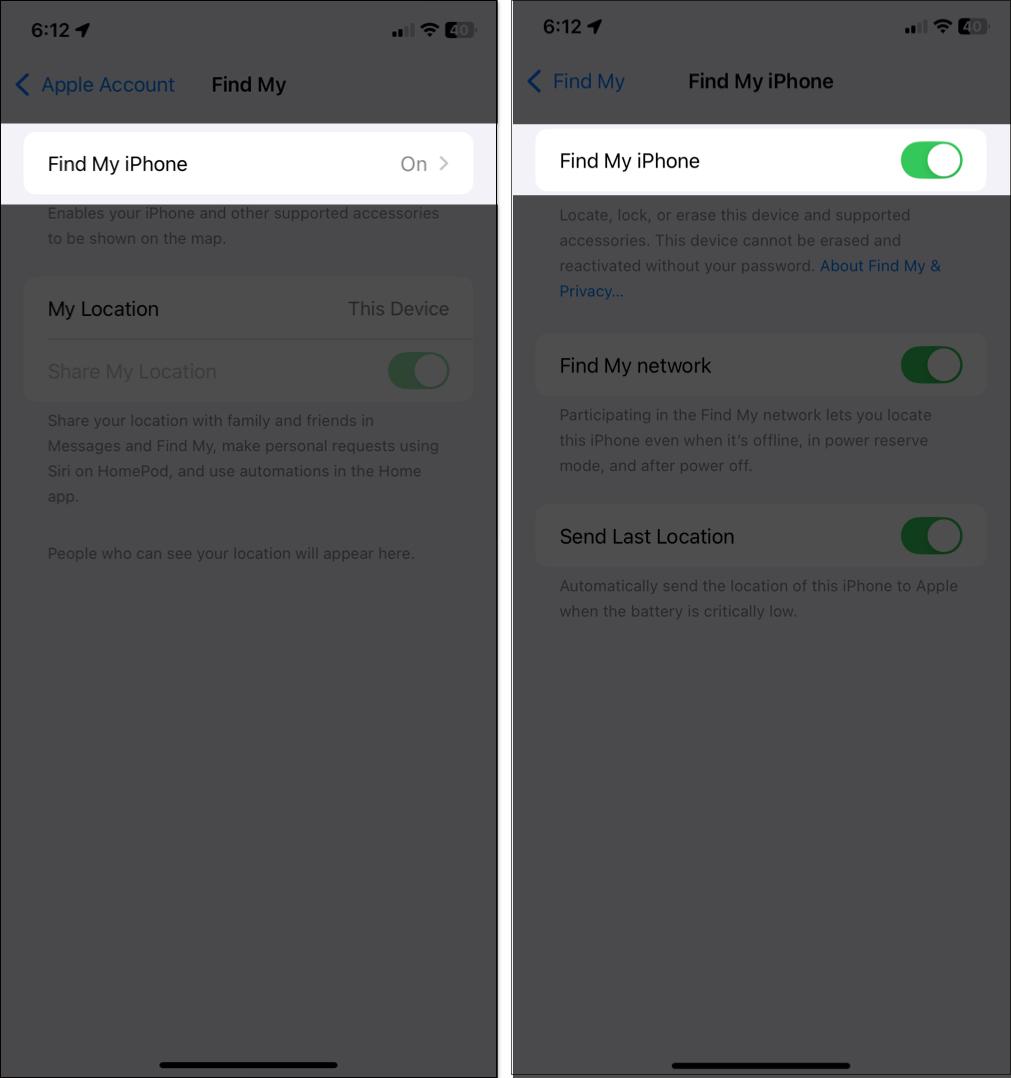
On a device the seller has unlocked, Settings > [account name] > Find My > Find My iPhone/iPad shows whether Find My is enabled. That is useful during preparation, but it does not replace testing activation after the seller has removed their account and erased the device.
Keep separate locks separate
- Passcode: Unlocks the screen. Knowing it does not prove the device is free of an owner-account link.
- Carrier Lock: A separate iPhone network restriction. Under Settings > General > About, check Carrier Lock; “No SIM restrictions” indicates it is unlocked for carriers.
- Remote Management: An organization-enrollment screen is a separate ownership concern. Have the seller resolve it with the organization before purchase.
AirPods and AirTags have their own Find My account associations. Do not apply an iPhone setup check to those accessories and assume the result is equivalent.
If the seller cannot remove the lock
Do not buy the device on the promise of a bypass service. If you already received it, contact the seller and use the return process. A legitimate owner can follow Apple's official account-removal or support route; no buyer should provide their own account credentials to an outside unlock site.
For broader inspection, see checks before buying a used iPhone and checking an iPhone's replacement or refurbishment history. Passing Activation Lock does not establish battery health, repair quality or carrier compatibility.
Related Articles
 How to Remove iCloud Activation Lock on iPhone or iPad
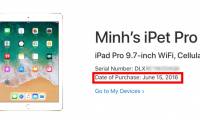 How to check the original purchase date of the iPhone / iPad on Apple's website
 Instructions on how to check hidden iCloud on iPhone iPad
 How to quickly and accurately check an old iPhone before buying
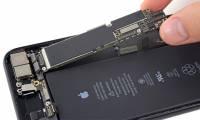 How do I know if my old iPhone has been repaired or replaced?
 5 things to check before buying a used iPhone
Reader Comments 0
Sign in with email or Google to join the discussion.