Table of Contents
This article explores good apps on Windows 8 with straightforward explanations and useful context. It also highlights common questions and important details to consider.
Windows 8 on the computer can run all programs running on Windows 7. Besides, Microsoft provides its own application store for people to easily find and install. This Windows Store is still being developed but there are a few free and interesting applications.
Meanwhile, US software group announced on Twitter that Windows 8 Consumer Preview attracted 1 million downloads including 32-bit and 64-bit versions directly on Microsoft's website. This number does not take into account downloads through other sharing sites.
Explore the Windows Store app store
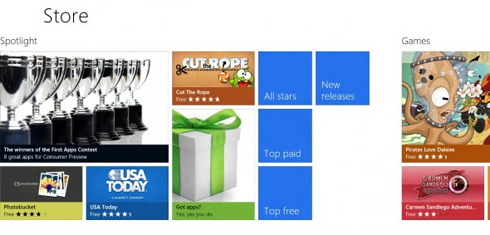 Store is designed in a horizontal line, starting with Spotlight introducing outstanding apps.
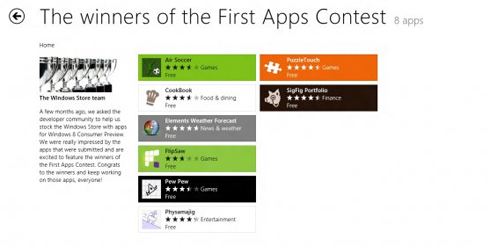 Those are the winning applications in the app writing competition organized by Microsoft.
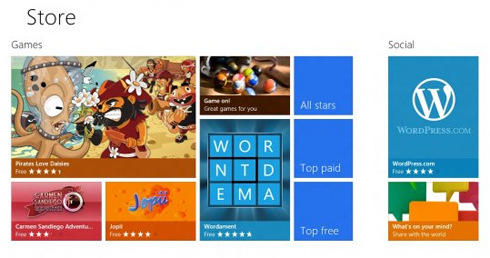 Moving the mouse to the right, users will see applications divided by categories such as Game, Social Network.
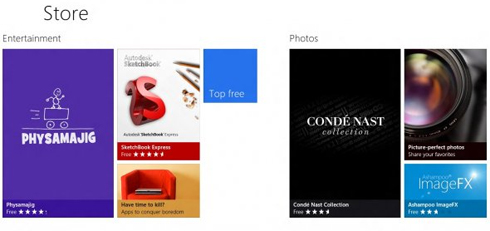 Entertainment and photos.
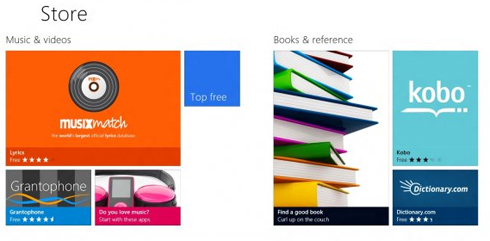 Music, videos and books.
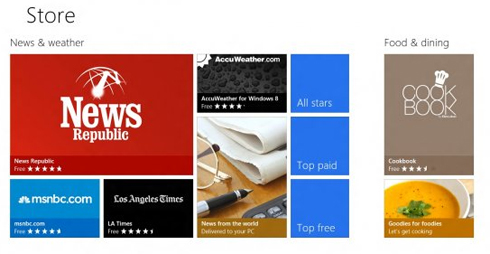 News, weather, cuisine.
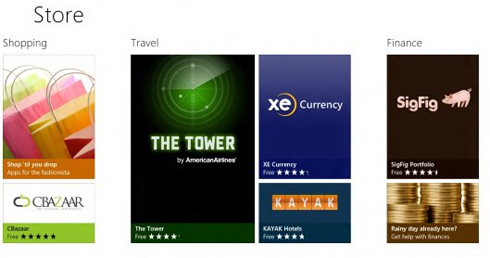 Shopping, travel, finance.
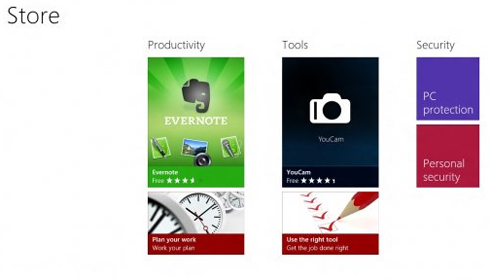 Finally, office applications, tools and security.
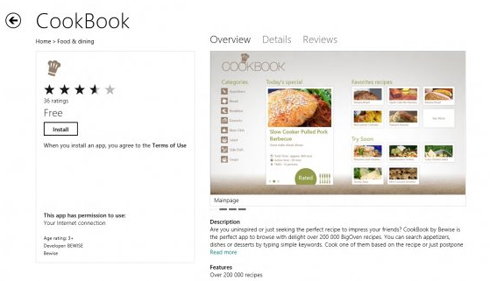 CookBook application provides recipes of more than 200,000 dishes.
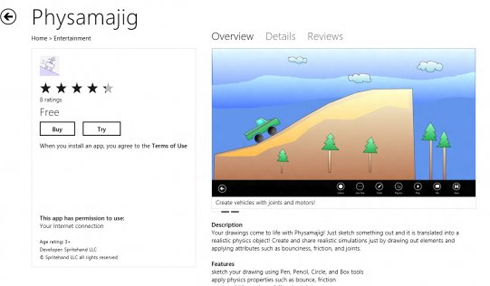 The Physamajig application is interesting to allow drawing and animation.
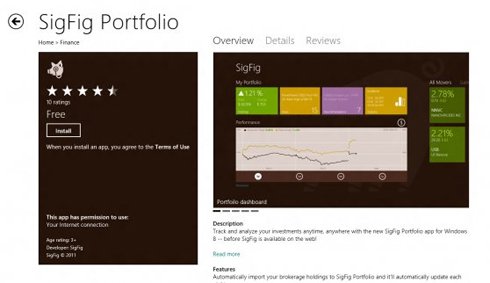 SigFig Portfolio application tracks and analyzes your investment sources and makes suggestions for you.
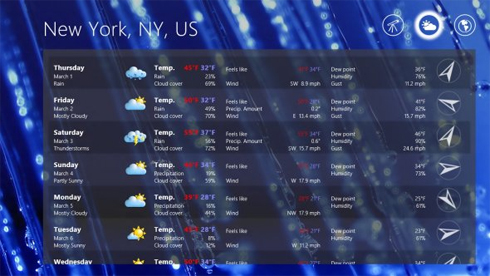 Weather application that provides weather situation in different cities. The wallpaper changes according to the happenings at that place.
FAQ
What is the main benefit of good apps on Windows 8?
The main benefit is a clearer understanding of the topic and a practical way to apply the information covered in this guide.
What should I check before using good apps on Windows 8?
Confirm compatibility, review the required settings, protect important data, and use the latest supported version whenever possible.
What should I do if the result is different?
Repeat the steps carefully, verify permissions and version differences, and consult the product's official support documentation for changes not shown in the article.
Related Articles
 7 Best Weather Apps for Windows 10/116 minutes read
 8 Apps Cost VND 550,000 Being Free for iOS6 minutes read
 Newly Released Apps for iOS, Android and Windows Phone7 minutes read
 11 Useful Windows Apps That Don't Come Pre - Installed7 minutes read
 How to Close Apps in Windows 83 minutes read
 12 Apps Windows 11 Users Should Install on Their New PC9 minutes read
Reader Comments 0
Sign in with email or Google to join the discussion.