Table of Contents
Files is an open-source Windows file manager with dual panes, tags, column navigation and optional preview integrations. It can be useful if you frequently move between folders or organize files by project. It does not meet every need automatically, and installing it is not a reason to remove Windows File Explorer.
A familiar interface with more customization
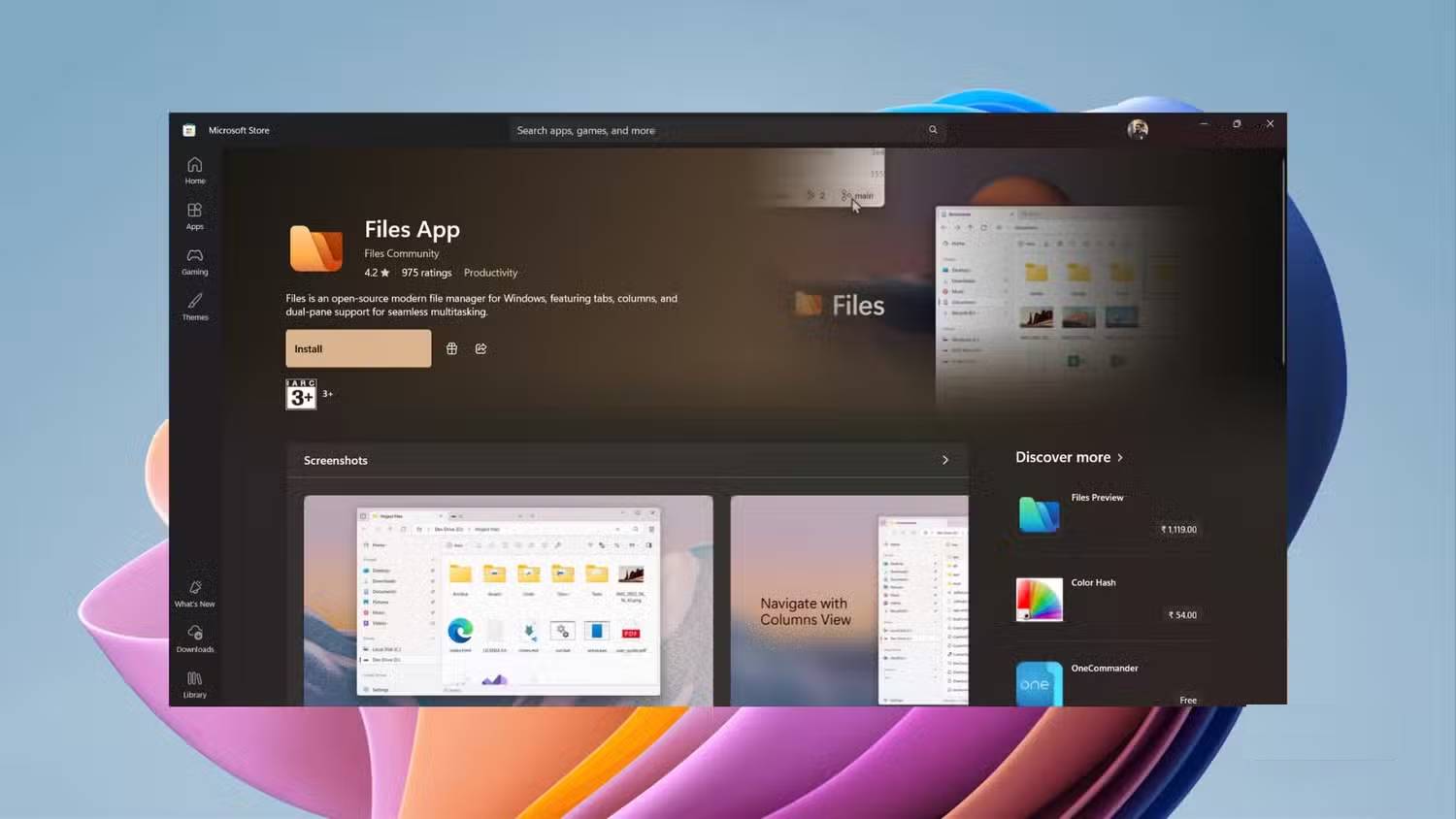
Files uses a Windows-style interface with appearance and layout options. Themes can make it fit your preferences, but assess the functions you use most: network folders, cloud files, context-menu commands and large directories may behave differently from Explorer.
Download through the official Files project and check the available distribution, system requirements and price. Open-source code does not mean every packaged distribution has the same pricing.
Dual panes for two folders at once
Dual Pane mode shows two folder locations side by side. For example, keep a camera card in one pane and your destination folder in the other. Tabs provide additional locations without creating a separate window for each one.
Windows 11 File Explorer also has tabs, so tabs alone are not a unique reason to switch. The advantage to test is Files’ pane layout. For important transfers, copy first, verify the destination and then remove the source if needed. Drag-and-drop behavior can depend on the source, destination and modifier keys.
Start with the Files app walkthrough if you want to try its basic controls.
Tags and column navigation
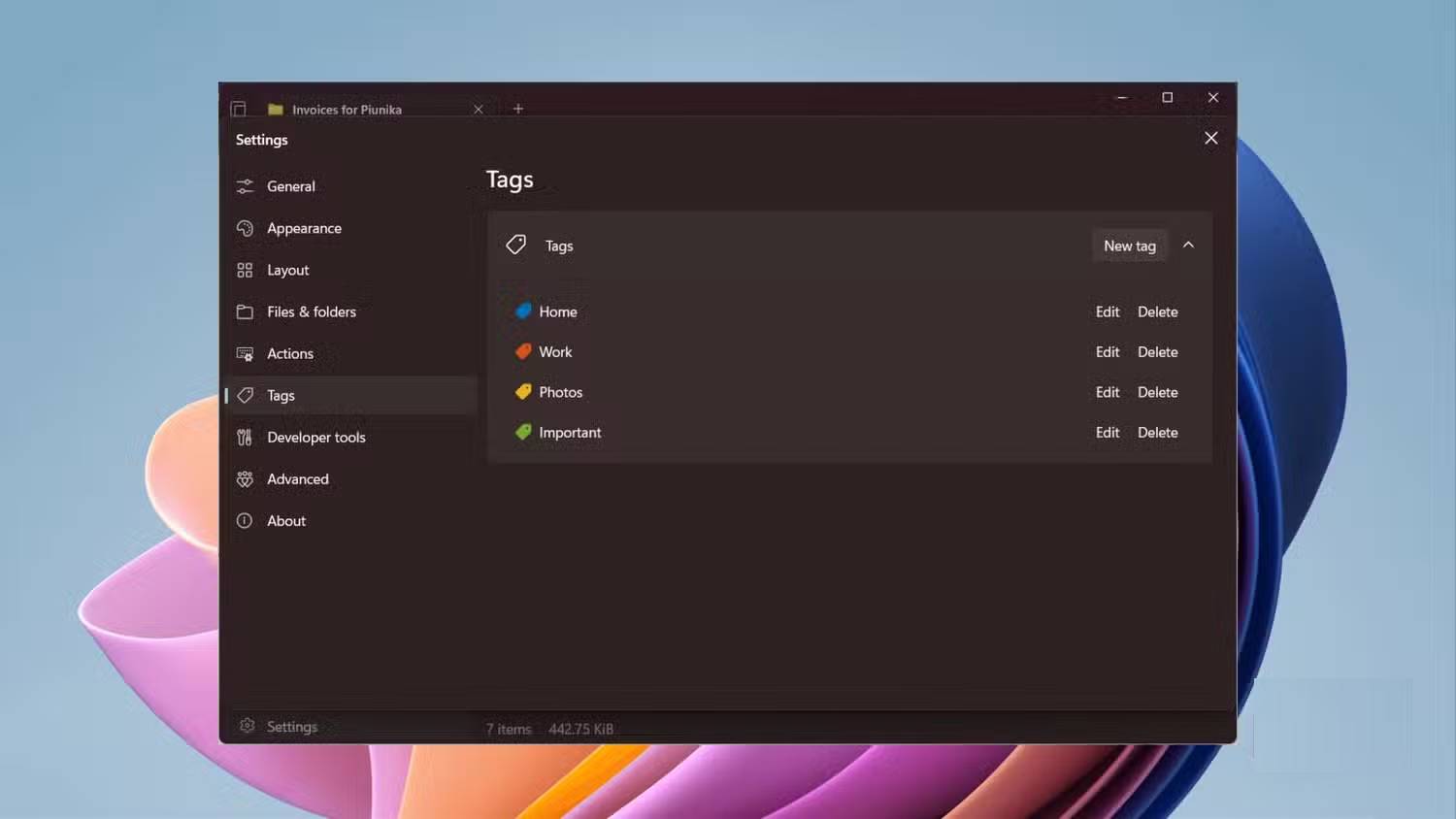
Create a tag such as Unpaid and assign it to relevant invoices using the tagging controls. The tag view can collect those items without requiring you to move all of them into one folder. Tags are organizational labels, not access restrictions or a substitute for file backups.
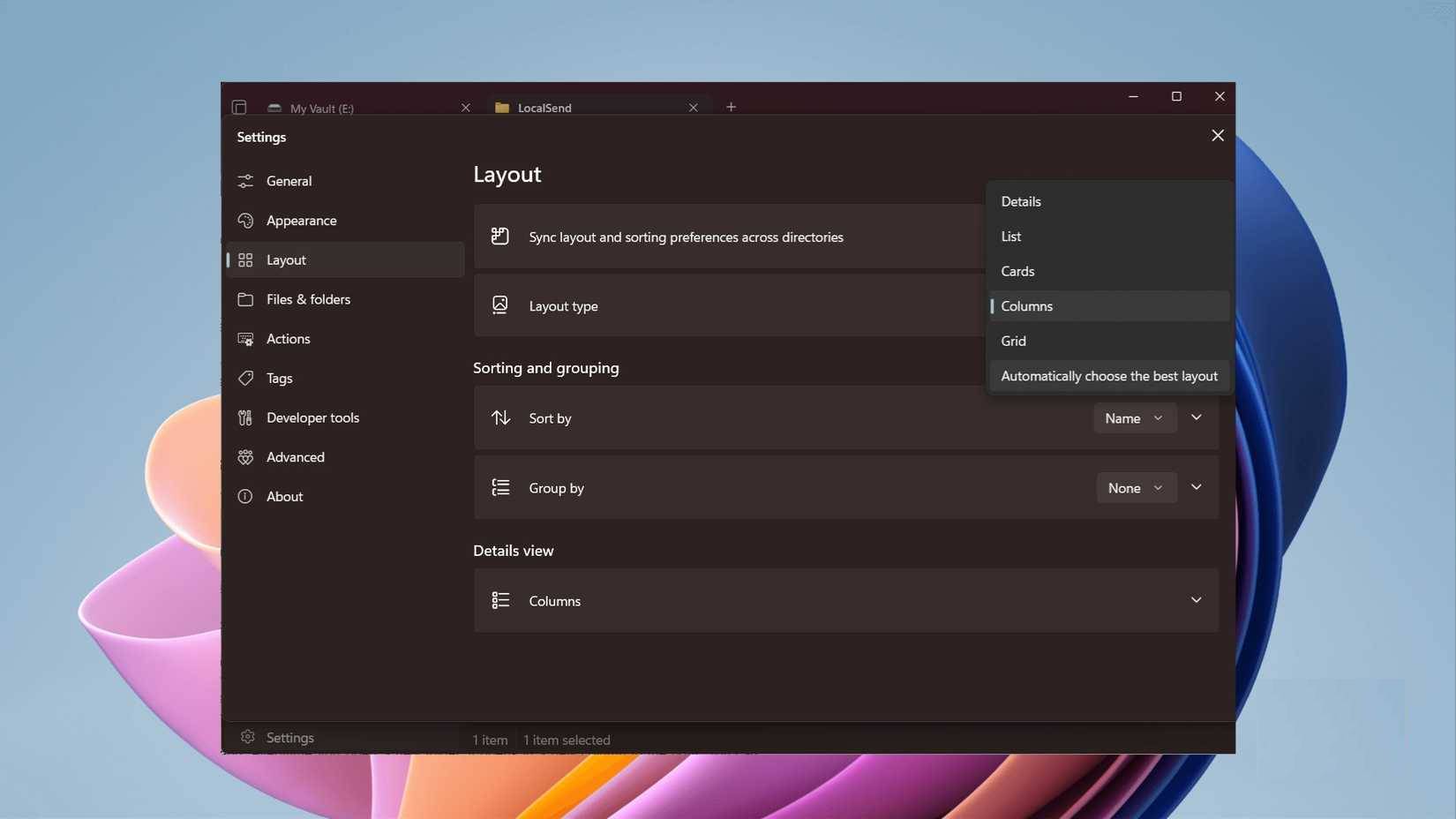
Column View can keep successive levels of a folder hierarchy visible, making it easier to move between parent and child folders. Explorer also has breadcrumb navigation; compare the two approaches with your own folder structure using the File Explorer navigation guide.
Preview integrations with PowerToys
With supported preview integration configured, select an item in Files and press Space to open a preview. Files documents integrations with PowerToys Peek, QuickLook and other tools on its integration page.
PowerToys Peek’s own default activation shortcut is Ctrl + Space; Files’ Space integration is a separate convenience. Supported file formats depend on the preview provider. See the Windows file-preview guide for other built-in and optional choices.
Before making Files your primary manager, test copies of ordinary documents, a cloud folder and a typical large directory. Keep Explorer available for troubleshooting or commands that your current Files installation does not handle.
Related Articles
 Is Explorer. Exe a Virus?4 minutes read
 How to Fix File Explorer Lag on Windows 11: Step-by-Step Guide8 minutes read
 5 Best Windows File Explorer Extensions to Manage Files on the8 minutes read
 This Application Can Replace File Explorer on Your Windows6 minutes read
 Why Do Many People Prefer Windows File Explorer Over macOS Finder5 minutes read
 How to Delete Folder and File Search History in Windows Explorer?5 minutes read
Reader Comments 0
Sign in with email or Google to join the discussion.