Table of Contents
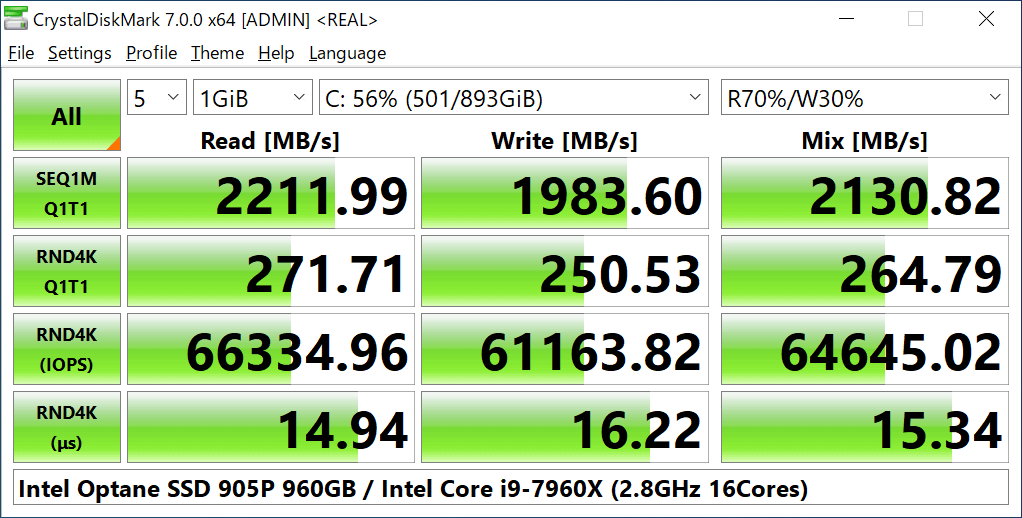
CrystalDiskMark measures storage read and write speed in Windows. Select the drive, leave the default test profile for a quick baseline, and run All. The results describe performance under the chosen conditions. For drive health, use CrystalDiskInfo and its S.M.A.R.T. readings.

Download CrystalDiskMark
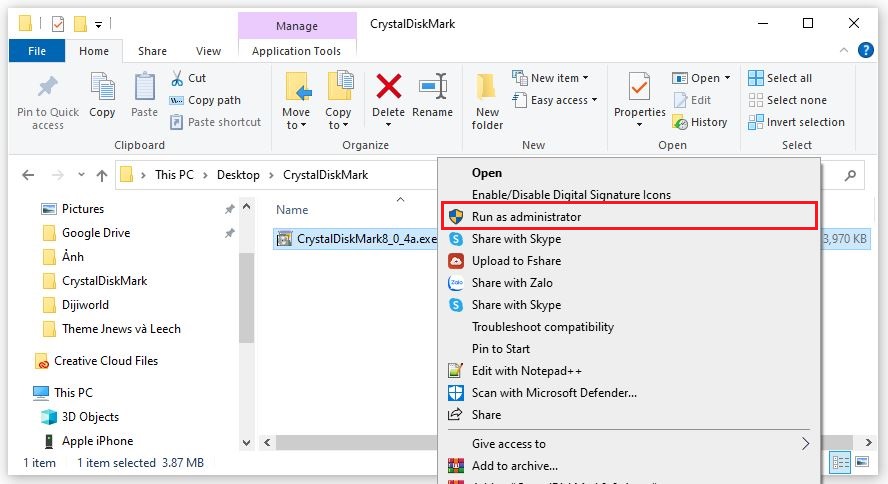
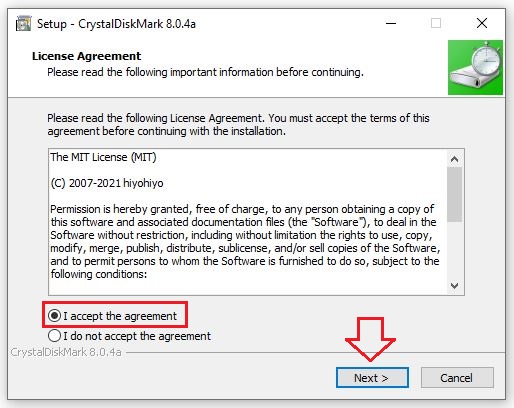
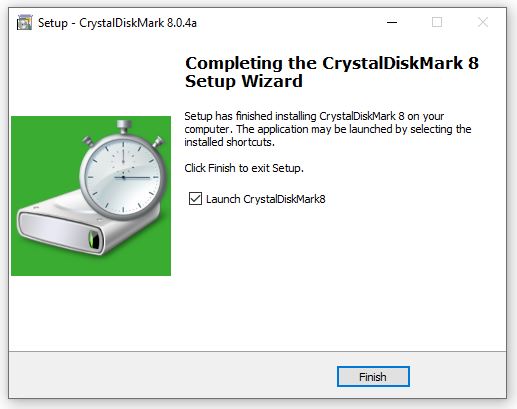
- Open the publisher’s download page and find CrystalDiskMark. Use the installer or the compatible ZIP build.
- Run the installer and follow the prompts, or extract the ZIP to a folder and open the correct executable.

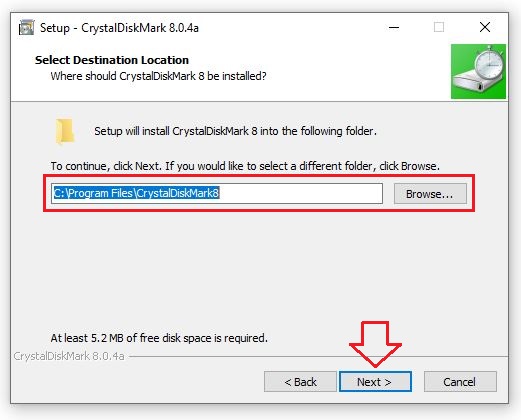
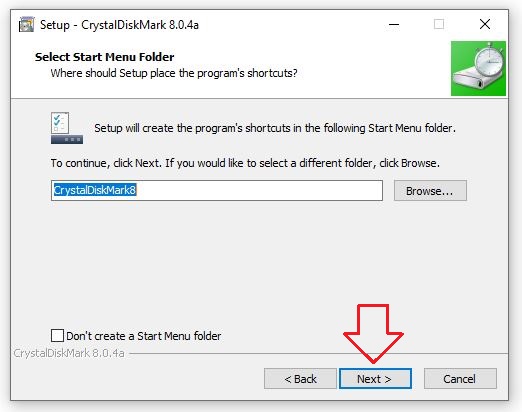
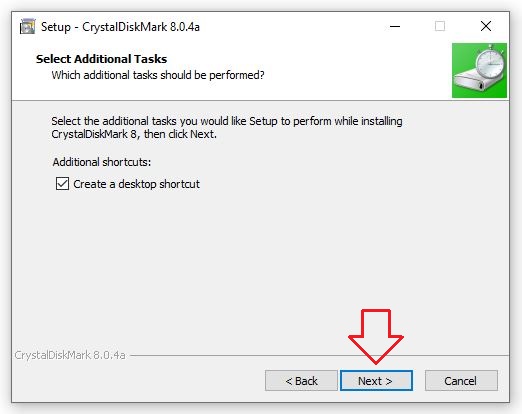
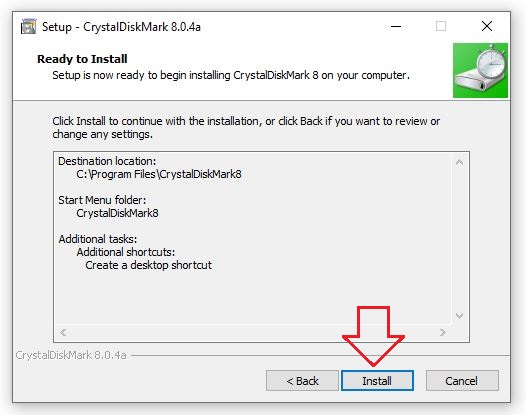
Run a repeatable drive benchmark
- Confirm the target drive letter in File Explorer. Close large downloads, backups, and other disk-heavy apps.
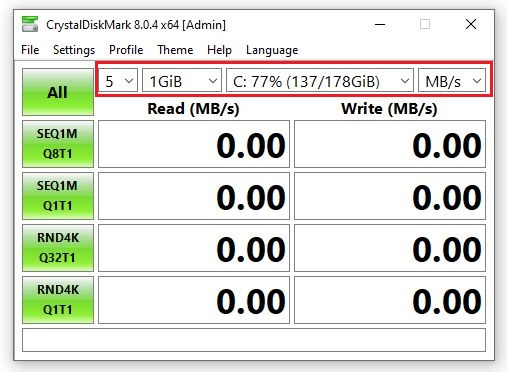
- Select the drive, test count, test size, profile, and unit. The default settings are a reasonable first test. A larger test file uses more free space and can show what happens after a fast cache fills.
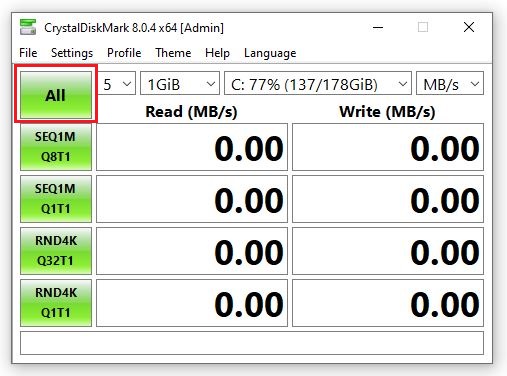
- Click All for the full set or click a test label to run one row. Allow the read and write tests to finish, then record the settings with the results.
Read the results
| Label | What it measures |
|---|---|
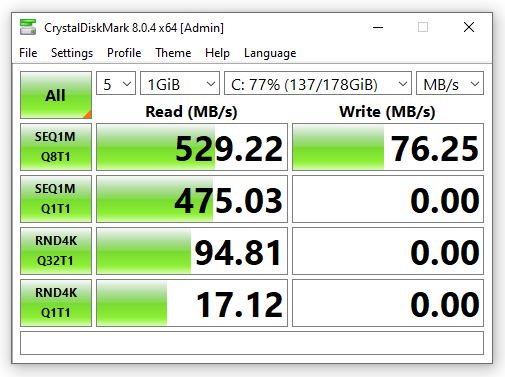
| SEQ1M | Sequential transfers in 1 MiB blocks, useful for large files. |
| RND4K | Random access in 4 KiB blocks, useful for comparing many small operations. |
| Q and T | Queue depth and thread count. Compare the same row and profile across runs. |
Read and Write are separate columns. A small test can report cache-assisted performance instead of the speed of a long transfer. On an external SSD, the cable, enclosure, or port may be the bottleneck. If a drive is already reporting errors or disconnecting, back it up before running repeated write tests.
Related Articles
 Full of the latest CoA Giftcode: Atlan Crystals and redemption instructions
 Latest Crystal of Atlan Code and How to Redeem Code
 The du (Disk Usage) commands are most handy in Linux
 Mark for Android: Manage Screenshots with Automatic Deletion Timers
 Where to Find Conduit Crystal in Subnautica 2
 How to create disk full BAT file repair Windows 10
Reader Comments 0
Sign in with email or Google to join the discussion.