Table of Contents
For a 64 GB card, match the device’s slot and required speed class first. Buy microSDXC for a compatible microSD slot and full-size SDXC for a compatible SD slot. For video, use the minimum write-speed class listed for your camera’s recording mode. A large “up to” read-speed number does not answer that question.
What to check before buying
- Capacity: Check that the device supports SDXC or microSDXC. Older devices may stop at SDHC.
- Video: V30 indicates a 30 MB/s minimum sequential write speed under the standard’s conditions. Match the required class instead of assuming all 4K modes have the same needs. See the SD Association’s speed-class guide.
- App storage: Look at application performance markings if your device supports running apps from the card. For continuous recording in a dashcam or security camera, check for an endurance-rated card approved by the device maker.
Nine 64 GB models and families to compare
Some of the examples below are older models. Their names and photos help identify them. Check the full SKU and class markings on the listing you will buy.
SanDisk Ultra microSDXC
For everyday photos and files. Check the exact SKU if your device needs a specific video class.

Silicon Power 3D NAND microSD
Check the form factor and class printed on the exact card. A product family name does not identify its sustained write speed.

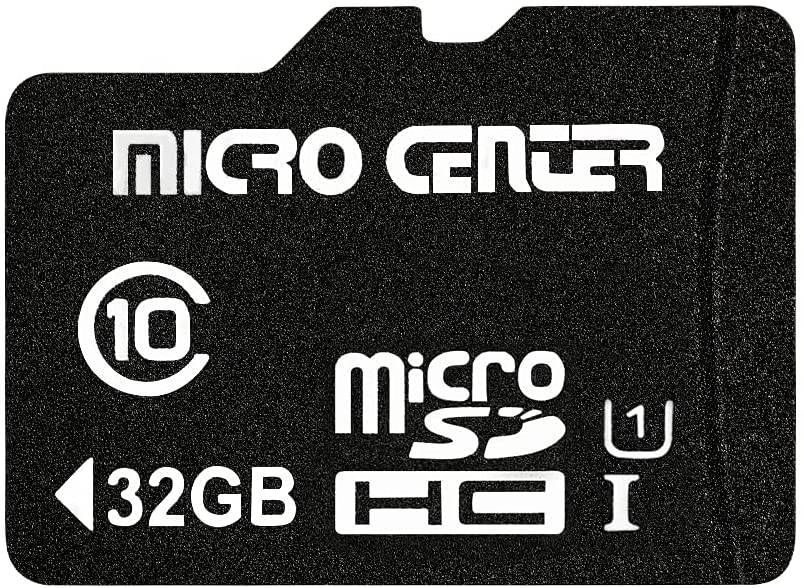
Micro Center Class 10 microSD
A basic card if the device accepts microSDXC and asks for Class 10. Check for a higher required class before recording video.
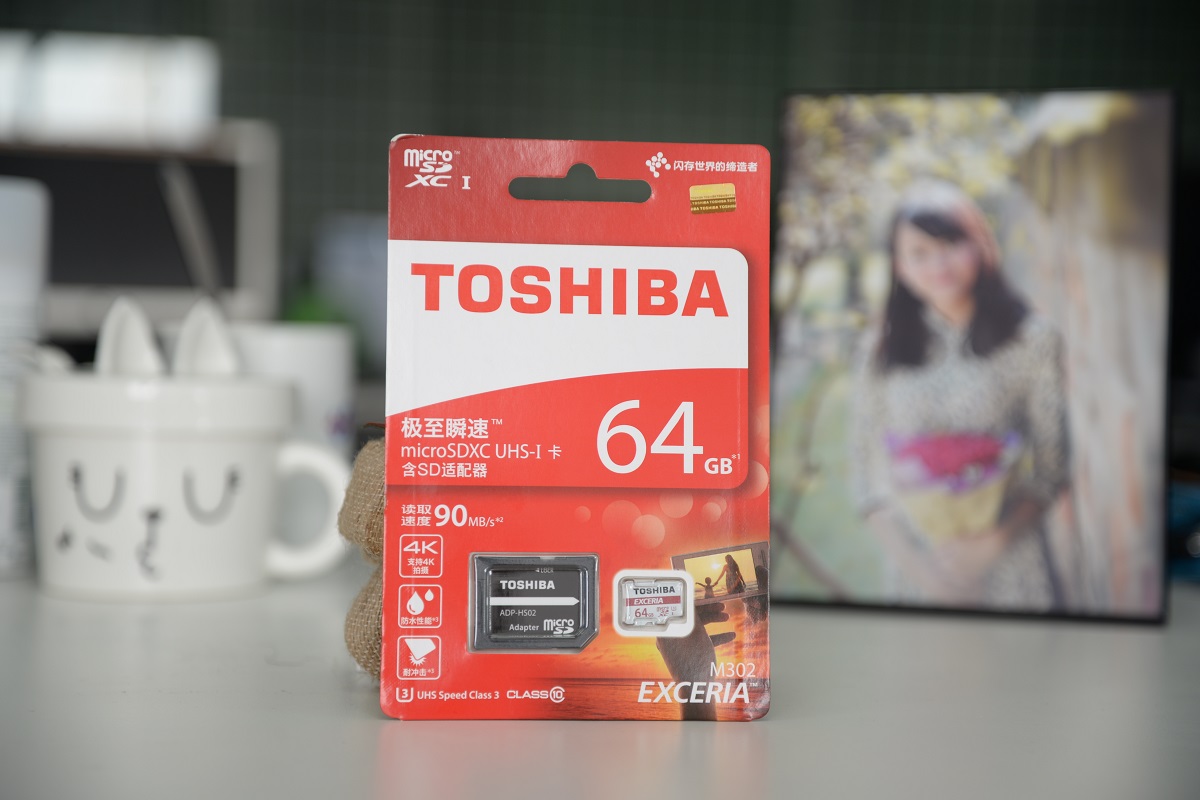
Toshiba Exceria M302
An older microSD example. Verify the marked class and buy from a reputable seller if you find old stock.
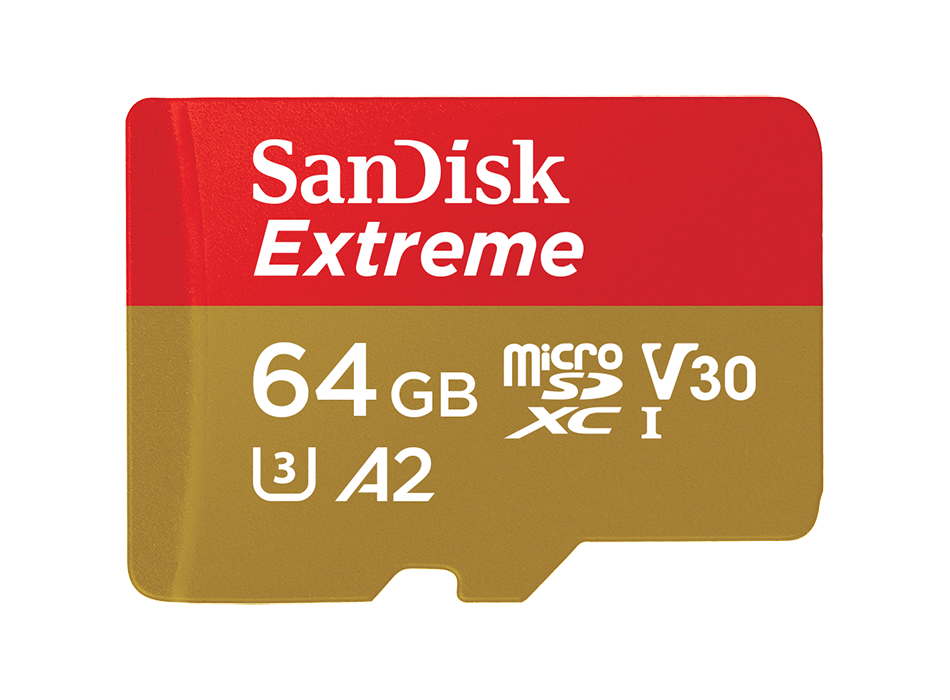
SanDisk Extreme V30 A2 microSD
A candidate for a device that specifies microSDXC and V30. A2 concerns app performance on compatible devices.
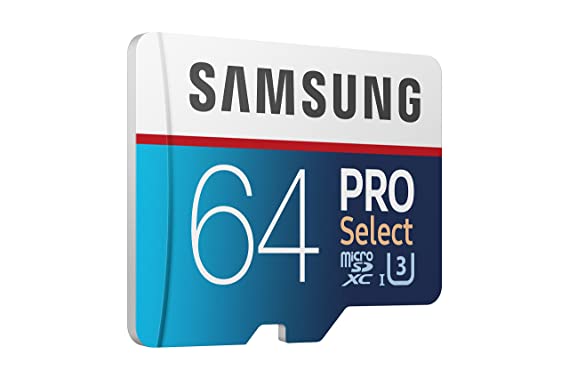
Samsung Pro Select
Check the package and model number to confirm the format, capacity, and speed markings on the actual card.
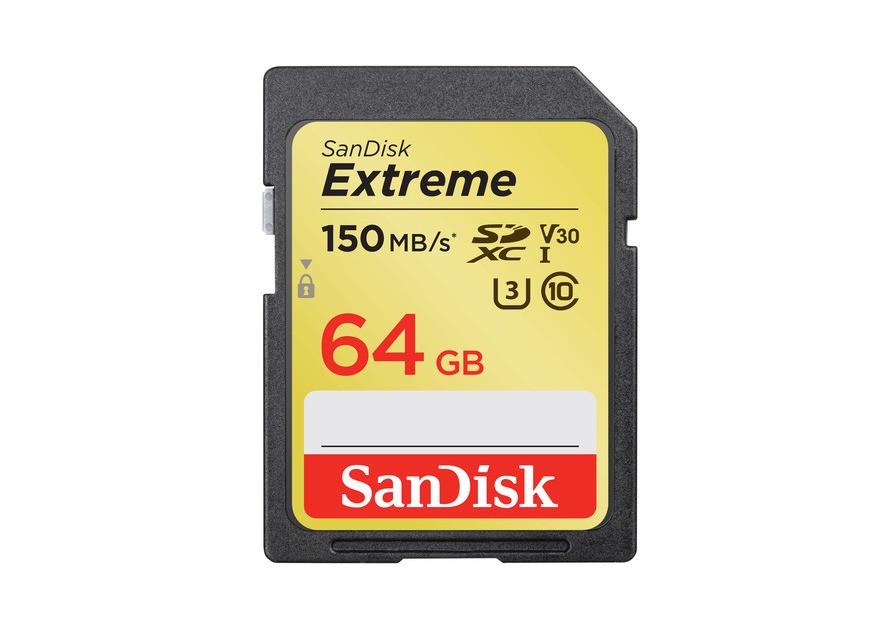
SanDisk Extreme SDSDXVE
A full-size SD example. Confirm the camera accepts SDXC and look up the complete model suffix before relying on advertised speeds.
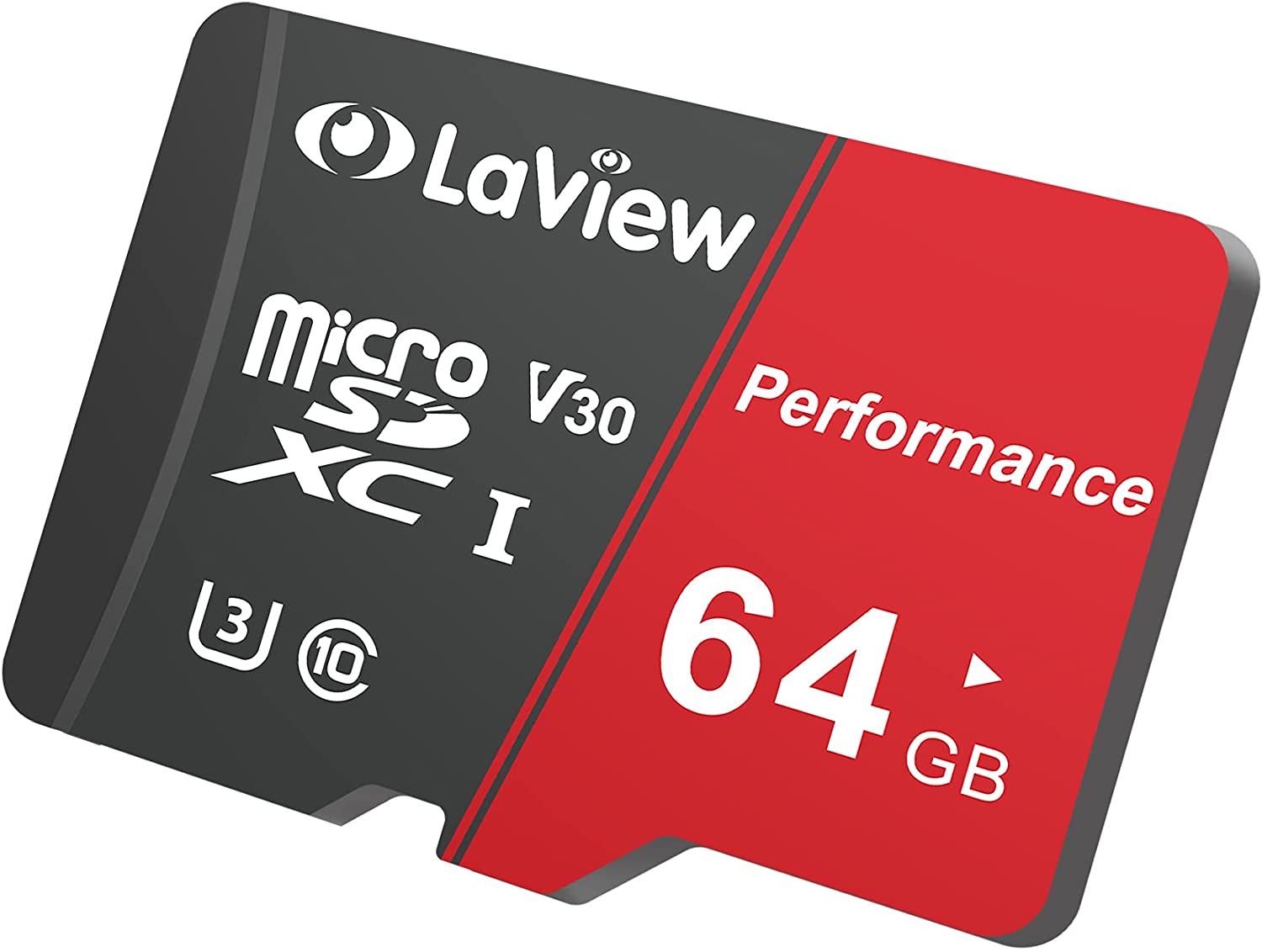
Micro Center Flash SDXC
A full-size alternative for compatible cameras. Check its speed class against the recording mode you want to use.
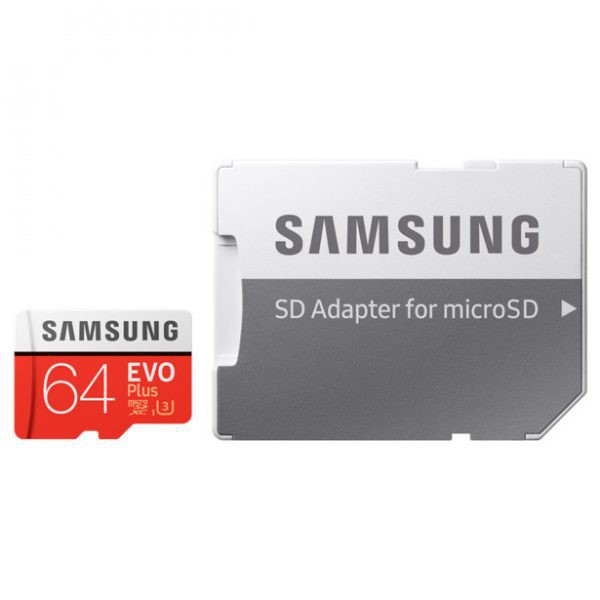
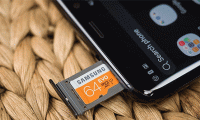
Samsung EVO Plus microSD
A general-purpose family with versions sold at different specs. Read the marks on the 64 GB card rather than assuming they match a larger capacity.
After buying, confirm the usable capacity and test the card before trusting it with important material. Copy a sample recording back to your computer and play it to check that it saved correctly.

Reader Comments 0
Sign in with email or Google to join the discussion.