Table of Contents
This guide organizes the entries in "Desktop Apps for a Better YouTube Music Experience" and explains what each option, idea, or example offers. It also highlights practical details that matter when comparing the choices.
YTMDesktop
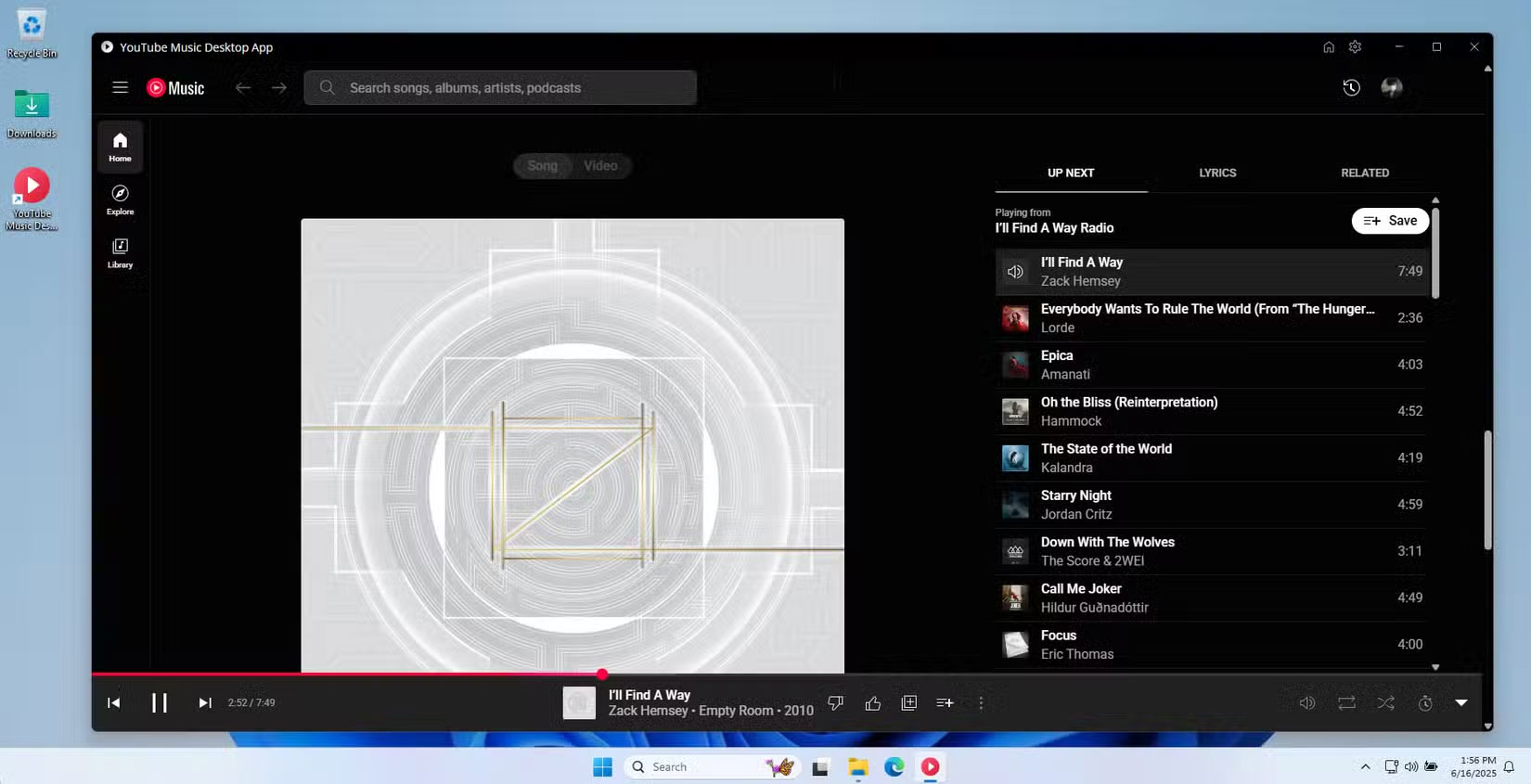
YTMDesktop was one of the first popular solutions to emerge and has established itself as a top choice for many users who want a simple YouTube Music experience on their desktop. It wraps the YouTube Music web interface into a clean, native-feeling app that runs independently in your browser.
What people really appreciate about YTMDesktop is its hands-on approach. The developers focus on providing core functionality without getting caught up in flashy extras. You get media key support that actually works reliably, meaning the play, pause, and skip buttons on your keyboard integrate seamlessly with the app. Desktop notifications appear when tracks change, giving you a true desktop music player experience that isn't available in the web version.
What's more, when you minimize YTMDesktop to the system tray, your music continues to play in the background—just like any decent desktop music app. And the built-in lyrics feature works well enough to cover all the functionality you'd normally use in the YouTube Music web app.
Custom YouTube Music Desktop
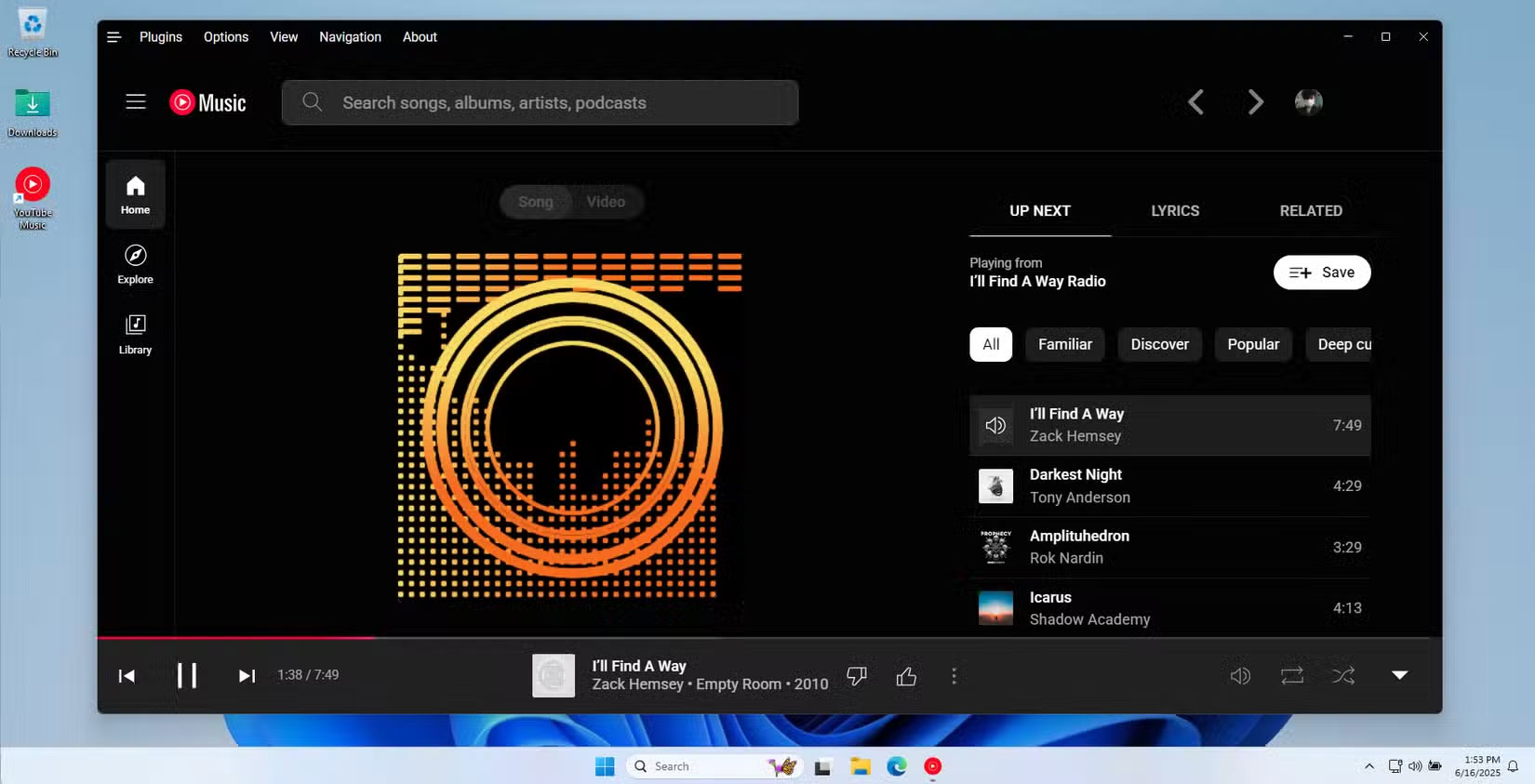
The Custom YouTube Music Desktop app, developed by th-ch on GitHub, takes a completely different approach by turning YouTube Music into a plugin-enabled platform. It's not just a simple wrapper around YouTube Music. Instead, it's a fully featured desktop app that lets you customize nearly every aspect of your music listening experience.
In my experience, the plugin system is the real highlight of this app. Out of the box, you get a built-in ad blocker that eliminates all YouTube ads without any additional setup. The download plugin lets you save tracks as MP3s directly through the interface, which is incredibly handy for offline listening. These two features alone are enough to justify using this app over the standard web version.
There are a ton of other plugins you can enable in the app. In testing, the SponsorBlock integration automatically skipped non-musical parts of music videos, like long intros or outros that interrupt your listening. The Discord Rich Presence plugin lets your friends know what you're playing, adding a social element to the music experience. And the Crossfade plugin creates smooth transitions between tracks, giving your playlists a more professionally mixed feel.
YouTube Music Desktop App by Venipa
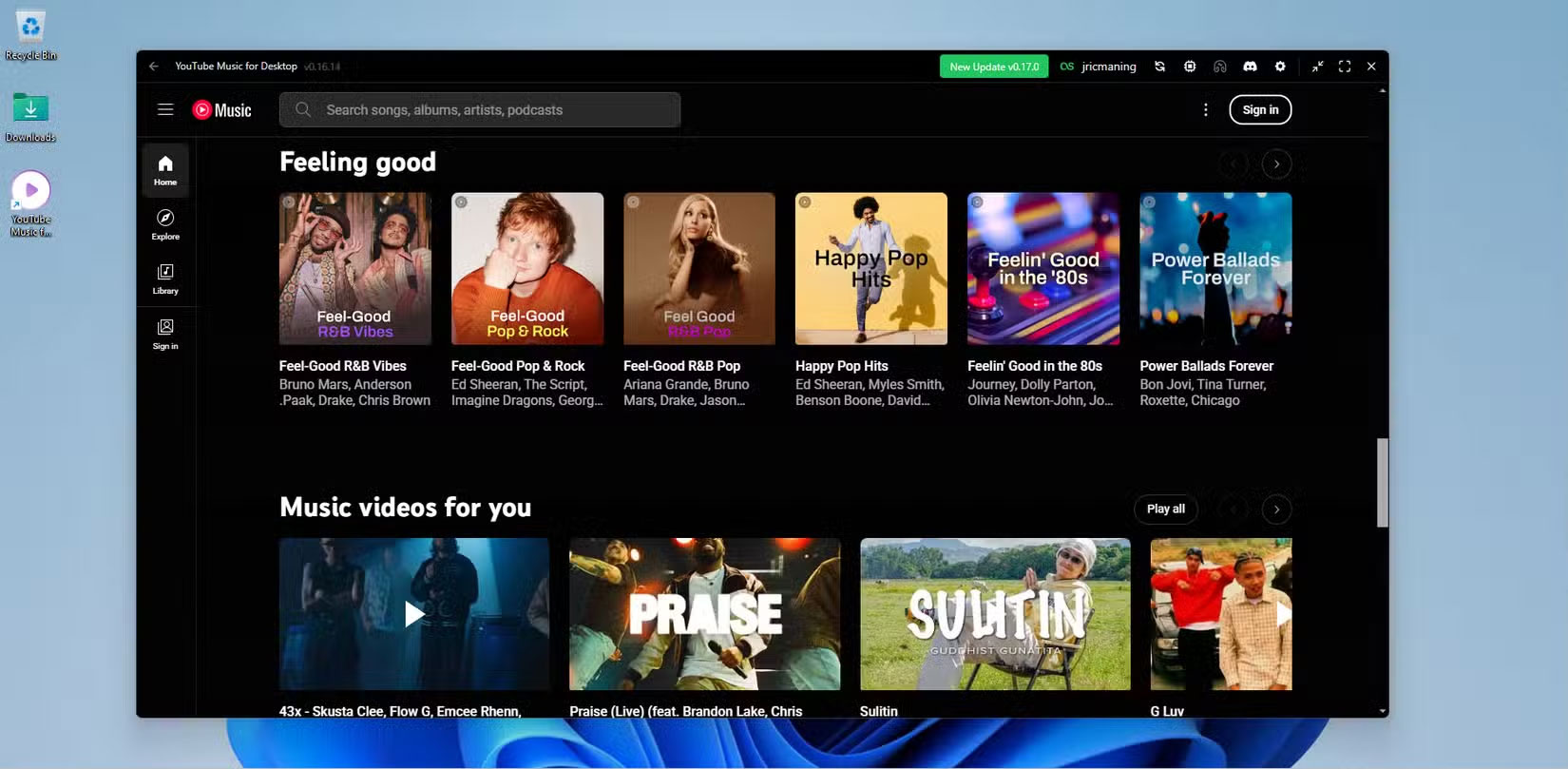
Venipa's YouTube Music Desktop app strikes a balance between simplicity and functionality, focusing on delivering a great music experience with carefully chosen enhancements. It offers a solid YouTube Music experience, including a few extra features without being overly complicated.
The standout feature is full-featured Last.fm scrobbling support, which automatically tracks your listening habits and builds a music profile. This makes it easy to discover new songs on YouTube Music. However, it's only really useful if you're already using Last.fm for music discovery or the app's social features. However, you can log in to your Last.fm account without any issues, and the app syncs seamlessly with the desktop app.
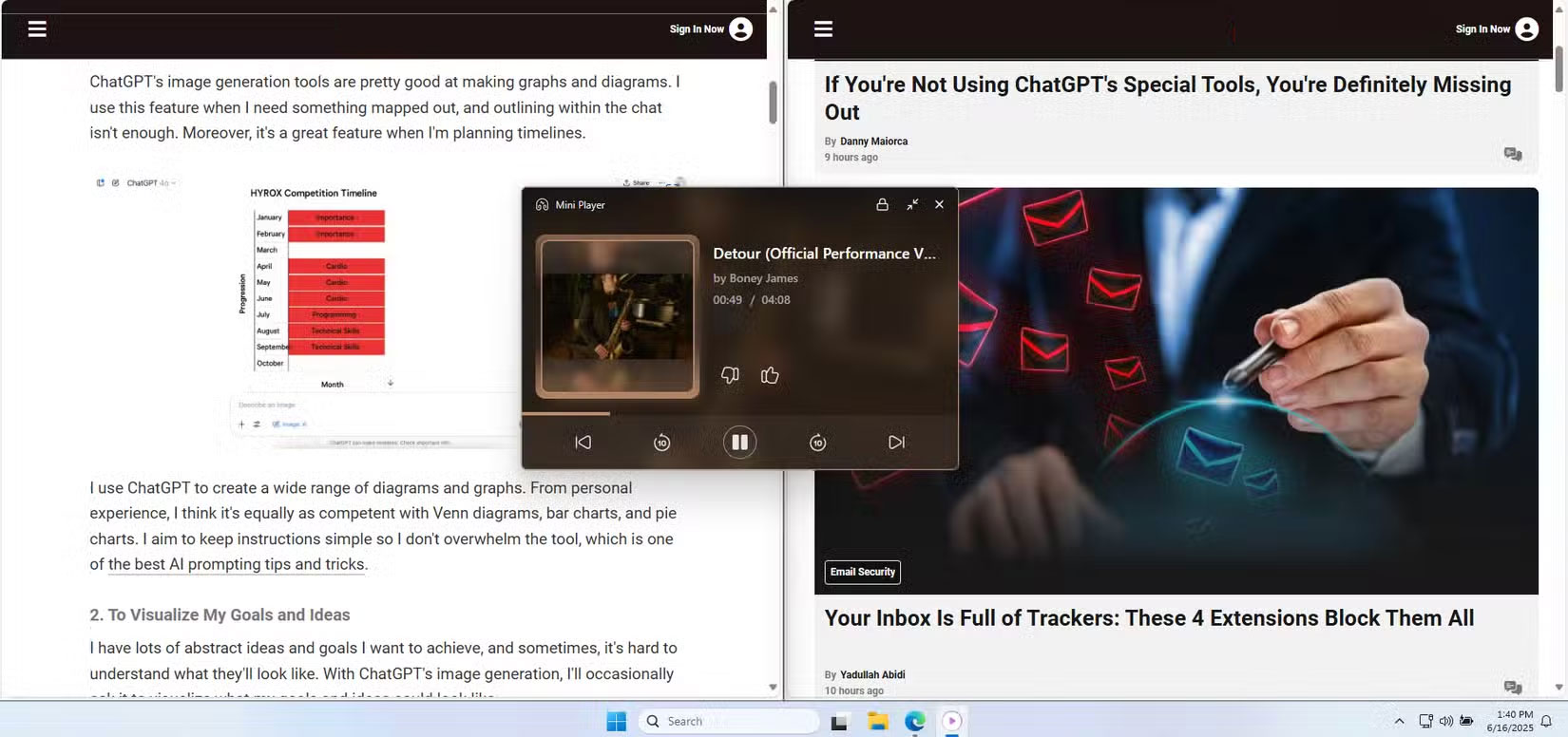
In addition to Last.fm integration, the app includes other handy features like Discord Rich Presence, which lets you share your current music with friends. The mini-player provides a compact interface for playback controls when you don't want the entire app to take up screen space. The mini-player has an always-on option, which is useful when you're multitasking.
FAQ
What should you know about yTMDesktop?
YTMDesktop was one of the first popular solutions to emerge and has established itself as a top choice for many users who want a simple YouTube Music experience on their desktop. It wraps the YouTube Music web interface into a clean, native-feeling app that runs independently in your browser.
What should you know about custom YouTube Music Desktop?
The Custom YouTube Music Desktop app, developed by th-ch on GitHub, takes a completely different approach by turning YouTube Music into a plugin-enabled platform. It's not just a simple wrapper around YouTube Music. Instead, it's a fully featured desktop app that lets you customize nearly every aspect of your music listening.
What should you know about youTube Music Desktop App by Venipa?
Venipa's YouTube Music Desktop app strikes a balance between simplicity and functionality, focusing on delivering a great music experience with carefully chosen enhancements. It offers a solid YouTube Music experience, including a few extra features without being overly complicated.
Related Articles
 8 Tips YouTube Music for More Enjoyable Music Experience7 minutes read
 Here Are 7 Google YouTube Apps and Their Effects5 minutes read
 How to Upload Personal Music to Youtube Music3 minutes read
 Listen to Music on YouTube? You Should Not Ignore These 5 Websites8 minutes read
 Is YouTube Music 'Worth the Money': Main Insights10 minutes read
 How to Install YouTube Music on PC from Your Browser8 minutes read
Reader Comments 0
Sign in with email or Google to join the discussion.