Table of Contents
An AI image tool can turn a room photo into a decorating concept, but “design this room based on what you know about me” gives it little control over the result. A more useful prompt states how you use the room, your preferred style, what must stay and what you can afford to change.
Start with a photo and a short brief
Photograph the room in good light so doors, windows and major furniture are visible. Remove private documents and identifying details from the photo before uploading. Add room measurements separately; a photograph does not reliably communicate dimensions.
Use an image-capable tool such as ChatGPT or Gemini and explicitly ask for a redesigned image if that is what you want. Features vary by account. Do not assume the tool knows your preferences from previous chats: summarize the relevant details in the current request.
For a more detailed workflow, see visualizing a room from a photo. You can also compare AI interior design tools before choosing where to upload your images.
Prompt for a room that suits your routine
Use the attached photo to propose a realistic redesign of this room. I use it for [activities], prefer [colors and style], and need [storage, seating or workspace]. Keep the existing doors, windows, ceiling height and room proportions. Retain [furniture to keep]. My budget is [amount and currency], excluding structural work. Create one concept image and a short list of suggested changes. Label assumptions and do not invent exact product prices or dimensions.
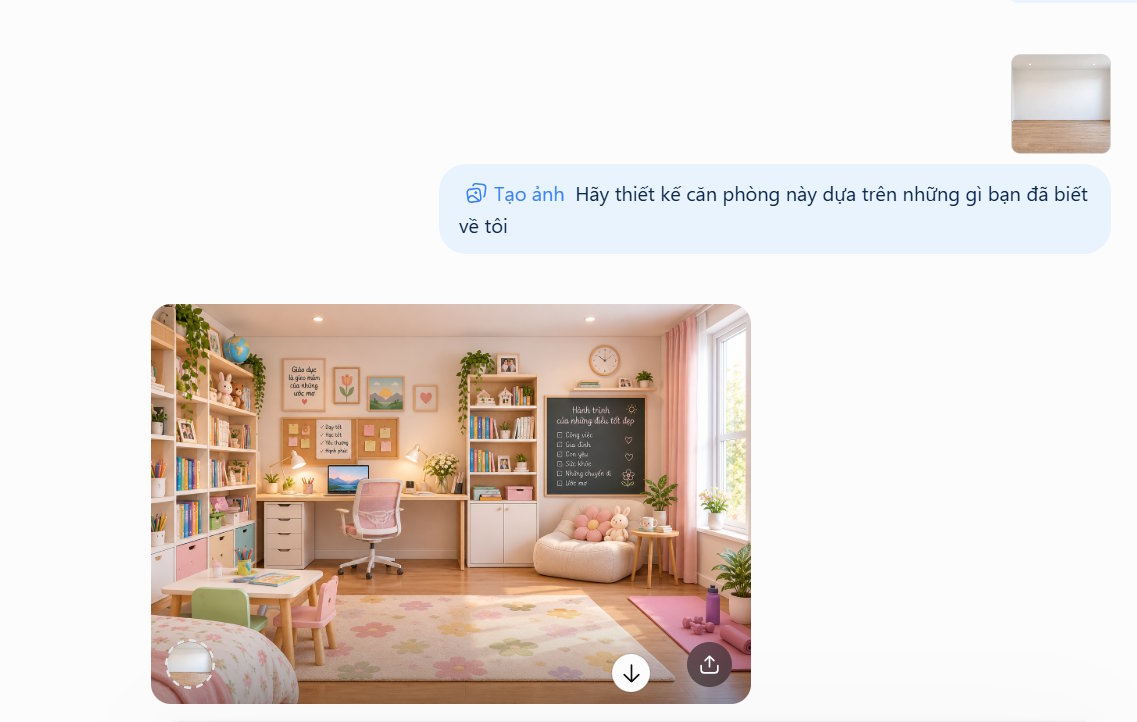
Replace the bracketed details before submitting. A renter might add “use removable decorations and do not alter built-in fixtures.” If you have no clear style preference, request two distinct options using the same layout so you can compare them.
Prompt for organizing a desk
Include how many screens you use, which equipment must stay on the desk and what currently gets in your way.
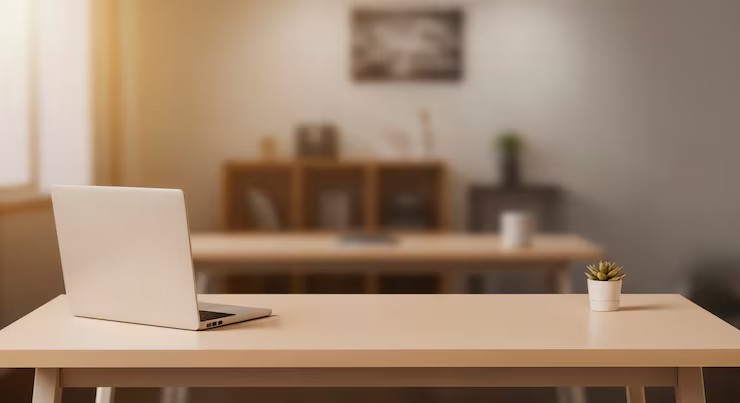
Use this home-office photo to suggest a practical desk arrangement. I use [equipment] for [work]. Keep the desk and window position unchanged. Improve cable organization, task lighting and storage for [items]. Show a concept image, then explain three changes I can make using what I already own. Keep the desk surface and walking route clear.
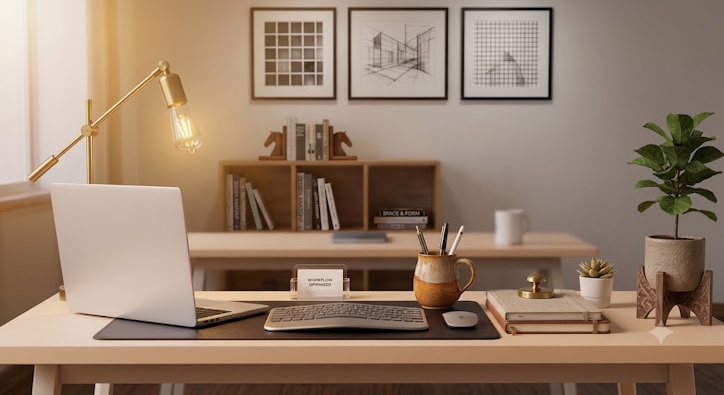
The illustrations show possible visual changes, not evidence that the furniture fits or that a particular arrangement will be comfortable for you. Test the desk setup with your own chair and equipment.
Prompt for converting a room into a workspace
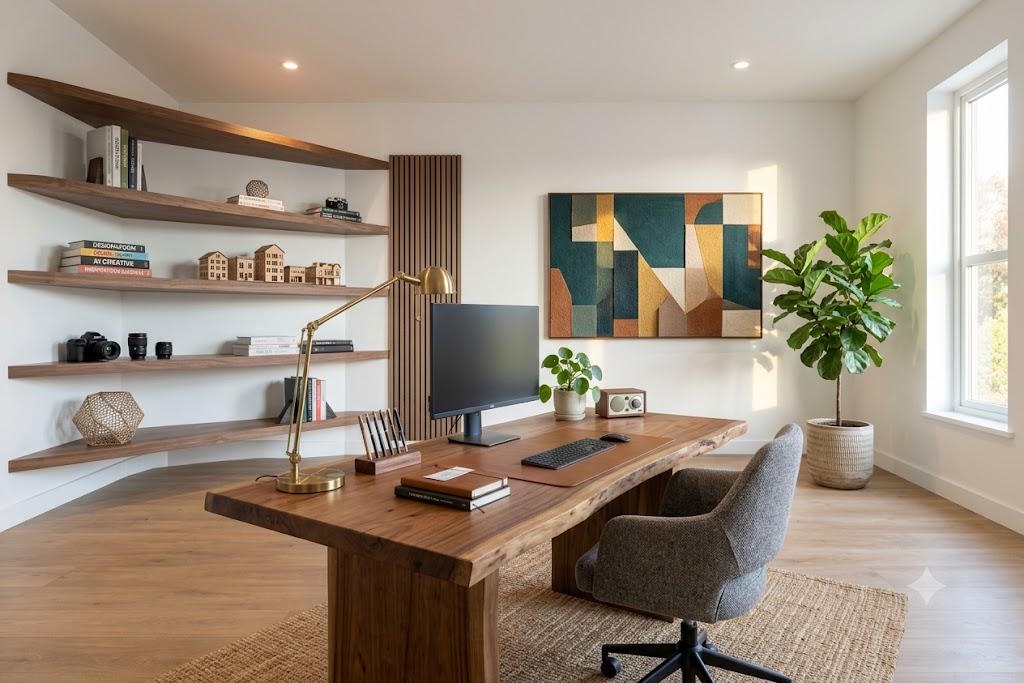
Suggest a home workspace for the room in this photo. It measures [length × width], and I need room for [desk, chair and other uses]. Keep all doors and windows in their current positions and preserve access to them. Use [preferred style and colors]. Offer a minimal-change layout and a larger furniture-rearrangement option. Explain what measurements I need to confirm before buying anything.
Refine and check the design
- Change one thing at a time. Ask to keep the layout while changing the wall color, replacing one chair or reducing decoration. This makes comparisons easier.
- Compare the image with the room. Look for moved windows, missing radiators, blocked doors, unrealistic reflections and furniture drawn at an implausible scale.
- Measure before buying. Check furniture dimensions, door swing, delivery access, sockets and usable walking space. Treat generated objects as visual references unless actual products have been independently identified.
- Separate decorating from building work. Use the output as a mood board. Structural, electrical, plumbing and other regulated changes need assessment by an appropriate professional.
Save the strongest concept together with the prompt and your measurements. That gives you a clear brief for shopping or discussing the project with a designer.
Related Articles
 Dining room design mistakes to avoid
 7 signs that your design style is out of date
 The secret of simple living room design is all possible
 10+ samples of beautiful and simple living room furniture
 The sample of beautiful living room, modern apartment style
 The design of a beautiful, modern small living room
Reader Comments 0
Sign in with email or Google to join the discussion.