Table of Contents
Gauth, formerly Gauthmath, lets you photograph a homework question and request a worked explanation. Use it to investigate a step you do not understand, then check the reasoning yourself. A generated solution can be wrong even when it looks detailed.
Prepare a readable question
Keep the entire question, any diagram, units and answer choices in view. Photograph one problem at a time in good light, with the page flat and the camera directly above it. Crop out your name, student number and unrelated work before uploading.
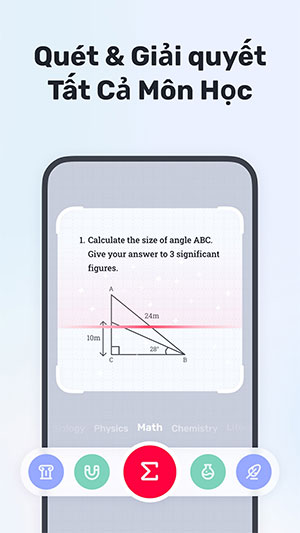
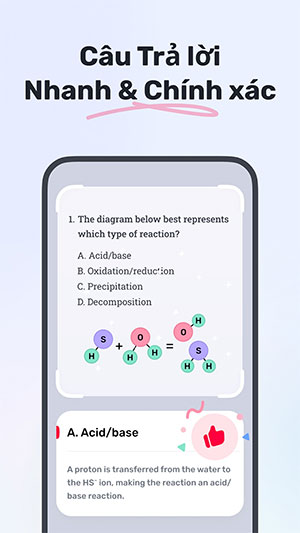
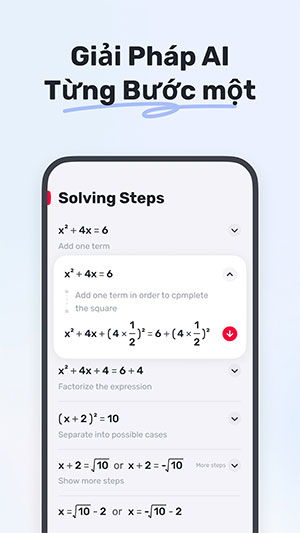
How to use the Gauth app
1. Install the correct app
Use the store links on Gauth's download page to find the Android or iOS app. Follow the setup prompts and review permissions. Check any subscription screen before agreeing: a free download does not mean every explanation, tutor feature or future use is free.


2. Capture or upload the problem
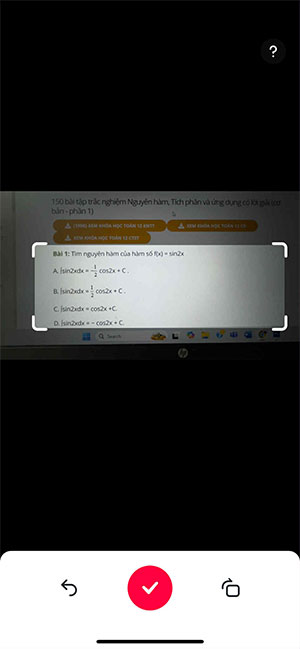
Open the camera or image-input option. Allow camera access if you want to take a photograph, or select an existing image if your version offers that option. Frame the question, capture it and adjust the crop before submitting.
Check fractions, minus signs, exponents and diagram labels particularly carefully. A cropped instruction such as “give your answer in radians” can change the answer.
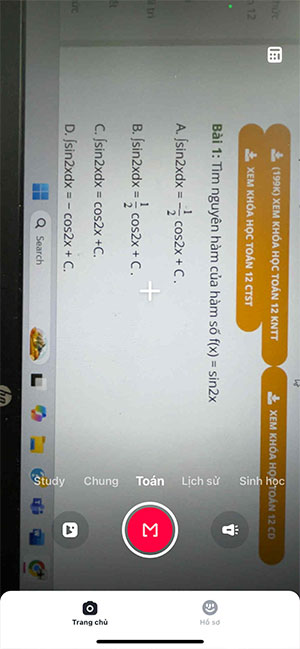
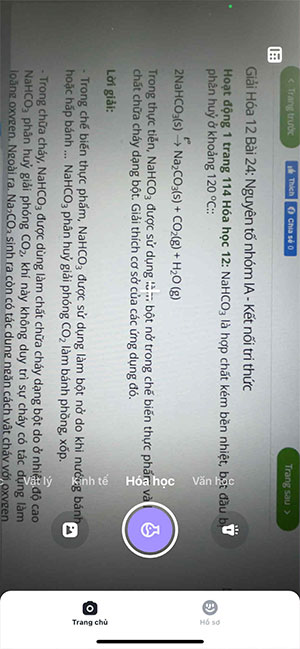
If a subject selector appears, choose the relevant subject. The screenshots show an older interface with subject tabs; labels and available subjects may differ in your version.
3. Read the explanation, not just the answer
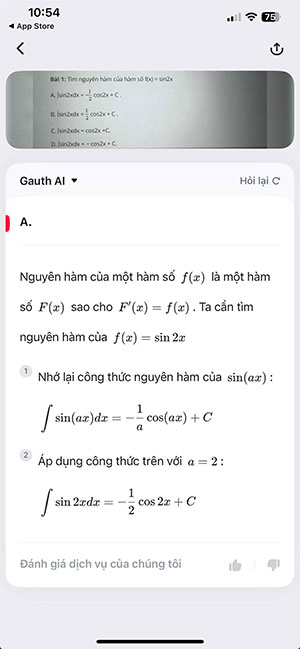
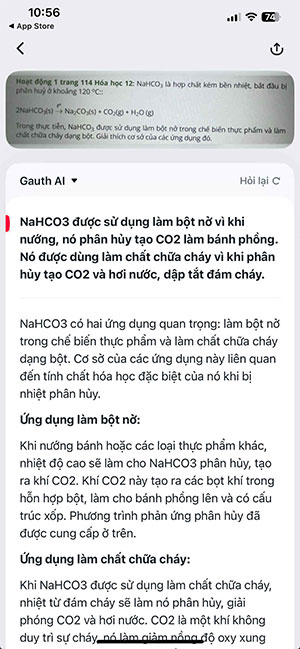
After processing, compare the question Gauth interpreted with the original. Confirm the numbers, symbols and assumptions before reading the solution. Work through each step on paper. If an explanation skips the part that confused you, use a follow-up option if available or ask your teacher to explain that specific step.
4. Verify the result independently
For an equation, substitute the proposed answer into the original equation. For a word problem, check units and whether the result makes sense. For geometry, check that every relationship used is given or justified; a diagram's appearance alone is not proof.
For example, if the question is 2x + 3 = 11, a solution of x = 4 passes the substitution check because 2 × 4 + 3 = 11. This confirms that example's answer, but you should still understand why subtracting 3 and dividing by 2 are valid steps.
If the app gives an unhelpful answer
- It read the problem incorrectly: Retake the photo, improve lighting and include the complete question. Correct recognized text if the interface lets you.
- The method differs from class: Compare it with your textbook. A different valid method may exist, but the assignment may require a particular approach.
- A step appears wrong: Stop at the first disagreement and recalculate. Repeating a prompt is not independent verification.
- You reach a usage limit or payment screen: Check the current terms in your app. Do not assume access is unlimited or that paying guarantees a correct answer.
Turn an explanation into practice
Attempt the question yourself first. After reviewing help, close the solution and solve it again from a blank page. Then try a similar question with different numbers. Follow your school's rules about AI assistance, especially in assessed work.
For another camera-based workflow, see TipsMake's Photomath guide. If you prefer questions and hints before a complete solution, consider the approach described in ChatGPT Study mode; verify those explanations too.
Related Articles
 How to Do Your Homework Faster So You Can Spend Your Time Better
  How to solve exercises using AI on App Gauth is extremely good
 Help AI Homework App: Features, Limits, and Safe Use
 How to do homework on Microsoft Teams for students
 StudyX: Homework Help, AI Notes, Flashcards and Practice Quizzes
 What Are the Most Useful Websites? Online Homework Help for Students
Reader Comments 0
Sign in with email or Google to join the discussion.